
Free printable resources · Original practice

1 inch graph paper.
Room to begin.

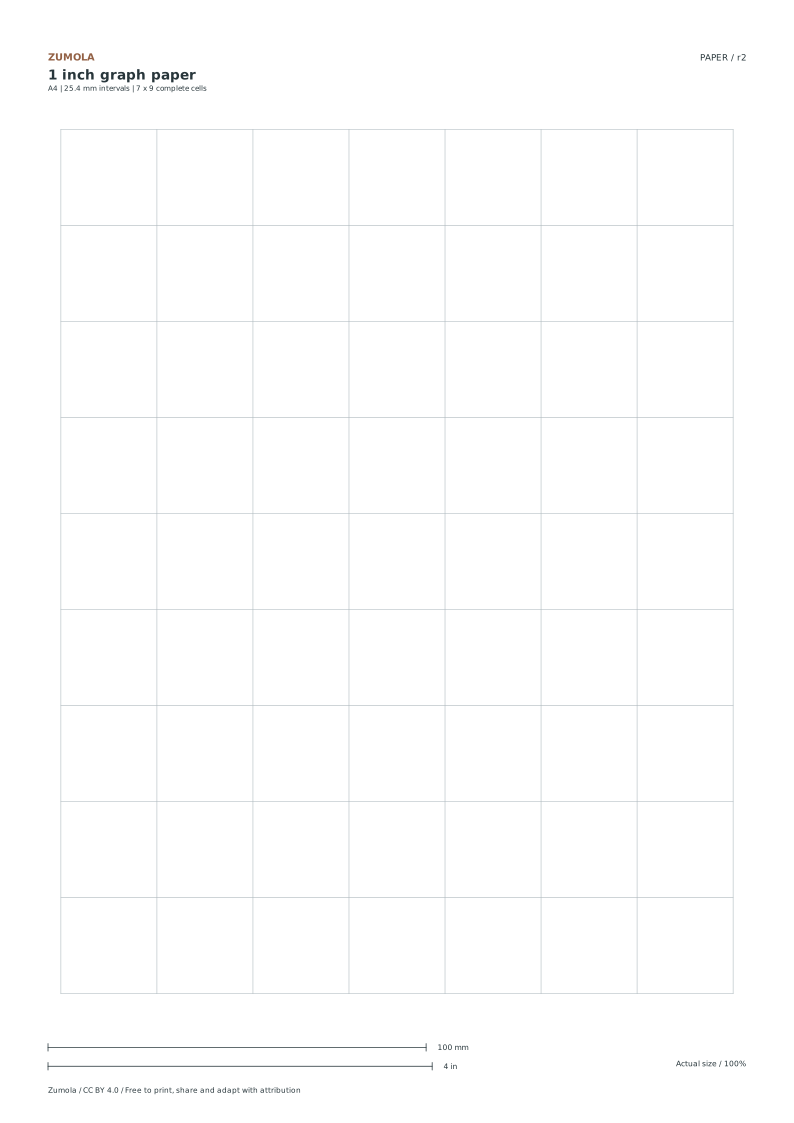
Print 25.4 mm squares and practice area and perimeter with an original corner-notch shape. Both paper sizes keep the same physical interval.

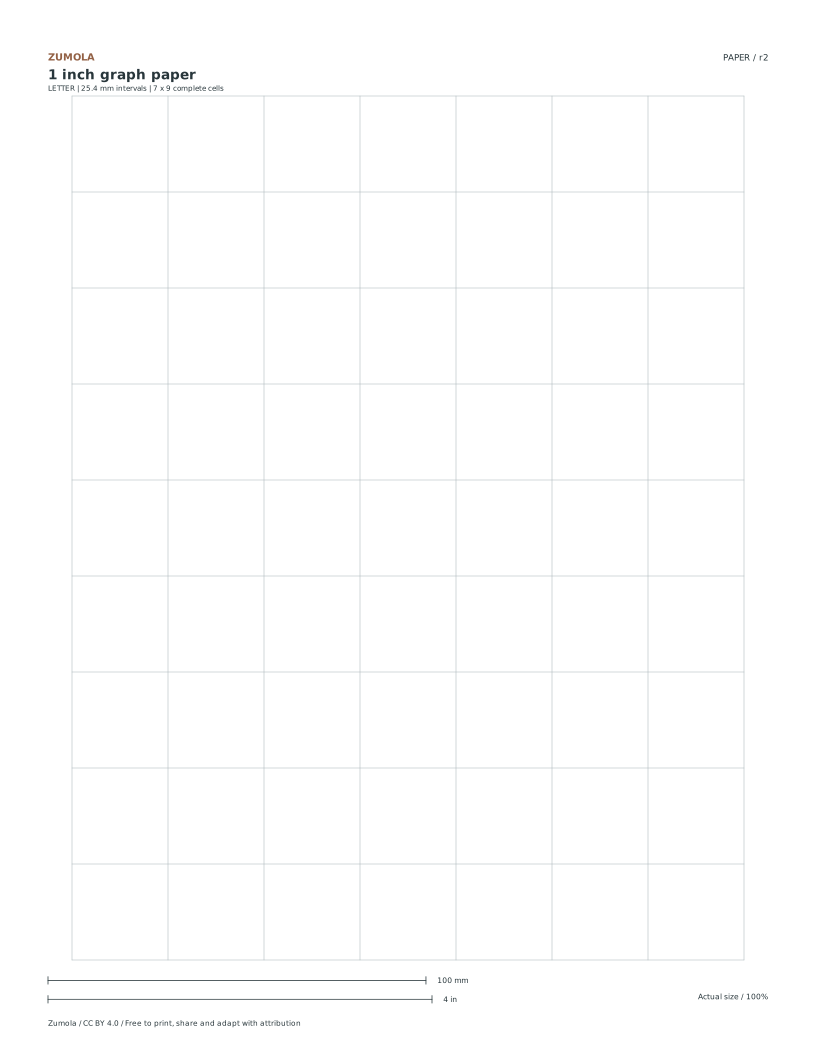
7 columns × 9 rows.
Letter & A4.
Activity + answer included.

Choose your paper and download

Download paper size

Every worksheet and answer is free. No signup.

1 Inch Graph Paper: Free PDF & SVG full-sheet preview

A blank sheet, ready to use.

Print 25.4 mm squares and practice area and perimeter with an original corner-notch shape. Both paper sizes keep the same physical interval.

1 page per file · free · CC BY 4.0

All paper sizes & editable formats
US Letter
Print the matching PDF at Actual size / 100%. Measure the 100 mm or 4 inch bar with a physical ruler, and check a perpendicular grid span too. Print scale guide →

Check the spacing and usable cells

PaperLine intervalComplete cellsGrid width × height
US Letter25.4 mm7 × 9177.800 × 228.600 mm
A425.4 mm7 × 9177.800 × 228.600 mm

Counts describe complete cells between lines. The grid is centered in a region inset 12.7 mm at the sides and 25.4 mm at top and bottom. Physical printing has not been tested on your printer; verify the calibration before measuring.

Draw it, then check your calculation

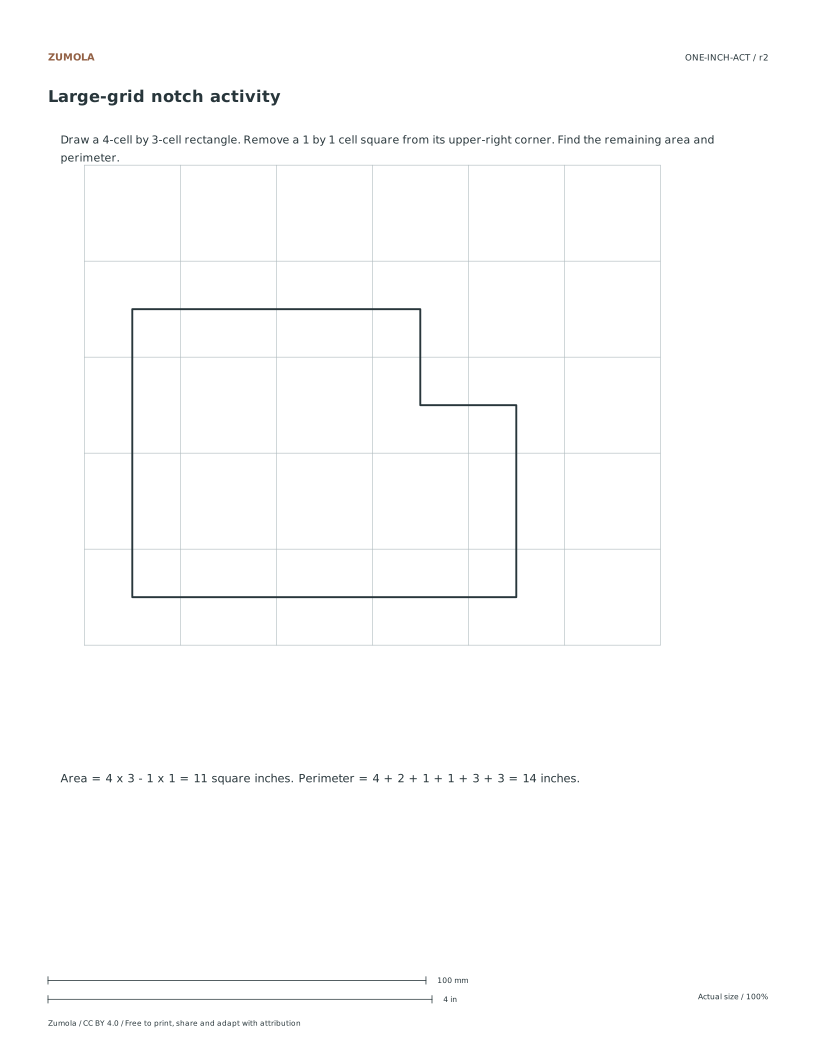
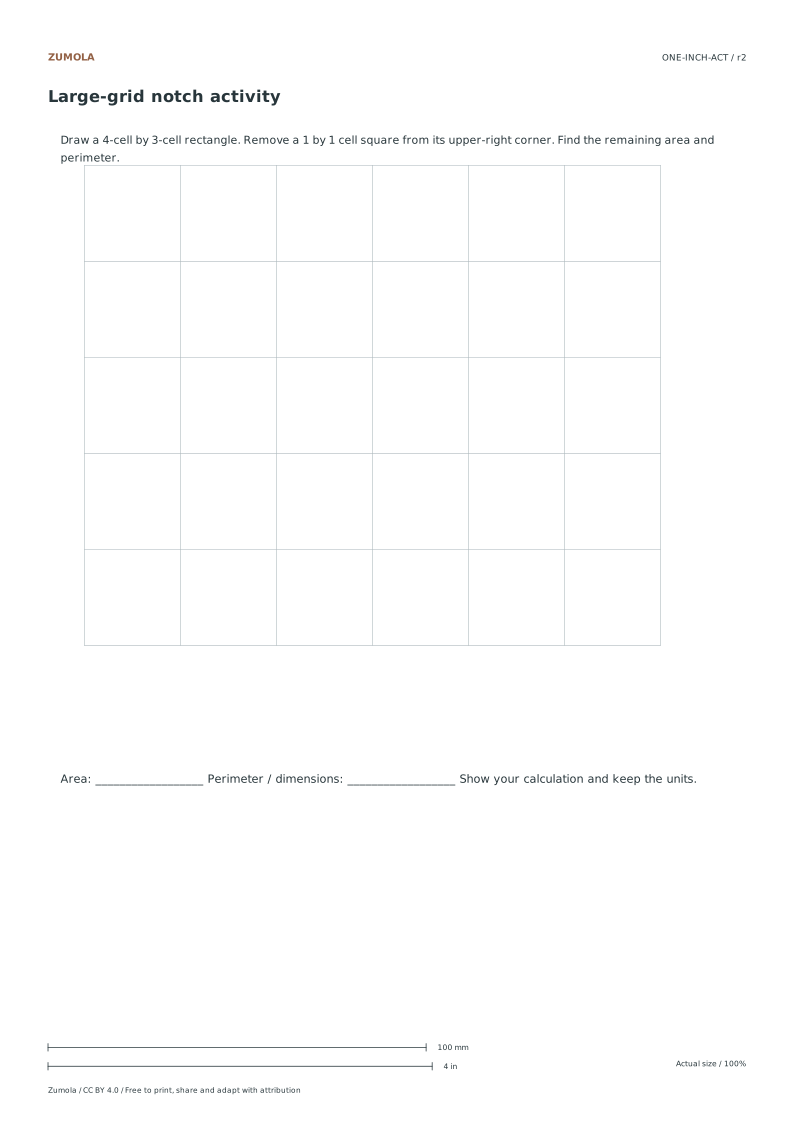
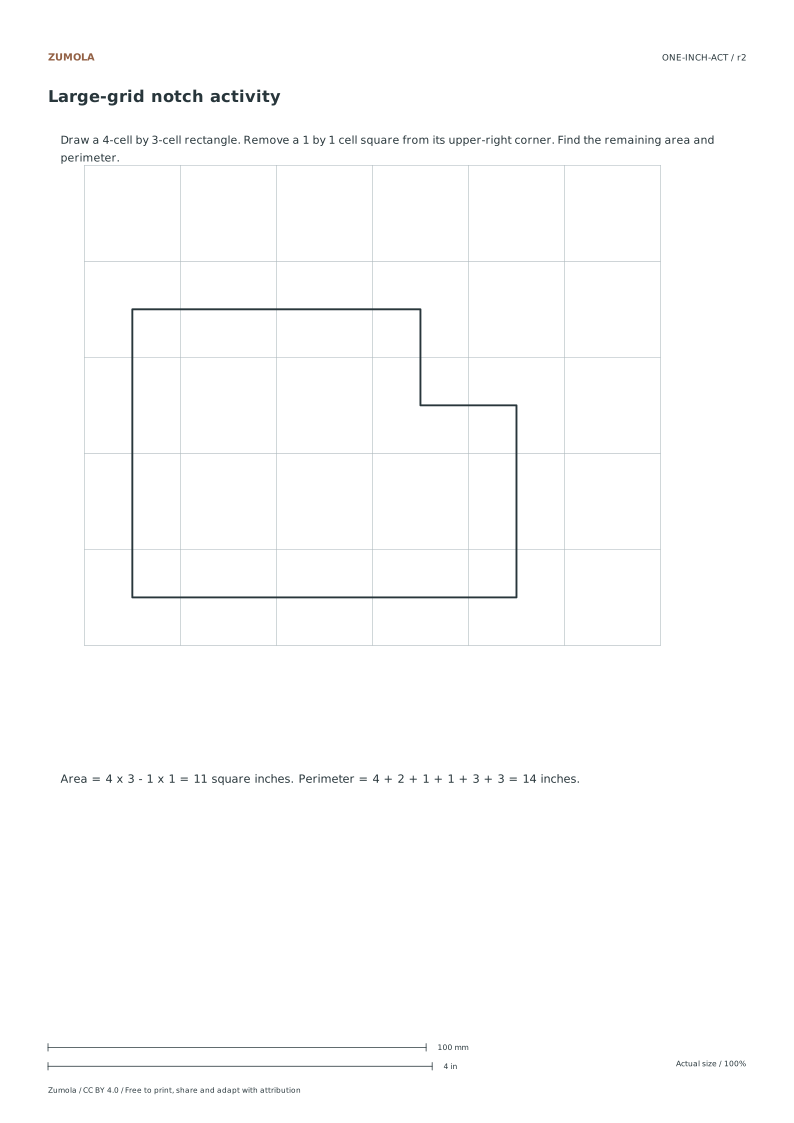
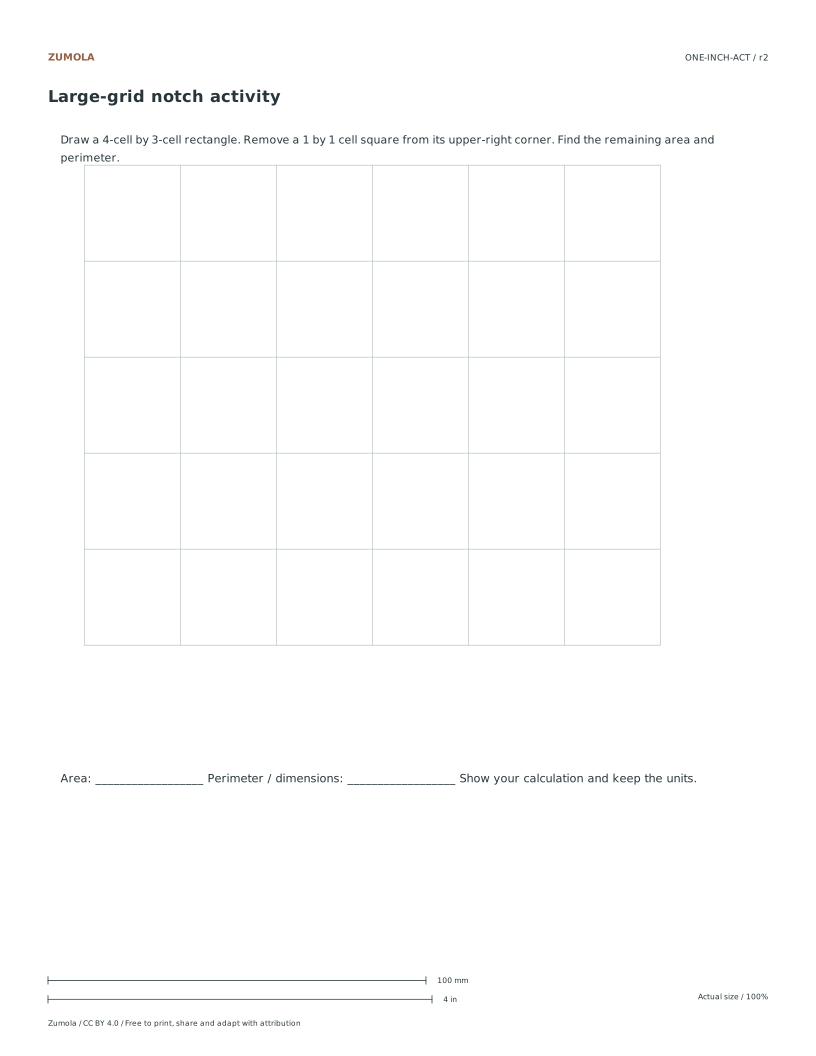
Draw a 4-cell by 3-cell rectangle. Remove a 1 by 1 cell square from its upper-right corner. Find the remaining area and perimeter.

Worked result

Area = 4 x 3 - 1 x 1 = 11 square inches. Perimeter = 4 + 2 + 1 + 1 + 3 + 3 = 14 inches.

The supplied worksheet has space for your drawing and calculations. The separate answer traces the completed shape. Keep the same units through the calculation; square units measure area, while plain units measure length.

Work through the page

  1. Verify Paper Dimensions

    Choose the file that matches the paper in your printer. Both versions contain 7 columns and 9 rows of complete one-inch squares, but their surrounding white space differs. The line-to-line interval is exactly 25.4 mm in the vector file. Print the PDF at Actual size / 100%, then measure the calibration bars with a separate physical ruler. The files leave at least 12.7 mm at the sides; a printer with a larger unprintable area may still crop them. Screen previews do not establish physical size.

  2. Execute the Shape Modification

    Begin by drawing a rectangle that spans four cells horizontally and three cells vertically. This initial shape covers twelve square cells in total. Next, locate the upper-right corner of this rectangle. Remove a single square cell from that specific corner position. The resulting shape is an irregular polygon with eleven remaining square cells. This removal creates a notch in the top right edge. Carefully trace the new boundary lines to ensure accuracy. The shape now has a distinct L-like configuration. This step transforms the simple rectangle into the target figure for calculation. Ensure the removed cell is exactly one by one unit in size.

  3. Calculate Area and Perimeter

    The remaining shape contains 11 one-inch square cells, so its area is 11 square inches. Trace the boundary from the lower-left corner: go right 4 inches, up 2, left 1, up 1, left 3 and down 3. These six segments sum to 14 inches. Removing this corner cell reduces the area but leaves the original rectangle perimeter unchanged: two removed boundary segments are replaced by two equal notch segments. Count area inside the shape and length along the boundary as separate quantities.

Small checks that catch common errors

Watch forCheck instead
Assuming the grid square size automatically sets a real-world scale for drawing.Choose a scale statement separately when drawing a real object. One paper square can represent any stated real-world length; its printed side remains one inch.
Removing a cell from the lower-left corner instead of the upper-right.Always remove the one-cell by one-cell square from the upper-right corner of the four by three rectangle to match the specified activity.
Changing the PDF print margins or choosing Fit to squeeze the page.Use the matching paper file at Actual size. These files already contain white margins. Check both axes with a ruler; printer limits differ.

Before you begin

Useful answers

Does the grid size correspond to a specific real-world measurement scale?

No. A one-inch square is a physical paper size. If you declare one square to represent one foot, that is a 1:12 drawing scale; another task can use a different scale.

What are the final area and perimeter values for the modified shape?

The area is eleven square cells, which equals eleven square inches. The perimeter is fourteen inches, calculated by tracing the outer boundary of the modified rectangle.

Is the answer key included on the same page as the activity?

No. The blank grid and separate activity are provided. The answer is kept separate to allow students to work through the problem without immediate visual cues.

Are the answers and editable files free too?

Yes. Every linked PDF, SVG, worksheet and answer is free without signup. The original resources use CC BY 4.0: credit Zumola, link the license and indicate changes. Analytics consent is not required to download or use the resources.

Keep practicing

Further reading: NIST: inch and metric length units. The downloadable geometry and exercises on this page are original Zumola work.

Worksheet preview

Full printable sheet preview

Fit-to-screen preview. Download the PDF to print at actual size.