Free original lessons
Blank Monthly Calendar
This free printable pack provides blank, undated monthly calendar grids with a Sunday-first weekday row and empty date cells. It is designed for practising calendar completion: students write the dates into the grid themselves, using the given starting weekday and month length.
Letter & A4
PDF & SVG
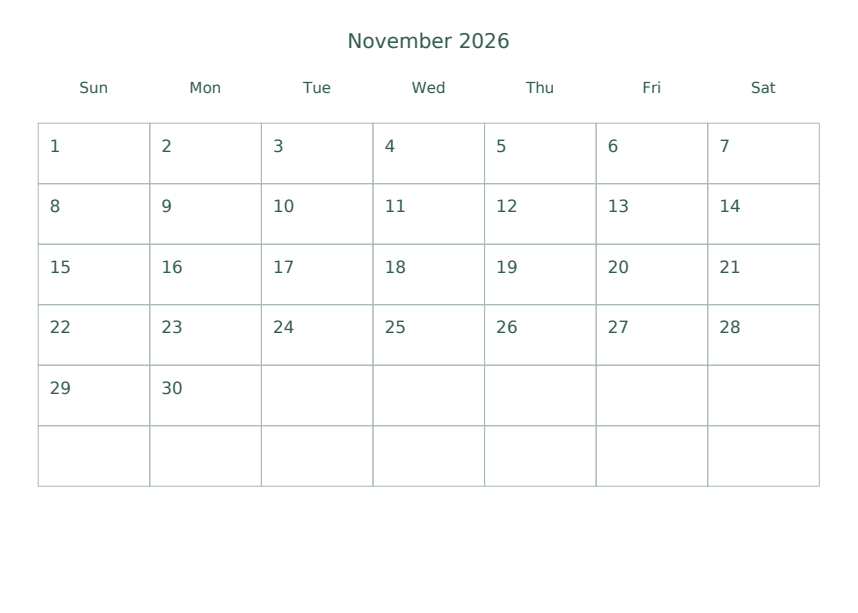
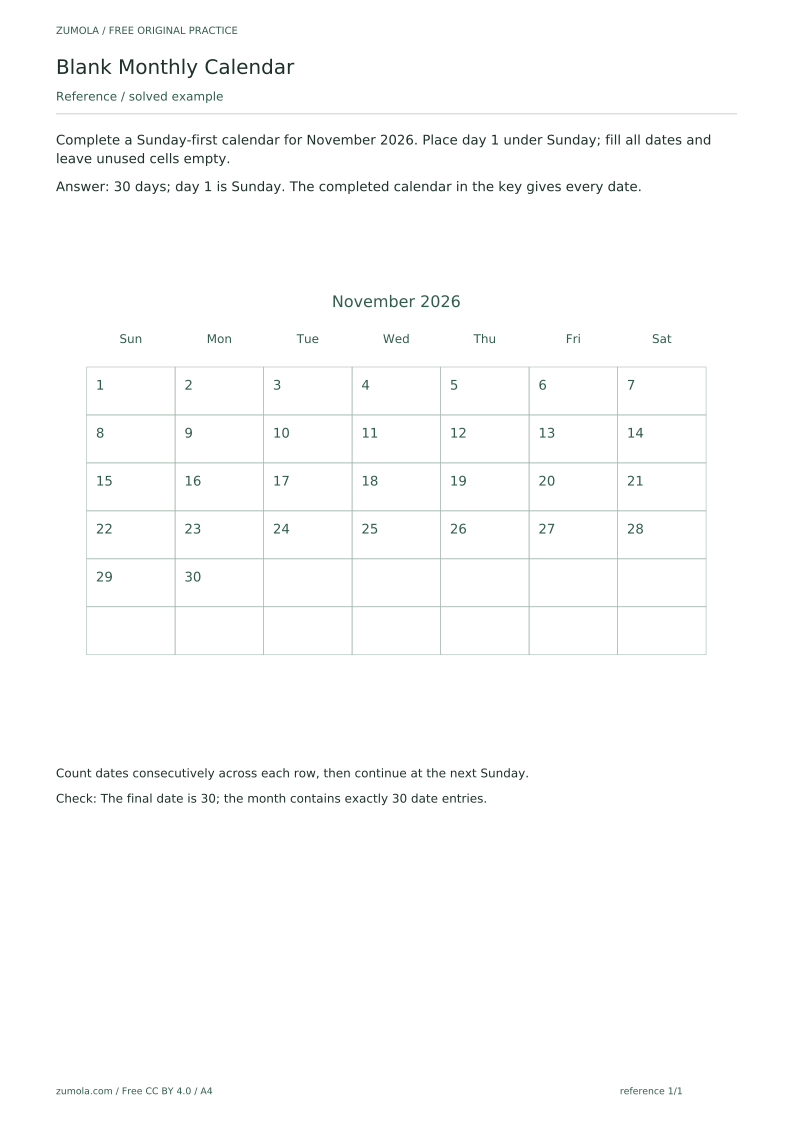
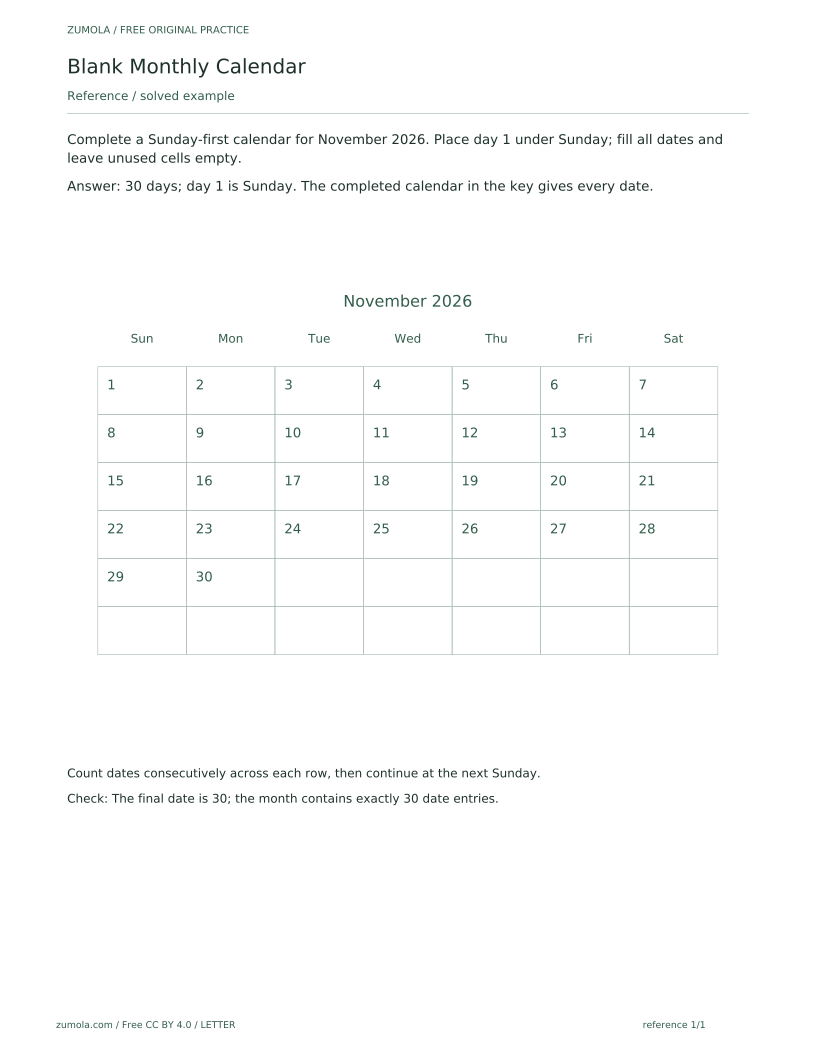
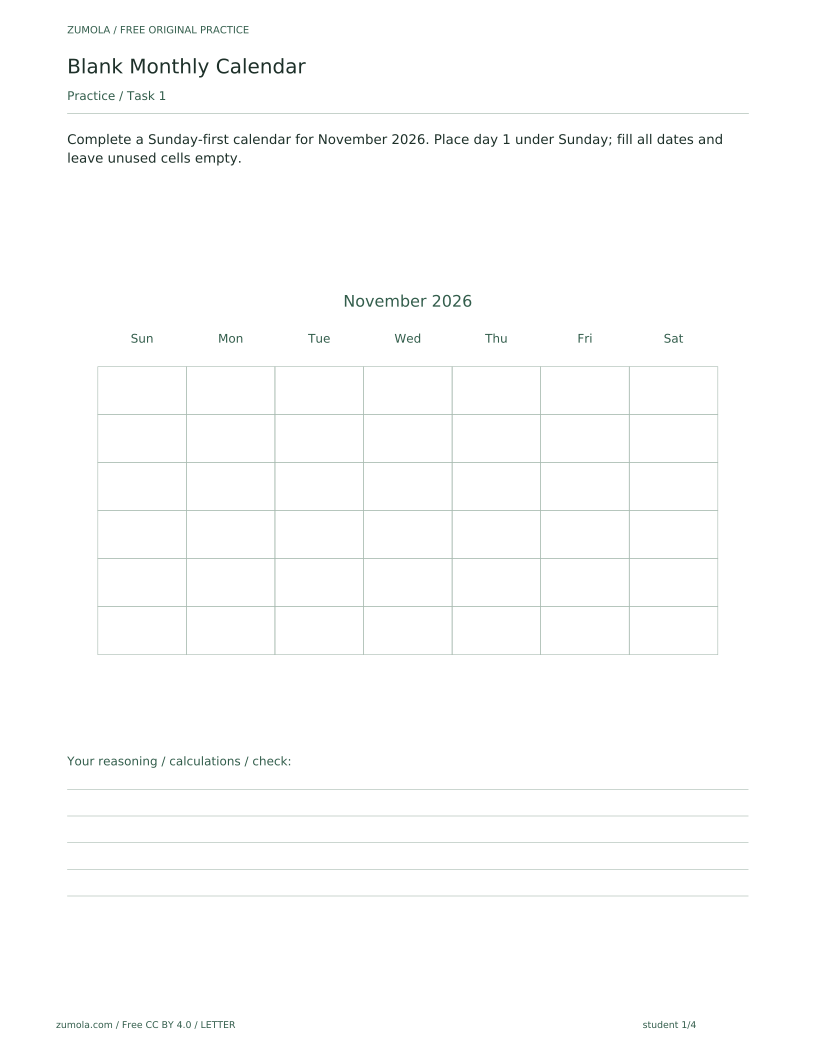
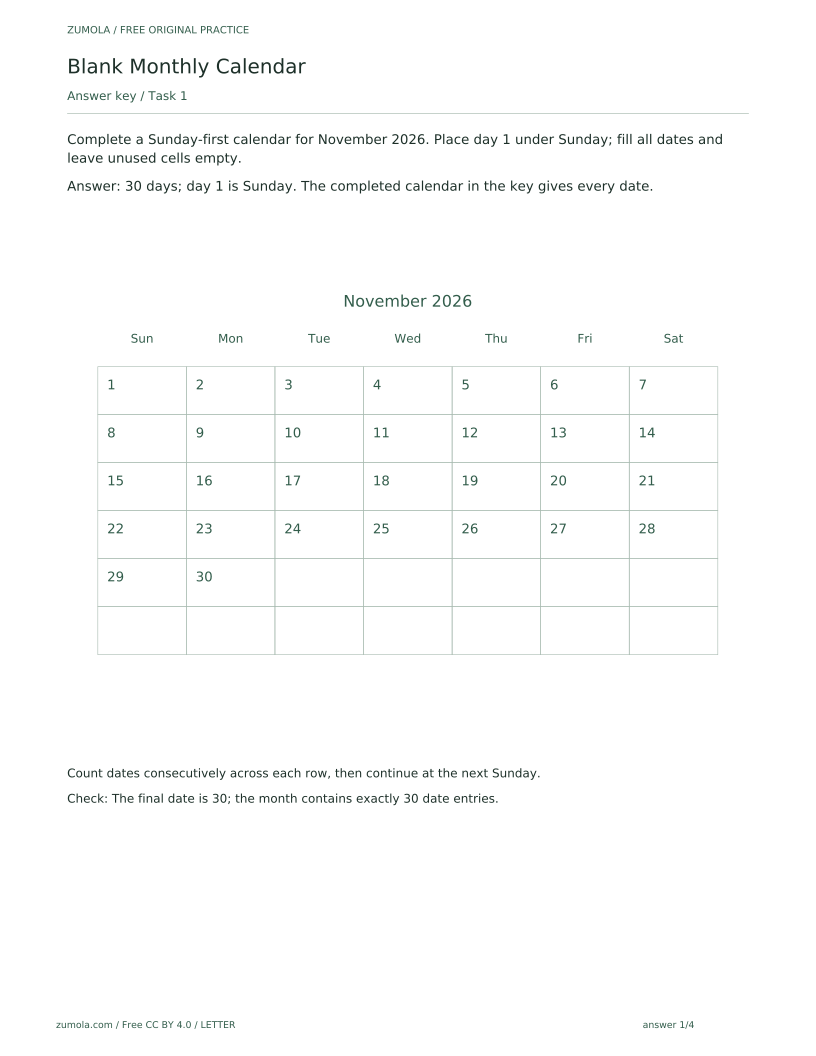
The pack contains six PDFs across A4 and US Letter, with separate reference, student and answer versions, plus per-page SVGs. The reference version solves the first task as a guided example, showing a completed Sunday-first calendar for November 2026: day 1 sits under Sunday, dates run consecutively across each row, and the month ends at 30 with unused cells left empty. The student version keeps the attempt area blank on purpose, so learners fill in the dates rather than copying a finished grid. The answer version gives the completed calendars for checking. Gregorian dates are computed independently using datetime and calendar, so the starting weekday and month length in each task are fixed facts to work from.
Download the complete resource pack
All individual editable SVG pages (18)
- A4 reference page 1
- A4 student page 1
- A4 student page 2
- A4 student page 3
- A4 student page 4
- A4 answer page 1
- A4 answer page 2
- A4 answer page 3
- A4 answer page 4
- LETTER reference page 1
- LETTER student page 1
- LETTER student page 2
- LETTER student page 3
- LETTER student page 4
- LETTER answer page 1
- LETTER answer page 2
- LETTER answer page 3
- LETTER answer page 4
Print at 100% / actual size. Use the stated scale on any schematic diagram; physical cutting templates are identified separately. A4 and US Letter are separate files. Free access, no signup; CC BY 4.0.
How to use these pages
- Choose the paper size (A4 or US Letter) and open the student PDF for the month you want to practise.
- Read the task: note the month, year, starting weekday and the position of day 1 in the grid.
- Write day 1 in the stated cell, then count consecutively across each row, continuing at the next Sunday.
- Stop at the final date for that month and leave all unused cells empty.
- Compare your grid with the answer PDF, checking the final date and the total number of date entries.
Four practice tasks and complete answers
Task 1
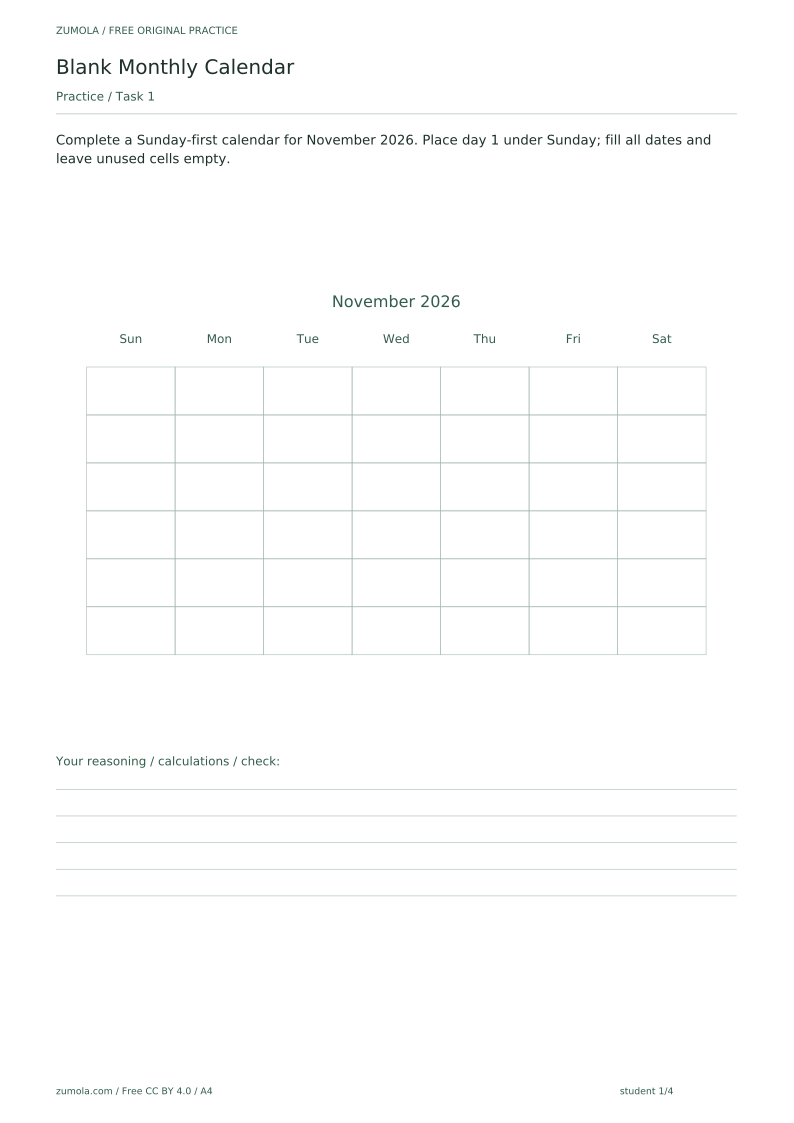
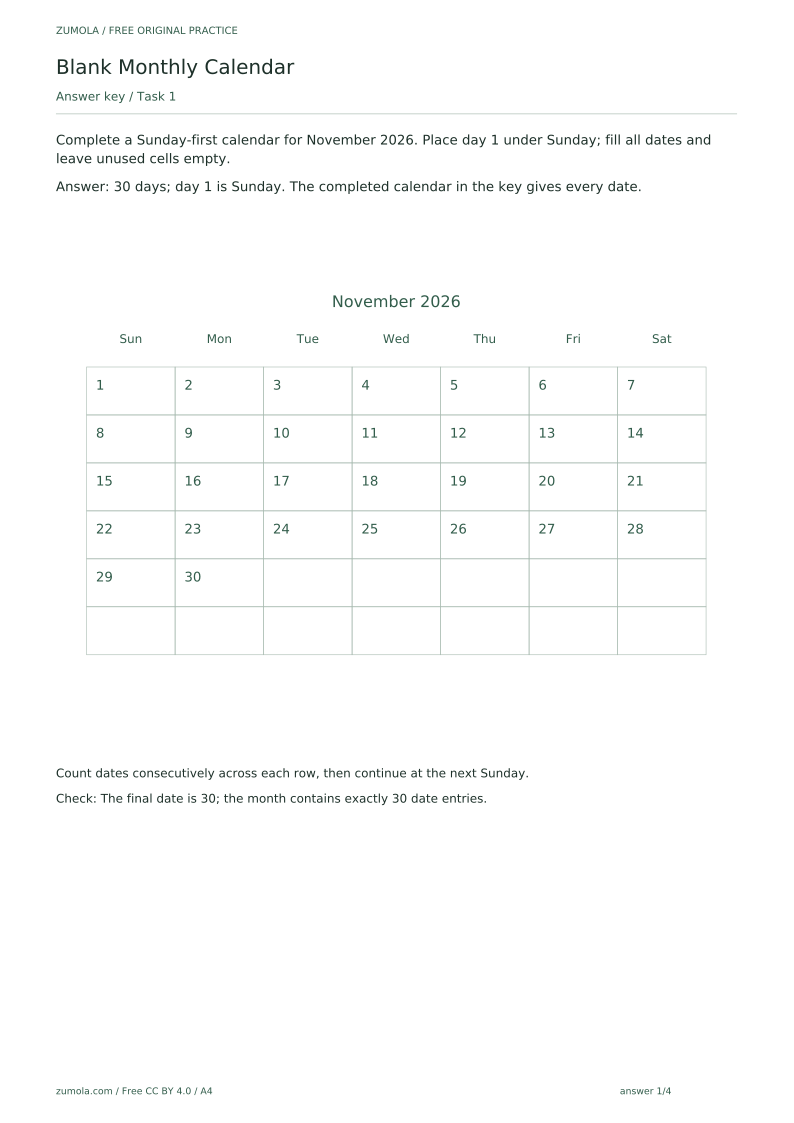
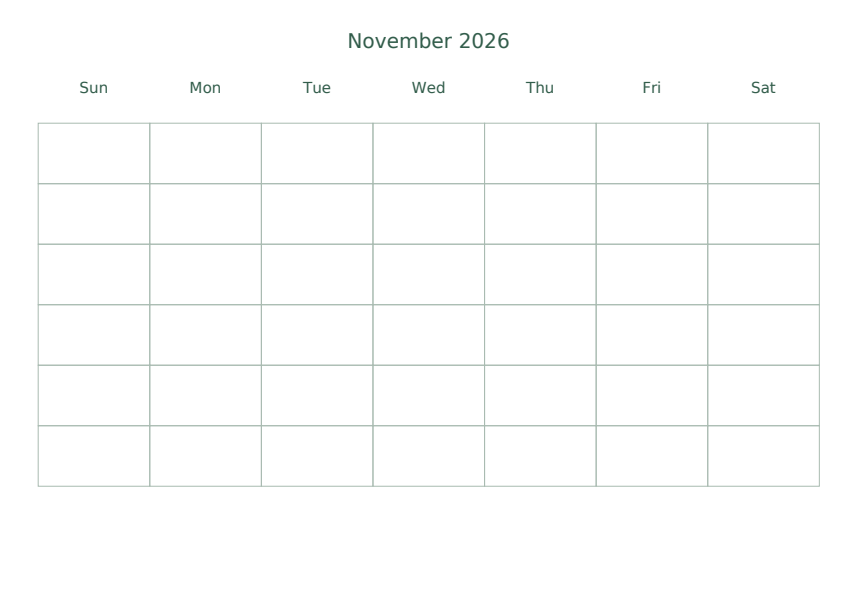
Complete a Sunday-first calendar for November 2026. Place day 1 under Sunday; fill all dates and leave unused cells empty.
Show answer 1
30 days; day 1 is Sunday. The completed calendar in the key gives every date.
Count dates consecutively across each row, then continue at the next Sunday.
Check: The final date is 30; the month contains exactly 30 date entries.
Task 2
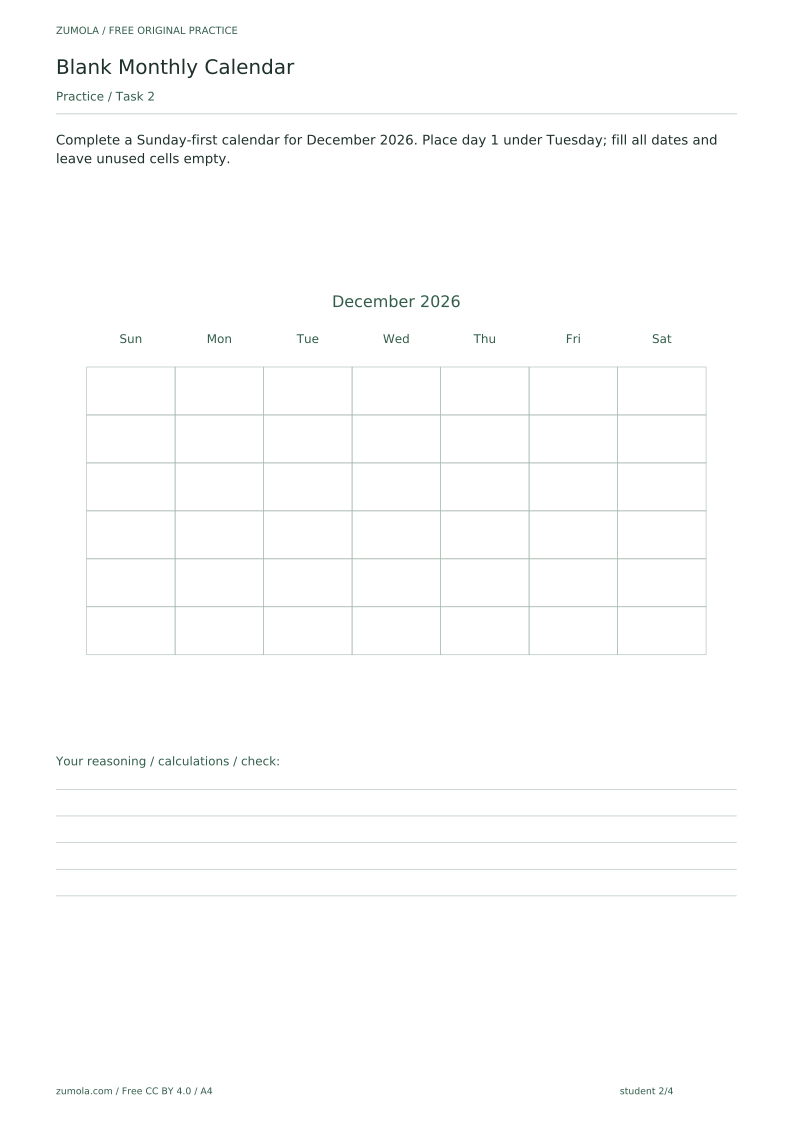
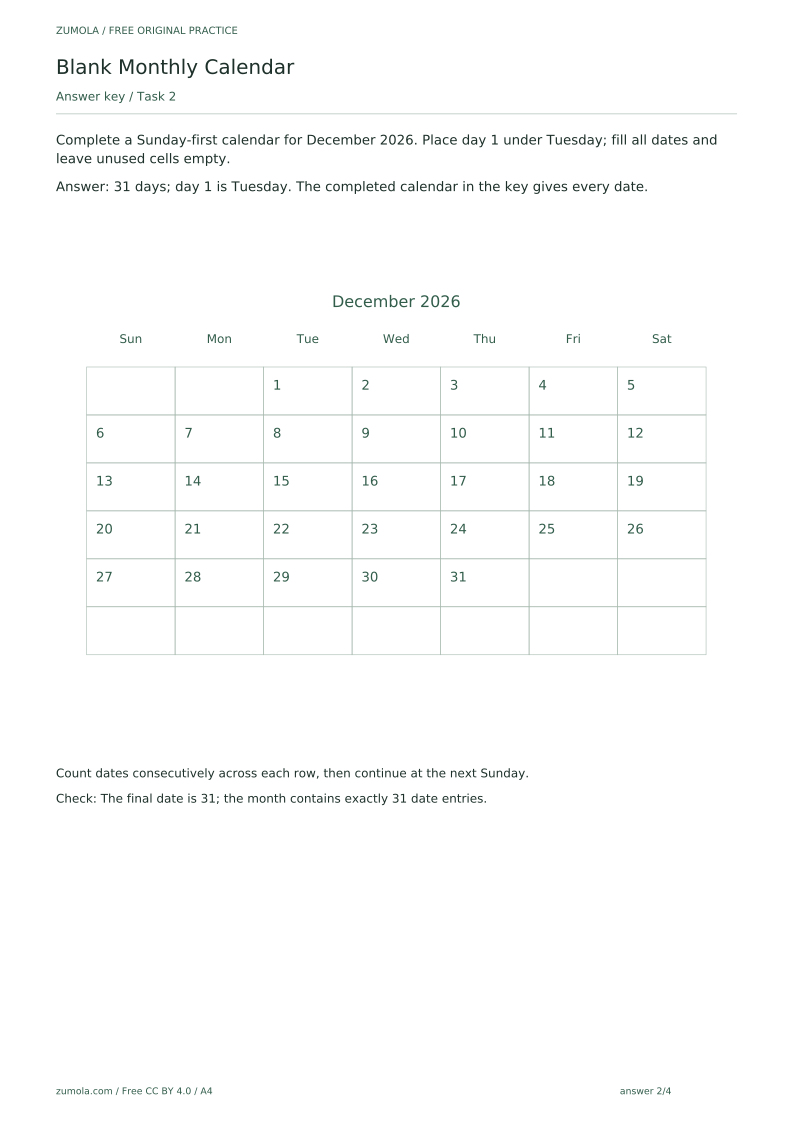
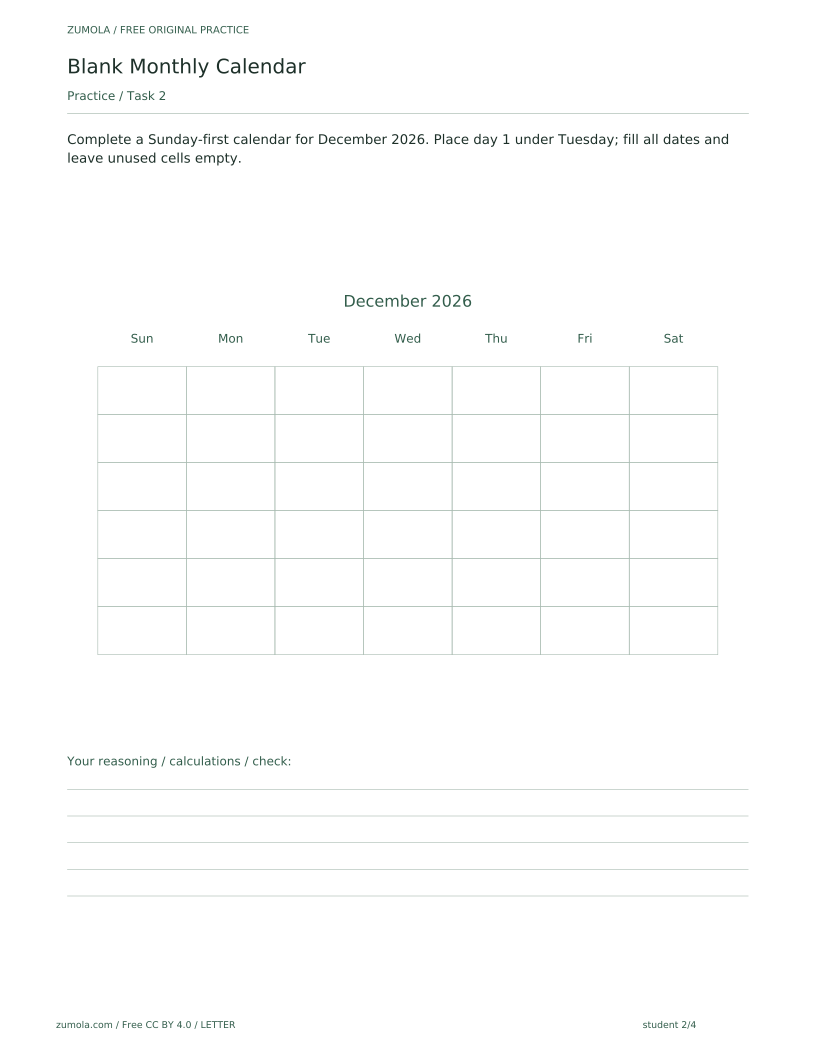
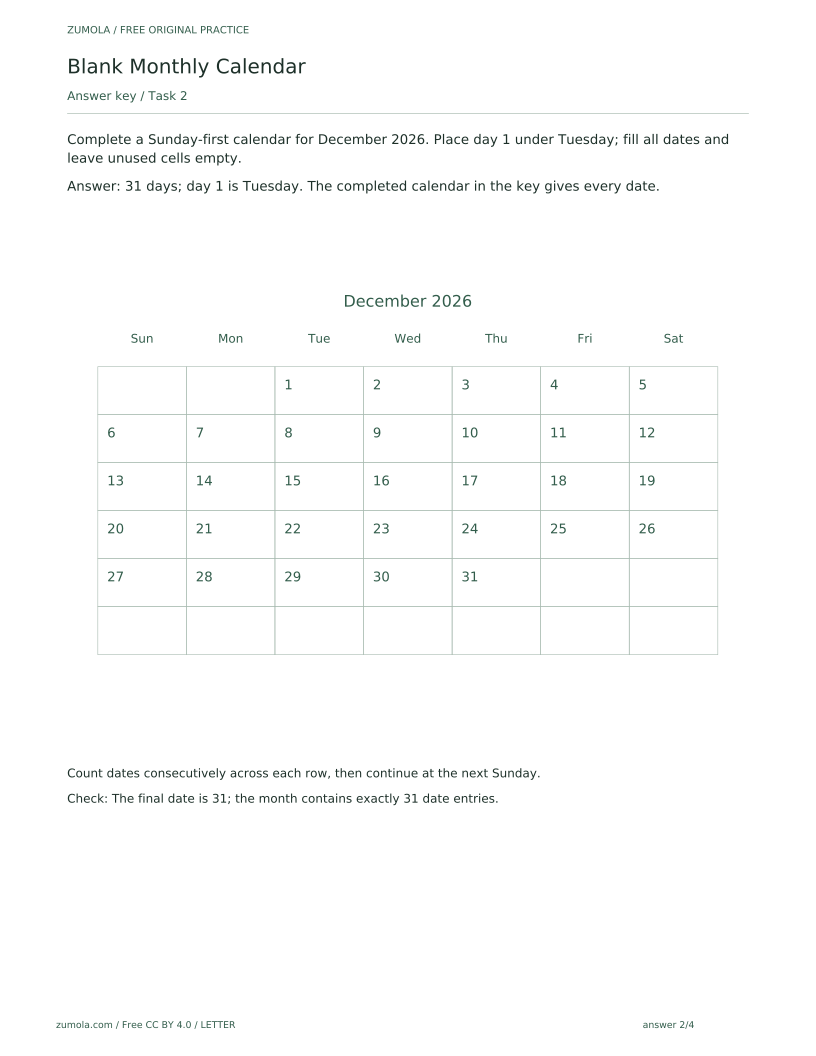
Complete a Sunday-first calendar for December 2026. Place day 1 under Tuesday; fill all dates and leave unused cells empty.
Show answer 2
31 days; day 1 is Tuesday. The completed calendar in the key gives every date.
Count dates consecutively across each row, then continue at the next Sunday.
Check: The final date is 31; the month contains exactly 31 date entries.
Task 3
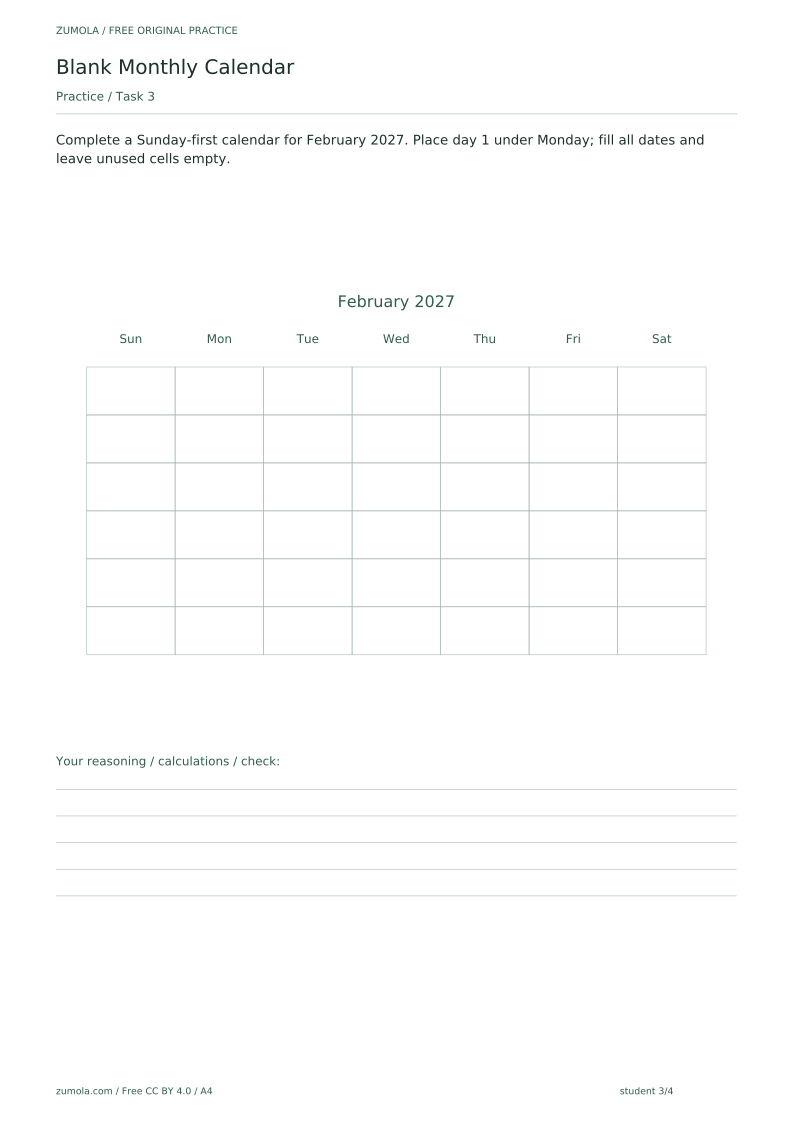
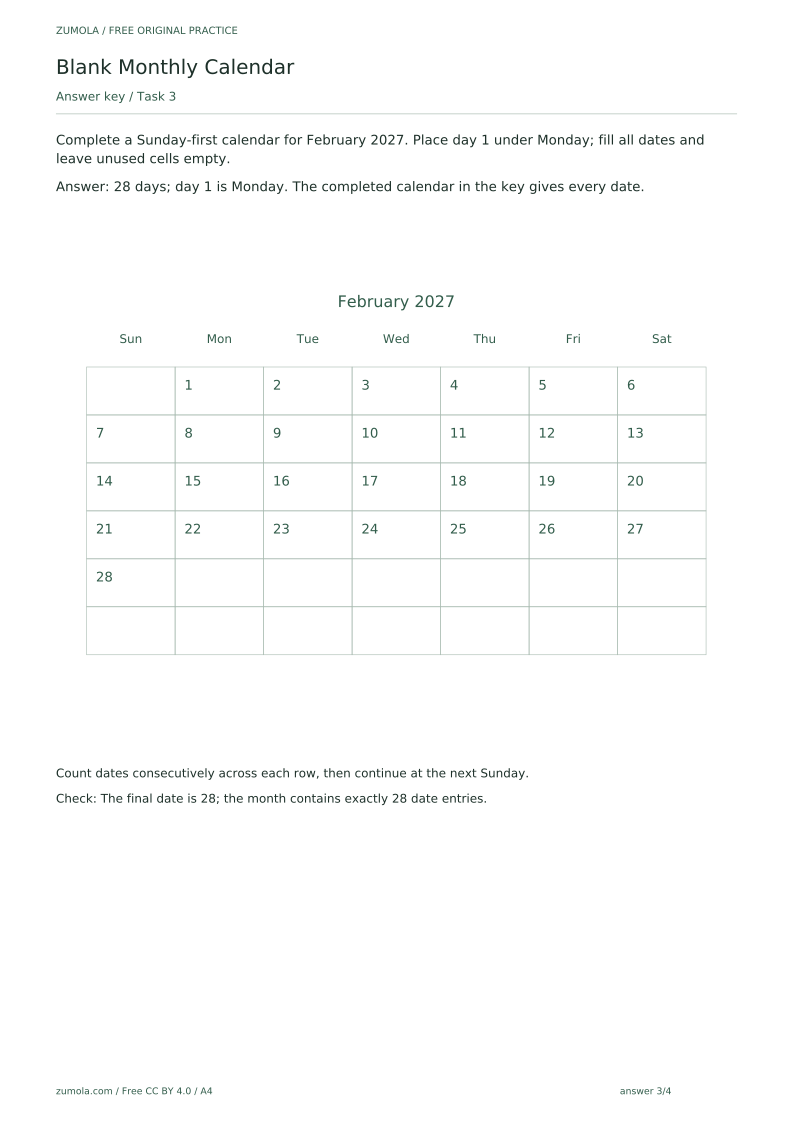
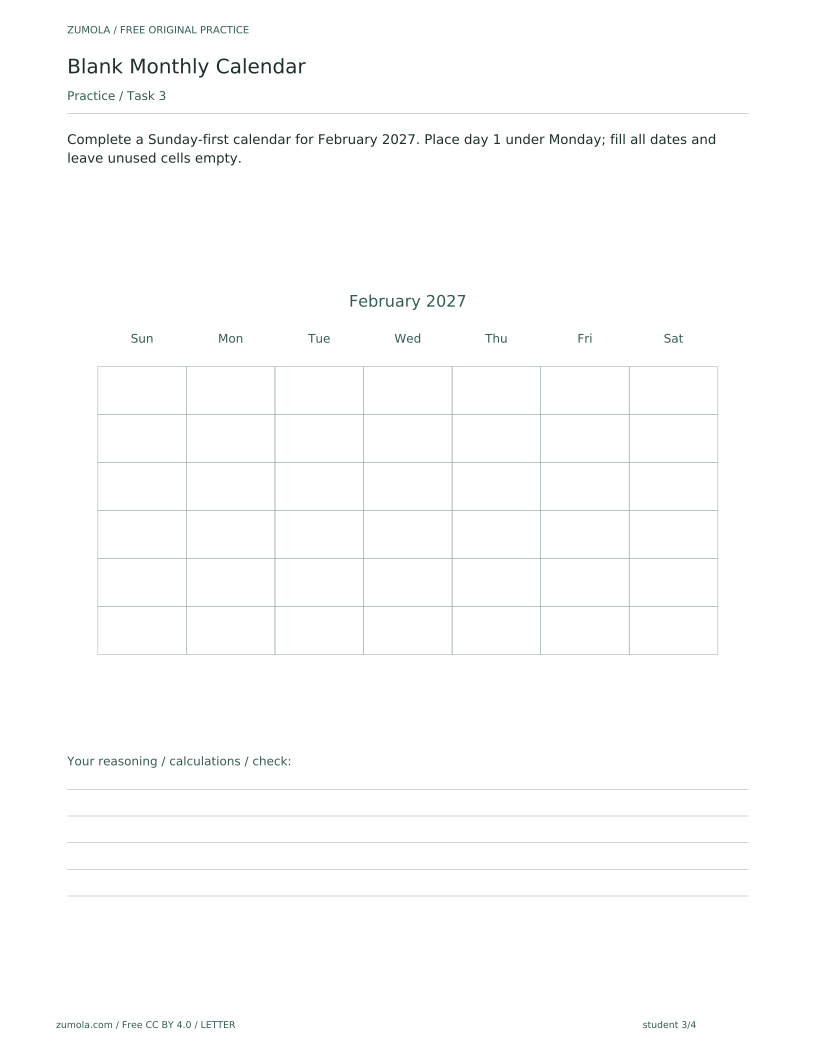
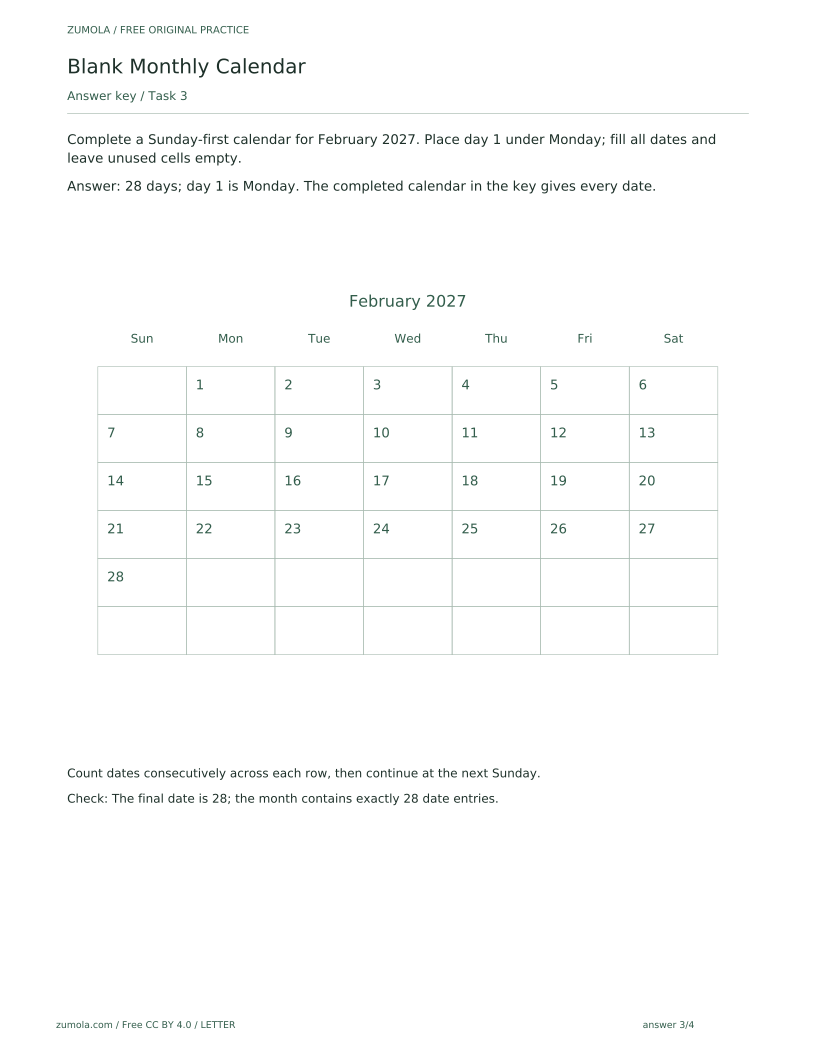
Complete a Sunday-first calendar for February 2027. Place day 1 under Monday; fill all dates and leave unused cells empty.
Show answer 3
28 days; day 1 is Monday. The completed calendar in the key gives every date.
Count dates consecutively across each row, then continue at the next Sunday.
Check: The final date is 28; the month contains exactly 28 date entries.
Task 4
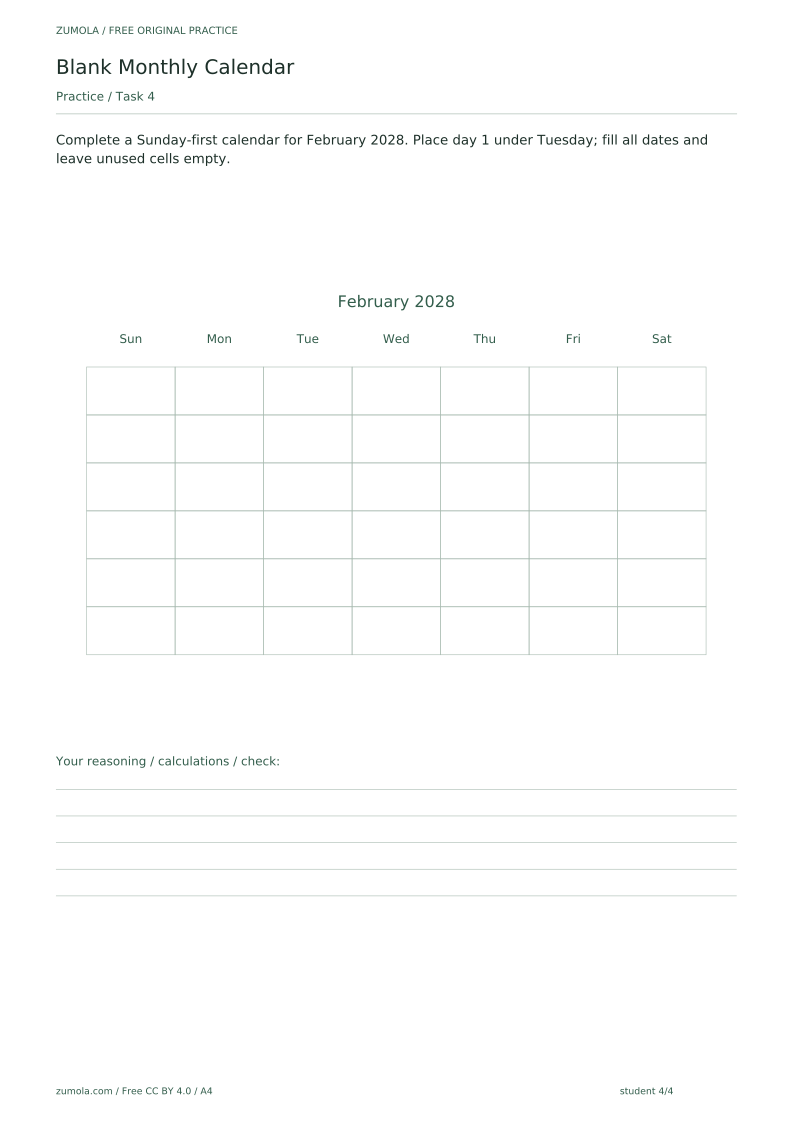
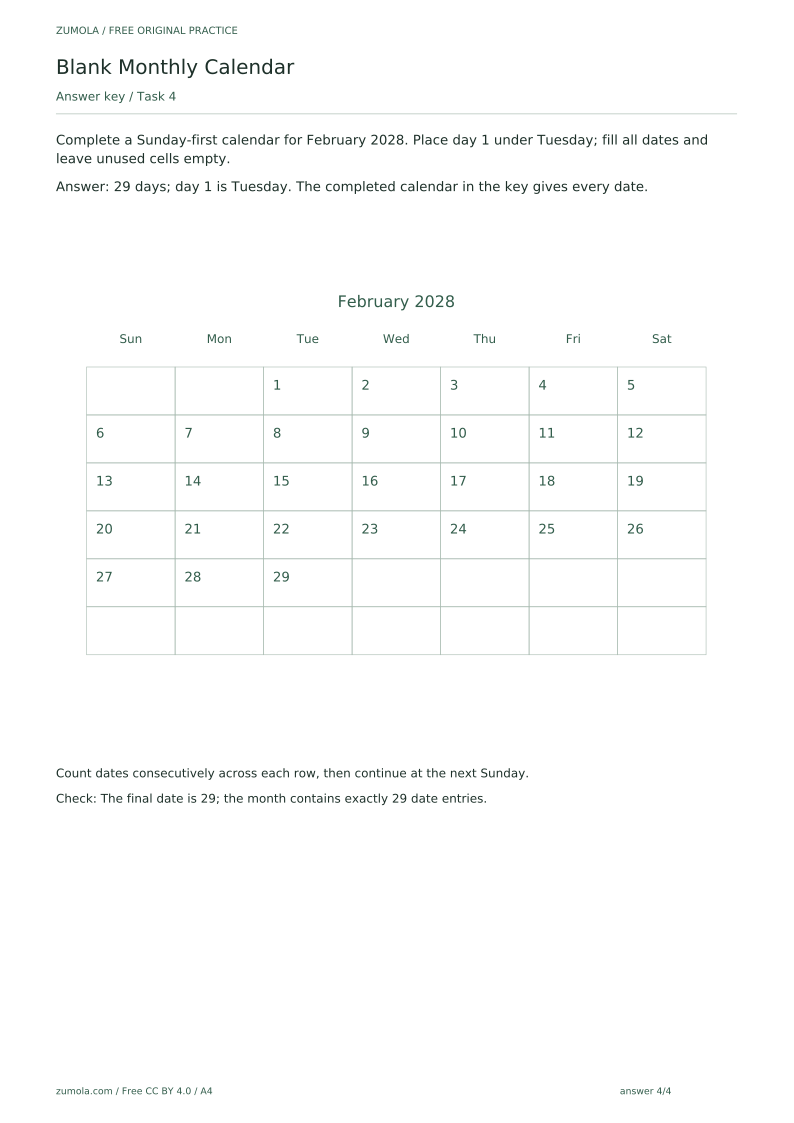
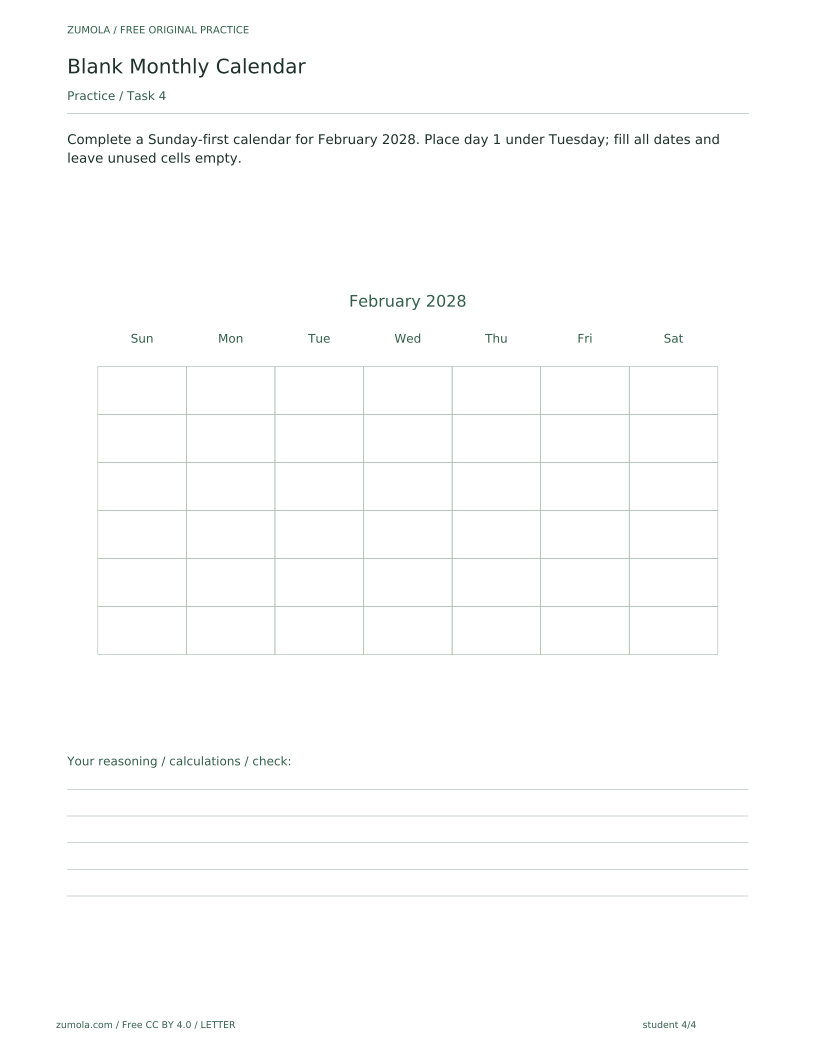
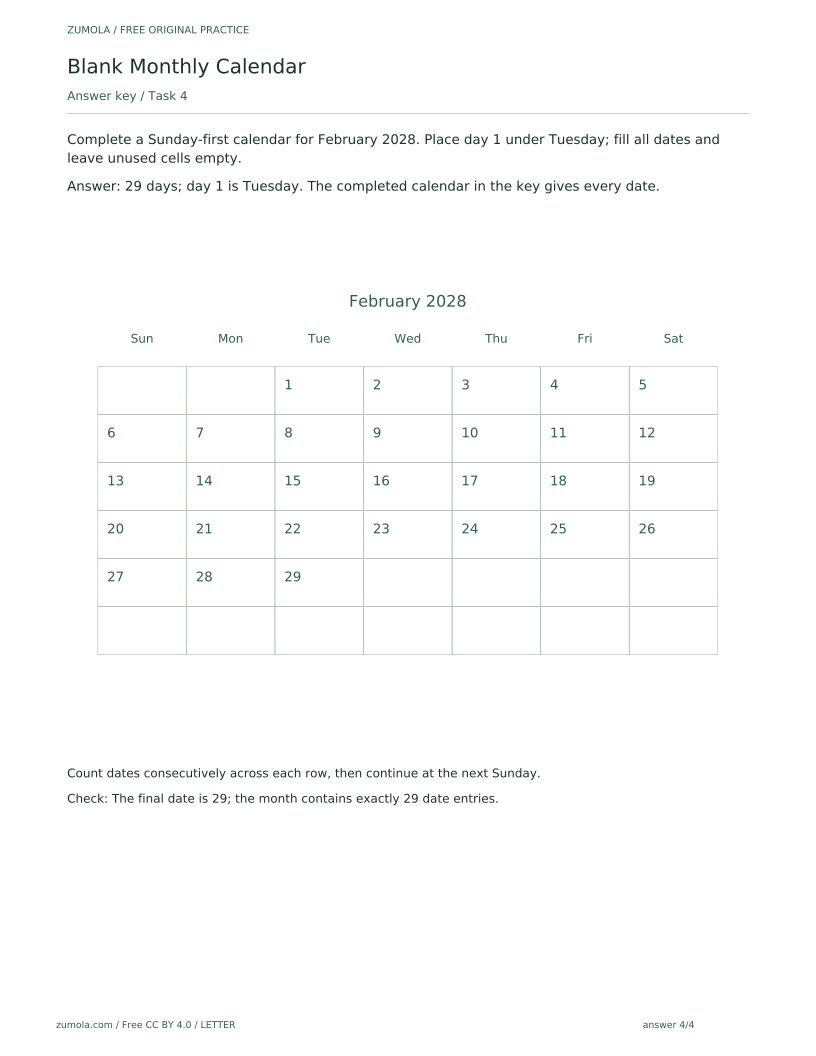
Complete a Sunday-first calendar for February 2028. Place day 1 under Tuesday; fill all dates and leave unused cells empty.
Show answer 4
29 days; day 1 is Tuesday. The completed calendar in the key gives every date.
Count dates consecutively across each row, then continue at the next Sunday.
Check: The final date is 29; the month contains exactly 29 date entries.
Useful checks
- Starting day 1 in the wrong column instead of under the stated weekday.
- Continuing past the month's final date instead of leaving unused cells empty.
- Losing the row-to-row sequence when a week ends mid-month; the count must continue at the next Sunday.
Questions about this resource
Is the blank attempt area a mistake?
No. The student version deliberately leaves the grid blank so you complete the dates yourself; the reference and answer PDFs show completed calendars for guidance and checking.
Which months and years are covered?
The tasks cover November 2026 (30 days, day 1 on Sunday), December 2026 (31 days, day 1 on Tuesday), February 2027 (28 days, day 1 on Monday) and February 2028 (29 days, day 1 on Tuesday), all Sunday-first.