Free original lessons
Printable Daily Calendar
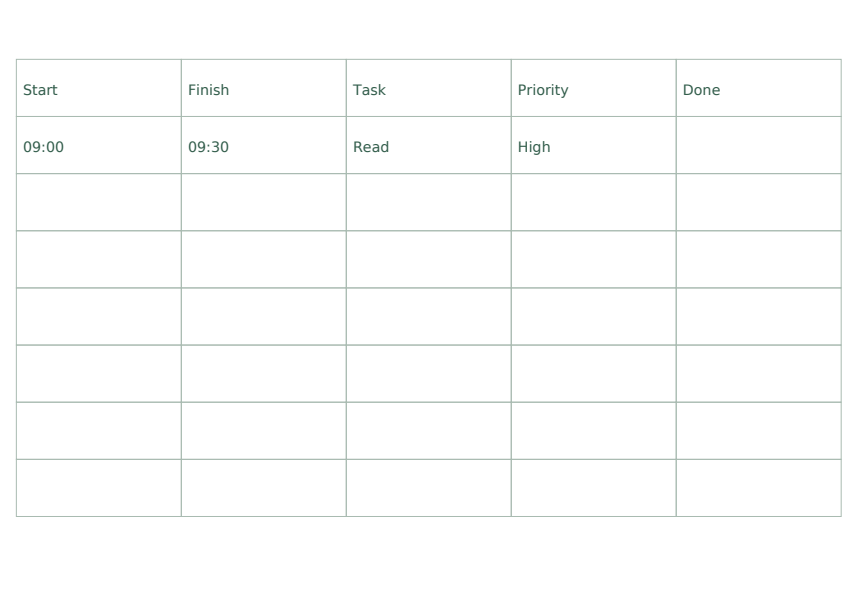
This free printable is a single-day time-blocking sheet, not a month grid. It gives you flexible time blocks with labelled fields for Start, Finish, Task, Priority and Done, so a day's plan stays in one place. All people, events and amounts shown are fictional examples. A blank field is deliberate: it means the item is unspecified or unfinished, not that a file is missing.
Letter & A4
PDF & SVG
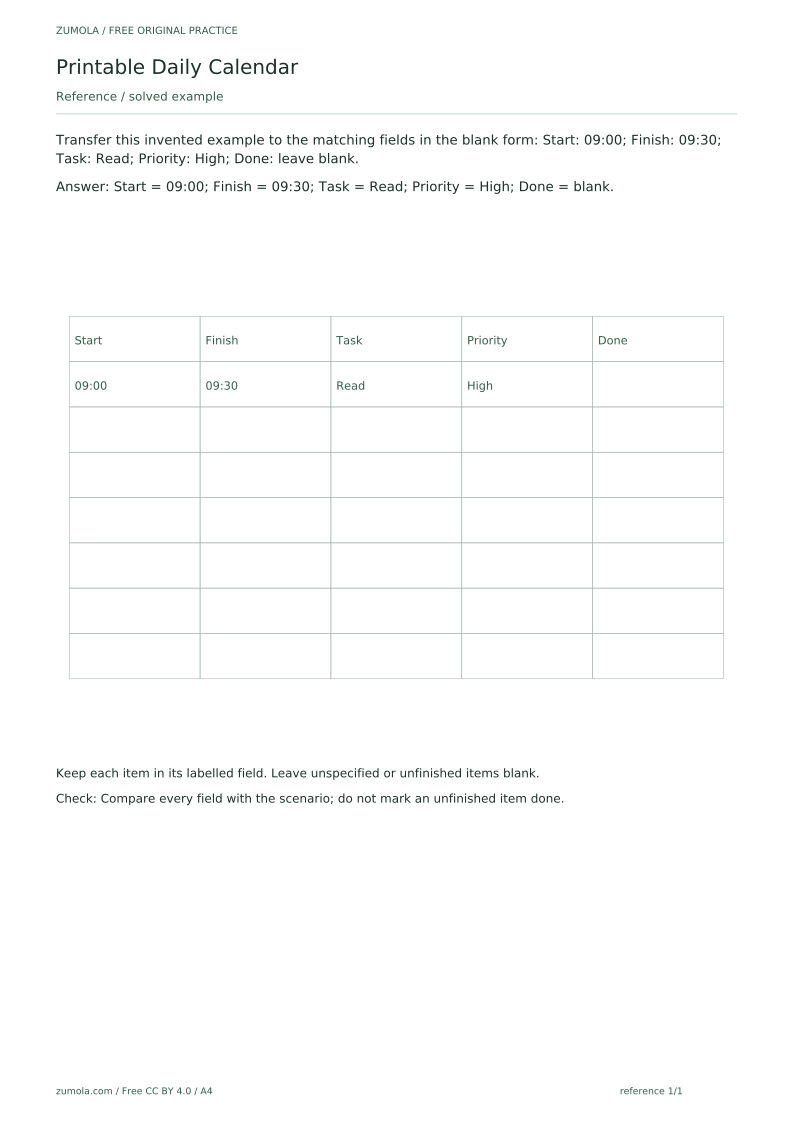
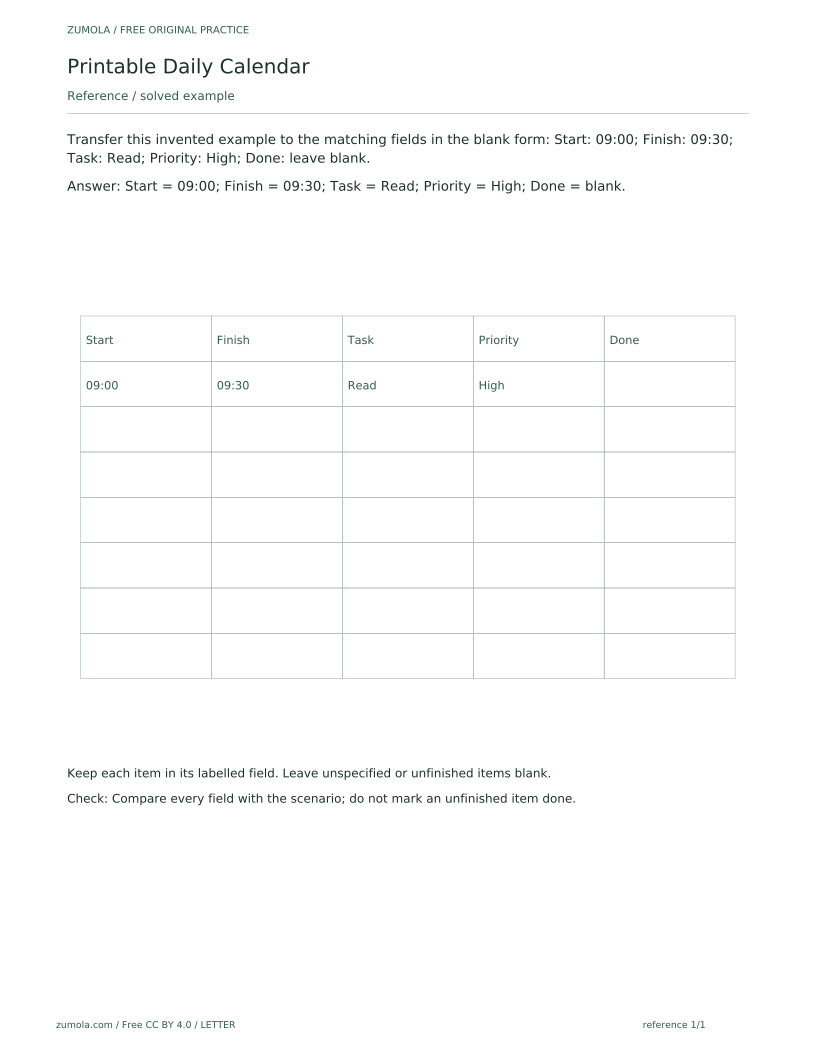
The pack is a static printable standard pack. It contains six PDFs across 18 total pages, with separate A4 and US Letter versions of the reference, student and answer PDFs, plus 18 per-page SVGs. The SVG pages are static vector pages that can be edited in compatible external vector-editing software; such software is not provided by the site, and there is no built-in website editor. The reference sheet solves the first task as a guided example: it shows the invented entry Start 09:00, Finish 09:30, Task Read, Priority High, with Done left blank, and explains that each item belongs in its labelled field and unfinished items stay blank. The student pages repeat the same field layout with the attempt area left blank on purpose, so you fill it in yourself. The answer PDF lets you compare every field with the scenario and check that no unfinished item has been marked done. There is no editable software provided, no notification or reminder feature, and no automated scheduling feature; the sheet is used by hand. The complete inventory is six PDFs: reference 1 page, student 4 pages and answers 4 pages in each paper size. That is 18 PDF pages and 18 matching SVG pages.
Download the complete resource pack
All individual editable SVG pages (18)
- A4 reference page 1
- A4 student page 1
- A4 student page 2
- A4 student page 3
- A4 student page 4
- A4 answer page 1
- A4 answer page 2
- A4 answer page 3
- A4 answer page 4
- LETTER reference page 1
- LETTER student page 1
- LETTER student page 2
- LETTER student page 3
- LETTER student page 4
- LETTER answer page 1
- LETTER answer page 2
- LETTER answer page 3
- LETTER answer page 4
Print at 100% / actual size. Use the stated scale on any schematic diagram; physical cutting templates are identified separately. A4 and US Letter are separate files. Free access, no signup; CC BY 4.0.
How to use these pages
- Choose the A4 or US Letter reference, student and answer PDFs for your paper size, or open the per-page SVGs.
- Read the reference sheet's guided example to see how one invented entry maps to the Start, Finish, Task, Priority and Done fields.
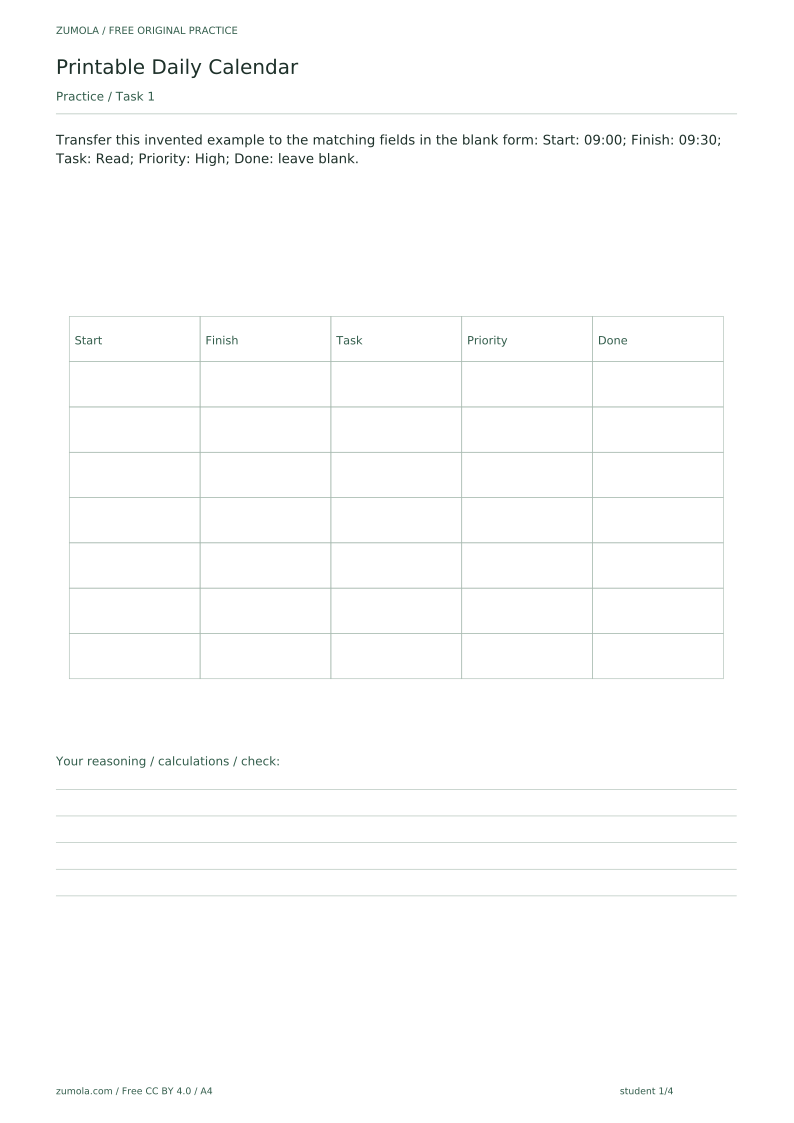
- On the student pages, transfer each invented example into the matching labelled field, keeping times in the same order and format.
- Leave Done blank for any item the scenario does not mark as finished.
- Compare your filled sheet with the answer PDF field by field, using the check method: match every field to the scenario and do not mark an unfinished item done.
Four practice tasks and complete answers
Task 1
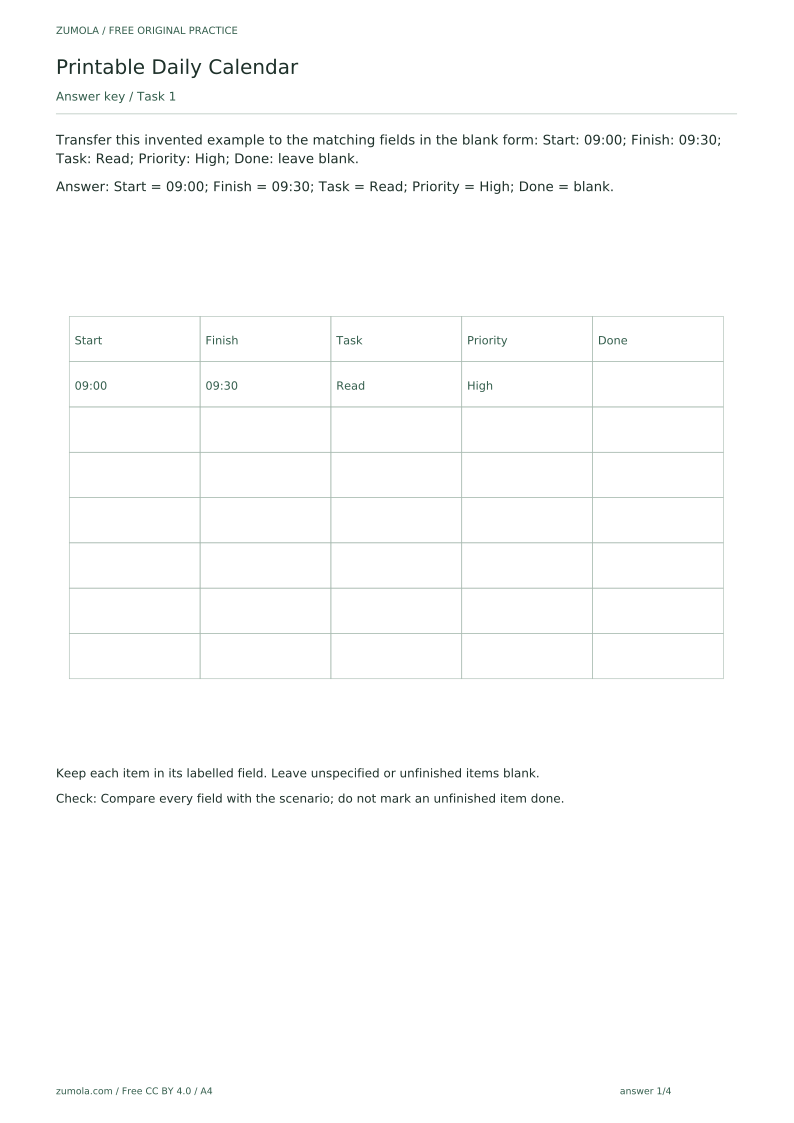
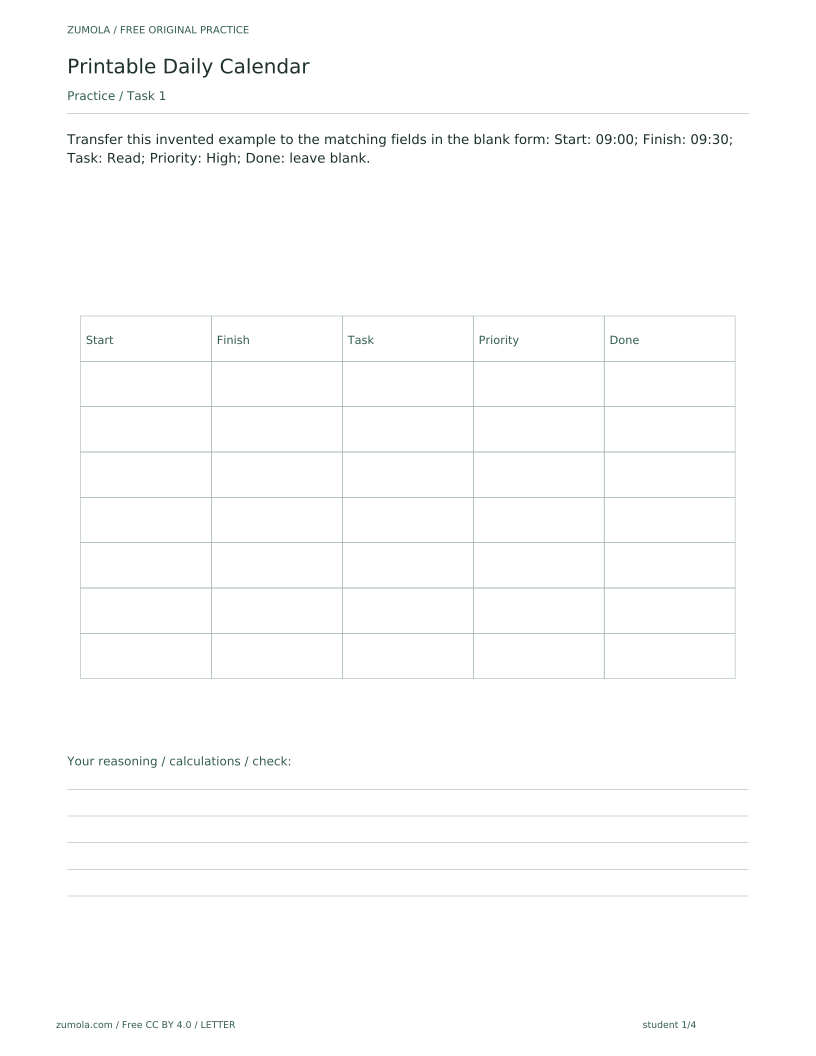
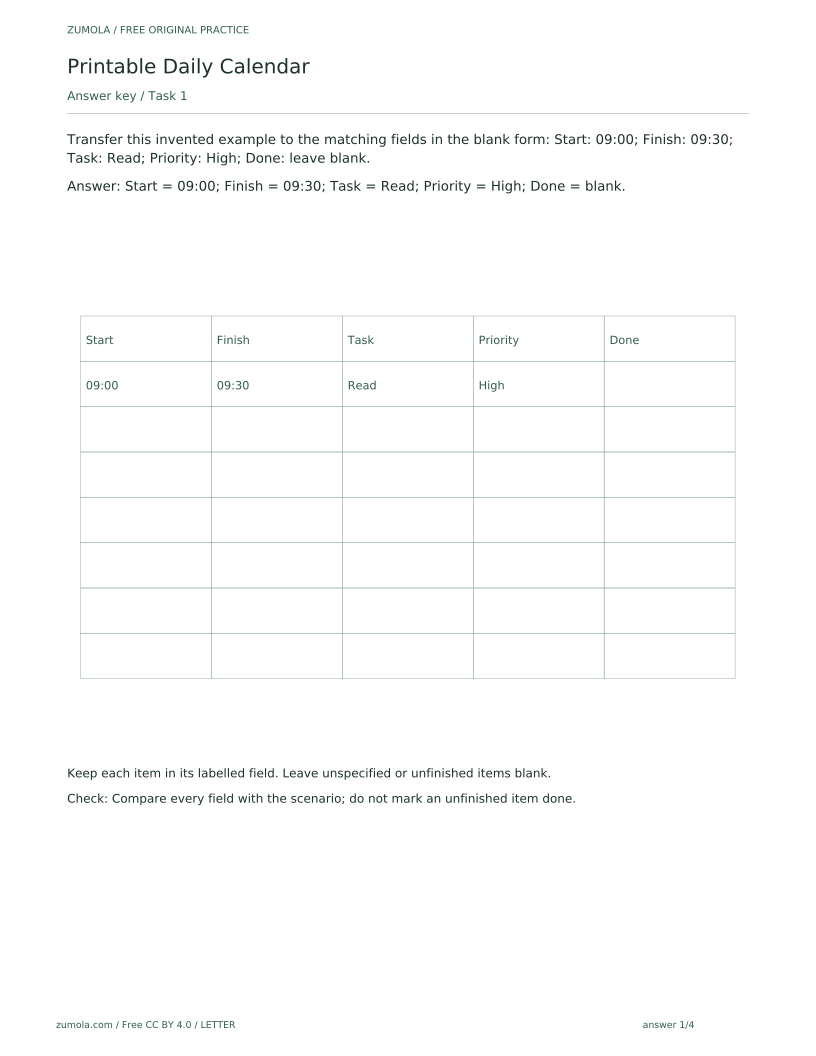
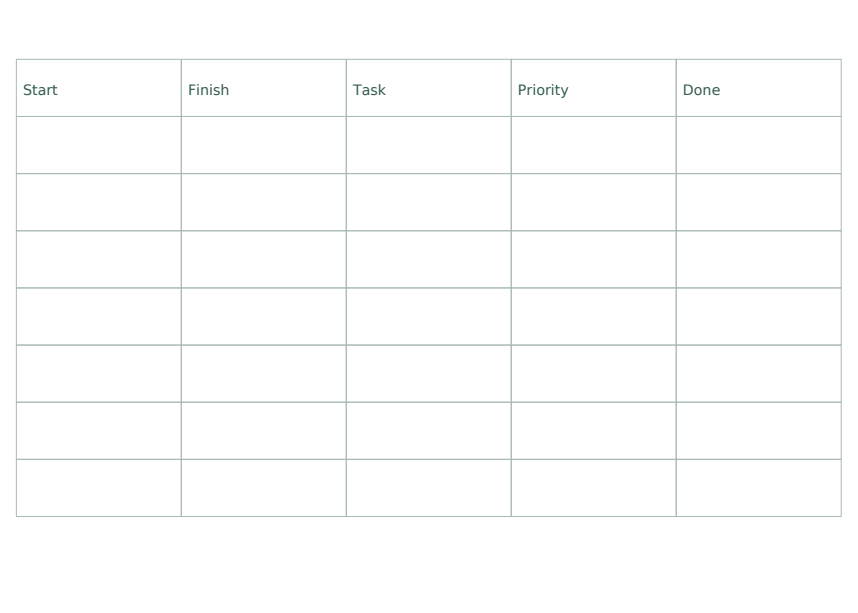
Transfer this invented example to the matching fields in the blank form: Start: 09:00; Finish: 09:30; Task: Read; Priority: High; Done: leave blank.
Show answer 1
Start = 09:00; Finish = 09:30; Task = Read; Priority = High; Done = blank.
Keep each item in its labelled field. Leave unspecified or unfinished items blank.
Check: Compare every field with the scenario; do not mark an unfinished item done.
Task 2
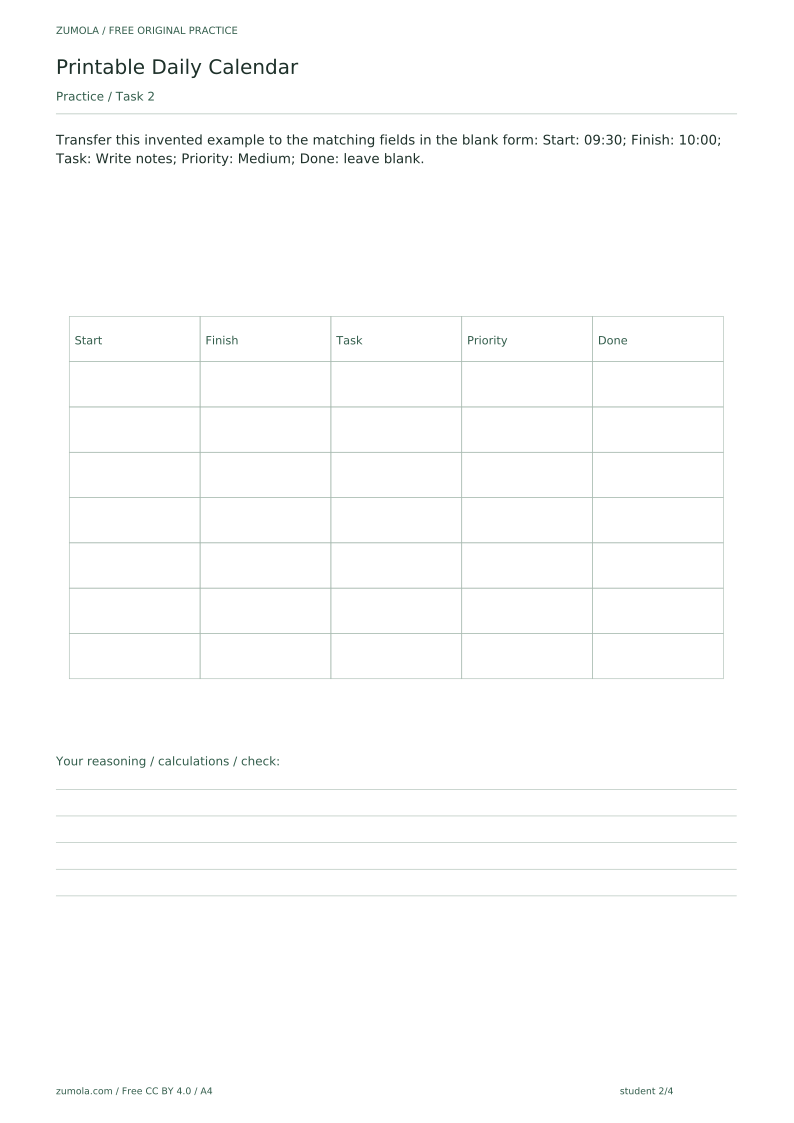
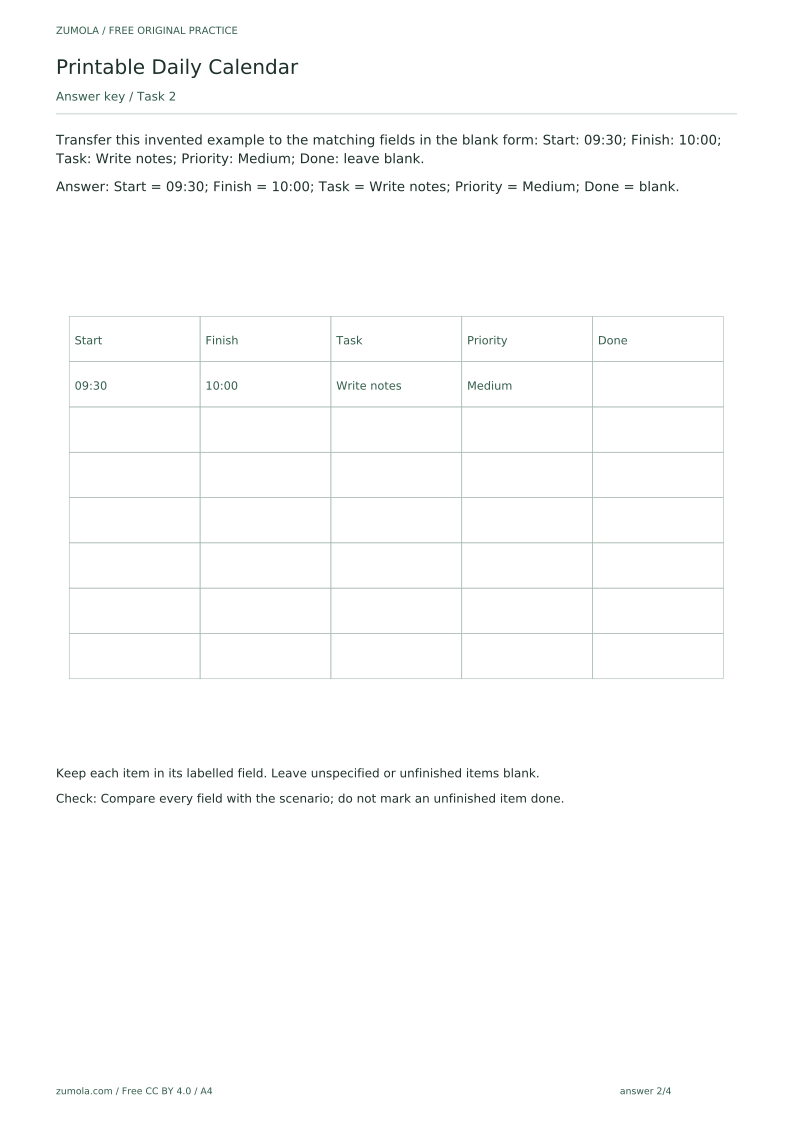
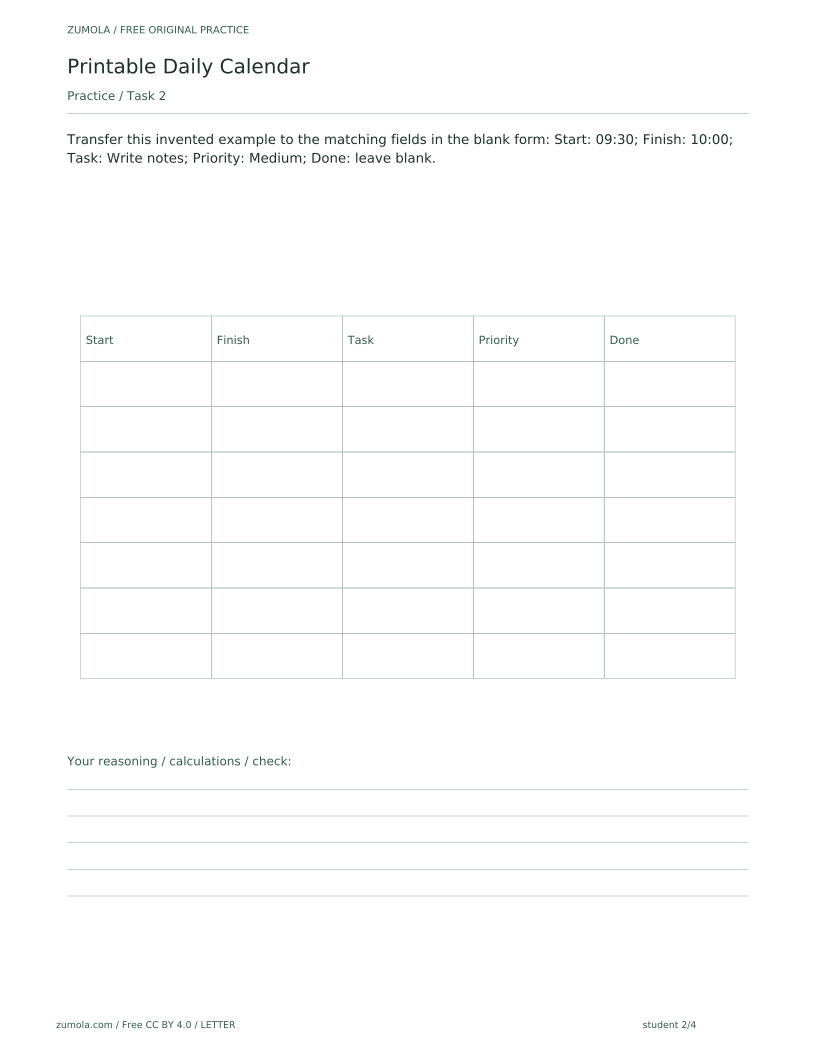
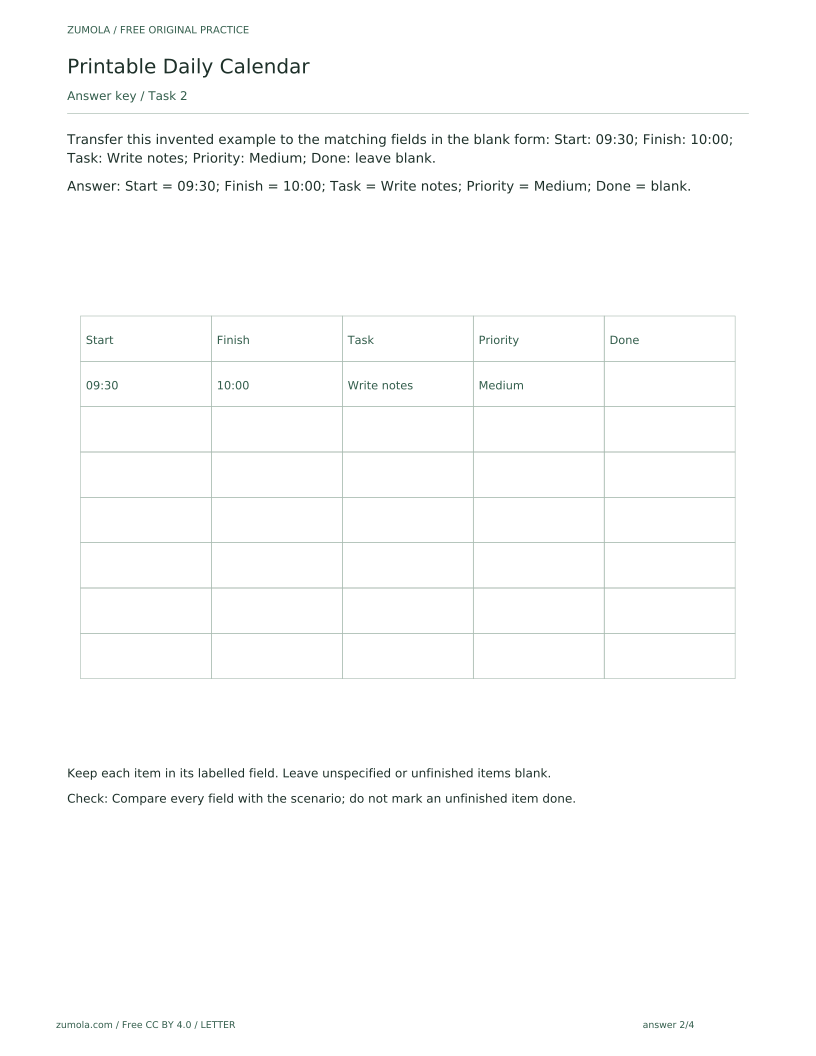
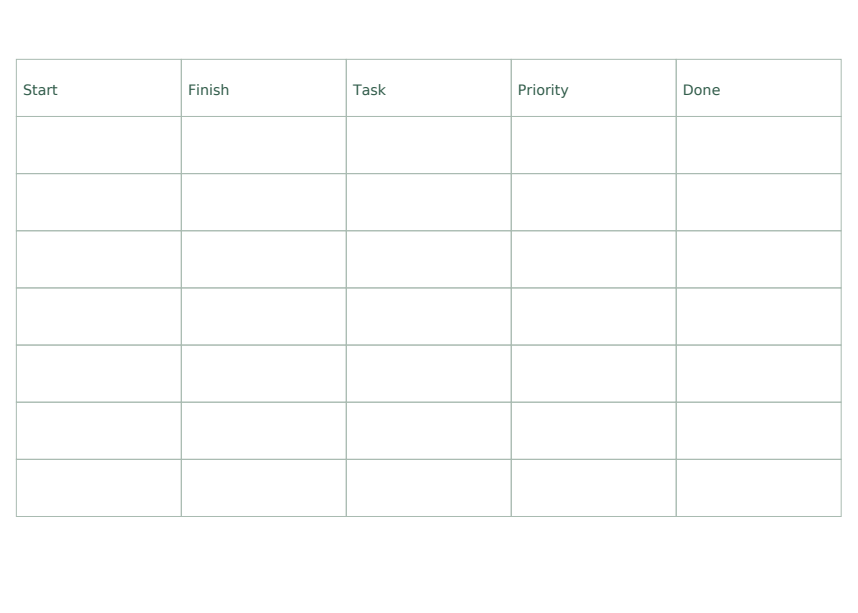
Transfer this invented example to the matching fields in the blank form: Start: 09:30; Finish: 10:00; Task: Write notes; Priority: Medium; Done: leave blank.
Show answer 2
Start = 09:30; Finish = 10:00; Task = Write notes; Priority = Medium; Done = blank.
Keep each item in its labelled field. Leave unspecified or unfinished items blank.
Check: Compare every field with the scenario; do not mark an unfinished item done.
Task 3
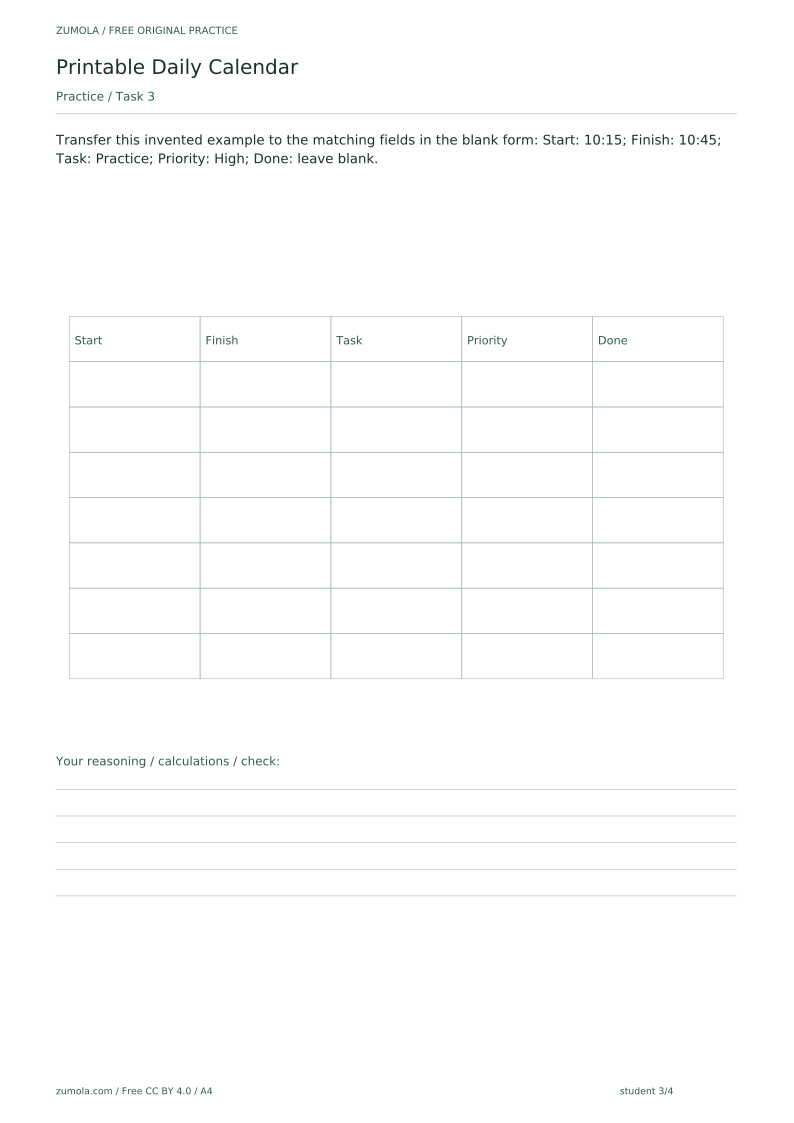
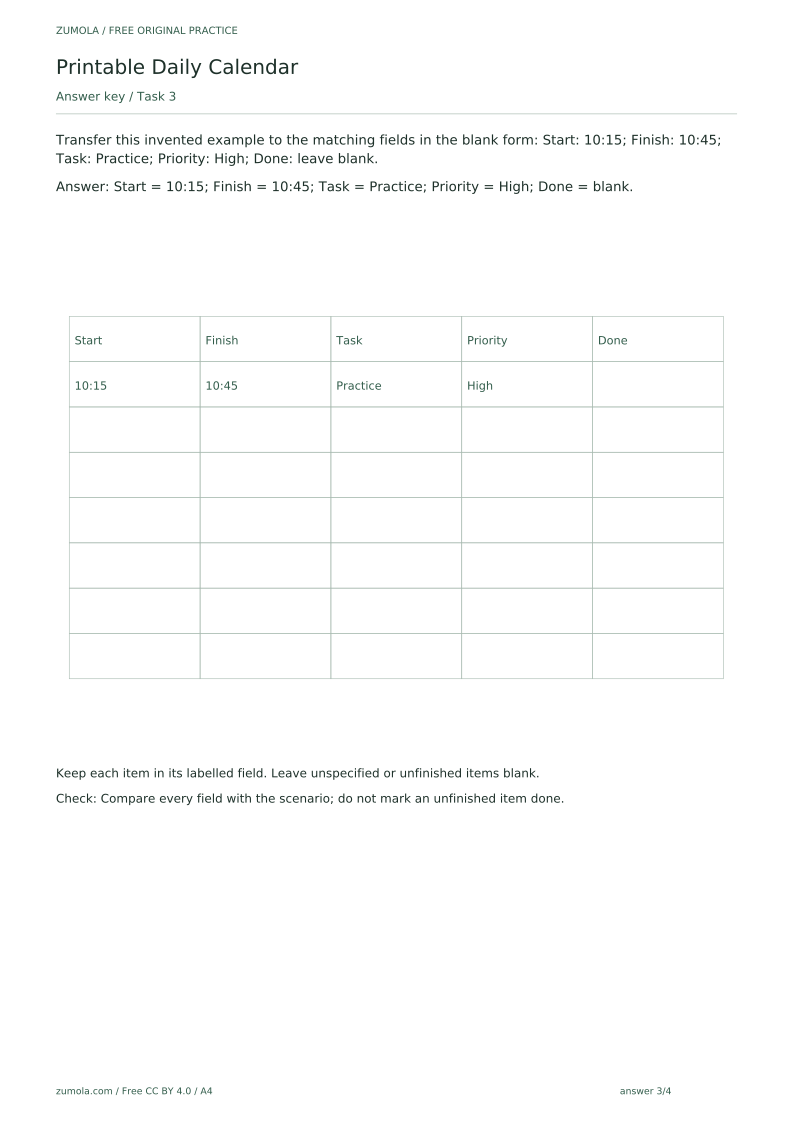
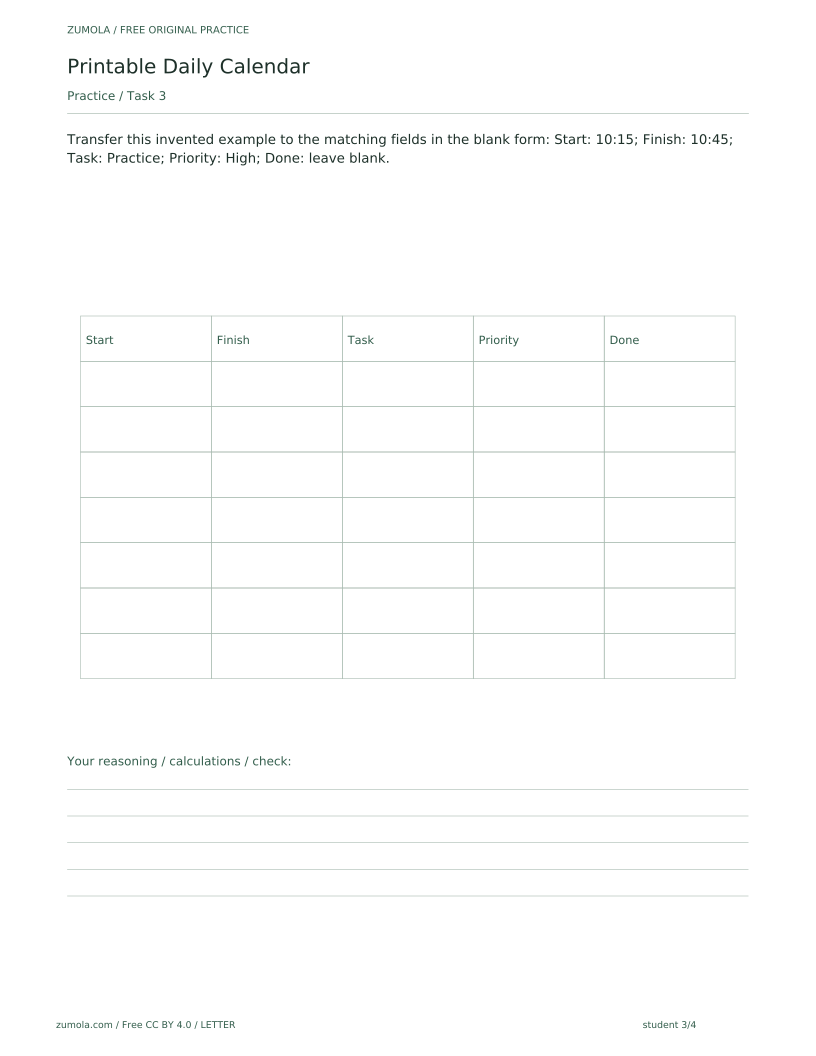
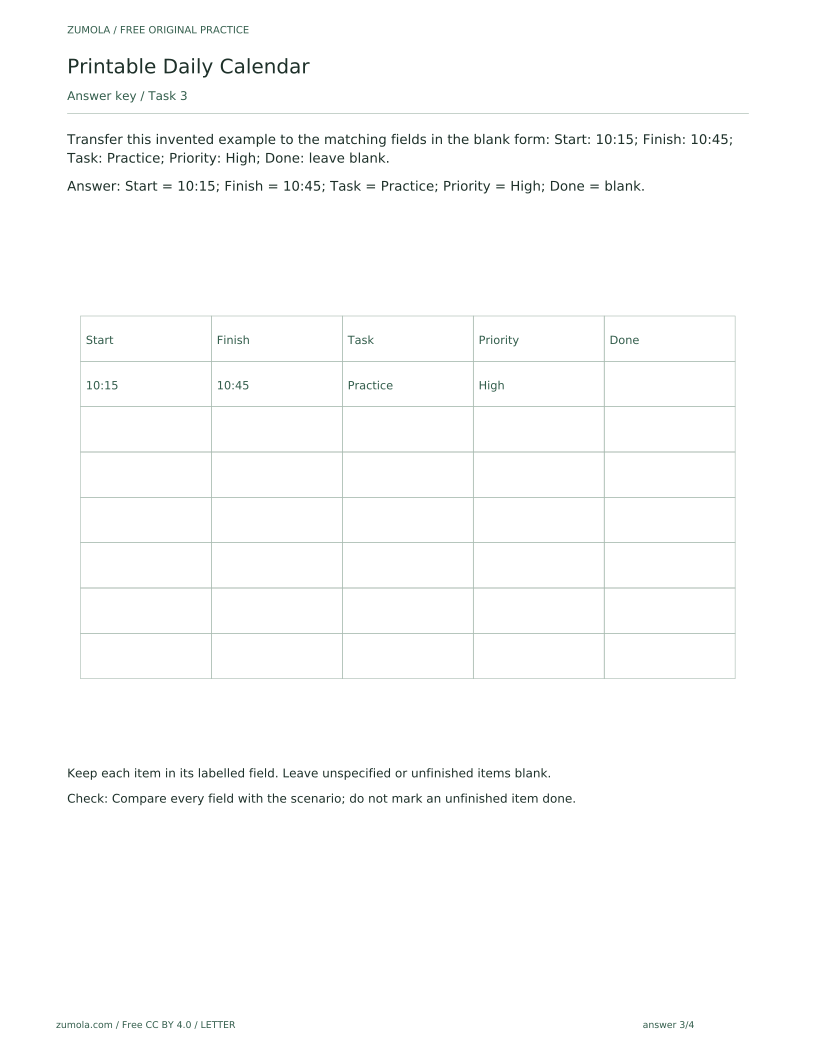
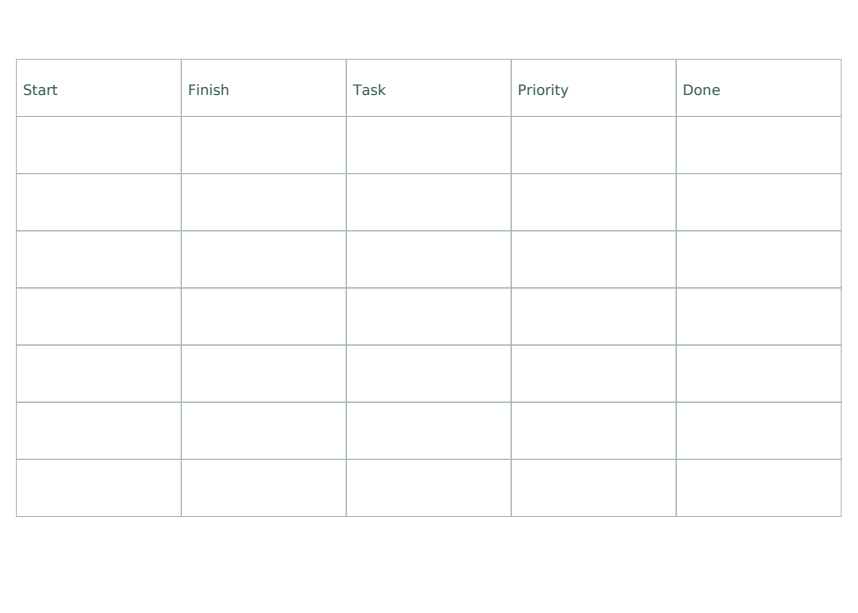
Transfer this invented example to the matching fields in the blank form: Start: 10:15; Finish: 10:45; Task: Practice; Priority: High; Done: leave blank.
Show answer 3
Start = 10:15; Finish = 10:45; Task = Practice; Priority = High; Done = blank.
Keep each item in its labelled field. Leave unspecified or unfinished items blank.
Check: Compare every field with the scenario; do not mark an unfinished item done.
Task 4
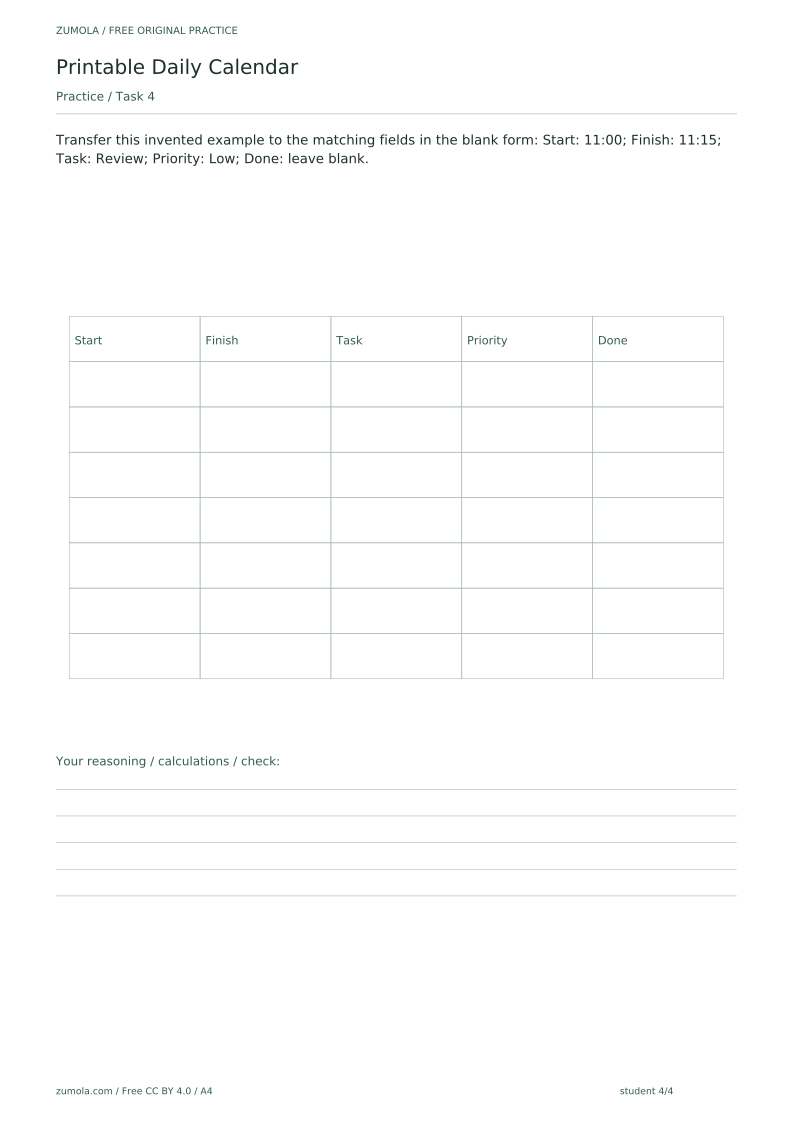
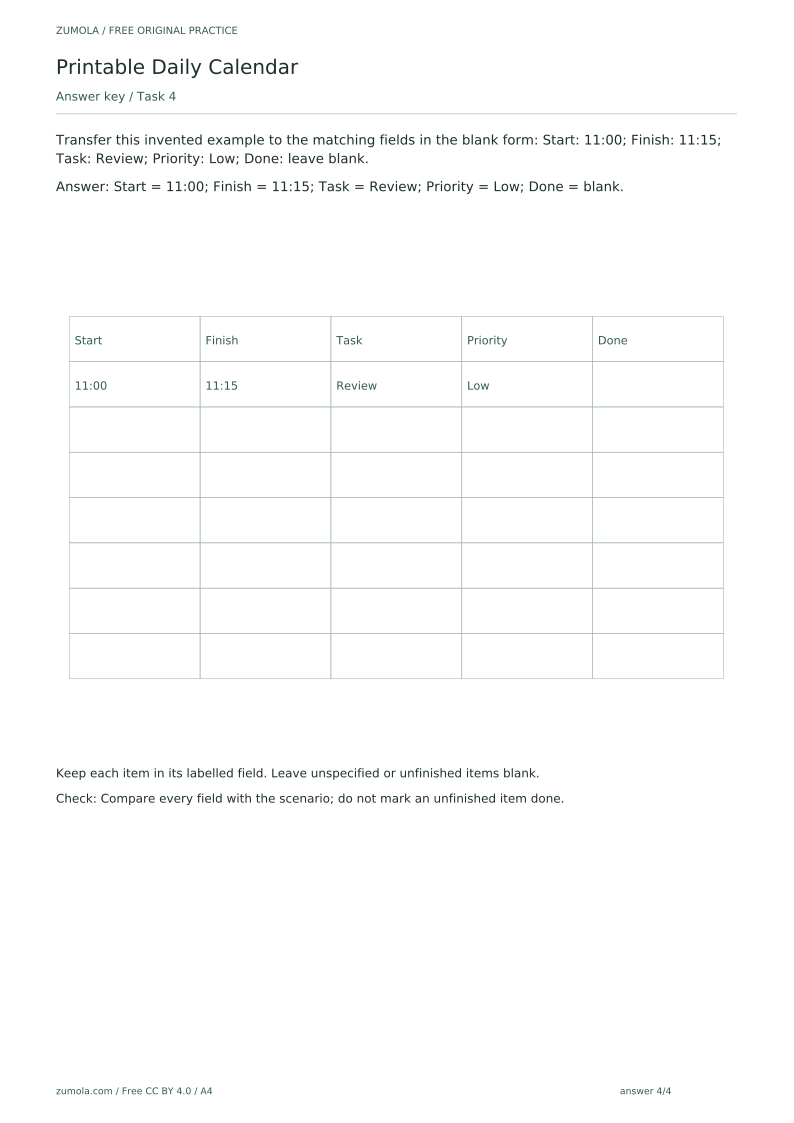
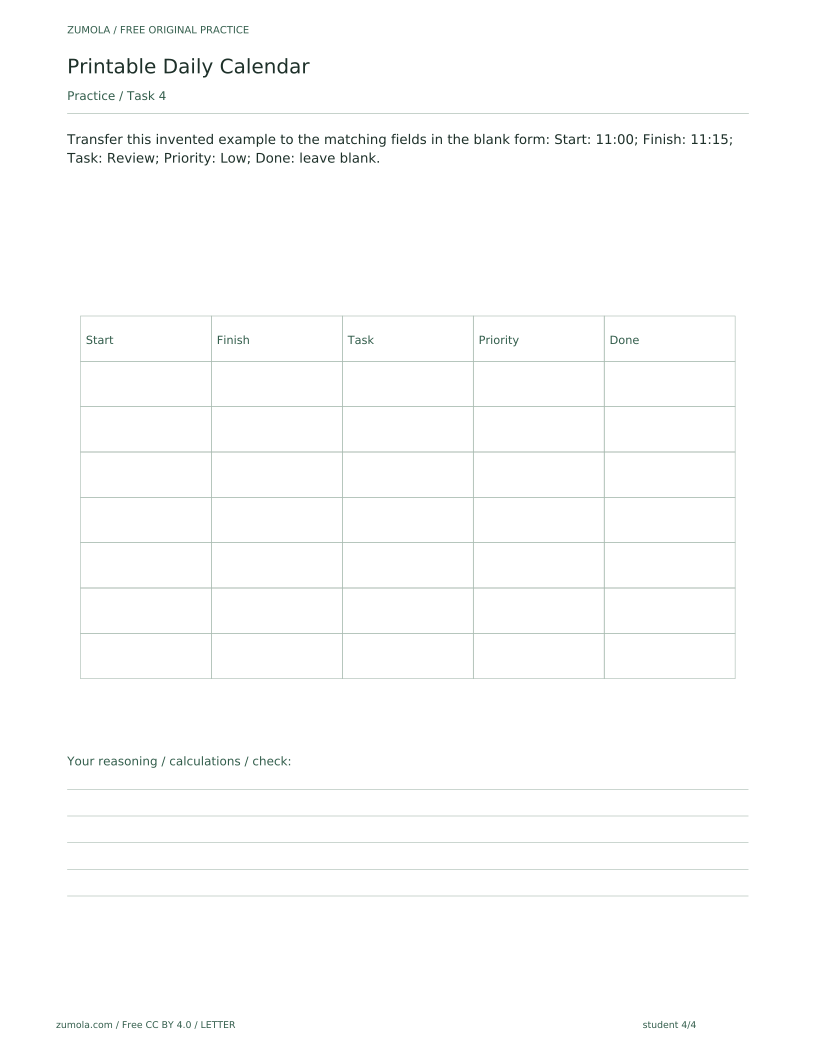
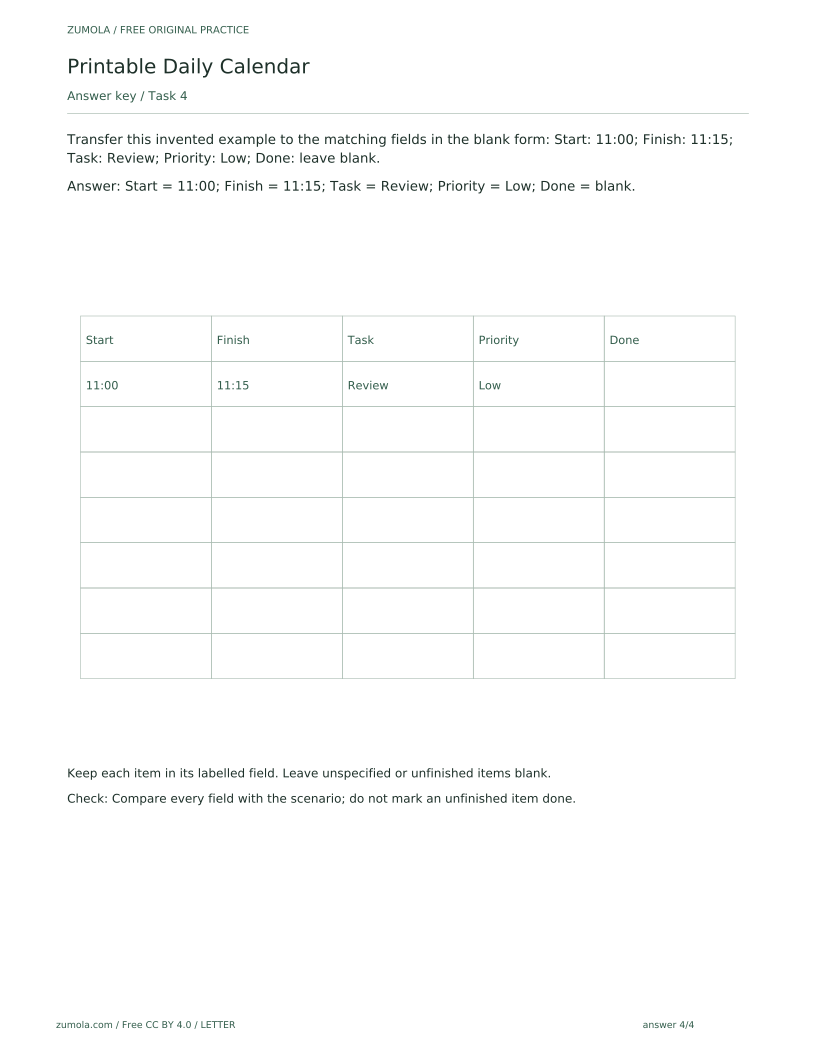
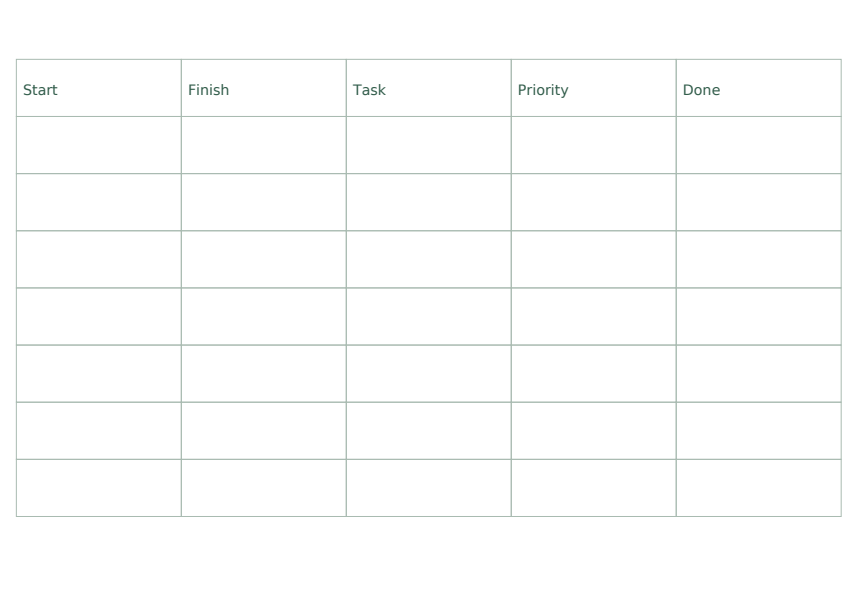
Transfer this invented example to the matching fields in the blank form: Start: 11:00; Finish: 11:15; Task: Review; Priority: Low; Done: leave blank.
Show answer 4
Start = 11:00; Finish = 11:15; Task = Review; Priority = Low; Done = blank.
Keep each item in its labelled field. Leave unspecified or unfinished items blank.
Check: Compare every field with the scenario; do not mark an unfinished item done.
Useful checks
- Putting a time or task in the wrong labelled field instead of its matching column.
- Filling the Done field for an item the scenario leaves unfinished; a blank Done field is correct there.
- Treating a blank attempt area or blank field as a missing download; the blank space is deliberate.
Questions about this resource
Is the blank attempt area a missing file?
No. The blank attempt area is deliberate, and a blank field means the item is unspecified or unfinished. All six PDFs and 18 SVG pages are free and included.
Can I edit the SVG pages, and are reminders provided?
The SVG pages are static vector pages that can be edited in compatible external vector-editing software; such software is not provided by the site, and there is no built-in website editor. No reminders, notifications or automated scheduling features are provided. You fill the sheet in by hand and check it against the answer sheet.