Free original lessons
Sunday to Saturday Calendar
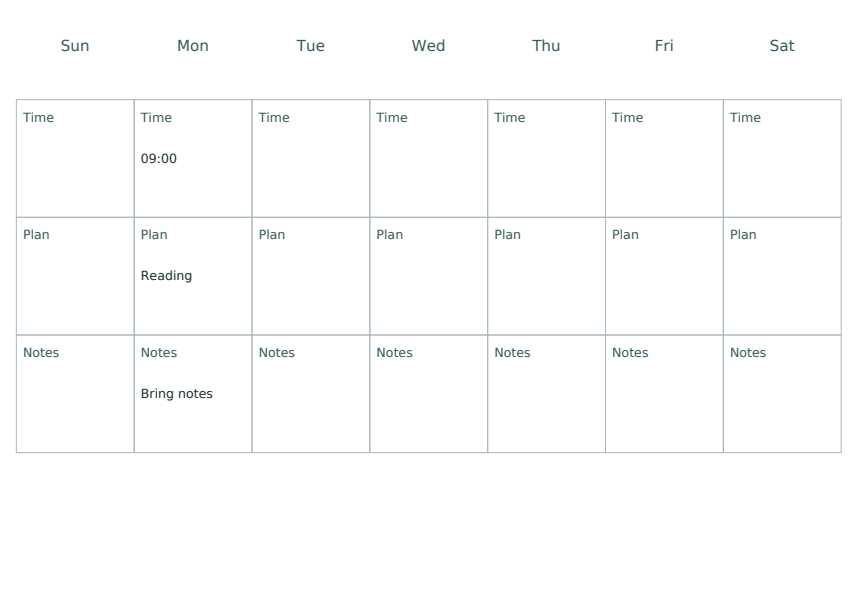
This free Sunday to Saturday Calendar printable gives you a full week grid that starts on Sunday and ends on Saturday. It is a static reference and practice pack, not a scheduling app: you print it and write on it. All people, events and amounts shown in the examples are fictional.
Letter & A4
PDF & SVG
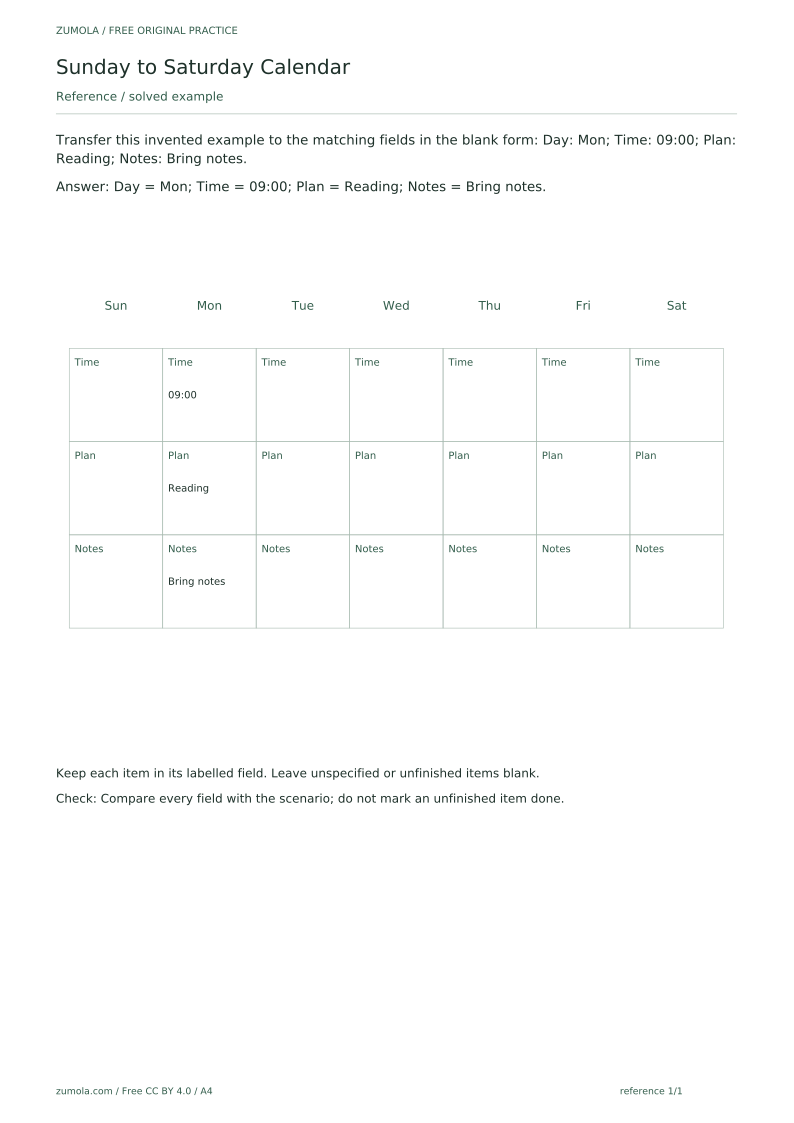
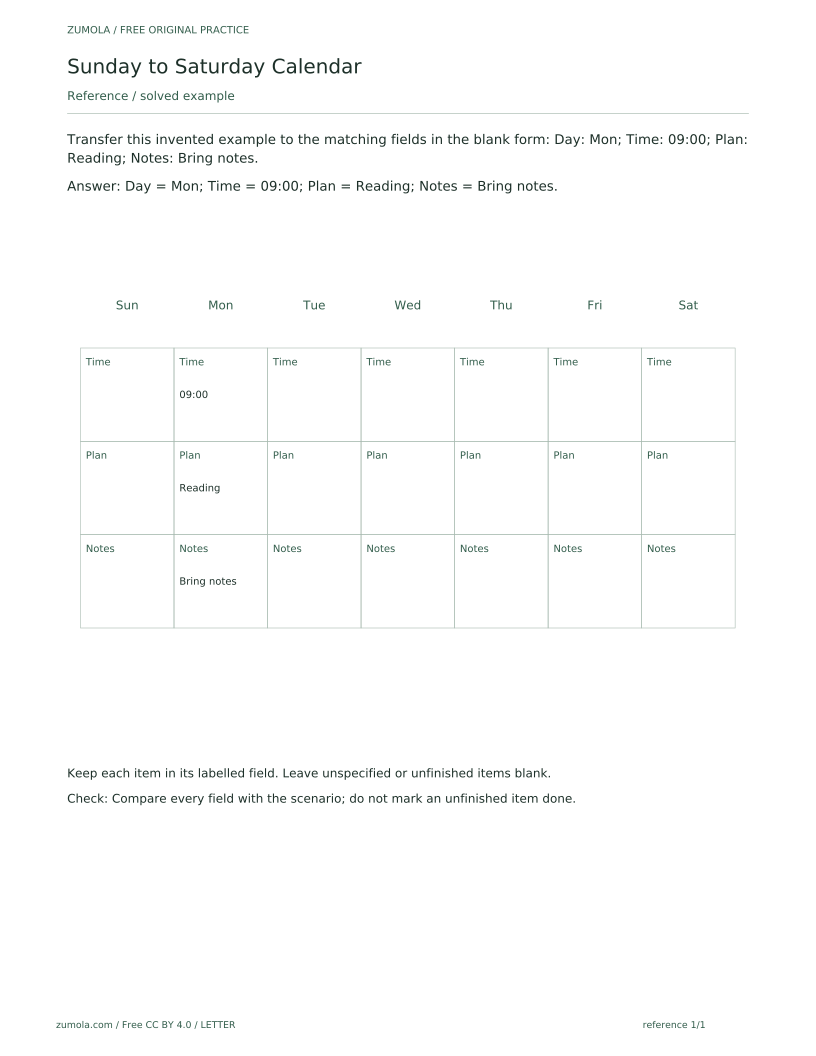
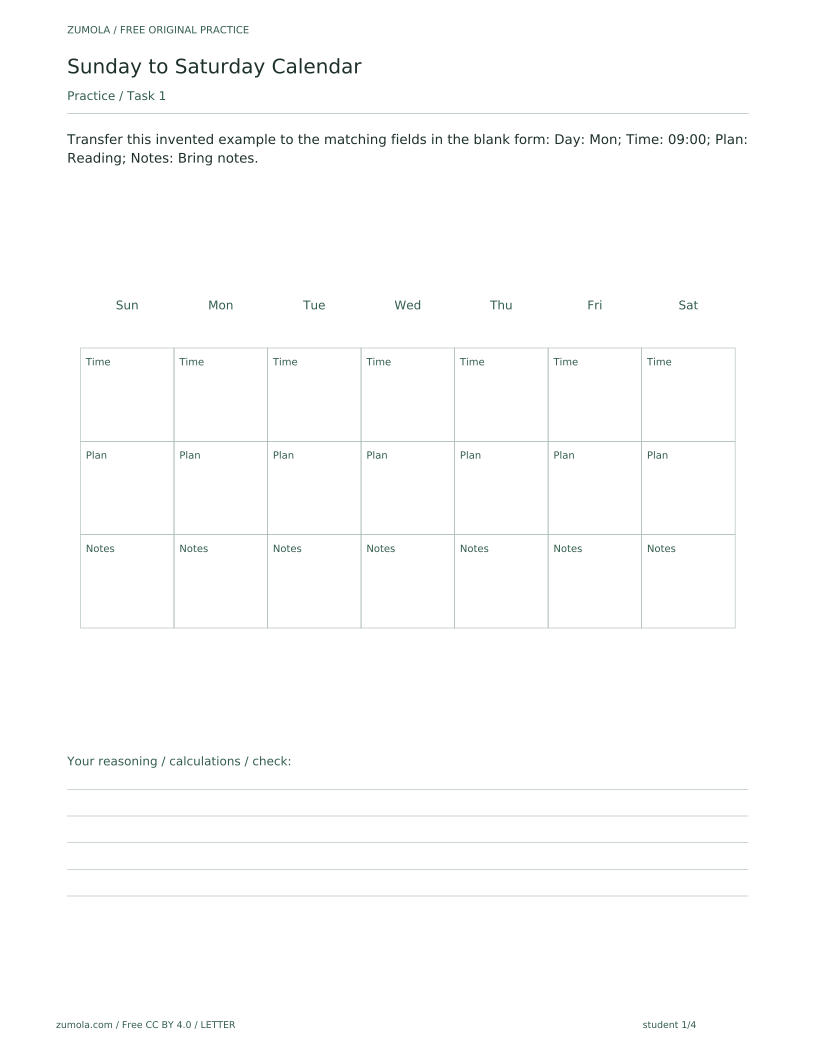
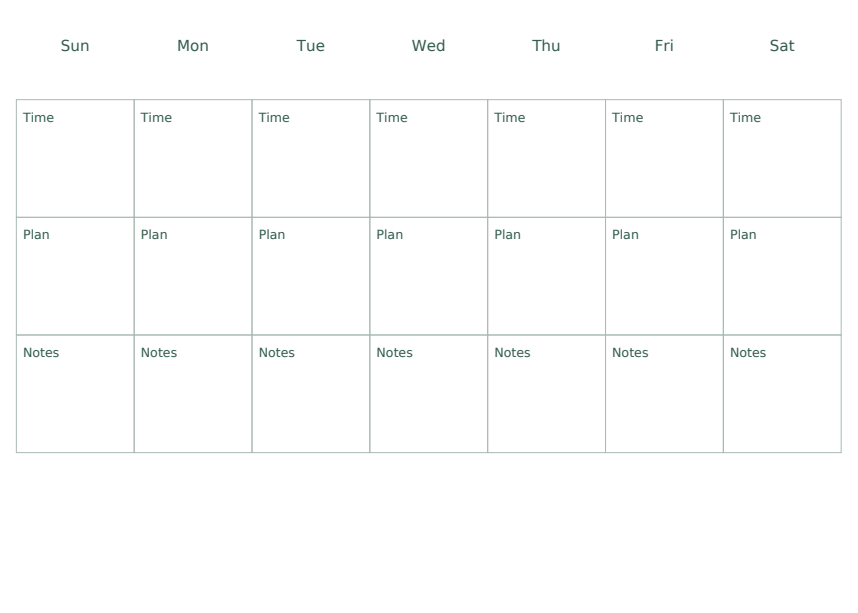
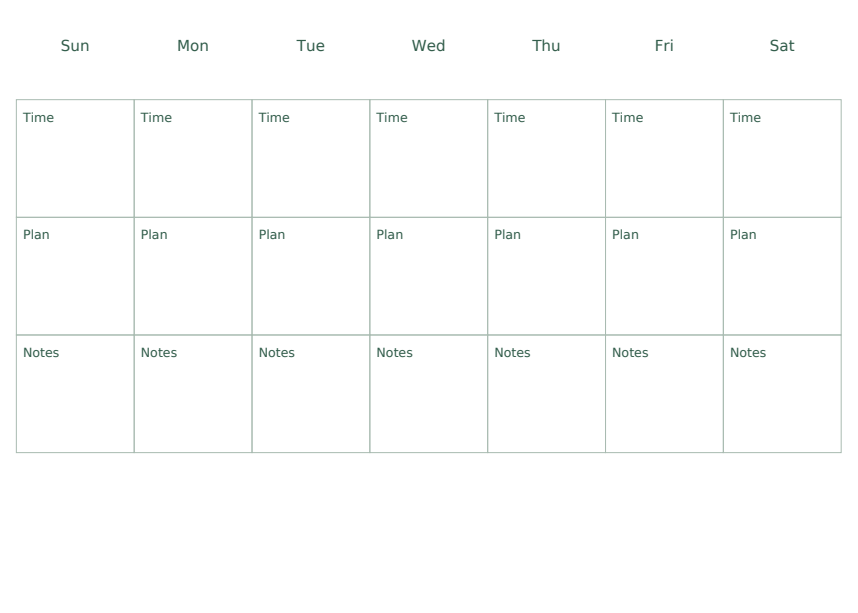
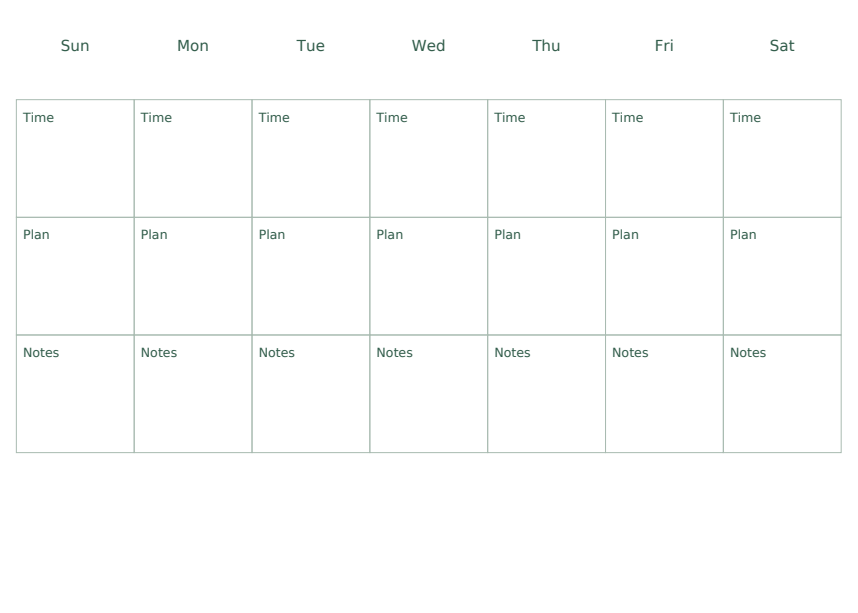
The pack comes as separate A4 and US Letter PDFs for three roles: a reference sheet, a student sheet and an answer sheet, plus one SVG per page. The reference sheet solves the first task as a guided example, so you can see how a scenario maps onto the labelled fields Day, Time, Plan and Notes before trying the rest yourself. The student sheet keeps those fields blank, and the blank attempt area is deliberate: it is space for your own writing, not a missing download. The answer sheet lets you compare each field with the scenario and check that unfinished items were left blank rather than marked done. The PDFs are static printable pages with no interactive form fields, and the SVG pages can be edited in compatible external vector-editing software (not provided by the site); there is no built-in web editor, no notifications and no automated scheduling, so the printable is the whole tool.
Download the complete resource pack
All individual editable SVG pages (18)
- A4 reference page 1
- A4 student page 1
- A4 student page 2
- A4 student page 3
- A4 student page 4
- A4 answer page 1
- A4 answer page 2
- A4 answer page 3
- A4 answer page 4
- LETTER reference page 1
- LETTER student page 1
- LETTER student page 2
- LETTER student page 3
- LETTER student page 4
- LETTER answer page 1
- LETTER answer page 2
- LETTER answer page 3
- LETTER answer page 4
Print at 100% / actual size. Use the stated scale on any schematic diagram; physical cutting templates are identified separately. A4 and US Letter are separate files. Free access, no signup; CC BY 4.0.
How to use these pages
- Choose the A4 or US Letter file for your paper, then print the reference, student and answer sheets you need.
- Read the guided example on the reference sheet and note how each part of the scenario sits in its own labelled field.
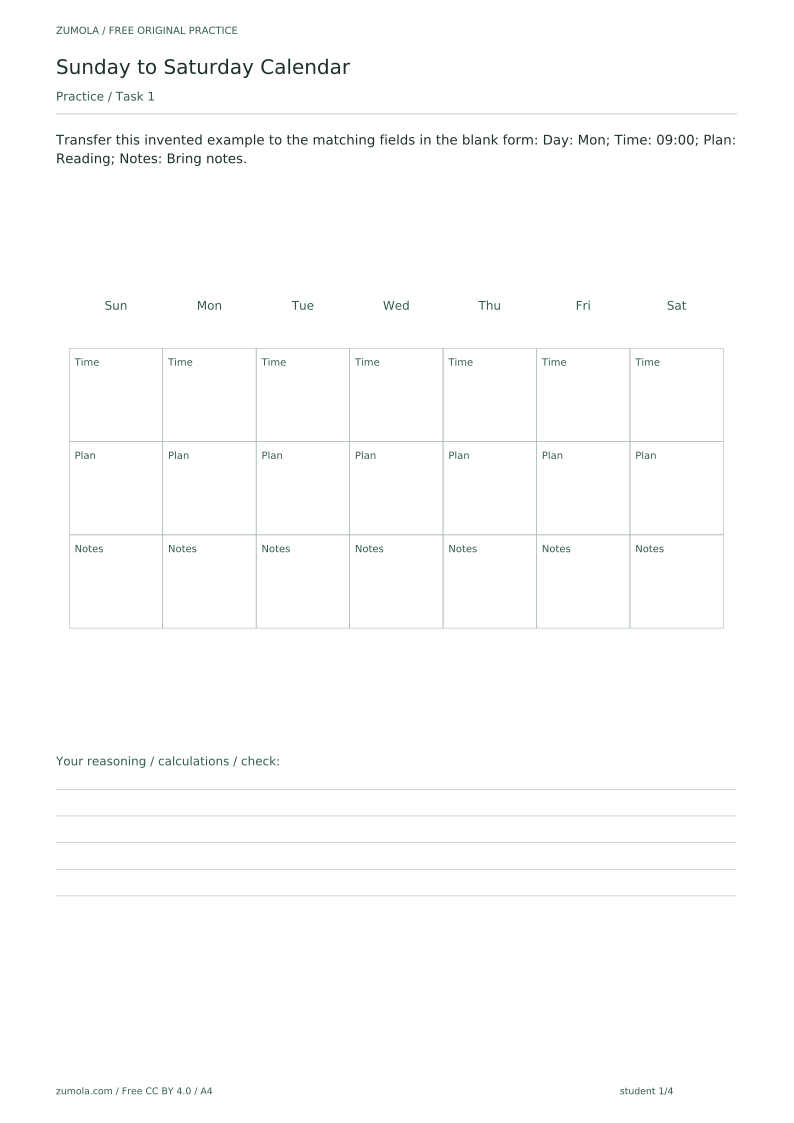
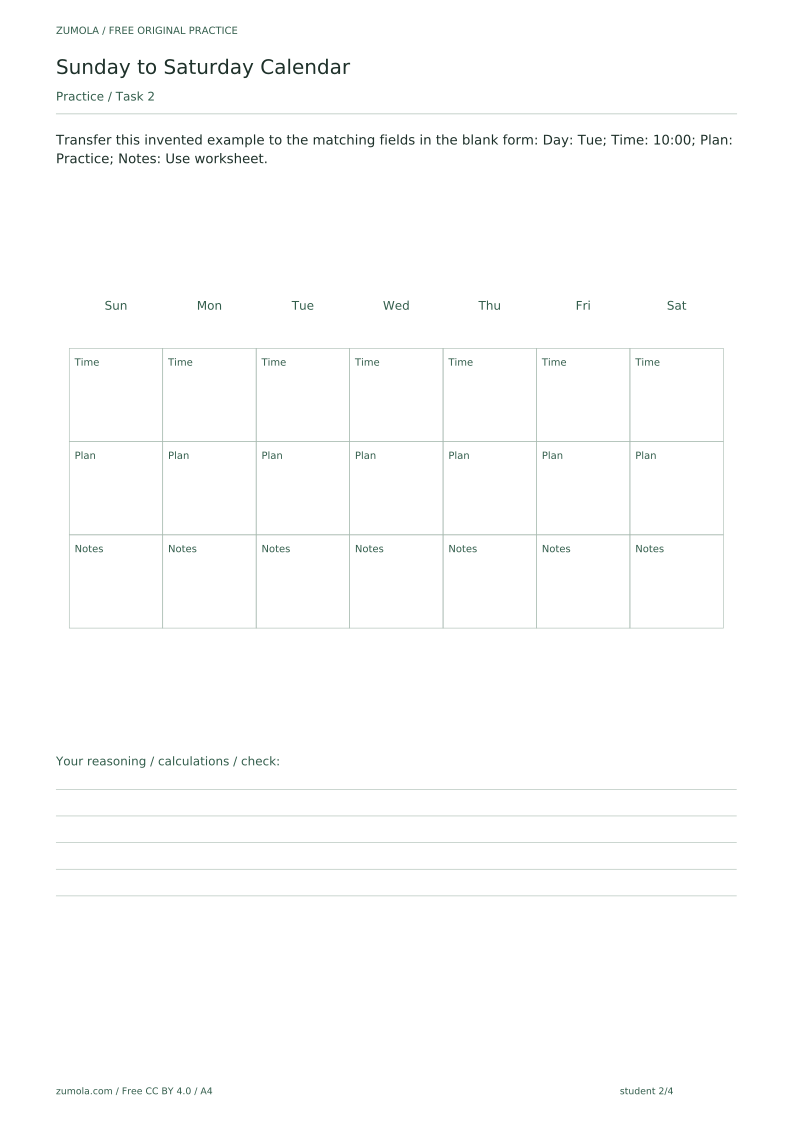
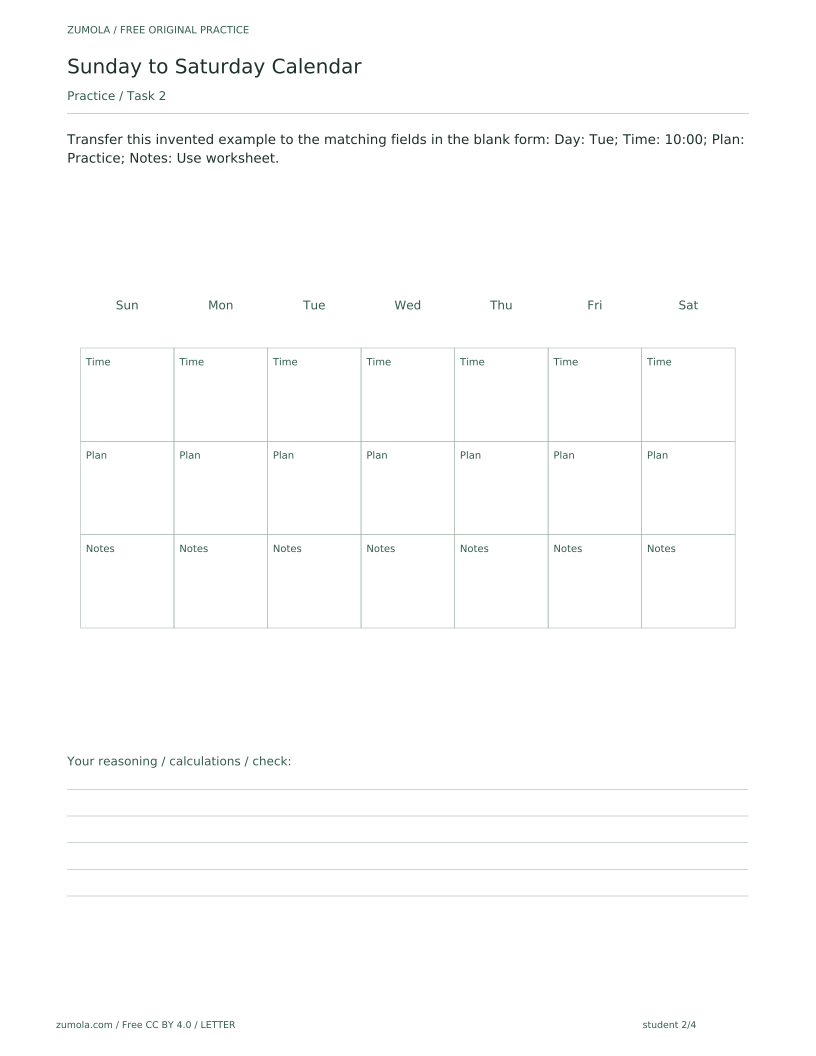
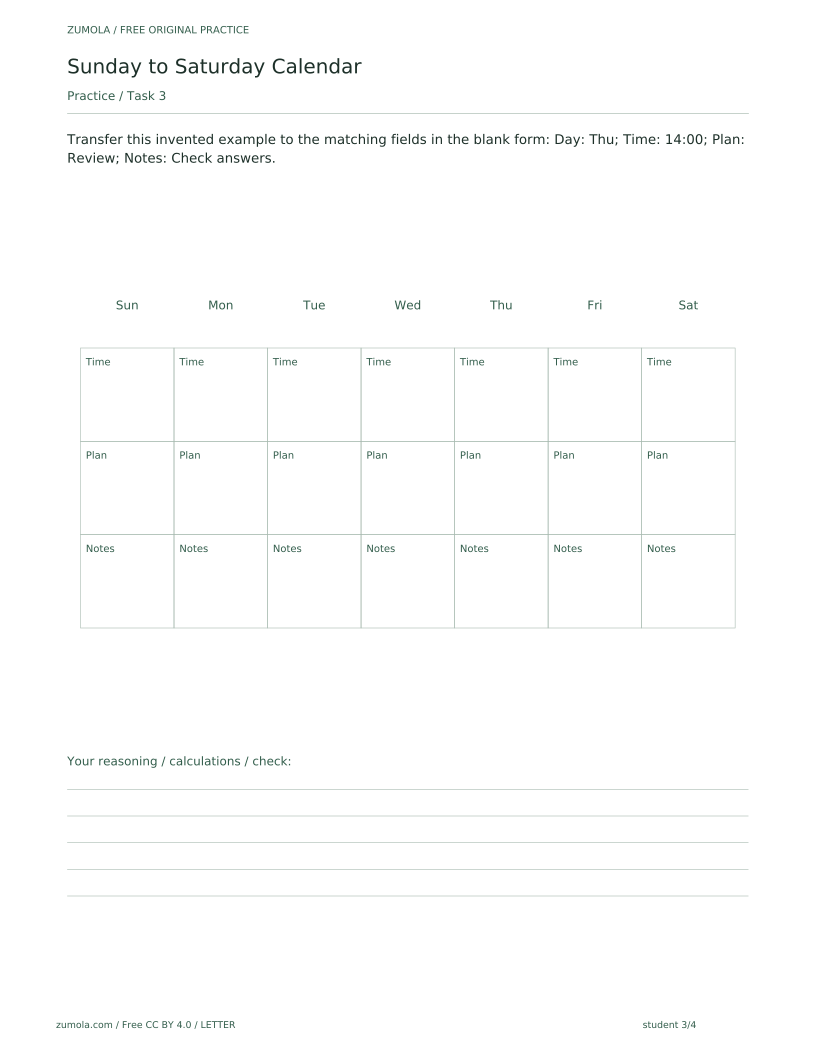
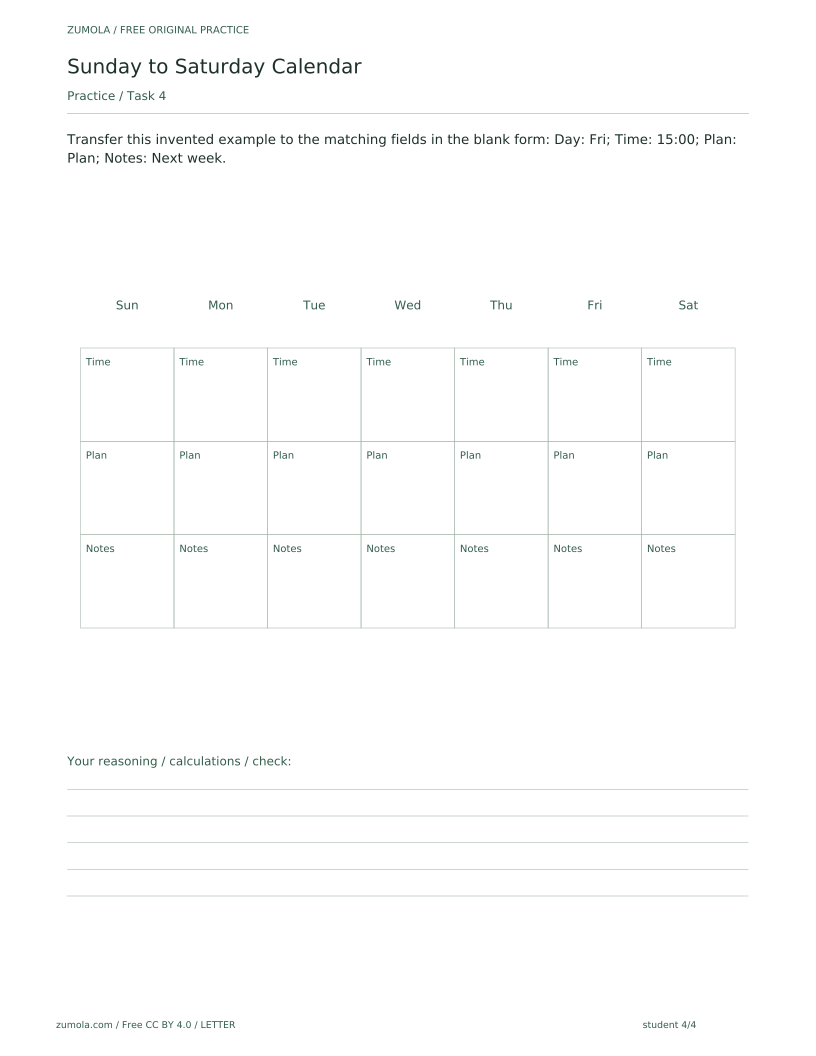
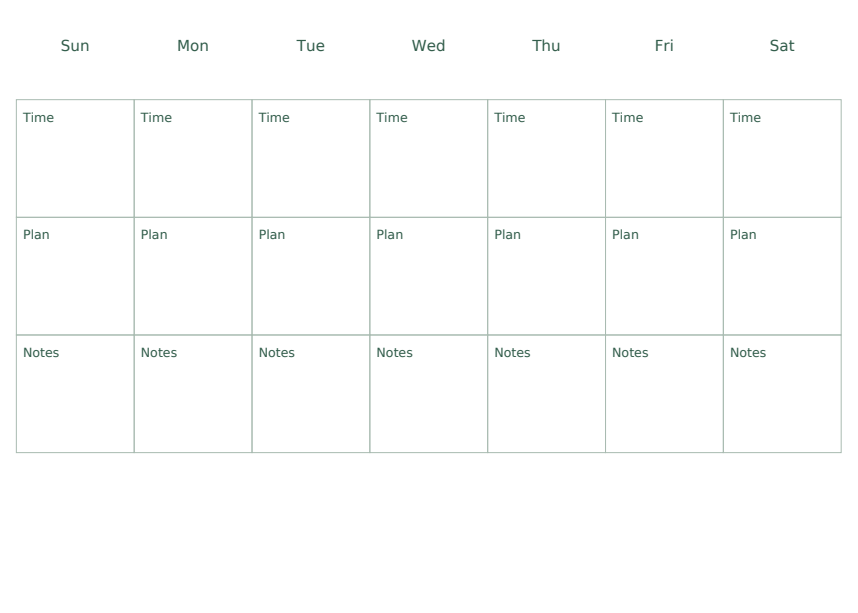
- On the student sheet, transfer each scenario into the matching Day, Time, Plan and Notes fields, leaving anything unspecified blank.
- Use the answer sheet to compare every field with the scenario, and check that no unfinished item is marked done.
- Keep the per-page SVGs if you want a clean digital copy of any single page, or open them in compatible external vector-editing software if you need to edit them.
Four practice tasks and complete answers
Task 1
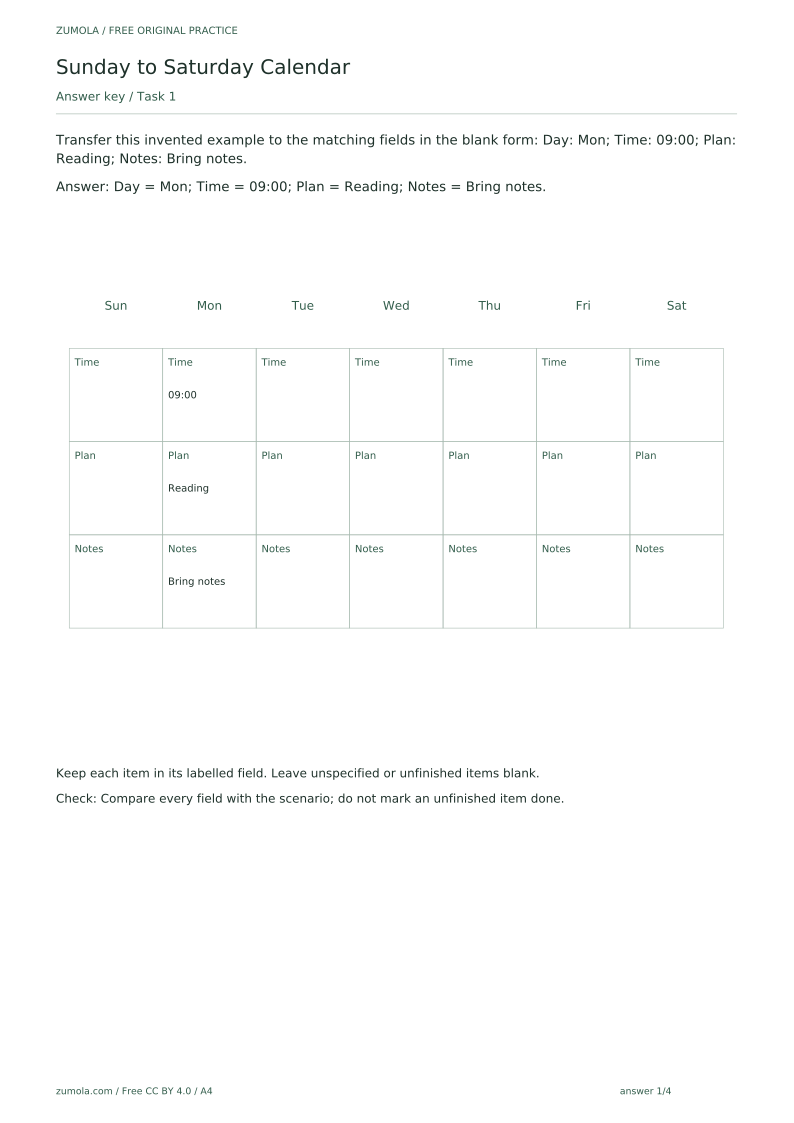
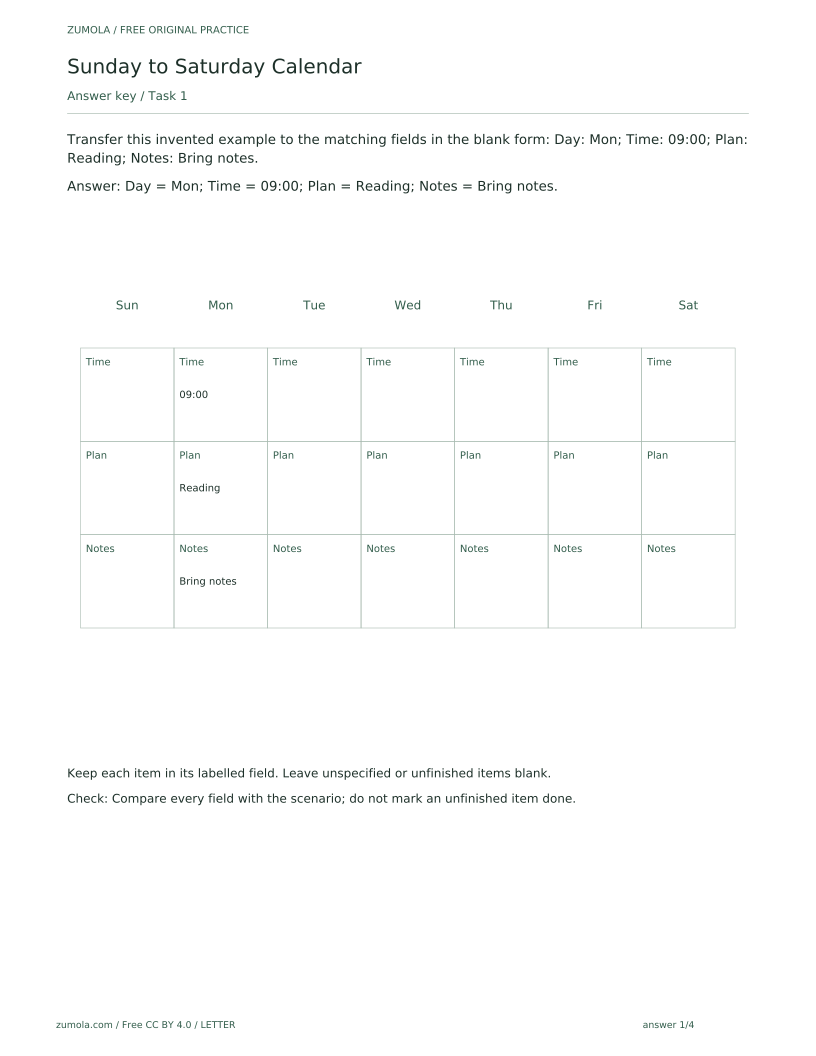
Transfer this invented example to the matching fields in the blank form: Day: Mon; Time: 09:00; Plan: Reading; Notes: Bring notes.
Show answer 1
Day = Mon; Time = 09:00; Plan = Reading; Notes = Bring notes.
Keep each item in its labelled field. Leave unspecified or unfinished items blank.
Check: Compare every field with the scenario; do not mark an unfinished item done.
Task 2
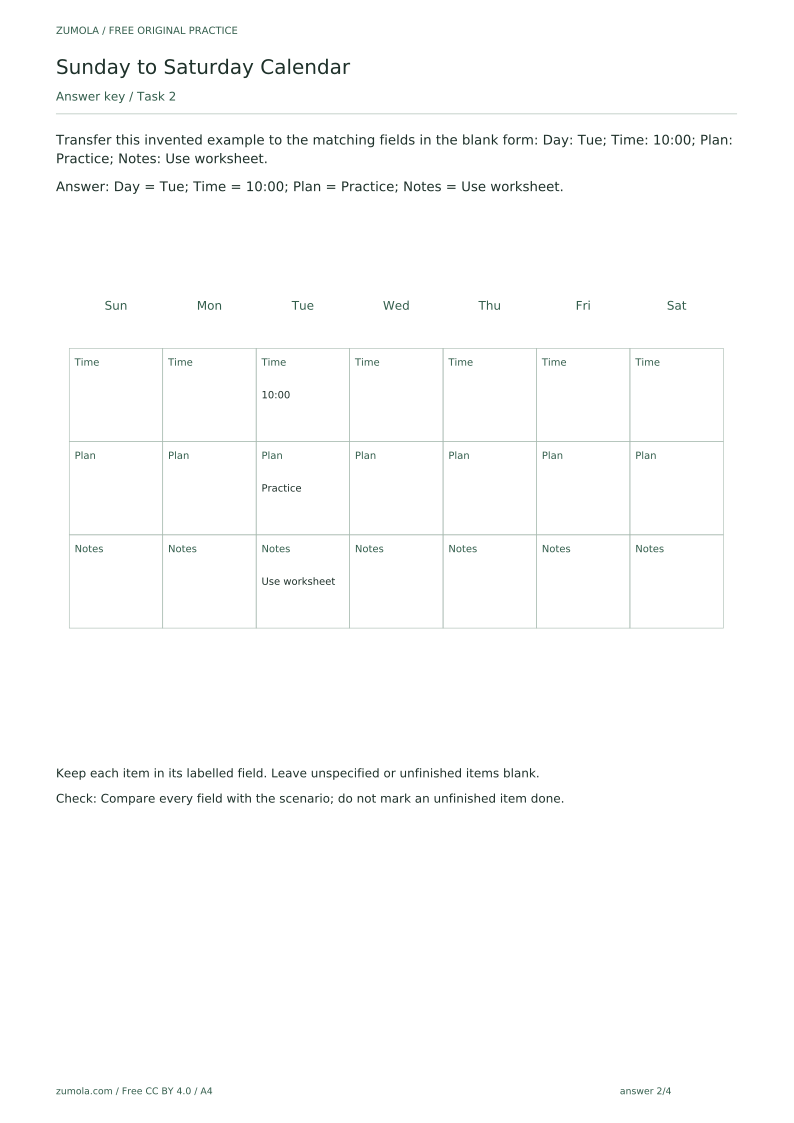
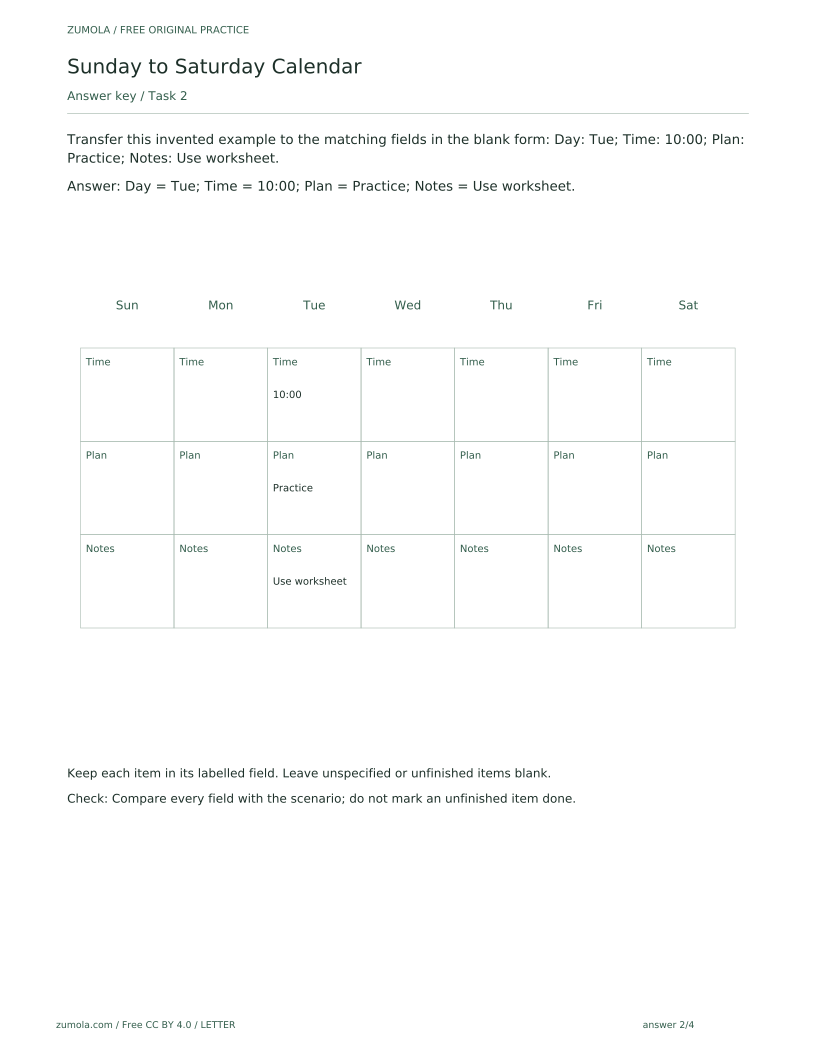
Transfer this invented example to the matching fields in the blank form: Day: Tue; Time: 10:00; Plan: Practice; Notes: Use worksheet.
Show answer 2
Day = Tue; Time = 10:00; Plan = Practice; Notes = Use worksheet.
Keep each item in its labelled field. Leave unspecified or unfinished items blank.
Check: Compare every field with the scenario; do not mark an unfinished item done.
Task 3
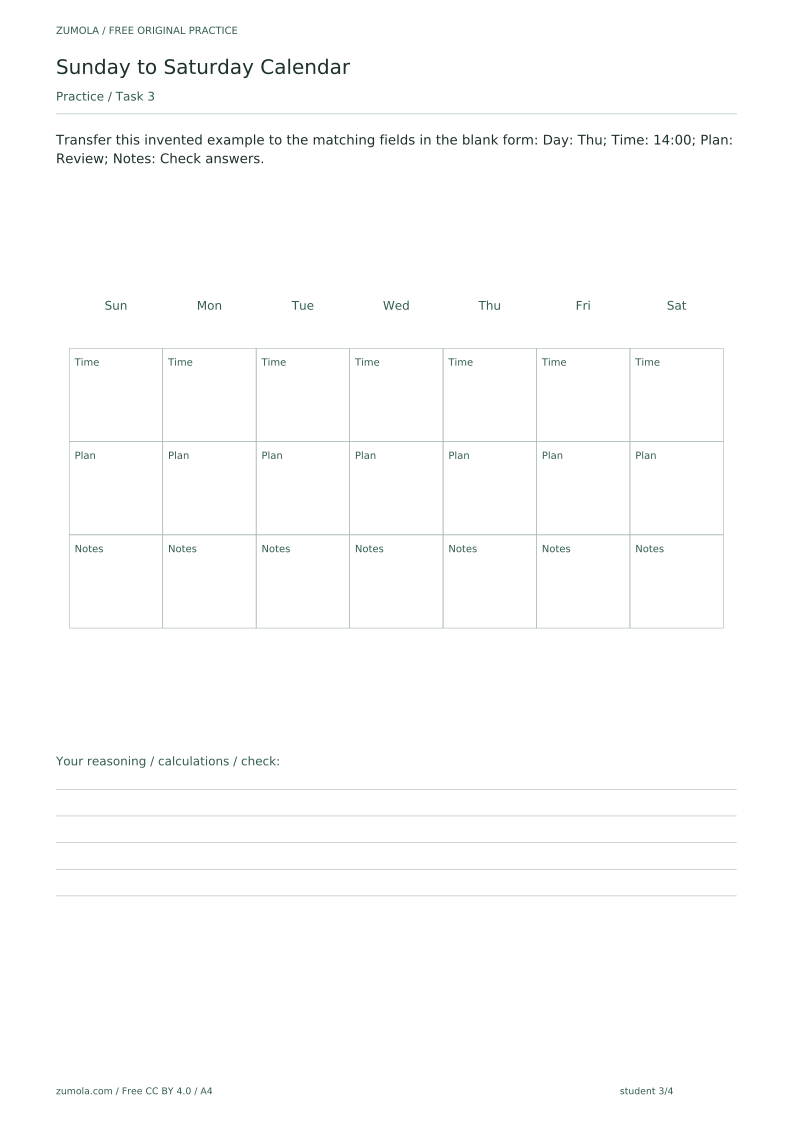
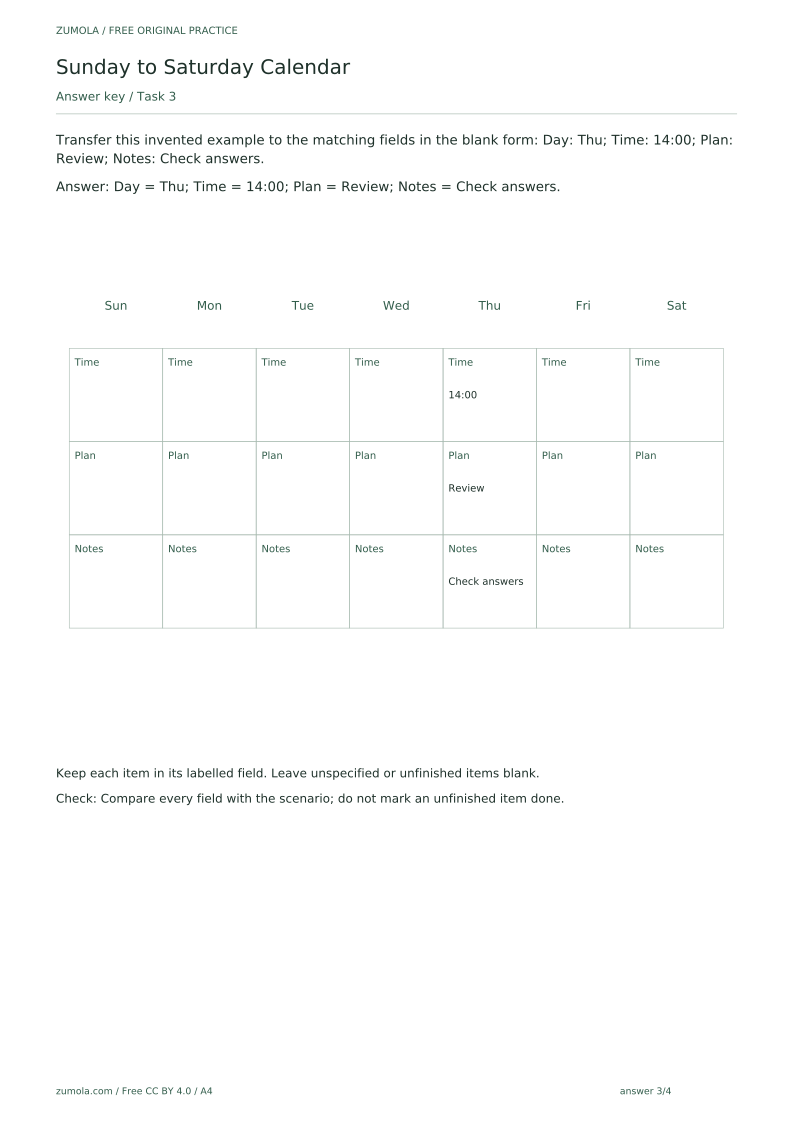
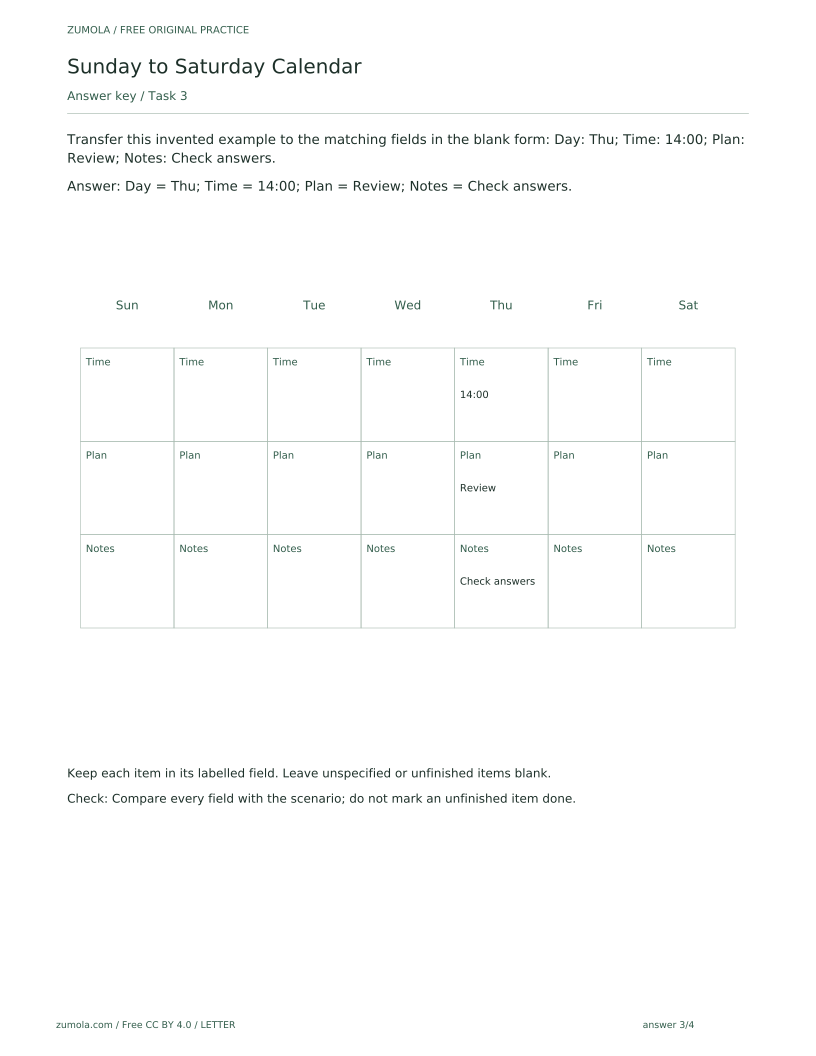
Transfer this invented example to the matching fields in the blank form: Day: Thu; Time: 14:00; Plan: Review; Notes: Check answers.
Show answer 3
Day = Thu; Time = 14:00; Plan = Review; Notes = Check answers.
Keep each item in its labelled field. Leave unspecified or unfinished items blank.
Check: Compare every field with the scenario; do not mark an unfinished item done.
Task 4
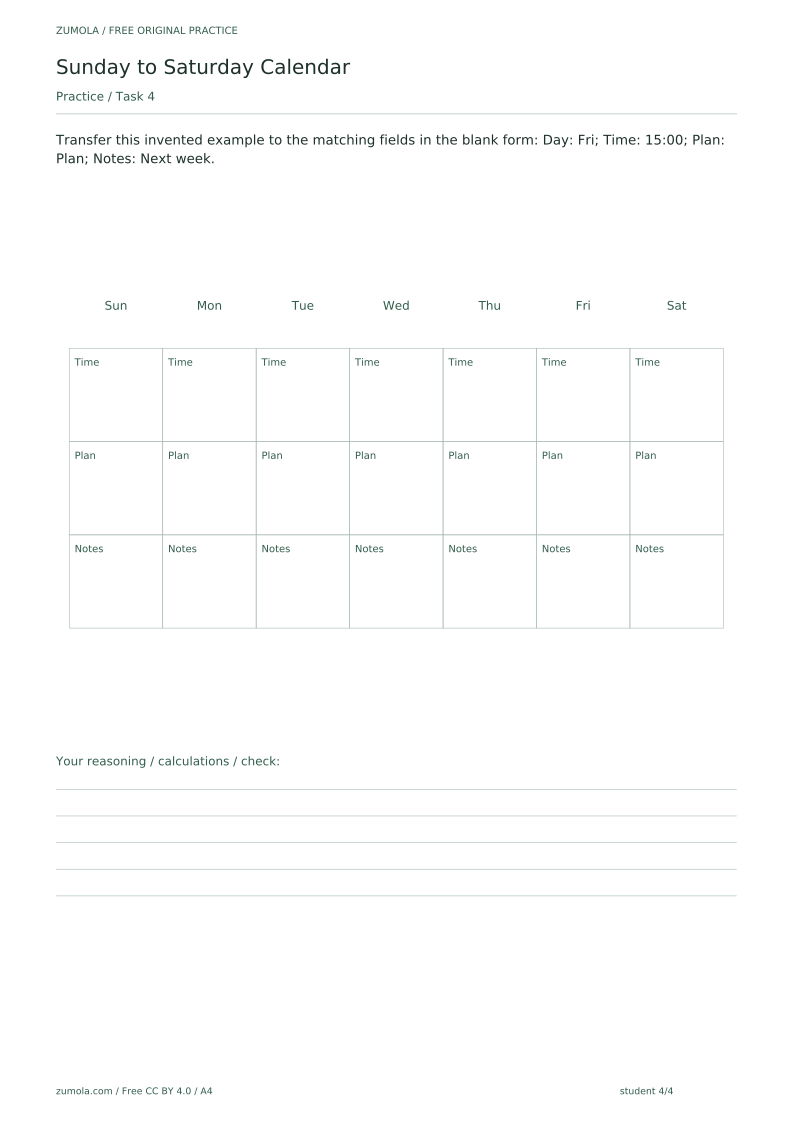
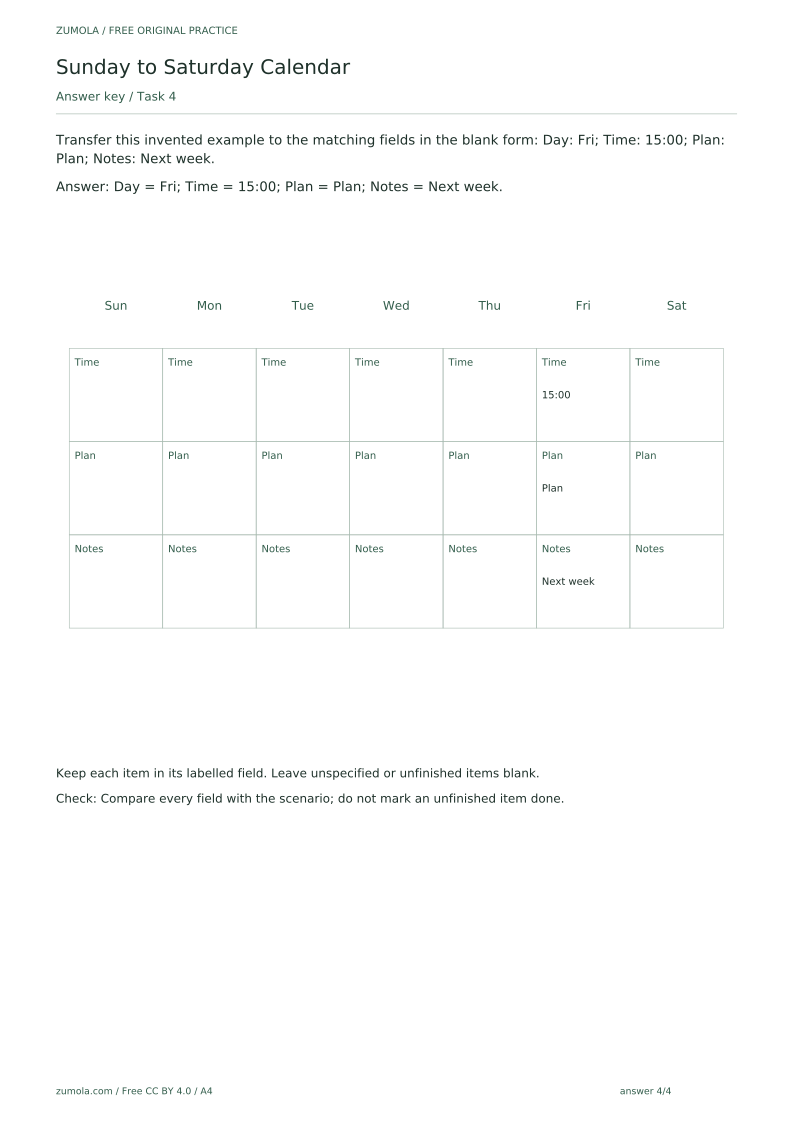
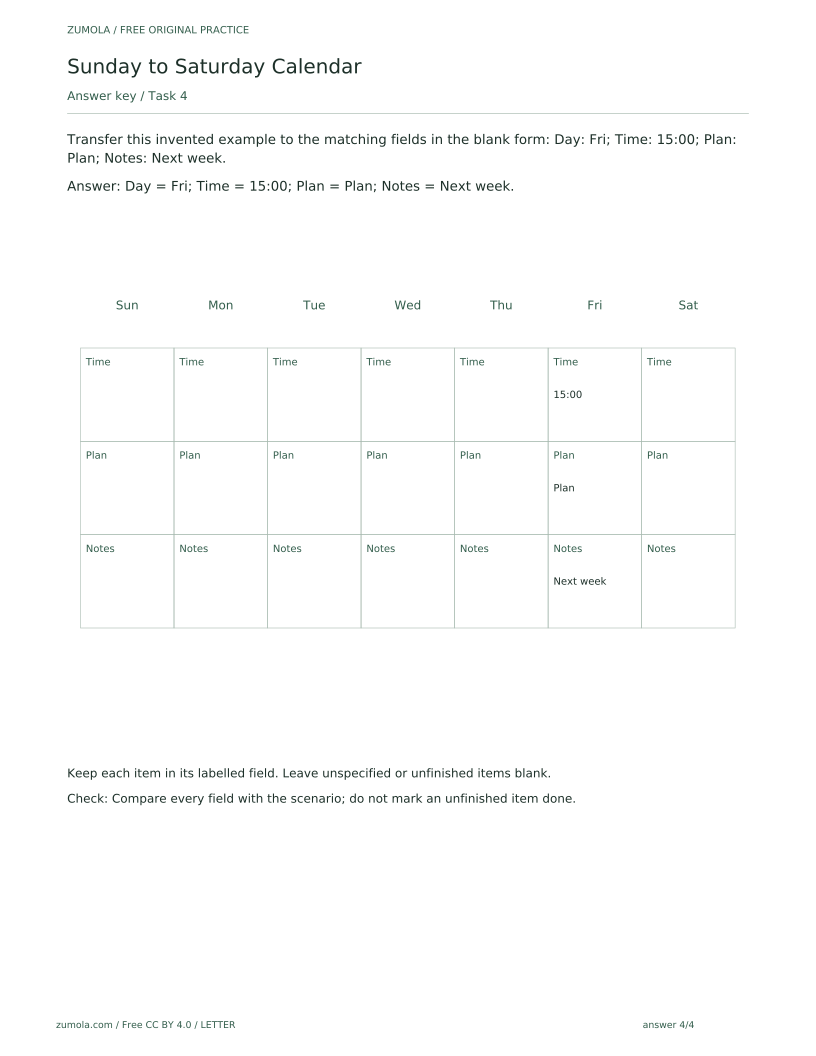
Transfer this invented example to the matching fields in the blank form: Day: Fri; Time: 15:00; Plan: Plan; Notes: Next week.
Show answer 4
Day = Fri; Time = 15:00; Plan = Plan; Notes = Next week.
Keep each item in its labelled field. Leave unspecified or unfinished items blank.
Check: Compare every field with the scenario; do not mark an unfinished item done.
Useful checks
- Do not treat a blank field or blank attempt area as a missing file; the blank space is intentional.
- Do not mark an unfinished item as done when checking against the answer sheet.
- Do not expect a built-in web editor, reminders or automatic scheduling; the pack is static, and SVG editing requires compatible external vector software that the site does not provide.
Questions about this resource
Is the Sunday to Saturday Calendar printable free?
Yes. All six PDFs and the 18 per-page SVGs are free, with separate A4 and US Letter versions for the reference, student and answer sheets.
Can I edit the calendar on a computer?
The SVG pages can be edited in compatible external vector-editing software, which the site does not provide. The PDFs are static printable pages with no interactive form fields, and there is no built-in web editor, no reminders and no automated scheduling; you can also simply print the sheet and fill in the fields by hand.