Free original lessons
Budget Planner Pages
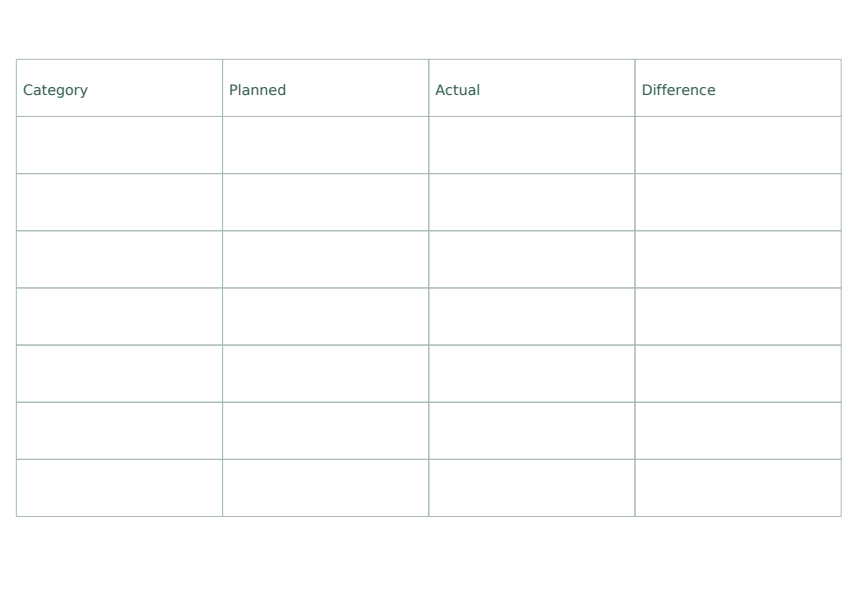
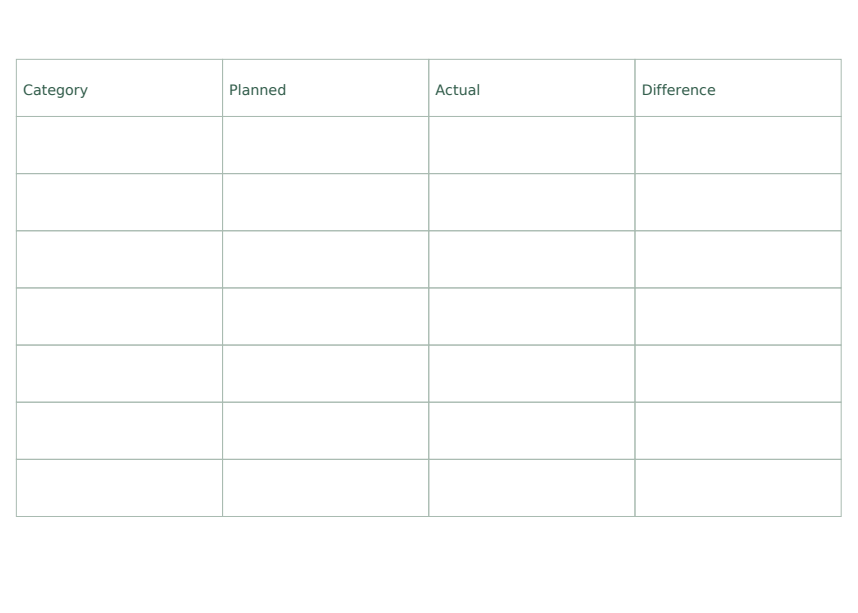
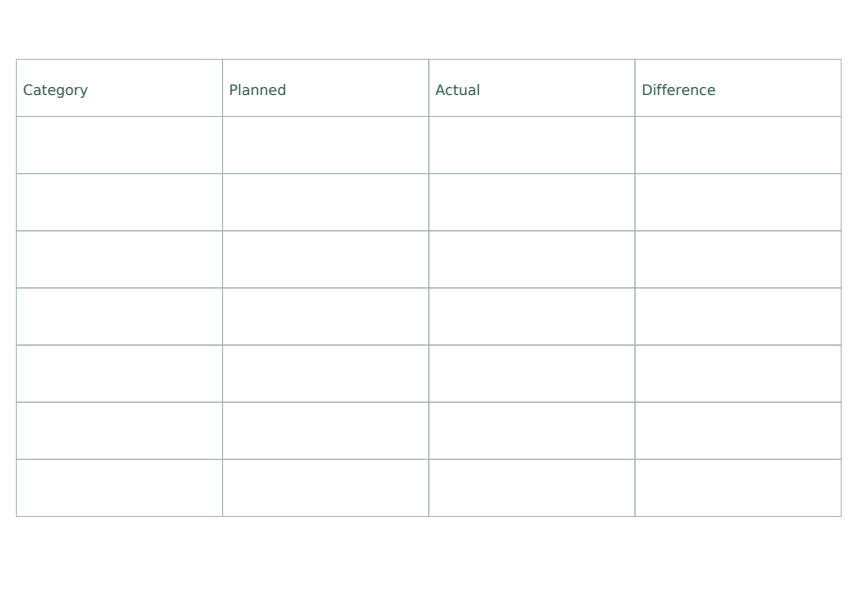
These free printable budget planner pages provide category, planned, actual and difference columns for comparing fictional category amounts. The pack has separate A4 and US Letter reference, student and answer PDFs, plus editable SVG vector pages. The practice amounts are fictional; the pages offer no financial advice.
Letter & A4
PDF & SVG
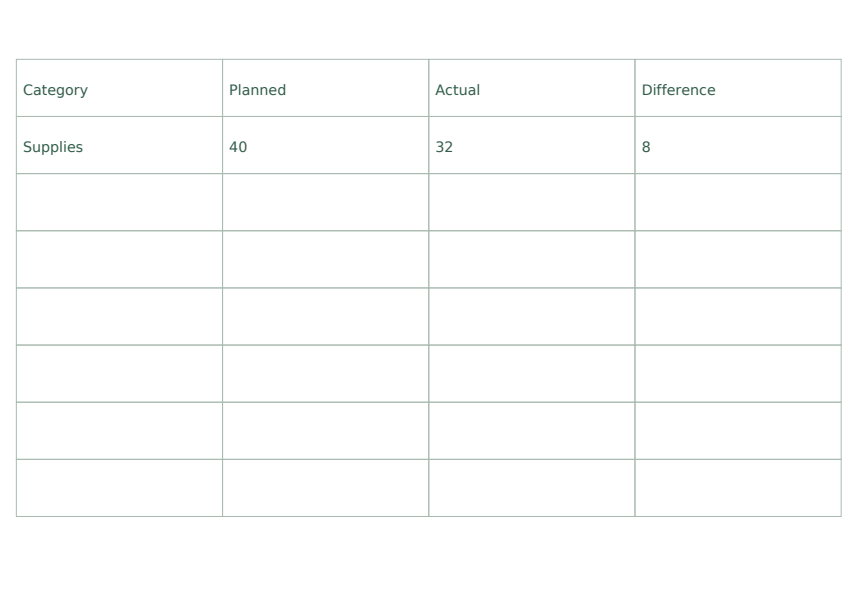
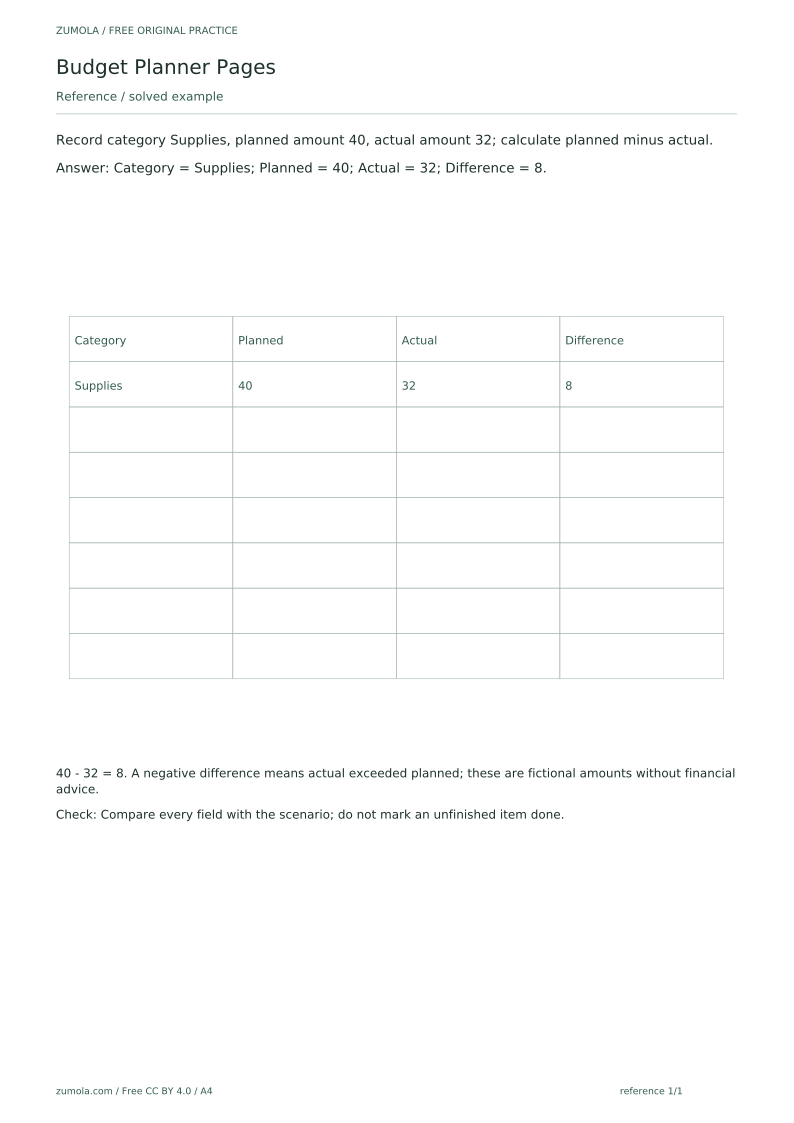
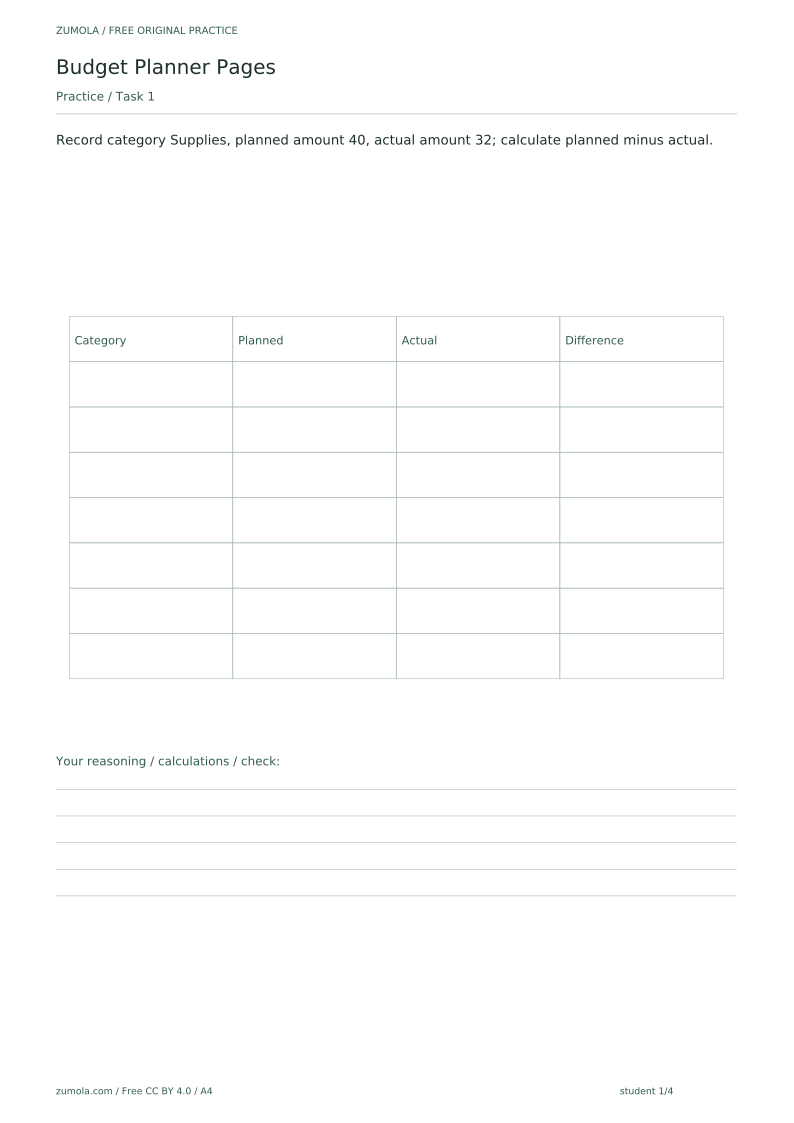
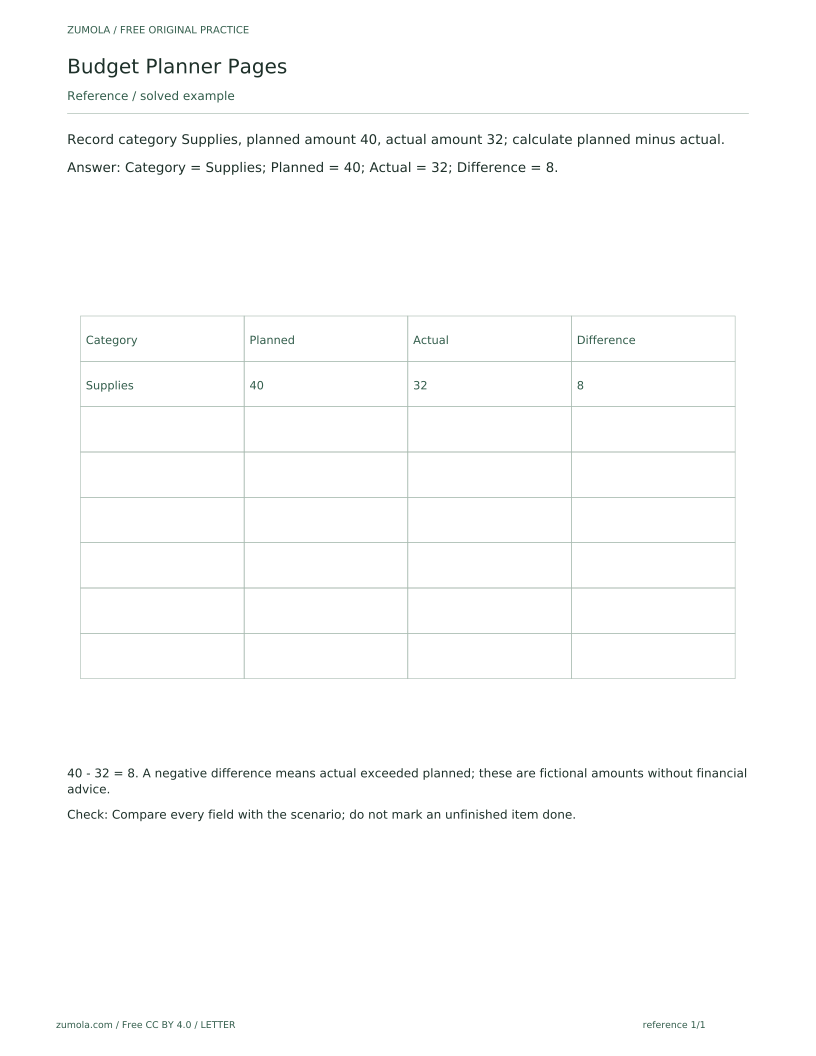
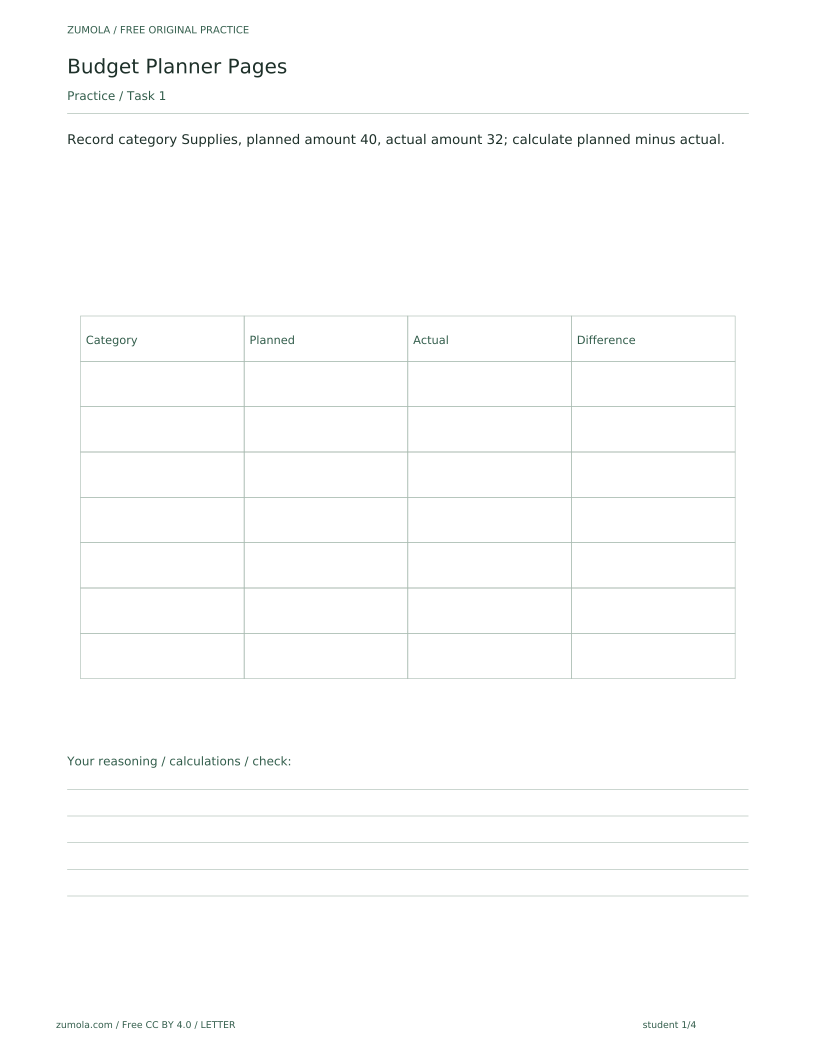
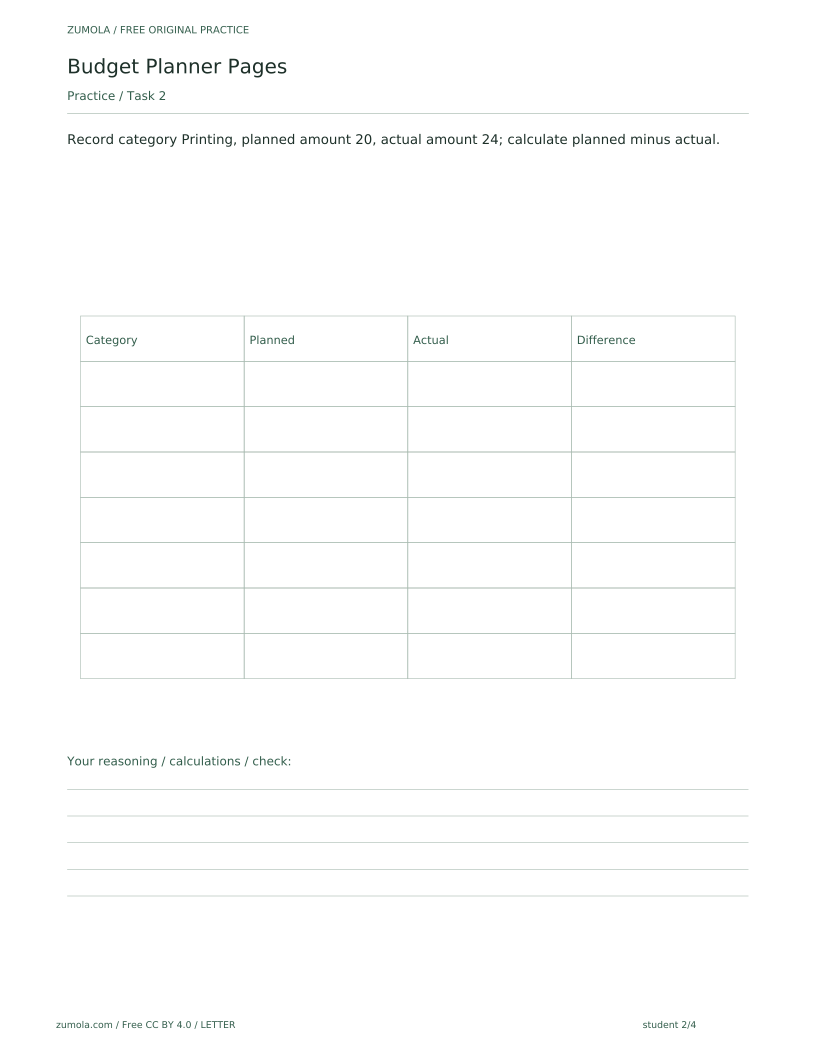
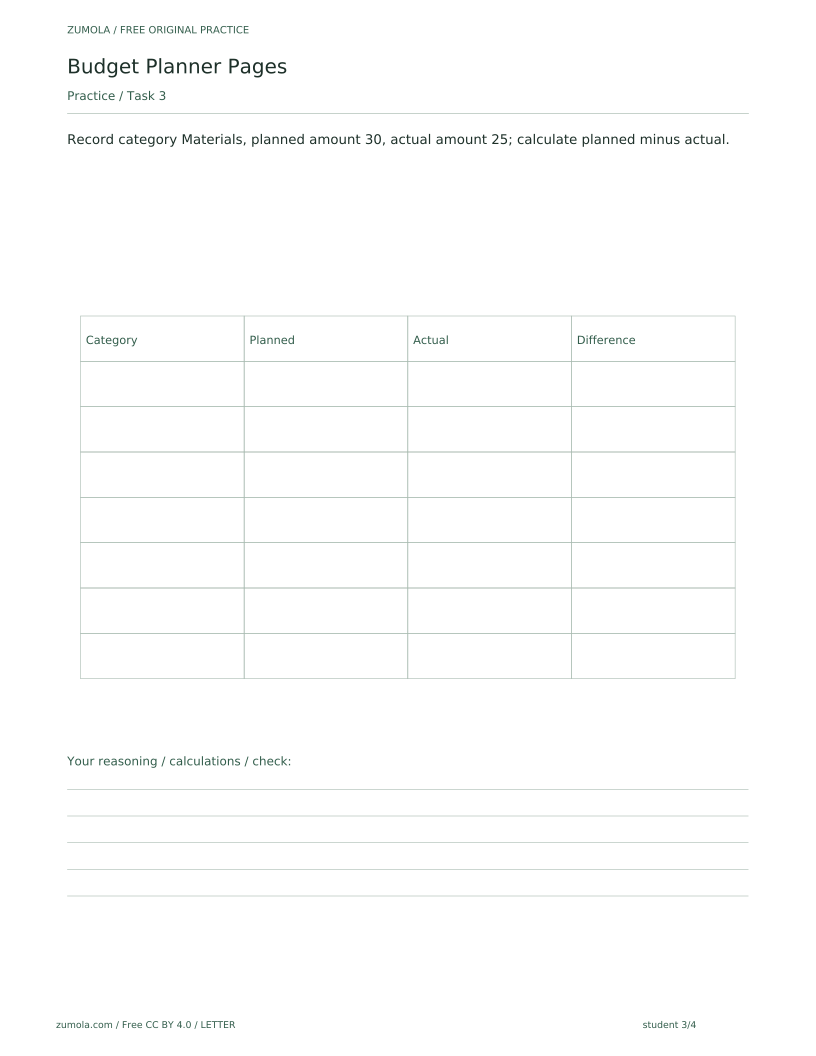
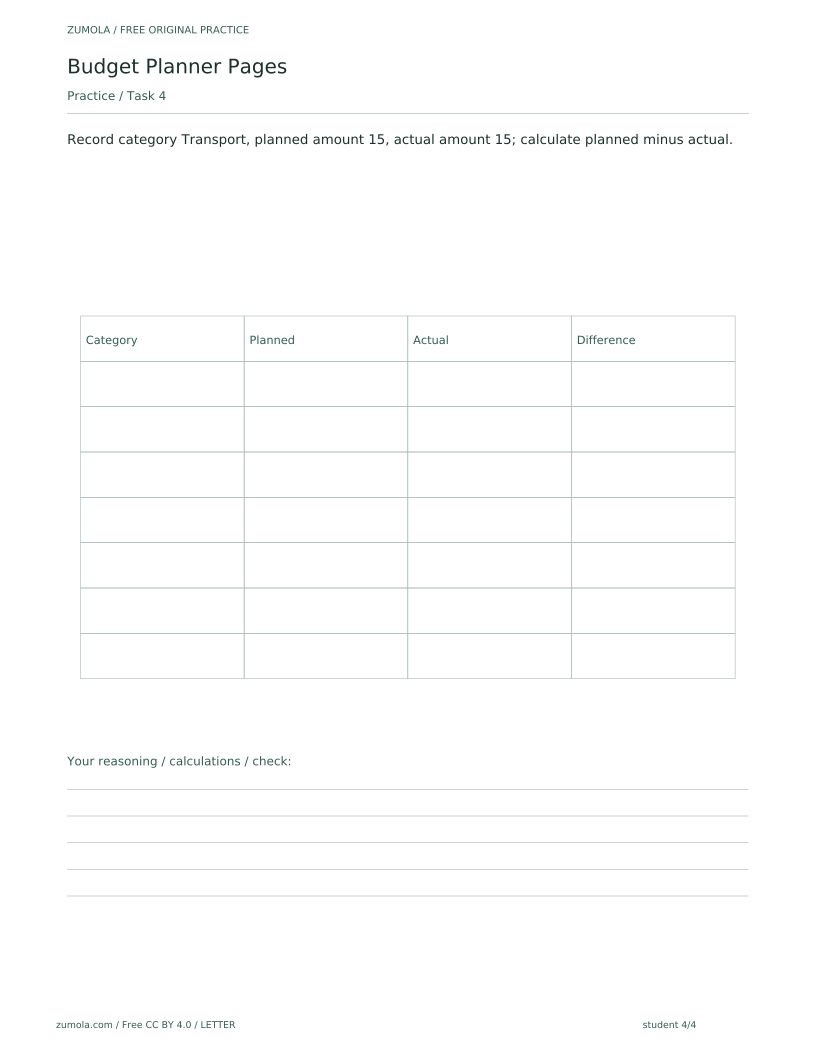
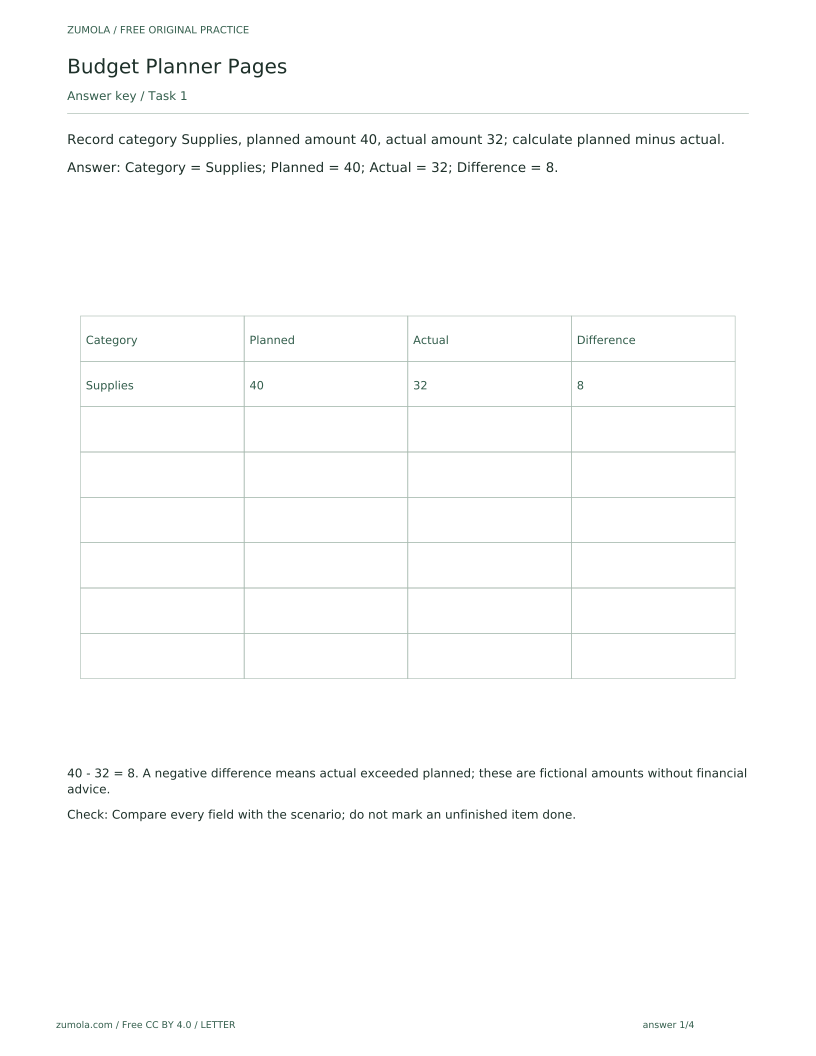
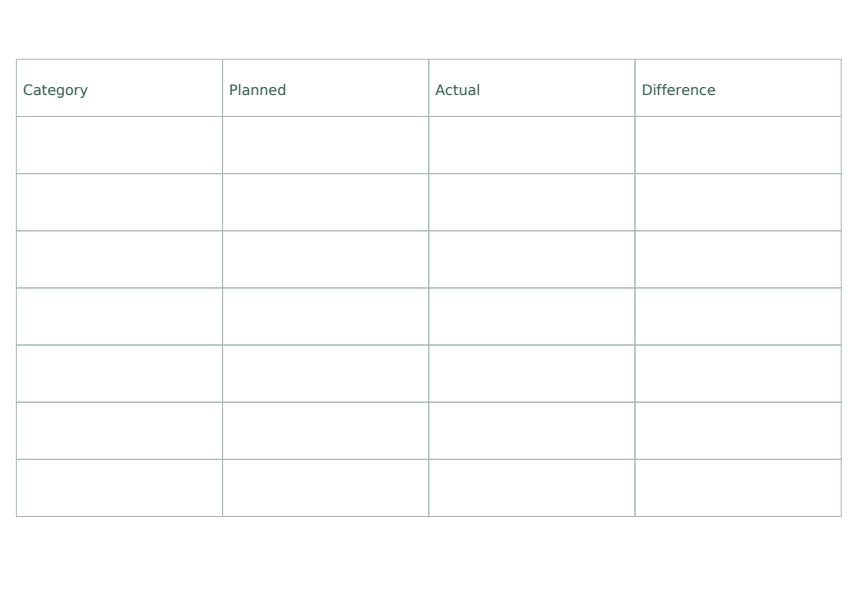
The reference version solves the first task as a guided example: category Supplies, planned amount 40, actual amount 32, difference 8, with the working shown as 40 - 32 = 8. The student version presents the same kind of form with the attempt area left blank on purpose; a blank field is deliberate and does not mean a file is missing. Students fill in category, planned amount, actual amount and difference, then compare against the answer PDF. A negative difference means actual exceeded planned. The amounts are fictional and the pages offer no financial advice. The SVG pages are static vector pages that can be edited in compatible external vector-editing software, which is not provided by the site; there is no built-in web editor, notification or automated scheduling feature, and the pack is a bounded static printable with no future downloads promised. The complete inventory is six PDFs: reference 1 page, student 4 pages and answers 4 pages in each paper size. That is 18 PDF pages and 18 matching SVG pages.
Download the complete resource pack
All individual editable SVG pages (18)
- A4 reference page 1
- A4 student page 1
- A4 student page 2
- A4 student page 3
- A4 student page 4
- A4 answer page 1
- A4 answer page 2
- A4 answer page 3
- A4 answer page 4
- LETTER reference page 1
- LETTER student page 1
- LETTER student page 2
- LETTER student page 3
- LETTER student page 4
- LETTER answer page 1
- LETTER answer page 2
- LETTER answer page 3
- LETTER answer page 4
Print at 100% / actual size. Use the stated scale on any schematic diagram; physical cutting templates are identified separately. A4 and US Letter are separate files. Free access, no signup; CC BY 4.0.
How to use these pages
- Choose the A4 or US Letter set, then print the reference page and read the worked Supplies example.
- Print the student page and record each category with its planned and actual amounts.
- Calculate difference as planned minus actual for every row, including zero and negative results.
- Check each field against the scenario and the answer PDF; do not mark an unfinished item done.
- Compare the planned and actual figures in each completed row; a negative difference means actual exceeded planned.
Four practice tasks and complete answers
Task 1
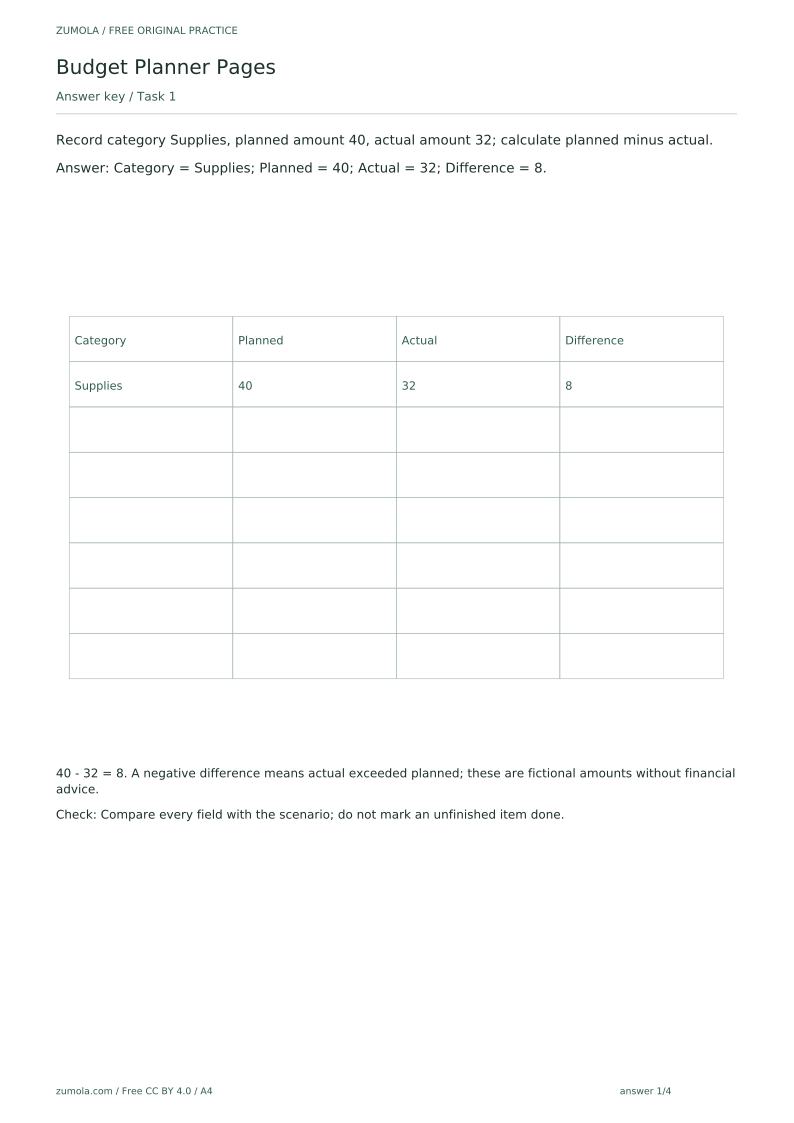
Record category Supplies, planned amount 40, actual amount 32; calculate planned minus actual.
Show answer 1
Category = Supplies; Planned = 40; Actual = 32; Difference = 8.
40 - 32 = 8. A negative difference means actual exceeded planned; these are fictional amounts without financial advice.
Check: Compare every field with the scenario; do not mark an unfinished item done.
Task 2
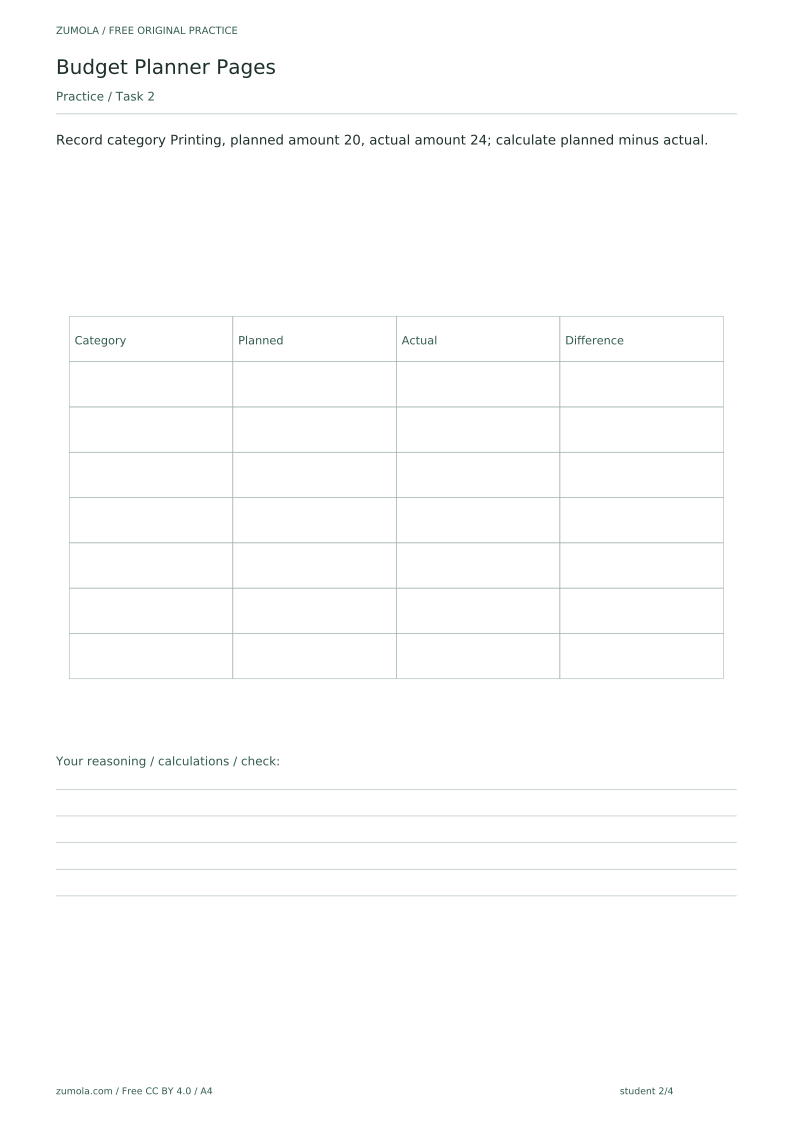
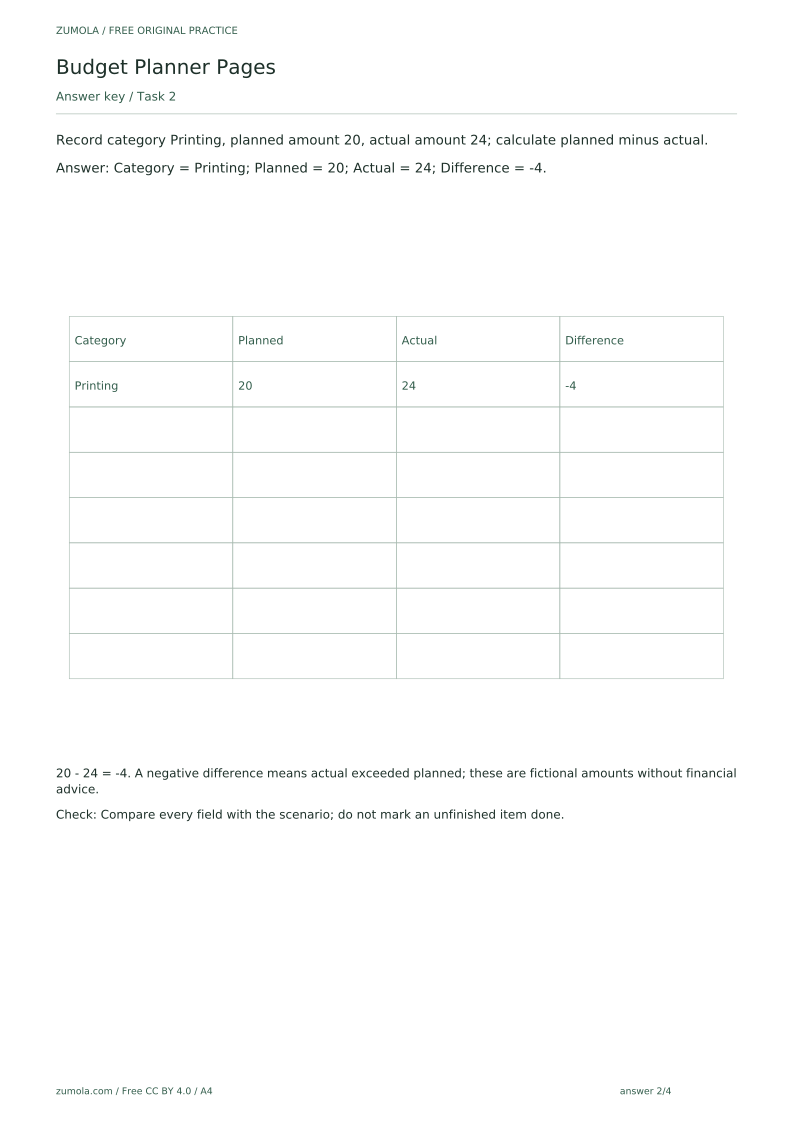
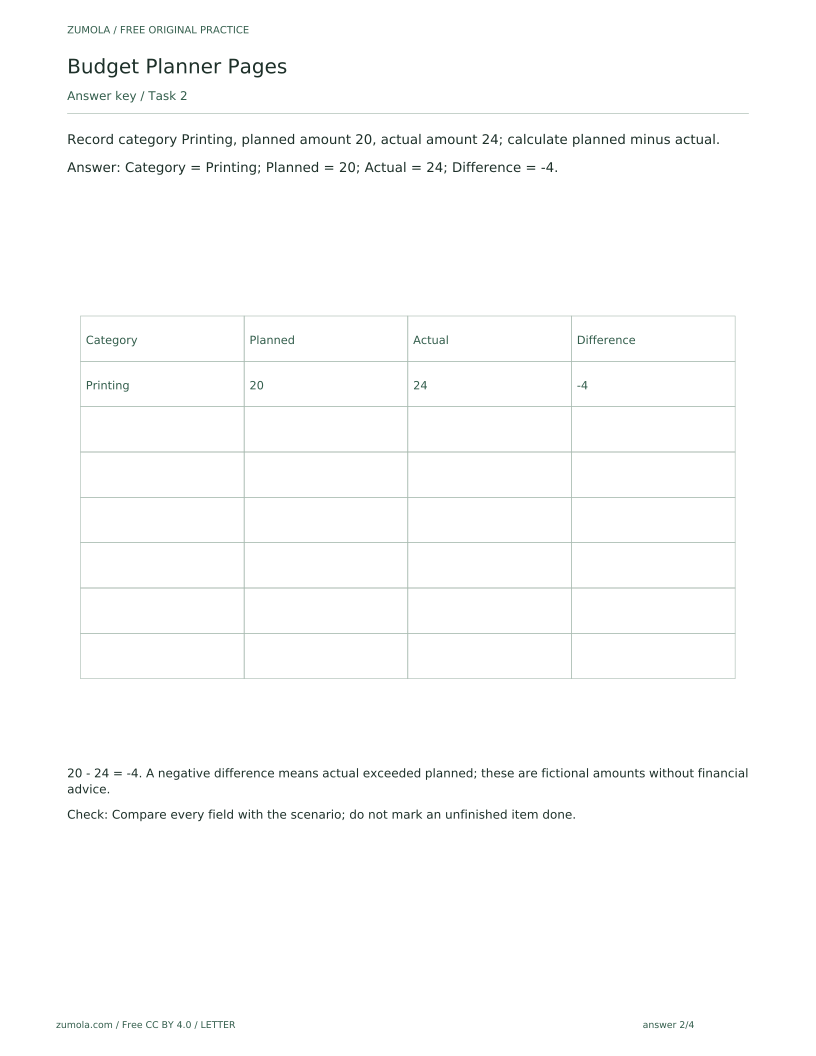
Record category Printing, planned amount 20, actual amount 24; calculate planned minus actual.
Show answer 2
Category = Printing; Planned = 20; Actual = 24; Difference = -4.
20 - 24 = -4. A negative difference means actual exceeded planned; these are fictional amounts without financial advice.
Check: Compare every field with the scenario; do not mark an unfinished item done.
Task 3
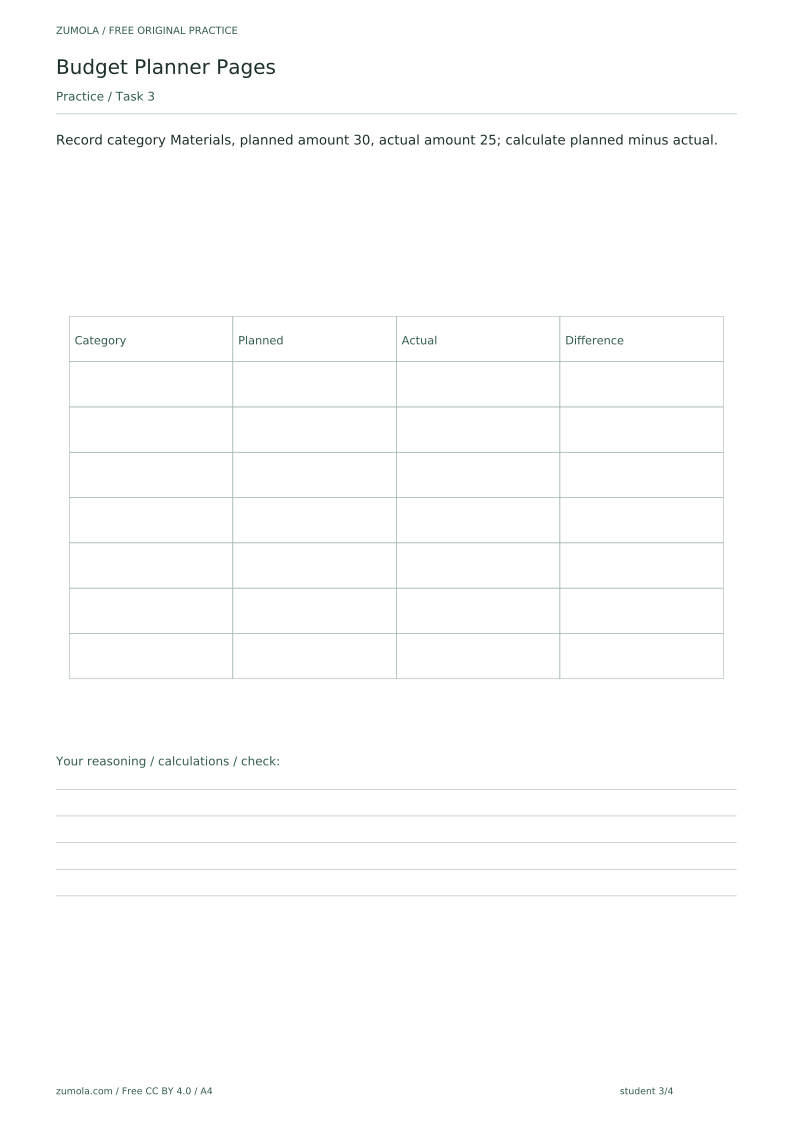
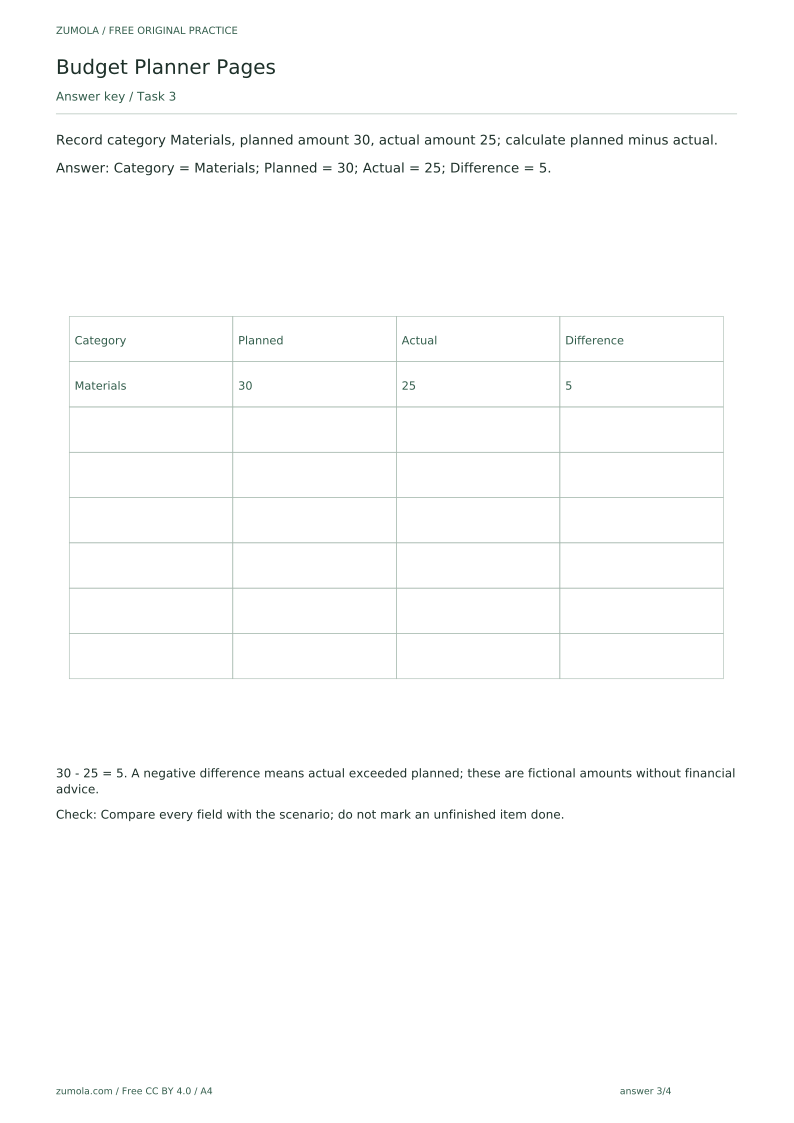
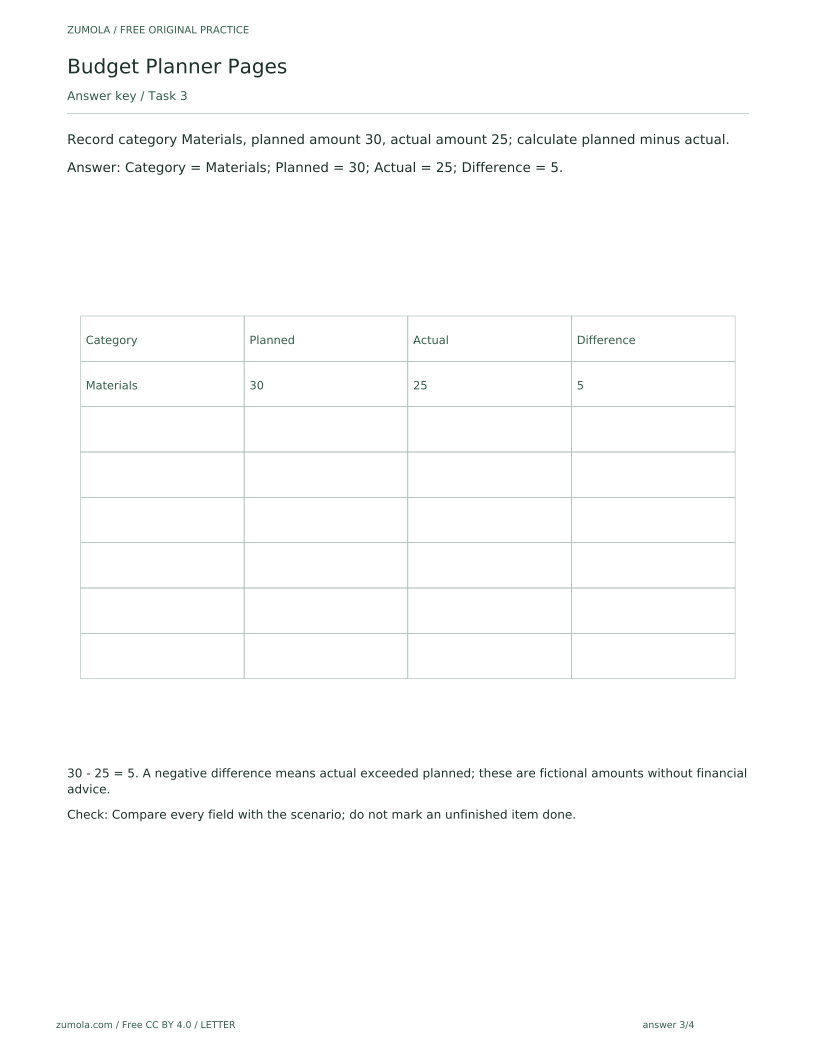
Record category Materials, planned amount 30, actual amount 25; calculate planned minus actual.
Show answer 3
Category = Materials; Planned = 30; Actual = 25; Difference = 5.
30 - 25 = 5. A negative difference means actual exceeded planned; these are fictional amounts without financial advice.
Check: Compare every field with the scenario; do not mark an unfinished item done.
Task 4
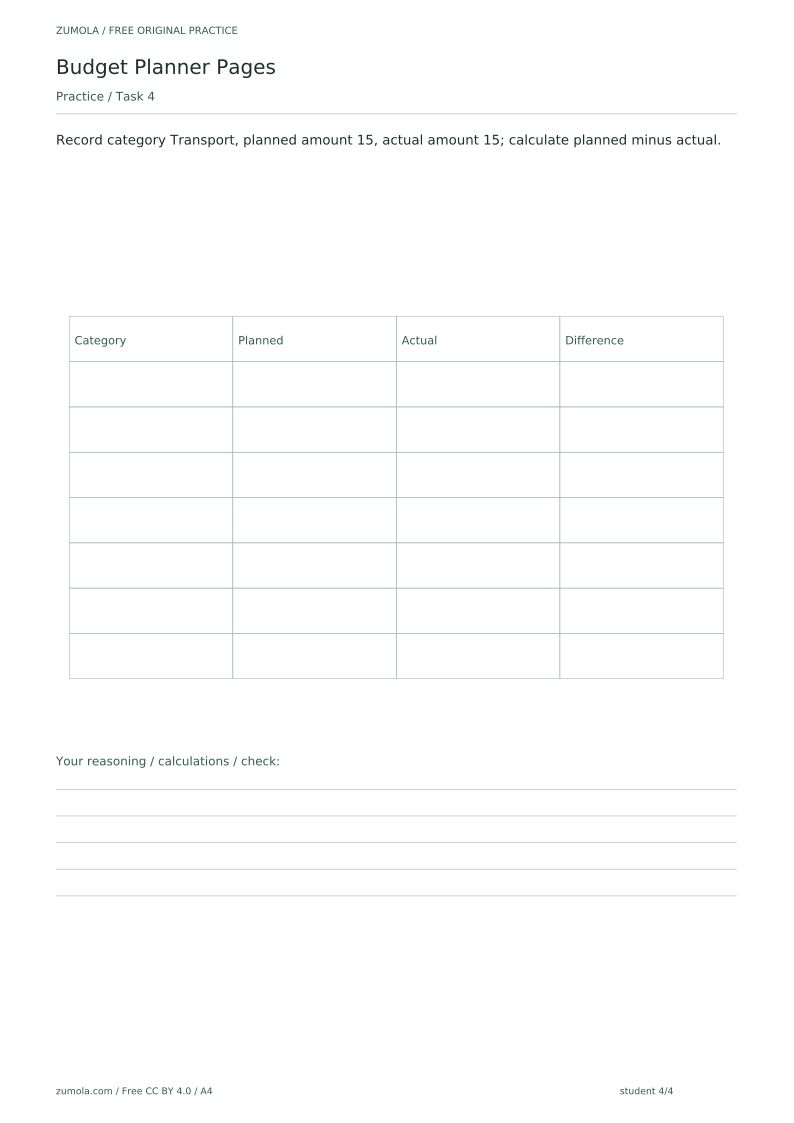
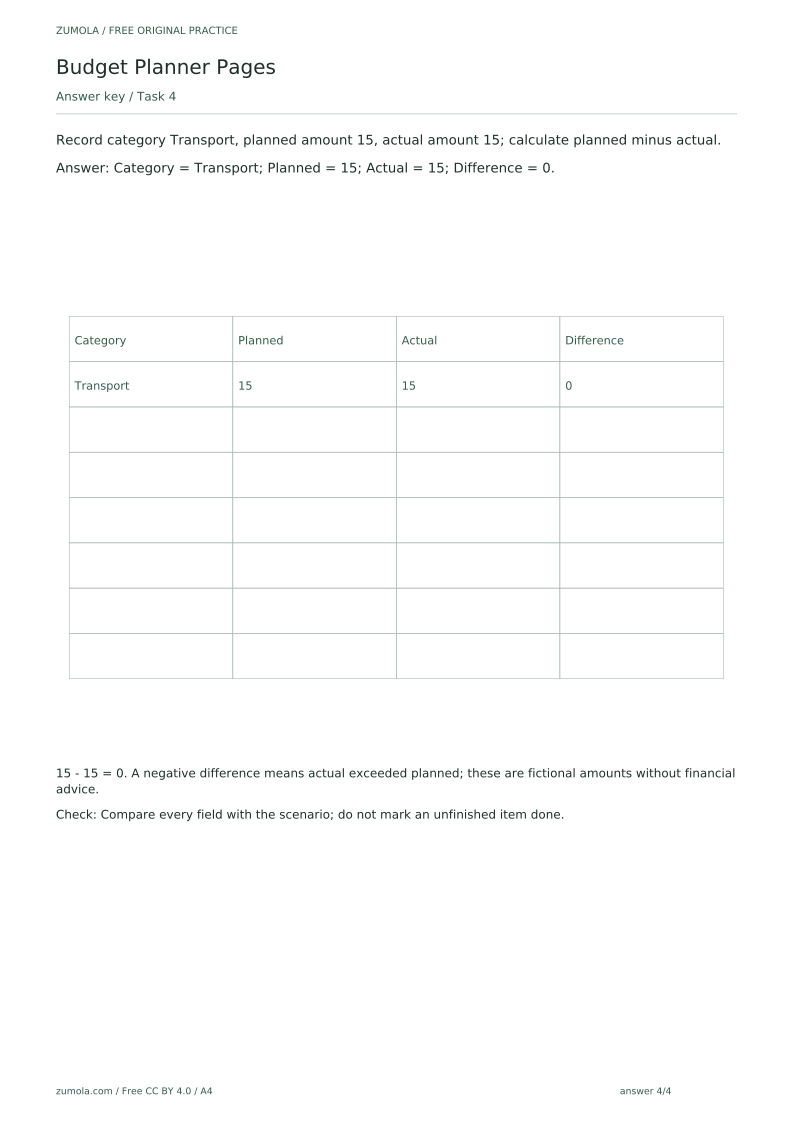
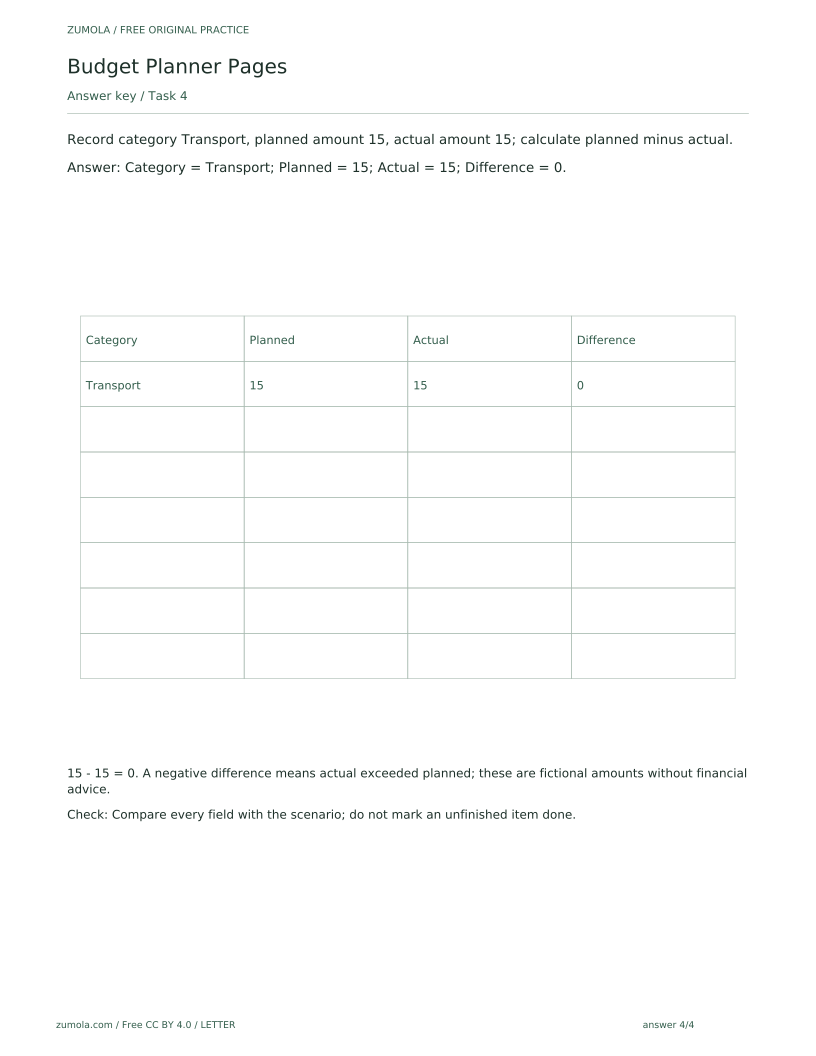
Record category Transport, planned amount 15, actual amount 15; calculate planned minus actual.
Show answer 4
Category = Transport; Planned = 15; Actual = 15; Difference = 0.
15 - 15 = 0. A negative difference means actual exceeded planned; these are fictional amounts without financial advice.
Check: Compare every field with the scenario; do not mark an unfinished item done.
Useful checks
- Leaving a row partly filled and treating it as complete; the check method requires comparing every field.
- Reversing the subtraction; difference is planned minus actual, so overspending appears as a negative number.
- Assuming the blank attempt area is a missing download; it is intentionally blank for student work.
Questions about this resource
Is the blank attempt area a missing file?
No. The blank field is deliberate and is where students write their attempt; the reference, student and answer PDFs are separate files.
Can I edit the planner on a computer?
The SVG pages can be edited in compatible external vector-editing software, which is not provided by the site. The PDFs are static printables, and no built-in web editor, notification or automated scheduling feature is included.