Free original lessons
Printable To-Do List
This free printable to-do list gives students a simple daily planning form with a task column, a priority column, a due column and checkbox rows for marking work done. The pack includes static printable PDFs and SVG vector pages; the SVG pages can be edited in compatible external vector-editing software, but no built-in web editor, notifications or automated scheduling are provided. All people, events and amounts shown in the examples are fictional.
Letter & A4
PDF & SVG
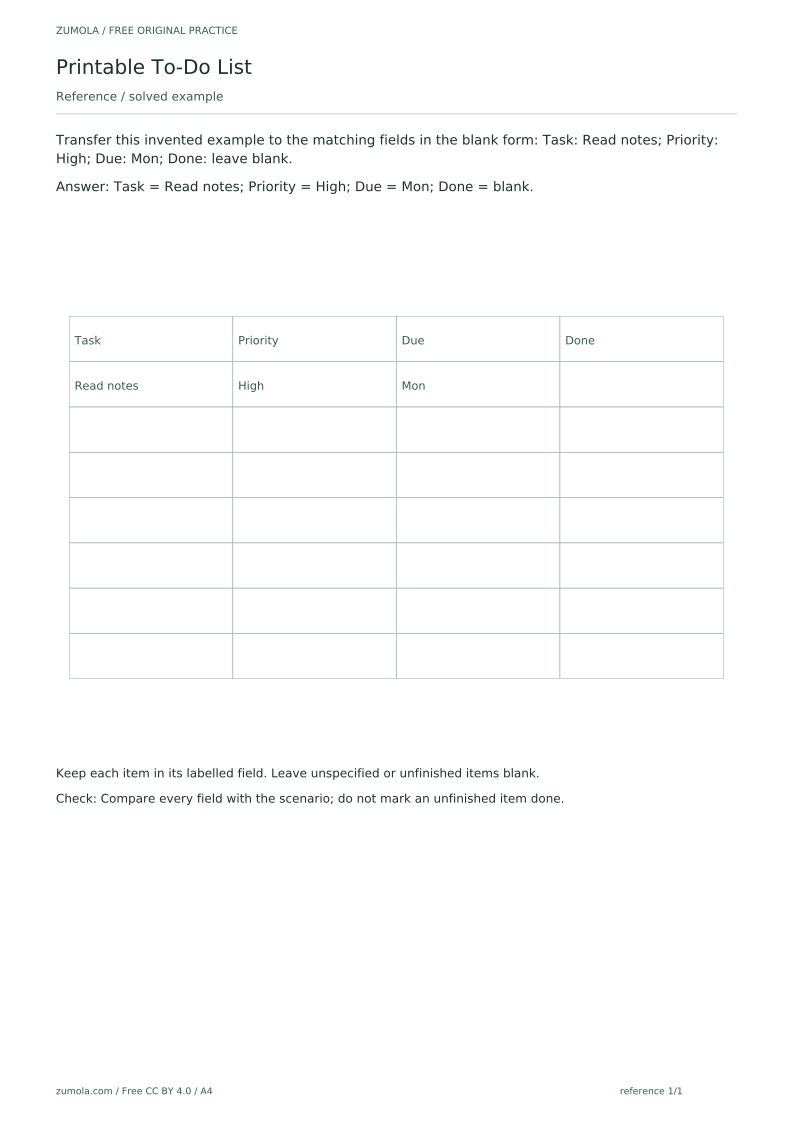
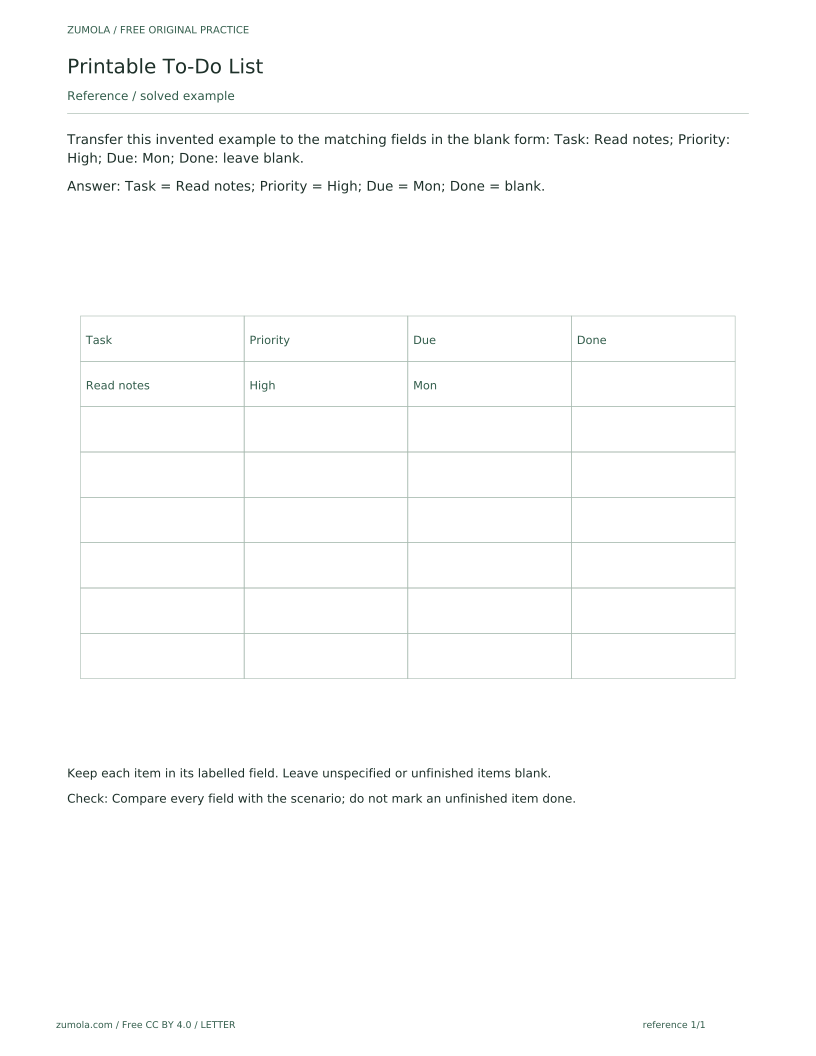
The download contains six PDFs across two paper sizes, A4 and US Letter, with a separate reference, student and answer PDF for each size, plus one SVG for every page. The reference sheet solves the first task as a guided example: it shows how an invented item is placed into the matching fields, with the task, priority and due date filled in and the Done field left blank because the item is unfinished. The student sheet keeps the same field layout but leaves the attempt area blank on purpose; a blank field is deliberate and does not mean a file is missing. The answer PDF lets students compare their entries field by field. Use the sheet to practise reading a short scenario, deciding which detail belongs in which column, and leaving anything unspecified or unfinished empty rather than guessing.
Download the complete resource pack
All individual editable SVG pages (18)
- A4 reference page 1
- A4 student page 1
- A4 student page 2
- A4 student page 3
- A4 student page 4
- A4 answer page 1
- A4 answer page 2
- A4 answer page 3
- A4 answer page 4
- LETTER reference page 1
- LETTER student page 1
- LETTER student page 2
- LETTER student page 3
- LETTER student page 4
- LETTER answer page 1
- LETTER answer page 2
- LETTER answer page 3
- LETTER answer page 4
Print at 100% / actual size. Use the stated scale on any schematic diagram; physical cutting templates are identified separately. A4 and US Letter are separate files. Free access, no signup; CC BY 4.0.
How to use these pages
- Choose the A4 or US Letter set and print the reference and student sheets.
- Read the guided example on the reference sheet and note how each detail sits in its labelled field.
- On the student sheet, write each task under Task, its priority under Priority and its day under Due.
- Leave the Done checkbox empty for any item that is not finished.
- Check your entries against the answer PDF, comparing every field rather than only the task names.
Four practice tasks and complete answers
Task 1
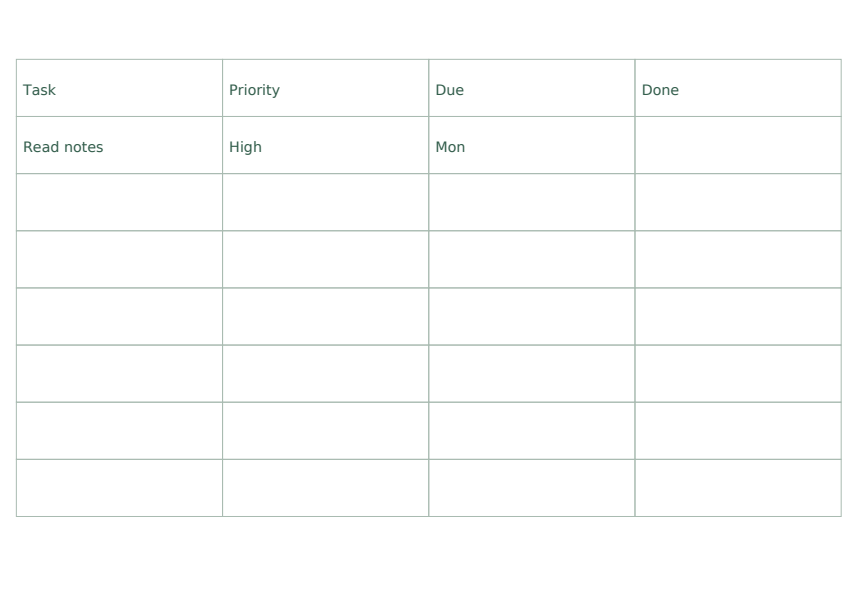
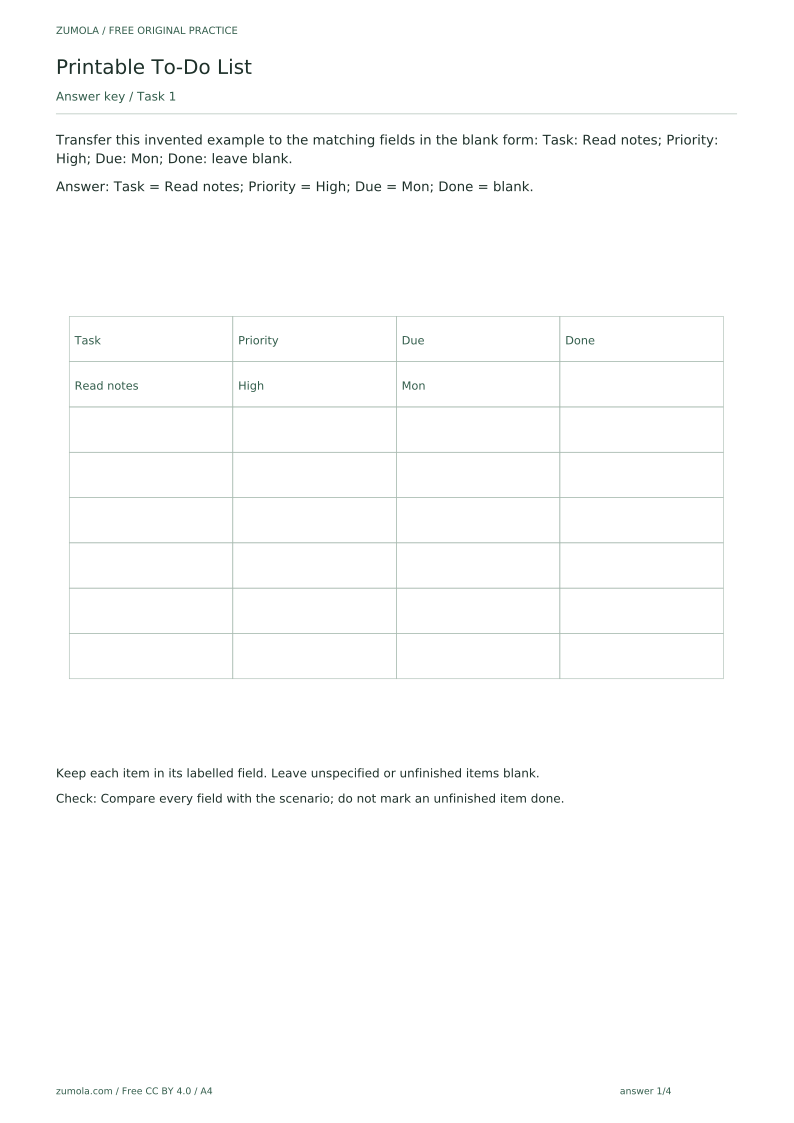
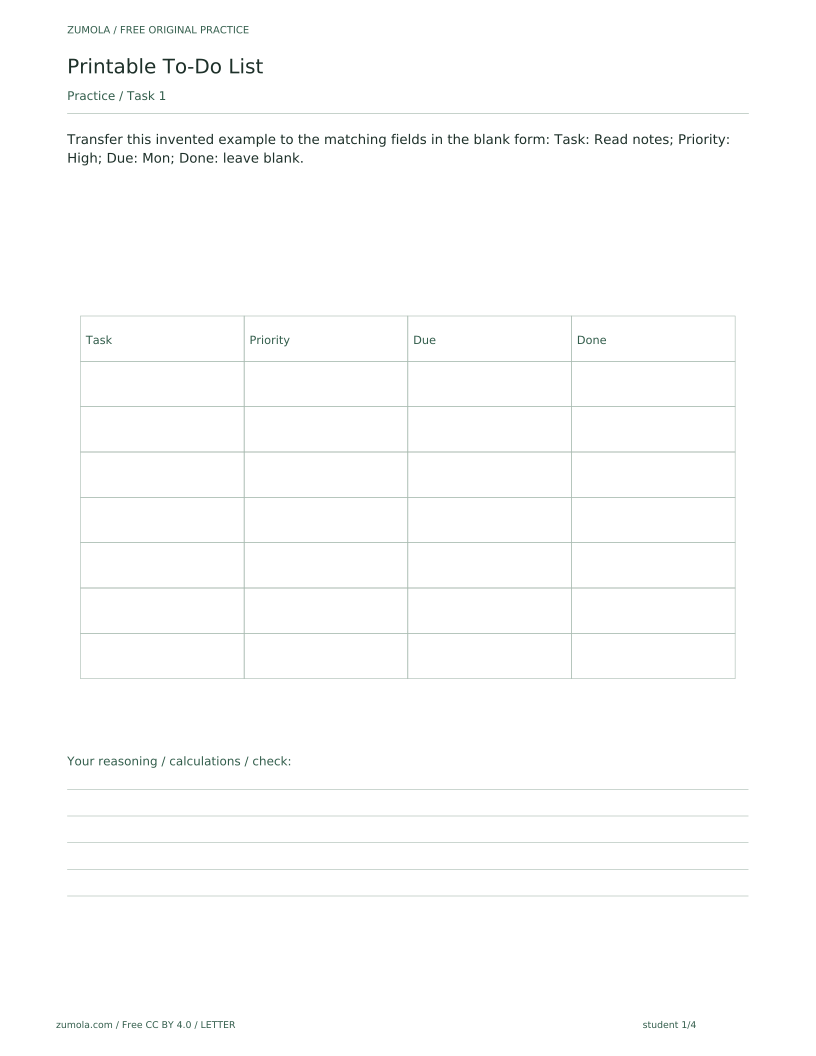
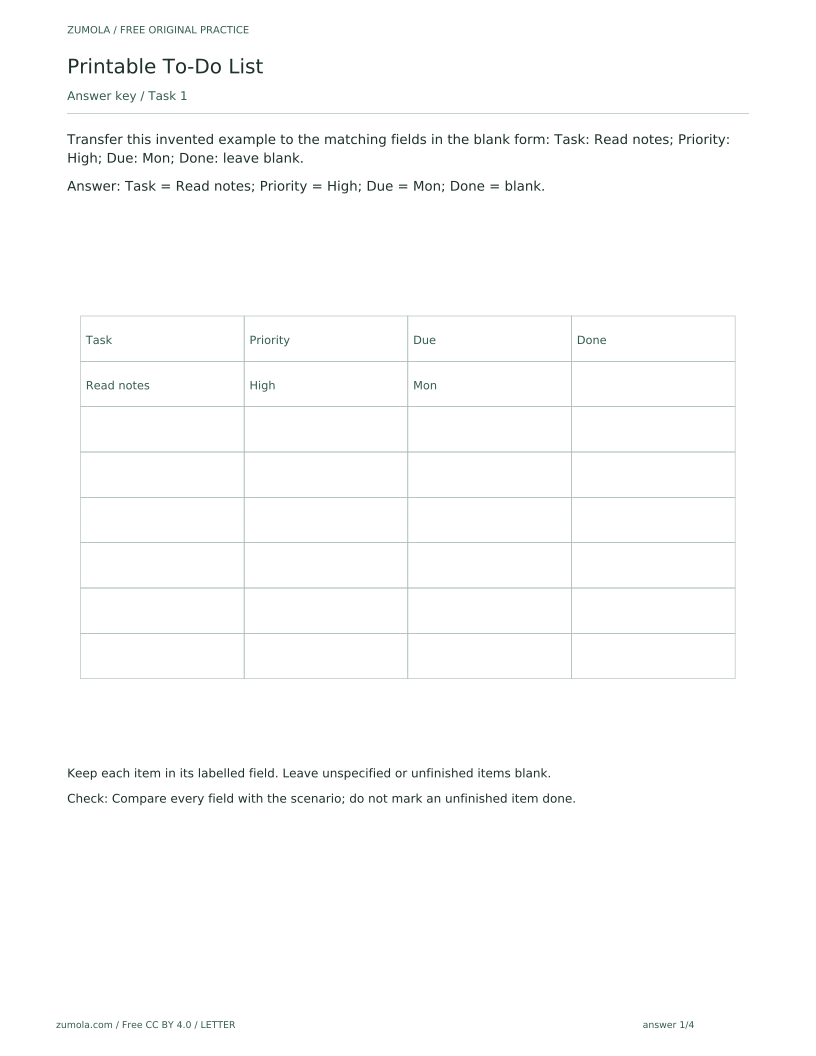
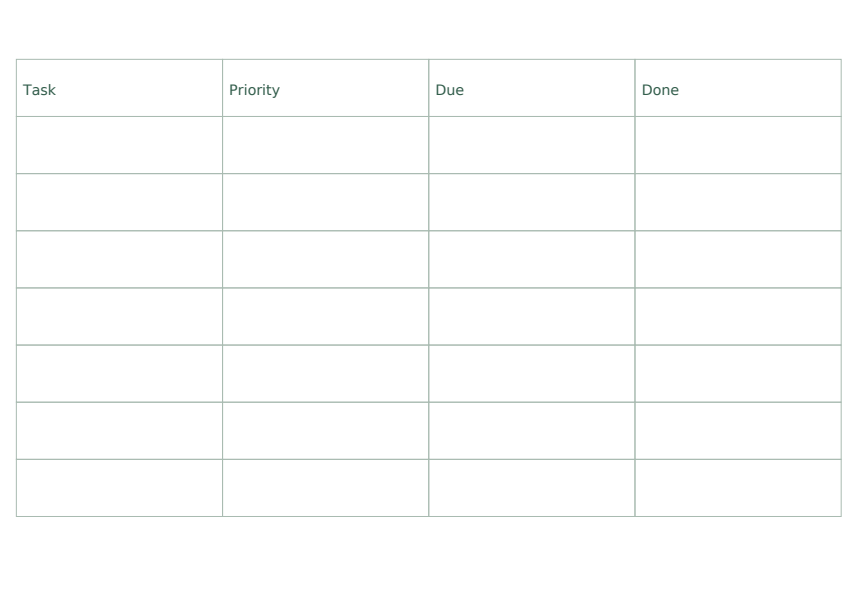
Transfer this invented example to the matching fields in the blank form: Task: Read notes; Priority: High; Due: Mon; Done: leave blank.
Show answer 1
Task = Read notes; Priority = High; Due = Mon; Done = blank.
Keep each item in its labelled field. Leave unspecified or unfinished items blank.
Check: Compare every field with the scenario; do not mark an unfinished item done.
Task 2
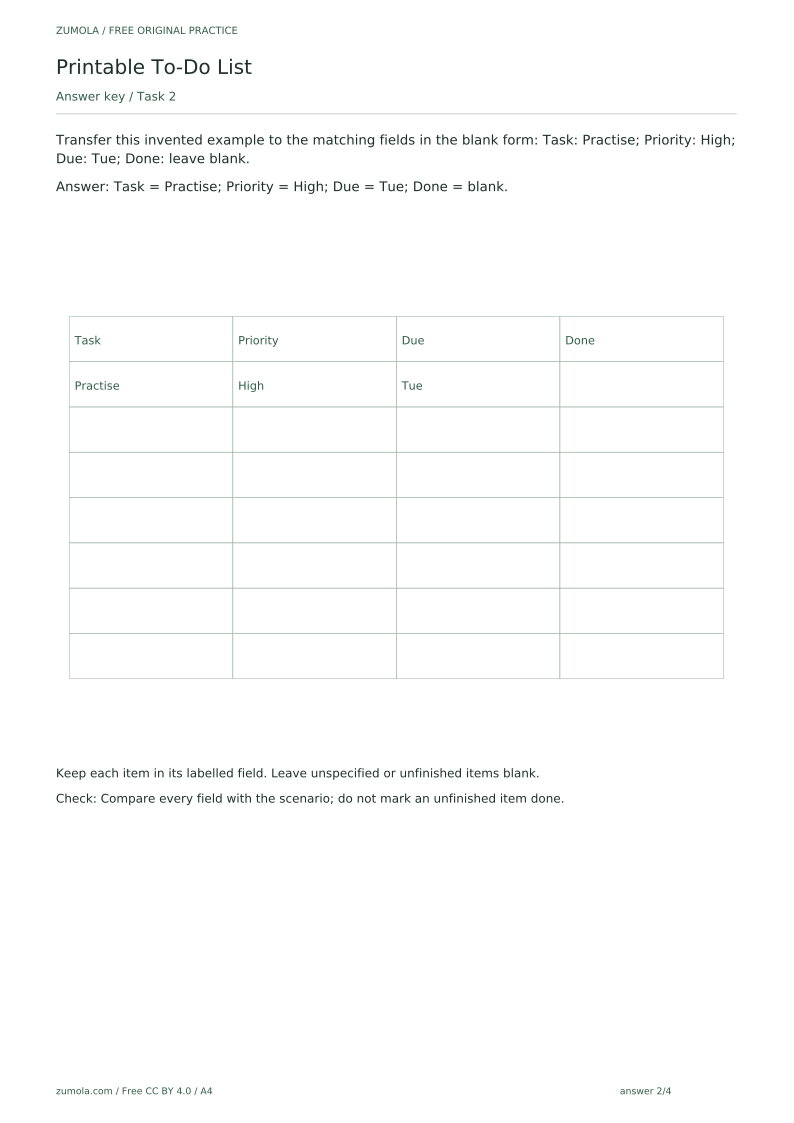
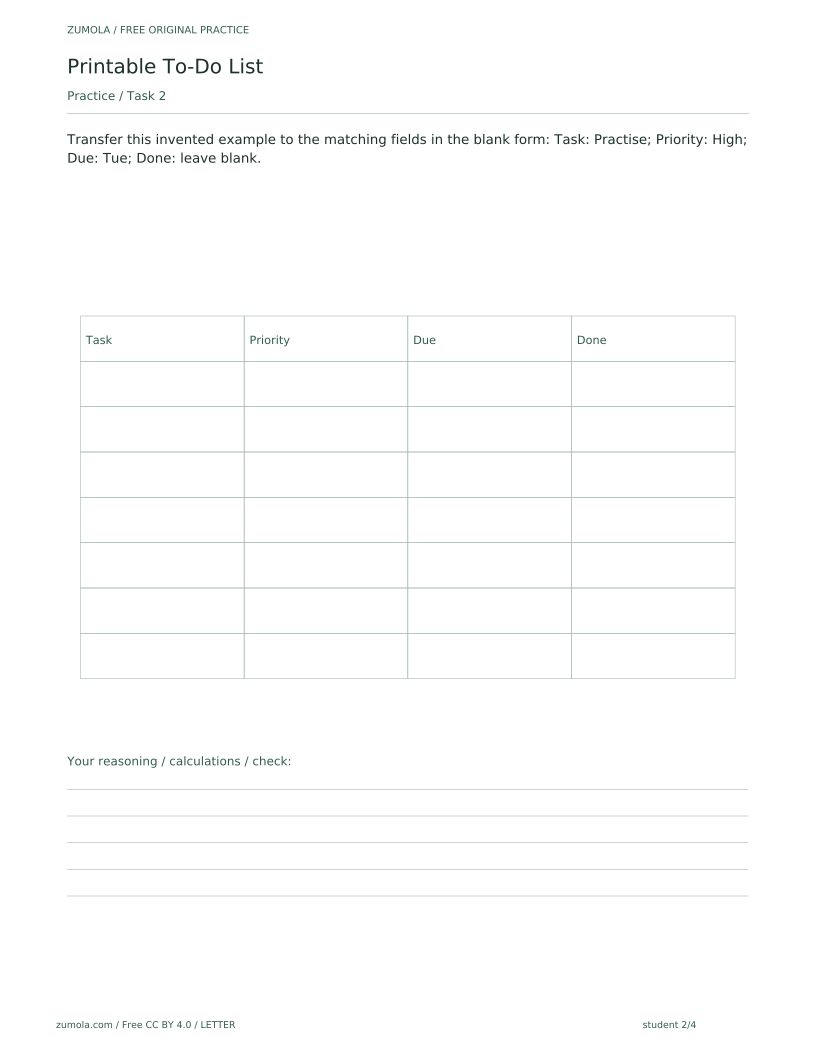
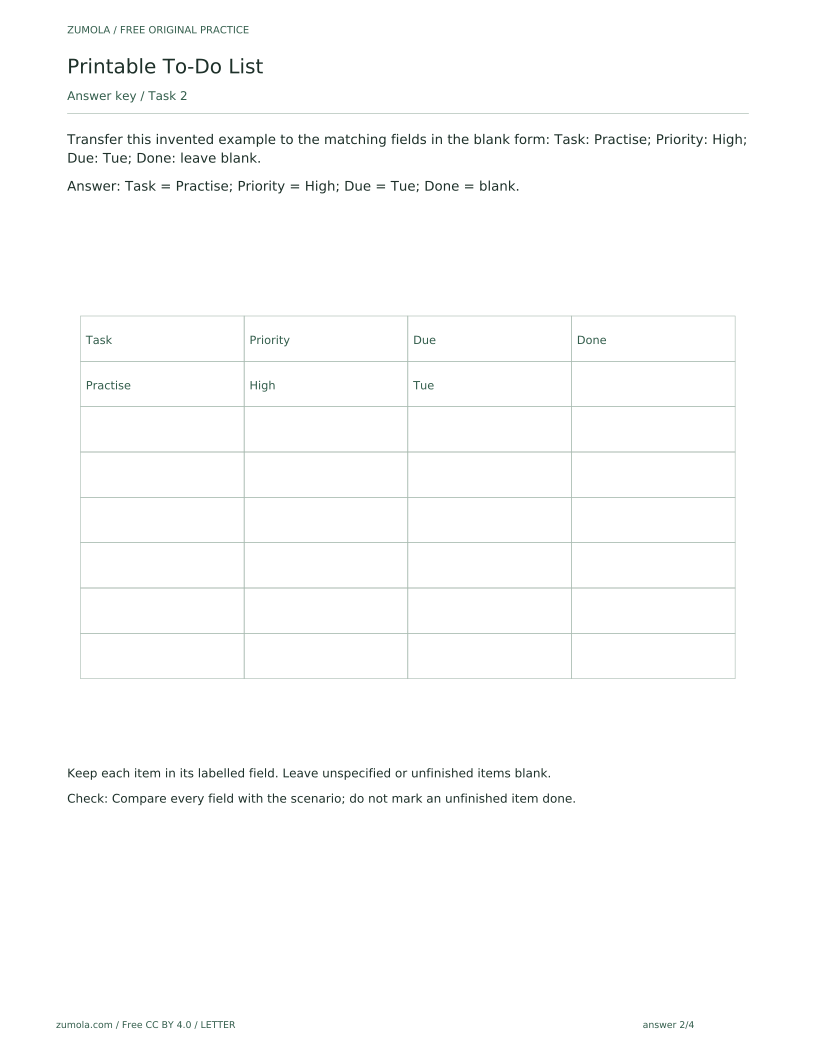
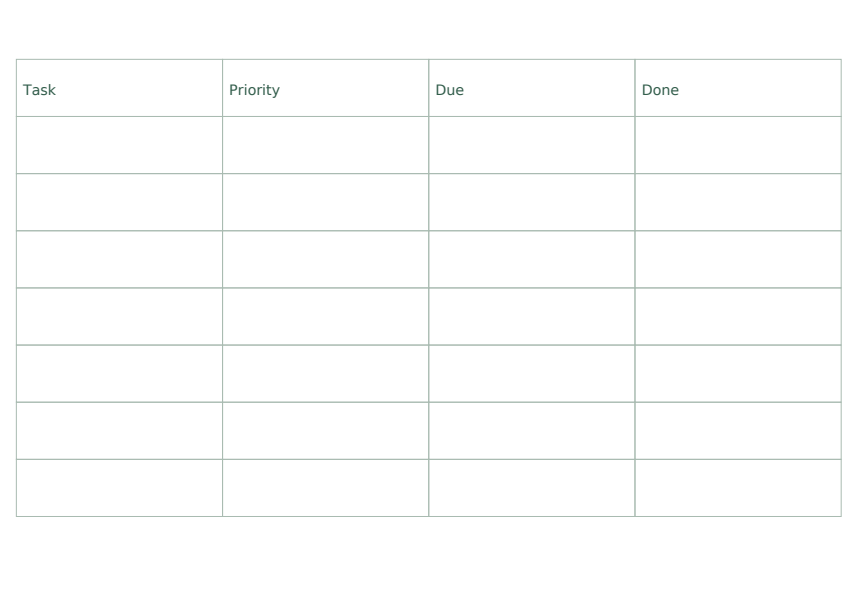
Transfer this invented example to the matching fields in the blank form: Task: Practise; Priority: High; Due: Tue; Done: leave blank.
Show answer 2
Task = Practise; Priority = High; Due = Tue; Done = blank.
Keep each item in its labelled field. Leave unspecified or unfinished items blank.
Check: Compare every field with the scenario; do not mark an unfinished item done.
Task 3
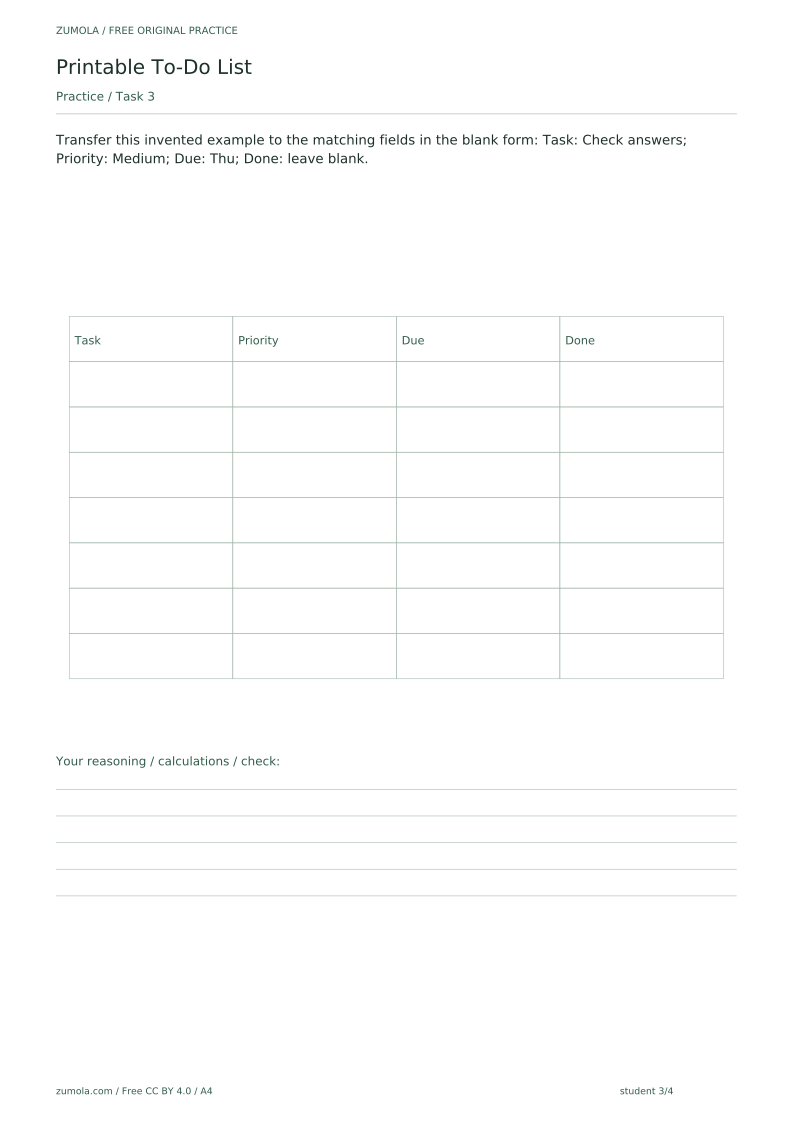
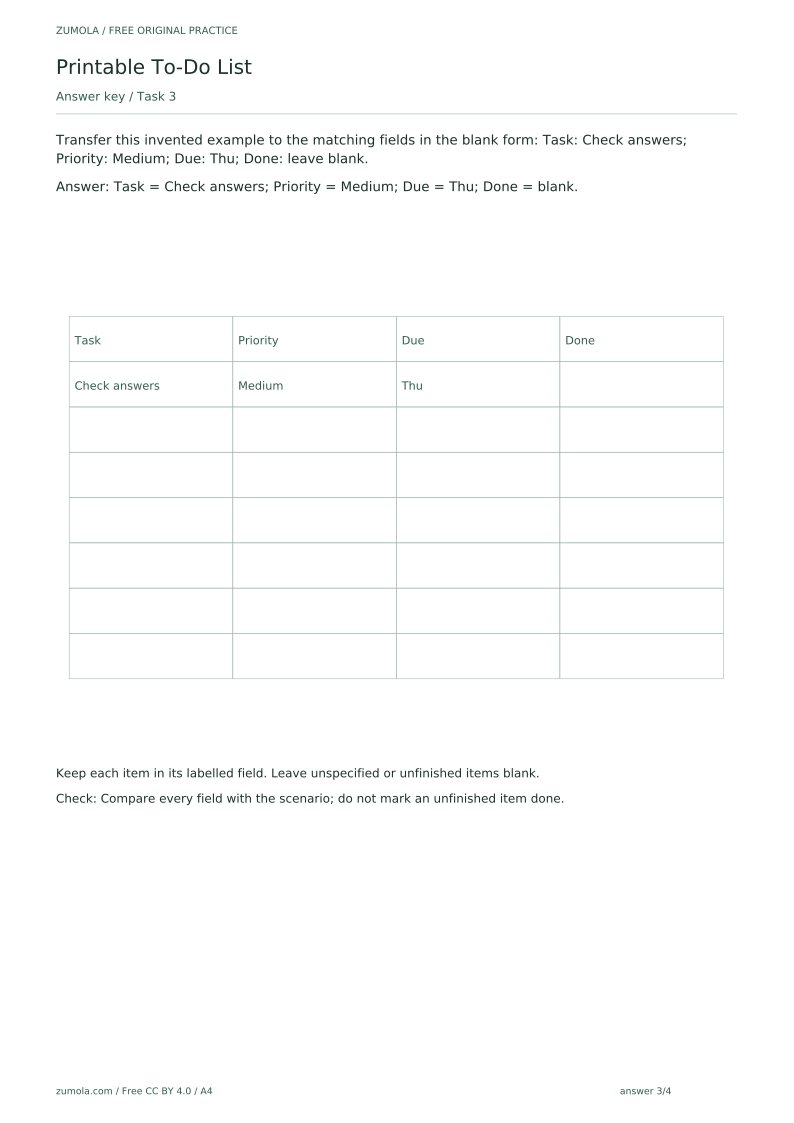
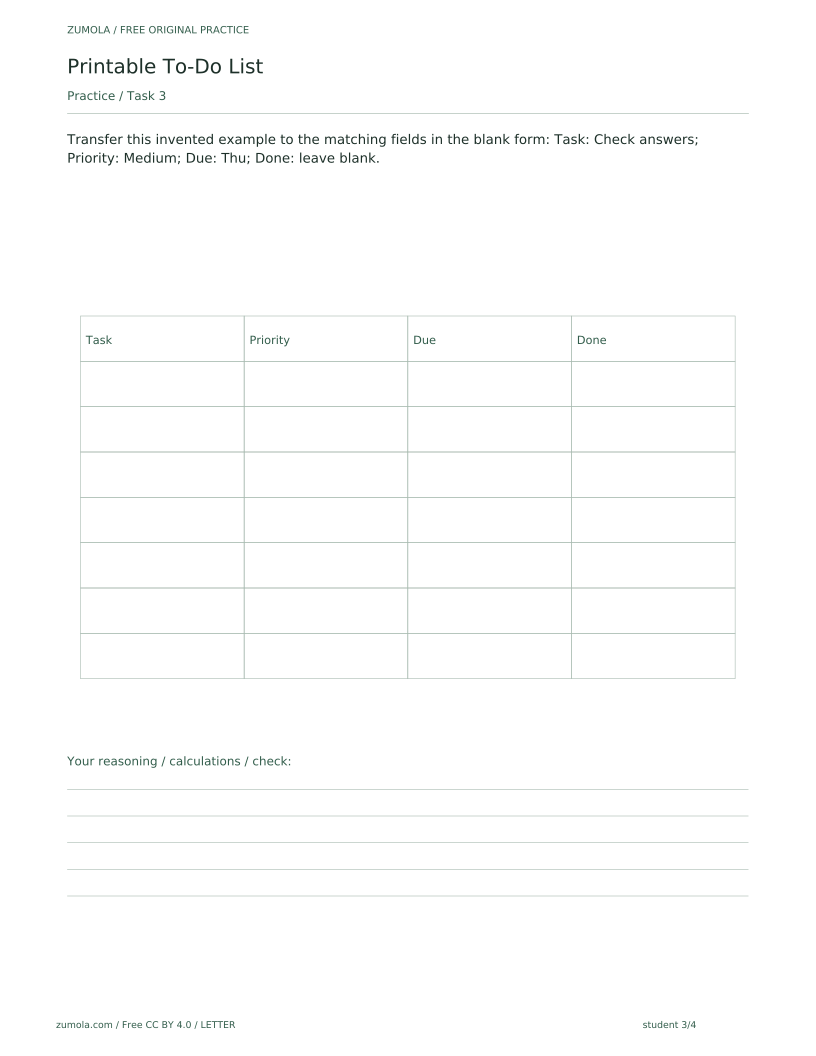
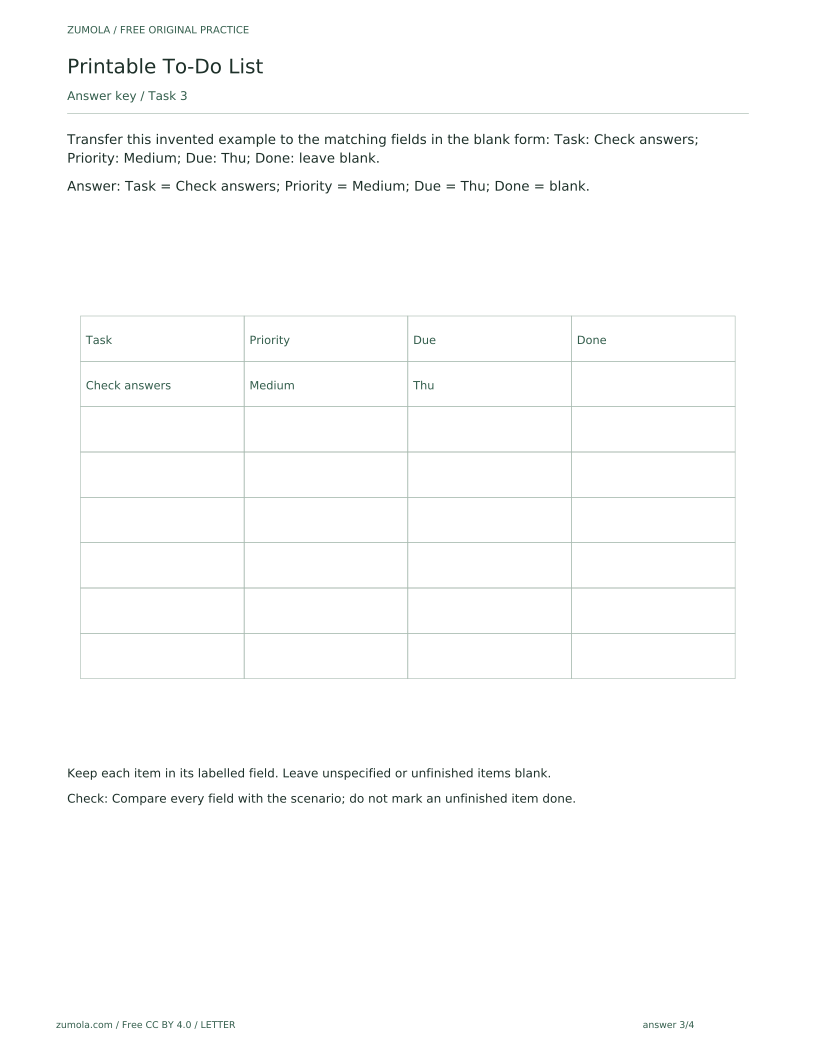
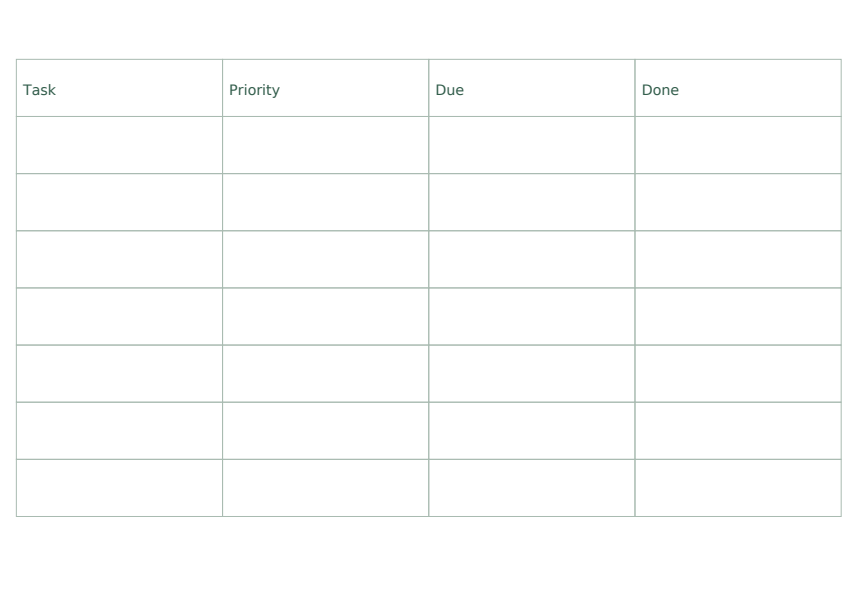
Transfer this invented example to the matching fields in the blank form: Task: Check answers; Priority: Medium; Due: Thu; Done: leave blank.
Show answer 3
Task = Check answers; Priority = Medium; Due = Thu; Done = blank.
Keep each item in its labelled field. Leave unspecified or unfinished items blank.
Check: Compare every field with the scenario; do not mark an unfinished item done.
Task 4
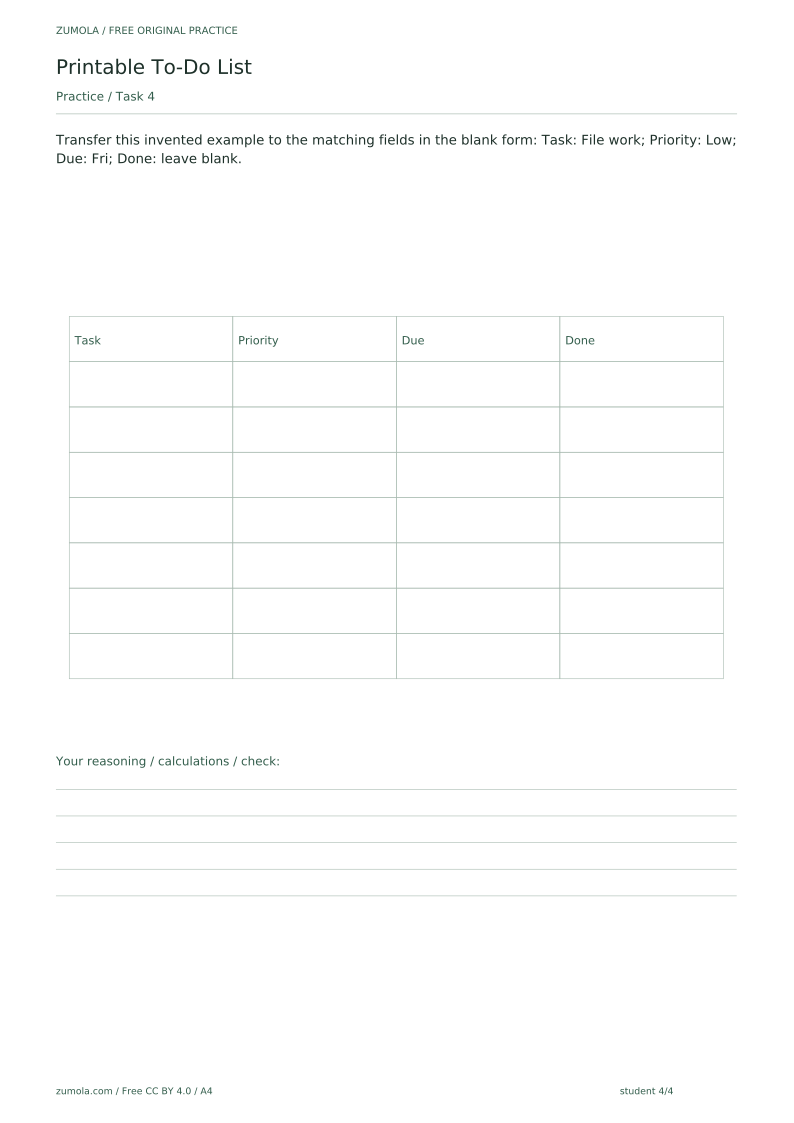
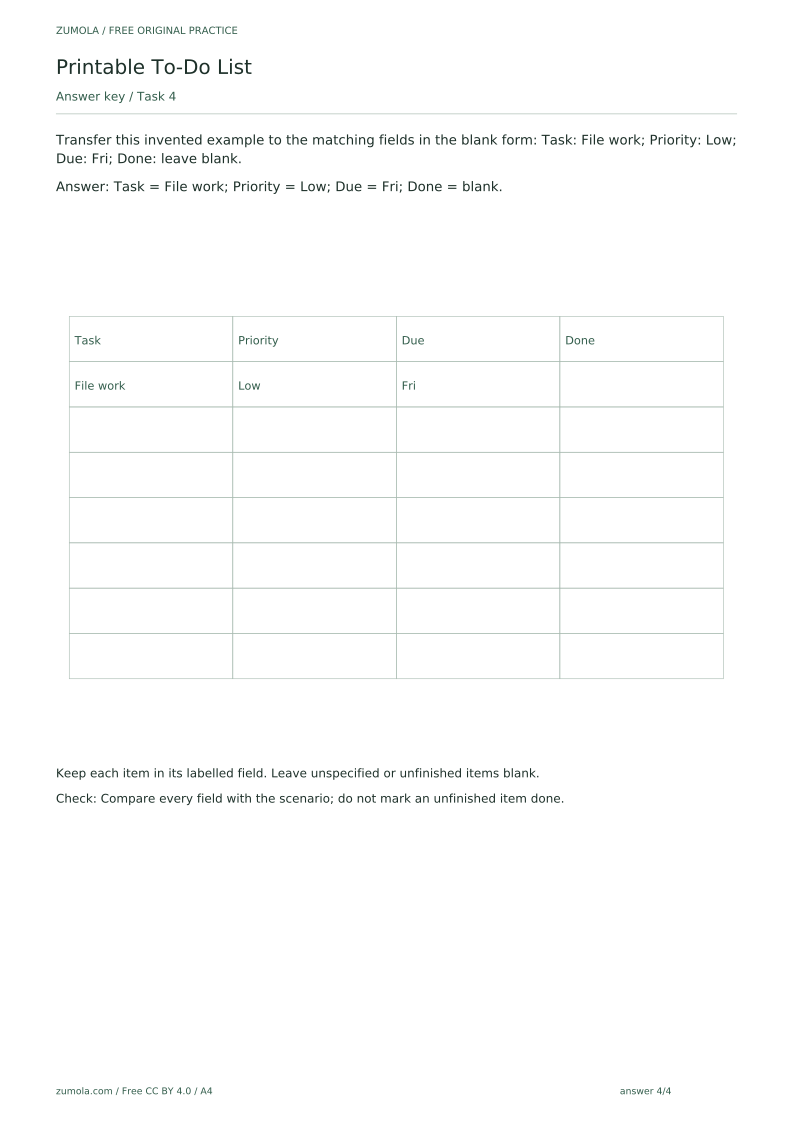
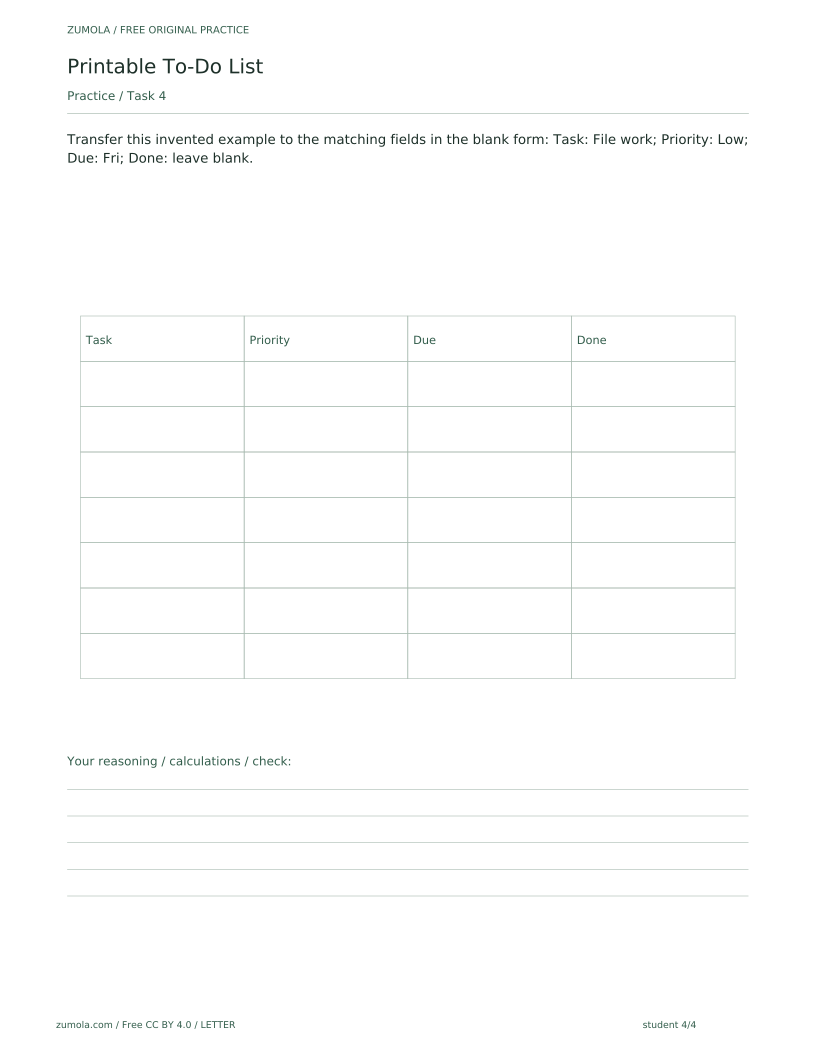
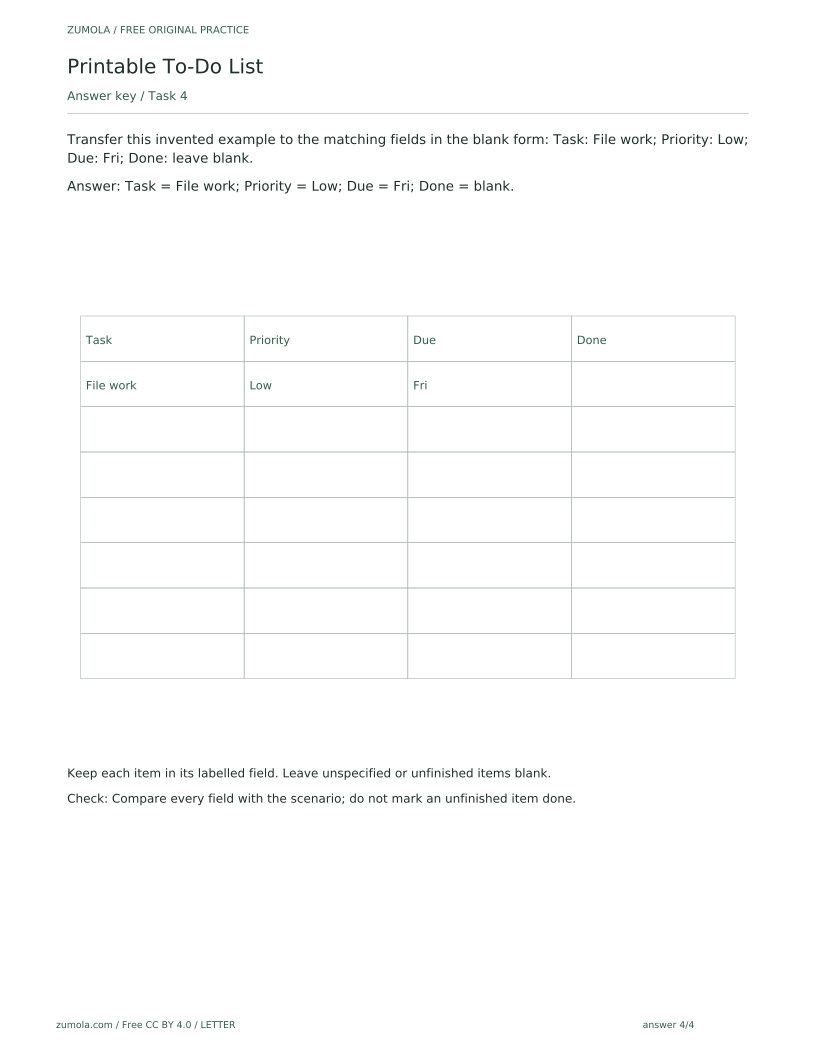
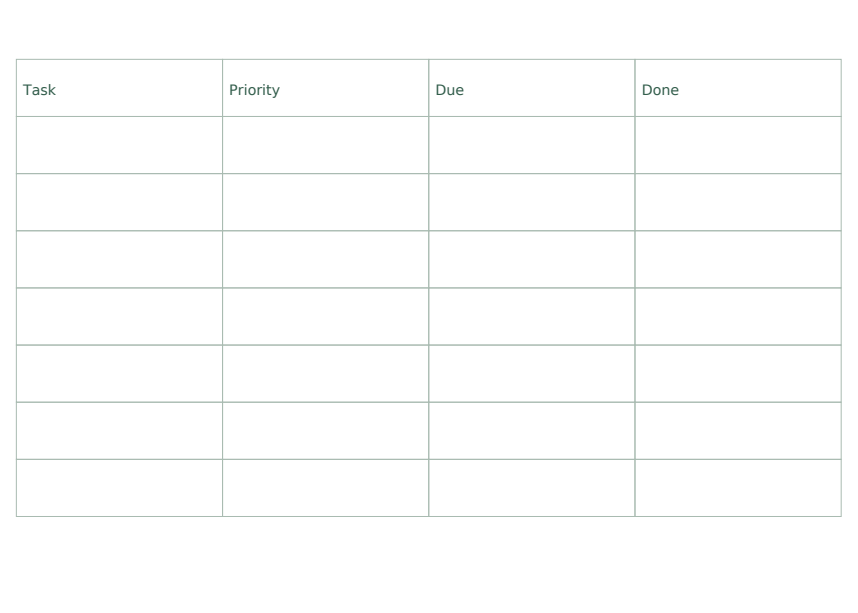
Transfer this invented example to the matching fields in the blank form: Task: File work; Priority: Low; Due: Fri; Done: leave blank.
Show answer 4
Task = File work; Priority = Low; Due = Fri; Done = blank.
Keep each item in its labelled field. Leave unspecified or unfinished items blank.
Check: Compare every field with the scenario; do not mark an unfinished item done.
Useful checks
- Putting a due day into the Priority column, or a priority into the Due column, instead of keeping each detail in its labelled field.
- Ticking Done for an item that is only planned, when the scenario says to leave it blank.
- Treating an empty attempt area as a missing download; the blank space is intentional.
Questions about this resource
Is the to-do list editable or does it send reminders?
The SVG pages can be edited in compatible external vector-editing software, which is not provided by the site. The PDFs are static printable pages with no interactive form fields. No built-in web editor, notifications or automated scheduling are provided; you can also fill the sheets in by hand or use them as a printed reference.
Why is part of the student sheet blank?
The blank attempt area is deliberate. It gives students space to complete the task themselves, and it does not mean a downloadable file is missing.