Free original lessons
Multiview Graph Paper
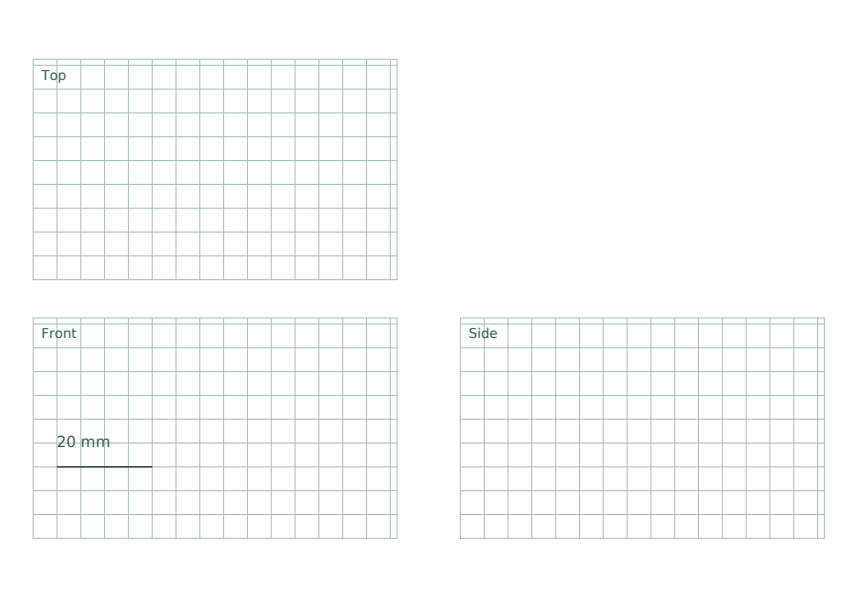
Multiview Graph Paper is a free printable pack for orthographic drawing practice, with aligned view panels and a 5 mm guide grid. The pack separates reference layouts, unfilled student sheets and worked answers, so you can study the layout, draw on a clean sheet, then check your work.
Letter & A4
PDF & SVG
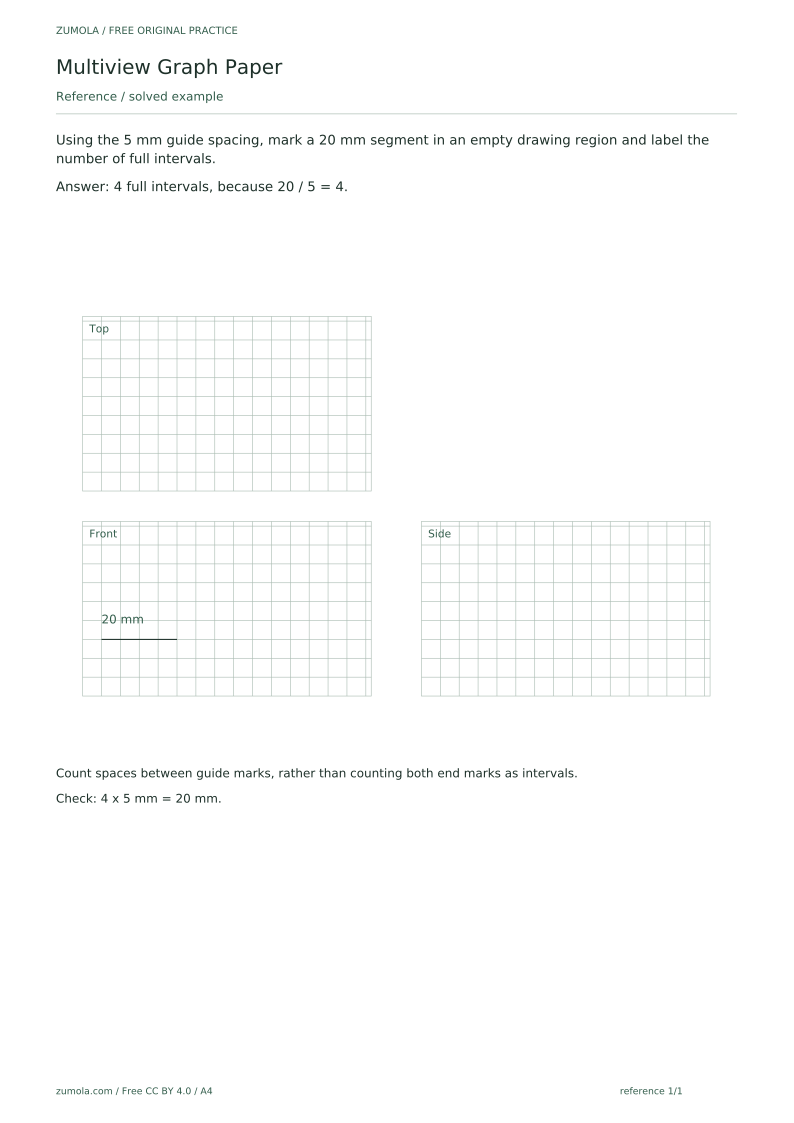
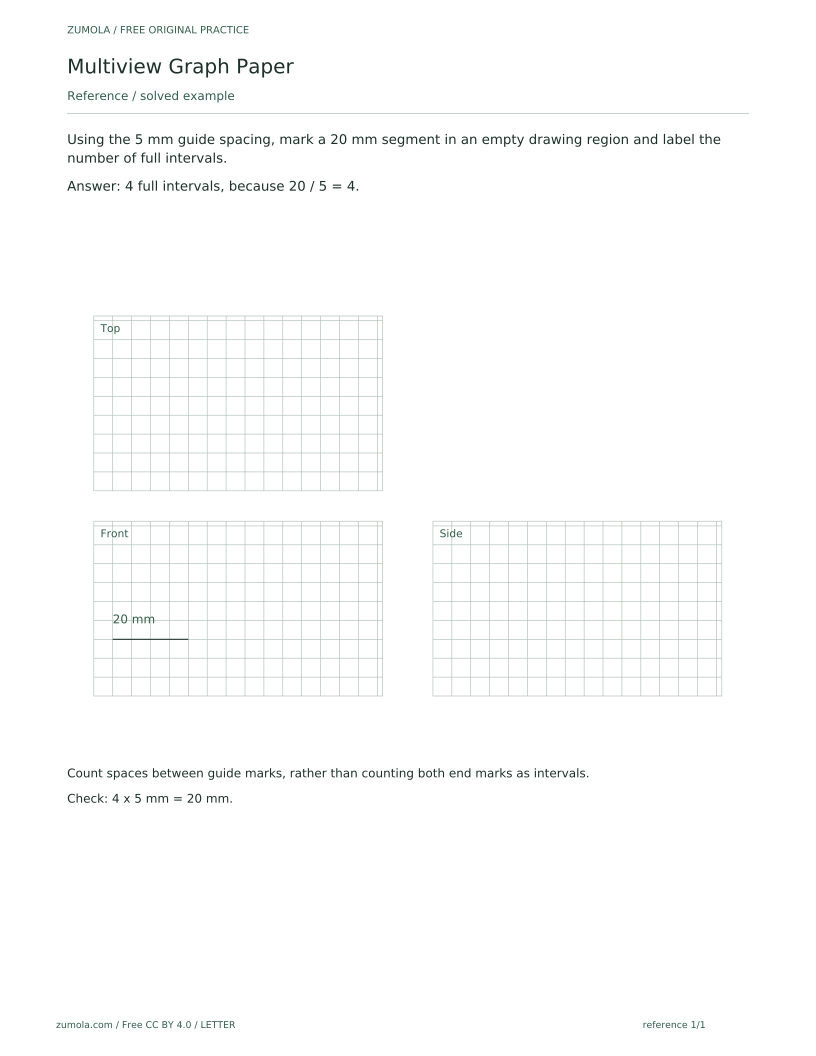
The download contains six PDFs across A4 and US Letter: a reference PDF, a student PDF and an answer PDF for each paper size, plus 18 SVG pages. The reference PDF includes a guided example that solves the first task: marking a 20 mm segment and labelling it as 4 full intervals, since 20 ÷ 5 = 4. The student layouts are deliberately unfilled, with blank attempt areas for your own drawing. The 5 mm spacing applies at 100% or actual-size printing; check your printer's actual-size setting before relying on the grid, because no printer is guaranteed to reproduce dimensions without that check.
Download the complete resource pack
All individual editable SVG pages (18)
- A4 reference page 1
- A4 student page 1
- A4 student page 2
- A4 student page 3
- A4 student page 4
- A4 answer page 1
- A4 answer page 2
- A4 answer page 3
- A4 answer page 4
- LETTER reference page 1
- LETTER student page 1
- LETTER student page 2
- LETTER student page 3
- LETTER student page 4
- LETTER answer page 1
- LETTER answer page 2
- LETTER answer page 3
- LETTER answer page 4
Print at 100% / actual size. Use the stated scale on any schematic diagram; physical cutting templates are identified separately. A4 and US Letter are separate files. Free access, no signup; CC BY 4.0.
How to use these pages
- Print the student PDF at 100% or actual size, choosing the A4 or US Letter file that matches your paper.
- Check the printed guide spacing against a ruler before drawing; if it is off, adjust the printer's scaling setting and reprint.
- Use the reference PDF to see how the guided example marks a segment and counts intervals between guide marks.
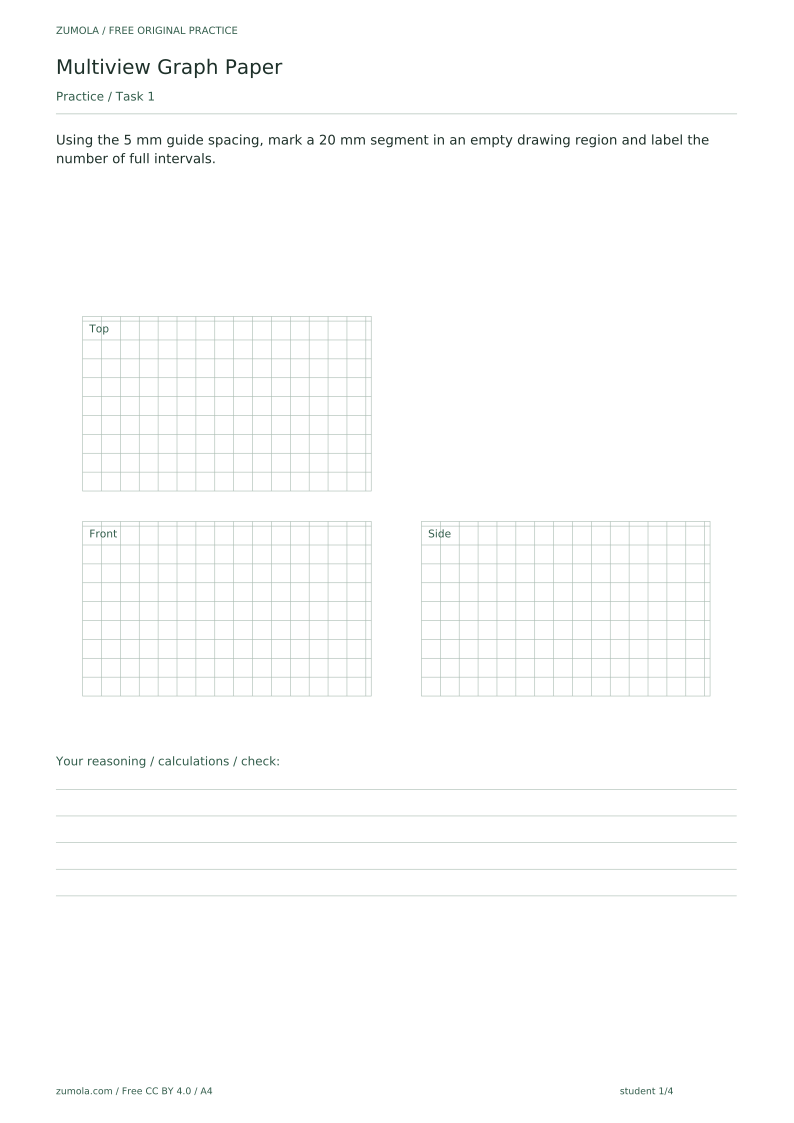
- In a blank attempt area, mark the segment length given in each task and label the number of full intervals.
- Compare your attempt with the answer PDF, using the check method shown for each task.
Four practice tasks and complete answers
Task 1
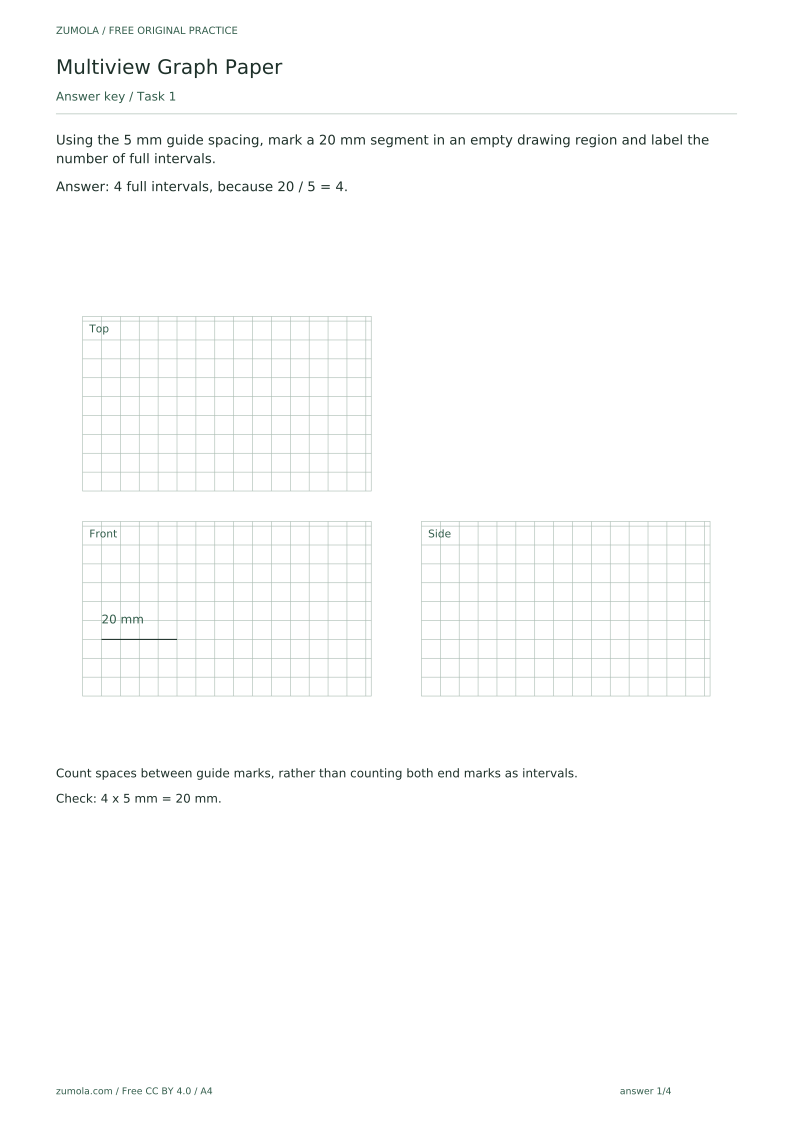
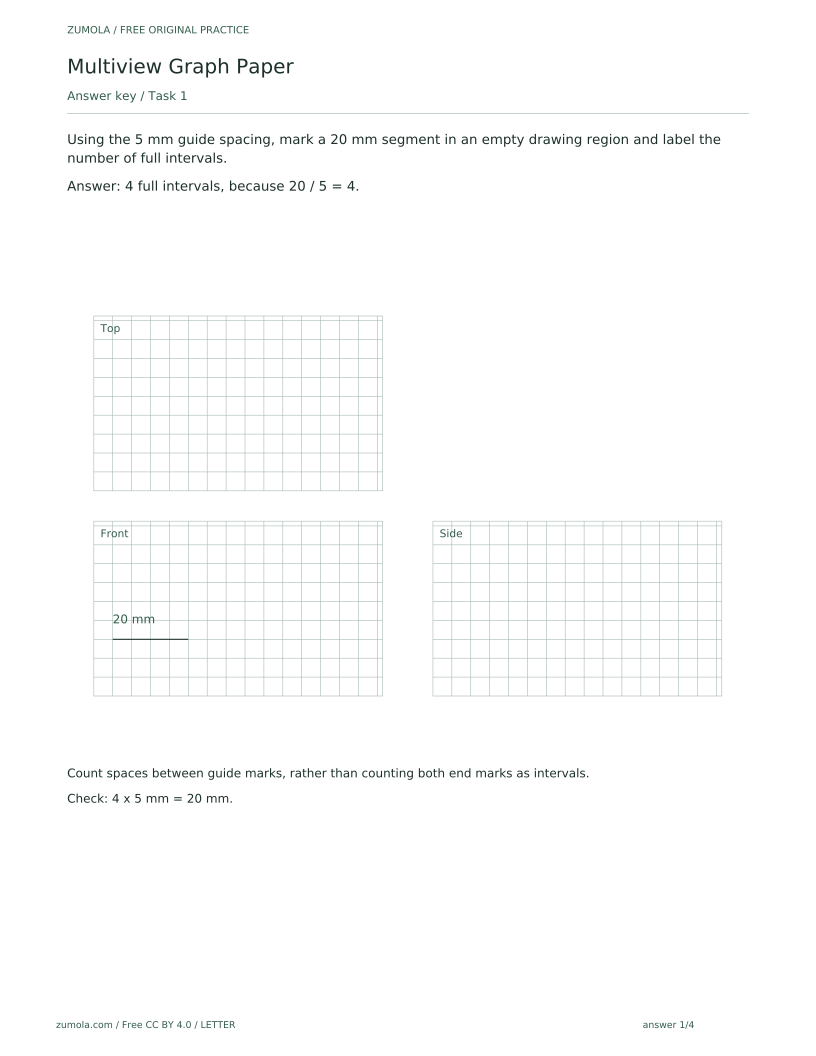
Using the 5 mm guide spacing, mark a 20 mm segment in an empty drawing region and label the number of full intervals.
Show answer 1
4 full intervals, because 20 / 5 = 4.
Count spaces between guide marks, rather than counting both end marks as intervals.
Check: 4 x 5 mm = 20 mm.
Task 2
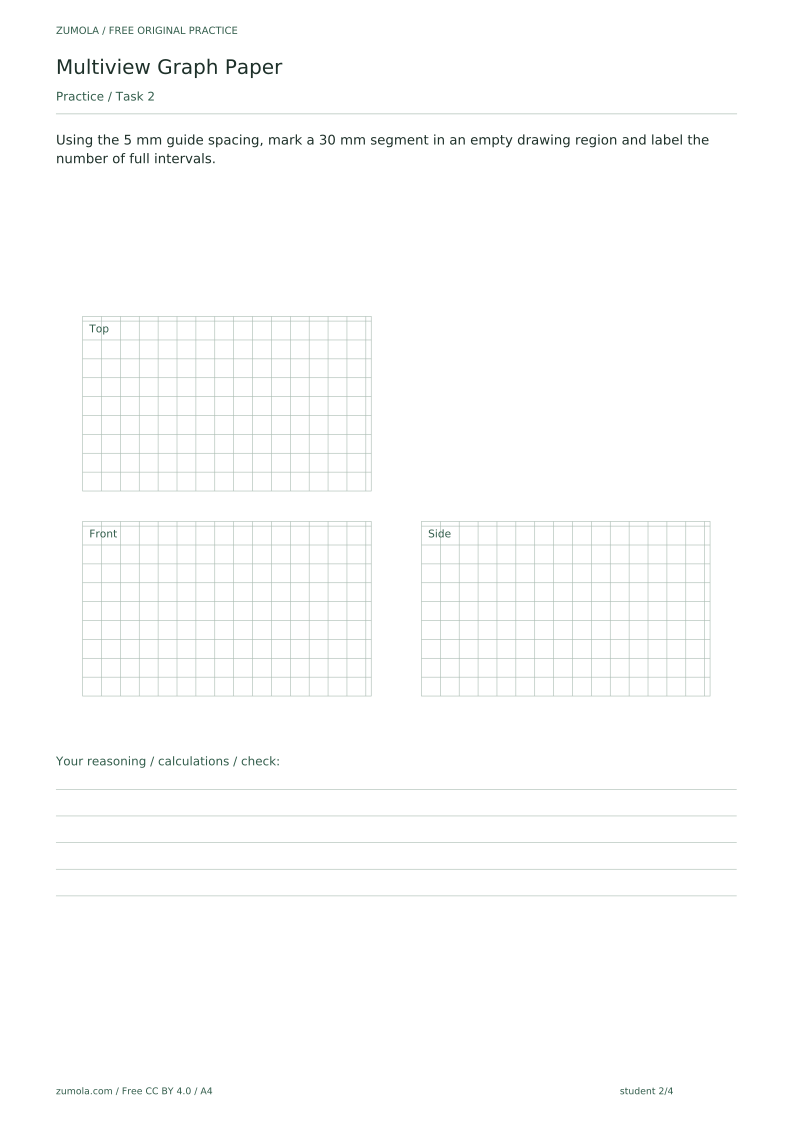
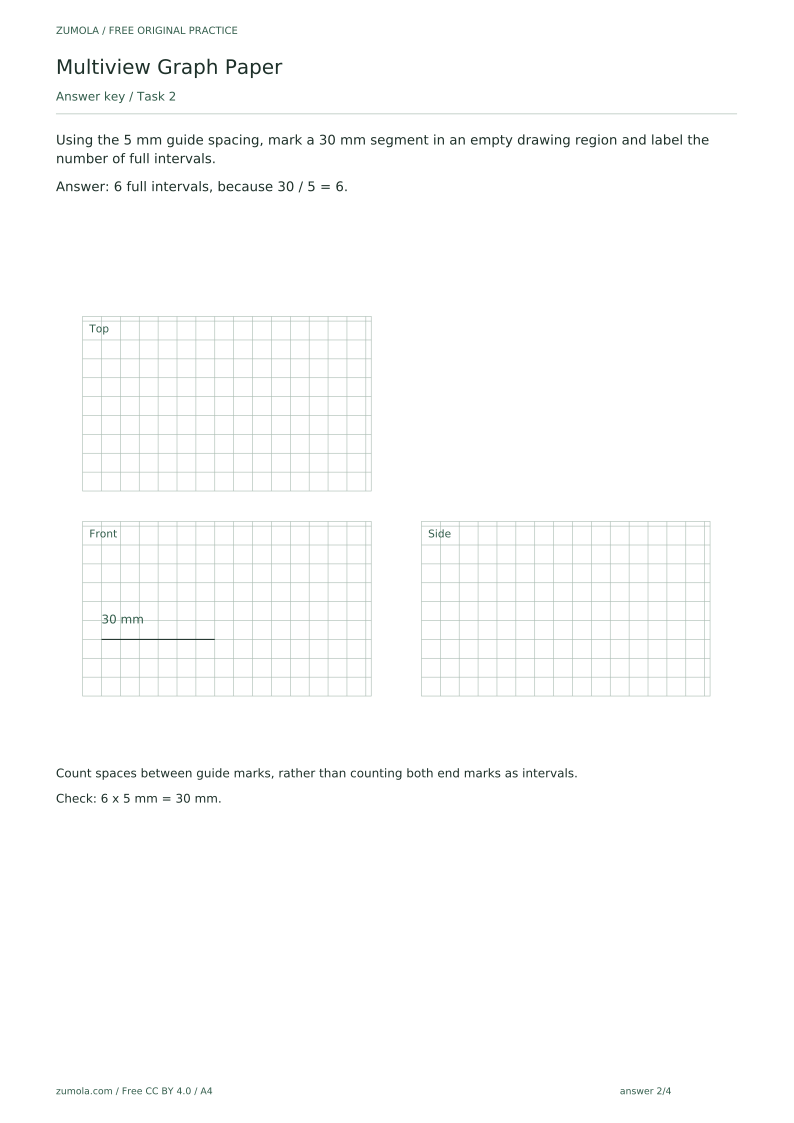
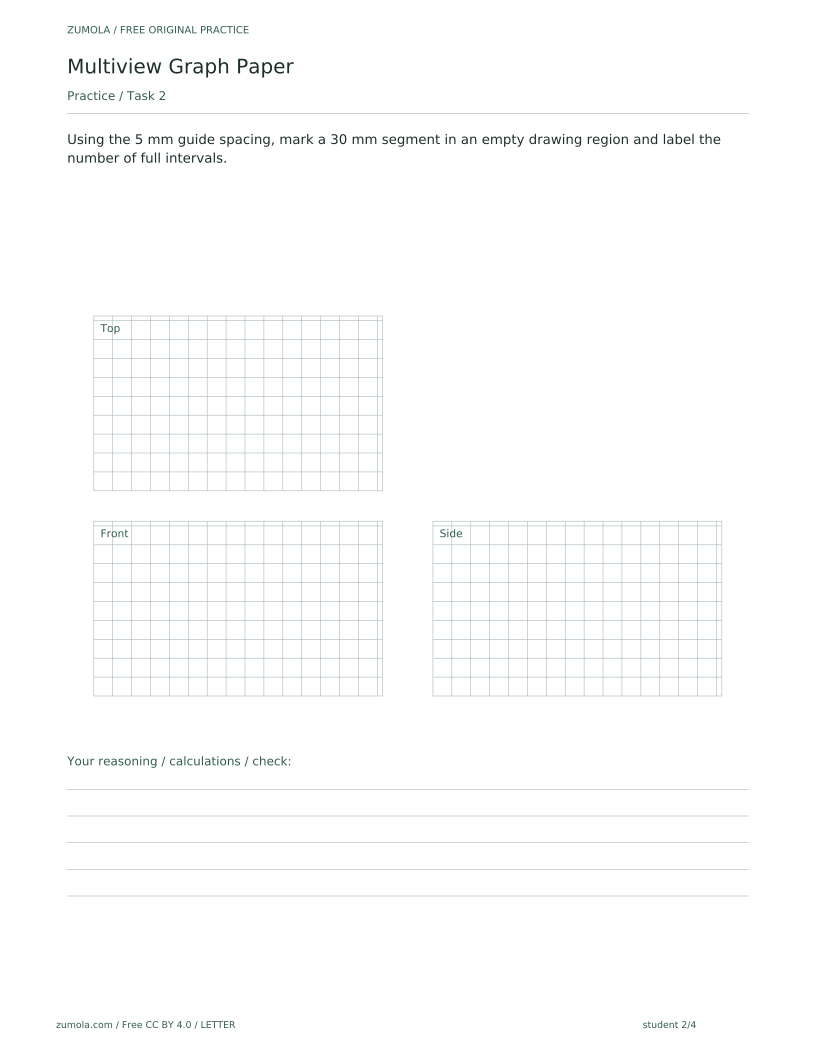
Using the 5 mm guide spacing, mark a 30 mm segment in an empty drawing region and label the number of full intervals.
Show answer 2
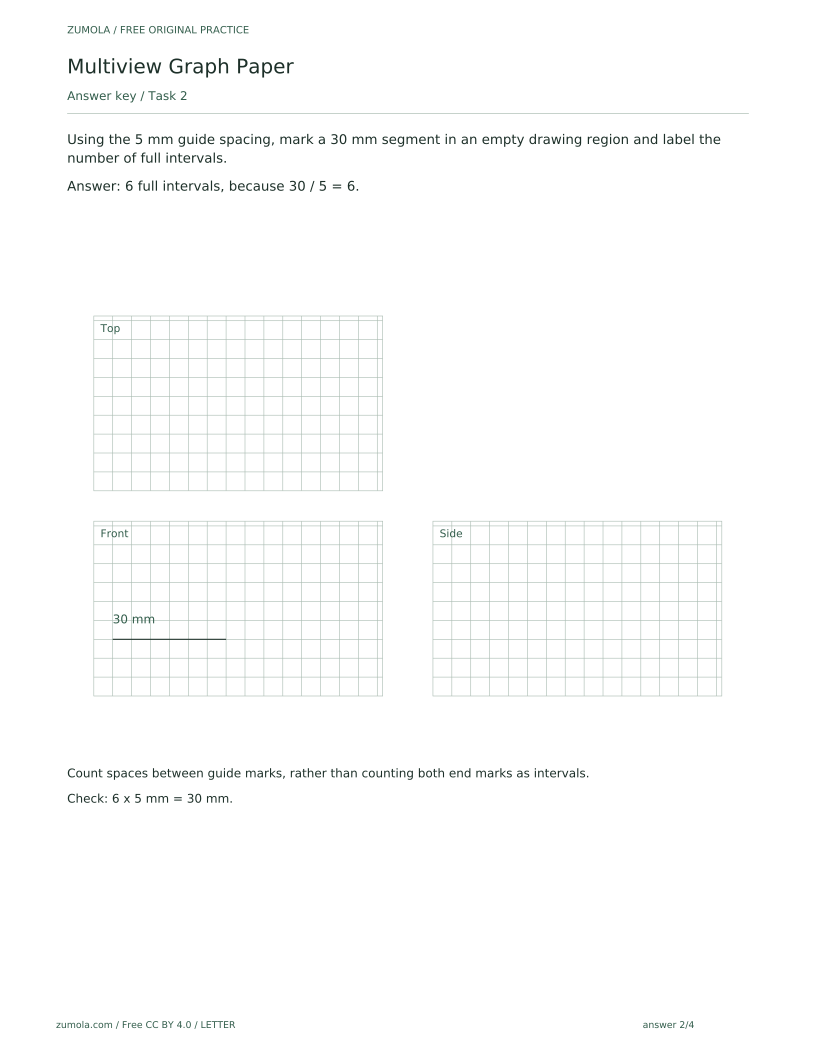
6 full intervals, because 30 / 5 = 6.
Count spaces between guide marks, rather than counting both end marks as intervals.
Check: 6 x 5 mm = 30 mm.
Task 3
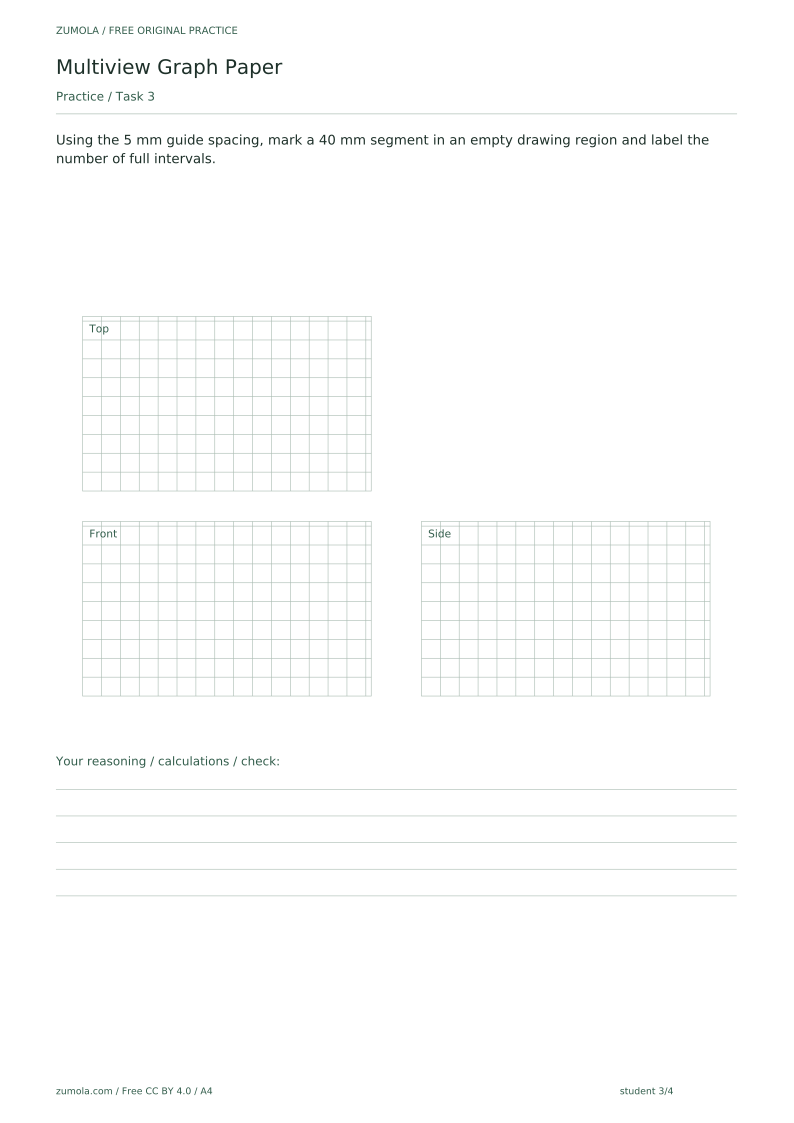
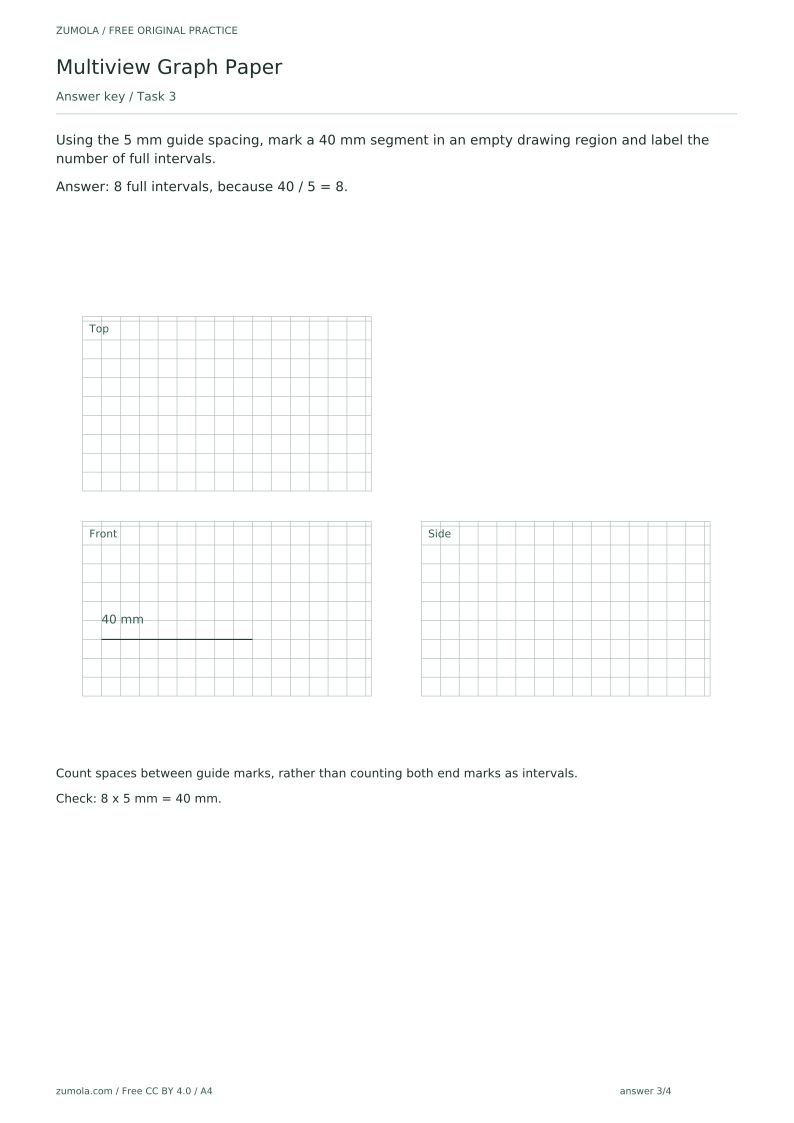
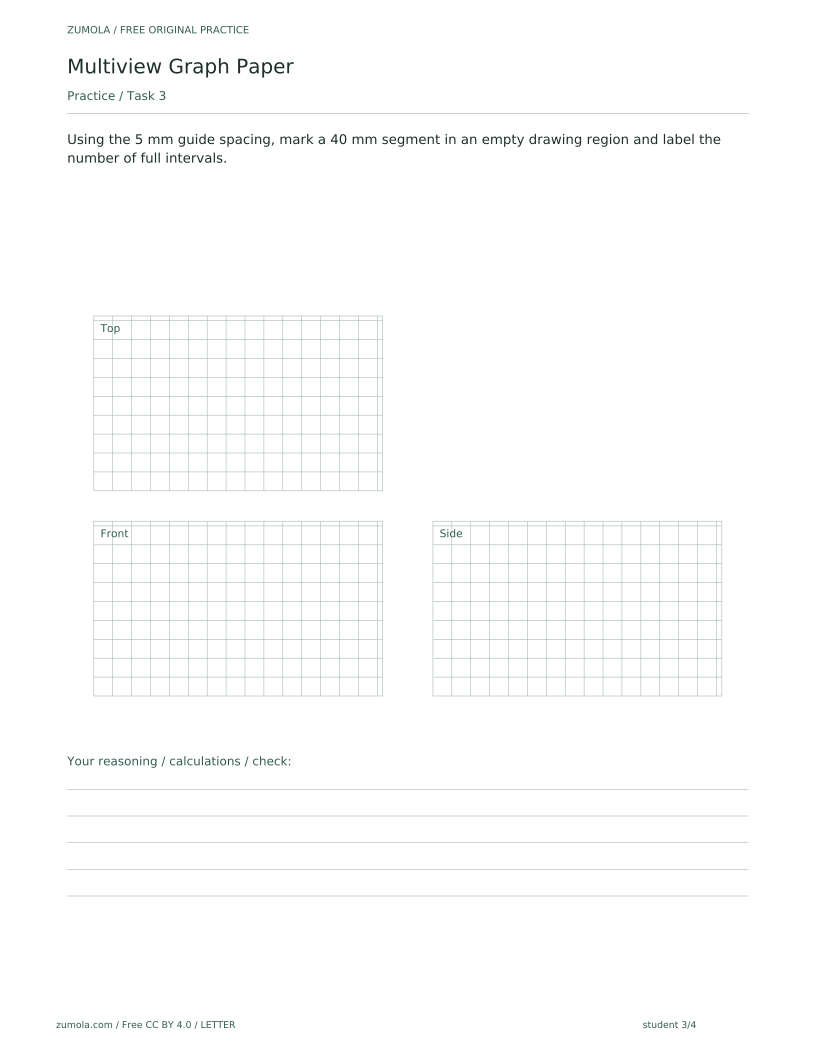
Using the 5 mm guide spacing, mark a 40 mm segment in an empty drawing region and label the number of full intervals.
Show answer 3
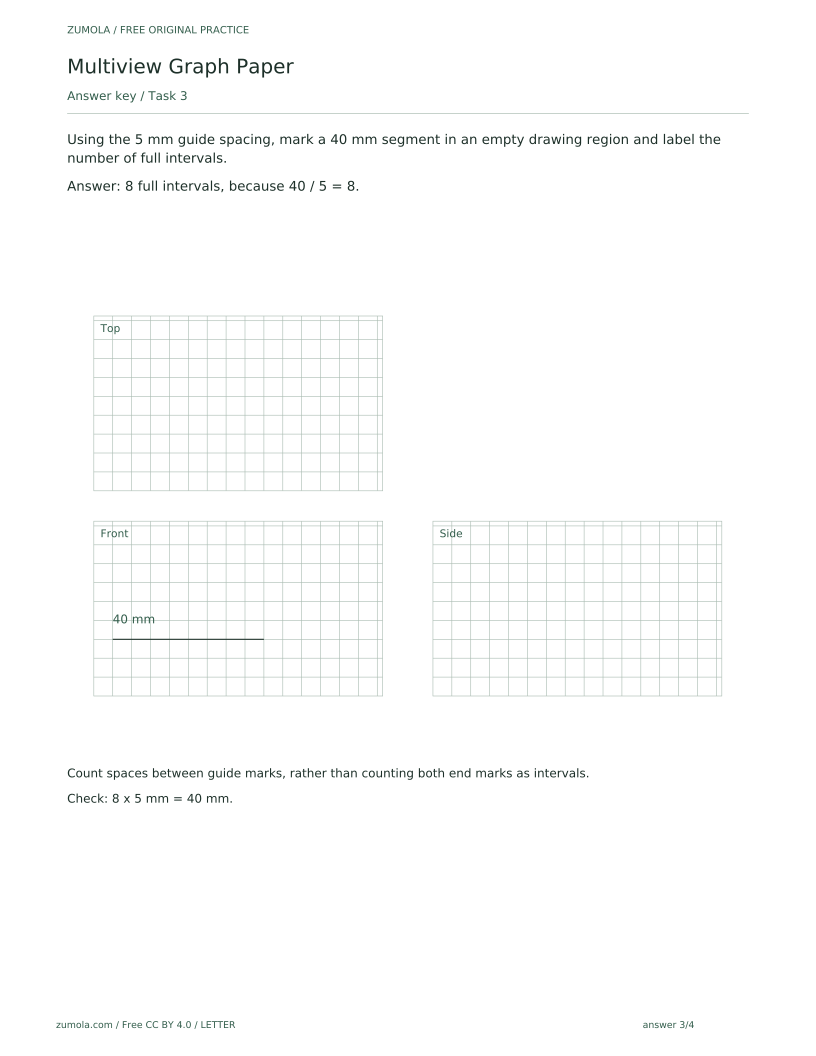
8 full intervals, because 40 / 5 = 8.
Count spaces between guide marks, rather than counting both end marks as intervals.
Check: 8 x 5 mm = 40 mm.
Task 4
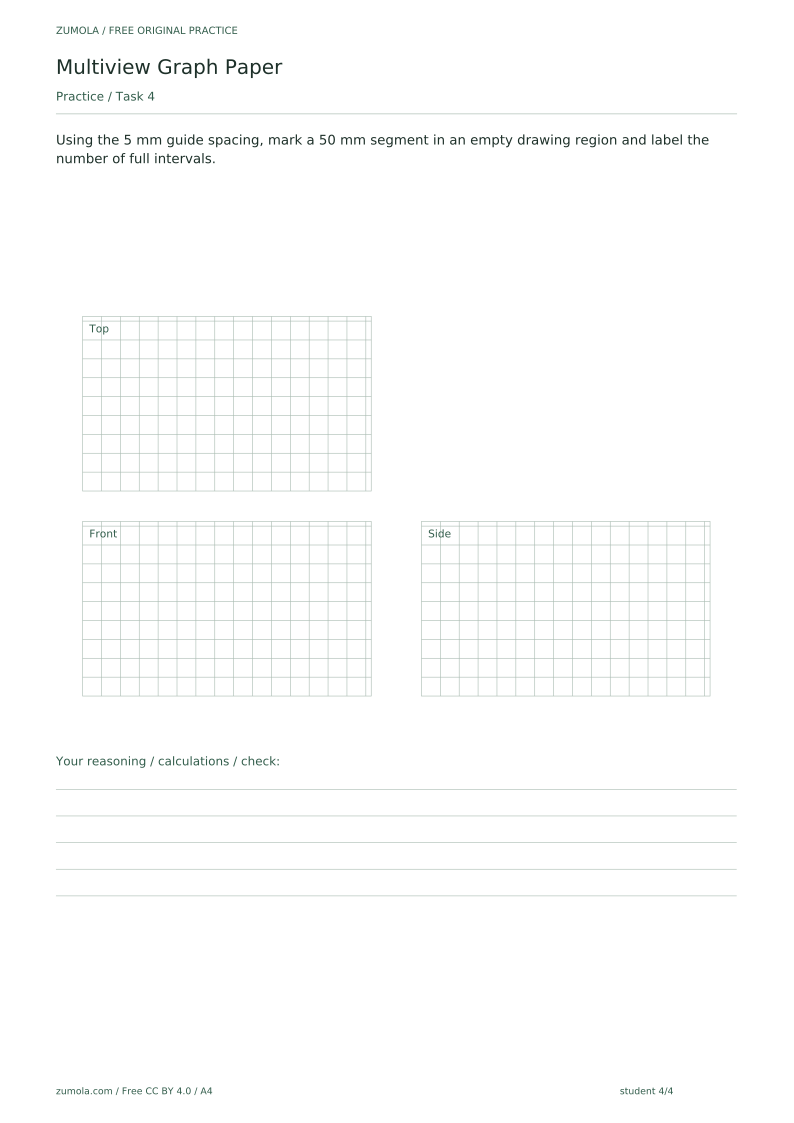
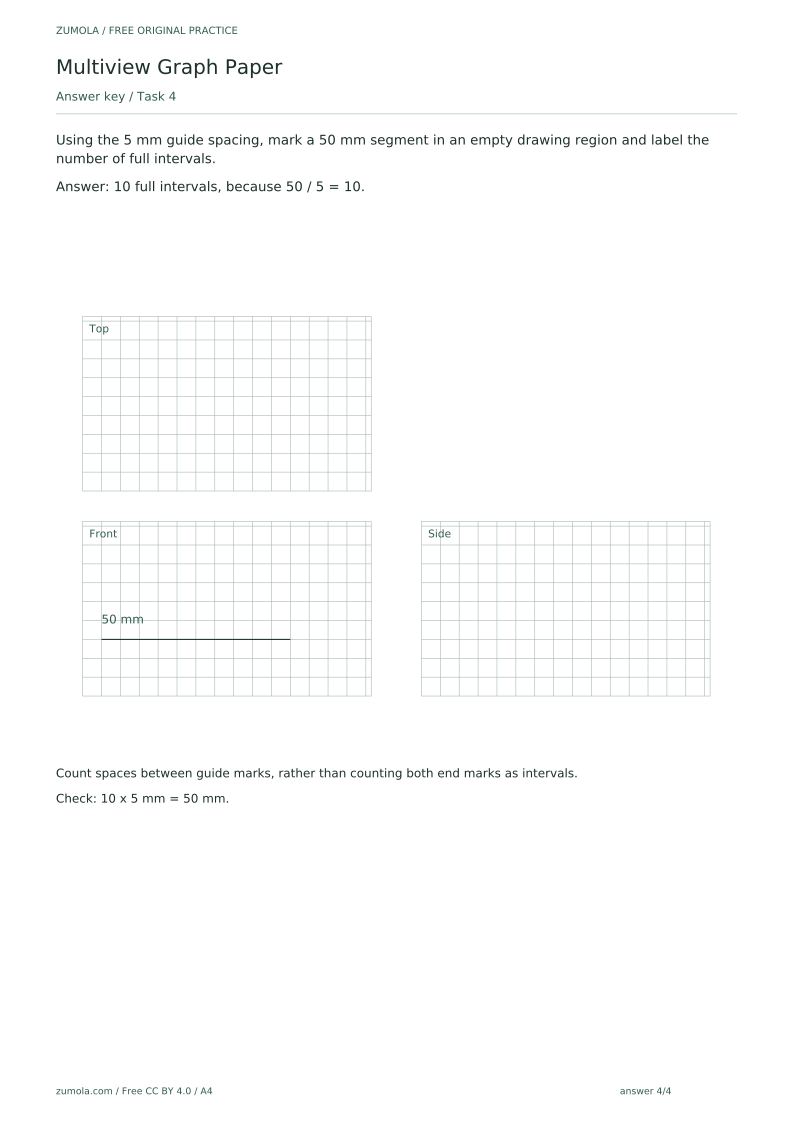
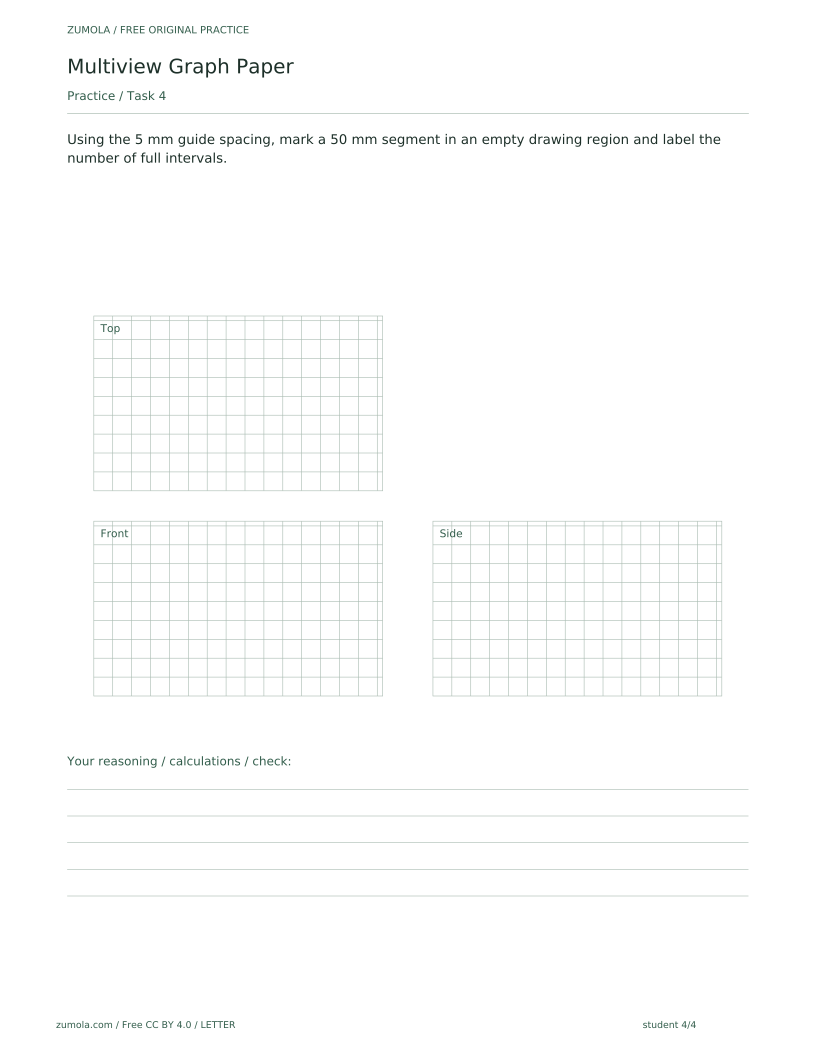
Using the 5 mm guide spacing, mark a 50 mm segment in an empty drawing region and label the number of full intervals.
Show answer 4
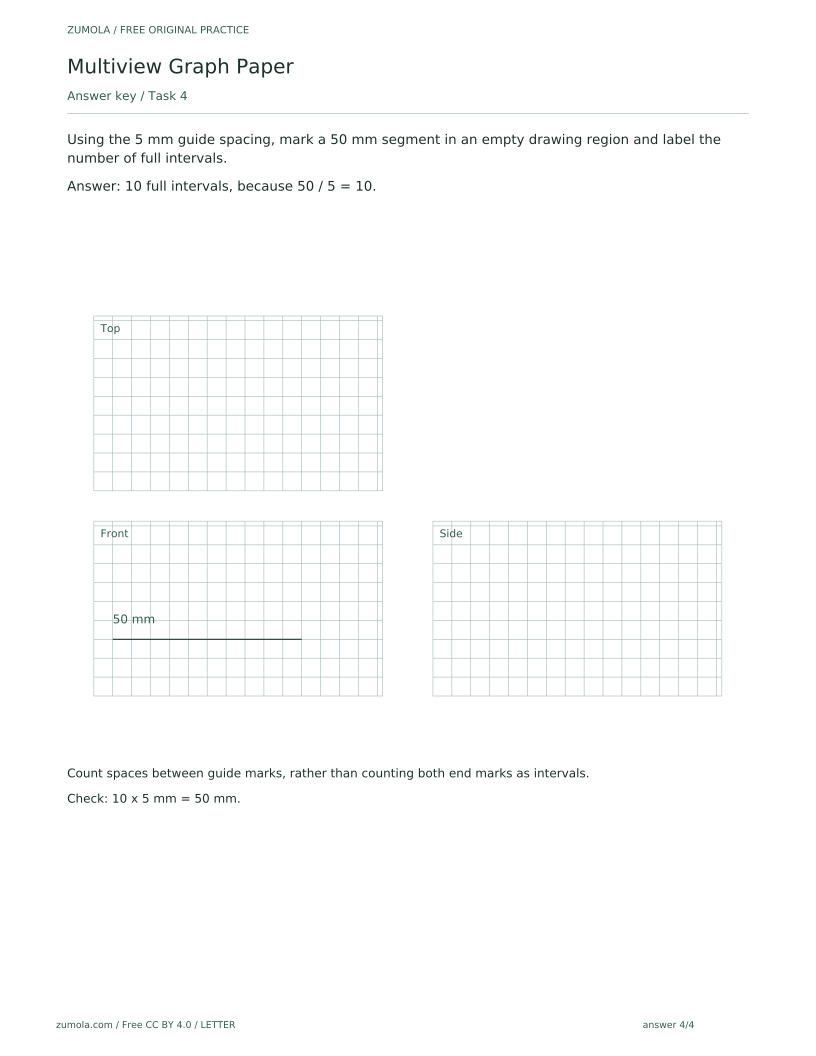
10 full intervals, because 50 / 5 = 10.
Count spaces between guide marks, rather than counting both end marks as intervals.
Check: 10 x 5 mm = 50 mm.
Useful checks
- Counting both end marks as intervals instead of counting the spaces between guide marks.
- Printing with fit-to-page or another scaling option, which changes the 5 mm spacing.
- Assuming a printer reproduces dimensions exactly without checking the actual-size setting first.
Questions about this resource
What is the difference between the reference, student and answer PDFs?
The reference PDF shows the layout and a guided example that solves the first task. The student PDFs contain the same layouts but are unfilled, with blank attempt areas. The answer PDFs give the answers and check methods for the tasks.
Why is the 5 mm spacing important?
The tasks use the 5 mm guide spacing to work out interval counts, such as 20 mm giving 4 full intervals. If printing changes that spacing, the printed grid will not match the stated dimensions.