Free original lessons
Light Blue A4 Paper
This pack teaches you to lay out a light-blue A4 sheet with a chosen margin and ruling style. You will set the sheet tint, mark the margin frame, add one ruling variant (plain, ruled, grid or dot), and check the result against a simple visual checklist.
Letter & A4
PDF & SVG
What the task is
A light-blue A4 layout is a portrait sheet with a pale blue tint, a margin frame that defines the writing area, and one ruling option inside that area.
A4 is 210 mm wide and 297 mm tall in portrait. The shade of blue, margin width and ruling pitch are choices in this activity. State the choices you use.
Reference layout
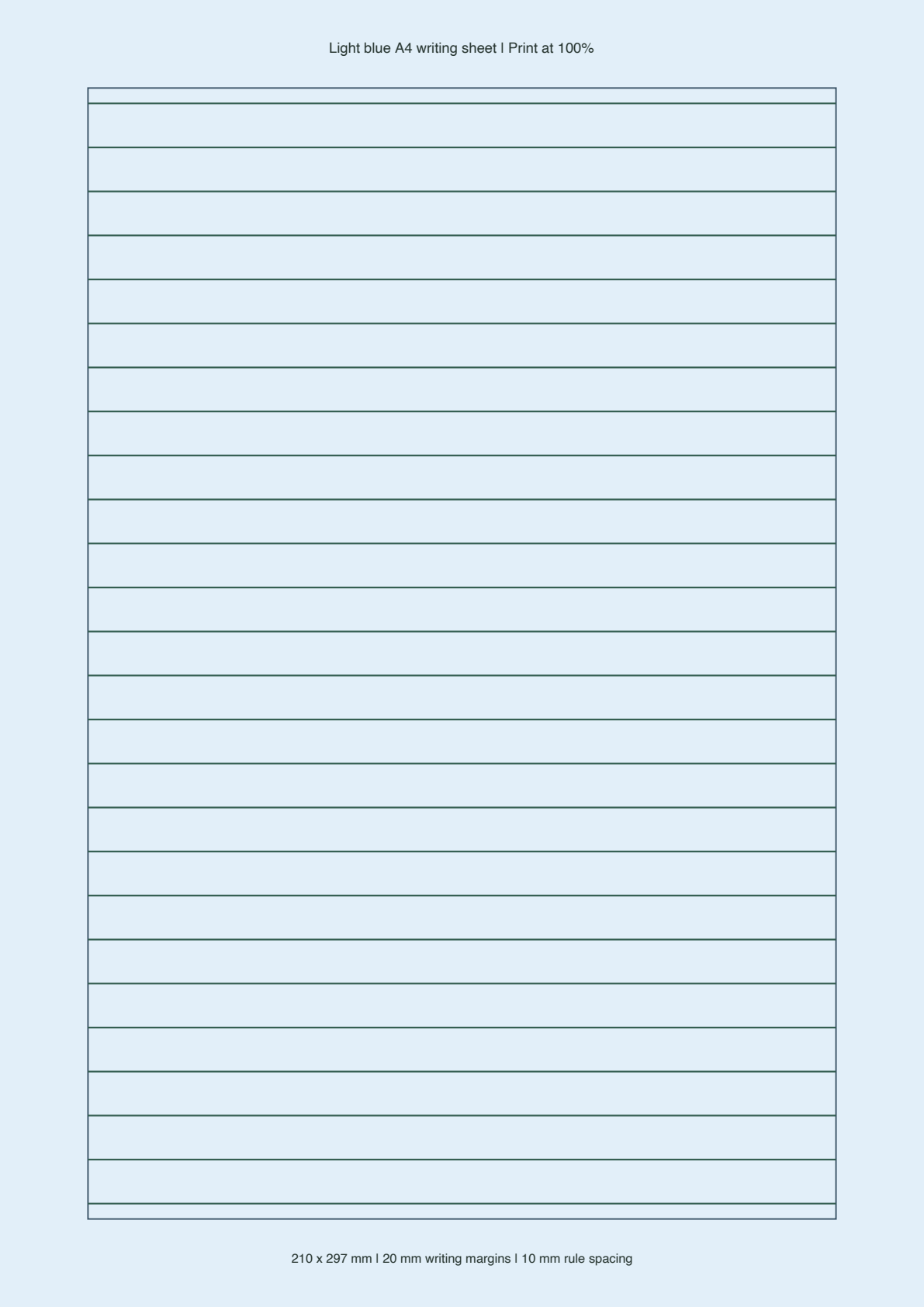
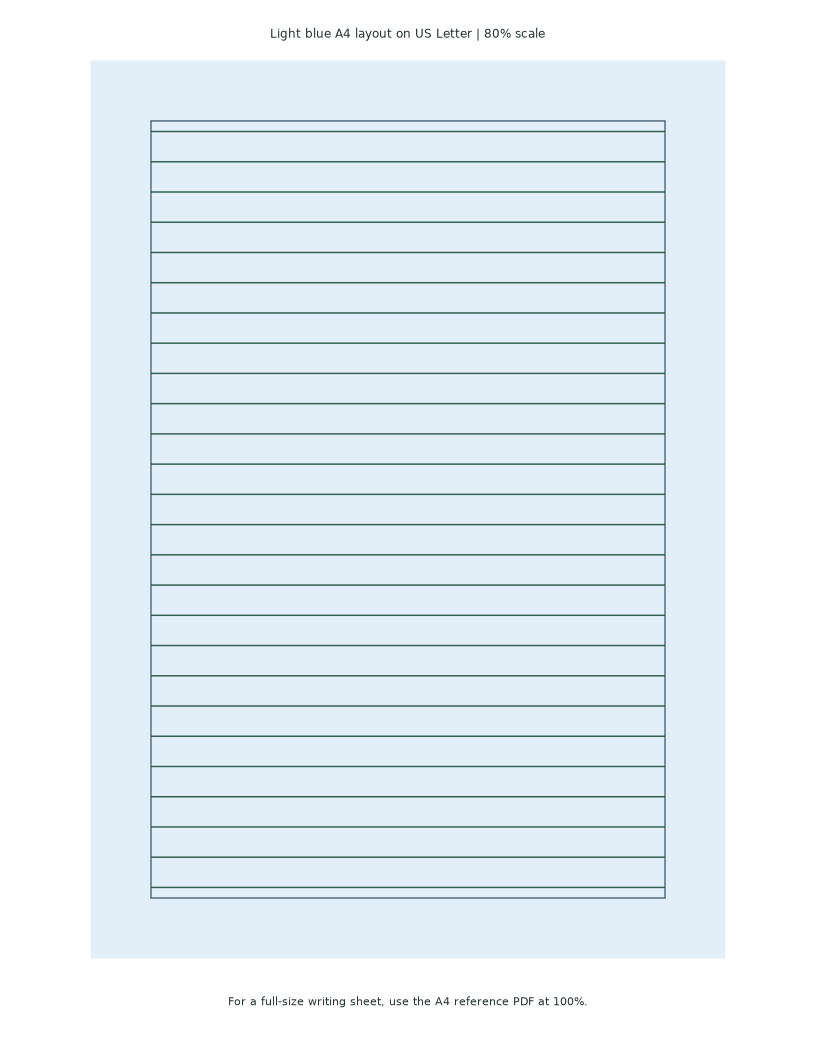
The reference shows one portrait A4 sheet with a pale blue tint, a margin frame on all four sides, and a ruled writing area inside the frame.
The model uses 20 mm margins and an even 10 mm rule pitch. These are example choices. Print the A4 reference sheet at 100% to use a full-size copy.
Steps
1. Draw the portrait A4 outline and fill it with a pale blue tint.
2. Draw a closed frame inside the paper edge. Choose equal margins unless you state a different width for each side. 3. Leave the frame empty for plain paper, or add equal-spaced lines, square cells or dots inside the frame. 4. Check that no mark reaches outside the writing area and that the frame does not touch the paper edge.
Download the complete resource pack
All individual SVG pages (20)
- A4 reference page 1
- A4 reference page 2
- A4 student page 1
- A4 student page 2
- A4 student page 3
- A4 student page 4
- A4 answer page 1
- A4 answer page 2
- A4 answer page 3
- A4 answer page 4
- LETTER reference page 1
- LETTER reference page 2
- LETTER student page 1
- LETTER student page 2
- LETTER student page 3
- LETTER student page 4
- LETTER answer page 1
- LETTER answer page 2
- LETTER answer page 3
- LETTER answer page 4
Print at 100% / actual size. Use the stated scale on any schematic diagram; physical cutting templates are identified separately. A4 and US Letter are separate files. Free access, no signup; CC BY 4.0.
How to use these pages
- What the task is
- Reference layout
- Steps
Worked example
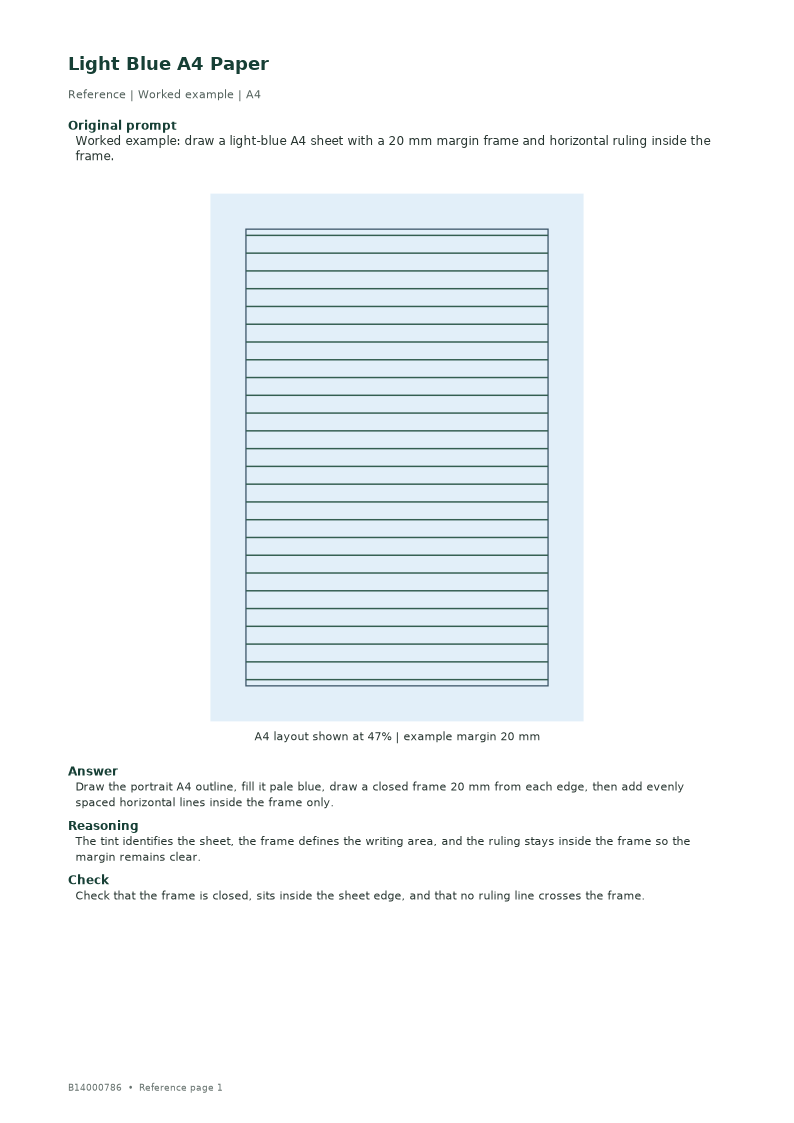
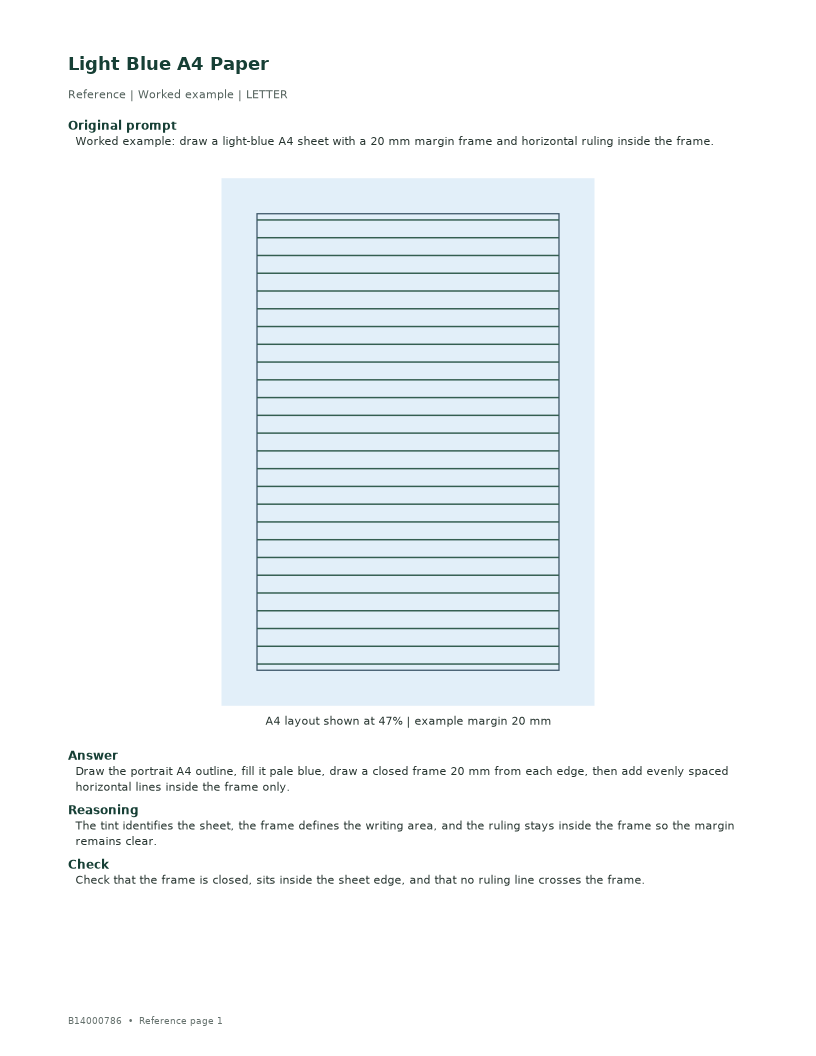
Example: Worked example: draw a light-blue A4 sheet with a 20 mm margin frame and horizontal ruling inside the frame.
Answer: Draw the portrait A4 outline, fill it pale blue, draw a closed frame 20 mm from each edge, then add evenly spaced horizontal lines inside the frame only.
Reasoning: The tint identifies the sheet, the frame defines the writing area, and the ruling stays inside the frame so the margin remains clear.
Check: Check that the frame is closed, sits inside the sheet edge, and that no ruling line crosses the frame.
Four practice tasks and complete answers
Task 1
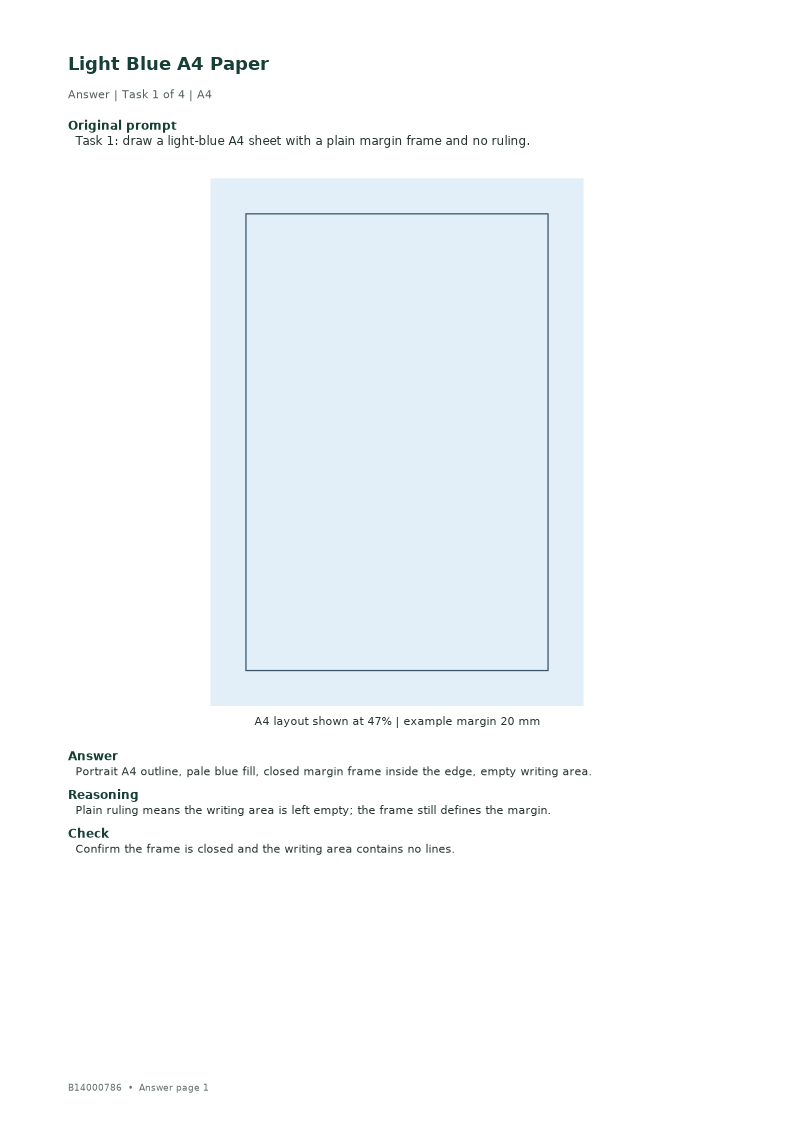
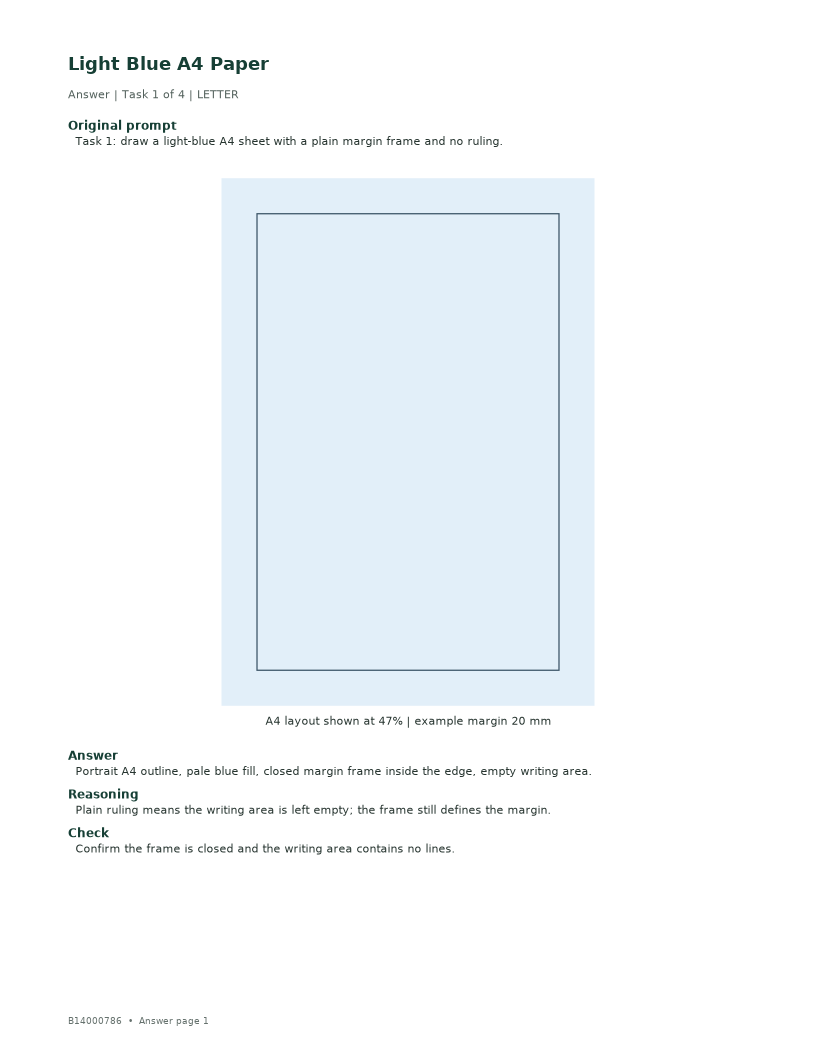
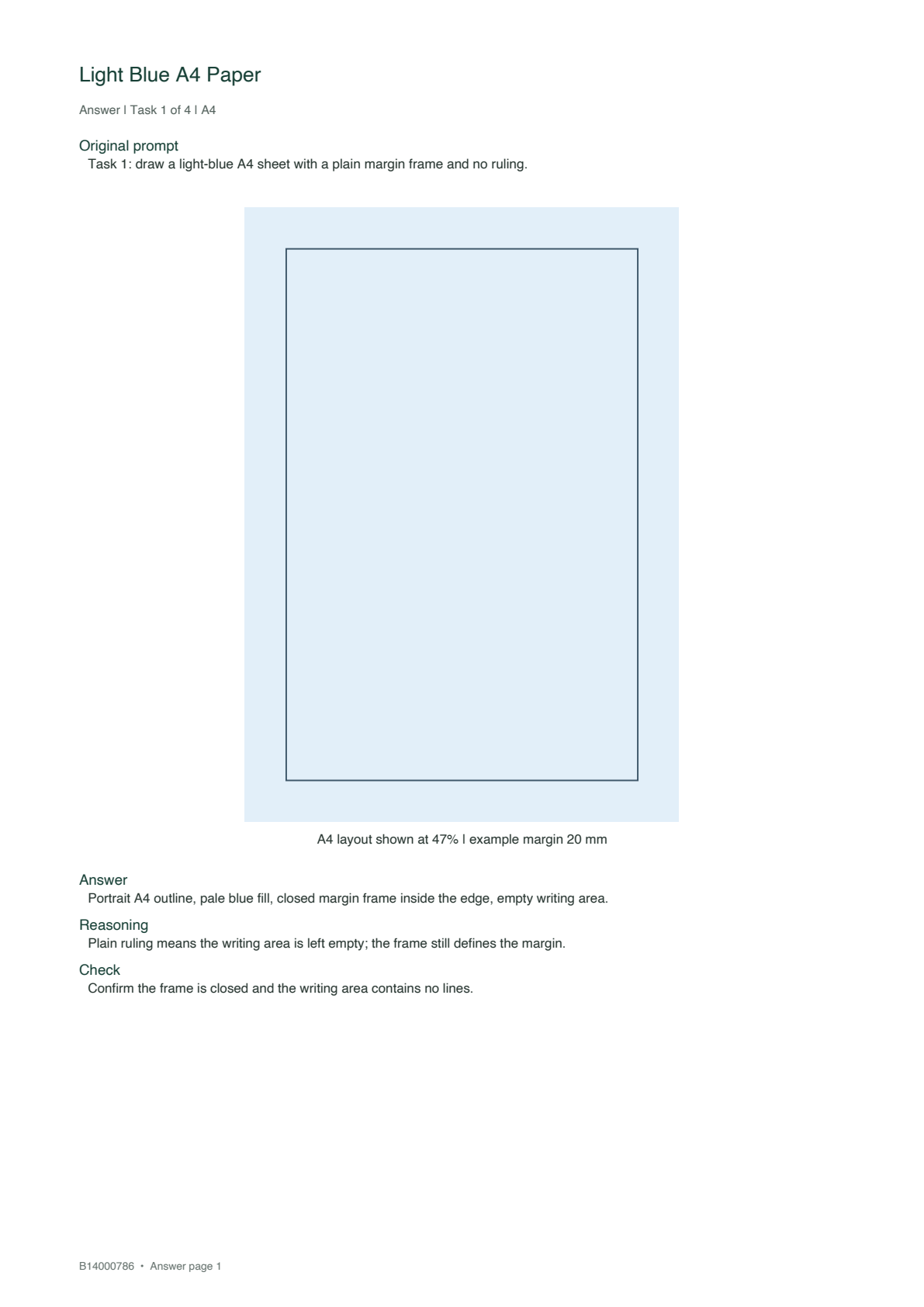
Task 1: draw a light-blue A4 sheet with a plain margin frame and no ruling.
Show answer 1
Portrait A4 outline, pale blue fill, closed margin frame inside the edge, empty writing area.
Plain ruling means the writing area is left empty; the frame still defines the margin.
Check: Confirm the frame is closed and the writing area contains no lines.
Task 2
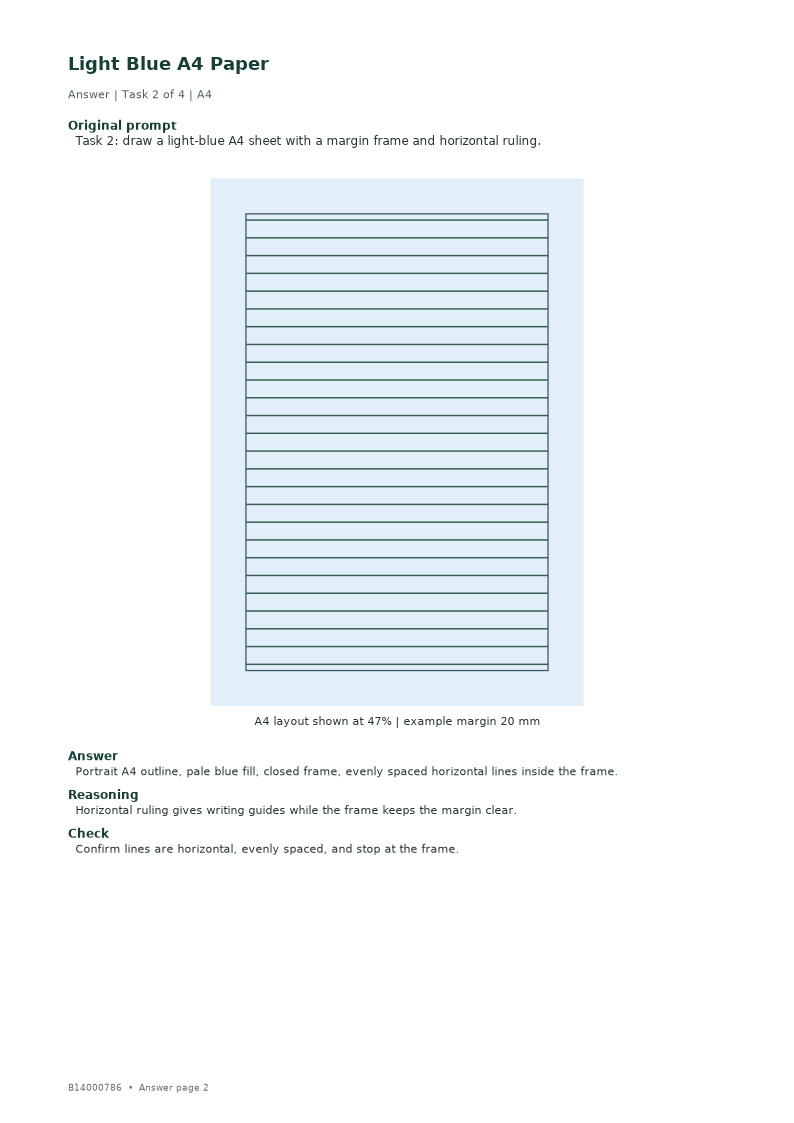
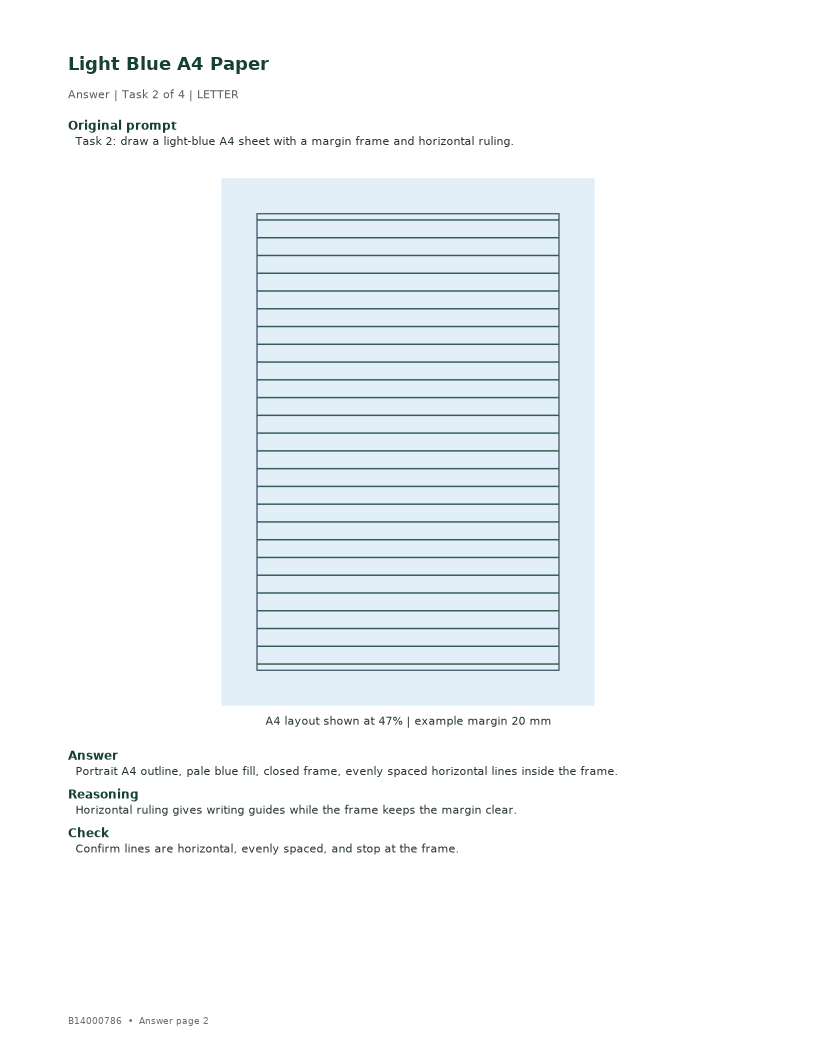
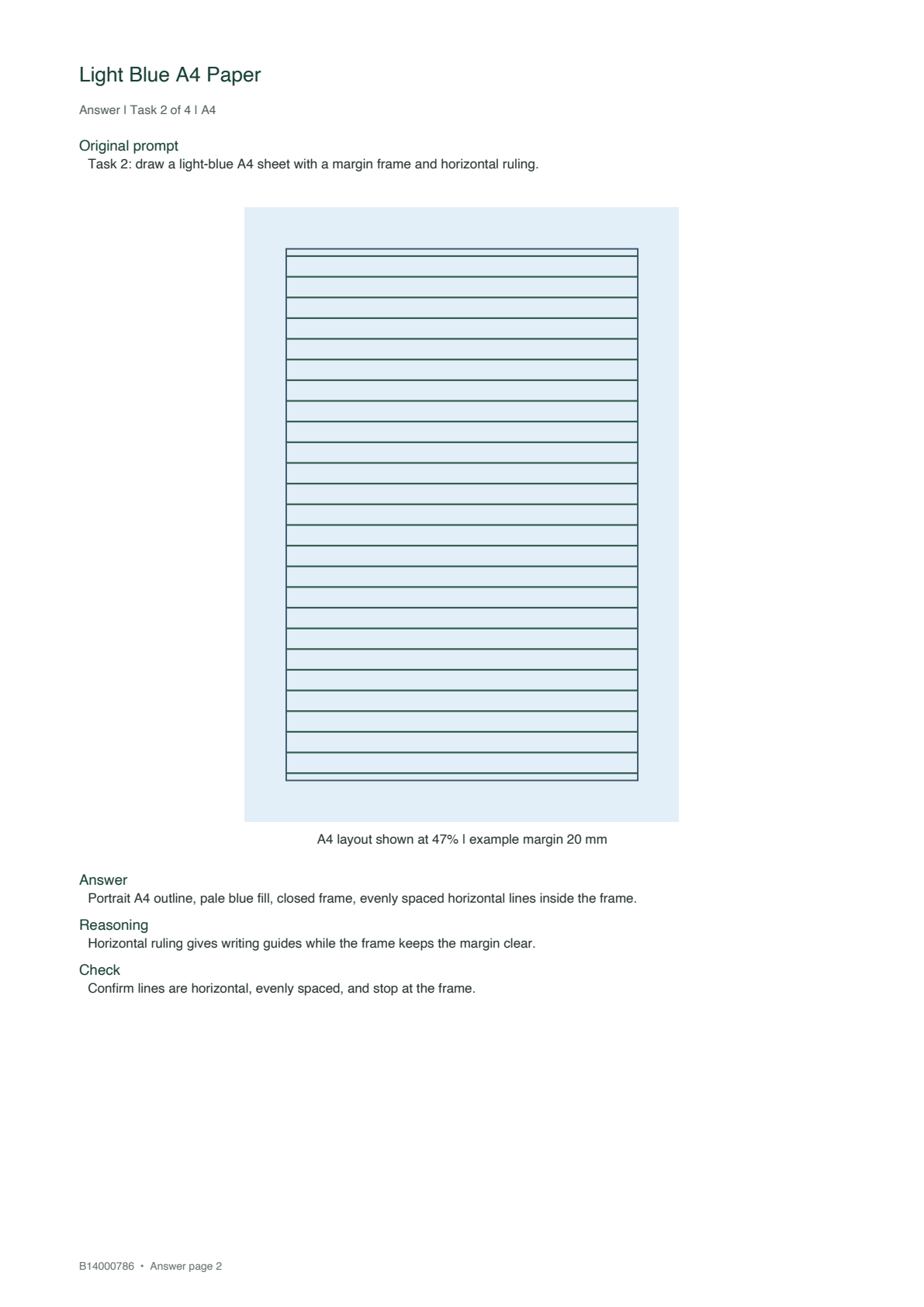
Task 2: draw a light-blue A4 sheet with a margin frame and horizontal ruling.
Show answer 2
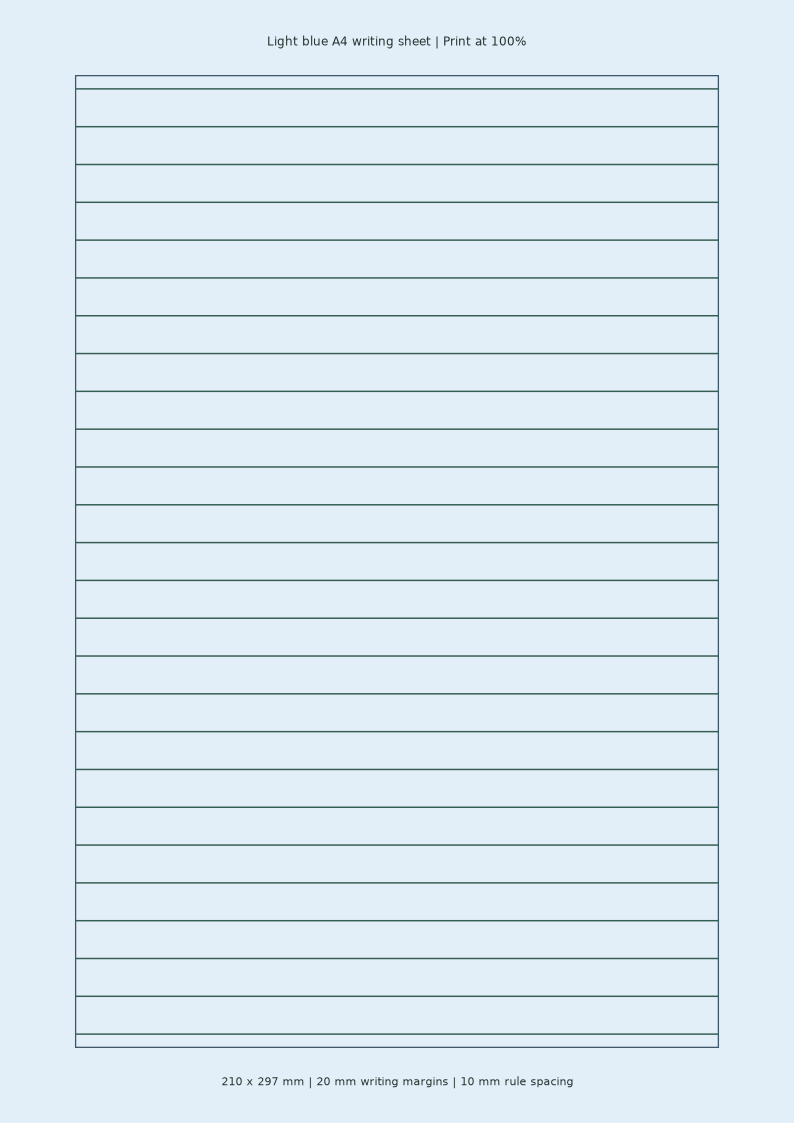
Portrait A4 outline, pale blue fill, closed frame, evenly spaced horizontal lines inside the frame.
Horizontal ruling gives writing guides while the frame keeps the margin clear.
Check: Confirm lines are horizontal, evenly spaced, and stop at the frame.
Task 3
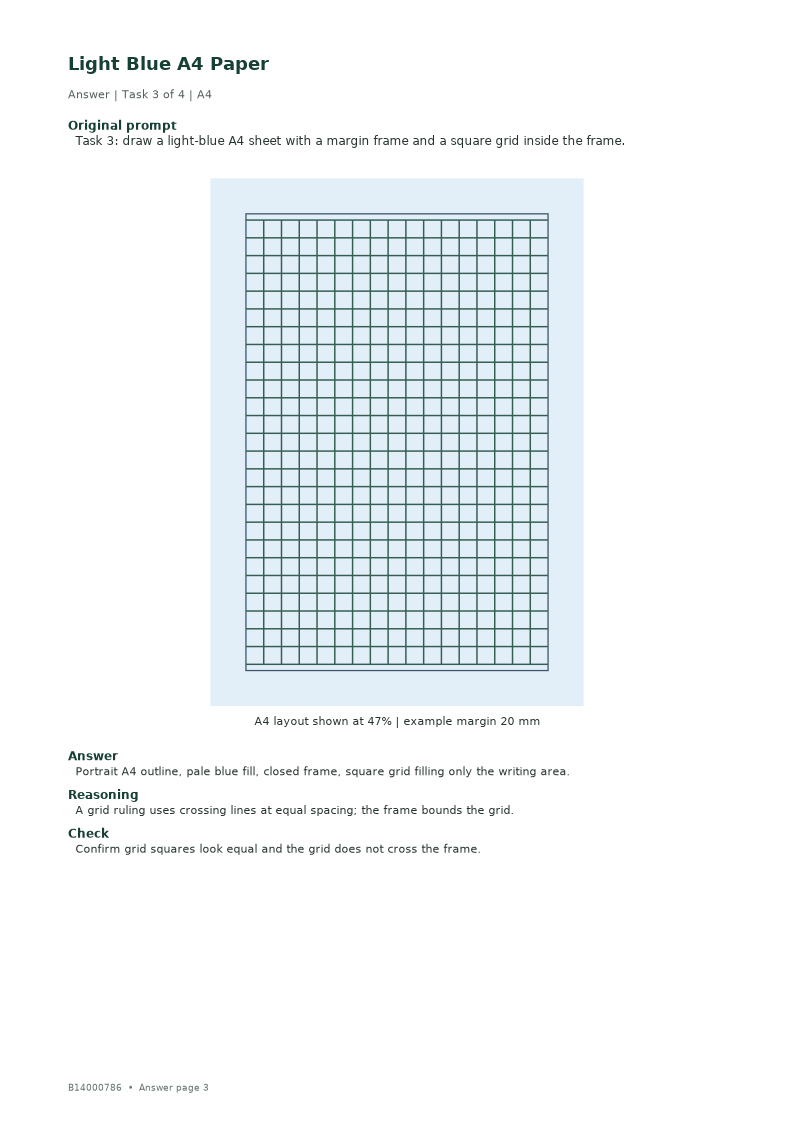
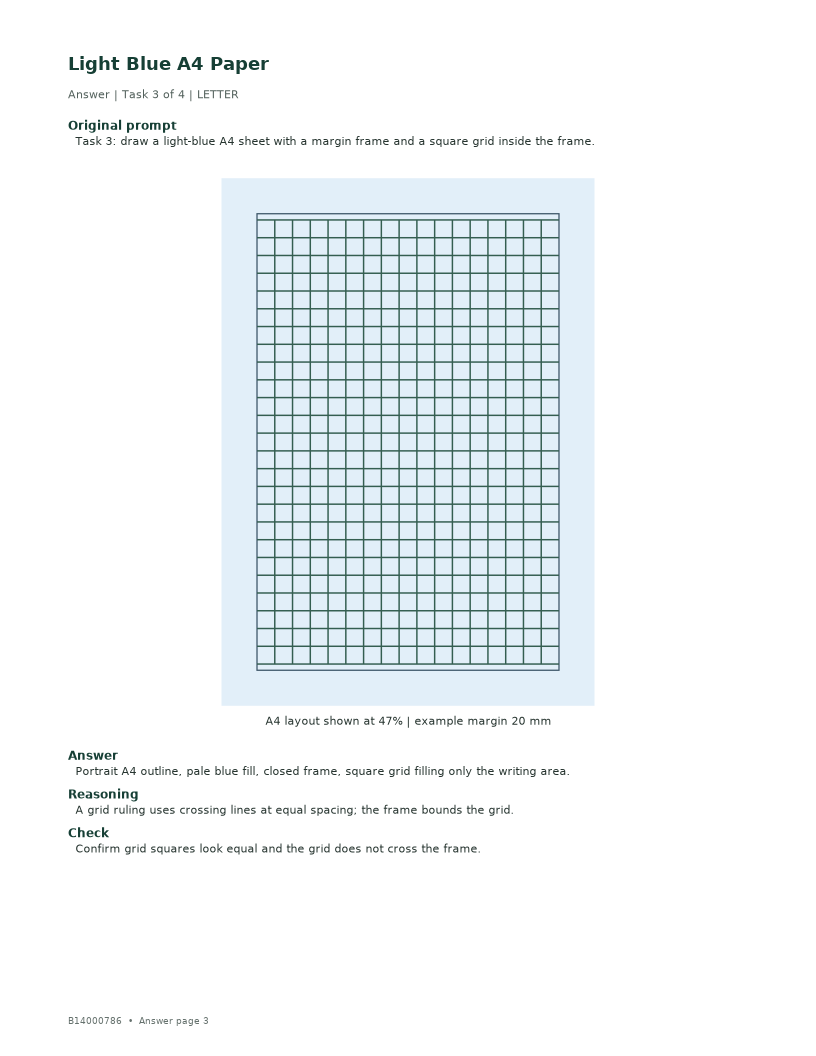
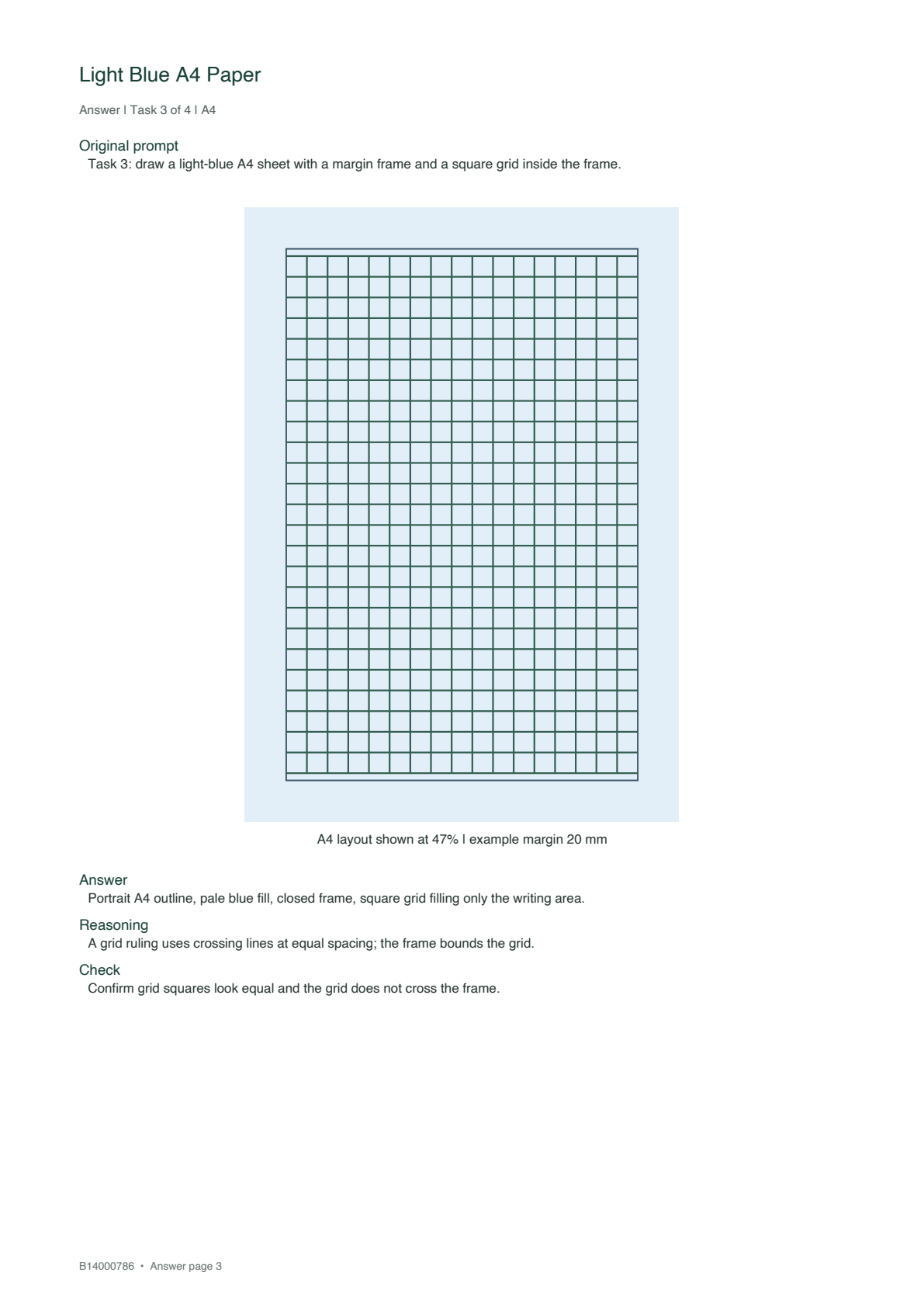
Task 3: draw a light-blue A4 sheet with a margin frame and a square grid inside the frame.
Show answer 3
Portrait A4 outline, pale blue fill, closed frame, square grid filling only the writing area.
A grid ruling uses crossing lines at equal spacing; the frame bounds the grid.
Check: Confirm grid squares look equal and the grid does not cross the frame.
Task 4
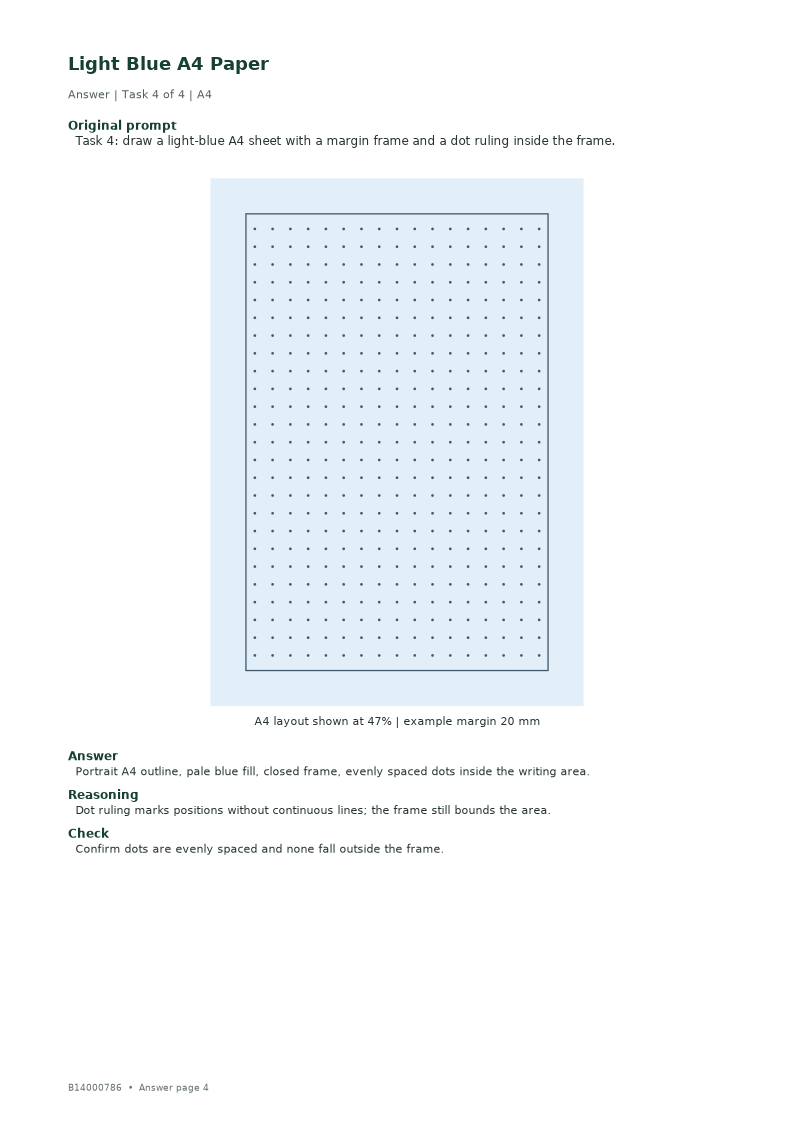
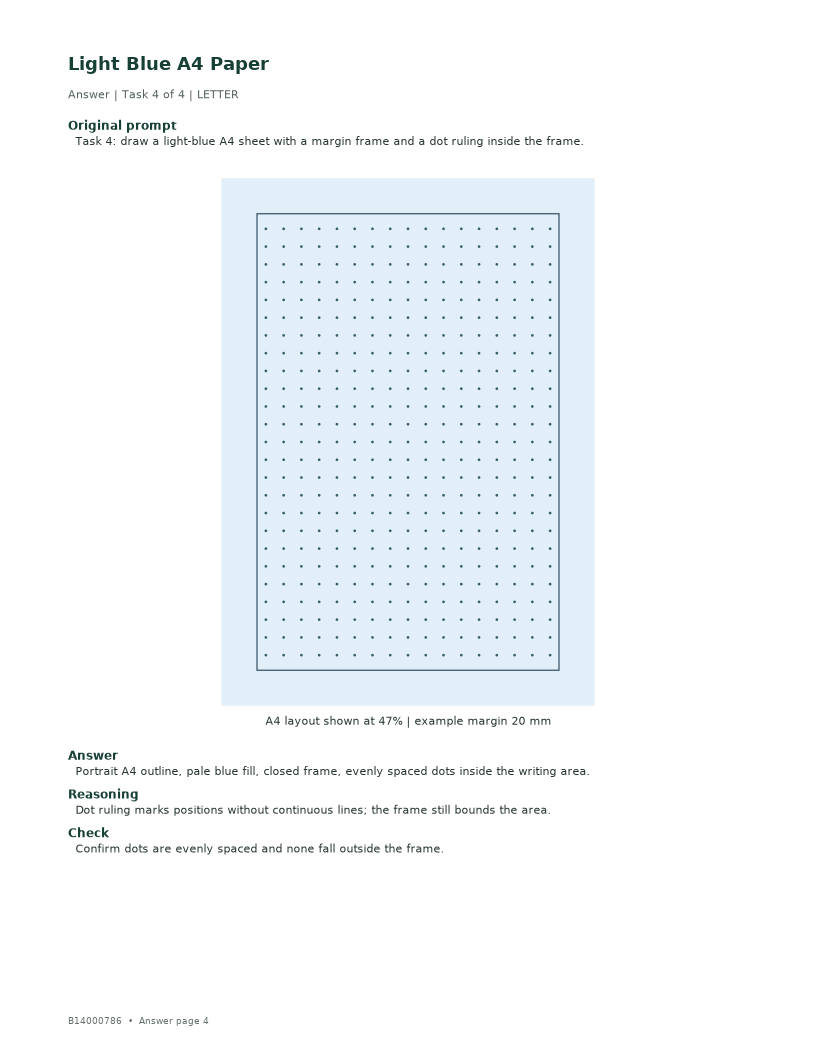
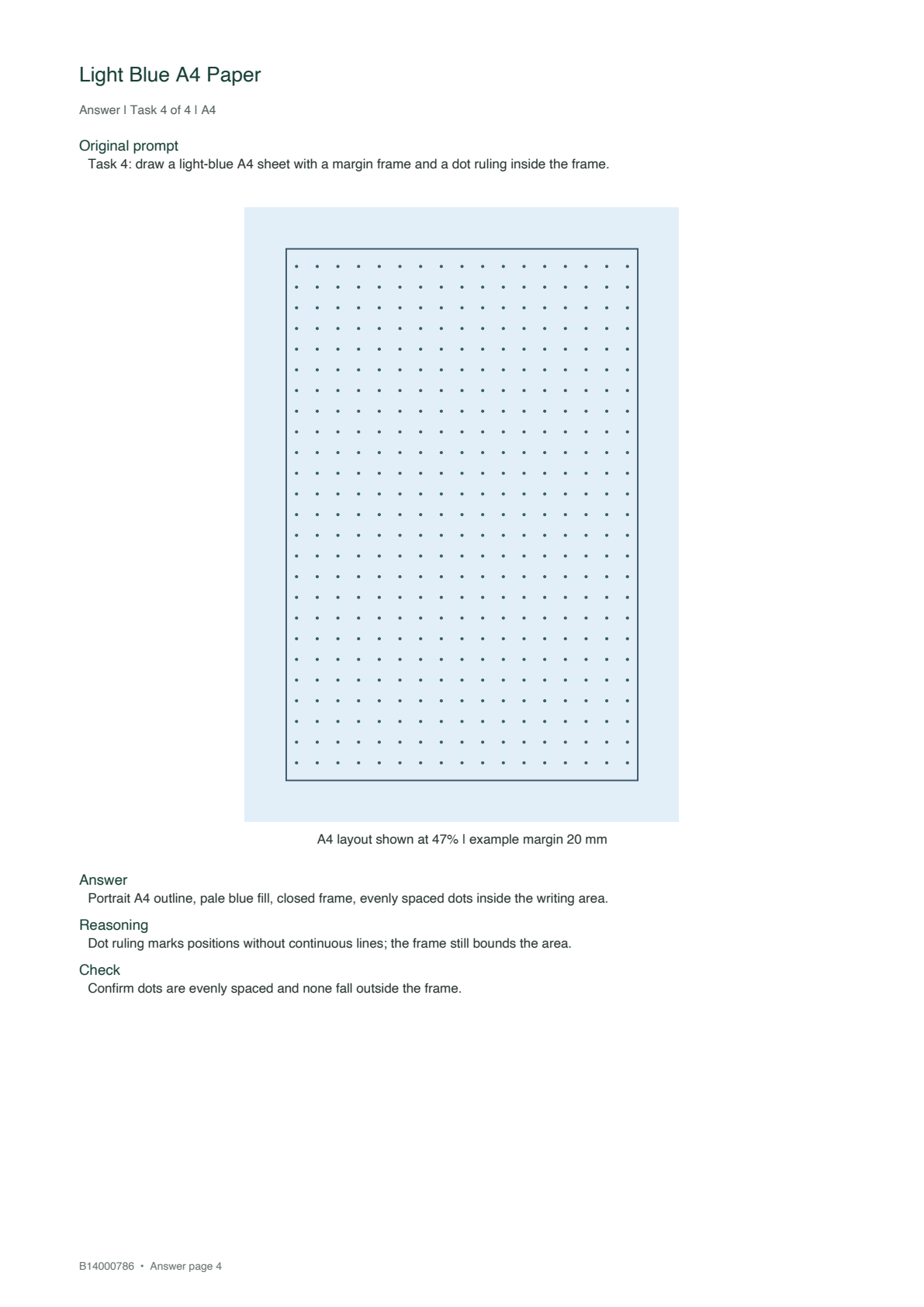
Task 4: draw a light-blue A4 sheet with a margin frame and a dot ruling inside the frame.
Show answer 4
Portrait A4 outline, pale blue fill, closed frame, evenly spaced dots inside the writing area.
Dot ruling marks positions without continuous lines; the frame still bounds the area.
Check: Confirm dots are evenly spaced and none fall outside the frame.
Useful checks
- Ruling lines cross the margin frame. Stop every ruling line or dot at the frame edge.
- Frame touches or crosses the sheet edge. Redraw the frame fully inside the sheet with a visible border.
Questions about this resource
Do I have to use a specific margin width?
No. State the margin width you choose as a choice; it is not a standard value.
Can I use unequal margins?
Yes, if you state each side's width as a choice and keep the frame closed and inside the sheet edge.