Free original resources
Multiplication Chart Printable: Choose Rows, Columns and Blank Cells
Build a multiplication chart practice sheet by choosing row and column ranges, then blanking selected cells. Includes method notes, common mistakes and a marking rubric.
Free resources
Letter & A4
PDF & SVG
Letter & A4
PDF & SVG
Make it yours.
Free · no signup · calculated in your browser
Your free printable kit.
Original reference, student practice and separate worked answers. No account or payment.
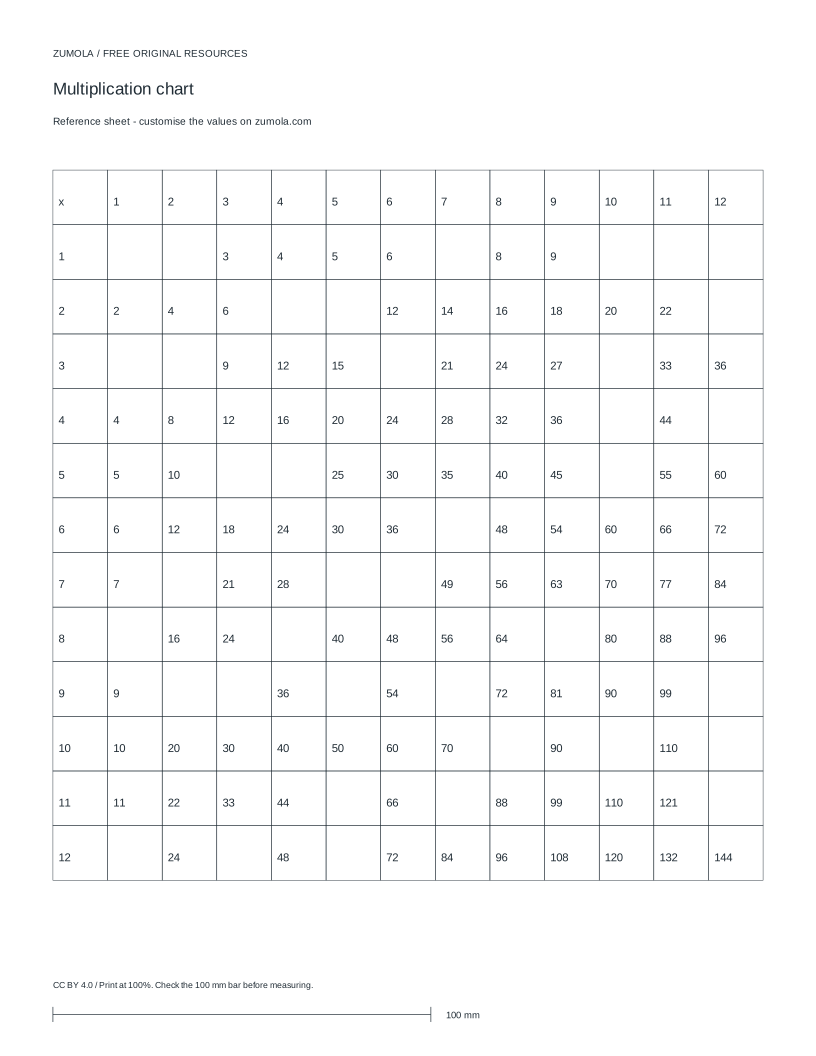
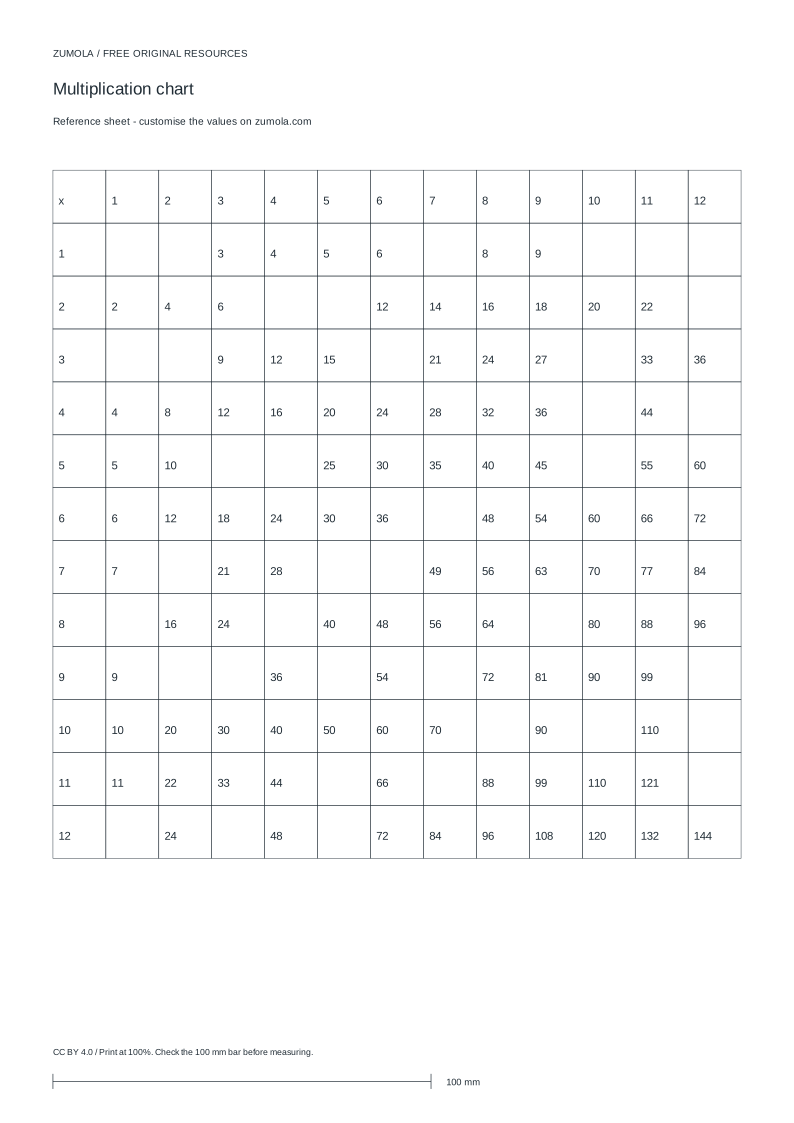
Practice worksheet
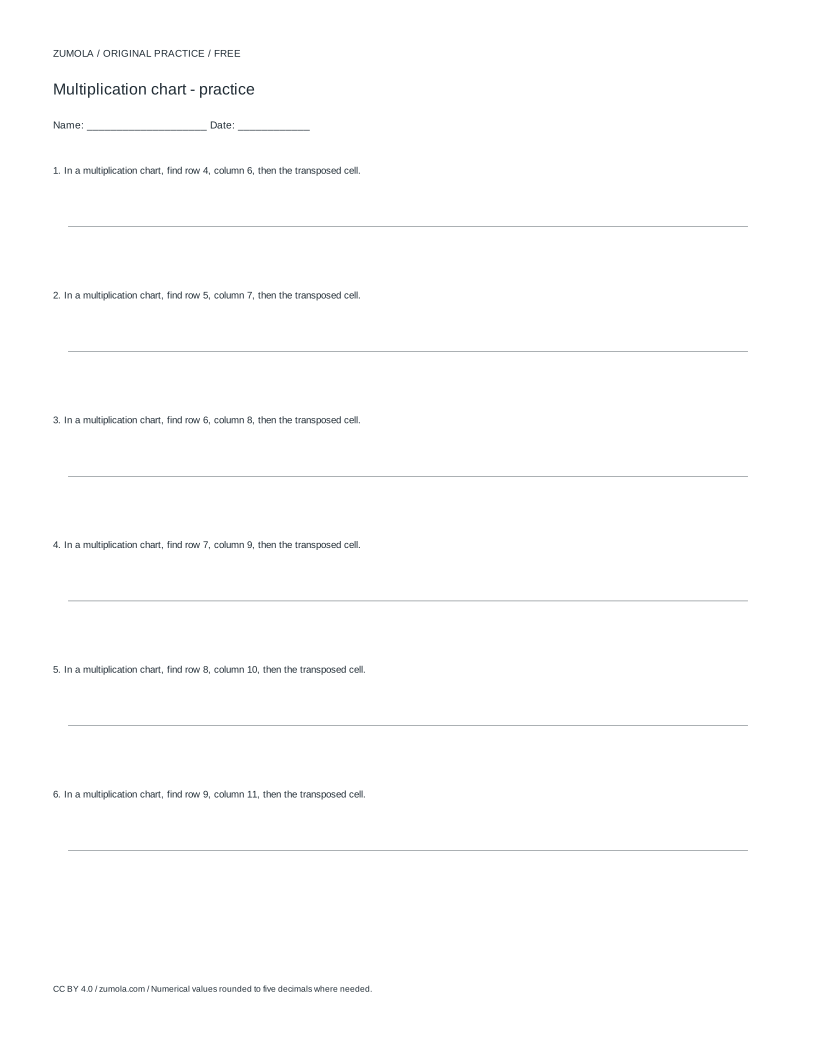
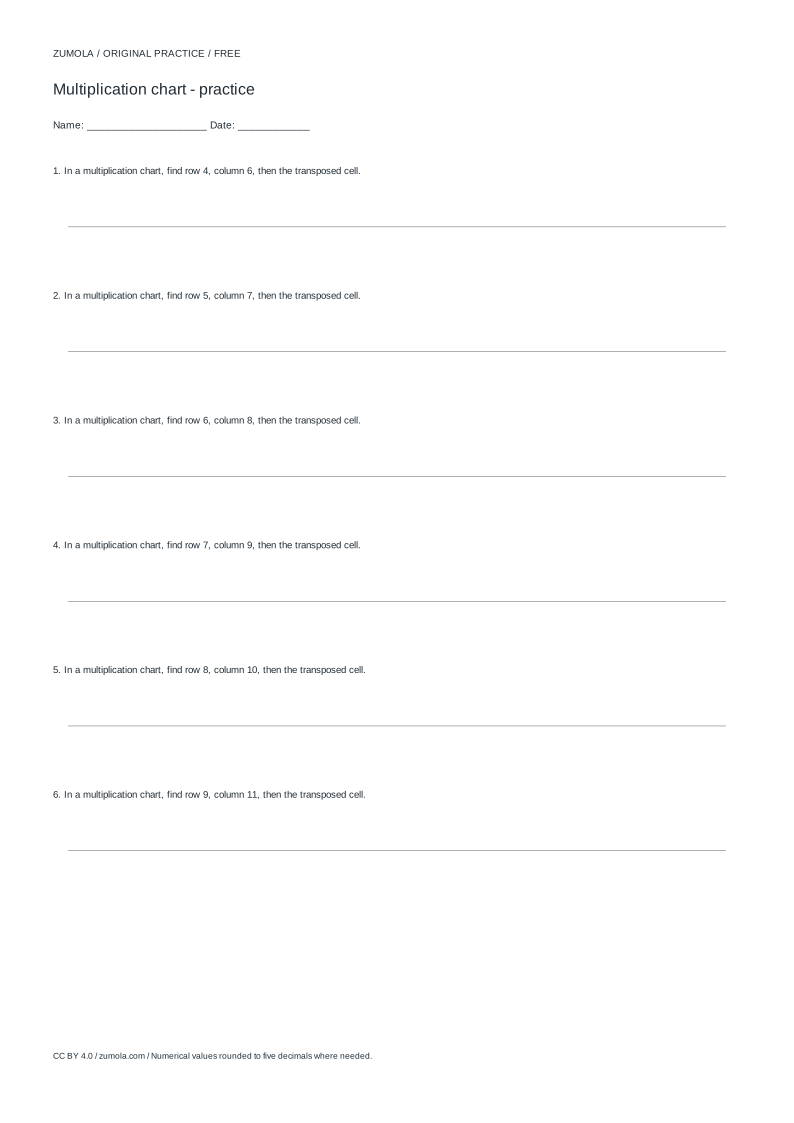
Worked answers / rubric
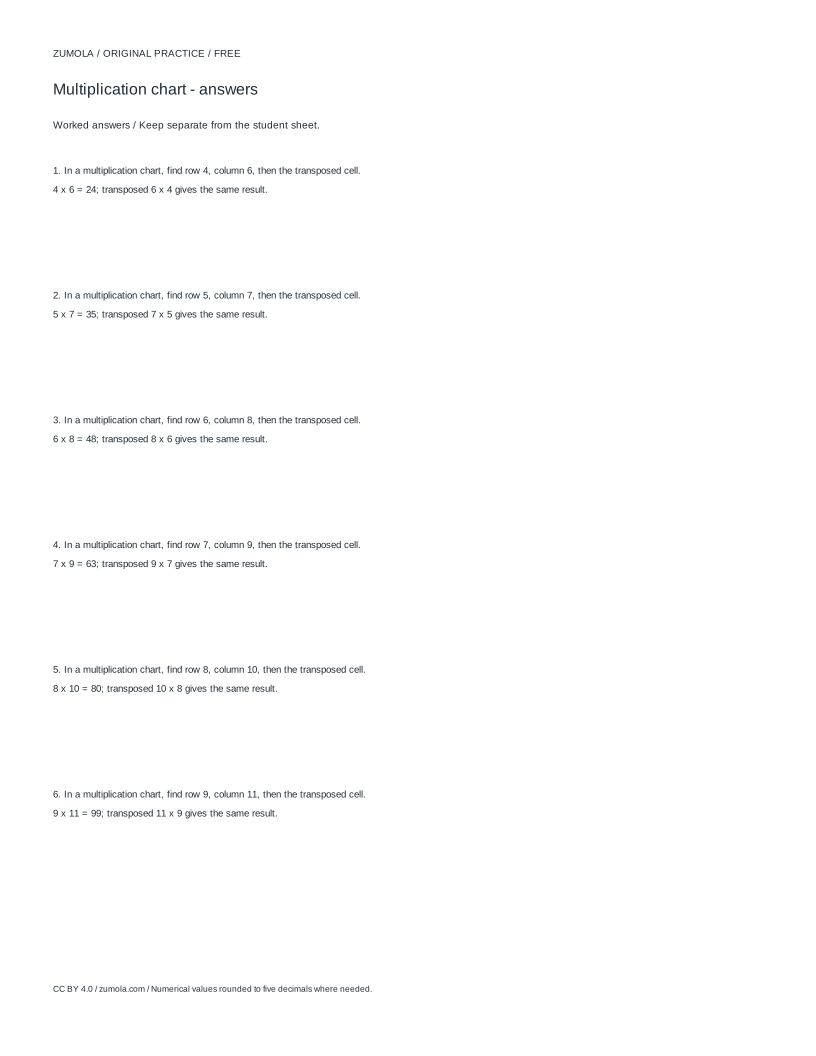

Print at Actual size / 100%. Check the calibration bar before using physical dimensions.
A multiplication chart is a grid where each cell holds the product of its row header and column header. This page explains how to plan a practice chart: pick the row and column ranges, decide how many cells to leave blank, and check answers by reasoning rather than by copying a finished table. The method works for any whole-number range, including ranges that start at zero or that stop at ten or twelve. The settings and print controls are handled by separate components.
How a multiplication chart is built
A chart with rows 0 to 12 and columns 0 to 12 has 13 row headers and 13 column headers, so it contains 13 x 13 = 169 cells. Each cell value is the row header multiplied by the column header. The row of zeros is all zeros, the row of ones repeats the column headers, and the row of twos doubles them. Symmetry is a useful check: the value at row 3, column 7 equals the value at row 7, column 3, because 3 x 7 and 7 x 3 are both 21.
When you blank cells for practice, the blank count is a setting, not a fixed property of the chart. A chart with 25 blanks out of 169 cells leaves 144 filled cells as reference. If the blank count is large relative to the grid, learners may spend more time searching than multiplying, so match the blank count to the range being practised.
- Decide the row range and column range as whole numbers, for example rows 1 to 10 and columns 1 to 10.
- Count the cells: (number of row headers) x (number of column headers). For 1 to 10 in both directions that is 10 x 10 = 100 cells.
- Choose how many cells to leave blank, keeping the filled cells as a reference pattern.
- Check a few answers by the distributive idea: 7 x 12 = 7 x 10 + 7 x 2 = 70 + 14 = 84.
Choosing ranges that match the practice goal
A 1 to 10 chart supports early fluency with single-digit facts. A 1 to 12 chart adds the elevens and twelves, which are often learned later. A chart that includes zero makes the zero row and zero column explicit, which helps learners see that any number times zero is zero. Ranges do not have to be square: rows 2 to 9 with columns 1 to 12 is valid, but the symmetry check only applies where both headers appear in both directions.
Keep the range small enough that the chart fits the page at 100% print scale. Before printing, check a calibration bar so that measured lengths on paper match the intended lengths. If the chart is scaled down, cell sizes shrink and handwriting space is lost.
- Write the row headers in order and the column headers in order before filling any products.
- For a non-square range, confirm which header values appear on each axis.
- Mark the zero row and zero column if zero is included, and fill them first.
- Fill the row of ones and the row of twos next, then use symmetry to cross-check pairs.
Blanking cells without losing the reference pattern
Blanks should be spread across the chart rather than clustered in one corner. A cluster of blanks in the twelves column tests only one set of facts, while scattered blanks test several rows and columns. A practical pattern is to leave complete rows or columns filled as anchors and blank cells in the remaining area. The exact positions depend on the generator settings; the principle is to preserve enough filled cells that a learner can infer a missing value from a neighbour.
Answers should be exact whole numbers. For a cell at row r and column c, the answer is r x c. If a learner writes a value that is not a multiple of either header, the error is usually a slip in repeated addition or a misread header.
- Fill the chart completely first, then mark the cells to blank.
- Keep at least one full row and one full column filled as anchors.
- For each blank, write the row header and column header beside it before solving.
- After solving, check each blank against the symmetry partner if that partner is filled.
Try this example
Plan a chart with rows 1 to 10 and columns 1 to 10, leaving 20 cells blank. State the cell count, the number of filled cells, and check the value at row 7, column 8.
Show the worked explanation
There are 10 row headers and 10 column headers, so 10 x 10 = 100 cells. With 20 blanks, 80 cells remain filled. The value at row 7, column 8 is 7 x 8 = 56. A symmetry check uses row 8, column 7, which is also 56. A distributive check: 7 x 8 = 7 x 5 + 7 x 3 = 35 + 21 = 56.
Common mistakes
- Treating the row and column headers as cells, so the cell count is wrong. Count headers separately: a 0 to 12 chart has 13 headers on each axis and 169 product cells, not 144.
- Blanking so many cells that no filled neighbour remains to reason from. Keep at least one complete row and one complete column filled, and reduce the blank count if the chart becomes a search task.
- Printing without checking scale, so cell sizes differ from the intended size. Print at 100% and confirm a calibration bar before using the sheet for written practice.
Check your work
- Row and column headers are written in order and match the chosen ranges.
- Cell count equals the number of row headers multiplied by the number of column headers.
- Blank cells are scattered and at least one full row and one full column remain filled.
- Each filled or solved cell equals its row header multiplied by its column header.
- Symmetry pairs agree where both headers appear on both axes.
- The sheet is printed at 100% after a calibration bar check.
Questions before you start
Does a multiplication chart have to be square?
No. Rows and columns can use different ranges, such as rows 2 to 9 and columns 1 to 12. The cell count is the number of row headers times the number of column headers.
How do I check a blank cell quickly?
Multiply the row header by the column header. You can also use a filled symmetry partner: row 4, column 9 and row 9, column 4 both equal 36.
Should zero be included in the chart?
Include zero if the goal is to make the zero row and zero column explicit. A 0 to 12 chart has 13 headers per axis and 169 cells.