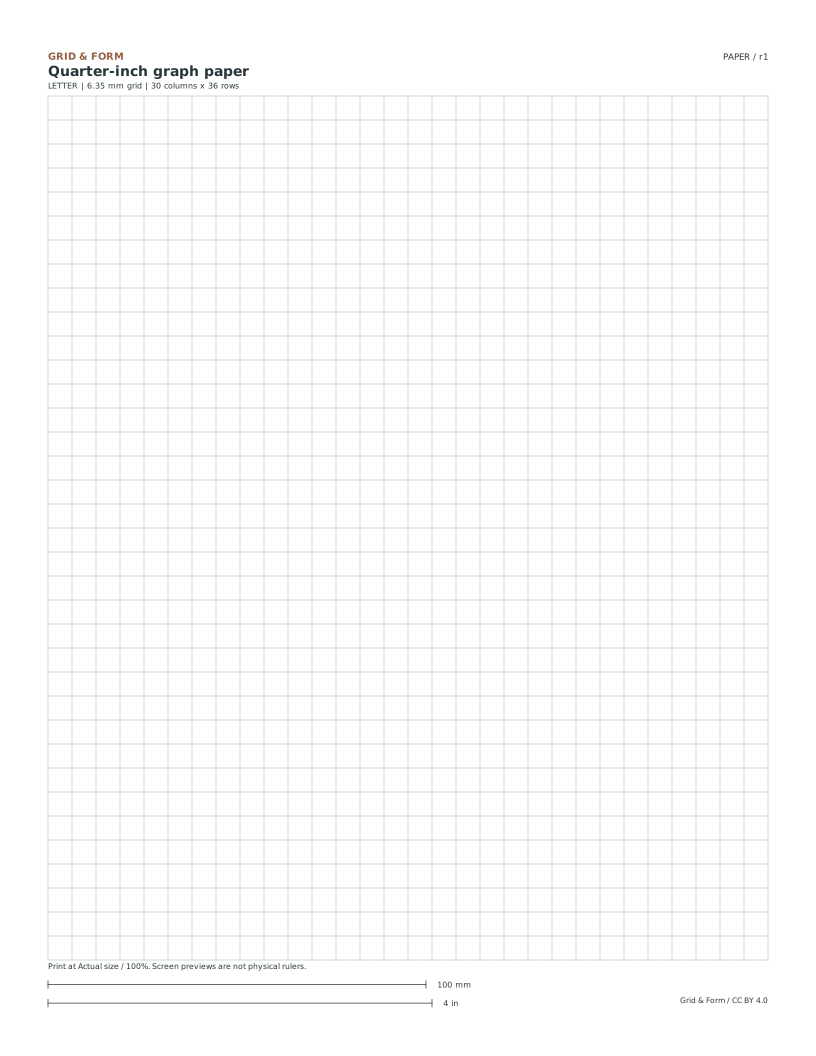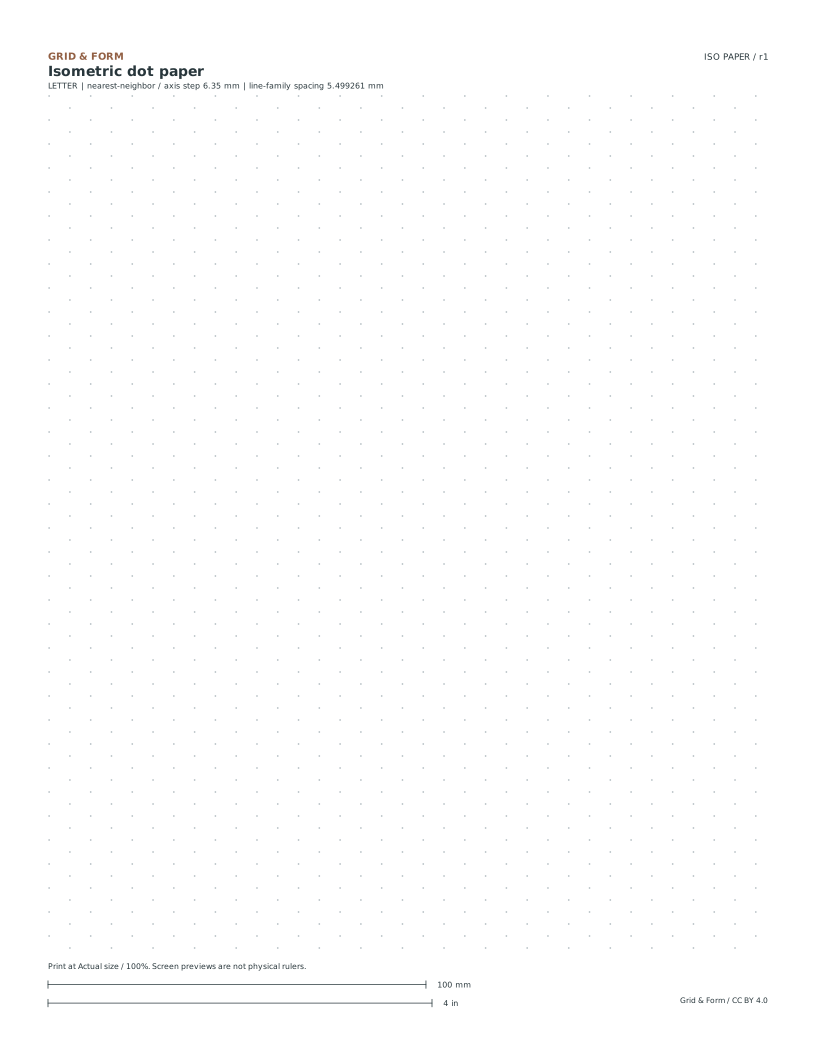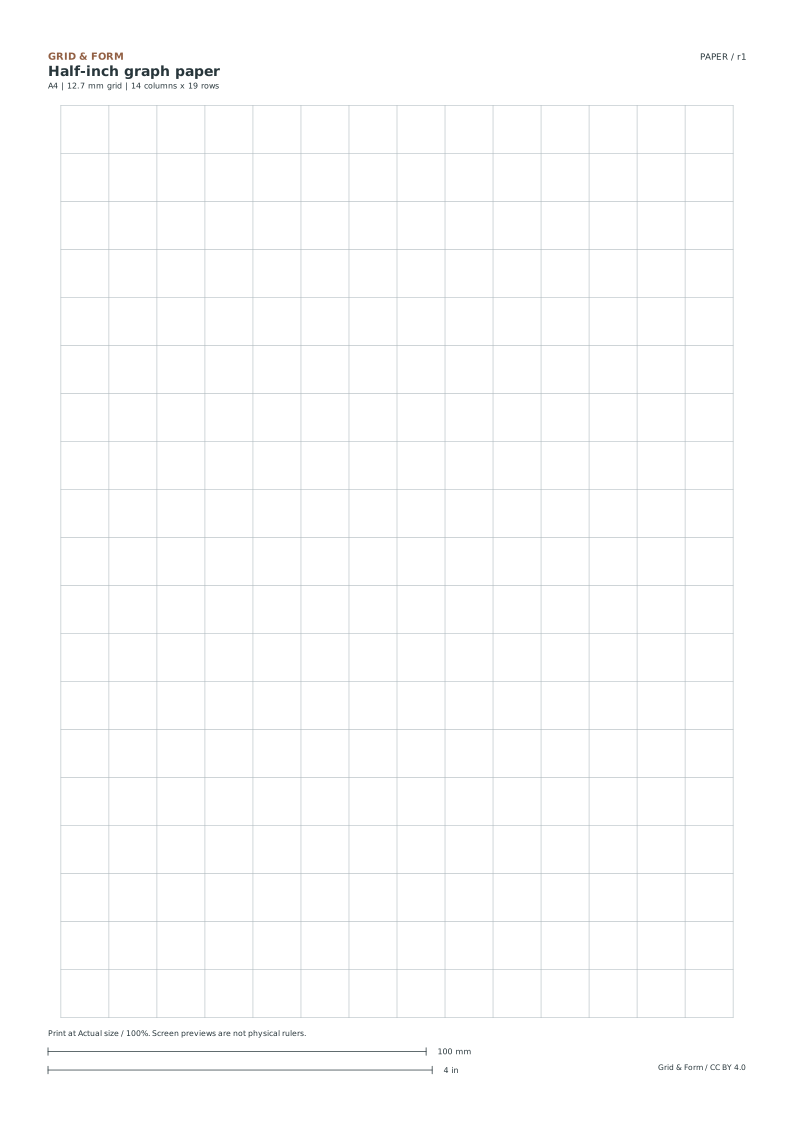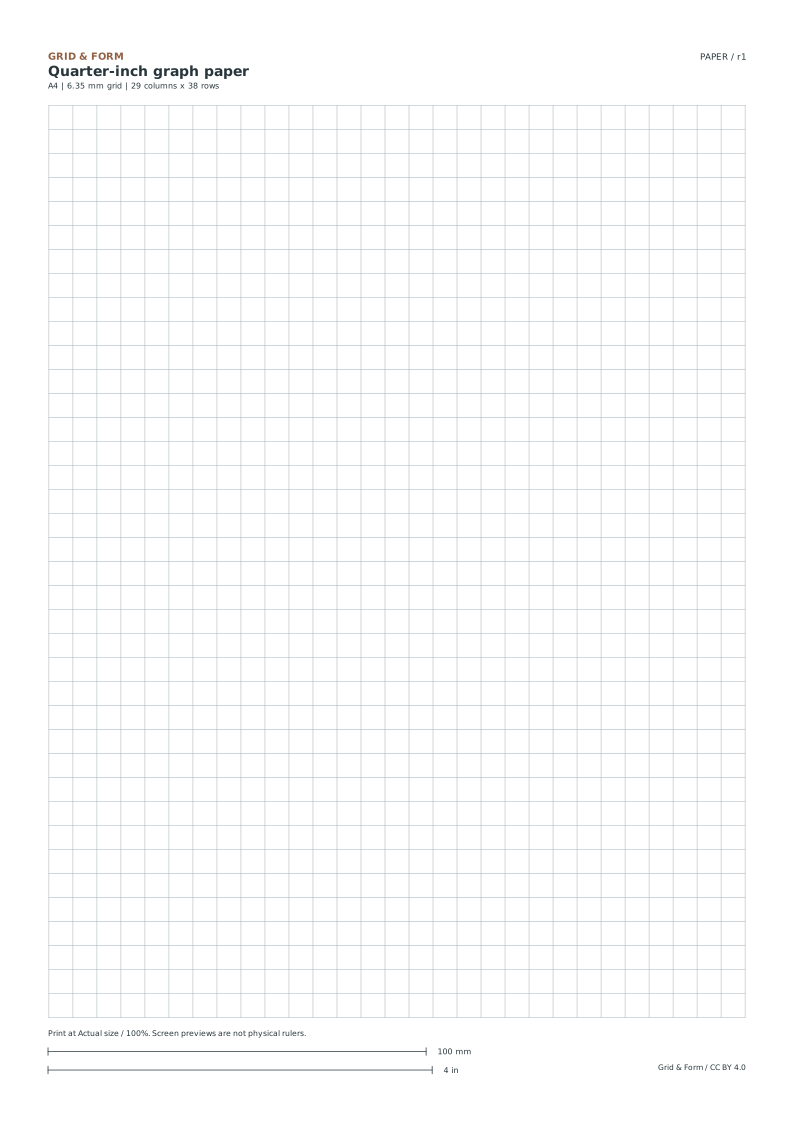
The paper collection

Free printable
graph paper.

Choose a grid that suits the job: larger squares for a first sketch, a smaller grid for detail, or three directions for a solid form. Every download is free, with Letter and A4 versions.

PDF for printing.
SVG for editing.
100% scale for measuring.

Choose a grid for your task.

Each file is a vector sheet with defined dimensions. Use the PDF for the most predictable print workflow.

Download paper size

Customize spacing and paper size.

Only complete squares are drawn. The remaining space is centered, so the grid spacing is never stretched to fill the page.

Make a square grid.

Choose your sheet and spacing. The preview and both downloads use the same dimensions.

Free · built in your browser · CC BY 4.0

Fit-to-screen preview, not a physical ruler.

Which grid size should I choose?

What you want to doA useful starting gridWhy it helps
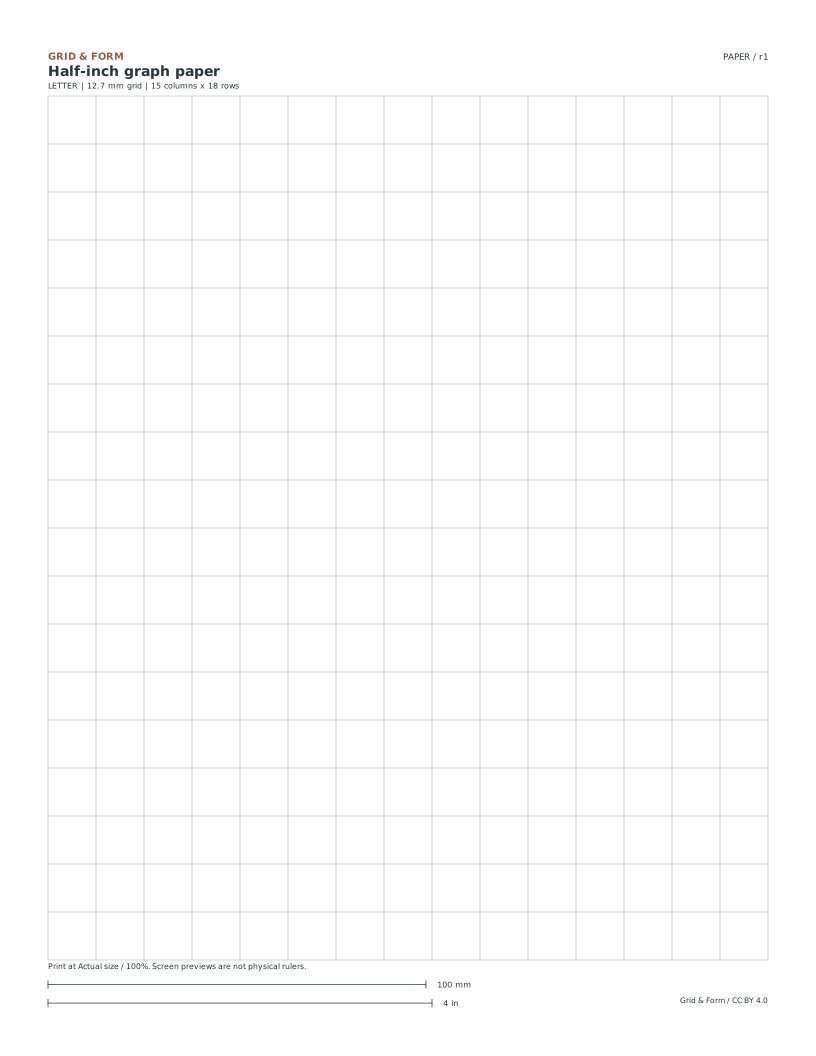
Copy a simple image or make a large diagram1/2 inchEach cell has more room for a broad curve or label.
Draw a small room exercise or a more detailed sketch1/4 inchTwice as many intervals along the same length.
Use a metric grid5 mm or 10 mm in the generatorThe line spacing is already expressed in millimetres.
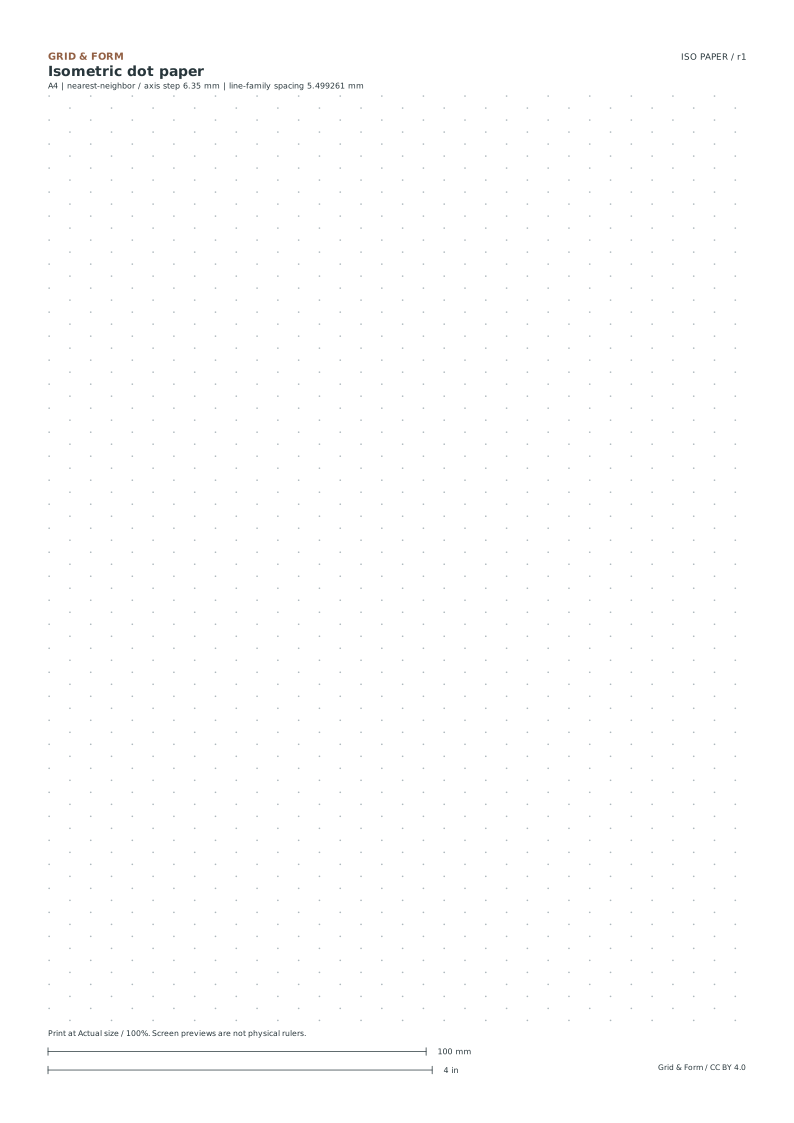
Draw a cube or stepped blockIsometric dots or linesThree edge families replace horizontal and vertical square-grid directions.

Graph paper, grid paper, squared paper.

These names often describe the same square-line sheet. Choose by the actual spacing, paper size and task rather than the name alone. This collection supplies blank grids; the printed squares do not come with numbered axes.

A grid is not a scale until you define one.

A 1/4-inch square is a physical size on the page. “1/4 inch represents 1 foot” is a drawing scale. State what one interval represents before using the grid for a measured exercise.

Print and check the scale.

  1. Match the file and the paper.

    Letter is 8.5 × 11 inches. A4 is 210 × 297 mm. Choose the file that matches the sheet in your printer.

  2. Open the PDF at actual size.

    Use Actual size or 100%. Turn off Fit, Shrink and multiple pages per sheet. Printing the web page itself will not preserve the resource layout.

  3. Measure a known distance.

    Use a physical ruler on a 100 mm or 4 inch calibration bar. Check both axes before relying on any measured drawing.

How these sheets are laid out

The square grid sits inside a 12.7 mm side inset and a 25.4 mm top and bottom inset. Whole cells are centered inside that space. Letter and A4 can therefore have different row or column counts without changing the square size.

Print the file, then check the scale. Open the PDF, choose the matching paper size and set Actual size / 100%. Measure a calibration bar with a real ruler. Printing guide →

A few useful answers

Before you begin

Can I print the graph paper for free?

Yes. Every ready-made paper, custom grid, worksheet and answer on Zumola is free. There is no signup or paid download tier. Reuse follows the CC BY 4.0 license.

Why does the on-screen grid not measure exactly half an inch?

Browsers fit images to the available screen space, and screen pixel density varies. Use the PDF at 100% and measure the printed sheet. A browser preview is not a physical ruler.

Can I edit the grid?

Yes. Download the SVG from “All paper sizes & editable formats.” Keep its millimetre dimensions and viewBox together. Resizing the whole drawing changes the physical grid spacing.

Does changing paper size shrink the squares?

No. The A4 and Letter versions are generated separately at the same spacing. Only the number of complete cells and the centered remainder change.

Worksheet preview

Full printable sheet preview

Fit-to-screen preview. Download the PDF to print at actual size.