Free original resources
Fraction Circle Generator: Split Circles by Denominator and Build Equivalent Fractions
Learn how to divide a circle into equal parts by denominator, shade a numerator, and generate equivalent fraction tasks using the same whole.
Free resources
Letter & A4
PDF & SVG
Letter & A4
PDF & SVG
Make it yours.
Free · no signup · calculated in your browser
Your free printable kit.
Original reference, student practice and separate worked answers. No account or payment.
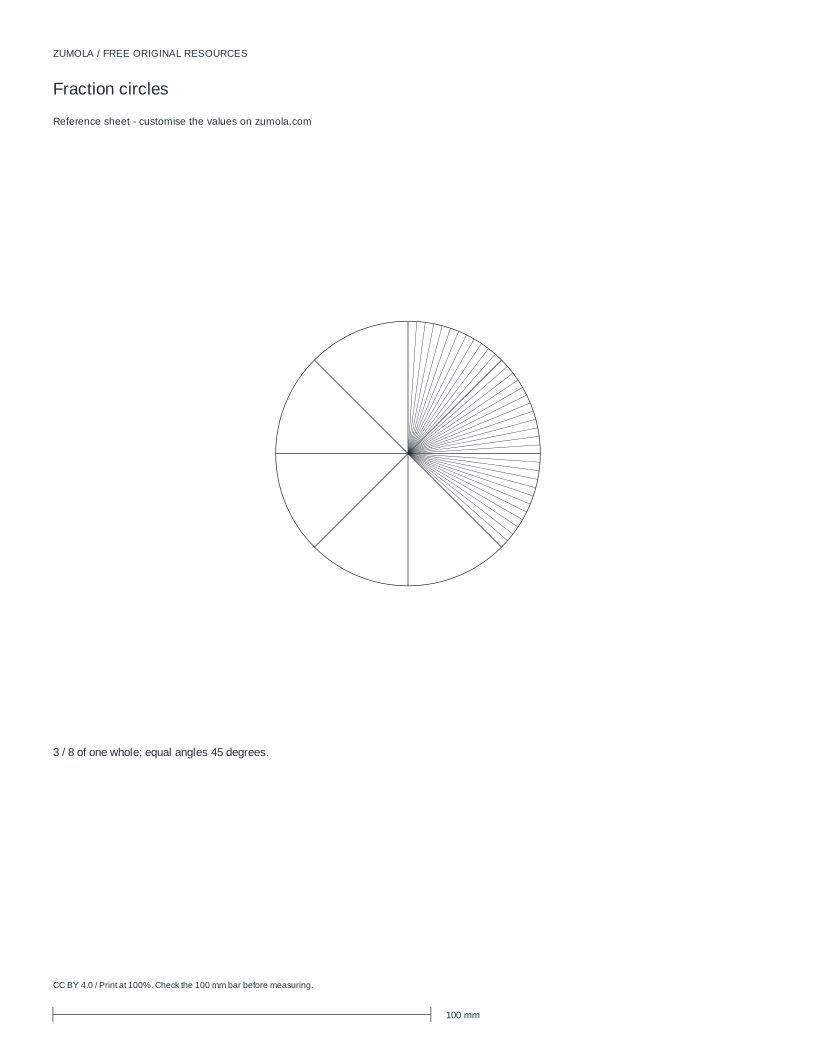
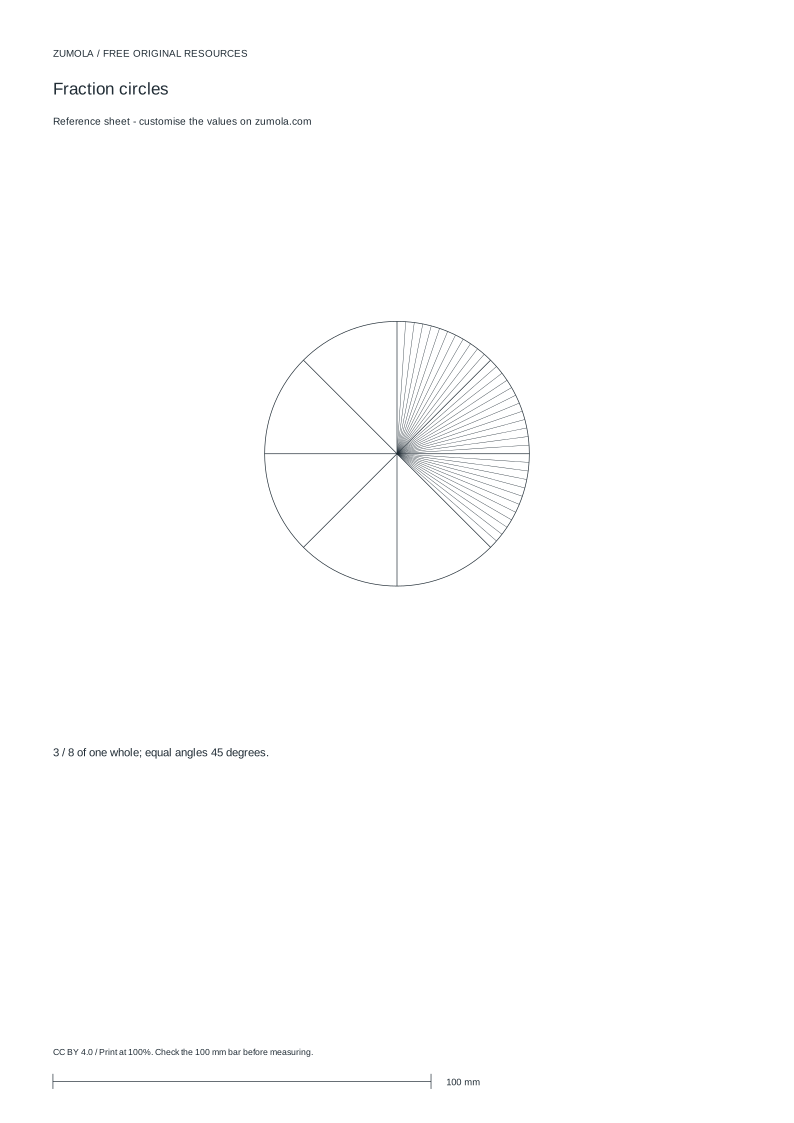
Practice worksheet


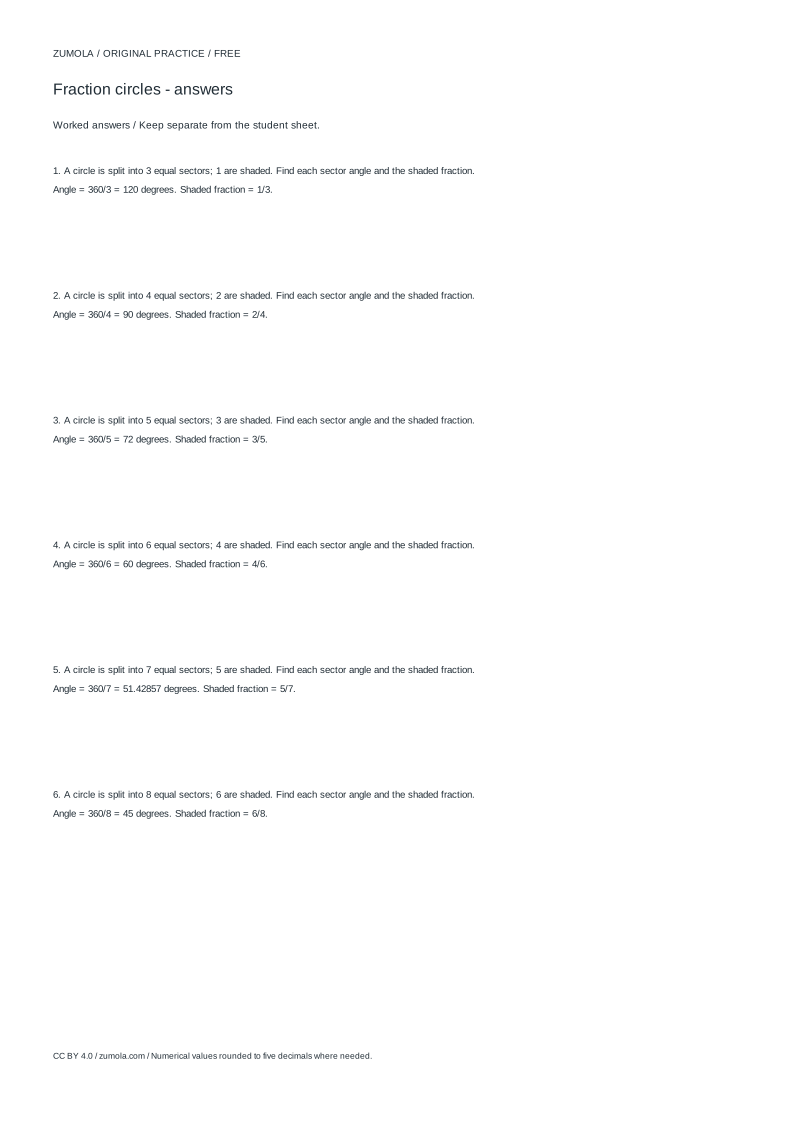
Worked answers / rubric
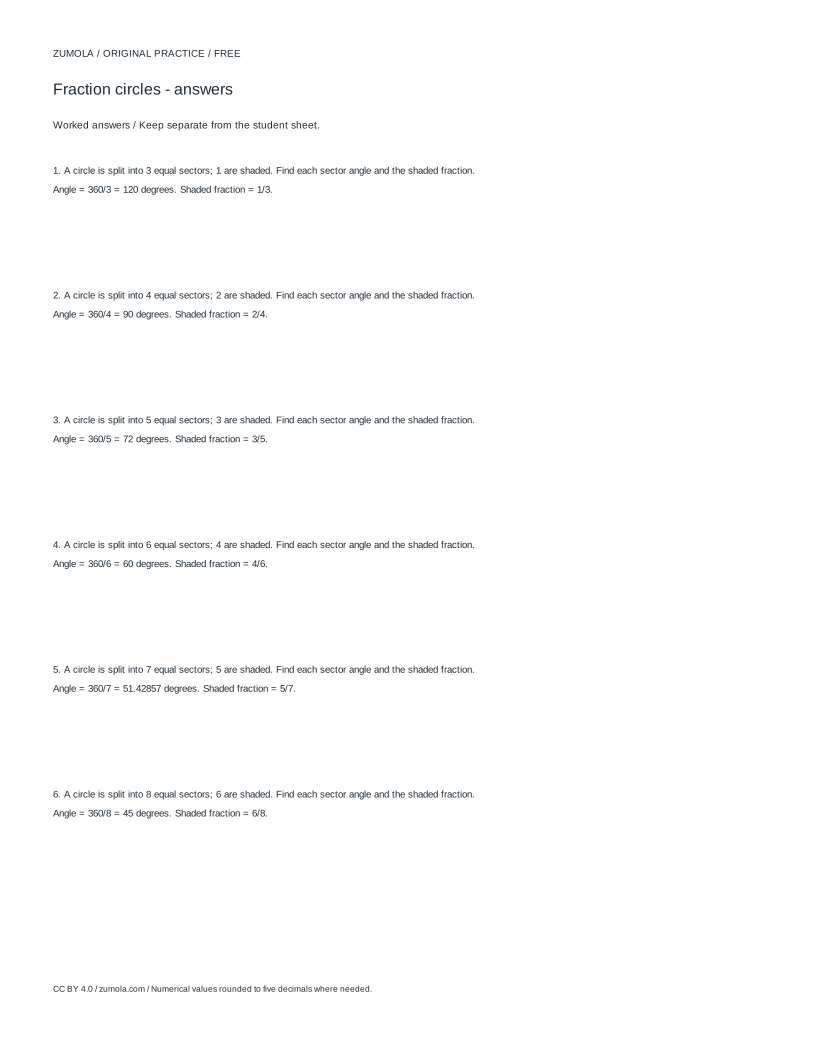
Print at Actual size / 100%. Check the calibration bar before using physical dimensions.
A fraction circle makes a fraction visible: one whole circle is split into equal parts, and the numerator counts how many of those parts are shaded. This page explains the method behind a fraction circle generator, including how to divide a circle accurately by a chosen denominator, how to read the shaded fraction, and how to build equivalent fraction tasks that compare fairly. The key rule is that every fraction in a comparison must share the same whole circle.
Dividing one whole circle by the denominator
A fraction circle starts with a single whole. The denominator tells you how many equal parts that whole is divided into, so a denominator of 8 means eight equal sectors. Equal parts matter more than the number of lines: each sector must have the same central angle and the same area. Because a full turn is 360 degrees, dividing by the denominator gives the angle of each part. For a denominator of 8, each sector is 360 divided by 8, which is 45 degrees.
The numerator then counts how many sectors are shaded or marked. With a numerator of 3 and a denominator of 8, three of the eight equal sectors are selected, representing three eighths. The remaining five sectors are unshaded, and together the shaded and unshaded parts still form the one whole circle. Keeping the whole visible helps learners see that a fraction is a portion of a single object, not a separate shape.
- Decide the denominator, which is the number of equal parts in the whole circle.
- Divide 360 degrees by the denominator to find each sector angle.
- Draw or mark that many equal sectors around one circle.
- Shade the number of sectors equal to the numerator.
- Label the fraction as numerator over denominator and check the parts are equal.
Building equivalent fraction tasks on the same whole
Equivalent fractions describe the same amount using different denominators. To generate an equivalent fraction task, keep the same whole circle and the same shaded area, but change how finely the circle is divided. For example, three eighths shaded can be compared with six sixteenths shaded if the circle is split into sixteen equal parts and six are shaded. Both cover the same area because each eighth equals two sixteenths.
The generator method depends on exact rational values rather than rounded decimals. Three eighths is exactly 0.375, and six sixteenths is also exactly 0.375. When you create tasks, state the denominator and numerator clearly and confirm that the total number of parts matches the denominator. If two circles are compared, both must represent the same whole size; a larger circle split into eighths is not a fair comparison with a smaller circle split into eighths.
- Choose a starting fraction, such as 3/8.
- Multiply numerator and denominator by the same whole number to get an equivalent fraction, such as 6/16.
- Draw both fractions on circles of the same size.
- Divide each circle by its own denominator and shade the matching numerator.
- Check that the shaded areas cover the same portion of each whole circle.
Using diameter and angle settings accurately
When a circle is drawn to a set diameter, the diameter describes the full width across the circle through its centre. A diameter of 70 millimetres means the circle spans 70 millimetres across. The sector angle is independent of diameter: a denominator of 8 still gives 45-degree sectors whether the circle is small or large. Diameter affects the physical size of the printed circle, while the denominator controls the division.
Angles and diameters should be treated as separate settings. If you change the diameter, the fraction represented does not change, but the sectors become larger or smaller in area. If you change the denominator, the number of sectors and their angles change. Keep units explicit: use millimetres for physical diameter and degrees for sector angles. Do not mix these with abstract coordinate units used in schematic math charts.
- Set the denominator first so the number of equal sectors is fixed.
- Calculate each sector angle as 360 divided by the denominator.
- Set the diameter in millimetres if a physical size is needed.
- Confirm the numerator does not exceed the denominator for a proper fraction.
- Label the circle with the fraction and the sector angle for clarity.
Checking fraction comparisons fairly
Comparing fractions requires a shared whole. If one circle is divided into eighths and another into sixteenths, both circles must be the same overall size before the shaded areas can be compared visually. The denominator and the number of drawn sectors must also match: a circle labelled eighths should have exactly eight equal sectors. A mismatch between the label and the drawing makes the comparison invalid.
Use exact fractions for answers rather than relying on a visual estimate. Three eighths is greater than one quarter because 3/8 equals 0.375 and 1/4 equals 0.25. A fraction circle can support that reasoning by showing that three eighths covers more area than two eighths, which is one quarter. Keep the reasoning tied to equal parts of the same whole.
- Confirm both circles represent the same whole size.
- Check that each circle's sector count matches its denominator.
- Convert fractions to exact decimals or common denominators to compare.
- Use the shaded sectors to support, not replace, the exact comparison.
- State the comparison clearly, such as 3/8 is greater than 1/4.
Try this example
A circle has a denominator of 8 and a numerator of 3. Find the sector angle, the exact decimal value, and one equivalent fraction drawn on a circle of the same size.
Show the worked explanation
Each sector angle is 360 divided by 8, which is 45 degrees. The fraction is 3/8, and 3 divided by 8 equals 0.375 exactly. Multiply numerator and denominator by 2 to get 6/16, which is equivalent because 6 divided by 16 also equals 0.375. On a same-size circle divided into 16 equal sectors, shade 6 sectors to represent the same area as 3 of 8 sectors.
Common mistakes
- Drawing sectors that are not equal in angle or area. Divide 360 degrees by the denominator and use that exact angle for every sector.
- Comparing fractions drawn on circles of different sizes. Use circles with the same diameter so both fractions share the same whole.
- Labelling a circle with a denominator that does not match the number of drawn sectors. Count the sectors and confirm they equal the denominator before shading the numerator.
Check your work
- The circle is divided into a number of equal sectors that matches the stated denominator.
- Each sector angle equals 360 degrees divided by the denominator.
- The numerator counts shaded sectors and does not exceed the denominator for a proper fraction.
- Equivalent fractions are shown on circles of the same whole size.
- Fraction comparisons use exact values or common denominators, not visual estimates alone.
- Units are stated clearly: millimetres for diameter and degrees for sector angles.
Questions before you start
What does the denominator mean on a fraction circle?
The denominator is the number of equal parts the whole circle is divided into. A denominator of 8 means eight equal sectors, each with a central angle of 45 degrees.
How do I make an equivalent fraction task?
Keep the same whole circle size and the same shaded area, then multiply the numerator and denominator by the same number. For example, 3/8 becomes 6/16 when both are multiplied by 2.
Why must fraction comparisons use the same whole?
A fraction describes a part of one whole. If the wholes differ in size, the shaded areas are not comparable, so the fractions cannot be judged fairly by appearance alone.