Free original resources
Custom Hundred Chart Printable: Start, Step, Rows and Columns
Plan a custom number chart with a chosen start, step, row and column count, then create missing-number practice. Includes a worked example, common mistakes and a marking rubric.
Free resources
Letter & A4
PDF & SVG
Letter & A4
PDF & SVG
Make it yours.
Free · no signup · calculated in your browser
Your free printable kit.
Original reference, student practice and separate worked answers. No account or payment.
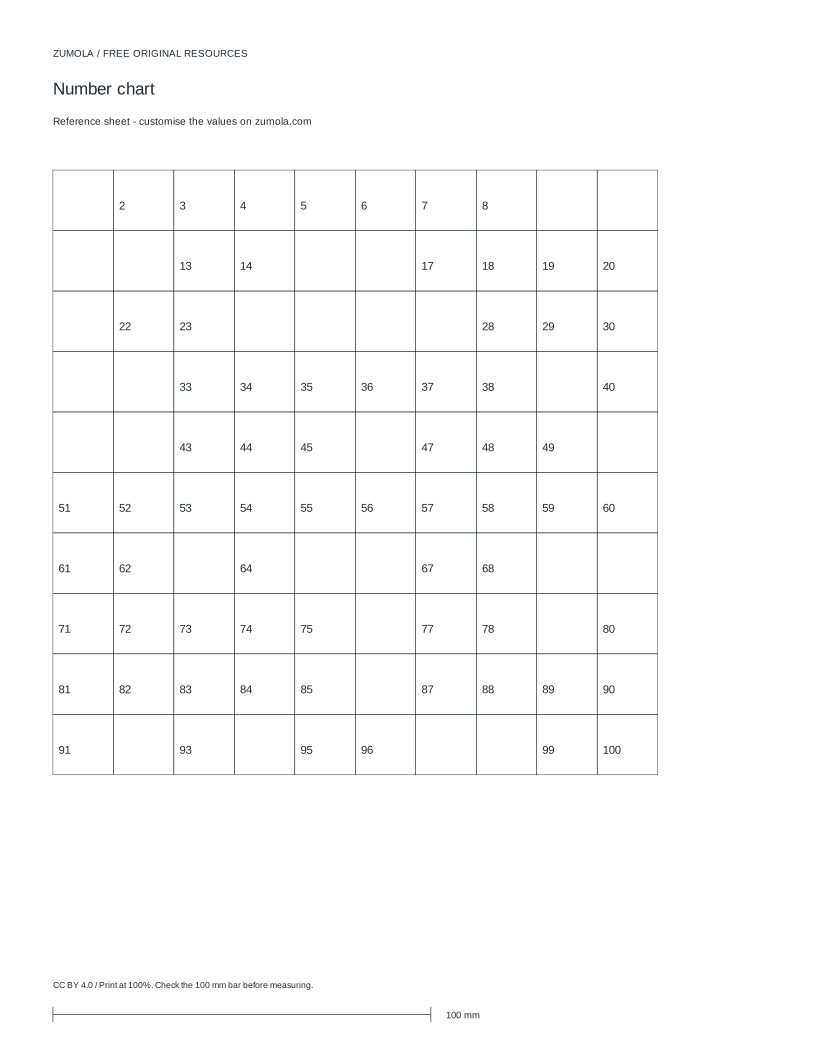
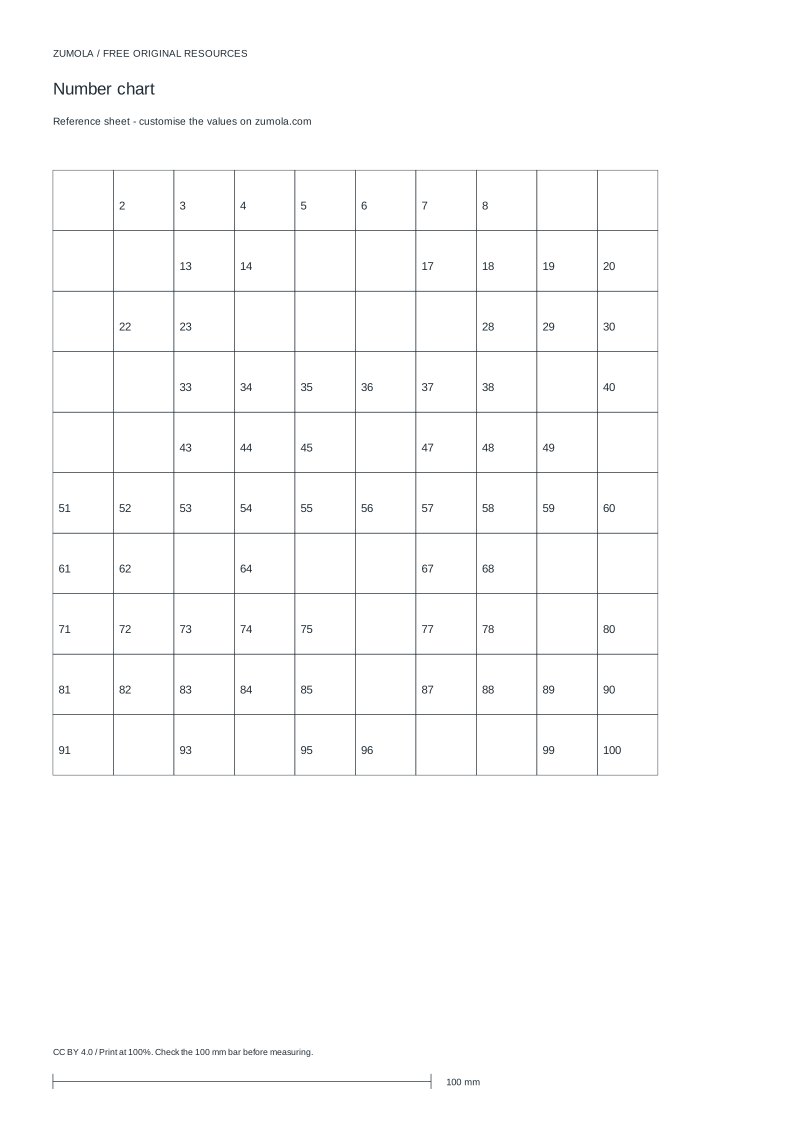
Practice worksheet
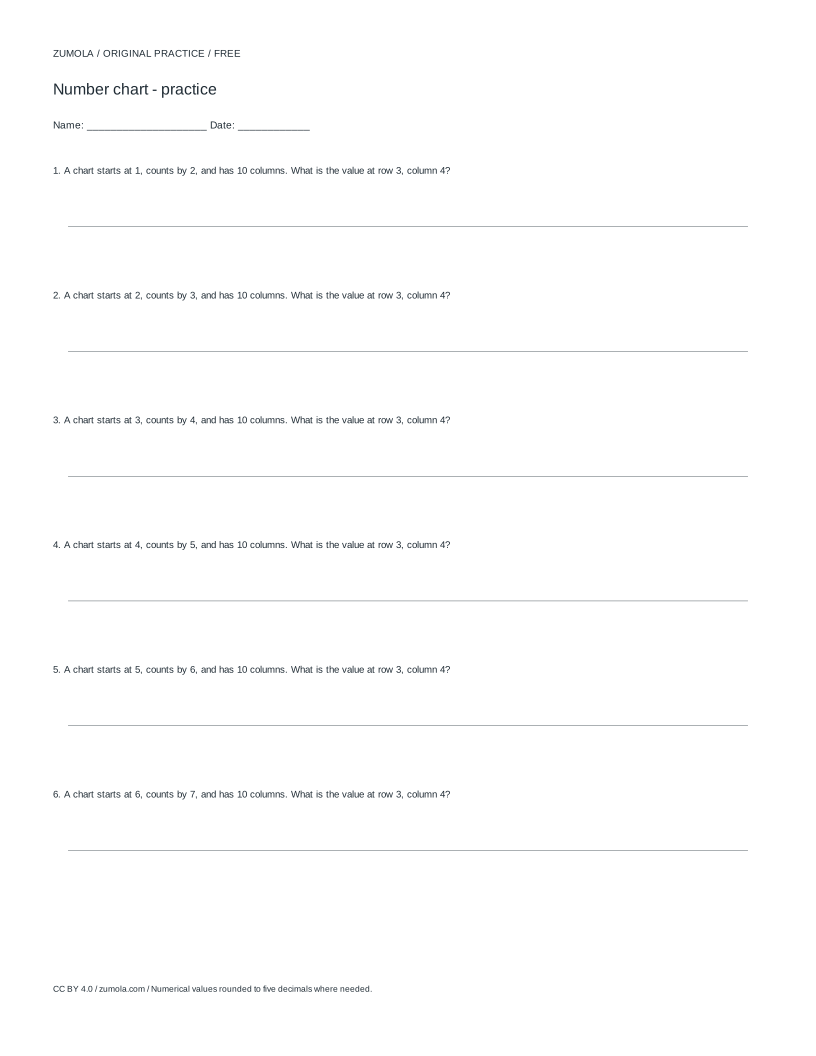
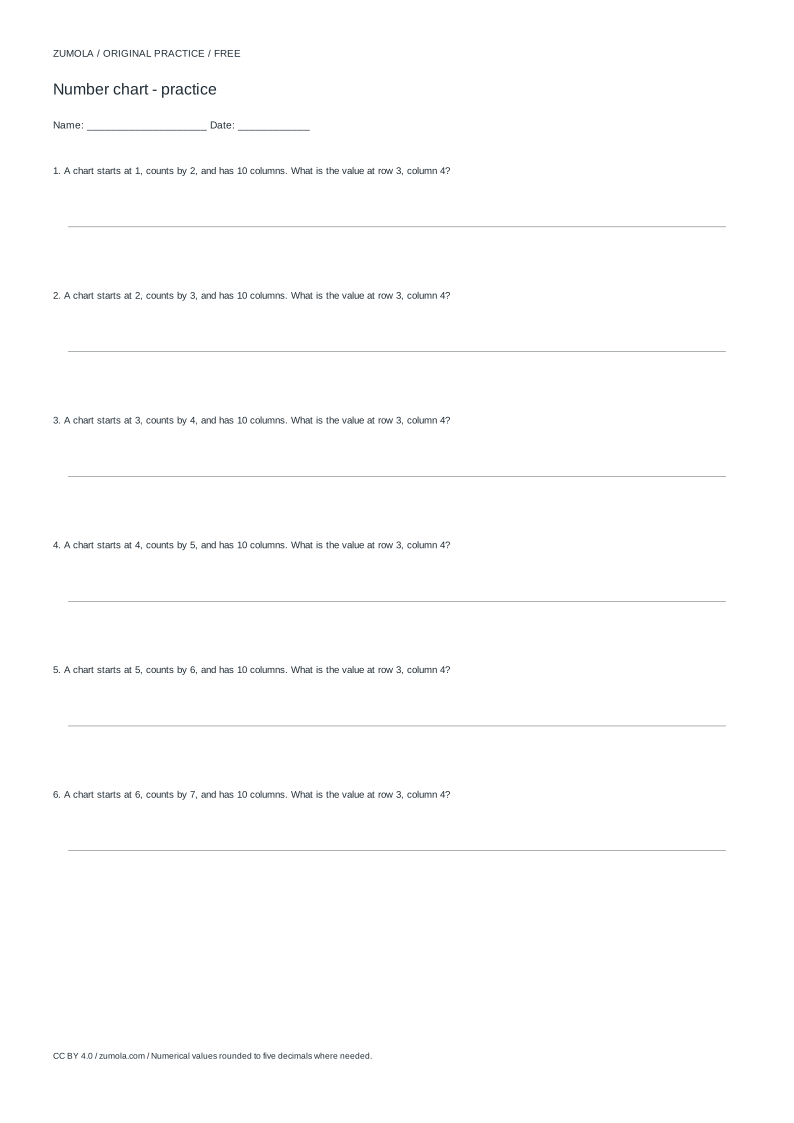
Worked answers / rubric
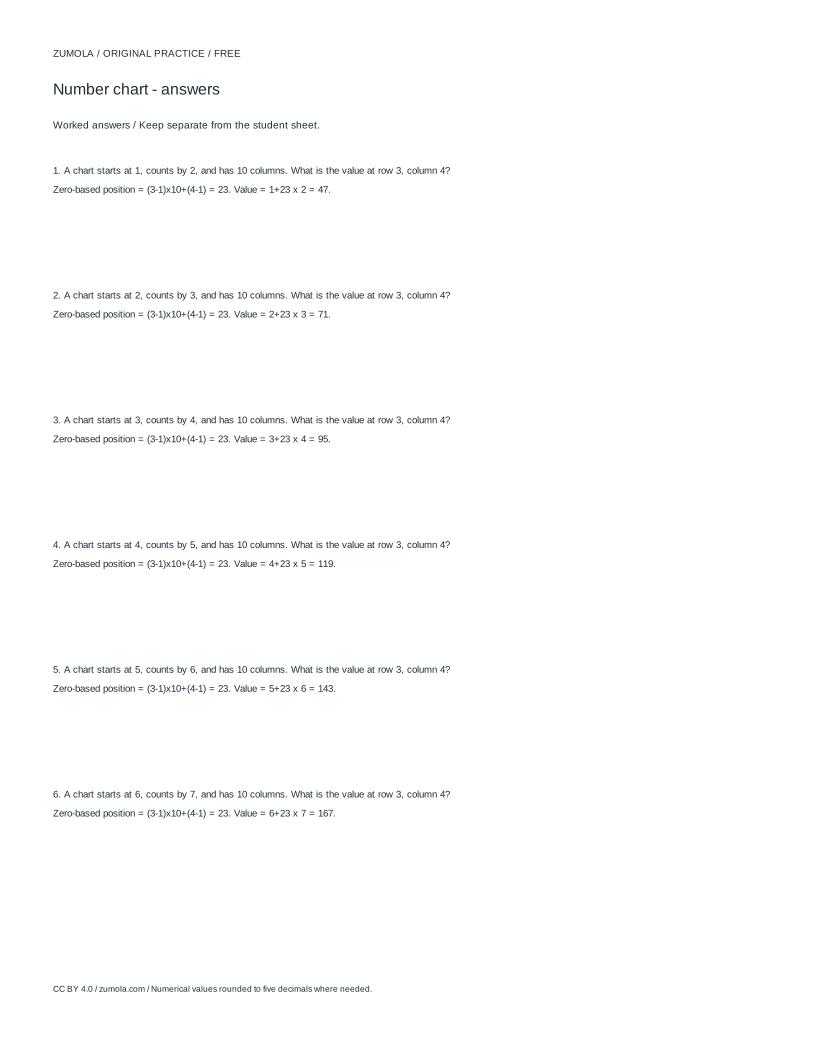
Print at Actual size / 100%. Check the calibration bar before using physical dimensions.
A hundred chart is usually a 10 by 10 grid holding 1 to 100, but the useful idea is broader: a grid where each cell holds the next value in a sequence. By choosing a start value, a step size, and the number of rows and columns, you can build charts for counting by twos, odd numbers, decimals in tenths, or negative integers. This page explains how the grid is filled, how to plan missing-number practice, and how to check answers without guessing.
How the grid is filled
The chart is a rectangle of cells read left to right, top to bottom. The first cell holds the start value. Each following cell adds the step once, so the value in cell position n (counting from 1) is start + (n - 1) x step. With start 1, step 1, 10 columns and 10 rows, the first row is 1 to 10, the second row is 11 to 20, and the last cell is 100.
Rows and columns change the shape, not the sequence. A 5-column, 4-row chart with start 1 and step 1 holds 1 to 20 in four short rows. A 10-column, 12-row chart holds 1 to 120. The total number of cells is columns x rows, and the last value is start + (columns x rows - 1) x step.
Step size controls the pattern. Step 2 from start 1 gives odd numbers; step 2 from start 2 gives even numbers. Step 0.1 from start 0 gives 0, 0.1, 0.2 and so on, which is useful for decimal place-value work. Negative steps count downward, so start 20 with step -1 and 10 columns gives 20 down to 11 in the first row.
- Decide the range you need, then pick start and step so the last cell lands where you want.
- Choose columns and rows whose product equals the number of values you need.
- Check the last value with start + (columns x rows - 1) x step before printing.
- Mark the cells to leave blank for missing-number practice, keeping enough visible values to make the pattern readable.
Planning missing-number practice
A missing-number chart works when the visible values are enough to recover the rule. If too many cells are blank, the learner cannot tell whether the step is 1, 2 or something else. A practical guide is to leave most cells filled and blank a modest share, spread across rows rather than clustered at the end.
Blank positions should test different kinds of reasoning. A blank at the start of a row tests counting back by one step from the previous row's end. A blank in the middle tests adding the step. A blank at a row end tests whether the learner tracks the column count. Mixing these positions gives a better picture of understanding than blanking only the final cells.
Keep the answer key separate. Because every value is fixed by the start, step and position, the key can be written directly from the formula rather than copied from a completed sheet. That also lets you check a learner's filled chart quickly.
- Write the full sequence first, then choose blanks from it.
- Place blanks in different columns and rows, including at least one row start and one row end.
- Record the answer for each blank as start + (position - 1) x step.
- For decimal steps, write values to a consistent number of decimal places so the pattern stays visible.
Checking answers and preparing to print
Every cell has exactly one correct value, so marking is straightforward: compare each filled cell with the formula result. If a learner writes a value one step off, the error is usually a counting slip rather than a misunderstanding of the rule. If a whole row drifts, check whether the learner lost track of the column count at the row break.
Before printing, confirm the sheet is set to 100% scale, not fit-to-page. Scaling changes cell size and can make a chart that looked correct on screen print at the wrong dimensions.
Art and chart tasks have more than one valid outcome, so use a rubric rather than a single exact answer. For number charts, the rubric should focus on correct values, consistent spacing and readable blanks.
- Compare each cell with start + (position - 1) x step.
- Check row breaks separately, since that is where column-count errors appear.
- Print at 100% scale before using the sheet.
Choosing a chart shape for the task
The column count decides how easily a learner can read across a row. Ten columns suit base-ten thinking because each new row begins a new decade when the step is 1. Five columns suit shorter lines and younger learners, but the row breaks no longer match tens, so place-value talk should be adjusted.
Row count sets how far the sequence runs. If you need a chart to stop at a particular value, solve for the cell count first: cells = (last value - start) / step + 1, then choose columns and rows whose product equals that number. This avoids a chart that overshoots the range you planned to teach.
When the step is not 1, the chart no longer shows every integer. Say so explicitly on the sheet, for example by labelling it as counting in twos or in tenths, so a learner does not assume missing integers were left out by mistake.
- Match the column count to the place-value talk you plan to use.
- Compute the cell count from the intended last value before choosing rows and columns.
- Label the step on the sheet when it is not 1.
Try this example
Build a chart with start 3, step 2, 5 columns and 4 rows, then find the value in the third row, second column.
Show the worked explanation
There are 5 x 4 = 20 cells, so the last value is 3 + (20 - 1) x 2 = 3 + 38 = 41. The sequence is 3, 5, 7, 9, 11 in row one; 13, 15, 17, 19, 21 in row two; 23, 25, 27, 29, 31 in row three. The third row, second column holds 25. Checking by position: the cell is number (3 - 1) x 5 + 2 = 12, so the value is 3 + (12 - 1) x 2 = 3 + 22 = 25.
Common mistakes
- Choosing columns and rows that do not match the intended range, so the last cell overshoots or stops short. Multiply columns by rows to get the cell count, then compute the last value with start + (cell count - 1) x step and adjust before printing.
- Blanking too many cells, so the step cannot be inferred from the visible numbers. Keep most cells filled and blank a modest share, spread across rows, so the pattern remains recoverable.
- Printing with fit-to-page scaling, which may change the intended cell size. Set the print scale to 100%.
Check your work
- Every filled cell matches start + (position - 1) x step.
- Row breaks are correct, with no drift in column count.
- Blank cells are spread across rows and remain solvable from visible values.
- Decimal values are written to a consistent number of places.
- The sheet is printed at 100% scale.
Questions before you start
Can I make a chart that goes past 100?
Yes. The range is set by start, step, columns and rows. A 10-column, 12-row chart with start 1 and step 1 ends at 120, and a 10-column, 15-row chart ends at 150.
How do I make a chart for counting by twos?
Set the step to 2. Start 1 gives odd numbers and start 2 gives even numbers. With 10 columns and 5 rows, start 2 ends at 20.
What if I need decimal values?
Use a decimal step such as 0.1 and a start such as 0. Write every value to the same number of decimal places so the pattern is clear, and check the last value with the formula.