Free original resources
Place Value Chart Printable: Build and Read Whole and Decimal Places
Make a place value chart for whole numbers and decimals, then practise reading, writing and expanding digits by column. Includes a worked example and marking rubric.
Free resources
Letter & A4
PDF & SVG
Letter & A4
PDF & SVG
Make it yours.
Free · no signup · calculated in your browser
Your free printable kit.
Original reference, student practice and separate worked answers. No account or payment.
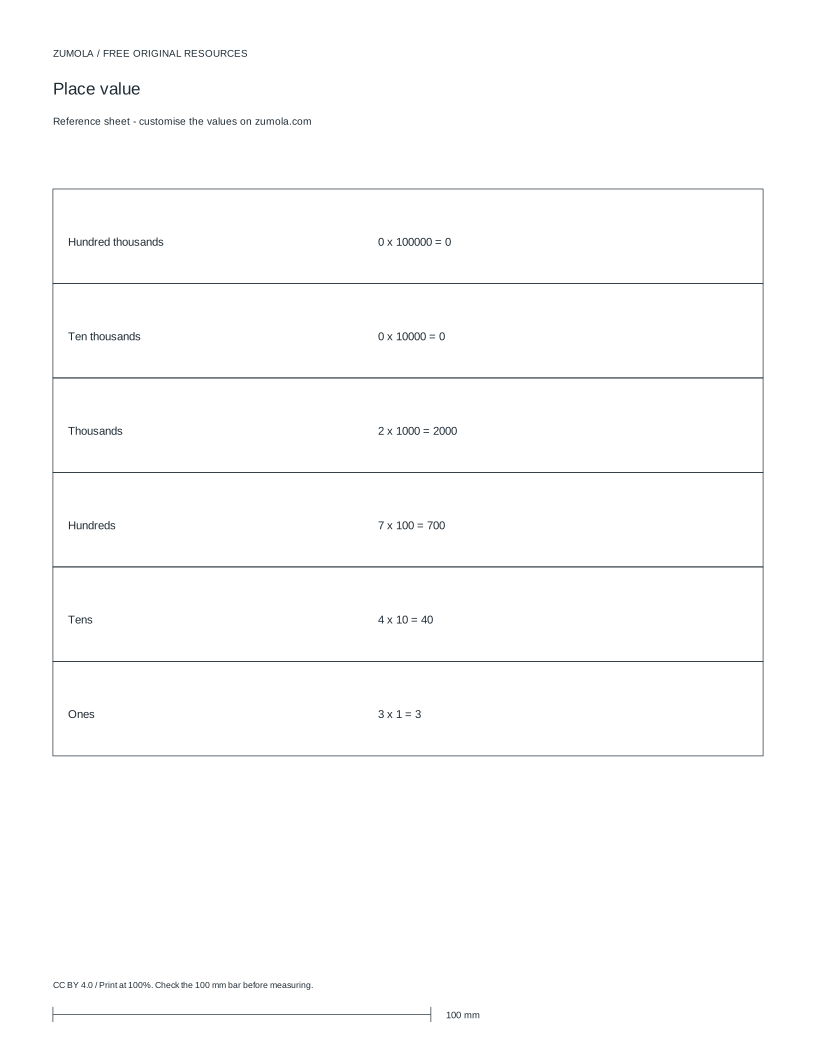
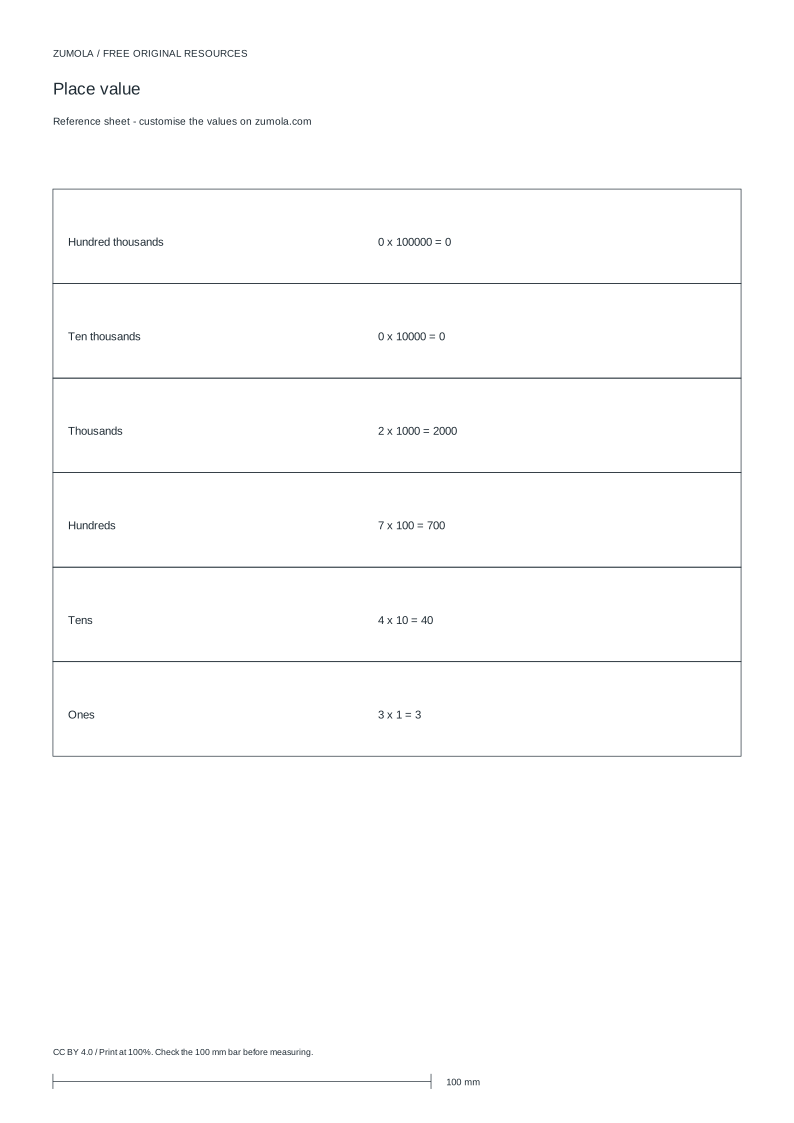
Practice worksheet
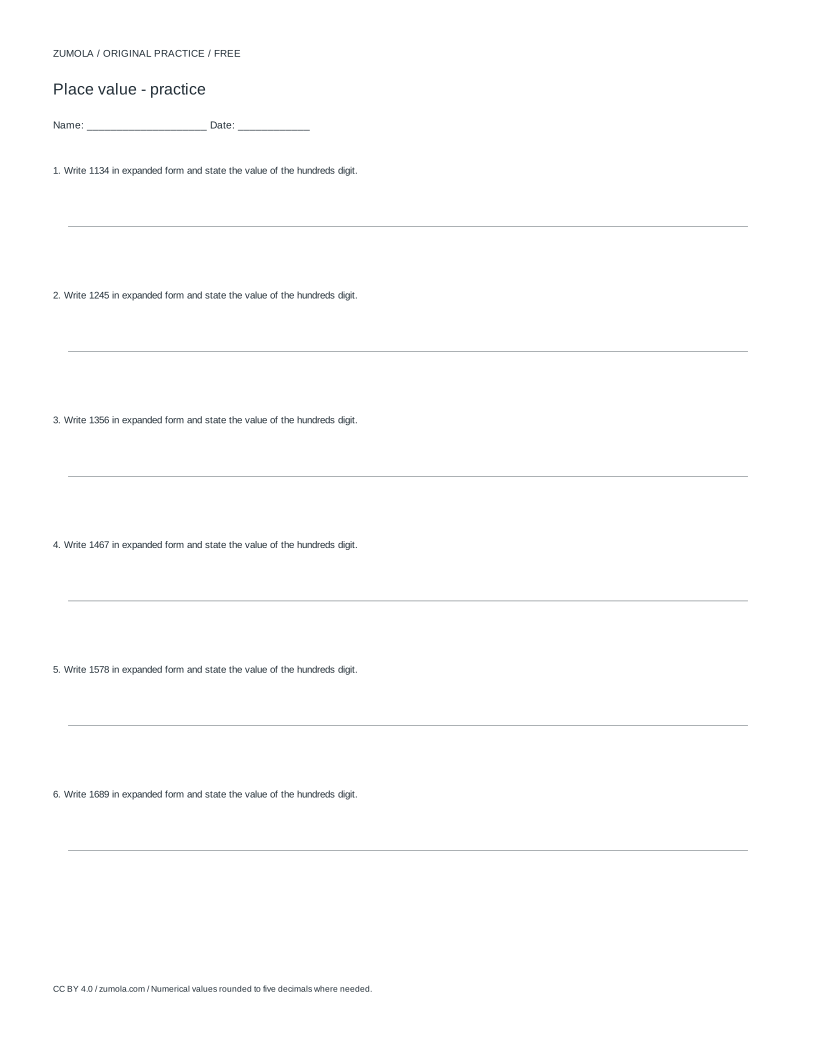
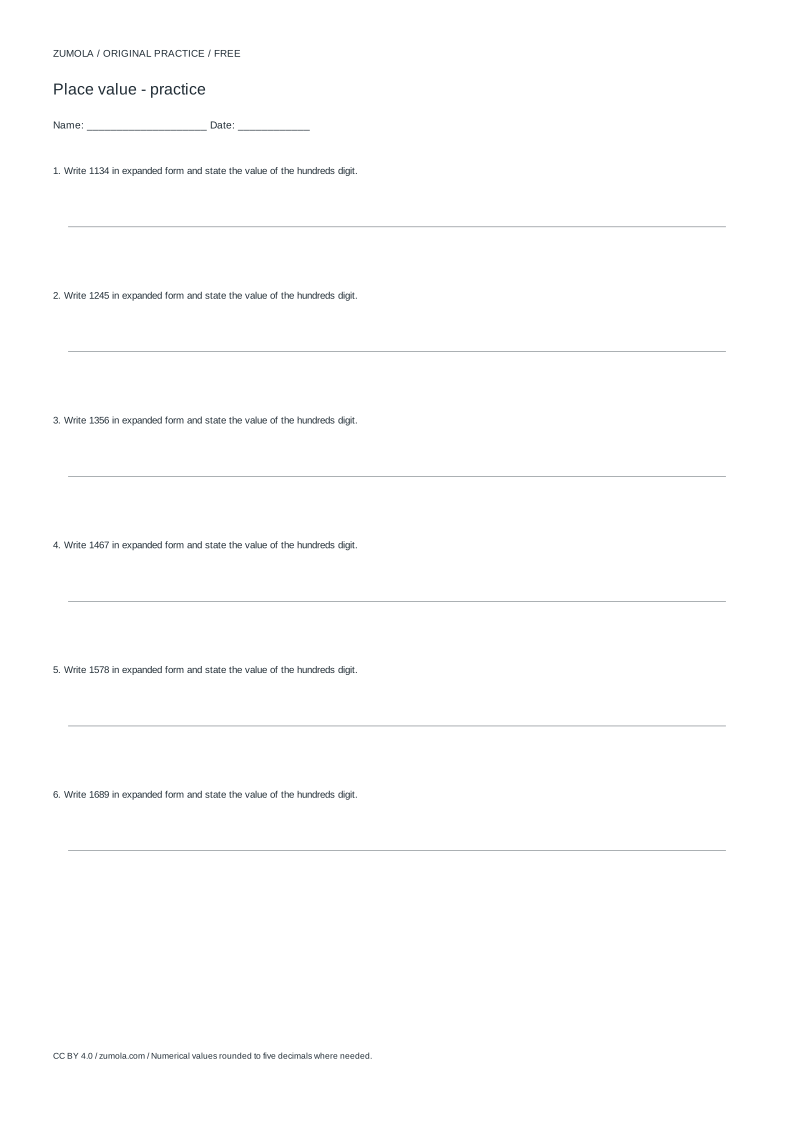
Worked answers / rubric
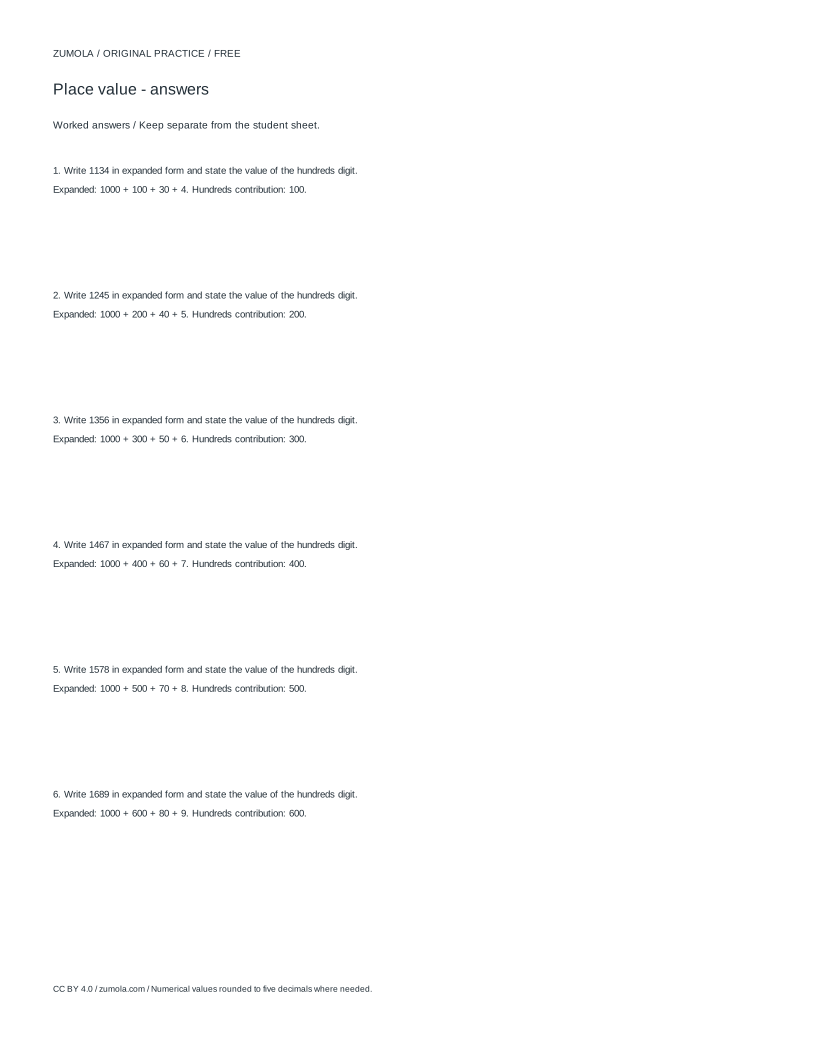
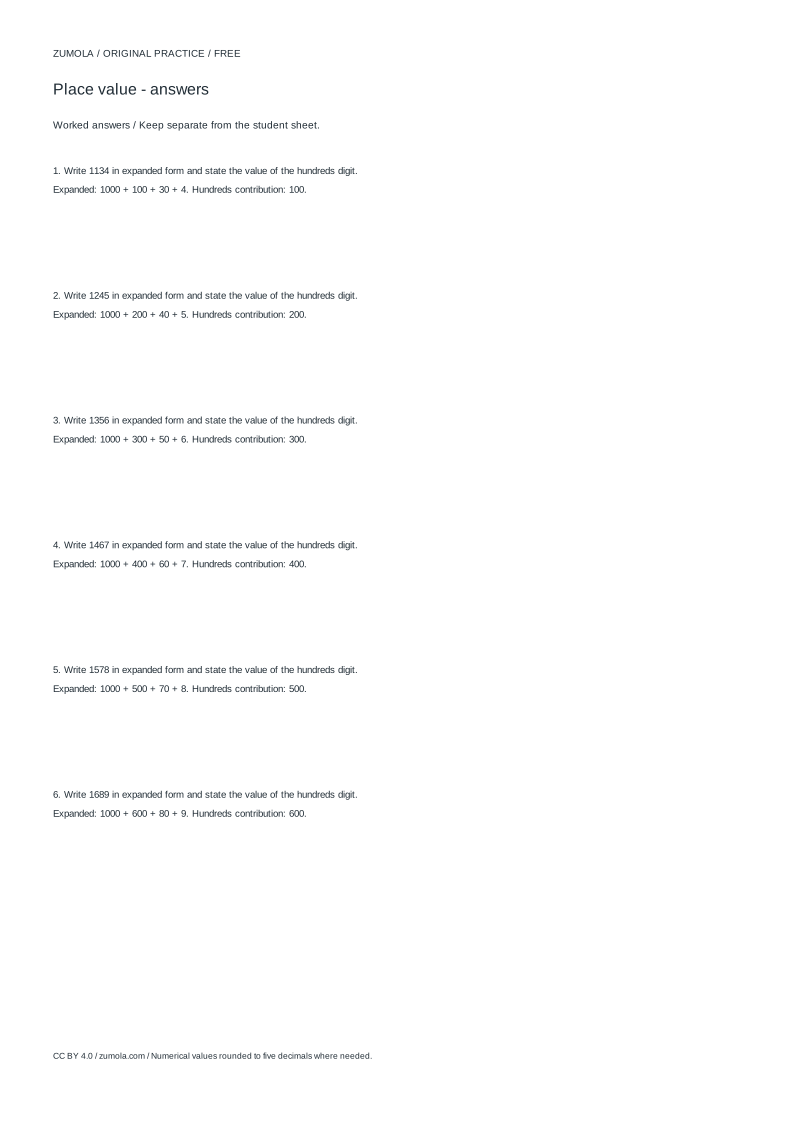
Print at Actual size / 100%. Check the calibration bar before using physical dimensions.
A place value chart is a grid of columns, each worth ten times the column to its right. It lets you see what each digit in a number actually means, and it works the same way for whole numbers and decimals. This page explains how to set up a chart, how to read and expand a number from it, and how to check your own work. The example uses 2743, but the method applies to any number you choose.
Setting Up the Columns
Decide the range of your chart before you draw it. For whole numbers, list columns from the largest place you need down to the ones column: thousands, hundreds, tens, ones. If your numbers include decimals, continue to the right with a decimal point, then tenths, hundredths and thousandths. Each column heading names the place, and the digit written beneath it tells you how many of that place are in the number.
Keep one digit per column and leave the decimal point as its own narrow marker between the ones column and the tenths column. A common error is squeezing two digits into one column, which destroys the whole point of the chart. If a place is empty in the number, write a zero rather than leaving the cell blank, so the column count stays honest.
- Choose the largest place value your numbers will reach and the smallest decimal place you need.
- Draw one column per place, left to right, largest to smallest.
- Label each column with its place name, for example thousands or tenths.
- Mark the decimal point between the ones column and the tenths column.
- Write one digit per column, using zero for any empty place.
Reading and Expanding a Number
To read a number from the chart, take each digit and multiply it by its column value, then add the results. This is called expanded form. For 2743, the digit 2 sits in the thousands column, so it contributes 2000; the 7 contributes 700; the 4 contributes 40; the 3 contributes 3. Adding these gives 2000 + 700 + 40 + 3 = 2743, which matches the original number, so the reading is consistent.
The same logic extends to decimals. In 5.06, the 5 is worth 5 ones, the 0 is worth 0 tenths, and the 6 is worth 6 hundredths, giving 5 + 0.06 = 5.06. Notice that the zero tenths must still be recorded, because skipping it would shift the 6 into the tenths column and change the value. Always check that your expanded sum returns the number you started with.
- Write the digit from each column beside that column's value.
- Multiply digit by place value to get each term.
- Add all the terms together.
- Compare the sum with the original number; they must be equal.
Using the Chart for Practice
A chart is most useful when you use it to answer questions rather than just copy numbers into it. Ask what a single digit is worth in a given number, which digit sits in a named column, or how the value changes if one digit is moved one column left or right. Moving a digit one column left multiplies its value by ten; moving it one column right divides it by ten.
You can also compare two numbers by lining them up in the same chart, right-aligned at the ones column. The number with the first larger digit, reading from the leftmost place where they differ, is the greater one. Keep the chart and any multiplication work separate: a place value chart tracks column values, while a multiplication table tracks products, and mixing the two records makes errors hard to trace.
- Right-align numbers at the ones column when comparing them.
- Scan from the leftmost place and stop at the first column where digits differ.
- State which digit is larger and therefore which number is greater.
- Record place value work and multiplication work in separate areas.
Try this example
Build a place value chart for 2743 and write its expanded form, then state the value of the digit 7.
Show the worked explanation
Columns from left: thousands, hundreds, tens, ones. Digits: 2 in thousands, 7 in hundreds, 4 in tens, 3 in ones. Expanded form: 2000 + 700 + 40 + 3 = 2743, which matches the original. The digit 7 is in the hundreds column, so its value is 700.
Common mistakes
- Leaving an empty column blank instead of writing zero. Fill every column with a digit, using 0 for empty places, so later digits stay in the correct column.
- Placing the decimal point inside a digit column. Give the decimal point its own narrow marker between the ones and tenths columns.
- Assuming a chart drawn for whole numbers also fits decimals. Add tenths, hundredths and further columns to the right before writing any decimal number.
Check your work
- Every column is labelled with its correct place name.
- Exactly one digit appears in each column, with zeros for empty places.
- The decimal point, if used, sits between the ones and tenths columns.
- Expanded form terms match each digit multiplied by its place value.
- The expanded sum equals the original number.
- Comparisons of two numbers are right-aligned at the ones column.
Questions before you start
How many columns should a place value chart have?
As many as your largest place value and smallest decimal place require. A chart for whole numbers up to thousands needs four columns; adding hundredths needs two more to the right of the decimal point.
Why must empty places show a zero?
The zero holds the column open. Without it, digits to its right slide into the wrong place and the number's value changes.
Does the chart work for decimals the same way as whole numbers?
Yes. Each column is still ten times the column to its right, so the tenths column is one tenth of the ones column, and the method of multiplying digit by place value is unchanged.