Reference diagrams
LETTER · Download PDF
A4 · Download PDF
Free original resources
Learn to draw a storefront with a sign, scalloped awning, display windows, and central door. Trace, grid, and complete-the-drawing practice sheets support each step.
Four original cases, with reference diagrams, practice sheets and worked answers. Everything is free; no signup required.
LETTER · Download PDF
A4 · Download PDF
LETTER · Download PDF
A4 · Download PDF
LETTER · Download PDF
A4 · Download PDF
Use A4 or US Letter to match your printer. Use the stated values and conditions to solve each exercise; diagrams are not physical measuring rulers.
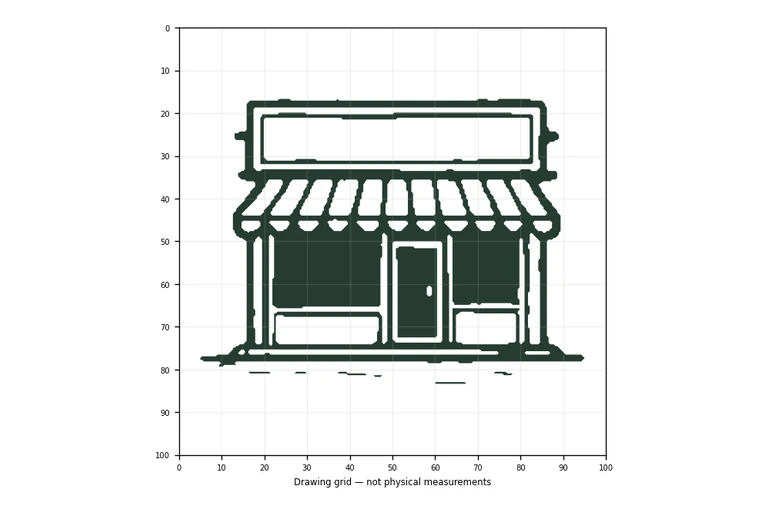
A storefront drawing is built from a few clear shapes: a wide sign, an awning band, two display windows, and a central door. This guide teaches you to see those shapes in order, then place them with proportion in mind. The practice sheets let you trace the outline, copy it on a grid, use a bounding frame and center guide, or complete a partially drawn version. Each method trains a different drawing skill, and all of them reward careful looking rather than rushed lines.
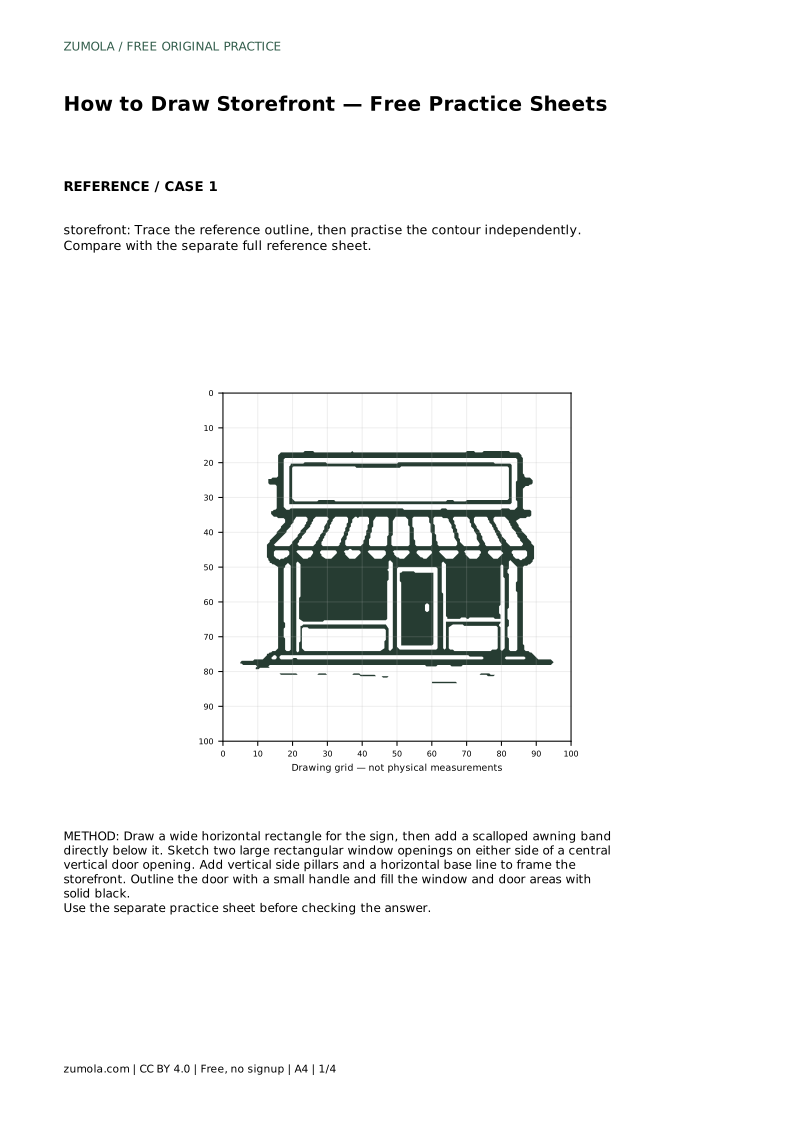
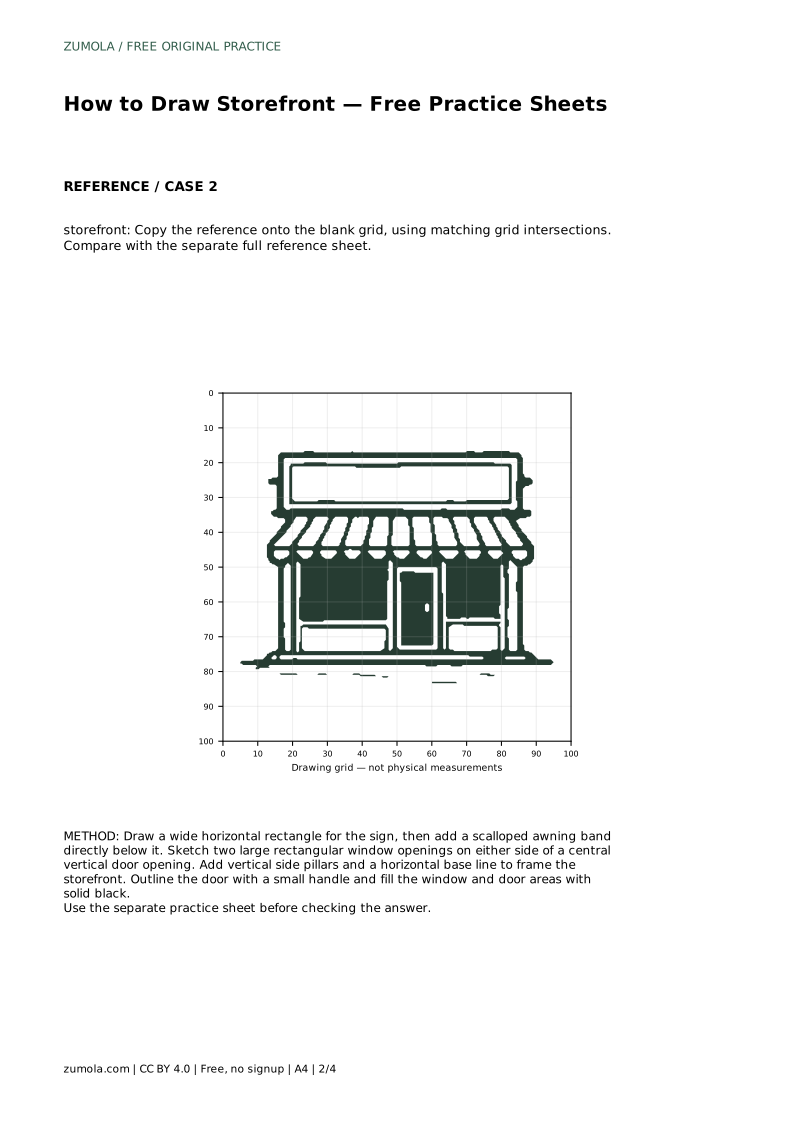
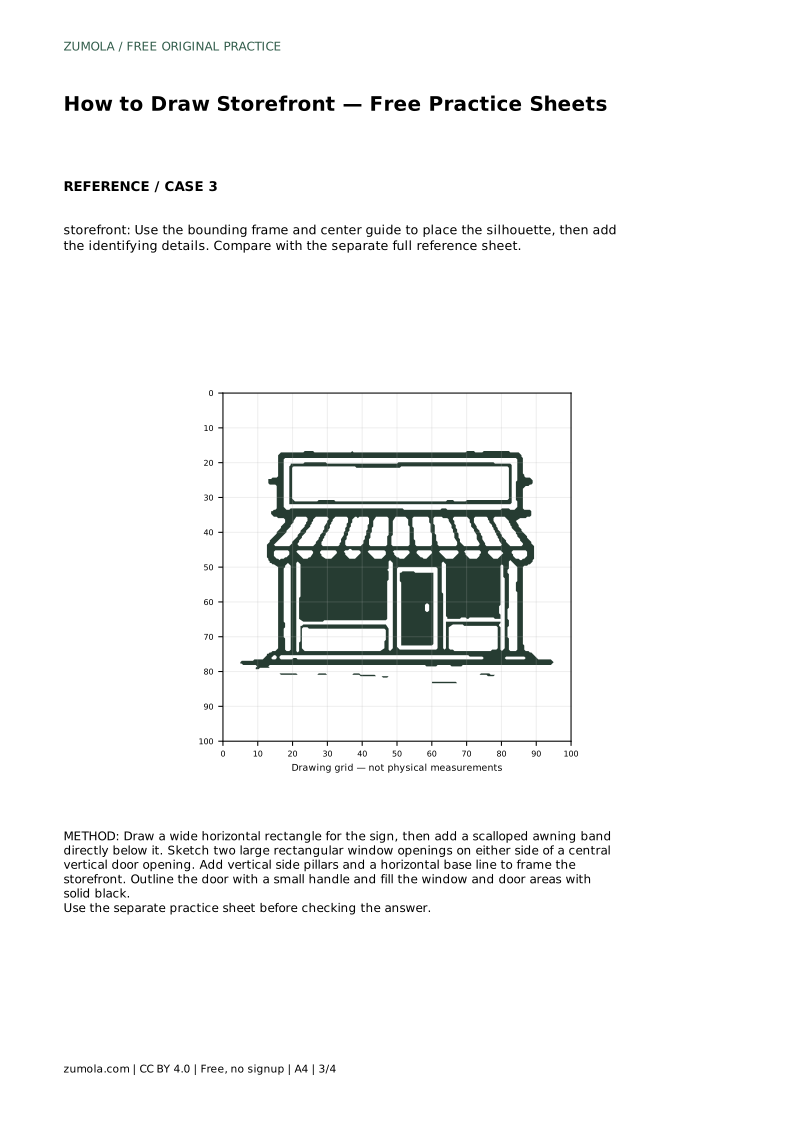
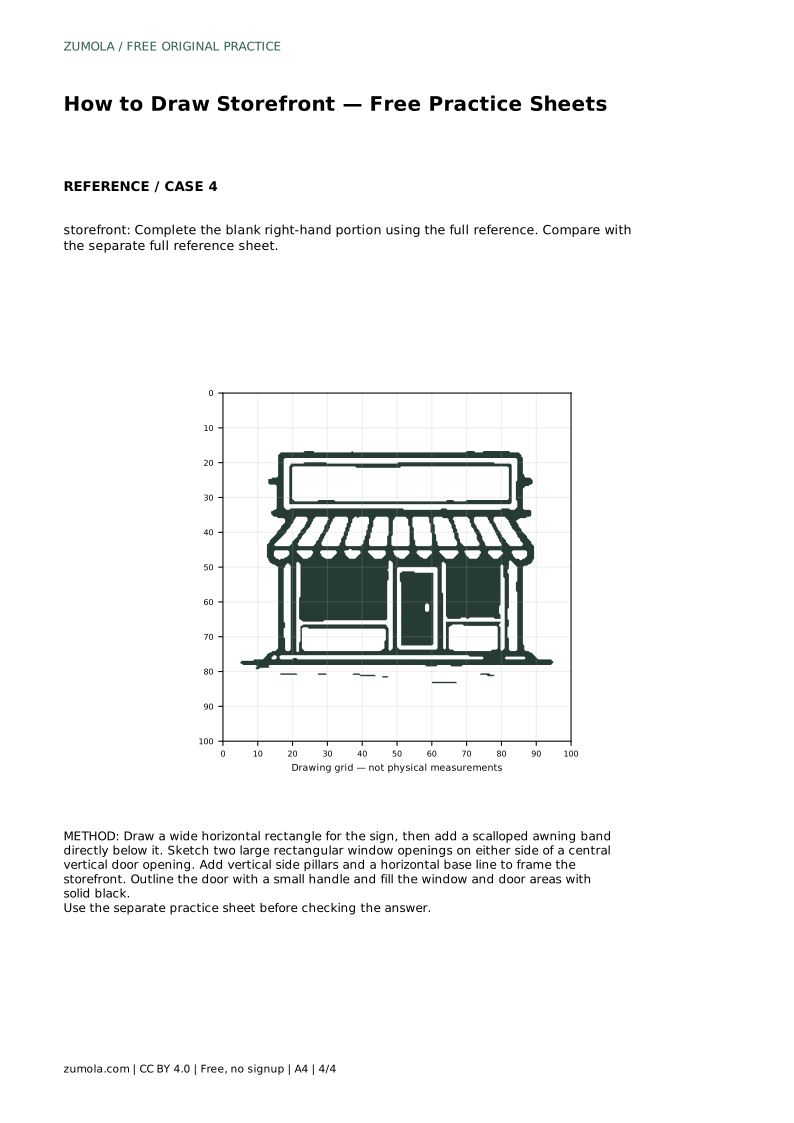
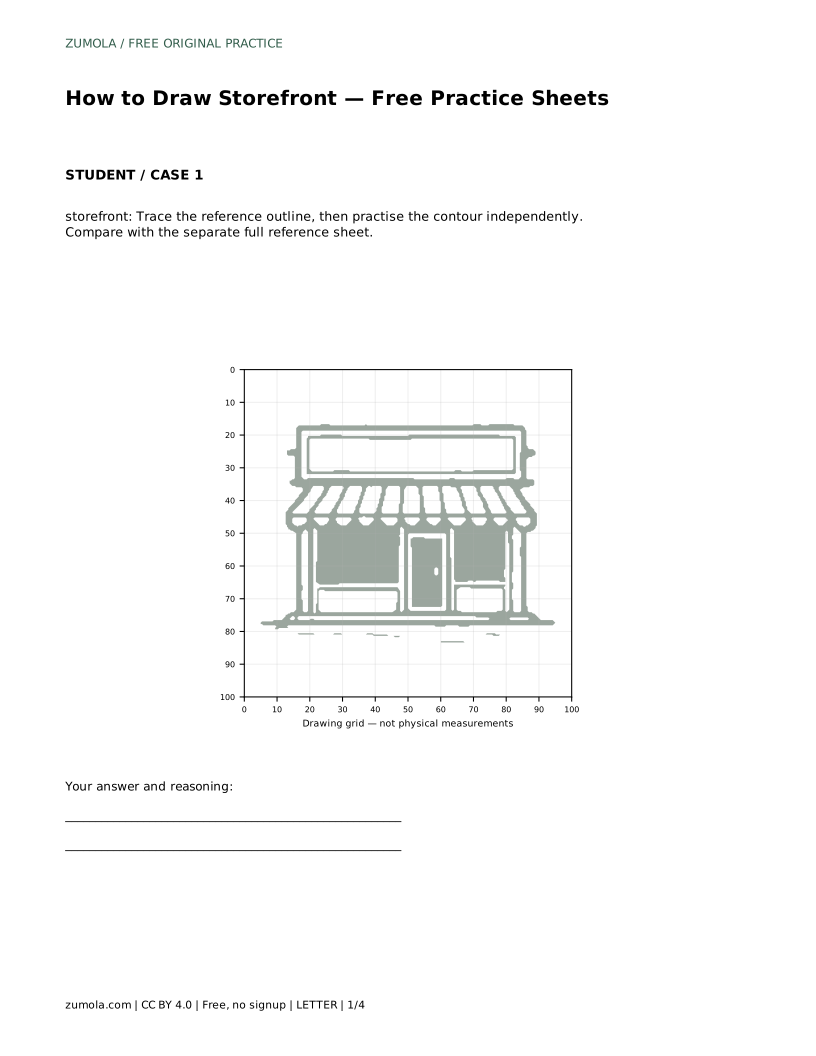
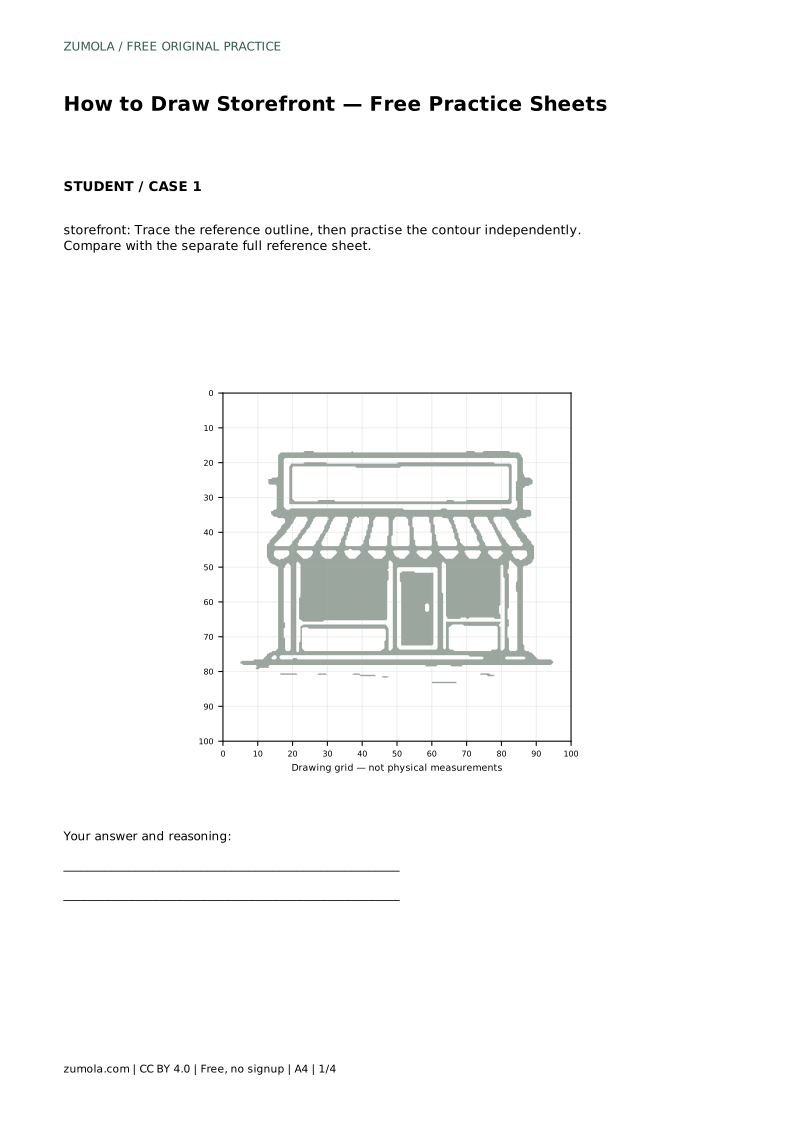
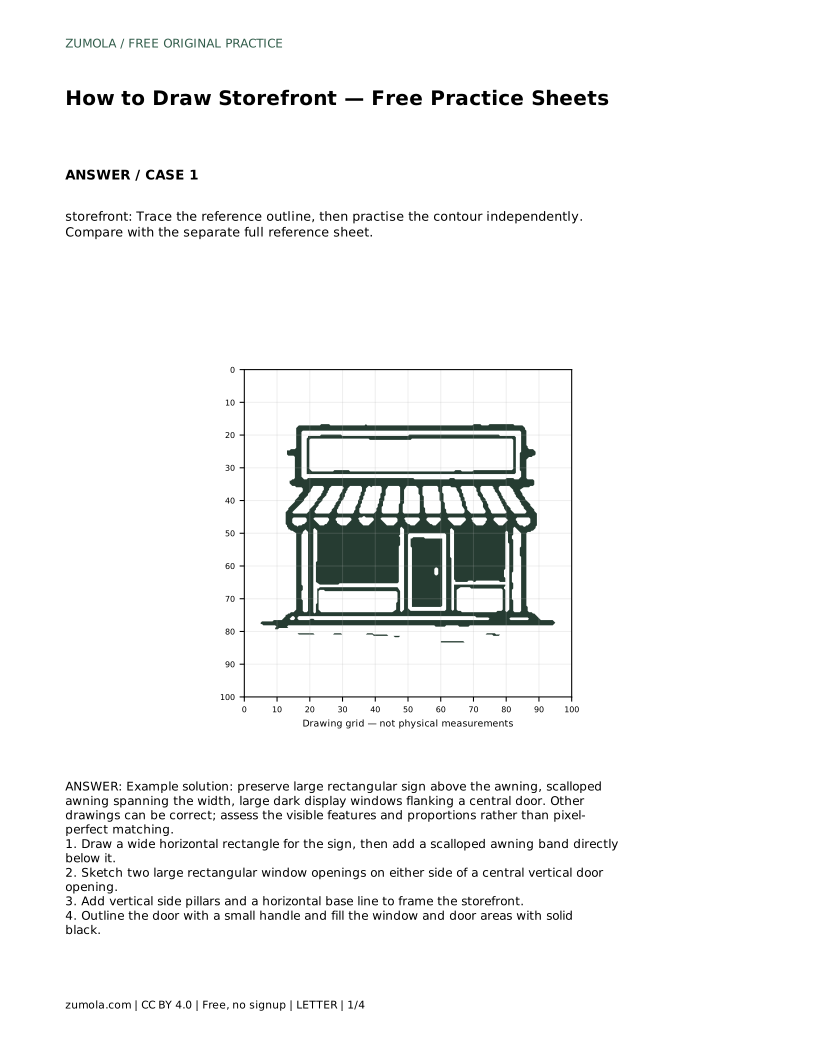
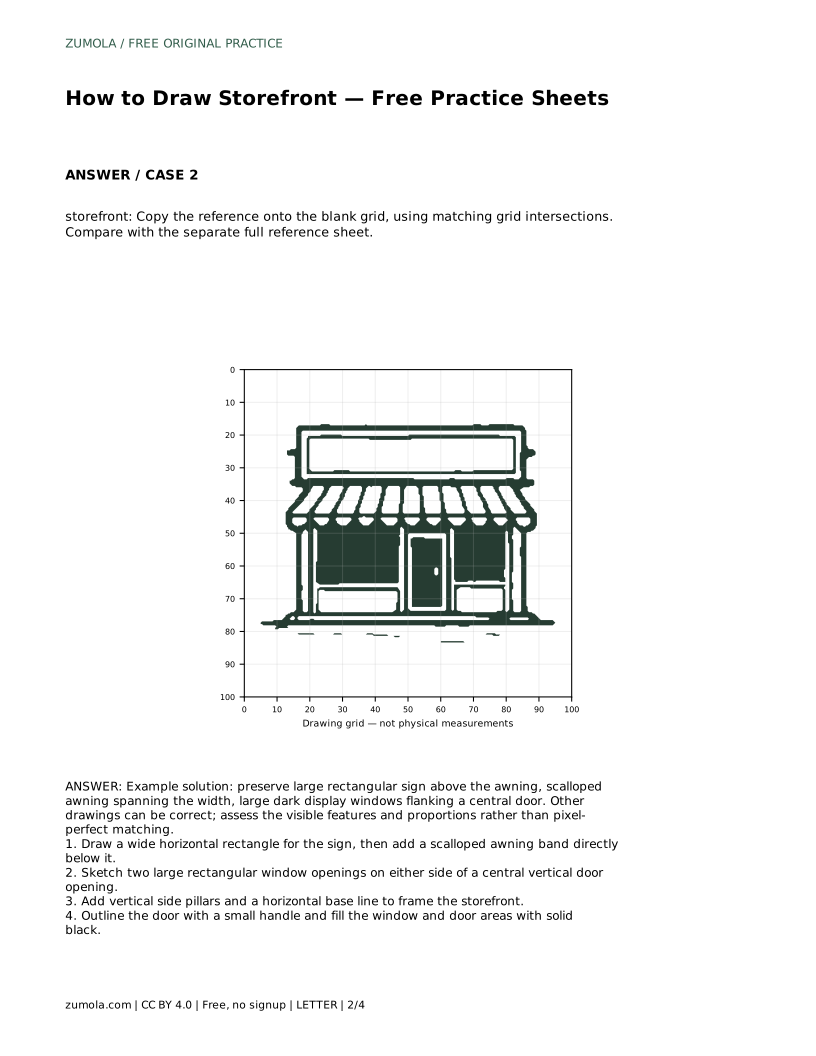
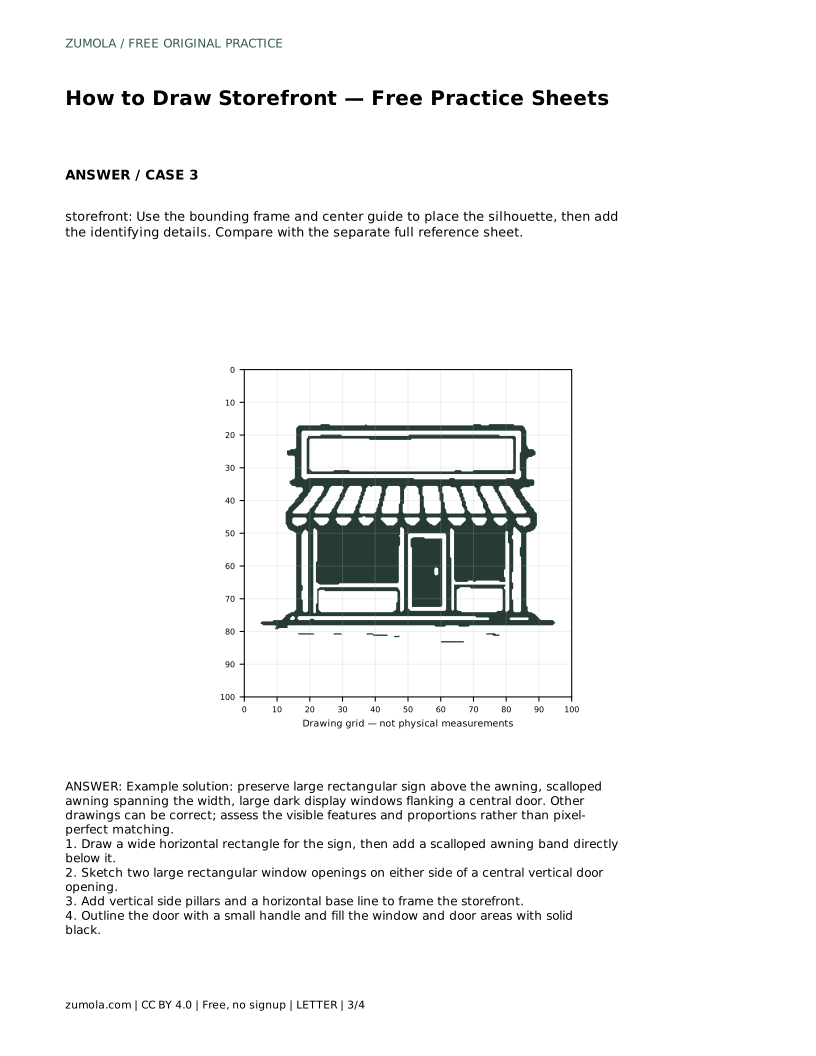
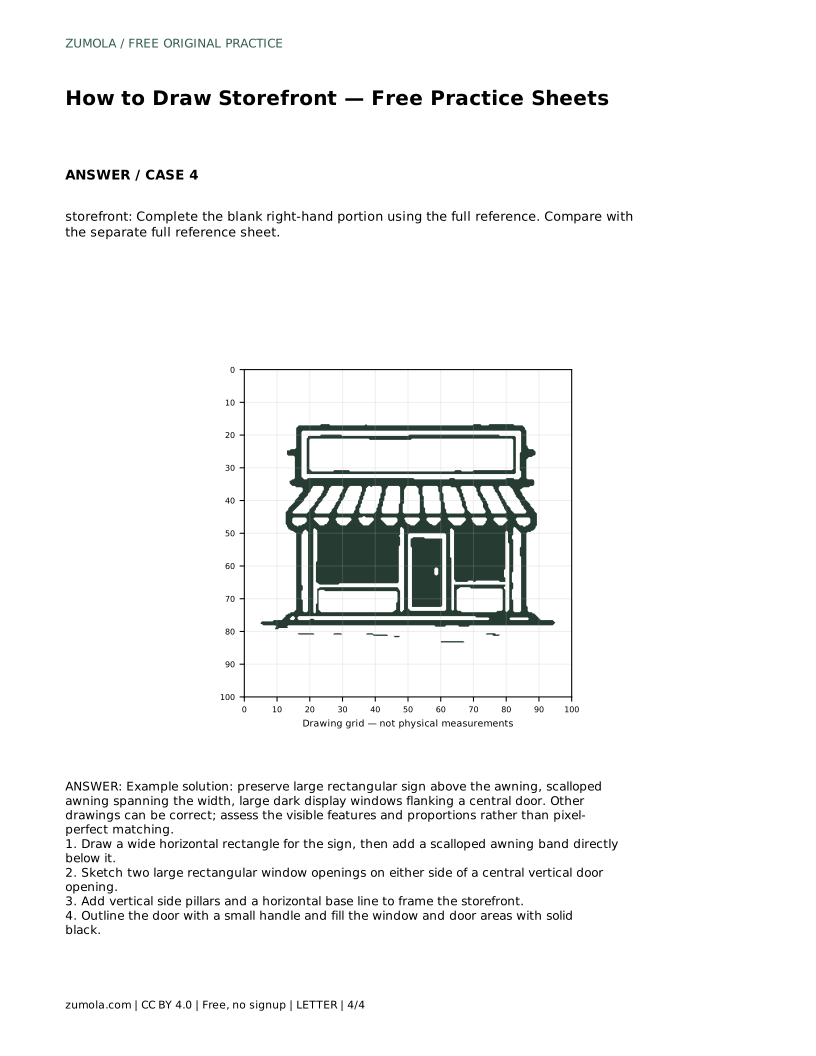
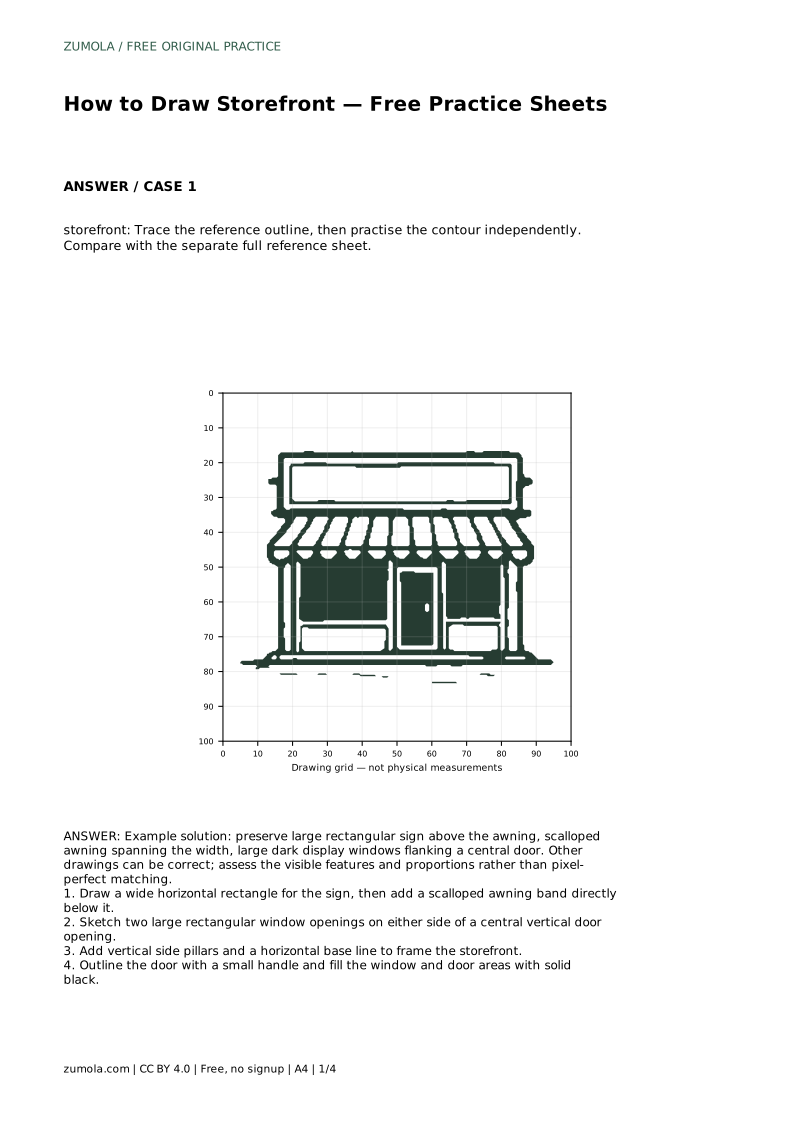
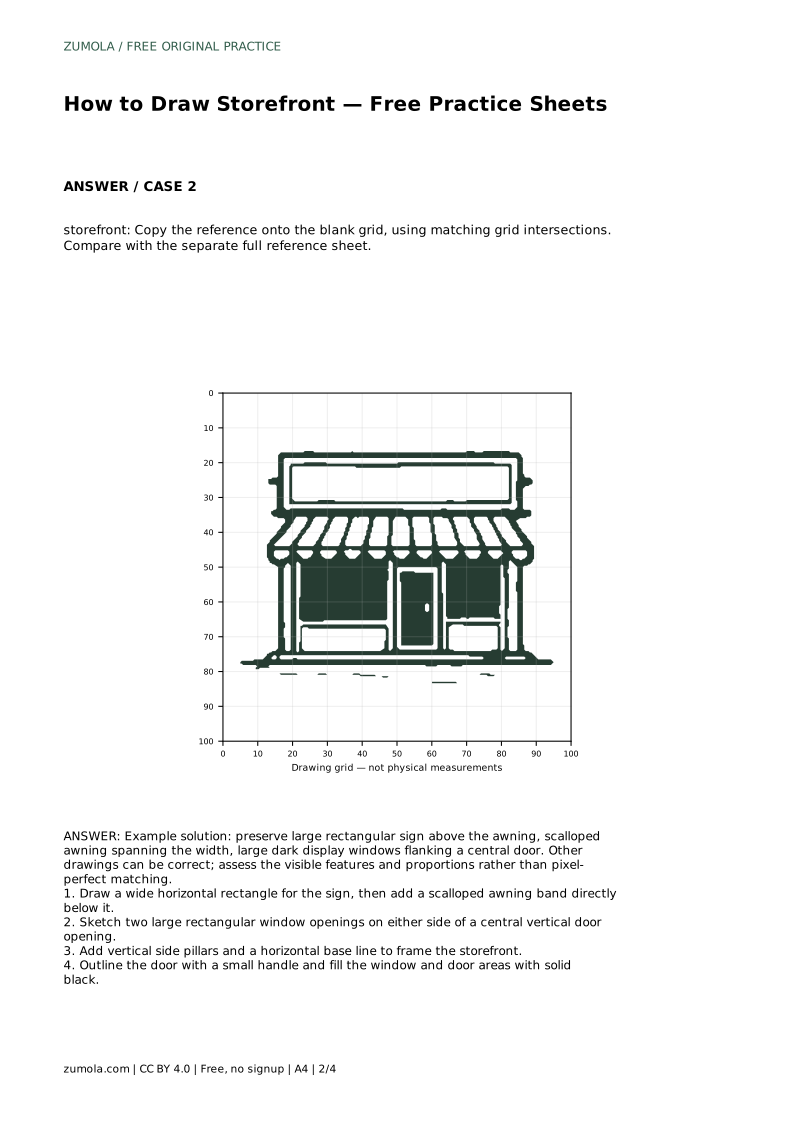
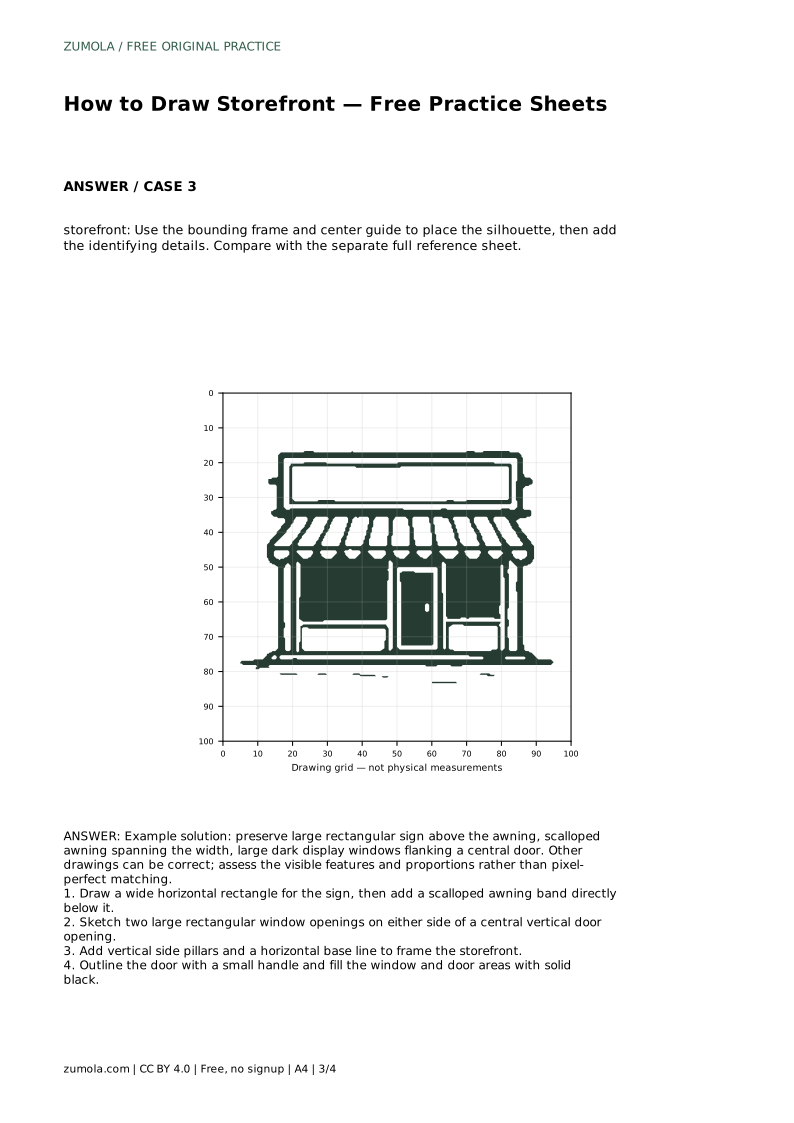
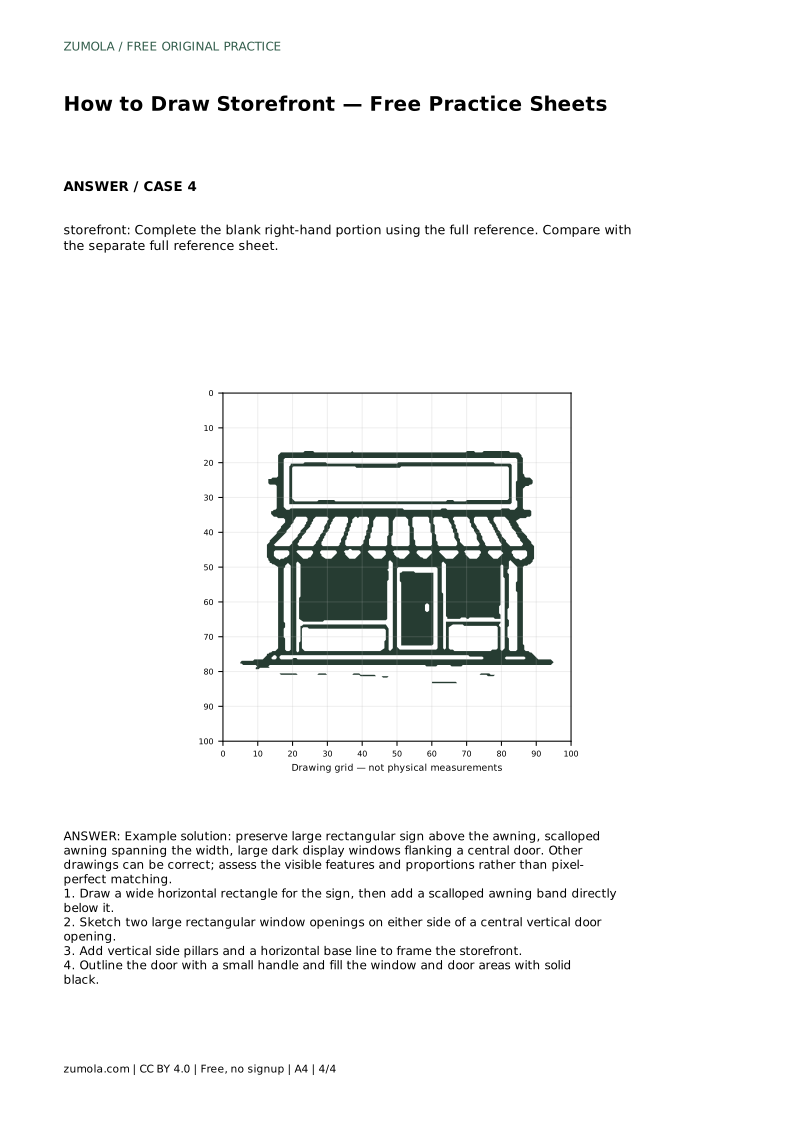
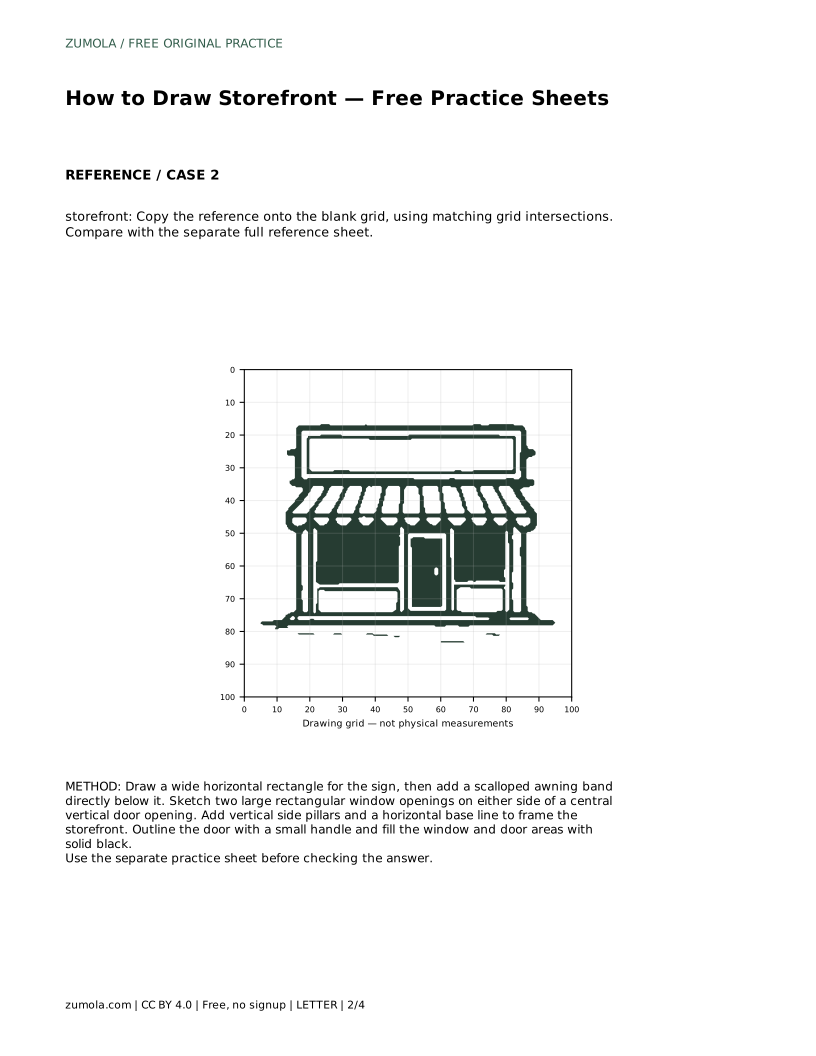
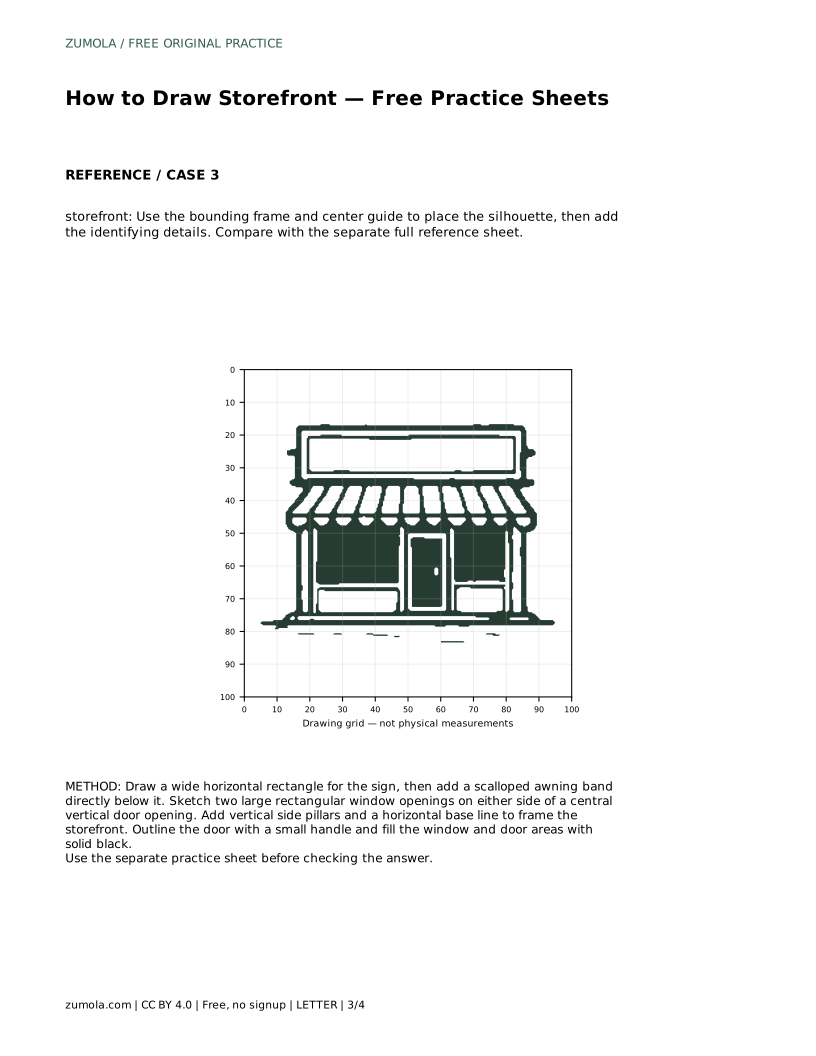
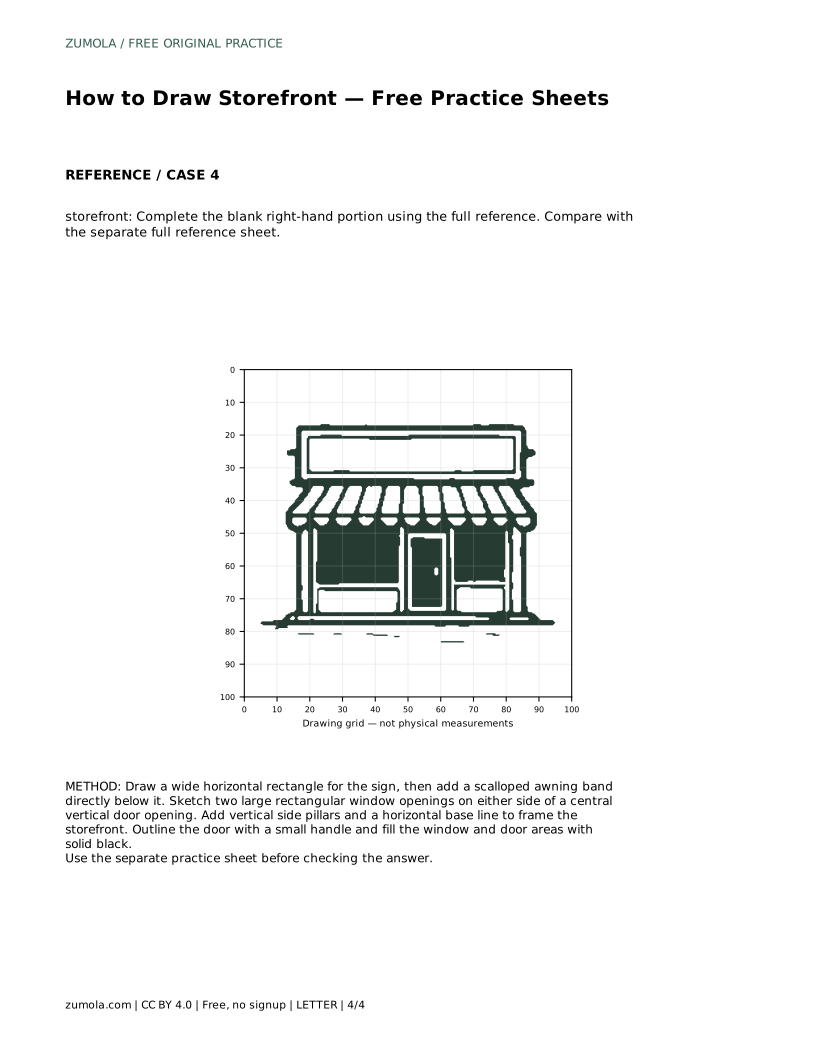
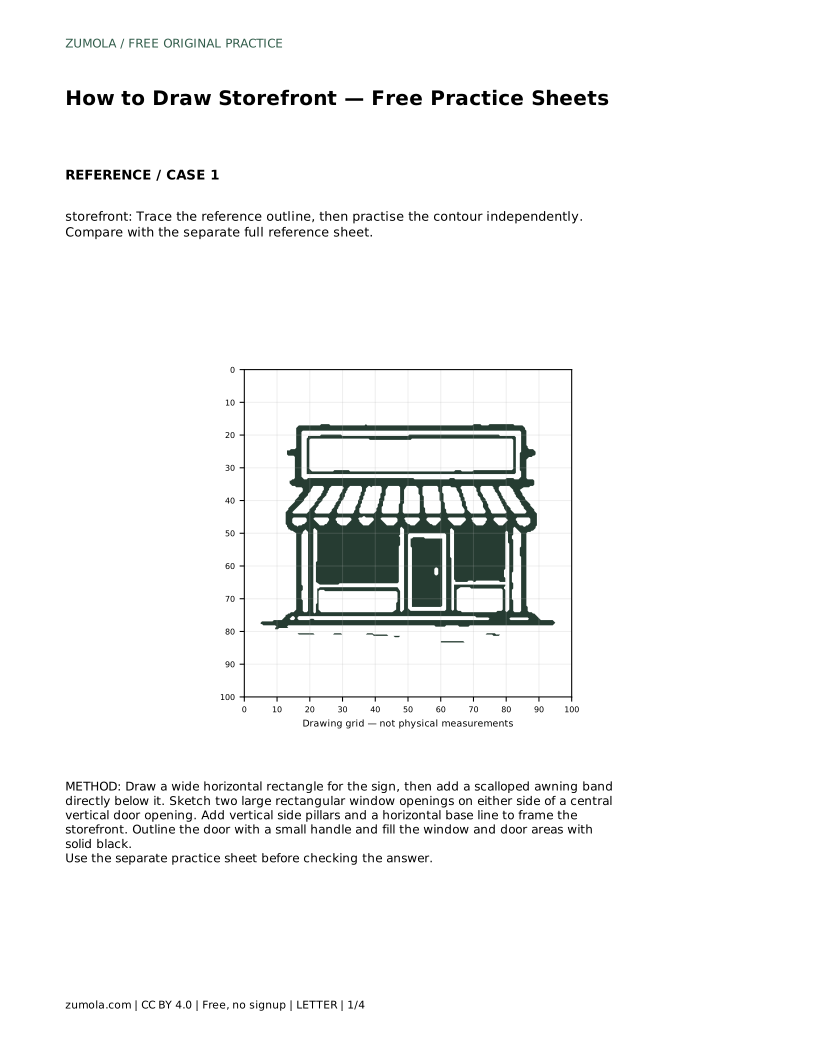
Before any detail, find the storefront's overall structure. The building face is a wide horizontal rectangle. Above the opening sits a large rectangular sign. Directly below the sign is an awning band that spans the full width, with a scalloped lower edge. Beneath the awning, two large rectangular window openings sit on either side of a central vertical door opening. Vertical side pillars frame the whole front, and a horizontal base line closes it at the bottom.
Draw these shapes lightly first. Their relative sizes matter more than perfect straightness: the sign should read as wide and prominent, the awning should stretch across the front, and the windows should be large enough to dominate the lower half. If a shape feels cramped or oversized, adjust it before adding anything else.
Once the frame is in place, outline the door and add a small handle. Then fill the window and door areas with solid black. That dark fill is what makes the storefront read clearly: it separates the openings from the pale wall and gives the drawing contrast. Keep the fill inside the outlines so the pillars and base line stay visible.
The scallops on the awning deserve a moment of attention. Space them evenly across the band and keep their size consistent. Uneven scallops are one of the most noticeable errors in a storefront drawing, because the eye follows that repeating edge.
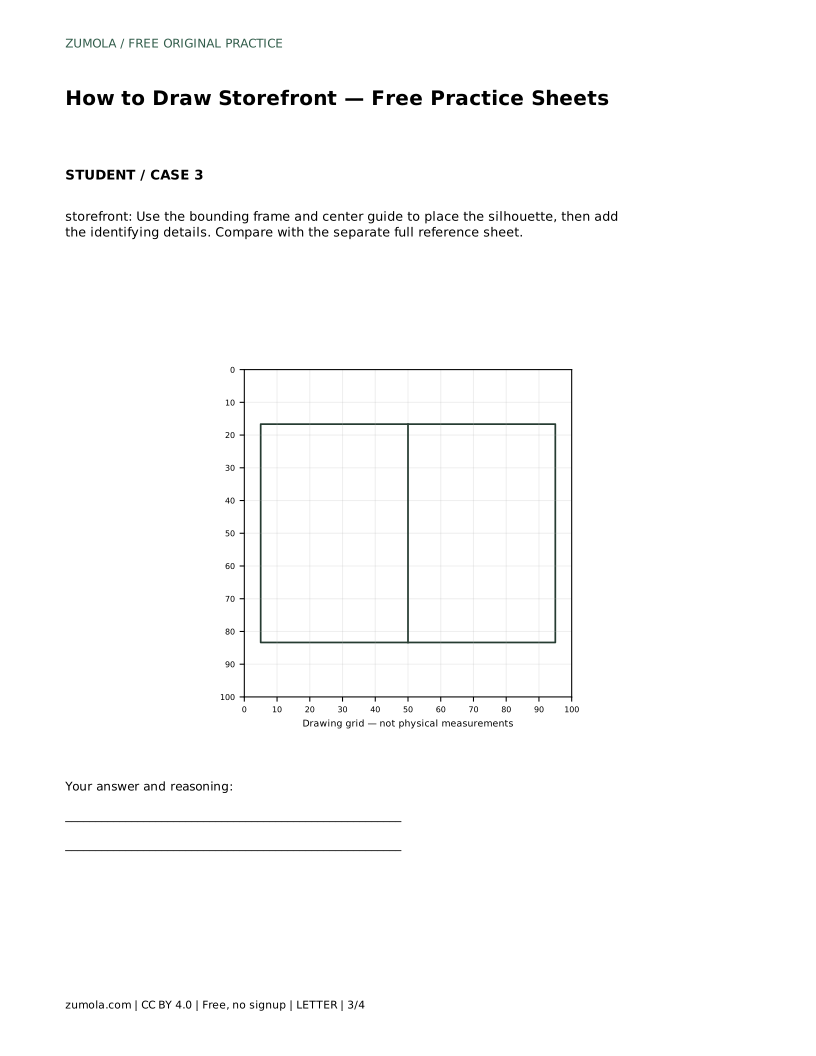
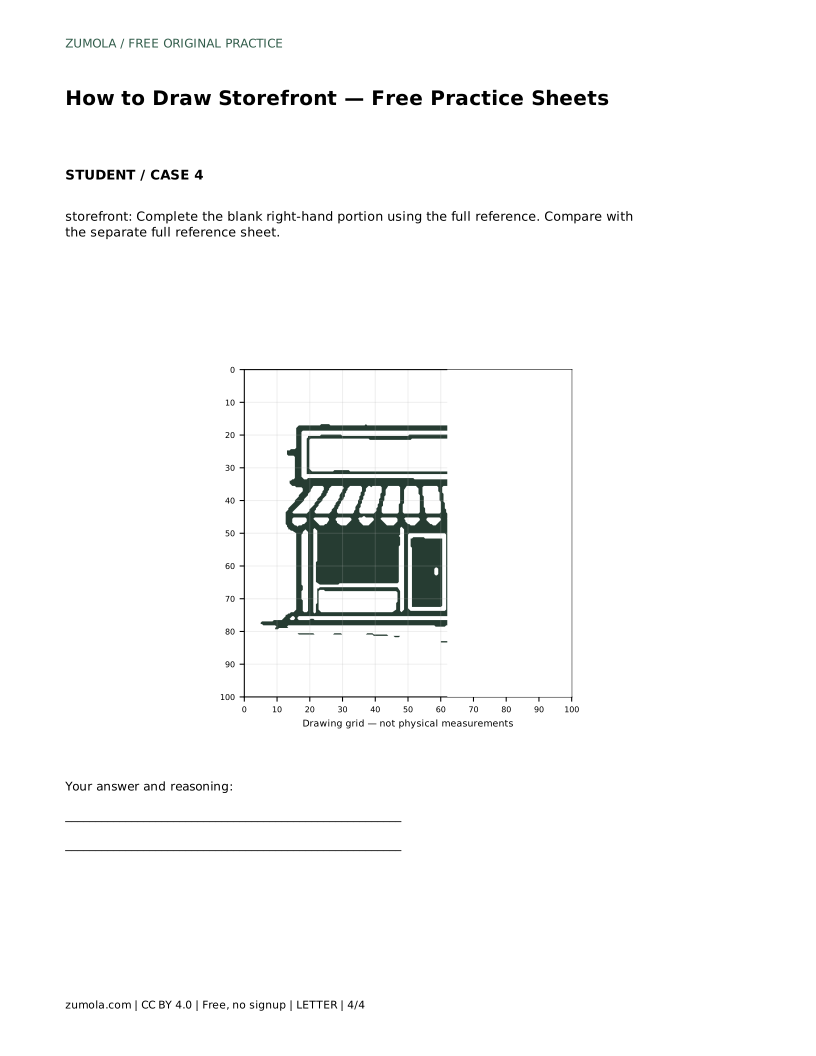
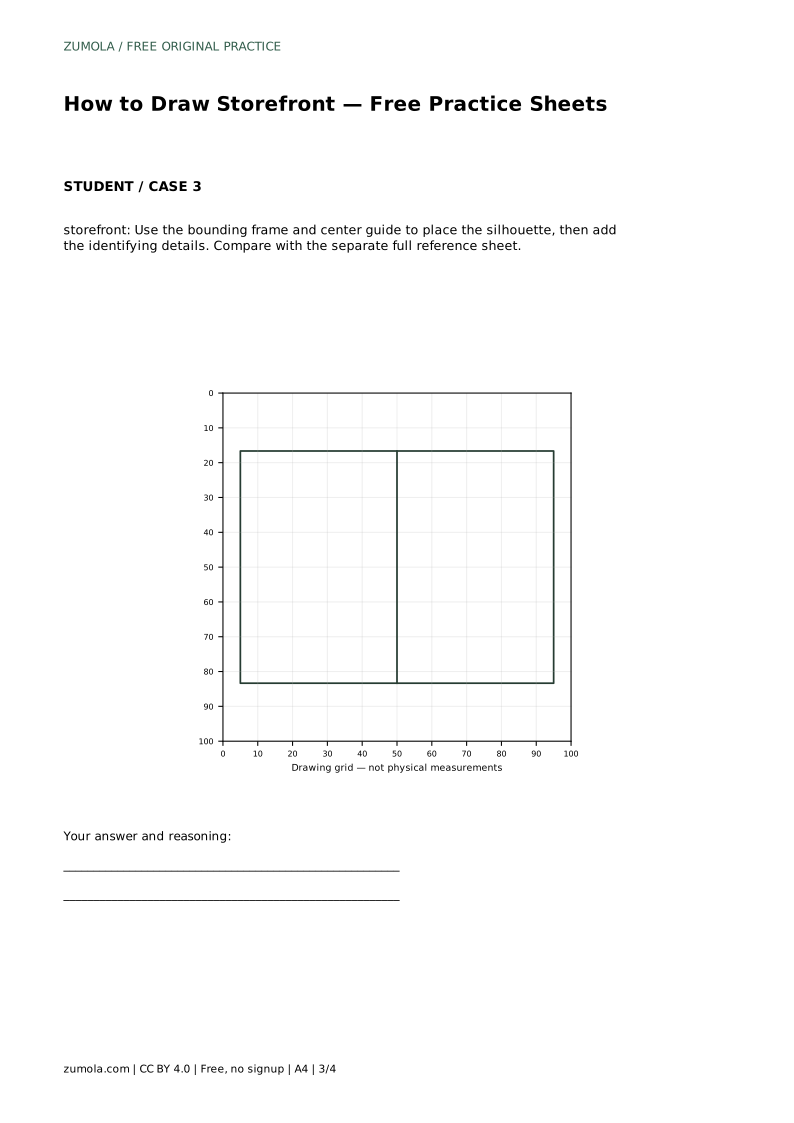
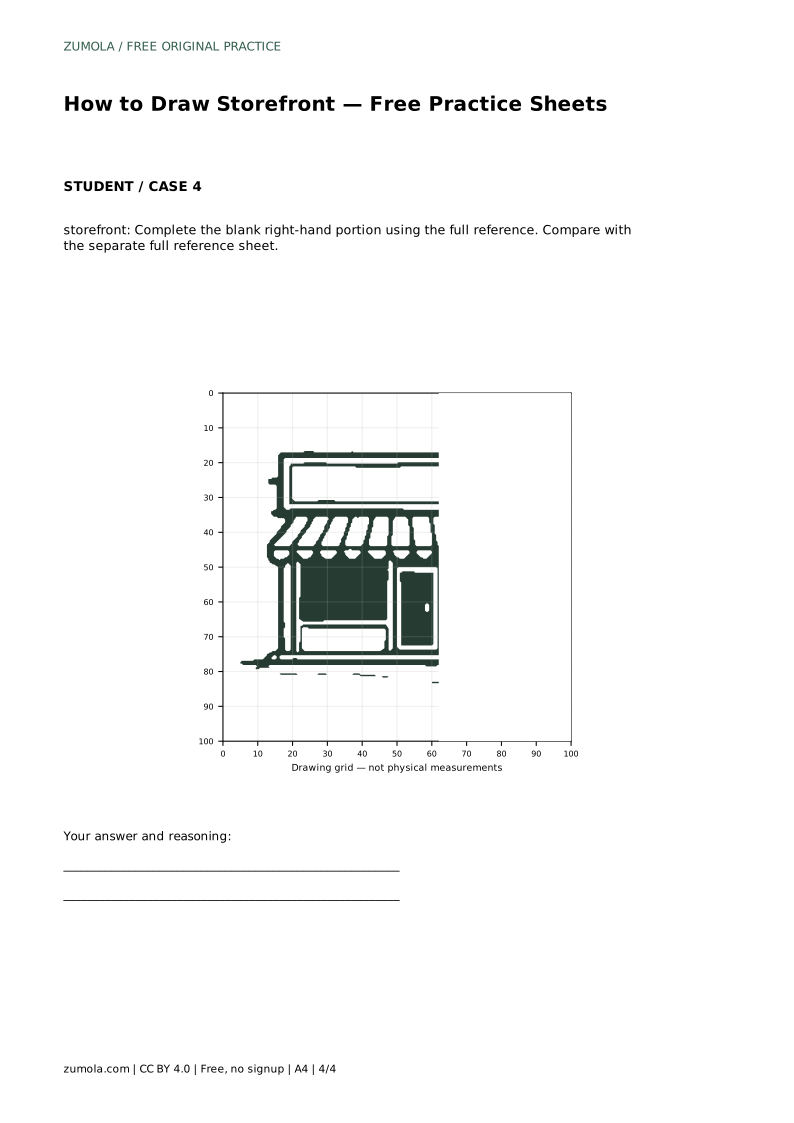
Tracing the reference outline builds familiarity with the contour. Copying onto a blank grid trains you to match intersections and judge distances. Using the bounding frame and center guide helps you place the silhouette before details. Completing the blank right-hand portion tests whether you can carry proportions across from a full reference.
Each format asks for the same visible features, but the support differs. Choose the format that matches your current difficulty, and move to a less supported sheet when the drawing feels steady.
Storefront drawings have many valid outcomes. A drawing can be correct without matching the reference pixel for pixel. Assess whether the large sign sits above the awning, whether the awning spans the width with even scallops, whether two large dark windows flank a central door, and whether the pillars and base line frame the front. Proportions should feel balanced rather than exact.
storefront: Trace the reference outline, then practise the contour independently. Compare with the separate full reference sheet.
Example solution: preserve large rectangular sign above the awning, scalloped awning spanning the width, large dark display windows flanking a central door. Other drawings can be correct; assess the visible features and proportions rather than pixel-perfect matching. Draw a wide horizontal rectangle for the sign, then add a scalloped awning band directly below it. Sketch two large rectangular window openings on either side of a central vertical door opening. Add vertical side pillars and a horizontal base line to frame the storefront. Outline the door with a small handle and fill the window and door areas with solid black.
No. Other drawings can be correct. Assess the visible features and proportions rather than pixel-perfect matching.
Start with tracing if the contour is unfamiliar, then move to the grid, the bounding frame, and finally the complete-the-drawing sheet.
The solid dark fill creates contrast, separating the openings from the wall and making the storefront read clearly.
All drawing practice · Free coordinate paper
Original resources · CC BY 4.0 · Free for personal and classroom use with attribution.