Free original resources
Box Net Generator: Fold a Rectangular Box from Length, Width and Height
Plan a foldable rectangular box net from length, width and height. Check dimensions, surface area, volume, tab placement and paper fit before printing at 100%.
Free resources
Letter & A4
PDF & SVG
Letter & A4
PDF & SVG
Make it yours.
Free · no signup · calculated in your browser
Solid outside edges are cut lines; shared face edges are folds. Use the seam tab where shown and tape the remaining joins from inside. Check the 100 mm calibration bar before cutting.
Your free printable kit.
Original reference, student practice and separate worked answers. No account or payment.
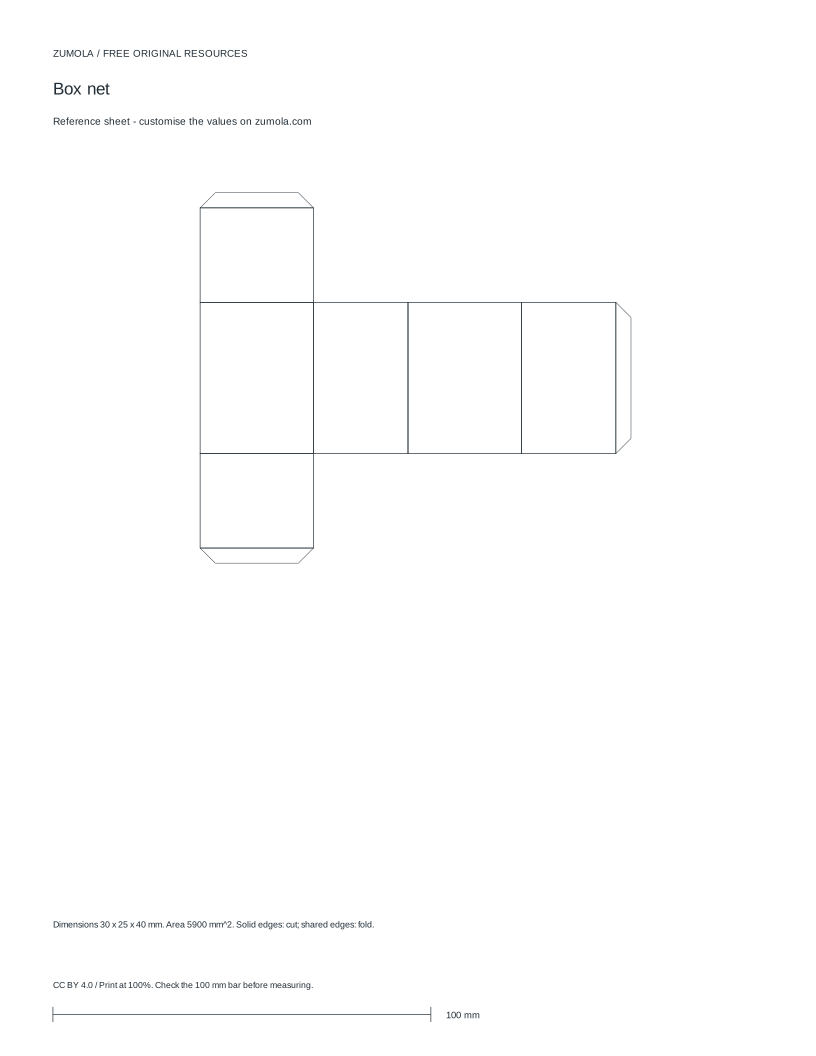
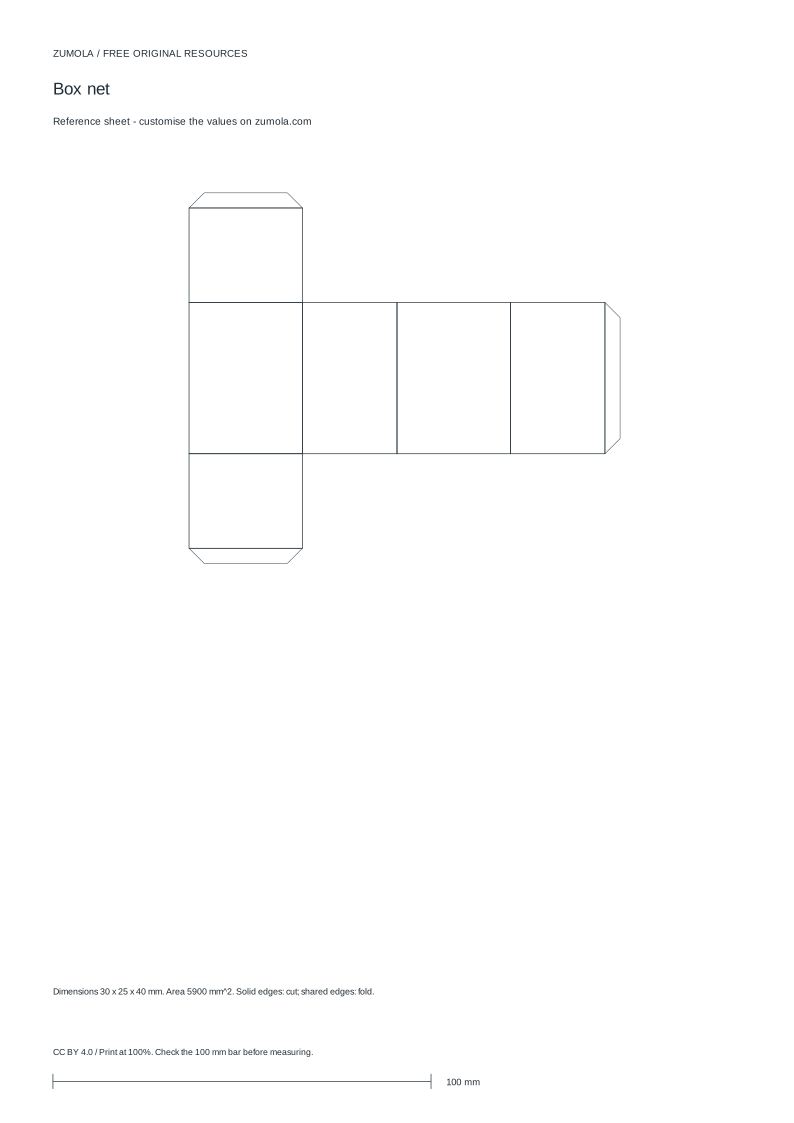
Practice worksheet
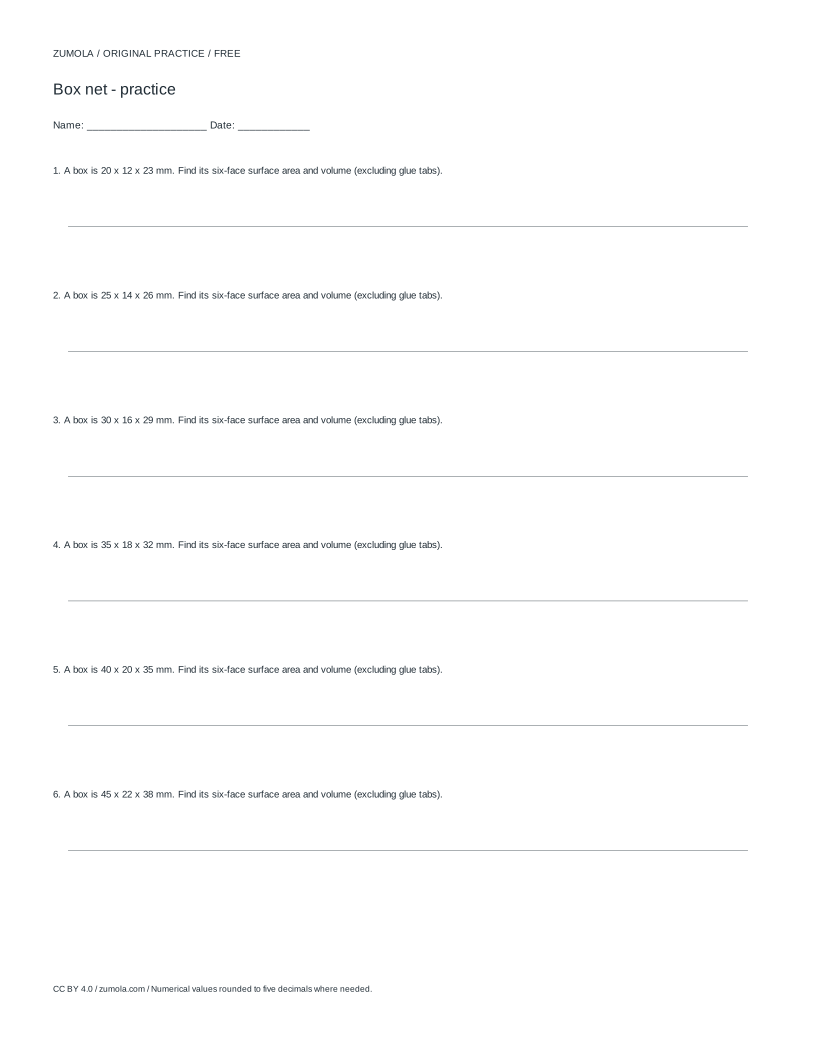
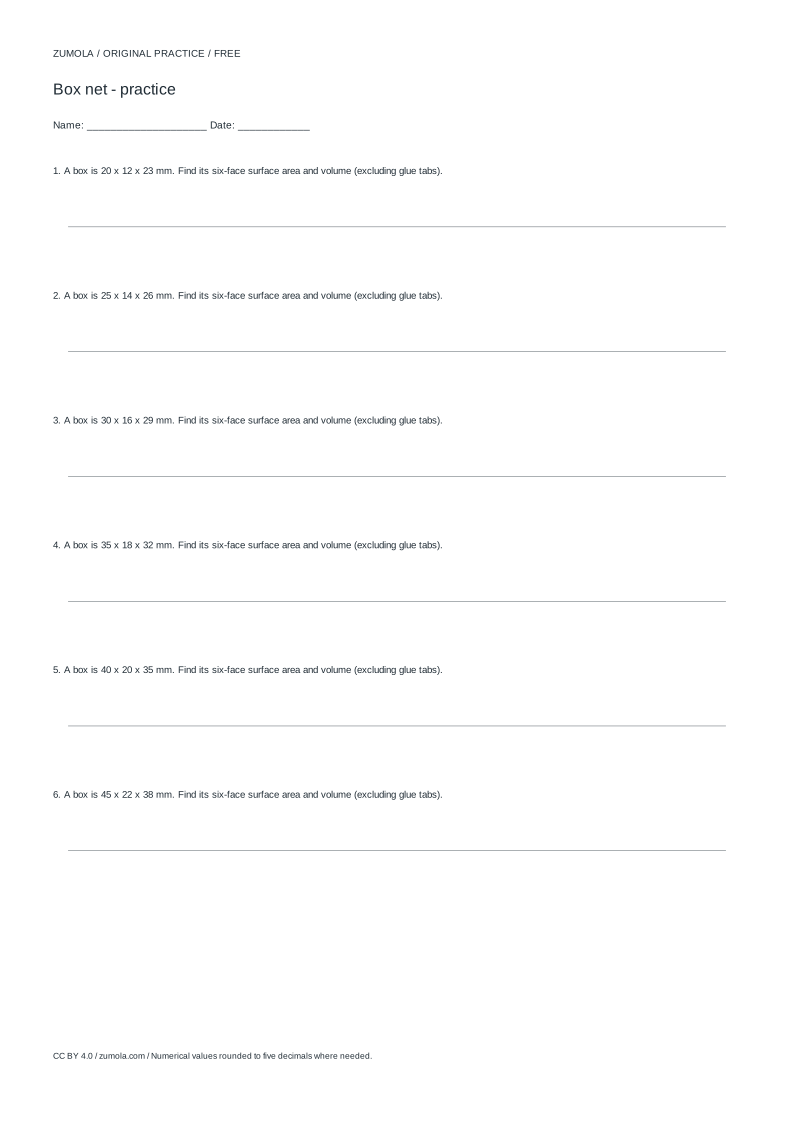
Worked answers / rubric
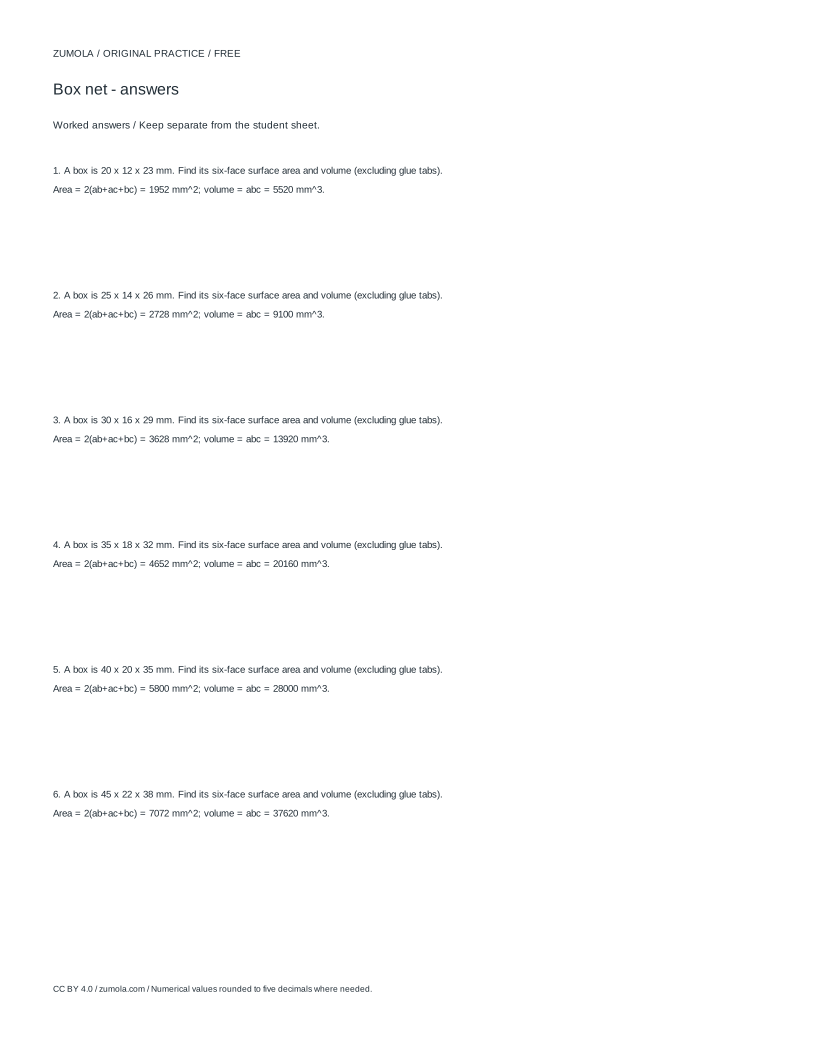
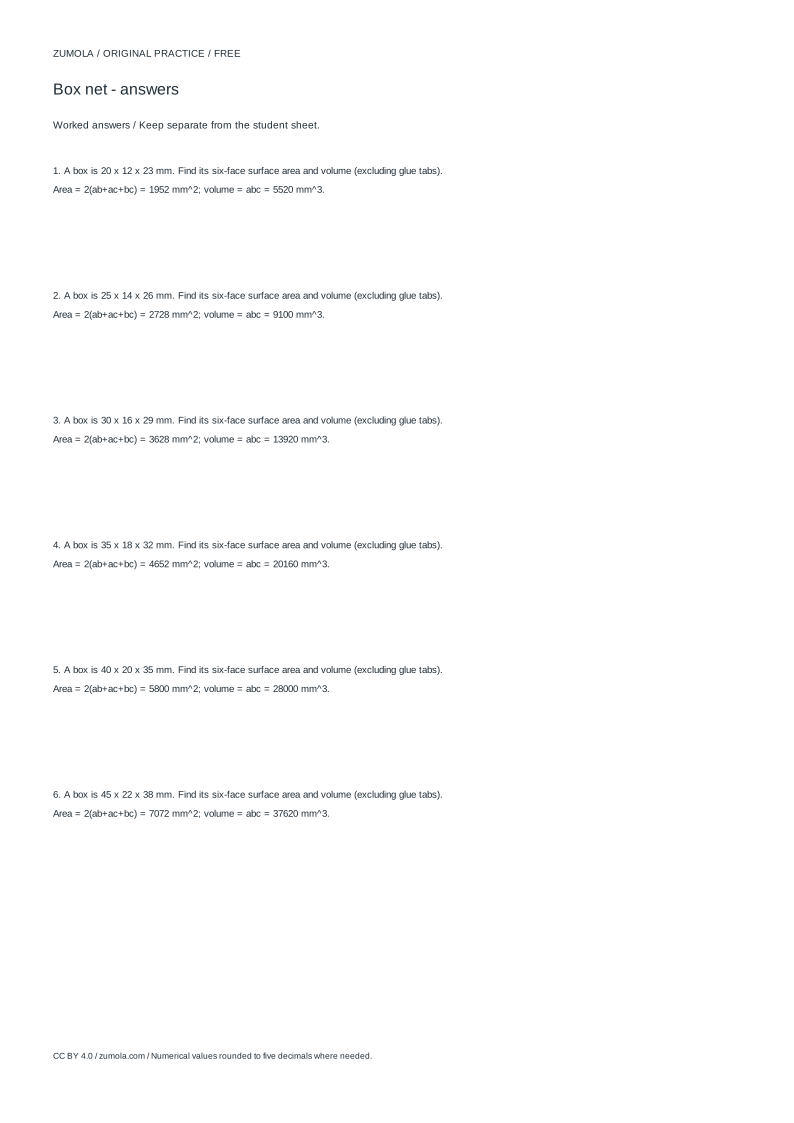
Print at Actual size / 100%. Check the calibration bar before using physical dimensions.
A box net turns three measurements into one flat sheet that folds into a rectangular box. This page explains the method behind a box net generator: how the six faces are laid out, how the surface area and volume follow from length, width and height, where tabs belong, and how to reject a layout that will not fit the paper. The example uses millimetres throughout, and every number can be checked by hand.
From three dimensions to six faces
A rectangular box has three edge lengths: length a, width b and height c. Its six faces come in three identical pairs: two a-by-b faces (top and bottom), two a-by-c faces (front and back), and two b-by-c faces (left and right). A net is simply these six rectangles joined along shared edges so the whole shape folds up without overlap.
The total surface area is 2(ab + ac + bc). The volume is abc. Both follow directly from the dimensions, so you can verify any generated layout by recomputing them. If a layout claims a different area for the same a, b and c, something is wrong with the face count or the dimensions.
- Write down a, b and c in one unit, for example millimetres.
- List the three face pairs: a-by-b, a-by-c, b-by-c, two of each.
- Compute surface area as 2(ab + ac + bc) and volume as abc.
- Lay the faces so each shared edge has the same length on both sides.
- Confirm the outline closes with no gaps and no overlapping rectangles.
Checking the outline and the tabs
A valid net must be a single closed outline. Walk around the perimeter and check that every internal join matches: an a-edge meets an a-edge, a b-edge meets a b-edge, and so on. A mismatch produces a fold line that cannot close, which is the most common failure in hand-drawn nets.
Tabs are the small flaps glued inside the box. They belong on edges that will be hidden after folding, and each tab adds to the cut outline even though it adds no face area. Keep tab width modest relative to the smallest dimension so tabs do not collide at corners. The tab setting is a construction choice, not part of the surface area calculation.
- Trace the perimeter and mark each edge with its length label.
- Check that every fold line is shared by exactly two faces.
- Place tabs on edges that end up inside the finished box.
- Keep tabs away from corners where two flaps would overlap.
- Recheck that the outline is one connected shape before cutting.
Paper fit and rejecting impossible sizes
A net must fit inside the printable area of the sheet at full size. Add the net's bounding width and height, including tabs, and compare with the paper. If the net is larger, the dimensions must change or the box must be built from separate pieces; a generator should refuse the size rather than silently shrink it.
Printing at 100% matters because scaling changes every dimension at once. A calibration bar lets you confirm that a known length prints at its true length before you cut. Only after that check should you trust the printed measurements.
Different solids use different nets. A rectangular box uses the six-rectangle layout above. A cylinder needs a rectangle plus two circles, and a cone needs a sector plus a circle. Do not apply the box formula to those shapes.
- Measure the net's overall width and height, tabs included.
- Compare both values with the printable area of the sheet.
- If either exceeds the sheet, change the dimensions or split the box.
- Print a calibration bar and measure it with a ruler.
- Print the net at 100% only after the calibration bar matches.
Worked layout reasoning
Take a = 30 mm, b = 25 mm and c = 40 mm. The face pairs are 30-by-25, 30-by-40 and 25-by-40, two of each. Surface area is 2(750 + 1200 + 1000) = 2(2950) = 5900 square millimetres. Volume is 30 times 25 times 40 = 30000 cubic millimetres.
A common arrangement places the four side faces in a row: 30-by-40, 25-by-40, 30-by-40, 25-by-40, giving a row 110 mm wide and 40 mm tall. The two 30-by-25 faces attach above and below one side face. The bounding box is then about 110 mm by 90 mm before tabs, which fits comfortably on A4 at full size. Check each join: the 40 mm edges align along the row, and the 30 mm edges connect the top and bottom faces.
- Multiply each pair: 30x25 = 750, 30x40 = 1200, 25x40 = 1000.
- Sum the pairs and double: 2 x 2950 = 5900 square millimetres.
- Multiply all three: 30 x 25 x 40 = 30000 cubic millimetres.
- Add the row widths: 30 + 25 + 30 + 25 = 110 mm.
- Add the top and bottom faces to the height: 40 + 25 + 25 = 90 mm.
Try this example
A box has length 30 mm, width 25 mm and height 40 mm. Find its surface area, volume and the width of a four-side row net.
Show the worked explanation
Face pairs: 30x25 = 750, 30x40 = 1200, 25x40 = 1000 square millimetres. Surface area = 2(750 + 1200 + 1000) = 5900 square millimetres. Volume = 30 x 25 x 40 = 30000 cubic millimetres. A row of four side faces alternating 30-by-40 and 25-by-40 is 30 + 25 + 30 + 25 = 110 mm wide and 40 mm tall, before tabs.
Common mistakes
- Drawing six rectangles without checking that shared edges match in length. Label every edge with its dimension and confirm each fold line joins two equal edges before cutting.
- Treating tab width as part of the surface area. Compute surface area from a, b and c only; tabs affect the cut outline, not the face area.
- Printing a net that is wider or taller than the printable area and assuming it will scale to fit. Compare the net's bounding size, tabs included, with the sheet; change dimensions or split the box if it does not fit.
Check your work
- All six faces are present in three matching pairs.
- Every fold line joins two edges of equal length.
- Surface area equals 2(ab + ac + bc) for the stated dimensions.
- Volume equals abc for the stated dimensions.
- Tabs sit on edges hidden inside the finished box and avoid corner collisions.
- The net's bounding size, tabs included, fits the printable area at 100%.
- A calibration bar is checked before cutting.
Questions before you start
How do I find the surface area of a rectangular box?
Use 2(ab + ac + bc), where a, b and c are length, width and height in the same unit. For 30, 25 and 40 mm the result is 5900 square millimetres.
Why does my net not fold into a box?
Usually a fold line joins edges of different lengths, or two faces overlap. Check that every shared edge has equal length on both sides and that the outline is one closed shape.
Can I use the same net for a cylinder or cone?
No. A cylinder needs a rectangle plus two circles, and a cone needs a sector plus a circle. The six-rectangle layout applies only to rectangular boxes.