Free original resources
Stem and Leaf Plot Generator: Sort Data and Read the Key
Learn how a stem and leaf plot generator sorts values into stems and leaves, writes a key, and reports count, sum, mean, median, mode, and range.
Free resources
Letter & A4
PDF & SVG
Letter & A4
PDF & SVG
Make it yours.
Free · no signup · calculated in your browser
Your free printable kit.
Original reference, student practice and separate worked answers. No account or payment.
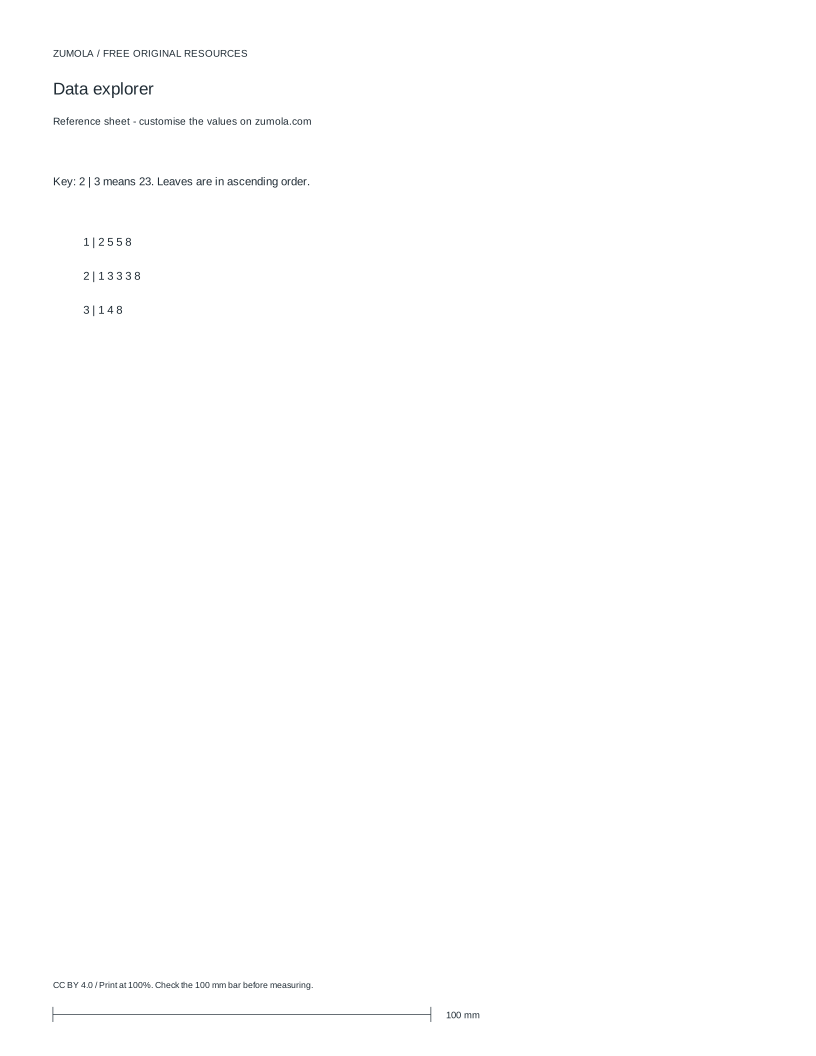
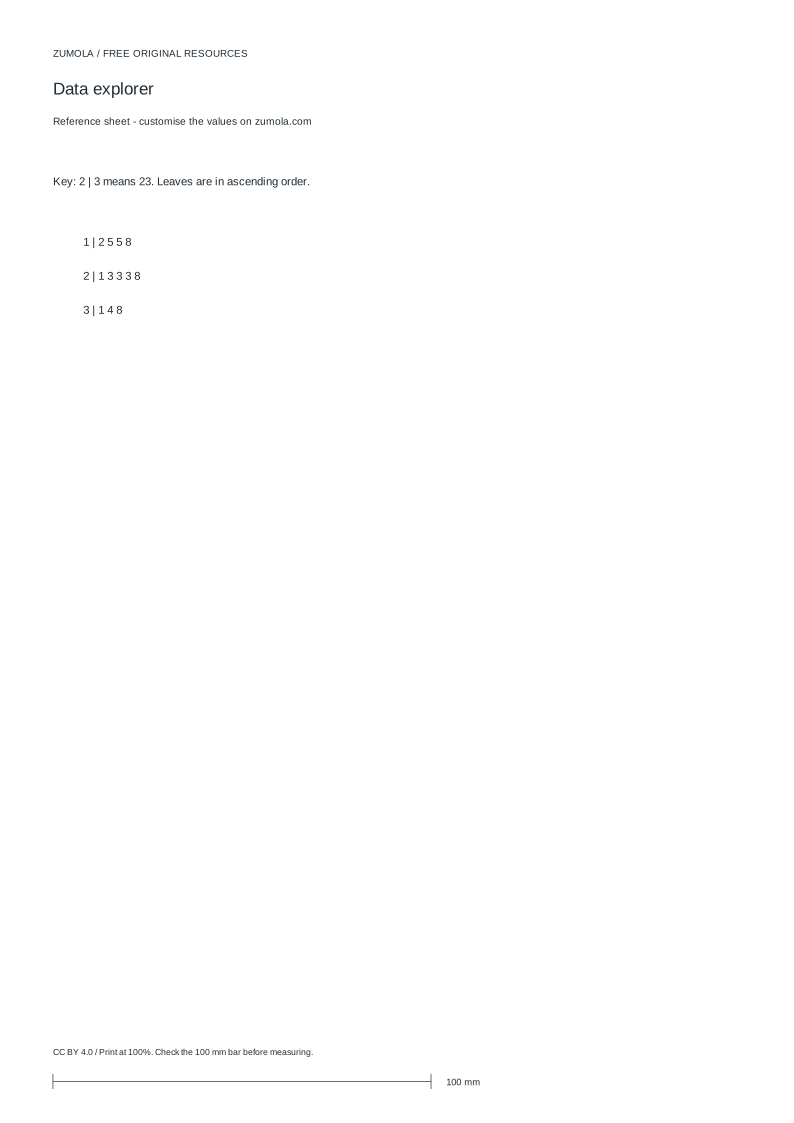
Practice worksheet
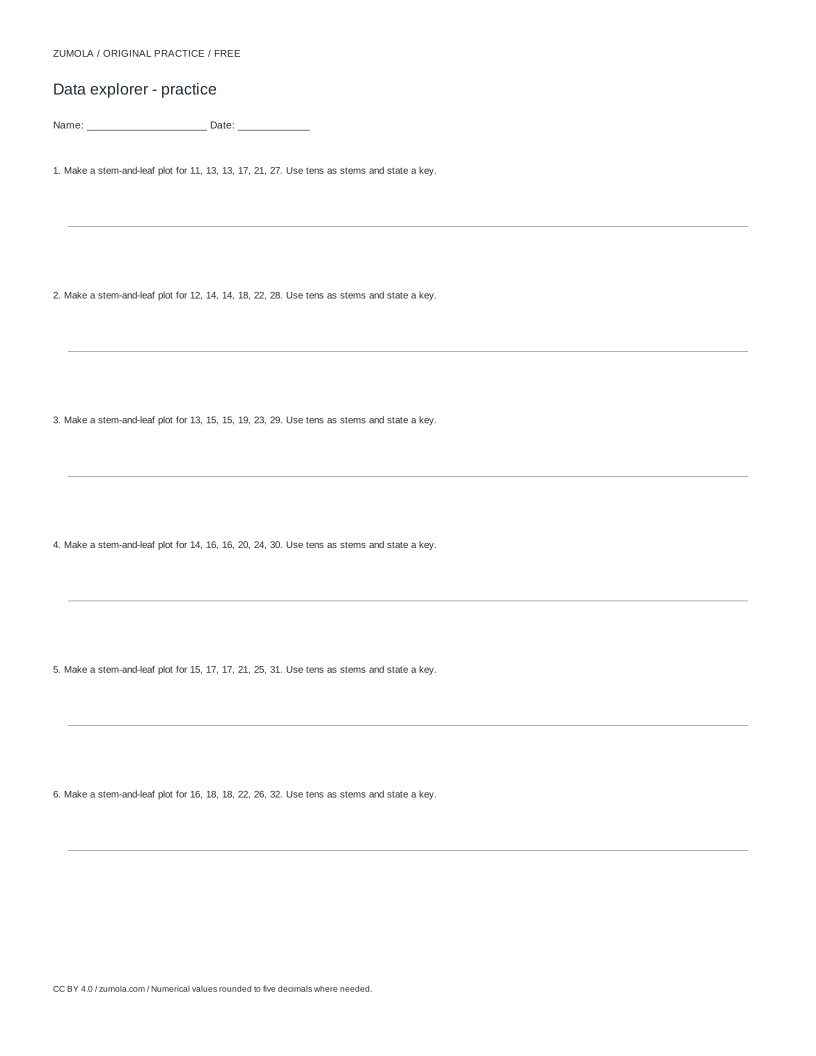
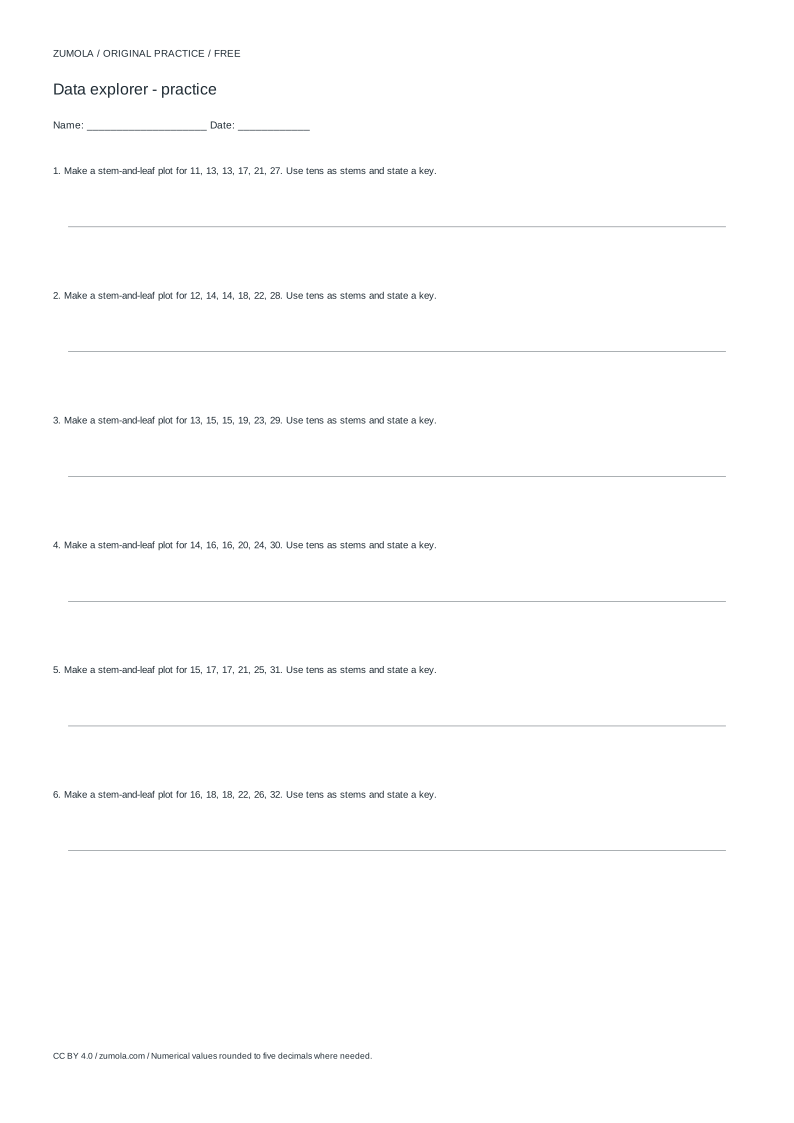
Worked answers / rubric
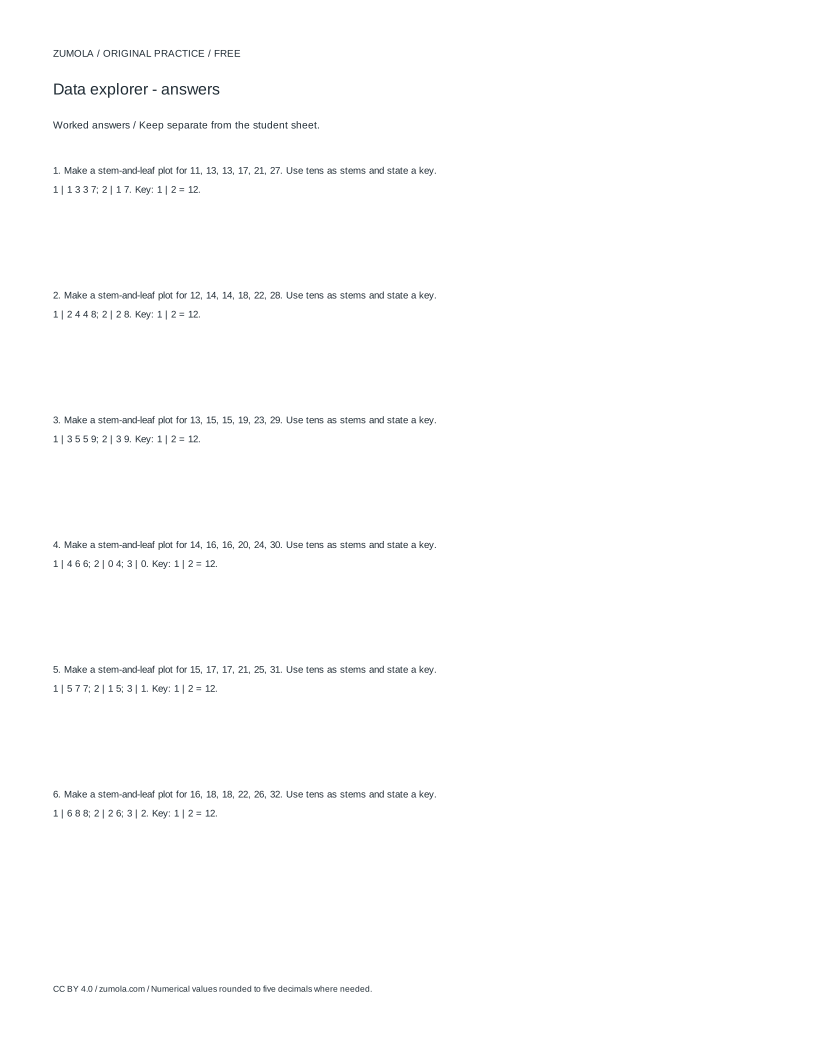
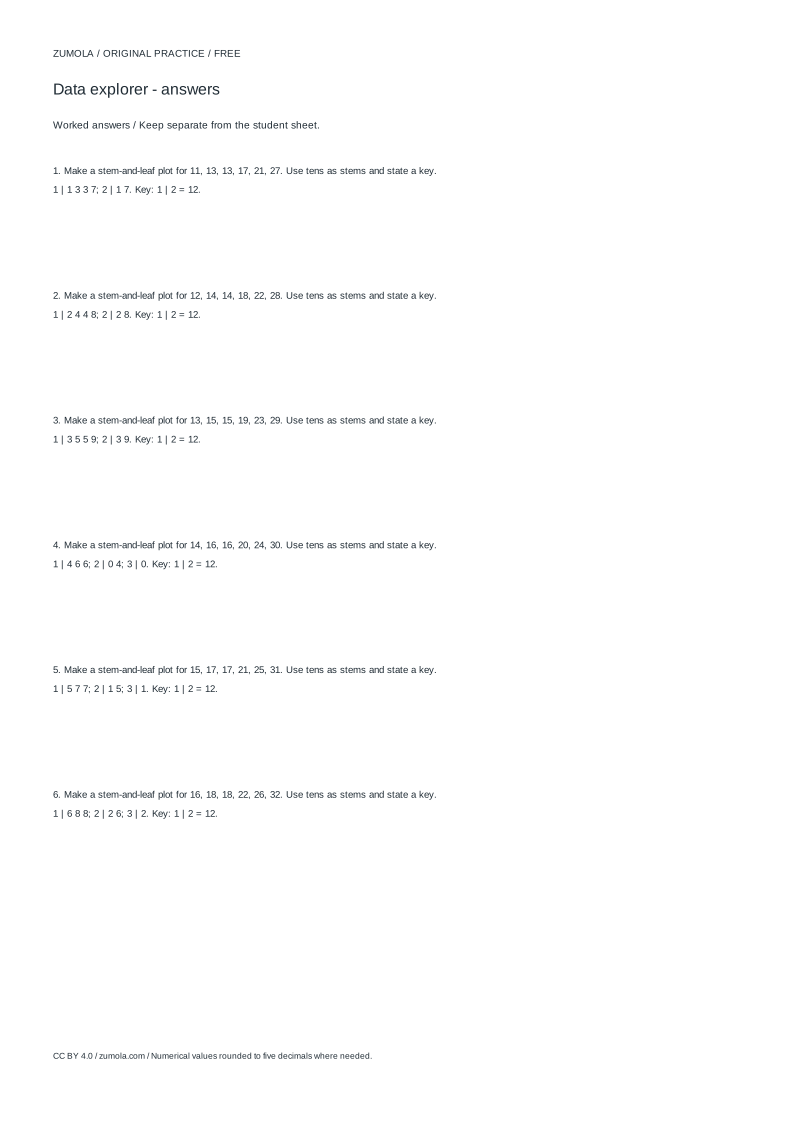
Print at Actual size / 100%. Check the calibration bar before using physical dimensions.
A stem and leaf plot keeps every original value visible while grouping numbers by place value. This page explains the method behind a stem and leaf plot generator: sorting data, splitting each number into a stem and a leaf, ordering leaves within each stem, and stating a key so readers know how to decode the display. It also covers how to check that the plot still contains the full data set and how to read summary statistics from it.
How the stem and leaf split works
Choose a place-value split and apply it to every value. With a bin of 10 and whole numbers, the stem is the tens digit and the leaf is the units digit. The value 23 becomes stem 2, leaf 3. The value 7 would be written as stem 0, leaf 7, so no value is silently dropped.
Leaves are listed in ascending order within each stem. That ordering is what makes the plot readable: the smallest leaf in a stem is the smallest value in that group. Stems are also listed from smallest to largest. A key such as 2 | 3 means 23 is essential, because the same digits could represent 2.3 or 230 under a different split.
A stem and leaf plot is not a histogram. A histogram groups values into bins and shows frequencies as bars, losing the individual values. A stem and leaf plot keeps each value as a leaf, so the original data can be recovered. It is also not a line chart: leaves are not connected points and their horizontal position carries no meaning beyond order.
- Decide the place-value split, for example stem = tens and leaf = units with a bin of 10.
- Write each value as a stem and a single leaf digit, including values below 10 as stem 0.
- Sort the leaves within each stem from smallest to largest.
- List stems in ascending order and write a key that names the split.
Checking counts and reading the summary
The number of leaves must equal the number of data values. Count leaves stem by stem and compare with the original list. If the counts differ, a value was missed, duplicated, or written with the wrong number of leaf digits.
The sum of the reconstructed values should match the sum of the original data. Reconstruct each value as stem times 10 plus leaf, then add. This check catches place-value errors that a leaf count alone would miss.
The median is the middle value after sorting. With an even count, average the two middle values. The mode is the value or values appearing most often; a plot can have several modes or none. The range is the largest value minus the smallest. State the bin and the rounding rule if values are not whole numbers, because both affect where a value lands.
- Count leaves and compare with the number of original values.
- Reconstruct values as stem × 10 + leaf and check the total sum.
- Find the median by position in the sorted list, averaging the two middle values when the count is even.
- Identify modes by counting repeated leaves and compute the range from the smallest and largest values.
Choosing a split that stays readable
A split that produces very long leaf rows or many single-leaf stems is hard to read. If most values fall in a narrow band, a smaller bin such as 5 can spread them across more stems. If values span a wide range, a larger bin keeps the number of stems manageable.
When values include decimals, the split must be stated explicitly. For data in tenths, a stem of 2 and leaf of 3 could mean 2.3. The key removes that ambiguity. Never mix whole numbers and decimals in one plot without converting them to a common precision first.
- Inspect the spread of values before choosing a bin.
- Try a bin of 10 first, then adjust if stems are too crowded or too sparse.
- Write the key so it shows one complete reconstructed value.
- Convert all values to the same precision before splitting.
Worked example with twelve values
Take the data 12, 15, 15, 18, 21, 23, 23, 23, 28, 31, 34, 38 with a bin of 10. The stems are 1, 2, and 3. Stem 1 has leaves 2, 5, 5, 8; stem 2 has leaves 1, 3, 3, 3, 8; stem 3 has leaves 1, 4, 8. The key is 2 | 3 = 23.
There are 12 leaves, matching 12 values. The sum is 281, so the mean is 281 ÷ 12 ≈ 23.42. The sorted middle values are the sixth and seventh, both 23, so the median is 23. The mode is 23, appearing three times. The range is 38 − 12 = 26.
- Split each value into tens and units.
- Order leaves within each stem.
- Write the key and verify the leaf count equals 12.
- Reconstruct values to confirm the sum is 281.
Try this example
Build a stem and leaf plot for 4, 7, 12, 12, 15, 19, 21 with a bin of 10, then report the count, sum, median, mode, and range.
Show the worked explanation
Stems: 0 has leaves 4, 7; 1 has leaves 2, 2, 5, 9; 2 has leaf 1. Key: 1 | 2 = 12. Count is 7. Sum is 4 + 7 + 12 + 12 + 15 + 19 + 21 = 90. Sorted values place 12 at the fourth position, so the median is 12. The mode is 12, appearing twice. The range is 21 − 4 = 17.
Common mistakes
- Omitting values below 10 because they have no tens digit. Write them with stem 0, for example 0 | 7 for 7, so the leaf count matches the data count.
- Leaving leaves unsorted within a stem. Sort each stem's leaves ascending; this makes the median and mode easy to read and keeps the plot consistent.
- Writing a key that does not state the place-value split. Write a complete example such as 2 | 3 = 23 so readers know whether the split is units, tenths, or another precision.
Check your work
- Every original value appears exactly once as a leaf, including values below 10 under stem 0.
- Leaves are sorted ascending within each stem and stems are listed in ascending order.
- A key states the place-value split with one complete reconstructed value.
- The leaf count equals the number of data values and the reconstructed sum matches the original sum.
- Median, mode, and range are derived from the sorted values with the bin stated.
Questions before you start
How is a stem and leaf plot different from a histogram?
A histogram groups values into bins and shows only frequencies as bars. A stem and leaf plot keeps each original value as a leaf, so the data can be reconstructed and individual values remain visible.
What should the key look like?
The key should show one stem, one leaf, and the value they represent, such as 2 | 3 = 23. It must name the place-value split so decimals and larger numbers are unambiguous.
How do I find the median from a stem and leaf plot?
Count leaves from the smallest value upward to the middle position. If the count is even, average the two middle values. In the example with 12 values, the sixth and seventh values are both 23, so the median is 23.