Free original resources
Frequency Table Worksheet: Turn Raw Observations Into Checked Counts
Build a frequency table from raw observations, choose clear bins, and verify that every count adds back to the total. Includes a worked example and marking rubric.
Free resources
Letter & A4
PDF & SVG
Letter & A4
PDF & SVG
Make it yours.
Free · no signup · calculated in your browser
Your free printable kit.
Original reference, student practice and separate worked answers. No account or payment.
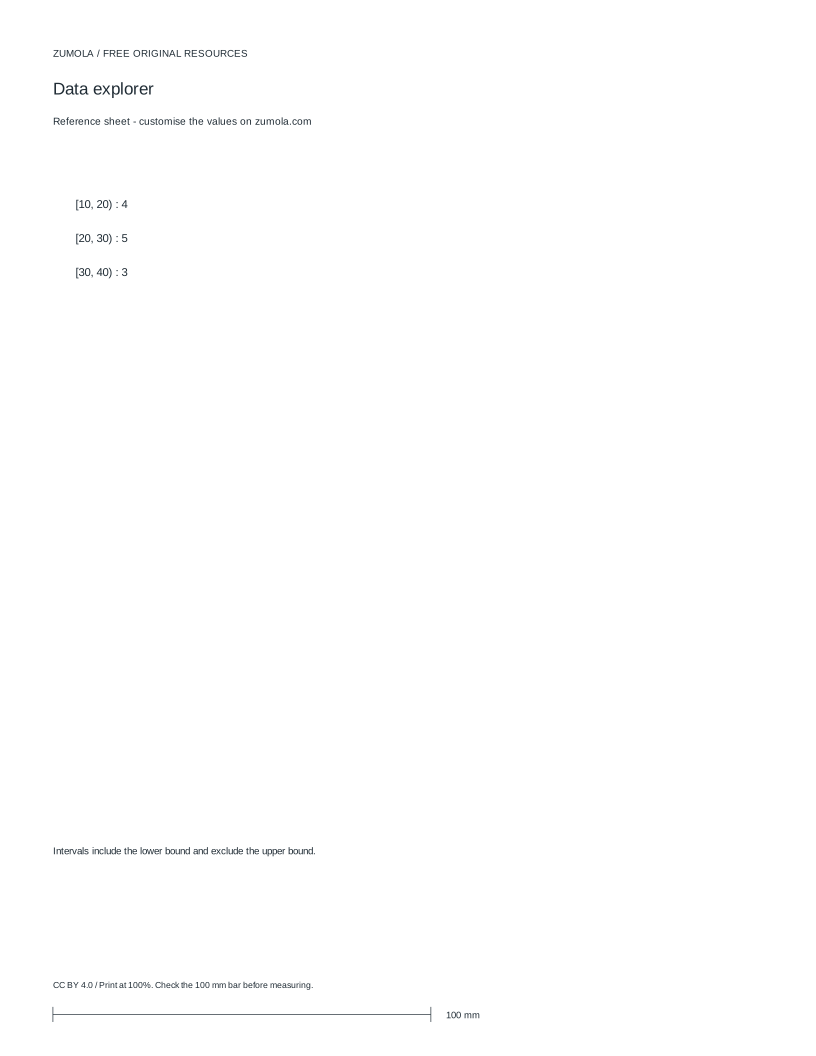
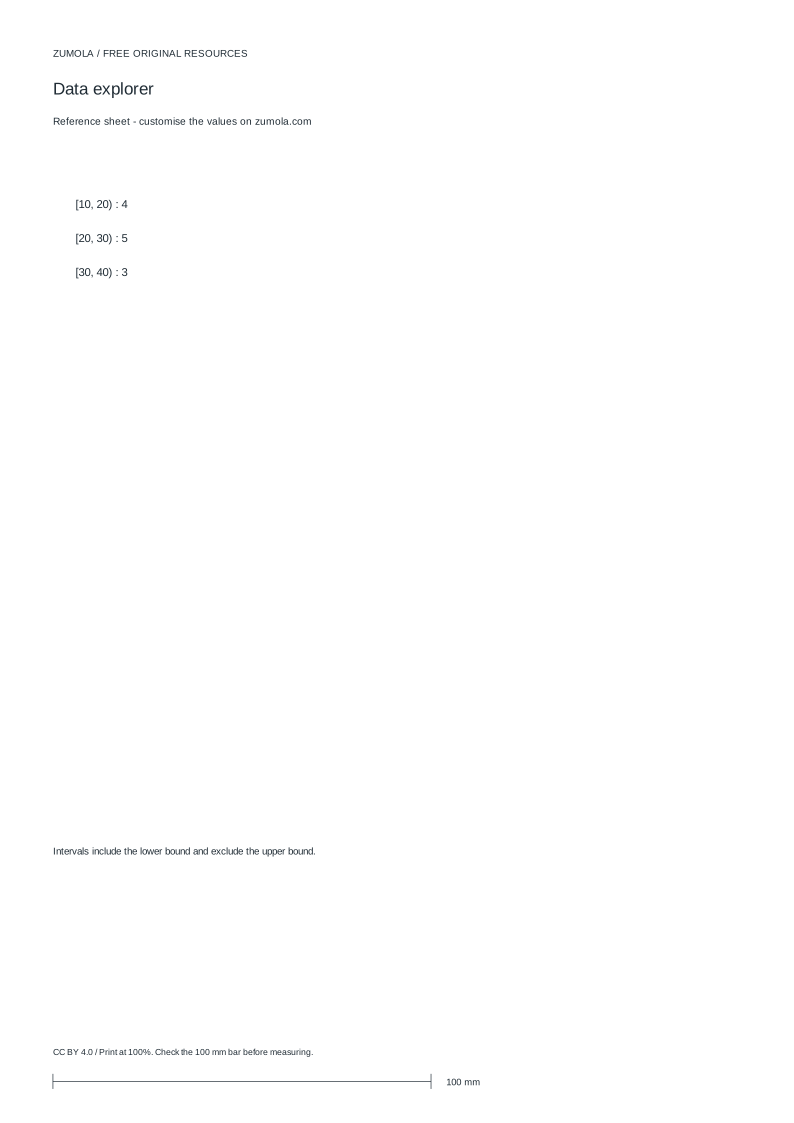
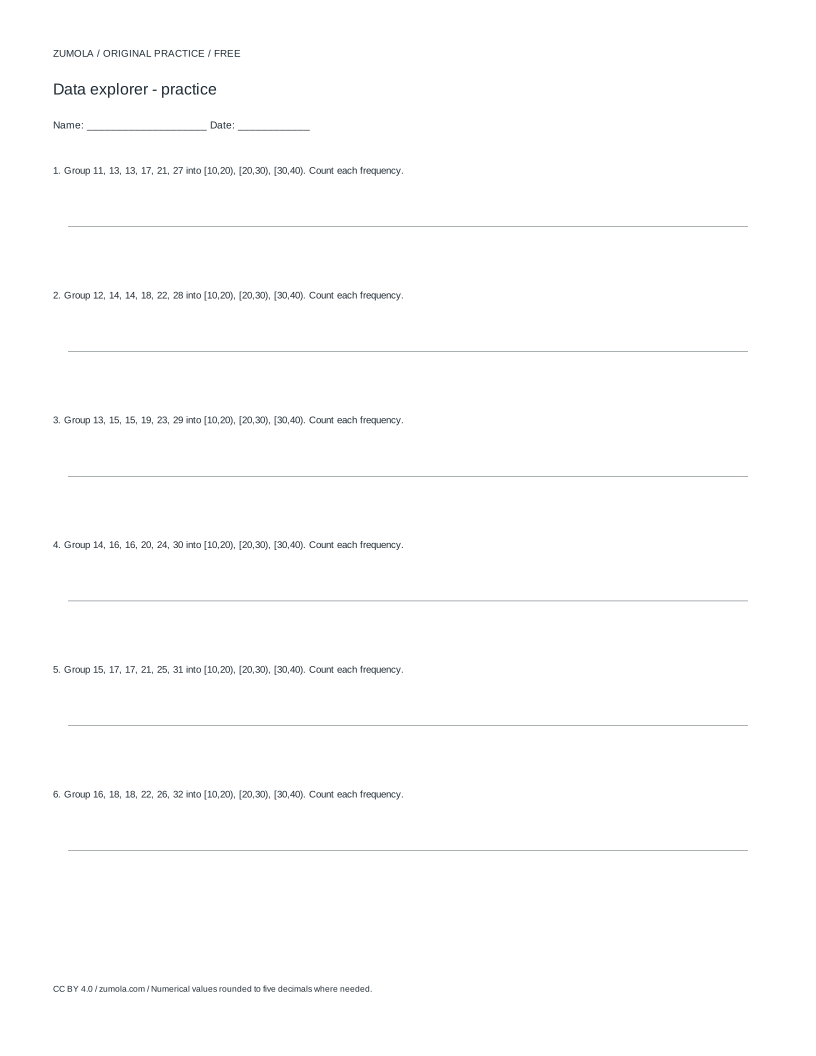
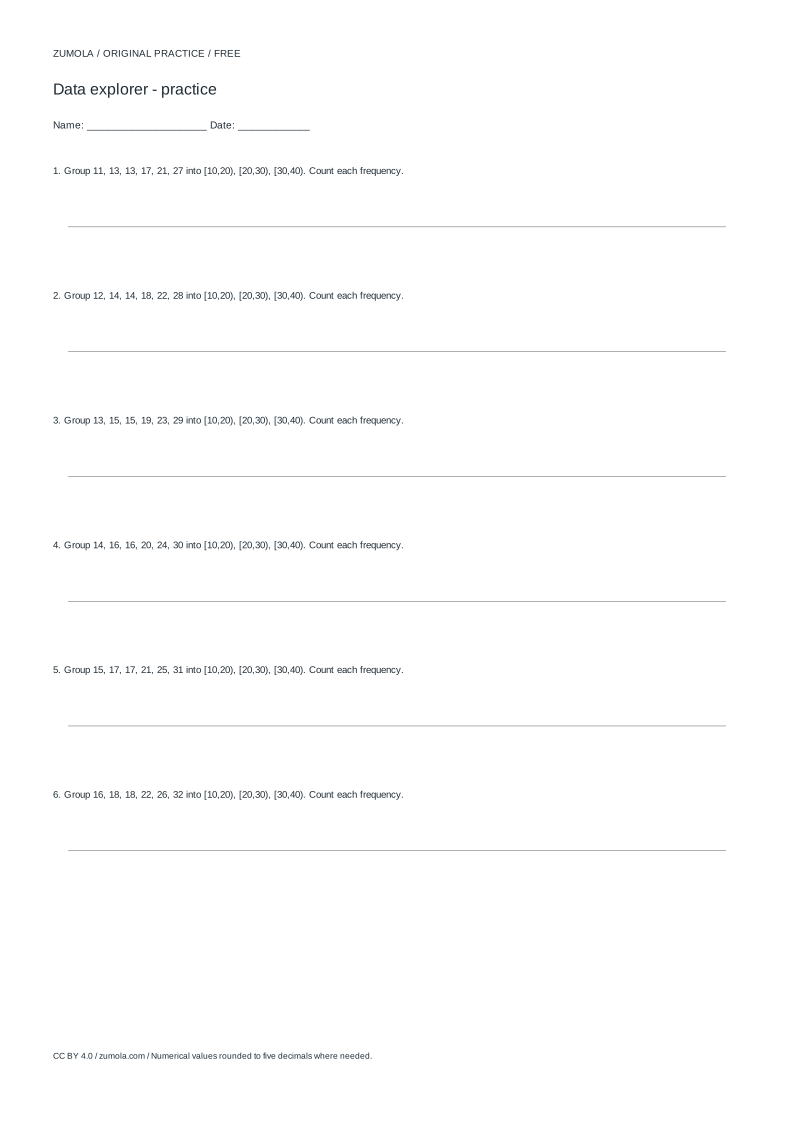
Practice worksheet
Worked answers / rubric
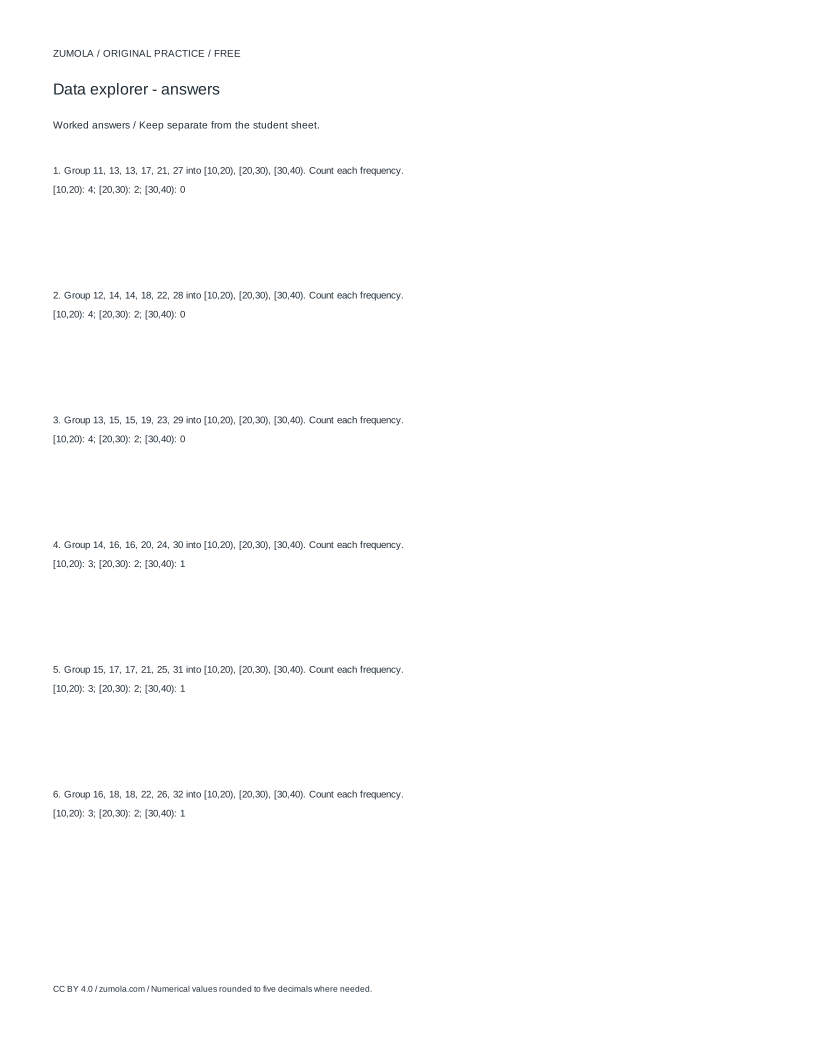
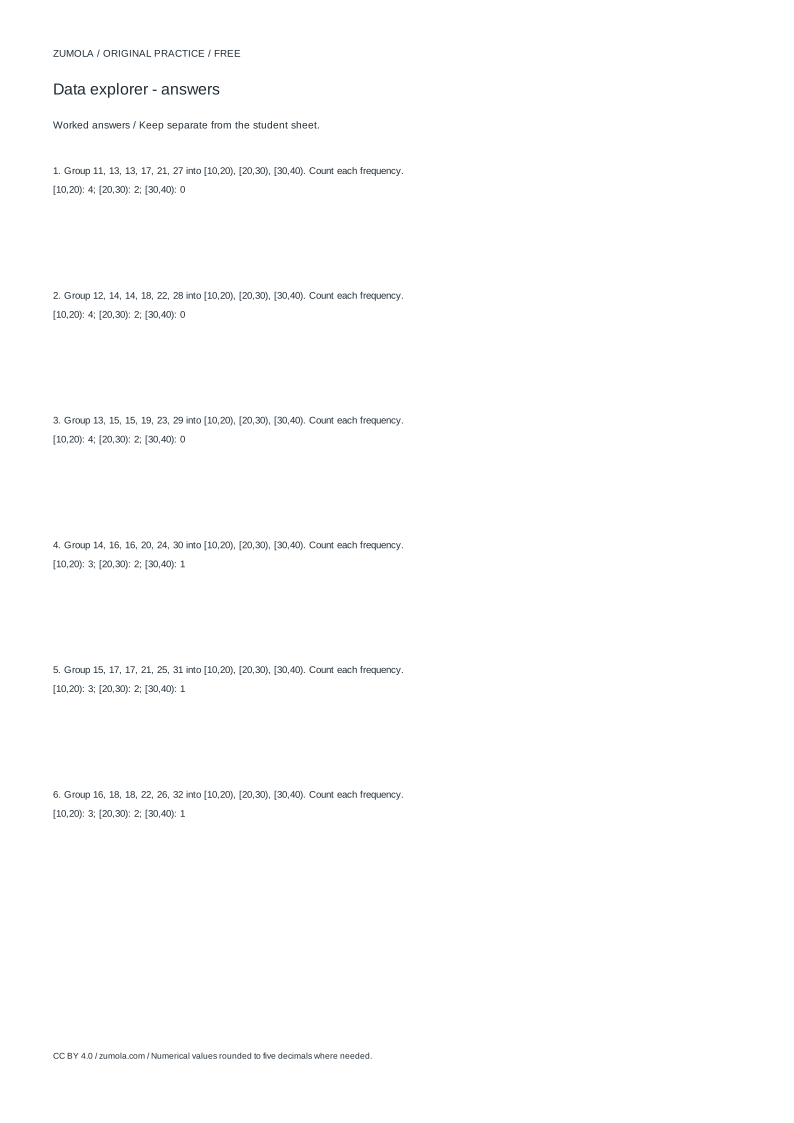
Print at Actual size / 100%. Check the calibration bar before using physical dimensions.
A frequency table groups raw observations into categories or intervals and records how many values fall in each group. The two jobs that matter most are choosing sensible groups and checking that the counts add up to the number of observations you started with. This page explains the method step by step, shows how tally marks support accurate counting, and gives a simple example you can verify by hand.
From raw list to grouped counts
Start by writing the observations in order. Sorting makes it easier to see the smallest and largest values and to spot repeated numbers. Decide whether your data are categorical (labels such as colours or types) or numerical (measurements such as lengths in millimetres). Categorical data get one row per category. Numerical data usually get intervals, often called bins, especially when there are many distinct values.
Each bin needs a clear start, a clear width, and a consistent rule for values that land exactly on a boundary. A common convention is to include the lower bound and exclude the upper bound, so a bin starting at 10 with width 10 holds values from 10 up to but not including 20. State this rule on the worksheet so anyone reading the table interprets it the same way.
Tally marks are a practical counting aid: make one mark per observation in the matching row, then convert groups of five into a numeral. After counting, add the frequency column. The sum must equal the number of observations. If it does not, a value was missed, counted twice, or placed in the wrong row.
- List every observation once, then sort the list from smallest to largest.
- Decide whether rows will be categories or numerical bins, and write the boundary rule.
- Tally each observation into exactly one row.
- Convert tallies to numerals and record the frequency for each row.
- Add the frequency column and compare the total with the number of observations.
Choosing bins and labelling the data type
Bin width should suit the spread of the data. Too few bins hide variation; too many leave rows with counts of zero or one. A useful starting point is to find the range, subtract the smallest value from the largest, and divide by a convenient width such as 5 or 10. Adjust so the first bin starts at or below the smallest value and the last bin covers the largest.
Label the data type explicitly. A bar chart for categories and a histogram for numerical bins are not interchangeable, and a line chart implies ordered points rather than grouped counts. Writing the type on the worksheet prevents a reader from treating a histogram as a bar chart of separate categories.
If quartiles or medians are requested, state the method used. Different conventions for splitting an even-sized sorted list can give slightly different quartile values, so the worksheet should name the rule rather than leave it implicit.
- Find the smallest and largest values and compute the range.
- Pick a bin width that gives a readable number of rows.
- Set the first bin start so it is at or below the smallest value.
- Write the boundary rule and the data type on the worksheet.
- If quartiles appear, name the splitting method used.
Checking totals and reading the table
The total frequency is the strongest quick check. With 12 observations, the frequency column must sum to 12. A mismatch means the table is wrong somewhere, even if individual rows look plausible. Re-tally the suspect rows against the sorted list rather than guessing.
Frequency tables describe counts, not the original values. The mean, median, and range come from the raw list, while the table shows how those values cluster. Keep both available so a reader can check grouped counts against the underlying data.
When the table is complete, the largest frequency identifies the most common value or the fullest bin, depending on whether rows are single values or intervals. Say which one you are reporting so the statement is unambiguous.
- Sum the frequency column and compare with the observation count.
- Re-tally any row whose count looks doubtful.
- Report the fullest row as either a single value or a bin, naming which.
- Keep the sorted raw list beside the table for reference.
Worked example
The observations in millimetres are 12, 15, 15, 18, 21, 23, 23, 23, 28, 31, 34, 38. There are 12 values, the smallest is 12, and the largest is 38, so the range is 26. Using bins of width 10 starting at 10, with the lower bound included and the upper bound excluded, gives three rows.
The first bin, 10 to under 20, holds 12, 15, 15, and 18, so its frequency is 4. The second bin, 20 to under 30, holds 21, 23, 23, 23, and 28, so its frequency is 5. The third bin, 30 to under 40, holds 31, 34, and 38, so its frequency is 3. The frequencies 4, 5, and 3 sum to 12, matching the observation count.
The value 23 appears three times, more than any other single value, so it is the mode. The median of the sorted list is 23, the mean is 281 divided by 12, which is about 23.42, and the range is 26. These figures come from the raw list, while the table shows the grouped counts.
- Sort the 12 values and confirm the smallest is 12 and the largest is 38.
- Apply the 10-to-under-20 rule and tally four values.
- Tally five values into 20 to under 30 and three into 30 to under 40.
- Add 4, 5, and 3 to confirm the total is 12.
Try this example
Make a frequency table for 12, 15, 15, 18, 21, 23, 23, 23, 28, 31, 34, 38 using bins of width 10 starting at 10, with the lower bound included and the upper bound excluded.
Show the worked explanation
There are 12 observations. The 10-to-under-20 bin holds 12, 15, 15, and 18, giving a frequency of 4. The 20-to-under-30 bin holds 21, 23, 23, 23, and 28, giving 5. The 30-to-under-40 bin holds 31, 34, and 38, giving 3. The frequencies 4, 5, and 3 sum to 12, matching the observation count. The mode is 23, the median is 23, the mean is 281 divided by 12, about 23.42, and the range is 26.
Common mistakes
- Using overlapping or ambiguous bin boundaries so a value could belong to two rows. Write one boundary rule, such as lower bound included and upper bound excluded, and apply it to every row.
- Adding the frequency column and getting a total different from the number of observations. Re-tally each row against the sorted list until the frequencies sum to the observation count.
- Treating a histogram of numerical bins as a bar chart of separate categories. Label the data type and the bin rule on the worksheet so the grouped structure is explicit.
Check your work
- Every observation appears in exactly one row, and the frequency column sums to the observation count.
- Bin boundaries and the inclusion rule are written clearly and applied consistently.
- The data type is labelled, distinguishing categorical rows from numerical bins.
- Tallies or working are shown so counts can be checked against the sorted list.
- Any reported mode, median, or mean is calculated from the raw observations and named precisely.
Questions before you start
How do I know my frequency table is correct?
The frequency column must sum to the number of observations. Check that total first, then re-tally any row that looks doubtful against the sorted raw list.
Should bins include the upper boundary?
Either convention works if it is stated and applied consistently. A common rule includes the lower bound and excludes the upper bound, so 10 to under 20 holds 10 through 19.
Where do the mean and median come from?
They come from the raw observations, not the grouped counts. The table shows how values cluster; the summary figures are calculated from the original list.