Reference diagrams
LETTER · Download PDF
A4 · Download PDF
Free original resources
Teach area model multiplication by splitting a factor into tens and ones, multiplying each part, and adding partial products to find the total.
Four original cases, with reference diagrams, practice sheets and worked answers. Everything is free; no signup required.
LETTER · Download PDF
A4 · Download PDF
LETTER · Download PDF
A4 · Download PDF
LETTER · Download PDF
A4 · Download PDF
Use A4 or US Letter to match your printer. Use the stated values and conditions to solve each exercise; diagrams are not physical measuring rulers.
An area model turns multiplication into a rectangle. The two factors become the side lengths, and the product is the area inside. For one-digit times two-digit work, split the longer factor into tens and ones, multiply each part by the one-digit factor, then add the partial products. This page explains that method step by step, with a worked example, common errors, and a rubric for judging completed sheets.
Draw a rectangle whose side lengths are the two factors. The area of that rectangle equals their product. When one factor is two digits, split it into a tens part and a ones part, then divide the rectangle into two smaller rectangles that share the one-digit side. Each smaller rectangle has an area equal to one partial product. Adding those areas gives the total product.
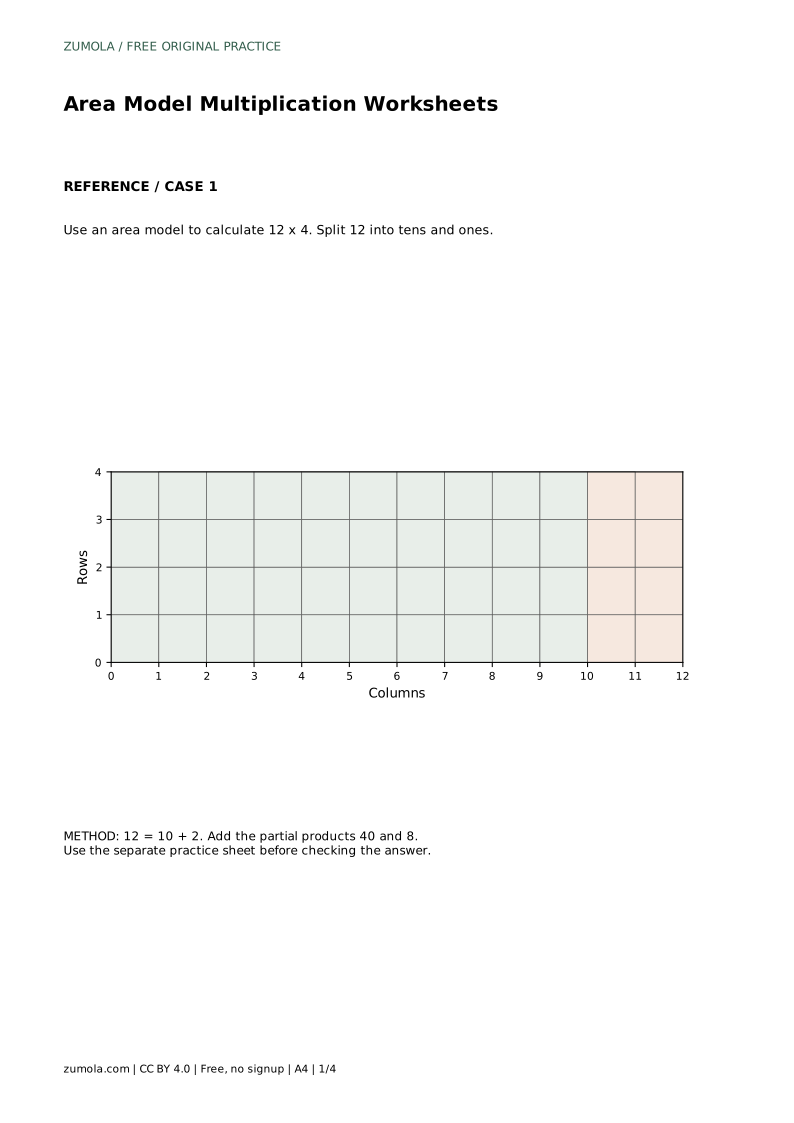
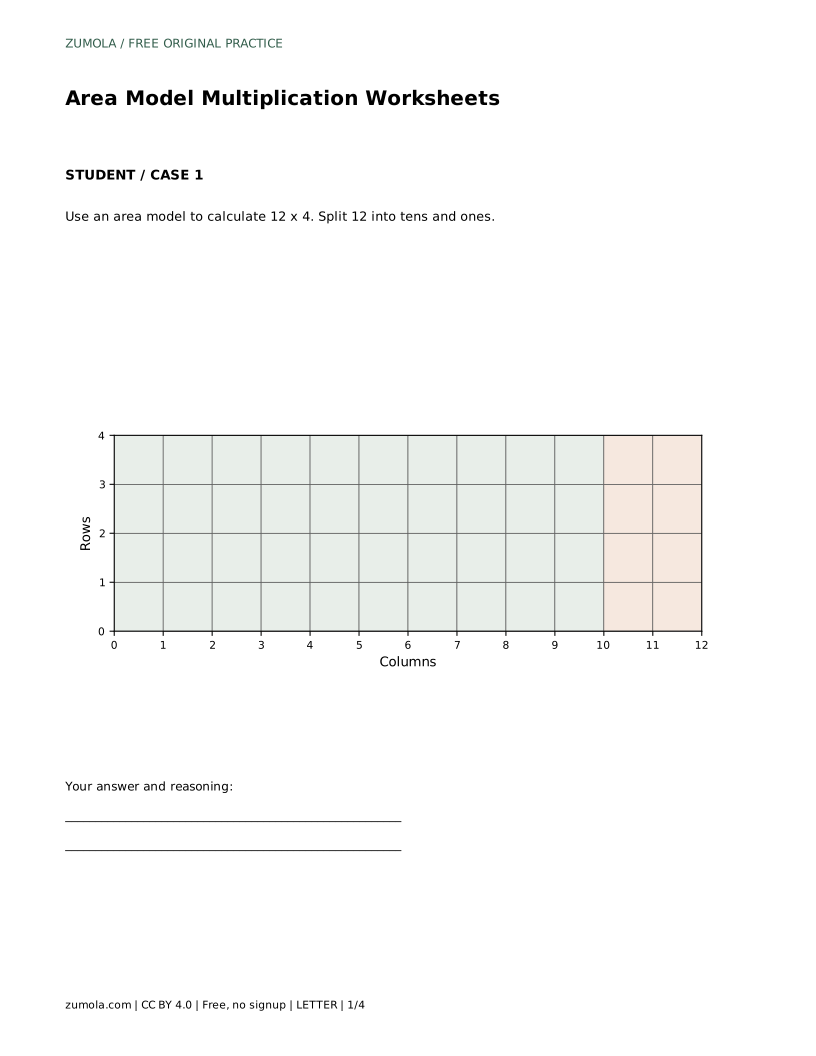
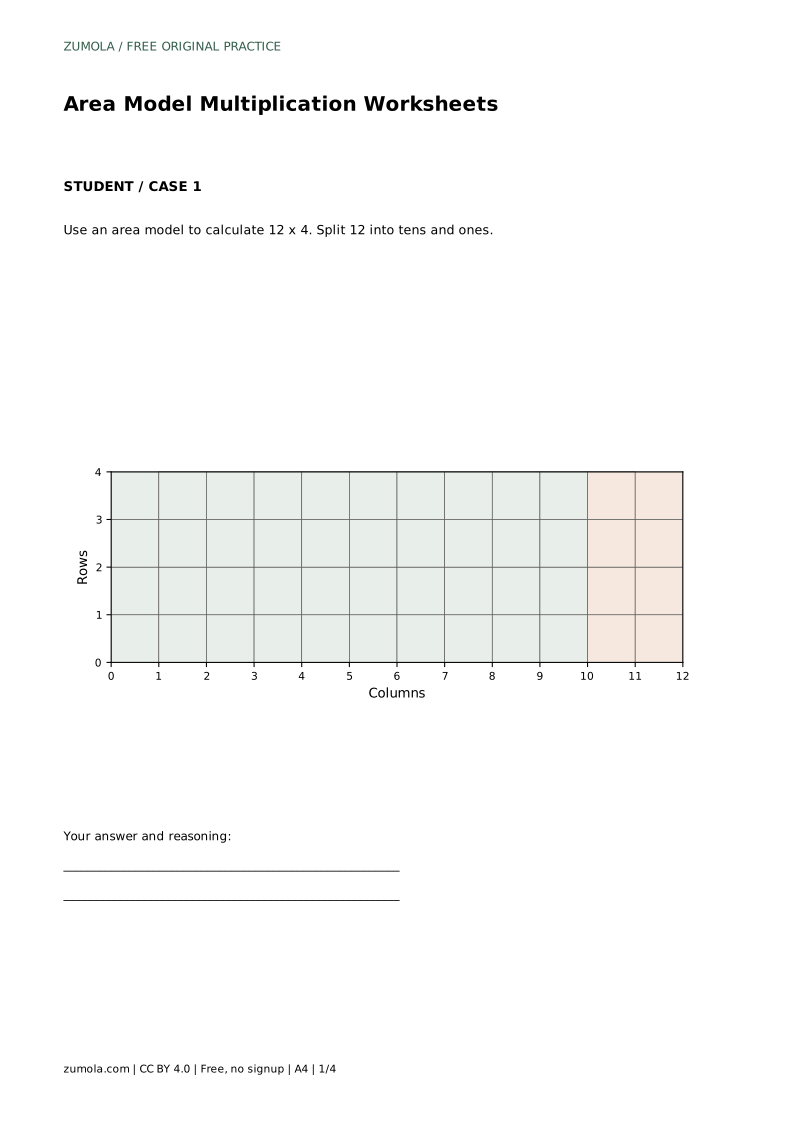
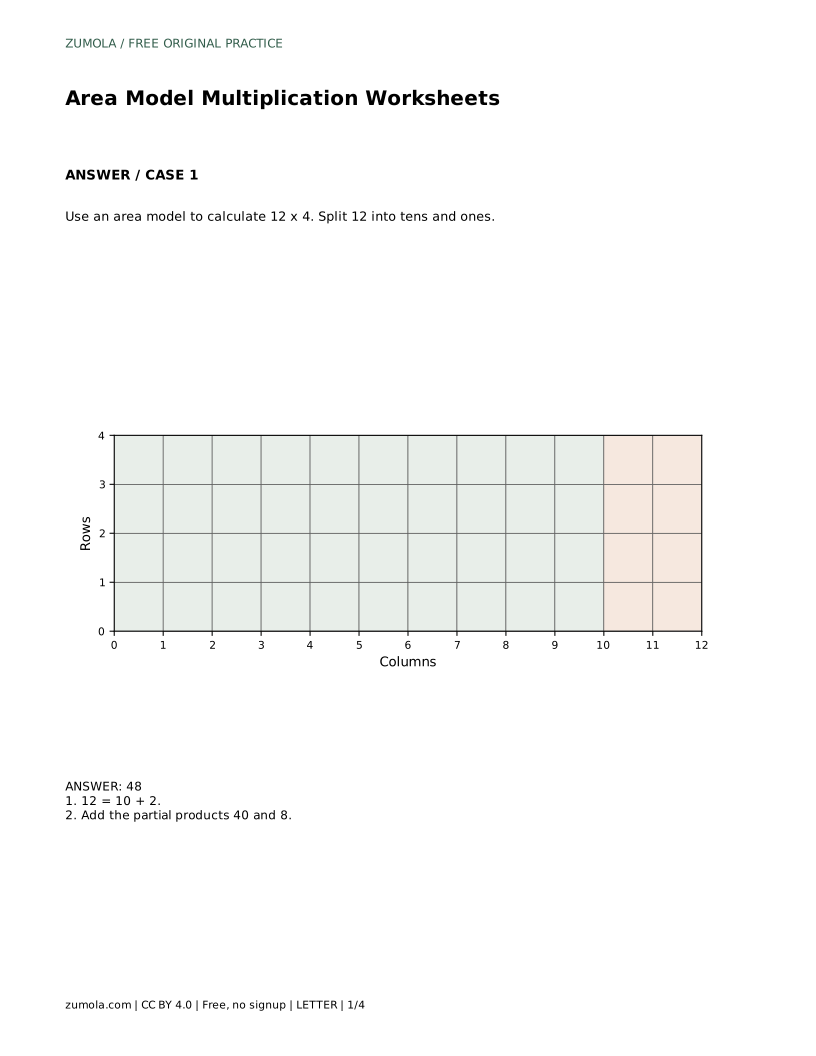
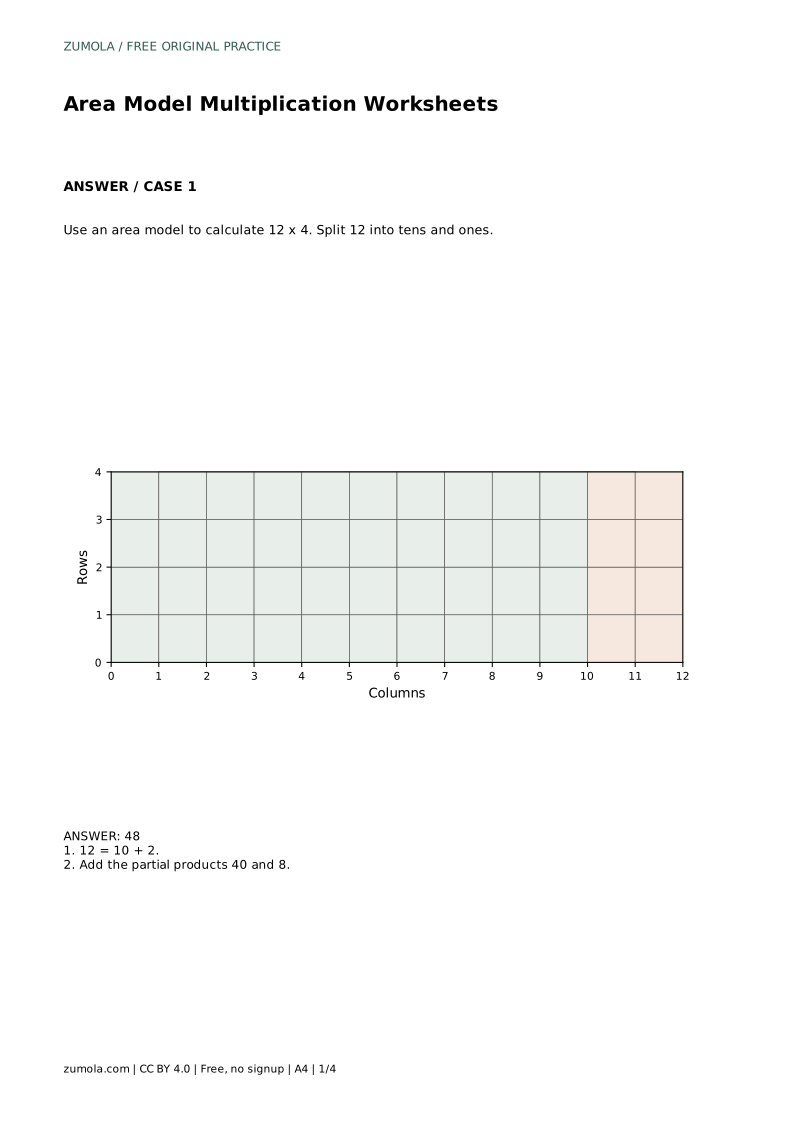
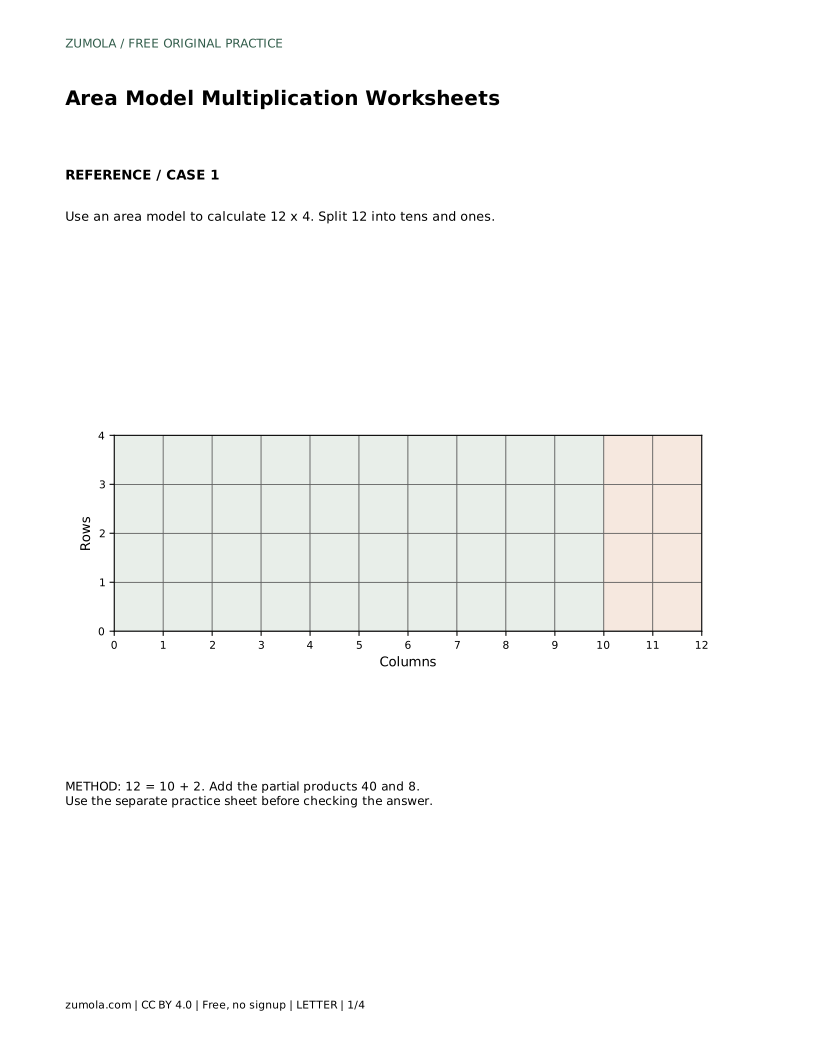
For 12 x 4, split 12 into 10 + 2. The rectangle is 4 rows tall and 12 columns wide. One section is 4 by 10, with area 40. The other is 4 by 2, with area 8. Together, 40 + 8 = 48, so 12 x 4 = 48. The split changes the shape of the sections, not the total area.
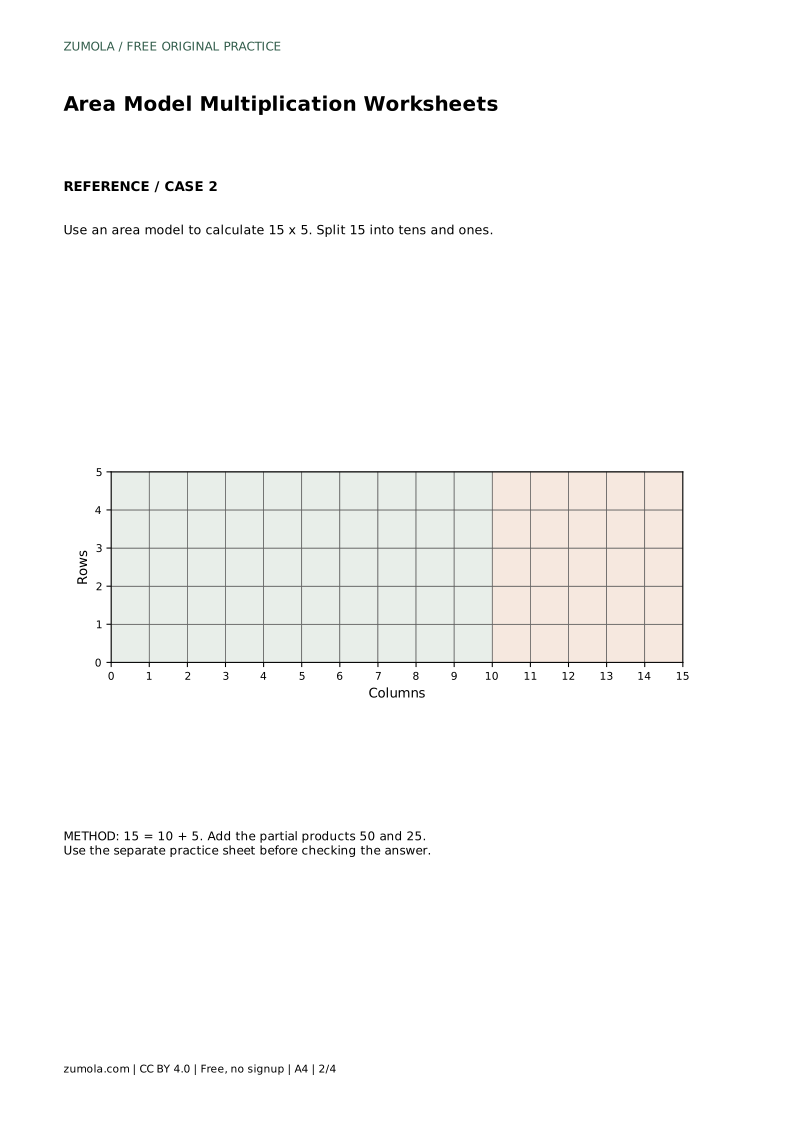
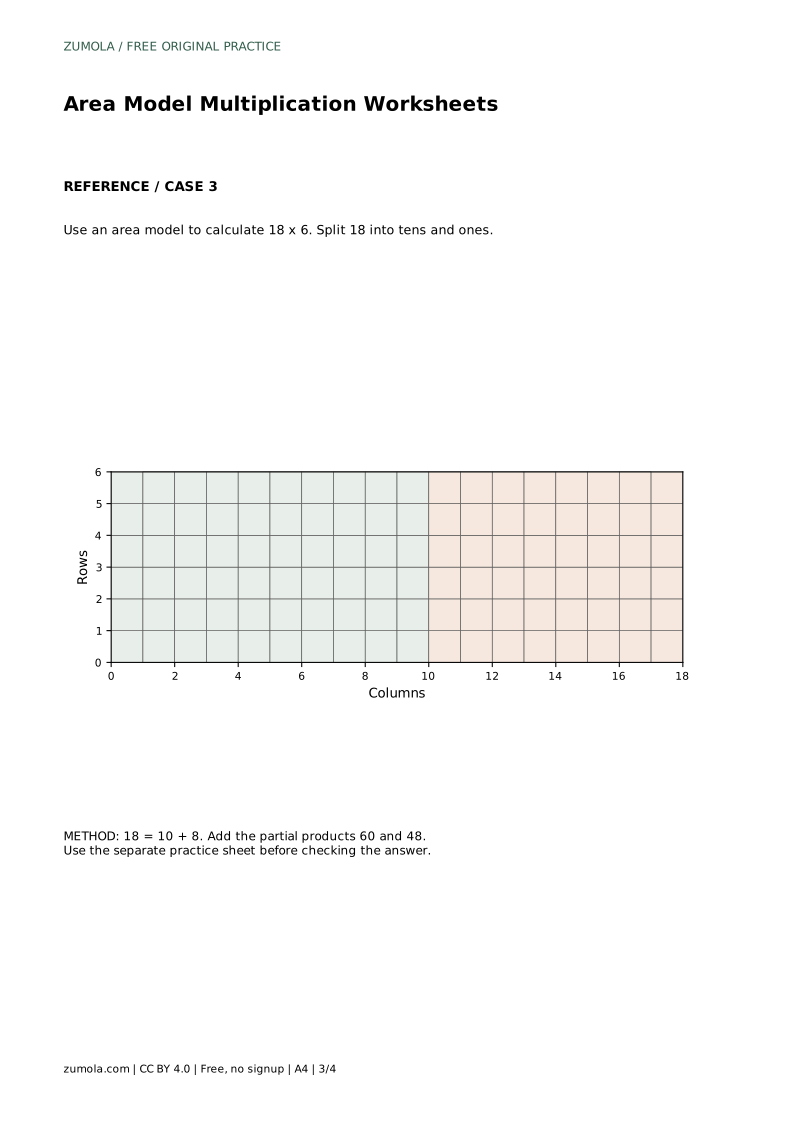
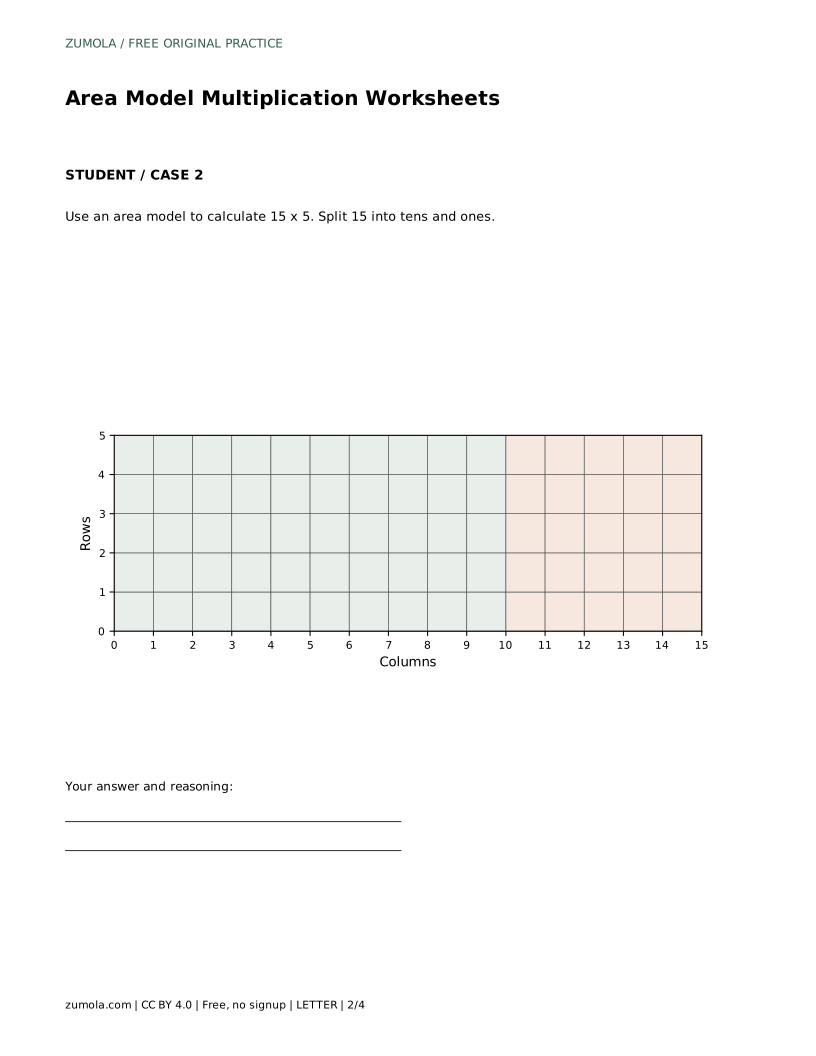
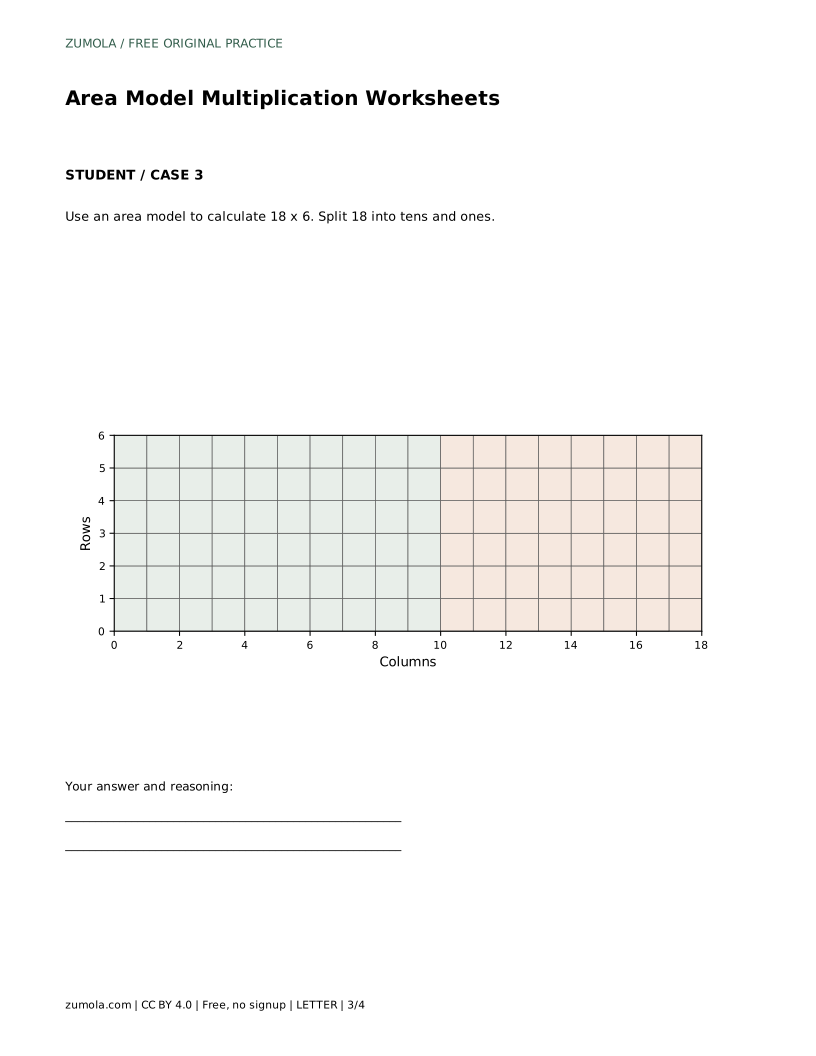
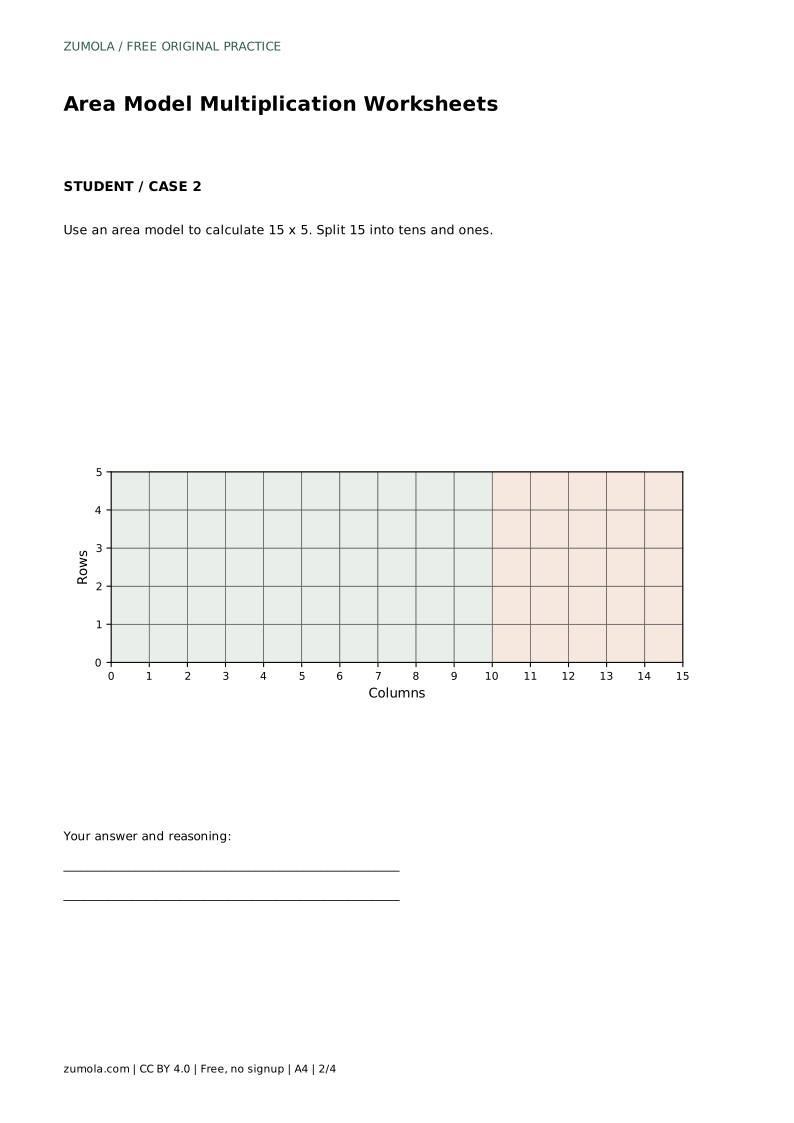
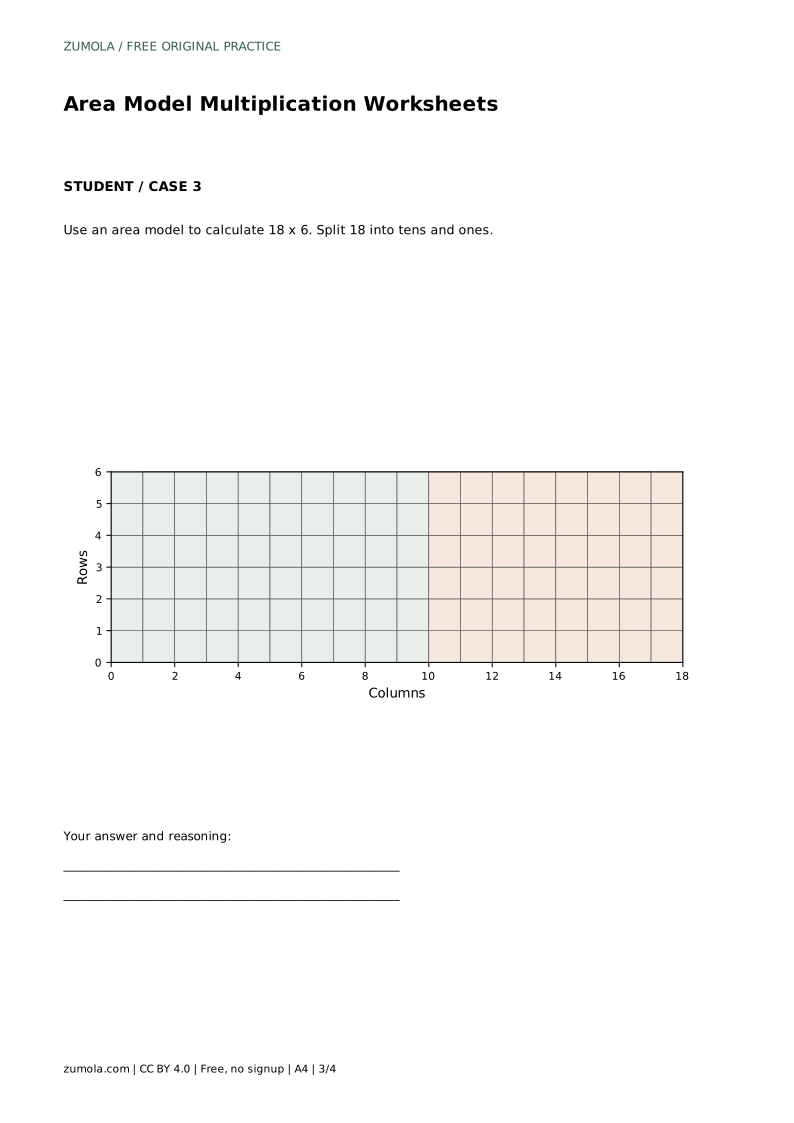
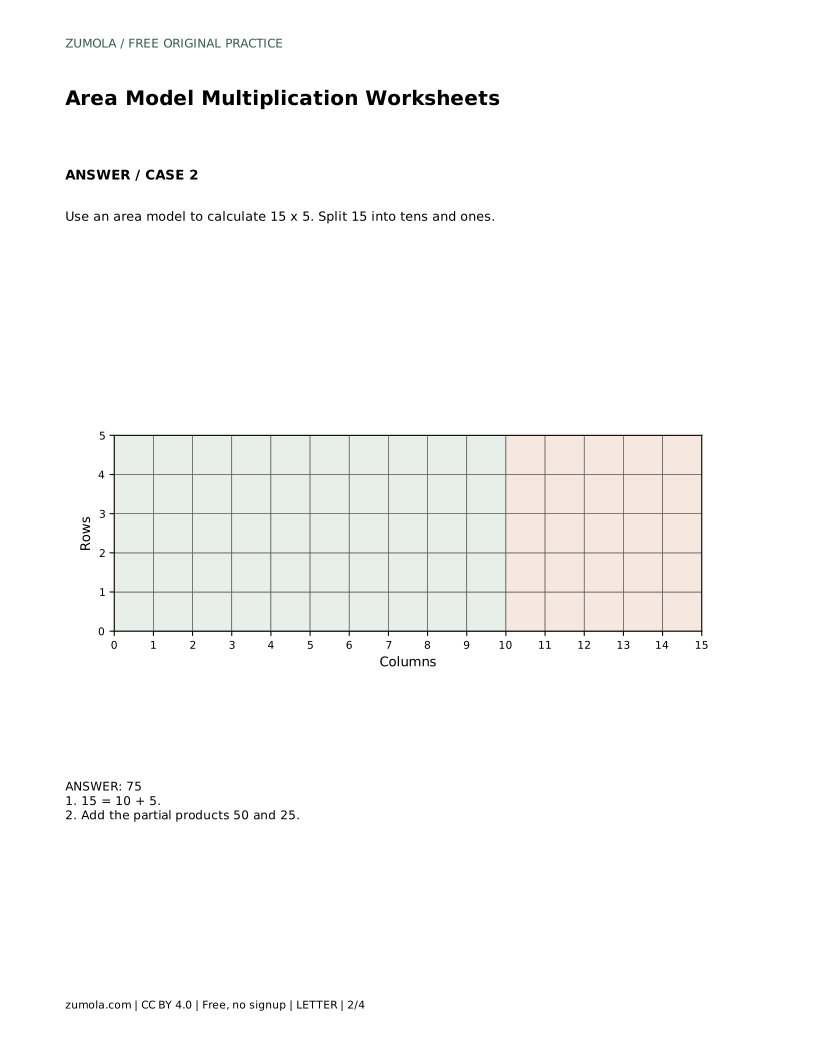
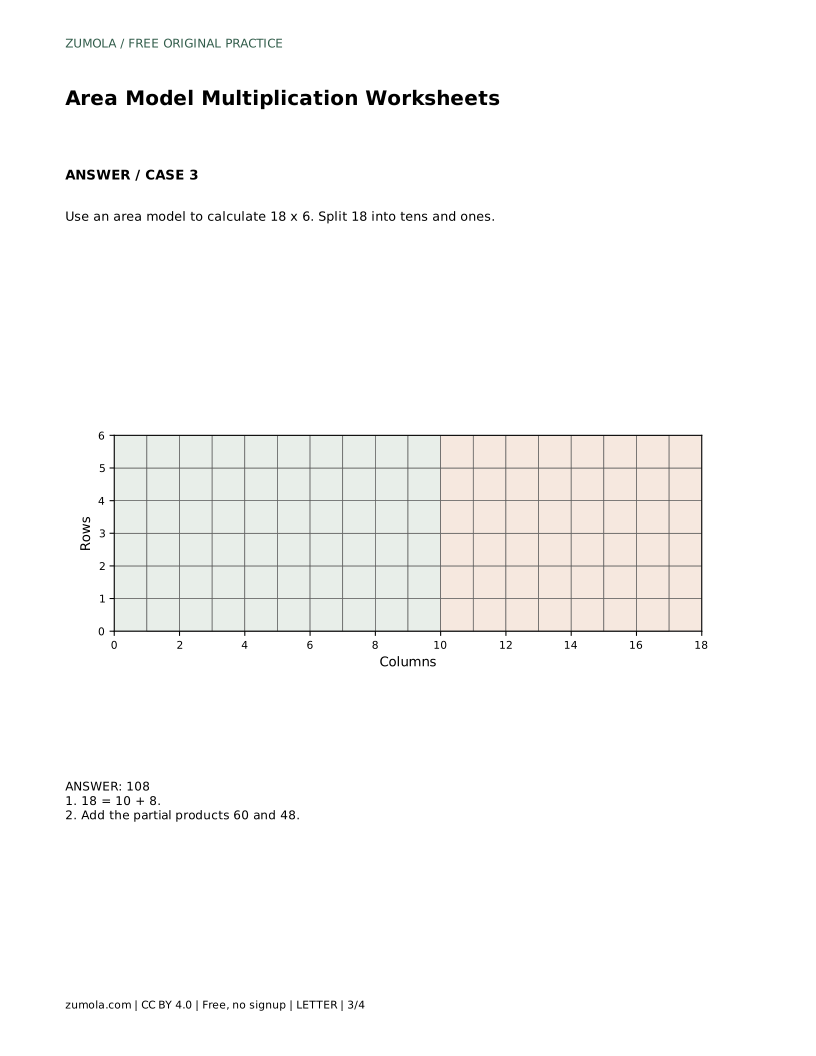
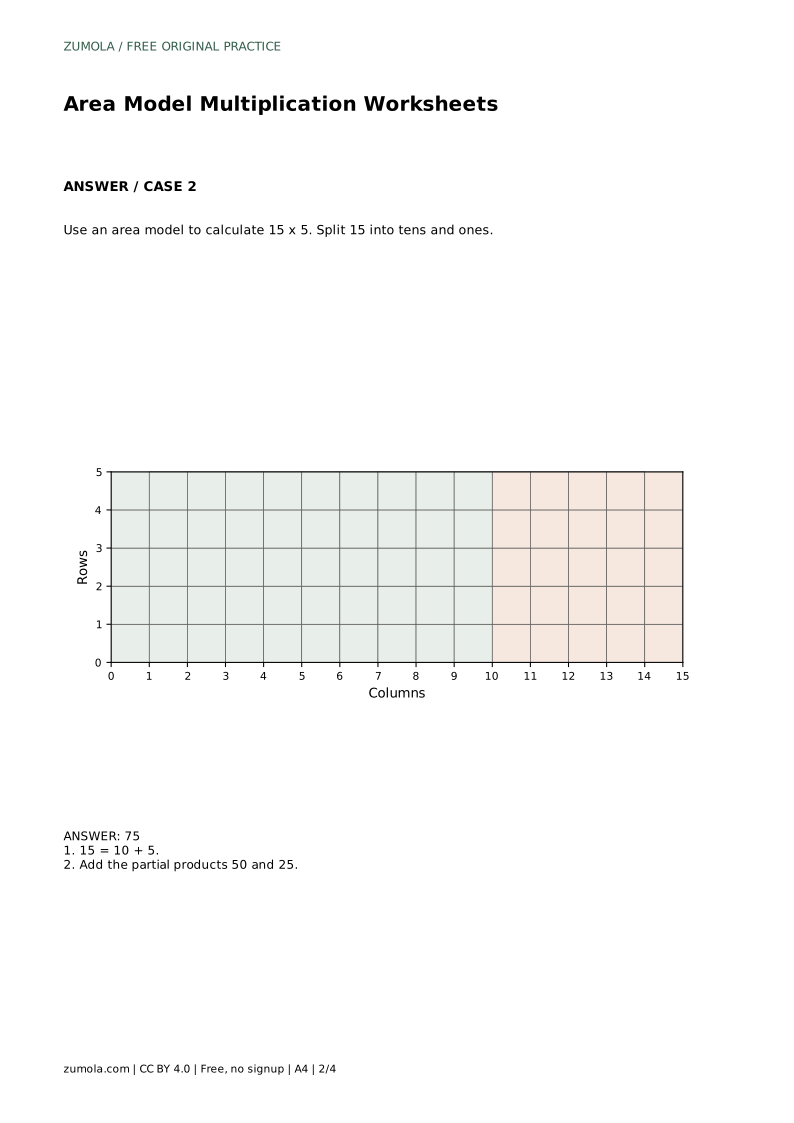
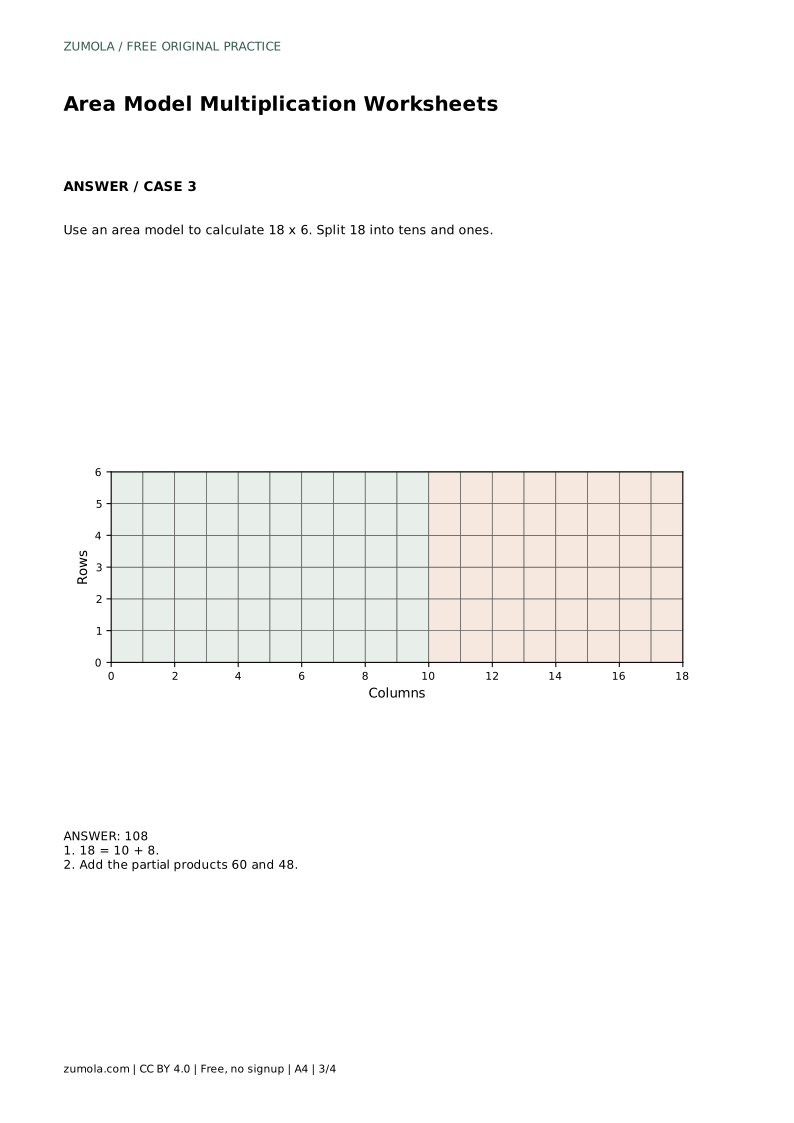
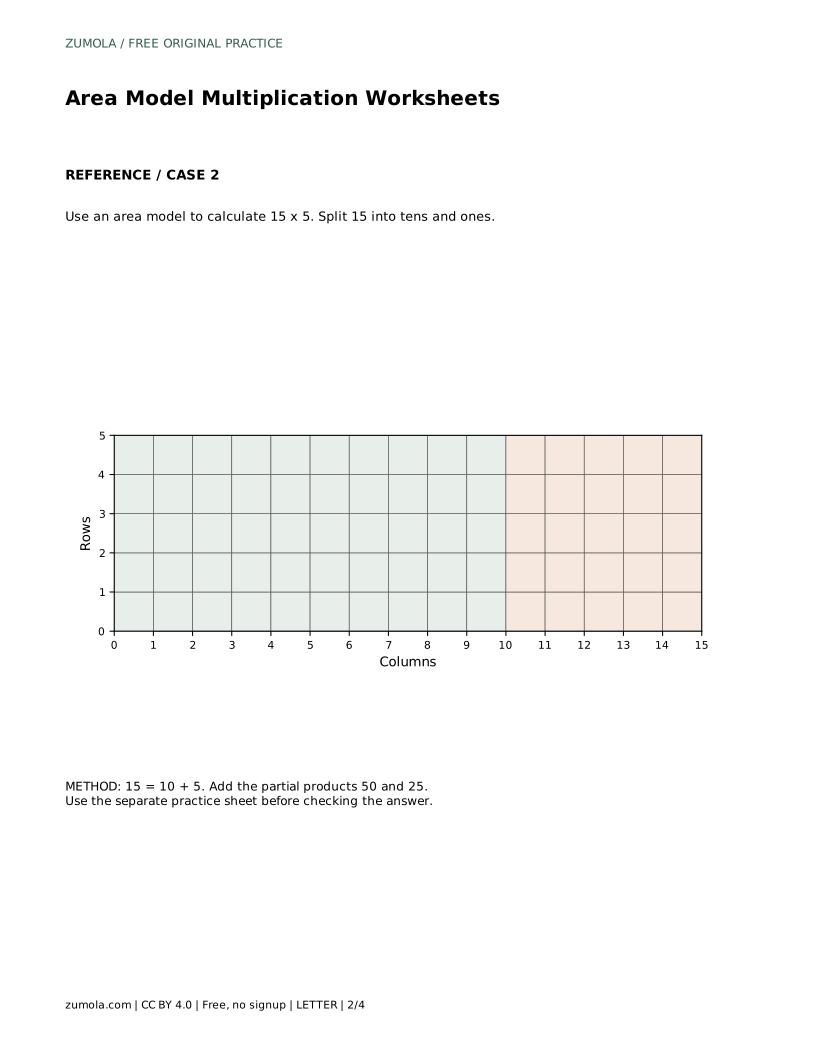
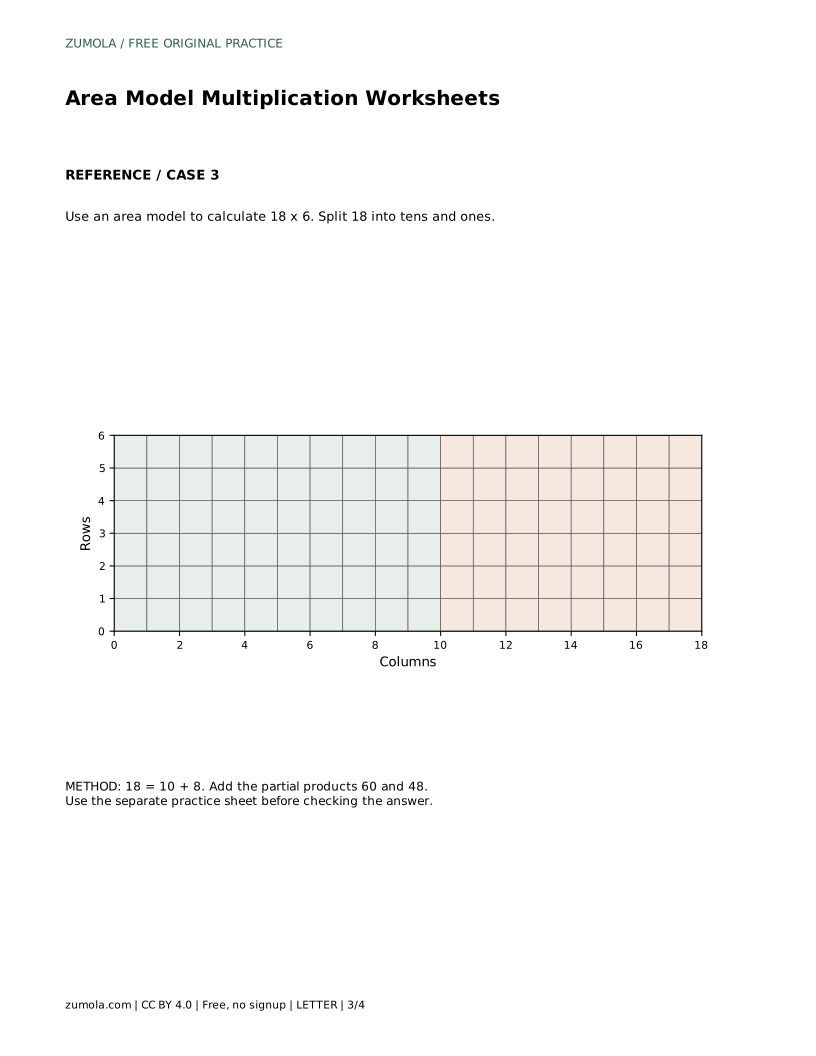
A correct model shows the split factor, both section areas, and a sum that matches the product. Check each partial product independently before trusting the total. For 15 x 5, the split is 10 + 5, the sections are 50 and 25, and the sum is 75. For 18 x 6, the split is 10 + 8, the sections are 60 and 48, and the sum is 108.
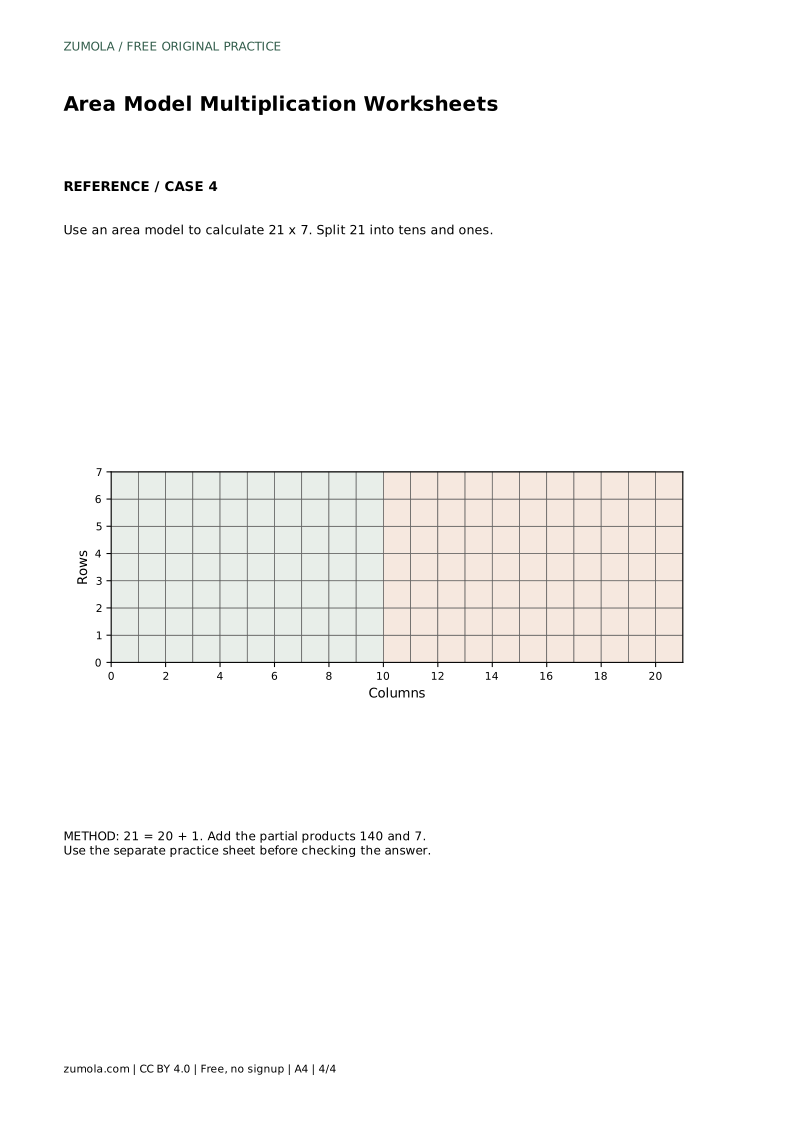
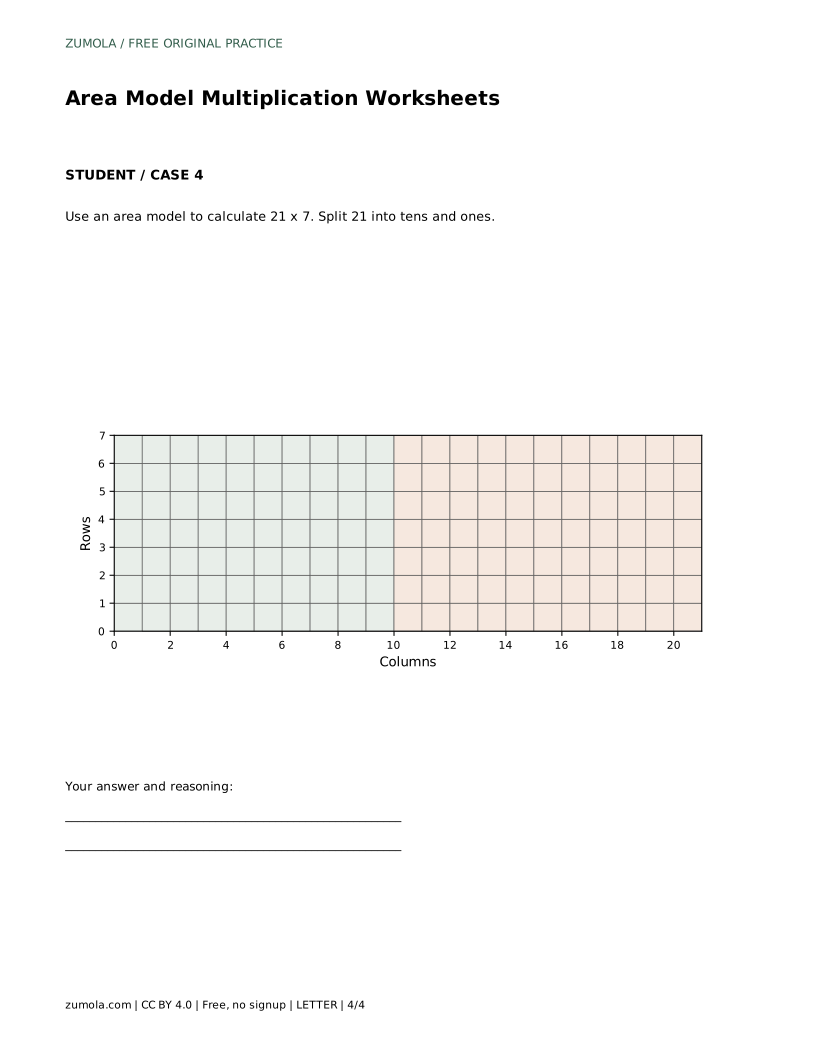
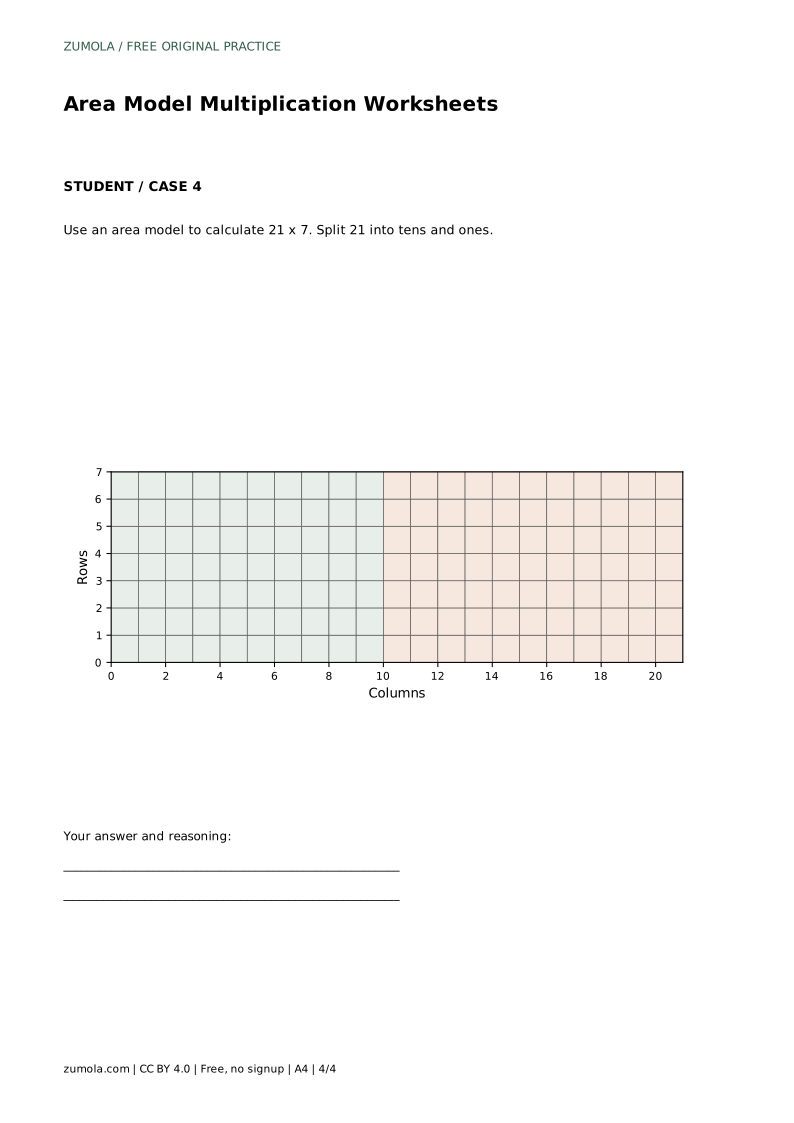
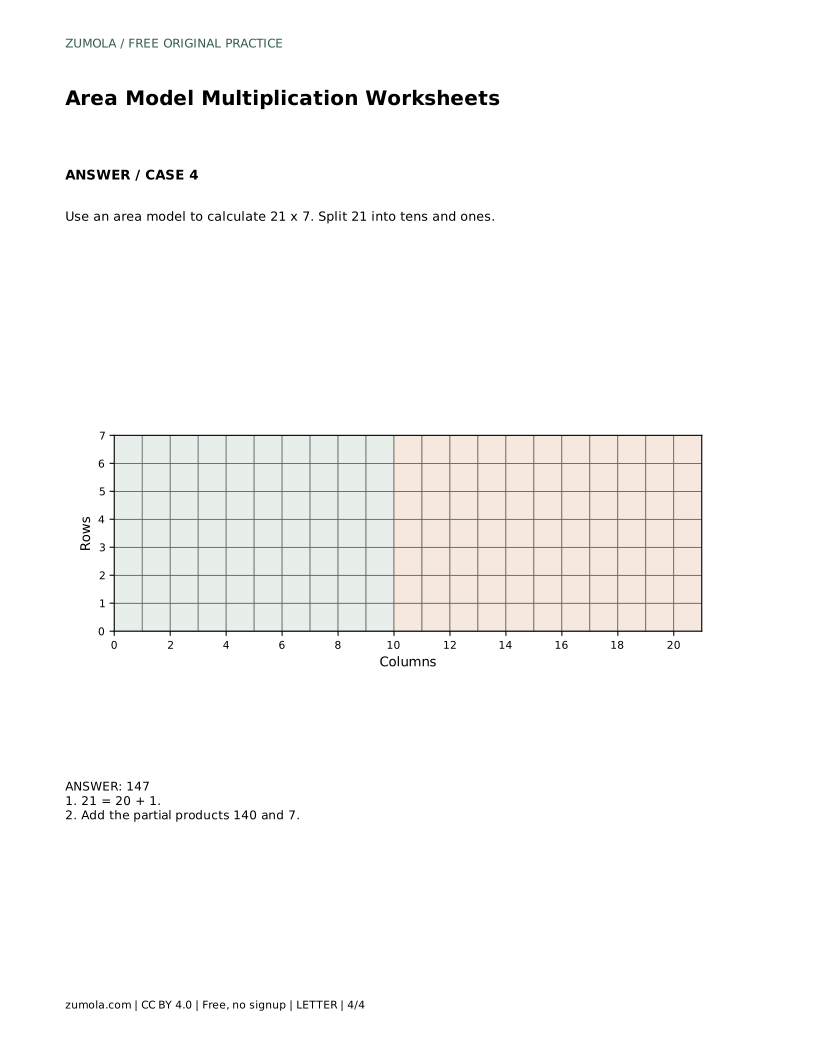
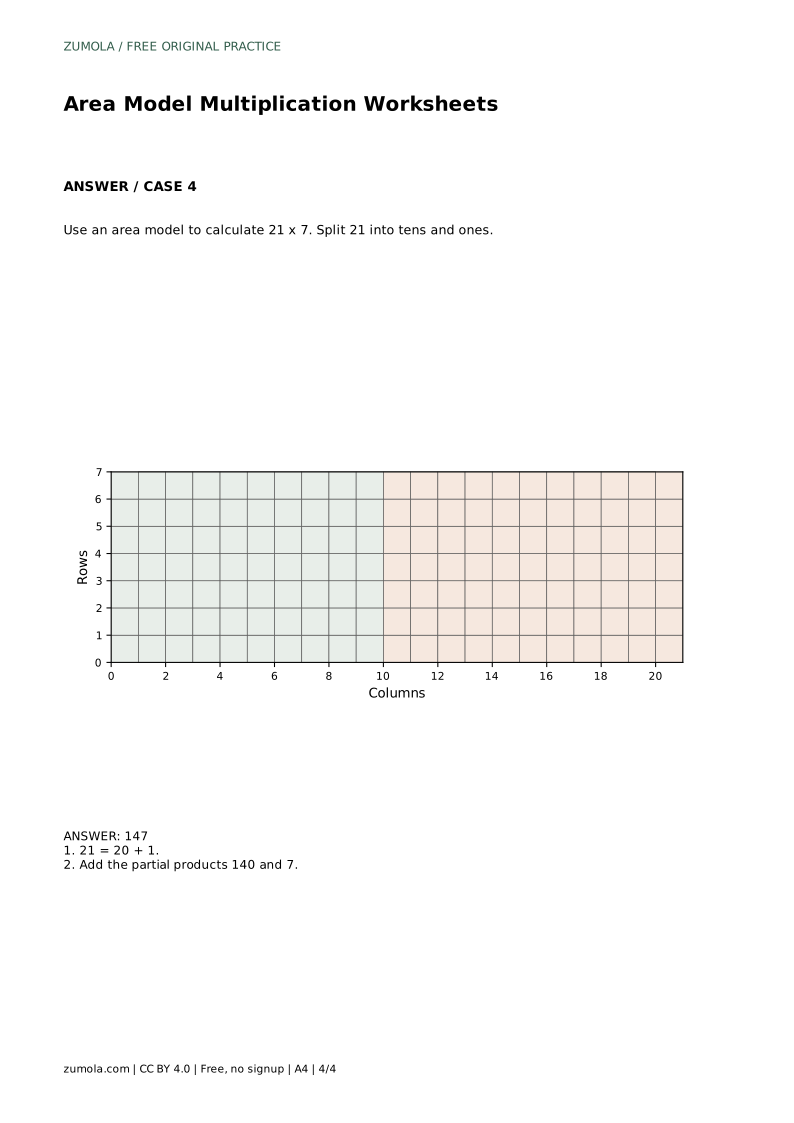
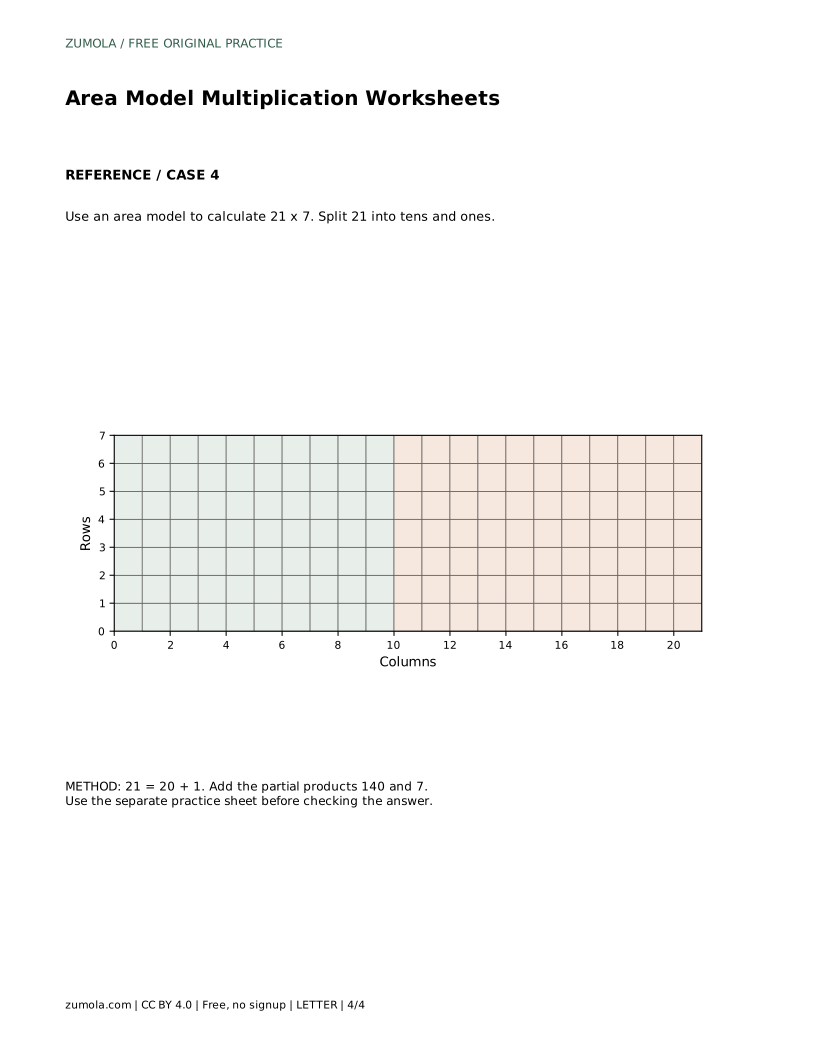
The split does not have to use tens and ones when the factor is larger. For 21 x 7, splitting into 20 + 1 gives sections of 140 and 7, totaling 147. The method stays the same: multiply each part by the shared factor, then add. Keep units consistent; if the factors are counts, the product is a count, not a length or area in centimeters.
Area model drawings do not require exact scale, but consistent spacing helps students see that the sections partition one rectangle. Encourage labels for each partial product and a final sum line. Artwork and layout can vary; judge the mathematical structure rather than matching one picture.
Use an area model to calculate 12 x 4. Split 12 into tens and ones.
48 12 = 10 + 2. Add the partial products 40 and 8.
No. The sections only need to partition one rectangle and carry correct labels. Exact scale is optional; the partial products and their sum must be accurate.
Yes. Any split that adds to the original factor works, such as 21 = 20 + 1. Choose parts that make multiplication easy to check.
Multiply the original factors directly and compare with the sum of the partial products. If they differ, recheck the split and each section's product.
All math worksheets · Free coordinate paper
Original resources · CC BY 4.0 · Free for personal and classroom use with attribution.