Free original resources
Pictograph Worksheet Generator: Draw and Read Picture Graphs by Unit
Learn how a pictograph uses a symbol unit to show counts. Draw symbols from data, read values back, and check totals with a simple worked example.
Free resources
Letter & A4
PDF & SVG
Letter & A4
PDF & SVG
Make it yours.
Free · no signup · calculated in your browser
Your free printable kit.
Original reference, student practice and separate worked answers. No account or payment.
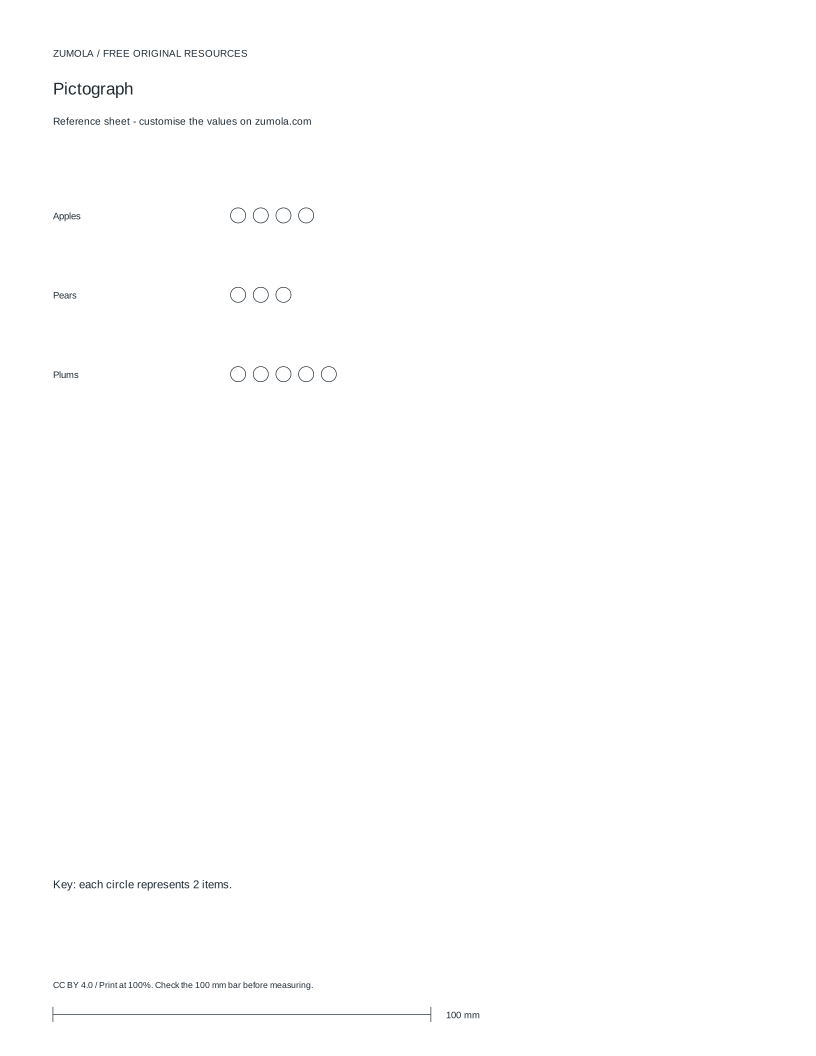
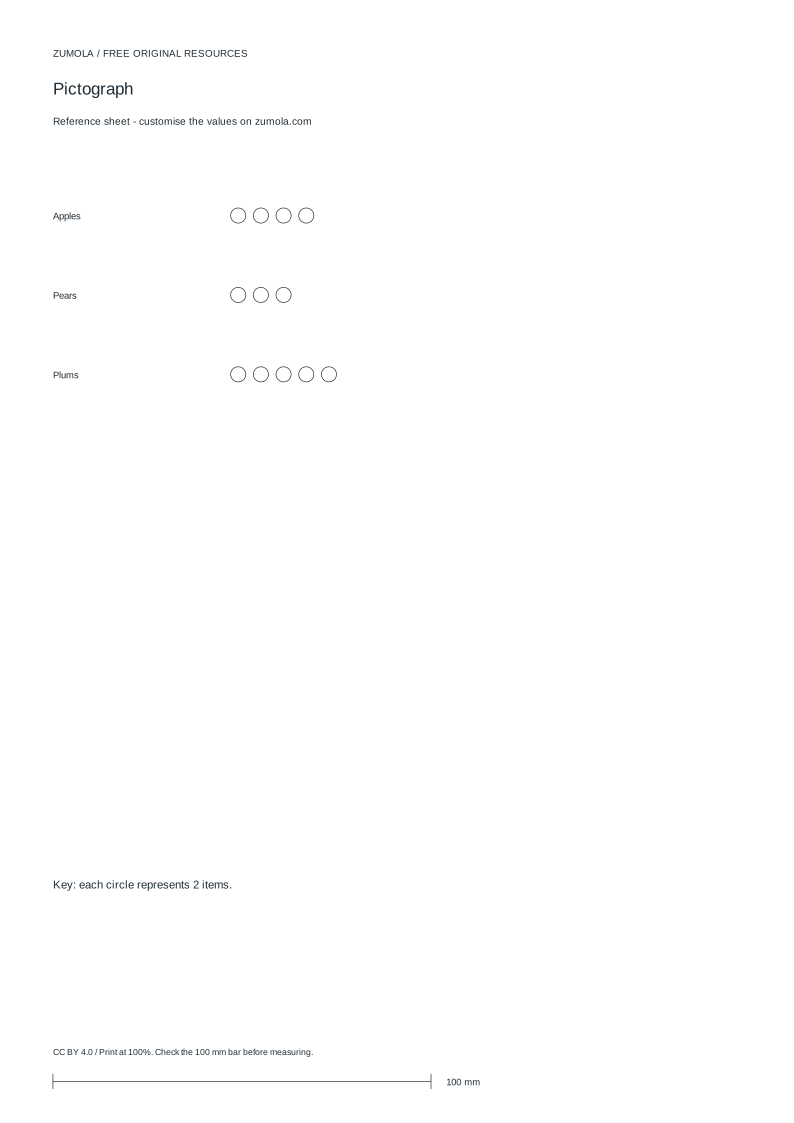
Practice worksheet
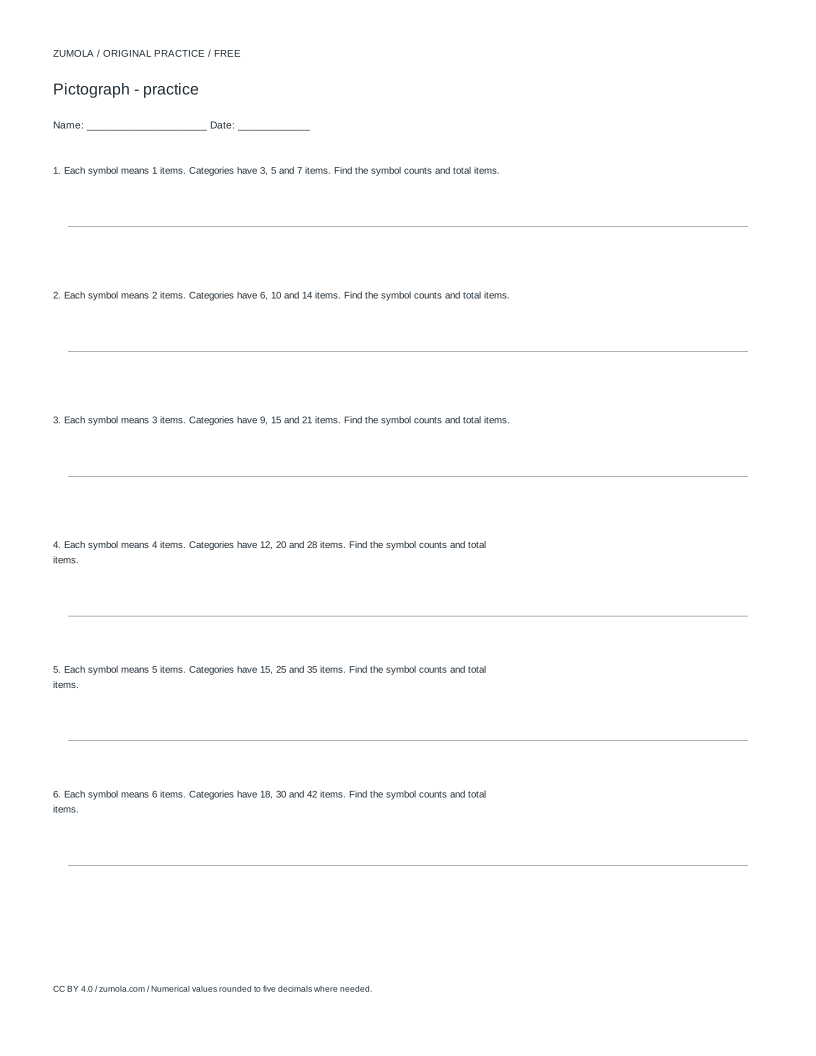
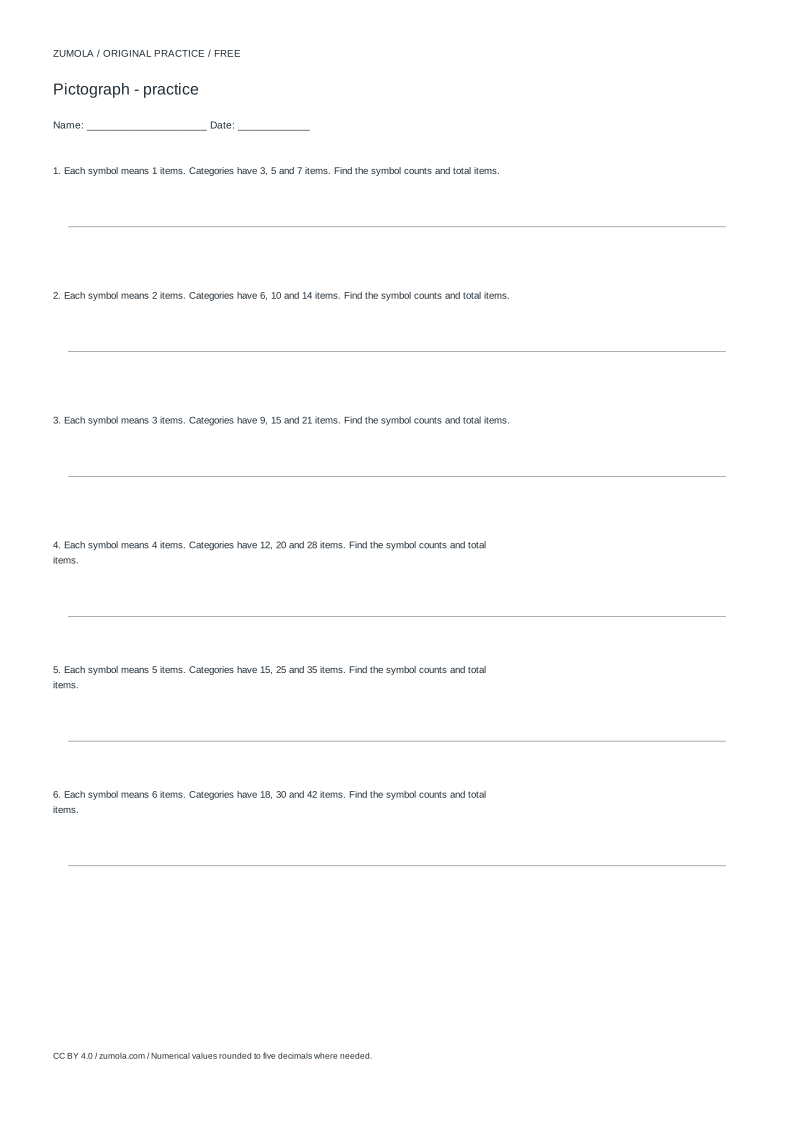
Worked answers / rubric
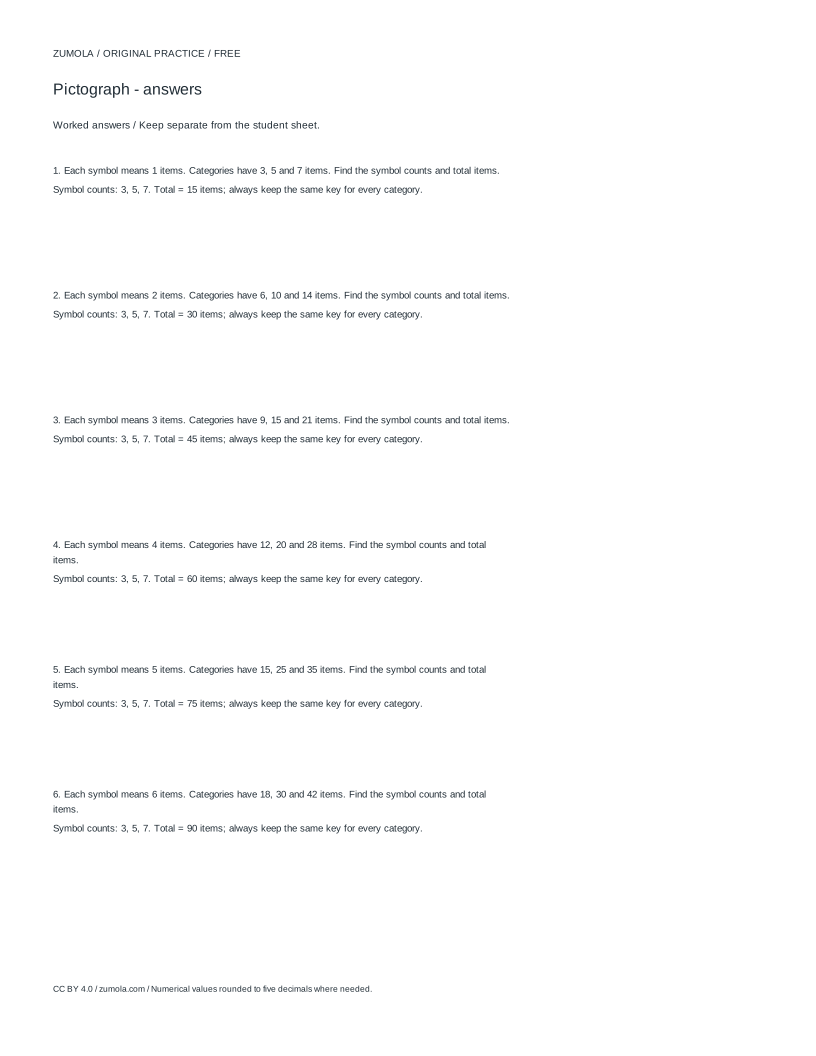
Print at Actual size / 100%. Check the calibration bar before using physical dimensions.
A pictograph shows each category as a row of identical symbols, and a key states how many items one symbol stands for. This page explains the method behind a pictograph worksheet generator: choosing a unit, converting counts into symbols, handling part-symbols, and reading values back accurately. The goal is a picture graph where every symbol means the same amount and the total can be checked against the original data.
How a Symbol Unit Turns Counts Into Pictures
In a pictograph, the key fixes the value of one whole symbol. If the key says one symbol equals 2 items, then 8 apples become 4 symbols, 6 pears become 3 symbols, and 10 plums become 5 symbols. The unit must be stated on the sheet, because the same row of symbols means different totals under different keys.
The unit should divide the data cleanly when possible. With counts 8, 6, and 10 and a unit of 2, every count is a whole number of symbols. If a count is not a multiple of the unit, the graph needs a part-symbol convention, such as a half symbol for half the unit. State that convention in the key so readers do not guess.
Keep one symbol shape per row and repeat it at equal spacing. Equal spacing lets a reader count symbols reliably and compare row lengths at a glance. Label each row with its category name and keep the key visible near the graph.
- Choose a unit that fits the data, such as 2 items per symbol.
- Divide each count by the unit to get the number of whole symbols.
- Draw that many identical symbols in the category row, evenly spaced.
- If a remainder exists, show a part-symbol and define it in the key.
- Add the key, category labels, and a title that names what is counted.
Reading a Pictograph Back to Numbers
To read a pictograph, count the whole symbols in a row, multiply by the unit, then add any part-symbol value. With a unit of 2, a row of 4 whole symbols means 8 items. A row of 3 whole symbols plus a half symbol means 6 plus 1, or 7 items.
Always read the key before counting. A common error is to treat each symbol as one item regardless of the key. Another error is to compare row lengths without converting to numbers when part-symbols appear, because a longer row of part-symbols can mislead.
Check the total by adding the category values and comparing with the original data total. For 8, 6, and 10, the total is 24, and the symbol counts 4, 3, and 5 with a unit of 2 also give 24. Matching totals is a strong consistency check.
- Read the key and note the value of one whole symbol.
- Count whole symbols in the row and multiply by the unit.
- Add the value of any part-symbol shown.
- Repeat for every row and sum the category values.
- Compare the sum with the original data total.
Choosing Units and Avoiding Ambiguous Graphs
A good unit makes the graph readable without excessive symbols. Too small a unit produces long rows that are hard to count; too large a unit forces many part-symbols. For small classroom data, units of 1, 2, 5, or 10 are common because they divide familiar counts easily.
State whether the graph shows counts of discrete items or measurements. A pictograph of apples counts objects, so fractional part-symbols represent fractions of a count only if the key defines them. Do not mix categories measured in different units in one pictograph without saying so.
A pictograph is not a bar chart or histogram. Bars show length against a scale, while pictographs repeat symbols whose value comes from the key. Keep the distinction clear when labeling the worksheet.
- List the category counts and find a unit that divides most of them.
- Decide and write a part-symbol rule before drawing.
- Label the axis or rows with category names and the counted item.
- Place the key where it is visible without scrolling or turning the page.
- Check that every row uses the same symbol value.
Checking a Finished Pictograph Worksheet
A finished worksheet should let a reader recover the original numbers from the picture alone. Verify each row by converting symbols back to counts, then compare with the source data. Check that the key is unambiguous and that part-symbols are defined.
Because pictographs can be drawn with different valid units, there is no single correct picture for a data set. Use a rubric that checks unit consistency, correct conversion, clear labeling, and a total that matches the data.
If the worksheet asks students to draw a pictograph, provide the data, the unit, and the part-symbol rule. If it asks them to interpret one, provide the key and ask for both category values and the total.
- Convert every row back to a number using the key.
- Confirm the sum equals the source total.
- Check that the key defines whole and part symbols.
- Confirm category labels and title are present and accurate.
- Apply the rubric rather than expecting one exact drawing.
Try this example
Draw a pictograph for apples 8, pears 6, and plums 10 using a unit of 2 items per symbol, then read the total back.
Show the worked explanation
Divide each count by 2: apples 8 divided by 2 is 4 symbols, pears 6 divided by 2 is 3 symbols, plums 10 divided by 2 is 5 symbols. Draw 4, 3, and 5 identical symbols in the three rows and state that one symbol equals 2 items. Reading back: 4 times 2 is 8, 3 times 2 is 6, and 5 times 2 is 10. The total is 8 plus 6 plus 10, which is 24, matching the original data.
Common mistakes
- Treating every symbol as one item and ignoring the key. Read the key first, then multiply the number of whole symbols by the unit before adding part-symbol values.
- Using a unit that leaves unexplained remainders. Choose a unit that divides the counts, or state a part-symbol rule in the key before drawing.
- Comparing row lengths as if they were exact counts when part-symbols are used. Convert each row to a number using the key, then compare the numbers rather than the visual lengths.
Check your work
- The key states the value of one whole symbol and any part-symbol rule.
- Each category count is converted correctly by dividing by the unit.
- Every row uses the same symbol value and even spacing.
- Category labels and a title identify what is counted.
- Reading the symbols back with the key reproduces the original counts and total.
Questions before you start
What does the key in a pictograph do?
The key states how many items one whole symbol represents. Every row uses that same value, so readers multiply symbol counts by the key value to recover the data.
How do I show a count that is not a multiple of the unit?
Use a part-symbol, such as a half symbol for half the unit, and define that part-symbol in the key. Without a stated rule, the graph is ambiguous.
Is a pictograph the same as a bar chart?
No. A bar chart uses bar length against a scale, while a pictograph repeats symbols whose value comes from a key. The two represent data differently and should be labeled accordingly.