Free original resources
Cornell Notes Template: Adjustable Cue, Notes, and Summary Zones
Plan a Cornell notes page with adjustable cue, notes, and summary zones. Learn the method, check spacing and capacity, and print at 100% after calibration.
Free resources
Letter & A4
PDF & SVG
Letter & A4
PDF & SVG
Make it yours.
Free · no signup · calculated in your browser
Your free printable kit.
Original reference, student practice and separate worked answers. No account or payment.
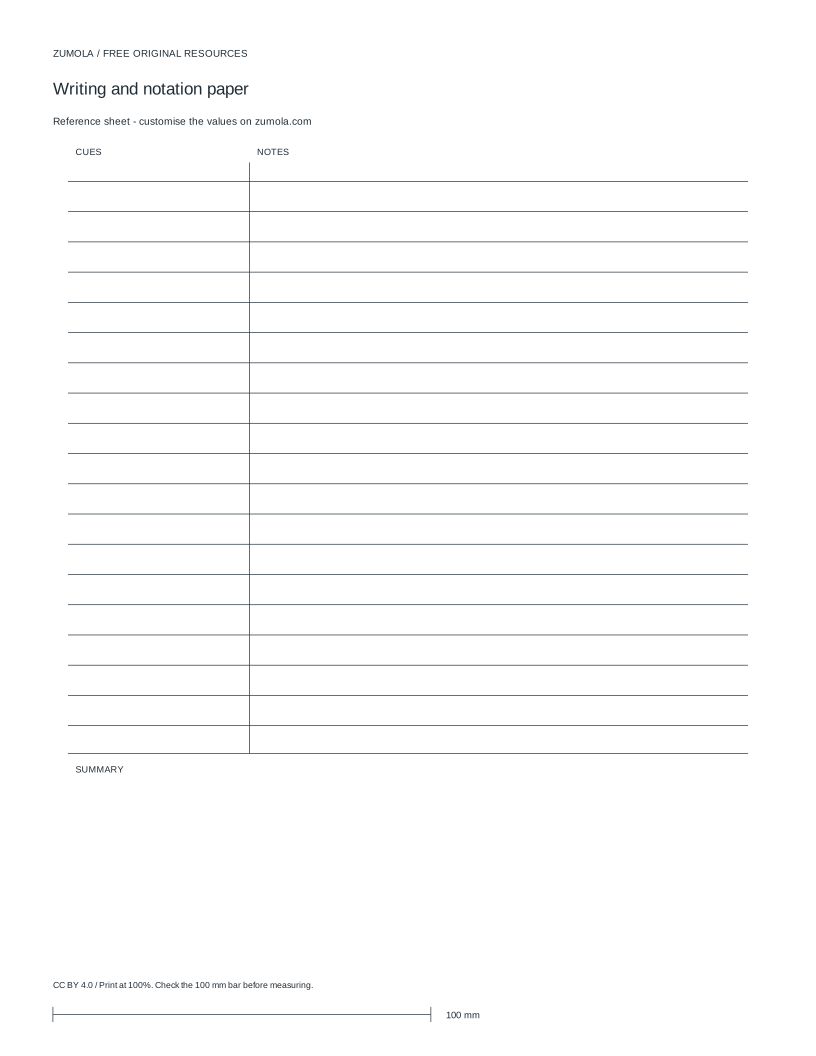
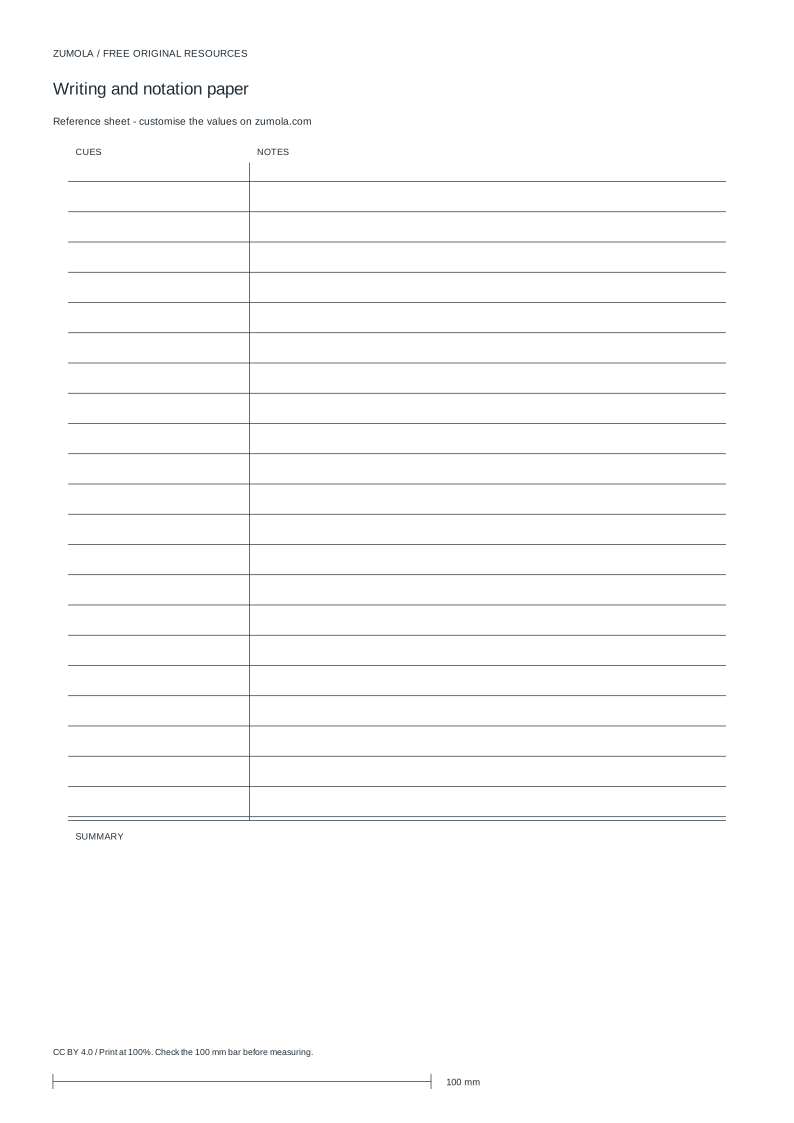
Practice worksheet
Worked answers / rubric
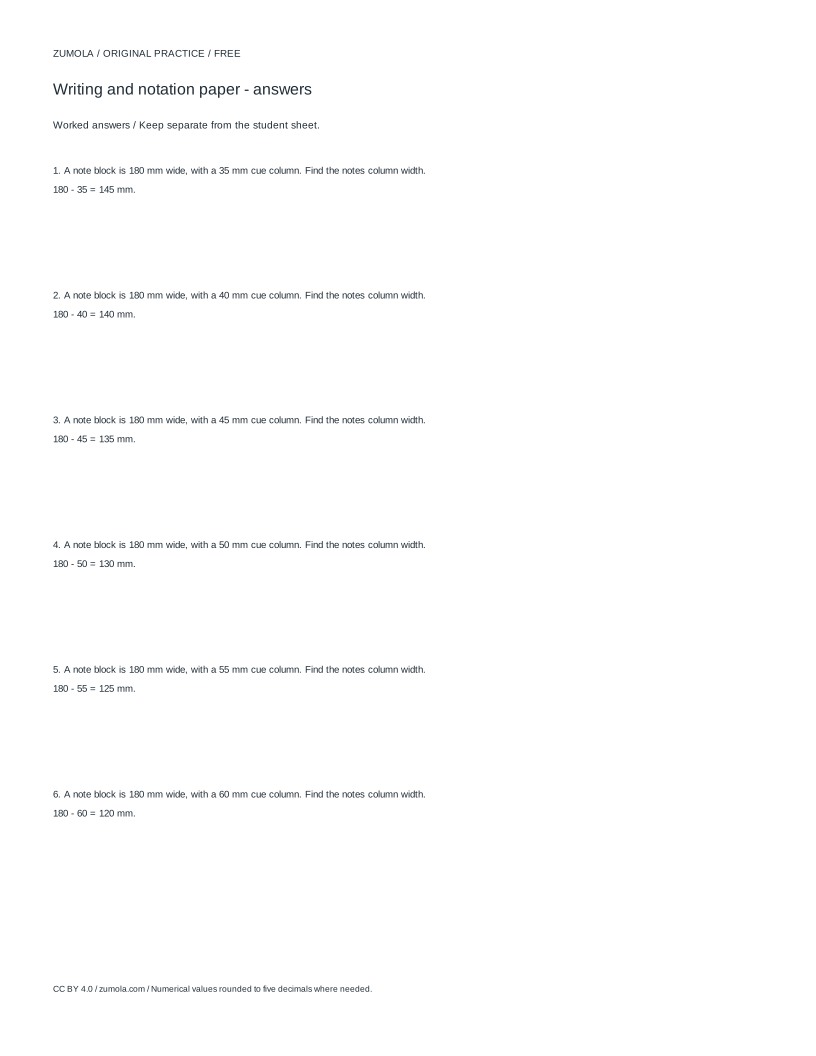
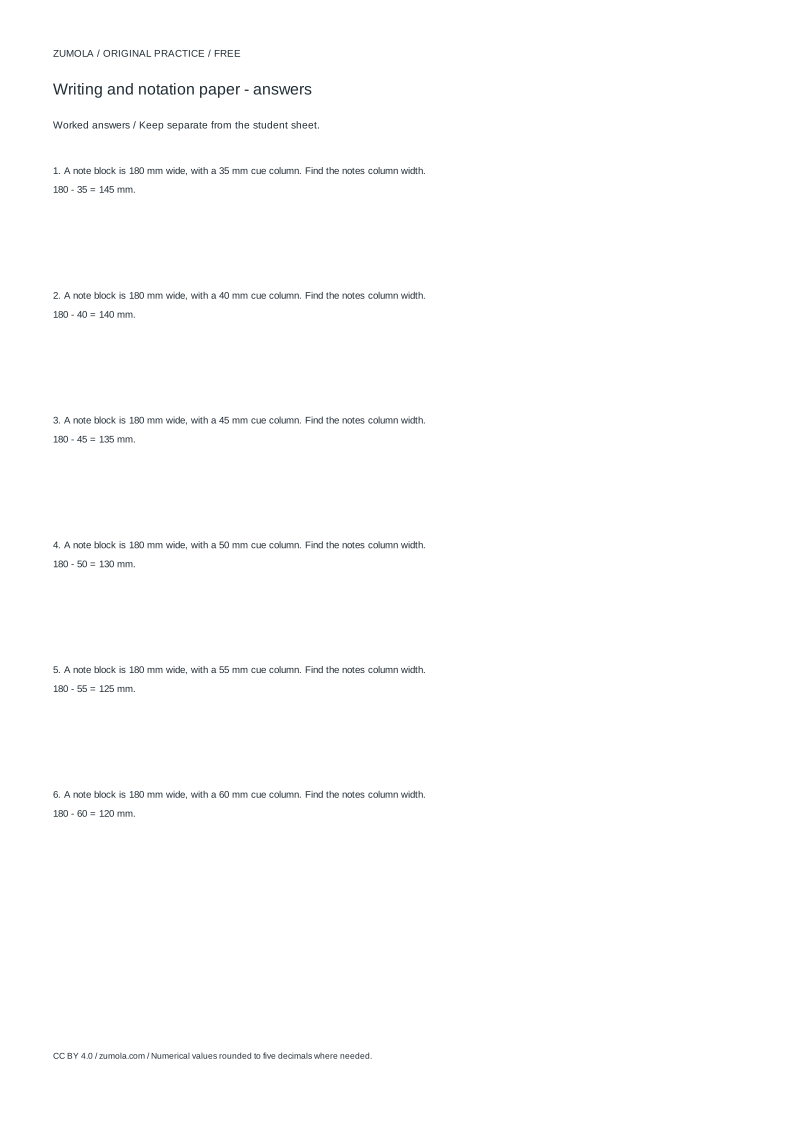
Print at Actual size / 100%. Check the calibration bar before using physical dimensions.
A Cornell notes page divides one sheet into three working zones: a narrow cue column for questions and keywords, a wide notes column for the main record, and a summary band at the bottom for a short recall statement. This page explains how those zones work and how to size them deliberately. The layout settings described here are spacing, margin, cue width, summary height, slant, and string count, measured in millimetres unless stated otherwise. Use the method first, then adjust the zones to fit your own handwriting and page size.
How the three zones work together
The Cornell method separates recording from reviewing. During a lecture, reading, or demonstration, you write the main content in the notes column. The cue column stays mostly empty at first; later you add questions, headings, or prompts that point back into the notes. The summary band is written last, in your own words, and should state the central idea of the page rather than repeat details.
The zones are not decorative. Their widths control how much you can write and how easily you can review. A cue column that is too wide steals space from the notes; one that is too narrow cannot hold a usable question. The summary band needs enough height for two or three complete sentences at your normal handwriting size.
Spacing and margin settings determine the writing grid. Spacing is the vertical distance between writing lines. Margin is the clear border around the page. Slant describes the angle of any guide line used for the cue column edge, and string count refers to the number of guide lines drawn. Keep these values consistent across pages so your notes stay comparable.
- Decide the page size and orientation before choosing zone widths.
- Set the margin so no writing falls outside the printable area.
- Choose a cue width that fits your longest typical question.
- Reserve a summary height for two or three sentences.
- Set line spacing to match your handwriting, then check how many lines remain in the notes column.
Checking line spacing, baselines, and capacity
Line spacing is the distance from one baseline to the next. If spacing is 8 mm, a notes column of 120 mm height holds 15 lines, because 120 divided by 8 equals 15. If you increase spacing to 10 mm, the same column holds 12 lines. This arithmetic is simple and worth doing before printing, because a layout that looks generous on screen may hold fewer lines than you need.
Baselines must align across the cue and notes columns. If the cue column lines sit at different heights from the notes lines, your eye jumps when you move between them. Draw both columns from the same starting baseline and use the same spacing value.
Capacity is the product of width and line count, not width alone. A wide notes column with tight spacing may hold more words than a narrow column with loose spacing. Estimate capacity by counting lines and judging characters per line at your handwriting size, then adjust one setting at a time.
- Multiply the notes column height by the spacing value to estimate line count.
- Confirm cue and notes baselines start at the same height.
- Estimate characters per line from your handwriting width.
- Adjust spacing or column width, then recount lines.
Printing and calibration
Print a physical sheet at 100% scale only after checking a calibration bar. A calibration bar is a printed length marked with its intended measurement; if the printed bar measures differently from its stated length, the page has been scaled and zone widths will be wrong. Correct the print scale before relying on the layout.
Do not assume a preview matches the printed sheet. Paper size, margins, and printer scaling all affect the final result. Check the calibration bar on the first sheet, then compare the cue width and summary height against your planned values.
Art and layout work have multiple valid outcomes. A Cornell page can be judged by whether the zones are usable, aligned, and consistent, not by a single correct appearance. Use a rubric rather than expecting one exact answer.
- Print one sheet at 100% scale.
- Measure the calibration bar against its stated length.
- Measure the cue width and summary height on paper.
- Adjust settings and reprint if measurements differ.
A simple worked example
Suppose a page has a 180 mm wide content area after margins. You want a cue column of 48 mm and a notes column of the remainder. The notes column is 180 minus 48, which equals 132 mm. If the summary band is 40 mm high and the content height is 240 mm, the notes area is 240 minus 40, which equals 200 mm. At 8 mm spacing, the notes column holds 25 lines, because 200 divided by 8 equals 25.
These numbers are easy to check by hand. Change one value and recompute: a 10 mm spacing gives 20 lines in the same 200 mm area. This is how you test whether a layout suits your writing before committing to a print run.
- Subtract cue width from content width to get notes width.
- Subtract summary height from content height to get notes height.
- Divide notes height by spacing to get line count.
- Recompute after changing any single setting.
Try this example
A page has a 180 mm content width and 240 mm content height. Cue width is 48 mm, summary height is 40 mm, and spacing is 8 mm. Find the notes width, notes height, and line count.
Show the worked explanation
Notes width is 180 minus 48, which equals 132 mm. Notes height is 240 minus 40, which equals 200 mm. Line count is 200 divided by 8, which equals 25 lines. If spacing changes to 10 mm, the same height holds 20 lines.
Common mistakes
- Setting the cue column wide because it looks balanced on screen. Measure your longest typical question and set cue width to fit it, leaving the rest for notes.
- Using different line spacing in the cue and notes columns. Apply one spacing value to both columns and start them from the same baseline.
- Printing without checking a calibration bar. Print one sheet at 100% scale, measure the calibration bar, and correct scaling before printing more.
Check your work
- Cue, notes, and summary zones are clearly separated and labelled.
- Cue and notes columns share a common baseline and spacing value.
- Zone widths and heights match the planned measurements on a calibrated print.
- Summary band has room for two or three complete sentences.
- Line count in the notes column is stated and consistent with spacing and height.
Questions before you start
What is the cue column for?
It holds questions, keywords, and prompts written after the main notes, so you can review by covering the notes and answering from the cues.
How do I decide the summary height?
Reserve enough height for two or three complete sentences at your handwriting size, then check the remaining notes line count.
Why check a calibration bar before printing?
It shows whether the page printed at true scale. If the bar measures wrong, zone widths and spacing will also be wrong.