Free original resources
Custom Lined Paper: Set Line Spacing and Margins for Writing
Plan lined writing paper by choosing line spacing and page margins, then check baselines, section widths and how many lines fit on one printed page.
Free resources
Letter & A4
PDF & SVG
Letter & A4
PDF & SVG
Make it yours.
Free · no signup · calculated in your browser
Your free printable kit.
Original reference, student practice and separate worked answers. No account or payment.
Practice worksheet
Worked answers / rubric
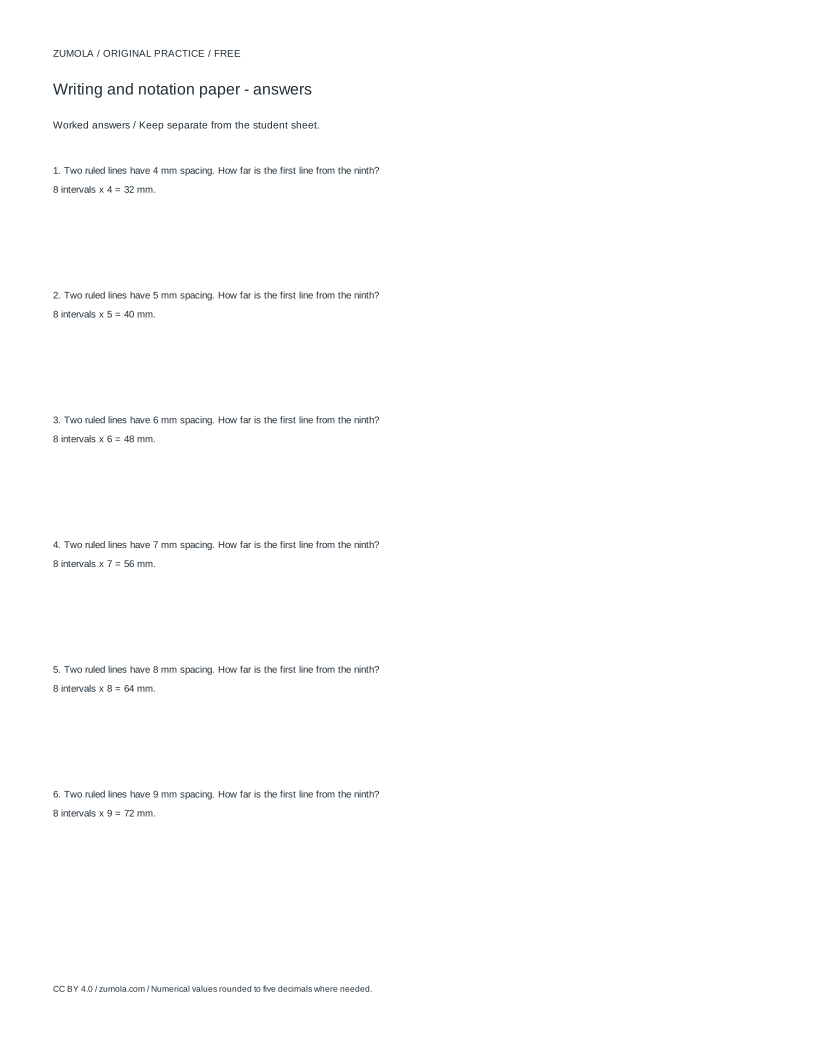
Print at Actual size / 100%. Check the calibration bar before using physical dimensions.
Lined paper is a grid of horizontal baselines spaced at a fixed distance, with margins reserving clear space at the edges. This page explains how to choose that spacing and margin deliberately, so the sheet suits handwriting size, letter height and the amount of writing you need per page. You will also see how to verify the layout before printing and how to judge a finished sheet with a rubric rather than a single correct answer.
How line spacing and baselines work
A lined sheet is built from a baseline every fixed number of millimetres. The baseline is the line the letters sit on, not the top of tall letters. If spacing is 8 mm, baselines fall at 8, 16, 24 mm and so on from the first line. Wider spacing gives more room for large handwriting or for beginners learning letter height; tighter spacing fits more lines but demands smaller writing.
Margins are separate from spacing. A left margin of 18 mm means the first usable writing position starts 18 mm from the paper edge, and the right margin reserves the same clear band unless you set them differently. The writing width is the page width minus both margins. Keep units consistent: if spacing and margins are in millimetres, convert any inch measurement before comparing.
- Decide the writing size first, then pick spacing slightly larger than the tallest lowercase letter plus its descender.
- Set left and right margins to leave a clear edge band; keep them equal unless you need a wider binding side.
- Calculate usable width as page width minus left margin minus right margin.
- Count how many baselines fit by dividing usable height by spacing and rounding down.
Checking capacity before printing
Capacity is a planning check, not a promise about any particular printer. For a page 297 mm tall with 18 mm top and bottom margins, usable height is 261 mm. At 8 mm spacing, 261 divided by 8 is 32.6, so 32 baselines fit. At 10 mm spacing, 26 baselines fit. This arithmetic lets you match a task to a page: a short dictation may need only 12 lines, while a long draft needs tighter spacing or smaller margins.
Section width matters too. If a page is 210 mm wide with 18 mm margins on both sides, usable width is 174 mm. A cue column of 48 mm inside that width leaves 126 mm for writing. Check that the remaining writing width still holds a comfortable number of words per line for the intended hand size.
- Write down page height, top margin and bottom margin.
- Subtract both margins from page height to get usable height.
- Divide usable height by spacing and round down to count baselines.
- Subtract any cue column from usable width and confirm the writing band is still wide enough.
Printing at true size
Line spacing only means what you intended if the sheet prints at 100 percent scale. Printers and viewers often default to fit-to-page, which shrinks or enlarges the layout. Before relying on a sheet, print a calibration bar: a short horizontal mark of known length, such as 50 mm. Measure it with a ruler. If it measures 50 mm, the scale is correct; if not, adjust the print scale and repeat.
Do not treat a single successful print as proof for every printer or paper size. Check the calibration bar on each new device or setting. Once scale is confirmed, compare the printed baselines with your planned spacing by measuring the distance between two adjacent lines.
- Include or use a calibration bar of known length on the test sheet.
- Print at 100 percent, disabling fit-to-page scaling.
- Measure the bar with a ruler and confirm the length matches.
- Measure the gap between two adjacent baselines and compare it with the chosen spacing.
Designing original practice sheets
A lined layout is a blank structure; the exercise you place on it should be your own. You might create a copy sheet with a short model sentence at the top and empty baselines below, or a spelling sheet with a cue column for words and a writing band for attempts. Keep the task clear: state the letter height expected, the number of attempts, and whether the cue column is for prompts or corrections.
Art and handwriting layouts have many valid outcomes, so judge them with a rubric. A sheet can be good with wide spacing for a young writer and equally good with tight spacing for compact notes. The rubric should check whether spacing matches the stated writing size, whether margins are consistent, whether the writing band is wide enough, and whether the printed scale was verified.
- Write a one-line purpose for the sheet, such as copy practice or spelling attempts.
- Choose spacing and margins that match that purpose and record the values.
- Add only original prompts or model text you have written yourself.
- Score the finished sheet against the rubric before using it in a lesson.
Try this example
Plan a lined sheet on A4 paper 210 mm wide and 297 mm tall, with 18 mm margins on all sides, 8 mm line spacing and a 48 mm cue column. Find the usable width, the writing band width and the number of baselines.
Show the worked explanation
Usable width is 210 minus 18 minus 18, which is 174 mm. The writing band is 174 minus 48, which is 126 mm. Usable height is 297 minus 18 minus 18, which is 261 mm. Dividing 261 by 8 gives 32.625, so 32 baselines fit. The sheet therefore has a 48 mm cue column, a 126 mm writing band and 32 writing lines, provided it prints at 100 percent scale.
Common mistakes
- Choosing line spacing before deciding the handwriting size. Measure the tallest lowercase letter plus descender, then set spacing slightly larger than that measurement.
- Printing with fit-to-page enabled, so baselines no longer match the chosen spacing. Print at 100 percent and confirm a calibration bar of known length with a ruler before using the sheet.
- Forgetting that a cue column reduces the writing width. Subtract the cue column from usable width and check the remaining band still suits the intended words per line.
Check your work
- Line spacing is stated in millimetres and matches the intended handwriting size.
- Left and right margins are consistent, and usable width is calculated correctly.
- Any cue column is subtracted from usable width, leaving a writing band wide enough for the task.
- Baseline count is derived from usable height divided by spacing and rounded down.
- Printed scale is checked with a calibration bar of known length before the sheet is used.
- Prompts and model text are original, and the sheet's purpose is stated in one line.
Questions before you start
What is the difference between line spacing and a margin?
Line spacing is the vertical distance between baselines. A margin is the clear band reserved at a page edge. Spacing controls how tall the writing rows are; margins control where writing starts and stops horizontally or vertically.
How do I count how many lines fit on a page?
Subtract the top and bottom margins from page height, divide by spacing, and round down. For example, 297 mm height with 18 mm margins gives 261 mm usable; at 8 mm spacing that is 32 baselines.
Why does my printed spacing look wrong?
The most common cause is print scaling. Print at 100 percent, include a calibration bar of known length, measure it, and adjust the scale setting until the bar matches before checking the baselines.