Free original resources
Drawing Grid Maker: Square-Cell Grids for Photos and Matching Blank Sheets
Plan a square-cell grid over your own image, keep proportions with contain or crop, and pair it with a blank sheet using identical grid geometry for freehand copying.
Free resources
Letter & A4
PDF & SVG
Letter & A4
PDF & SVG
Your image. A little structure.
Private by designMake a matching pair.
Add a square grid to your reference, then download a blank sheet with the same layout.
Processed in this browser
A pair, in the same proportions
Fit-to-screen previews. Print both PDFs at Actual size / 100%.
Check the 100 mm bar before drawing.
Matching settings produce matching file geometry. Your printer can still change the scale. Physical print testing has not been completed.
Your free printable kit.
Original reference, student practice and separate worked answers. No account or payment.
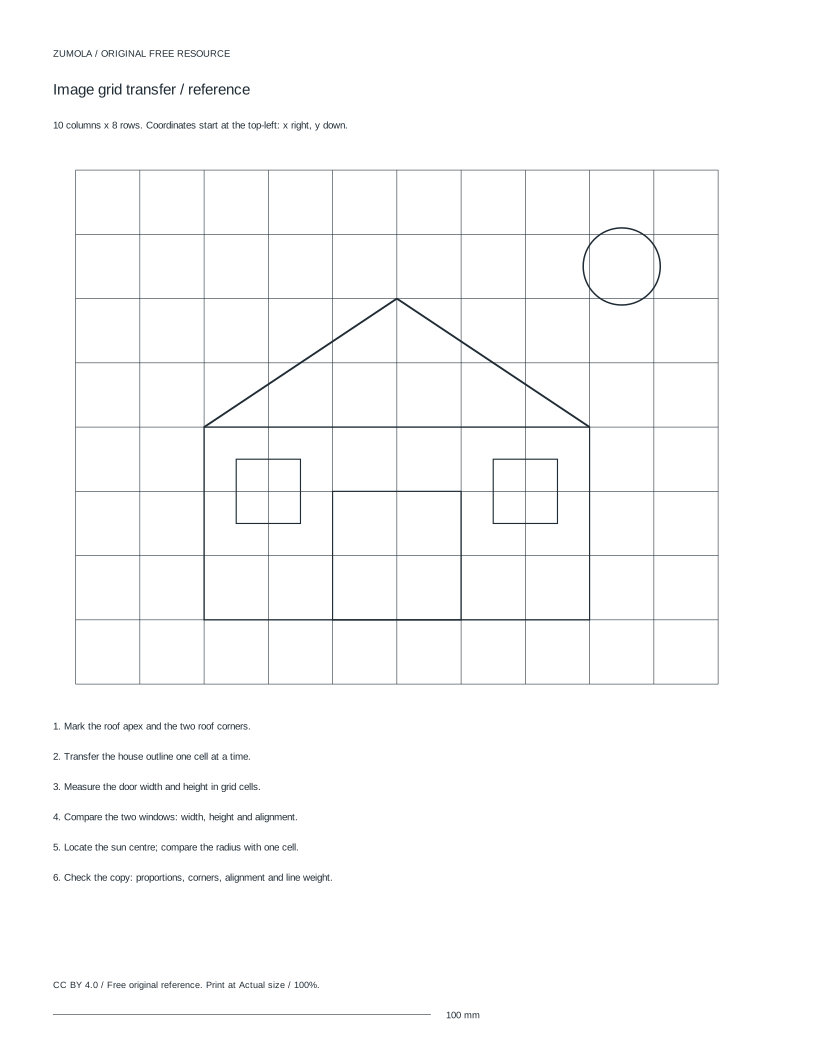
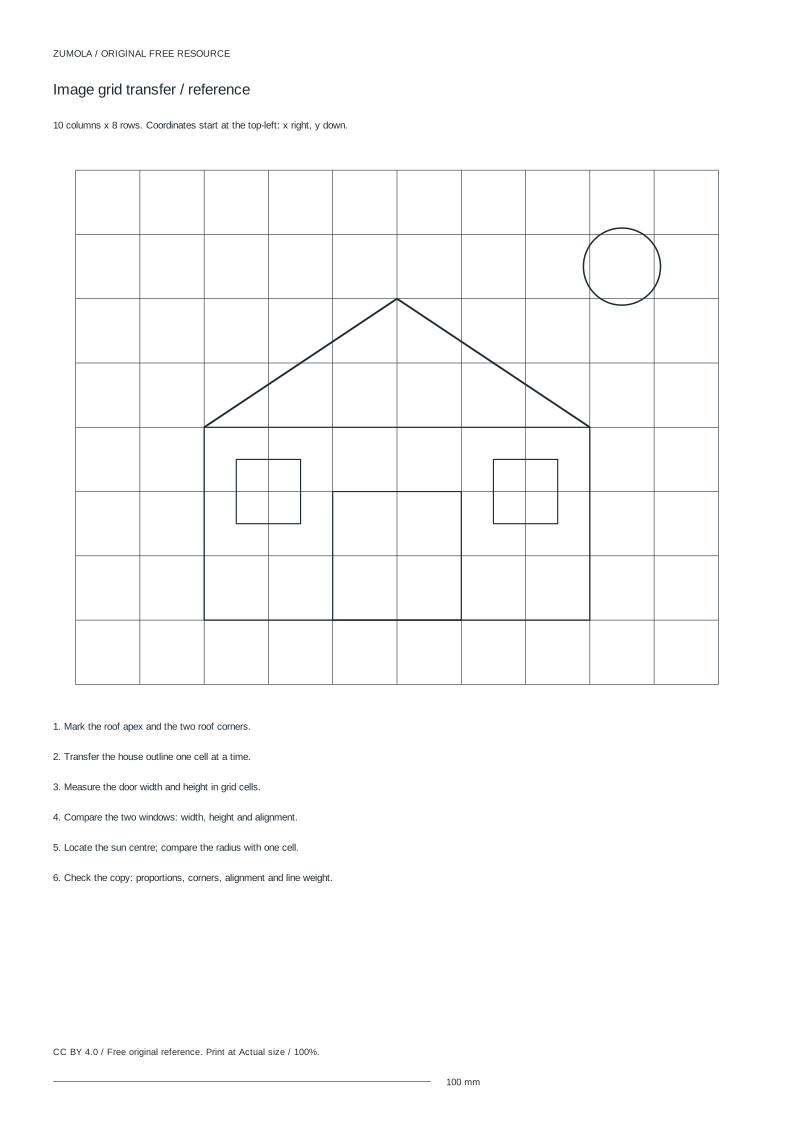
Practice worksheet
Worked answers / rubric
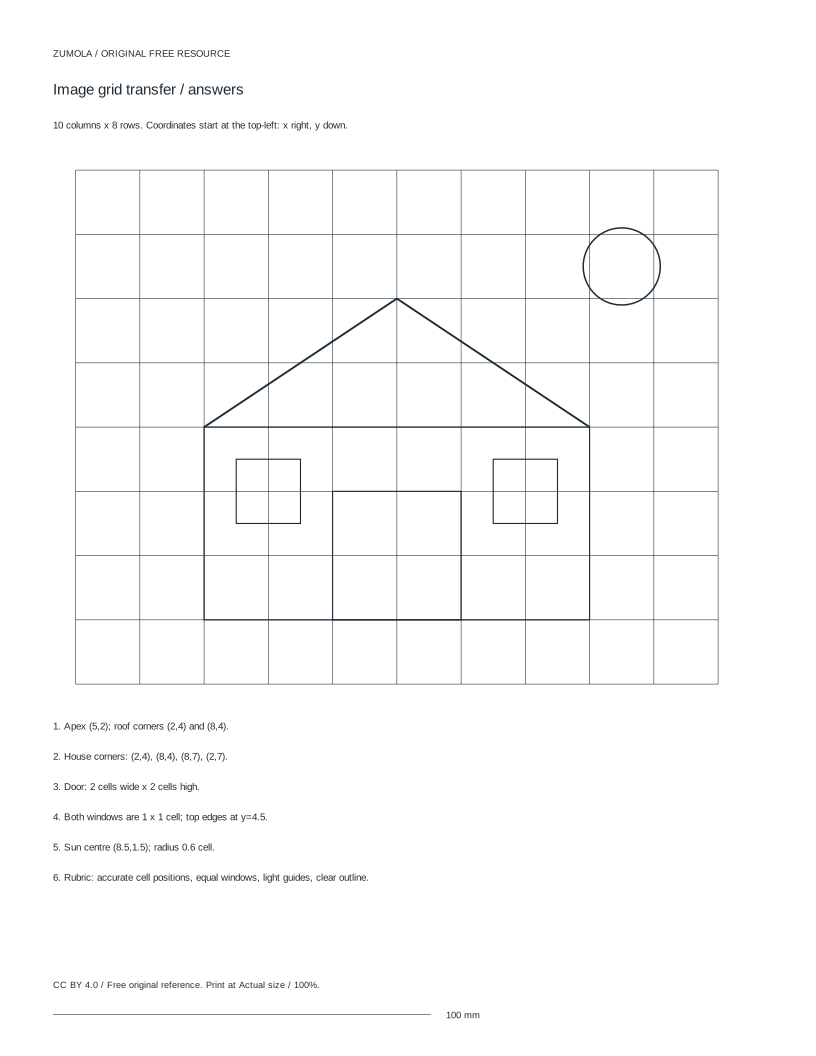
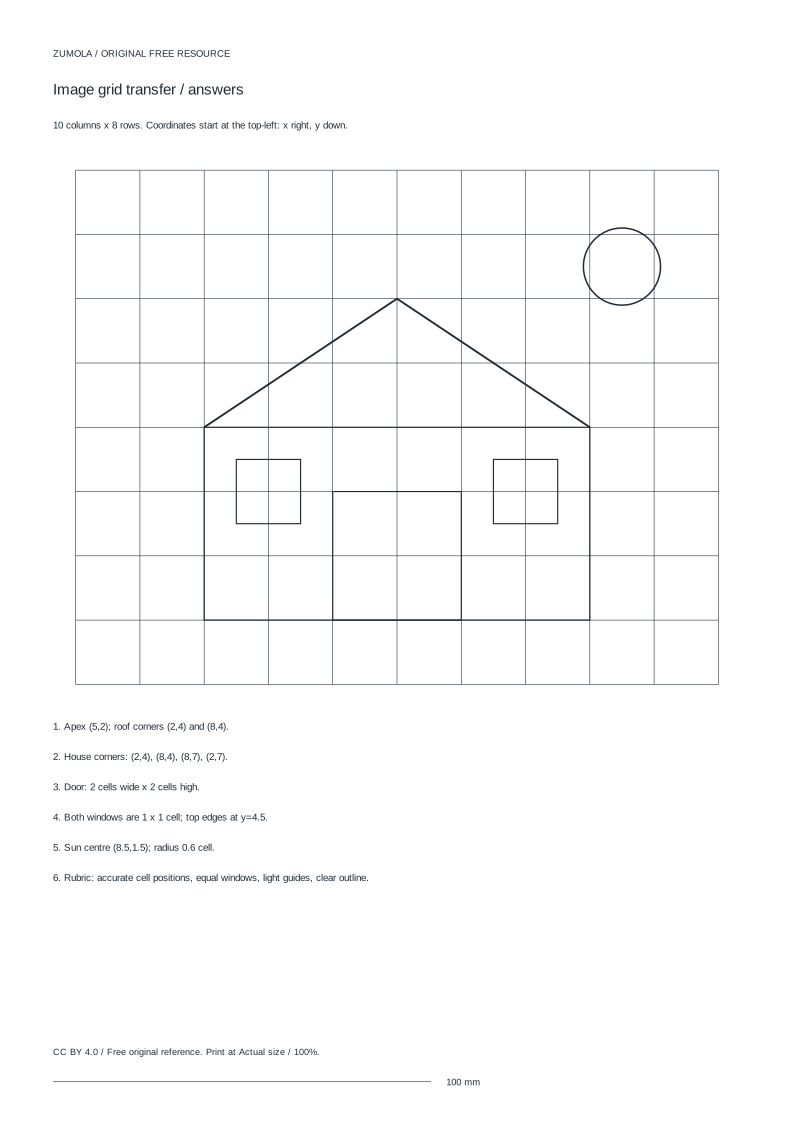
Print at Actual size / 100%. Check the calibration bar before using physical dimensions.
A drawing grid maker helps you copy an image by dividing it into equal square cells, then working cell by cell onto a blank sheet with the same grid. This page explains the method behind that workflow: how square cells interact with an image's proportions, what contain and crop actually do to the picture, and why a matching blank must share the same grid geometry. It also covers the difference between grid transfer, coordinate-connection tasks, and block puzzles, so you choose the right task before you start drawing.
How square cells interact with image proportions
The grid always uses square cells. Rows and columns do not stretch the photograph to fill the frame, so the picture keeps its true proportions. In contain mode the whole image fits inside the grid area and any leftover space stays white; the image edges therefore need not line up with the grid border. In crop mode the image still keeps its proportions, but edge content is removed so the picture fills the grid area.
Because cells are square, the number of rows and columns that a picture occupies depends on its aspect ratio. A wide picture needs more columns than rows to stay undistorted; a tall picture needs the reverse. Decide whether losing edge content is acceptable before choosing crop, and remember that contain may leave part of the grid empty.
- Measure or note the image's width and height in the same unit.
- Choose contain to keep every part of the picture, accepting white space, or crop to fill the grid area and lose edges.
- Pick a column count, then check how many rows the picture occupies at square cells.
- Confirm the cell size is large enough to copy comfortably.
Matching blank sheets and grid transfer
Grid transfer means freehand copying cell by cell, not tracing over the source. The blank sheet must have identical grid geometry: the same number of columns and rows, the same square cell shape, and the same overall grid area. If the blank differs, cell positions no longer correspond and the copy drifts.
A practical approach is to number columns along the top and rows down the side on both the source and the blank. Then each instruction becomes a coordinate, such as column 4, row 2, which is easy to locate on either sheet. Keep the source and blank oriented the same way, and work in a consistent order so you do not lose your place.
- Generate the grid on the source image and note the column and row counts.
- Produce a blank with the same column count, row count, and square cell size.
- Label columns and rows on both sheets with matching numbers.
- Copy one cell at a time, comparing shapes and positions rather than tracing.
Three distinct tasks: transfer, coordinates, and blocks
Grid transfer copies an image cell by cell onto a matching blank. A coordinate-connection task instead gives plotted points that you join in order to build a shape; the grid is a reference frame, not a picture to copy. A block puzzle divides an image into pieces to reassemble, which tests spatial reasoning rather than drawing accuracy.
Mixing these tasks causes confusion. If you are copying a picture, use transfer with a matching blank. If you are plotting points, use coordinates and ignore the source image. If you are reassembling pieces, treat the grid as a set of blocks. Each task has its own success criteria, so state which one you are doing before you begin.
- Decide whether the goal is copying, plotting, or reassembling.
- For copying, prepare a source grid and an identical blank.
- For plotting, list coordinates and connect them in the stated order.
- For blocks, cut or mark pieces and plan the reassembly order.
Working with your own images
Use images you created or have permission to use. Uploaded images stay in browser memory, so the source is not stored elsewhere by the tool. Check the image's proportions before choosing a grid, because a very wide or very tall picture may need an uneven column-to-row split to keep square cells.
Print physical sheets at 100% only after checking a calibration bar, since scaling can change cell size and break the match between source and blank. Art has multiple valid outcomes, so judge results with a rubric rather than expecting one exact answer. Grid construction is a drawing aid, not a guide to clinical anatomy.
- Confirm you own the image or have permission to use it.
- Note the image's width and height before setting the grid.
- Print at 100% and verify the calibration bar before drawing.
- Compare your copy to the source using the rubric criteria.
A simple worked example
Suppose a picture measures 12 cm by 6 cm and you choose 6 columns. Its width-to-height ratio is 2 to 1, so at square cells it occupies 3 rows. Each cell is 2 cm square if the picture fills the grid exactly. A matching blank uses the same 6 columns, 3 rows, and 2 cm cells.
If you instead used contain mode and the grid area were taller than the picture, the picture would still occupy 3 rows of 2 cm cells, with white space above or below. The cell count for the picture does not change; only the empty area does.
- Divide 12 cm by 6 columns to get 2 cm per cell.
- Divide 6 cm by 2 cm cells to get 3 rows.
- Set the blank to 6 columns and 3 rows with 2 cm cells.
- Copy cell by cell, checking column and row numbers.
Common mistakes to avoid
Most problems come from mismatched grids or from confusing transfer with tracing. Checking proportions and grid geometry before drawing prevents most of them.
- Verify column and row counts match on source and blank.
- Confirm cells are square, not stretched.
- Use freehand copying, not tracing over the source.
Try this example
A picture is 12 cm wide and 6 cm tall. You choose 6 columns and the picture fills the grid exactly. How many rows and what cell size result, and what should the matching blank use?
Show the worked explanation
The ratio is 12 to 6, or 2 to 1. With 6 columns, each cell is 12 divided by 6, which is 2 cm wide. Square cells are 2 cm tall, so 6 cm divided by 2 cm gives 3 rows. The matching blank uses 6 columns, 3 rows, and 2 cm square cells.
Common mistakes
- Stretching the image to fill the grid, which distorts proportions. Keep square cells and let contain leave white space or crop remove edges instead of stretching.
- Using a blank sheet with a different column or row count. Match the blank to the source grid exactly: same columns, rows, and square cell size.
- Tracing over the source image instead of copying cell by cell. Treat grid transfer as freehand copying onto a separate matching blank.
Check your work
- Column and row counts on the source and blank are identical.
- Cells are square and the image proportions are preserved.
- Column and row labels correspond between source and blank.
- The copy is made cell by cell rather than by tracing.
- The chosen task (transfer, coordinates, or blocks) matches the stated goal.
Questions before you start
Does the grid stretch my photo to fit?
No. Cells stay square and the photo keeps its proportions. Contain fits the whole image with possible white space; crop fills the area by removing edge content.
Why do the image edges not reach the grid border?
In contain mode the picture is placed inside the grid area without stretching, so leftover space stays white and edges need not align with the border.
What makes a blank sheet match the source?
Identical grid geometry: the same column count, row count, square cell shape, and overall grid area, with matching column and row labels.