Reference diagrams
LETTER · Download PDF
A4 · Download PDF
Free original resources
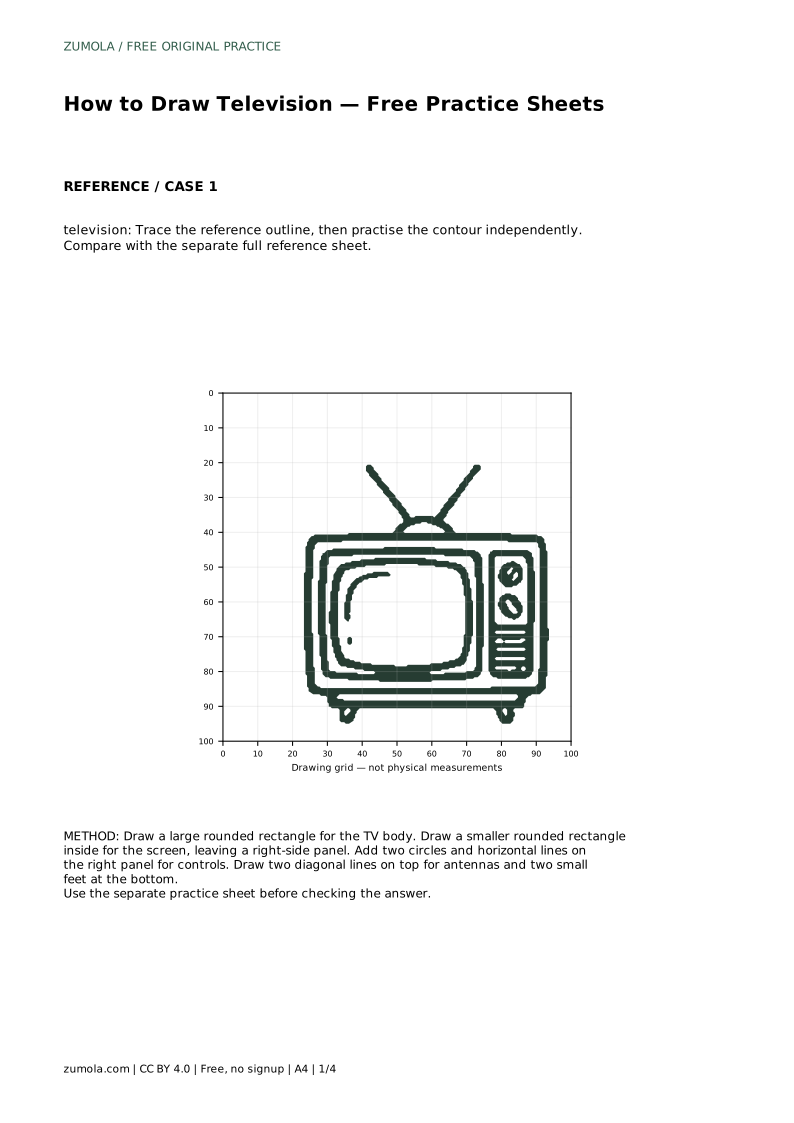
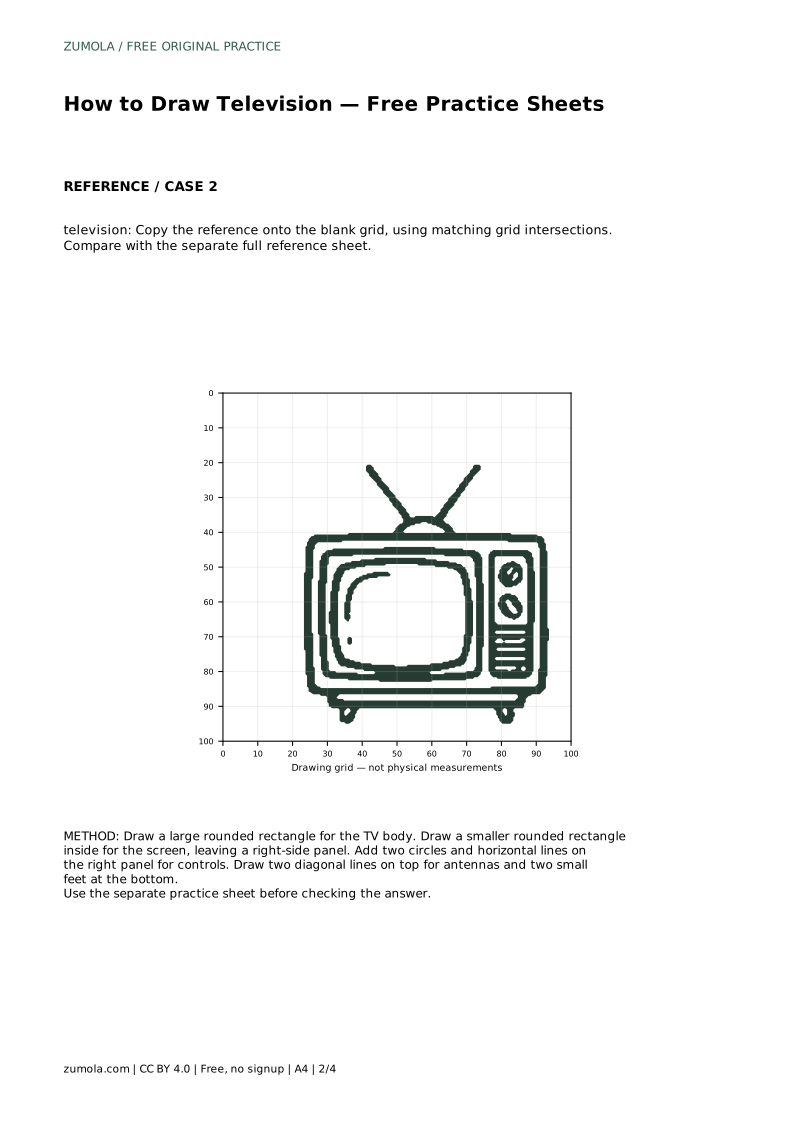
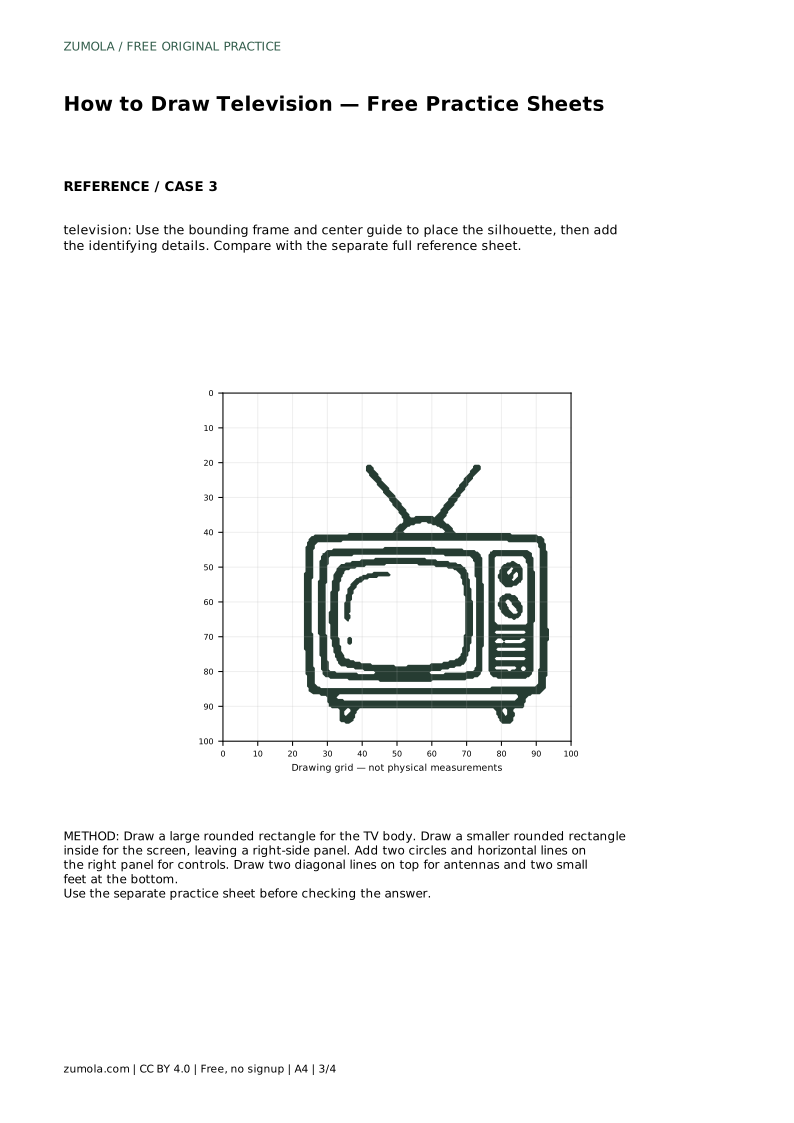
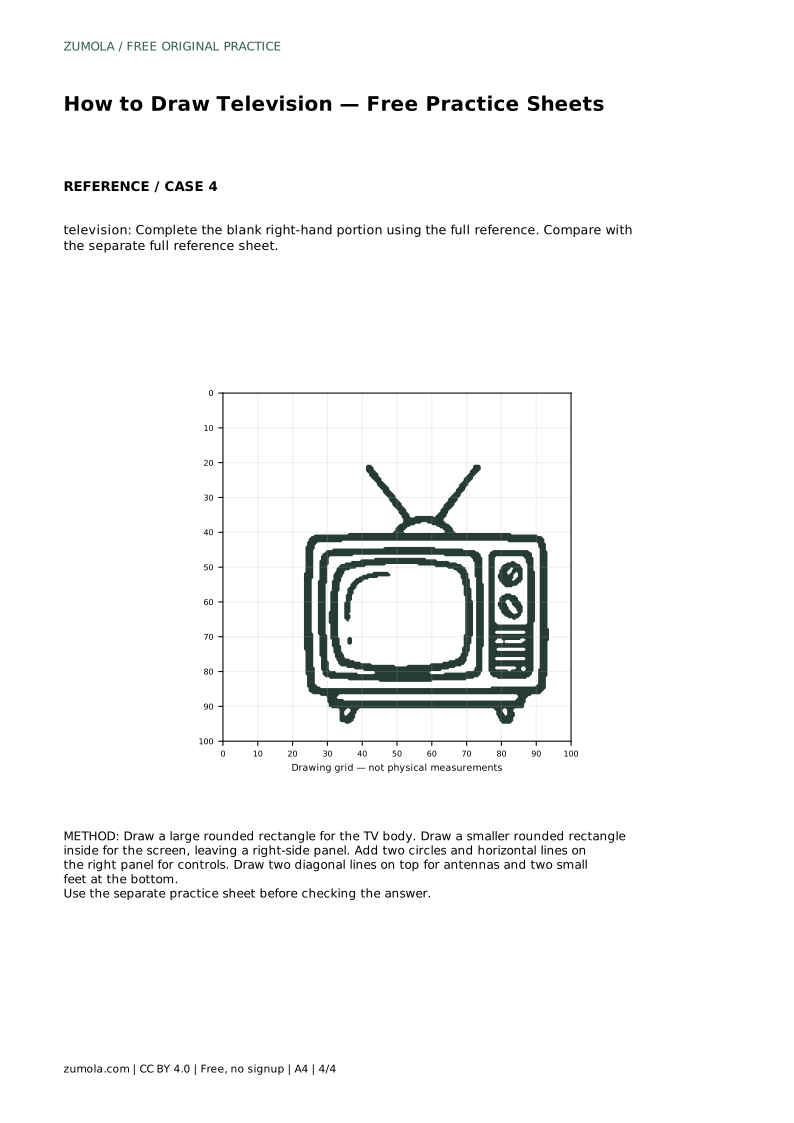
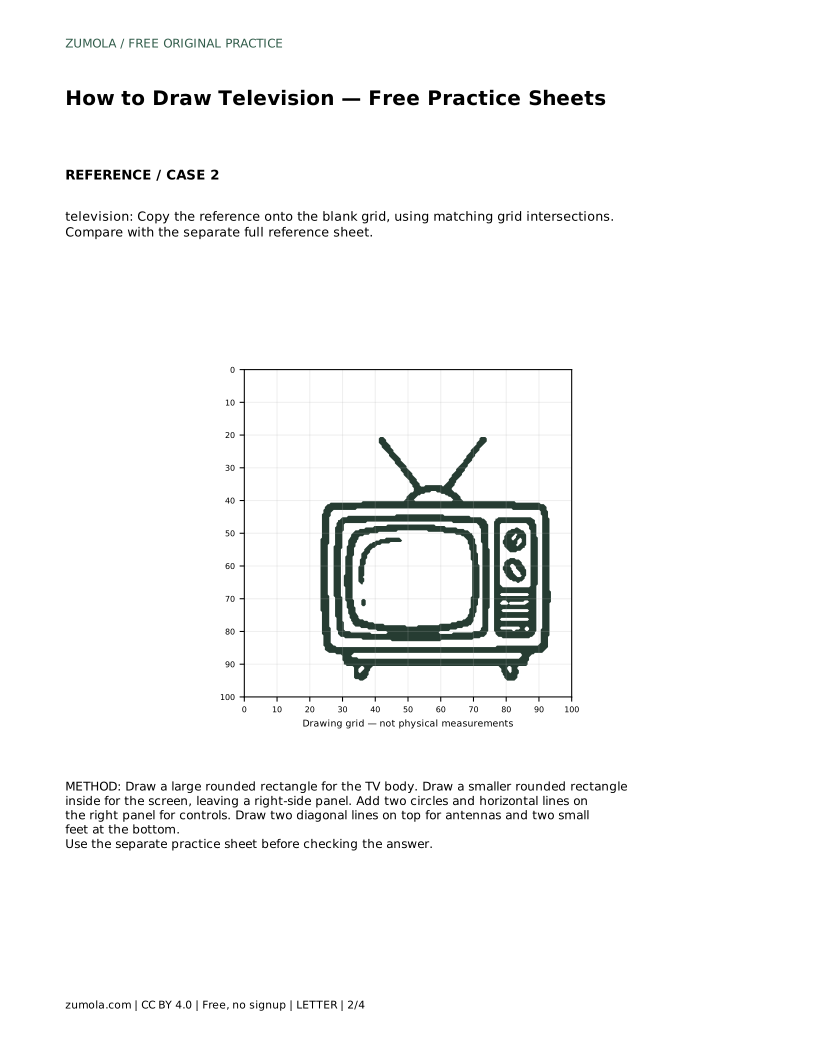
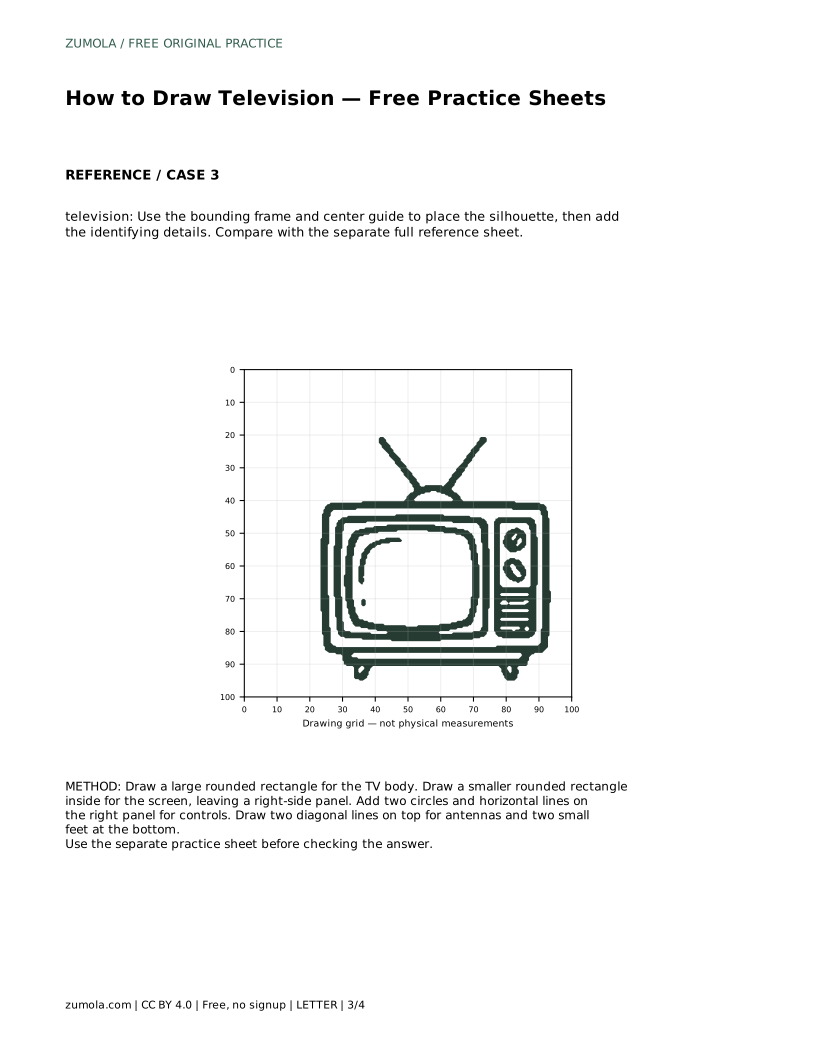
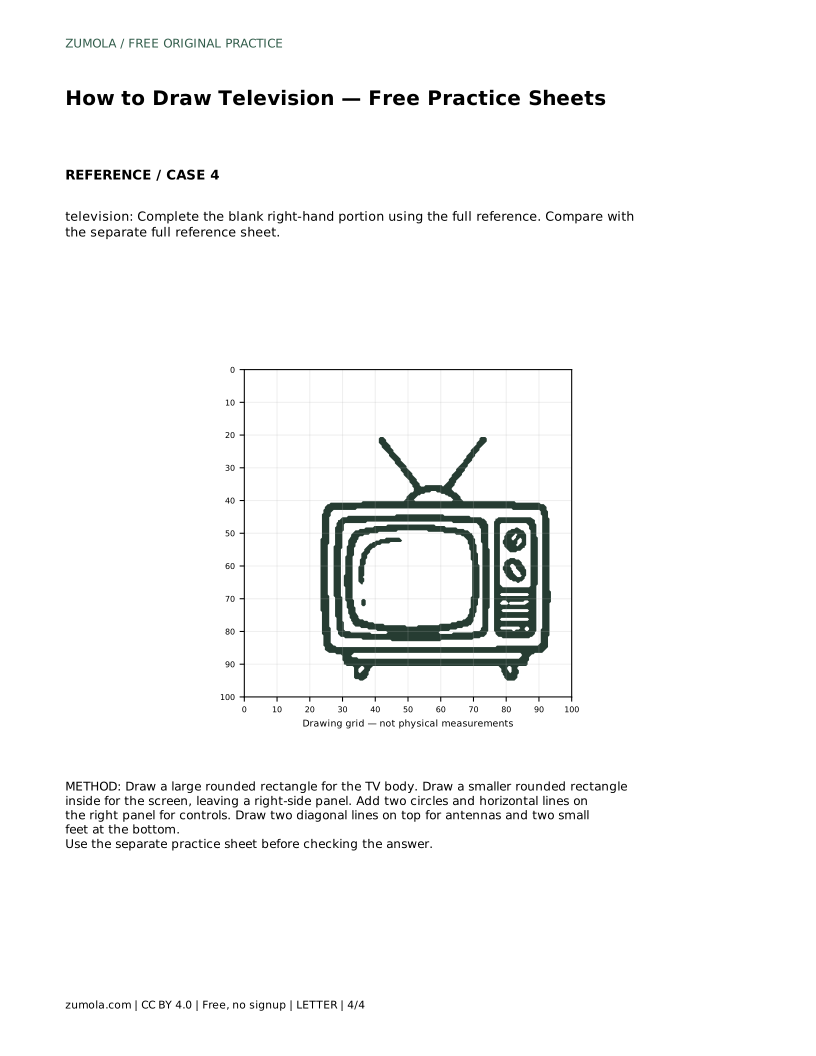
Learn to draw a television by building the rounded body, inset screen, side control panel, antennas and feet. Use the practice sheets to compare shape and proportion.
Four original cases, with reference diagrams, practice sheets and worked answers. Everything is free; no signup required.
LETTER · Download PDF
A4 · Download PDF
LETTER · Download PDF
A4 · Download PDF
LETTER · Download PDF
A4 · Download PDF
Use A4 or US Letter to match your printer. Use the stated values and conditions to solve each exercise; diagrams are not physical measuring rulers.
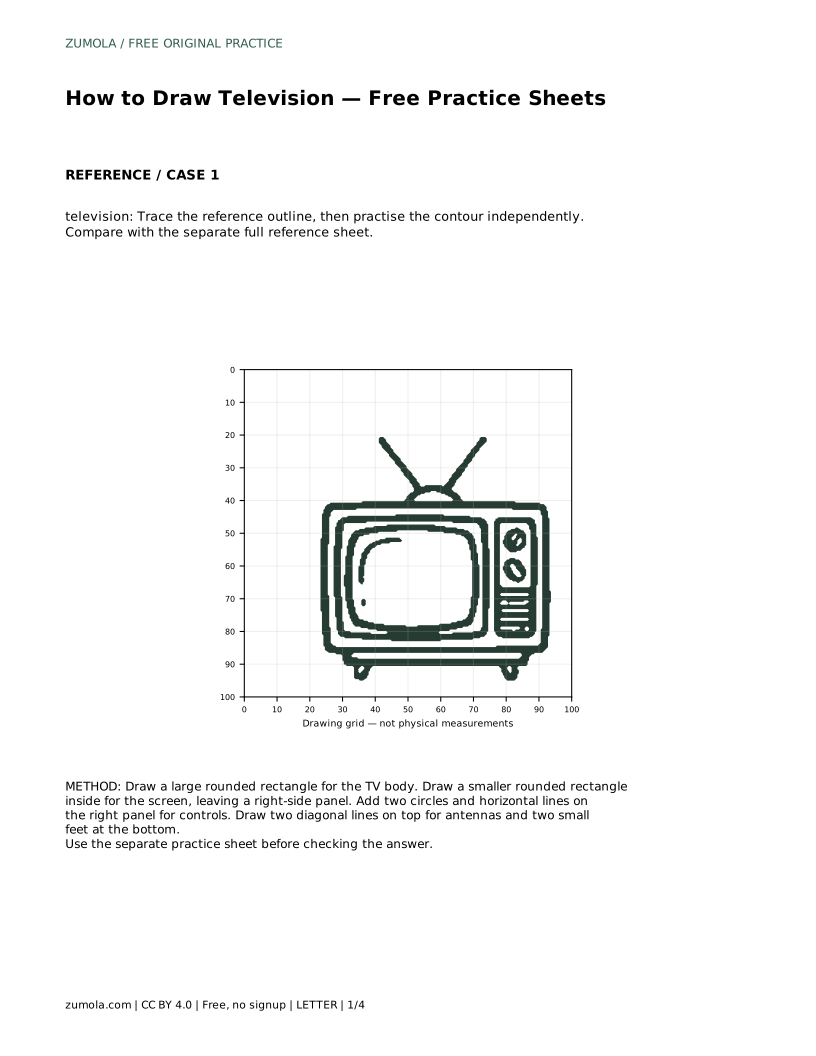
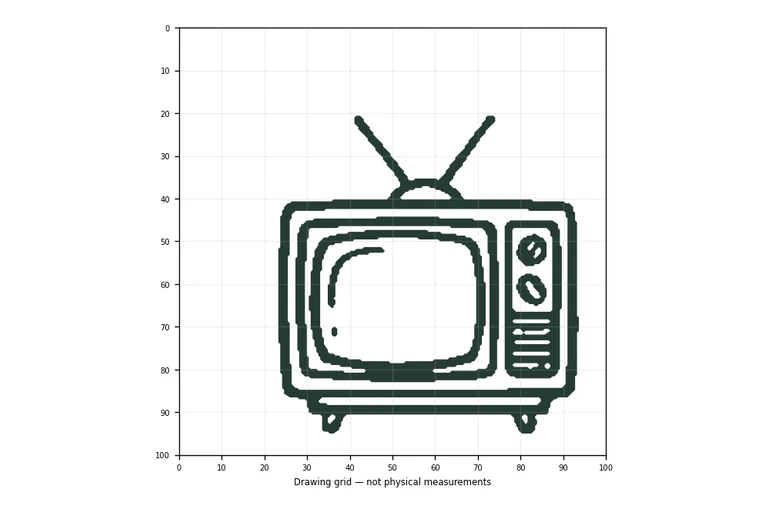
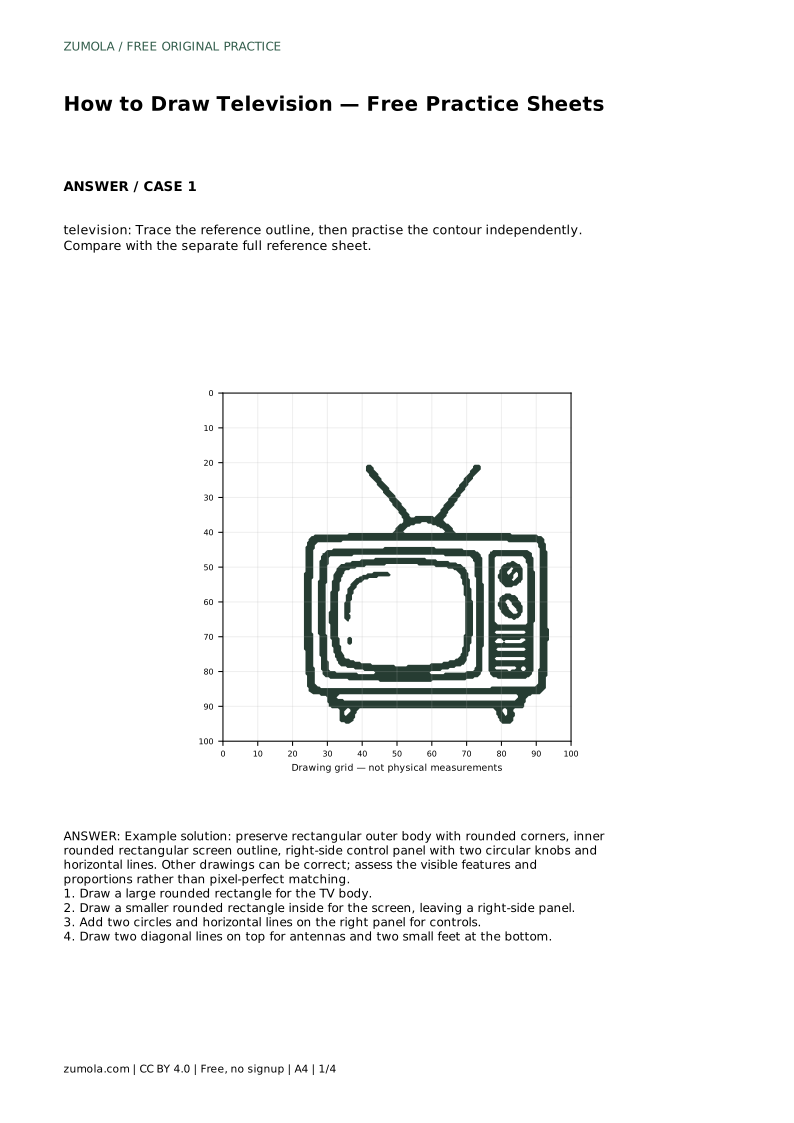
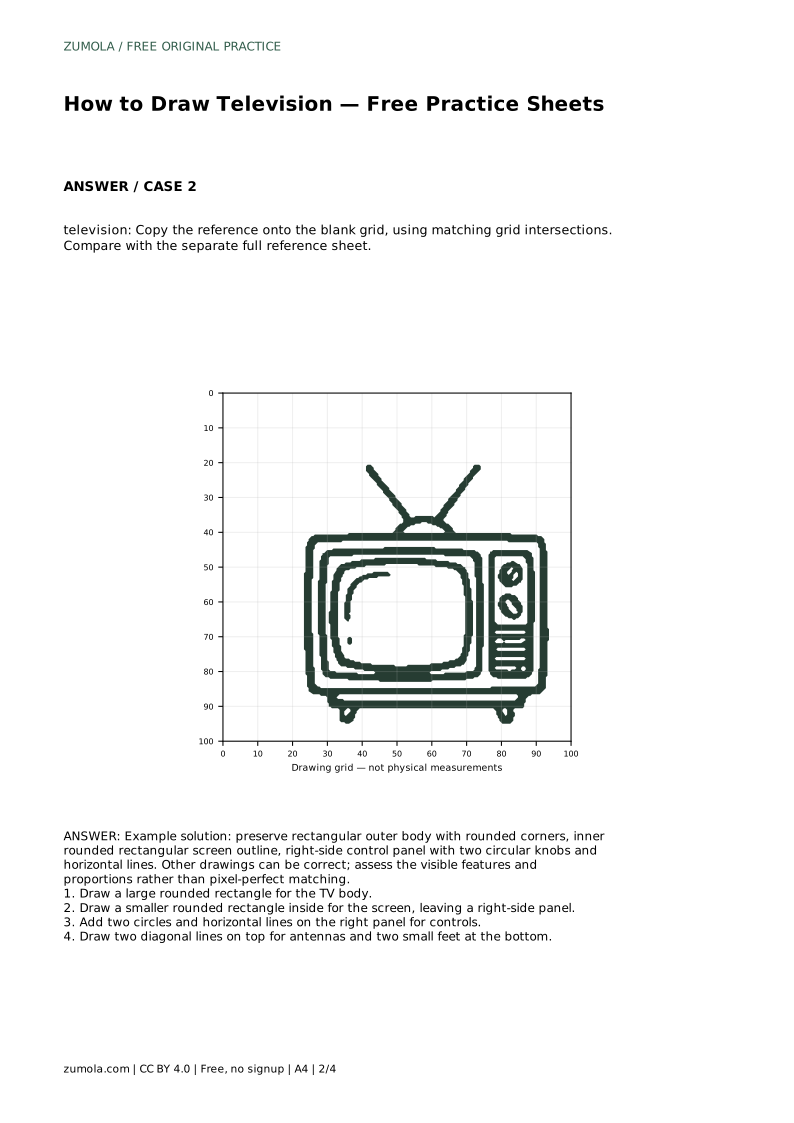
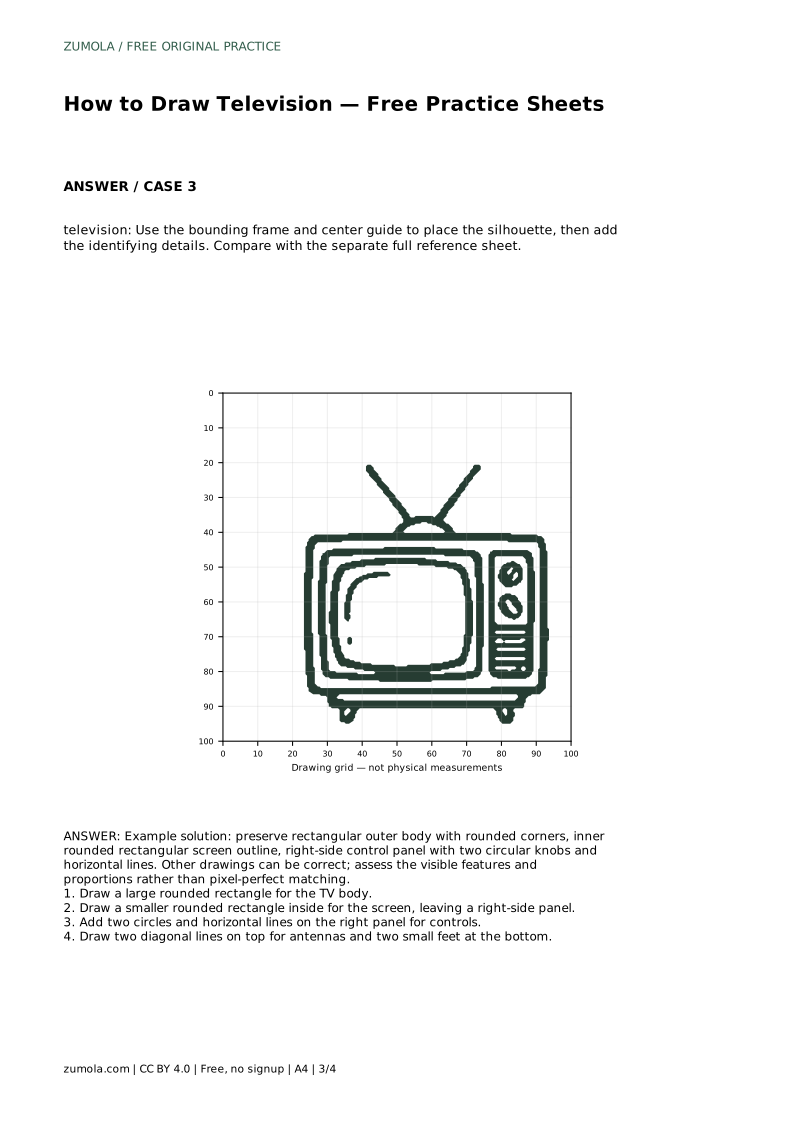
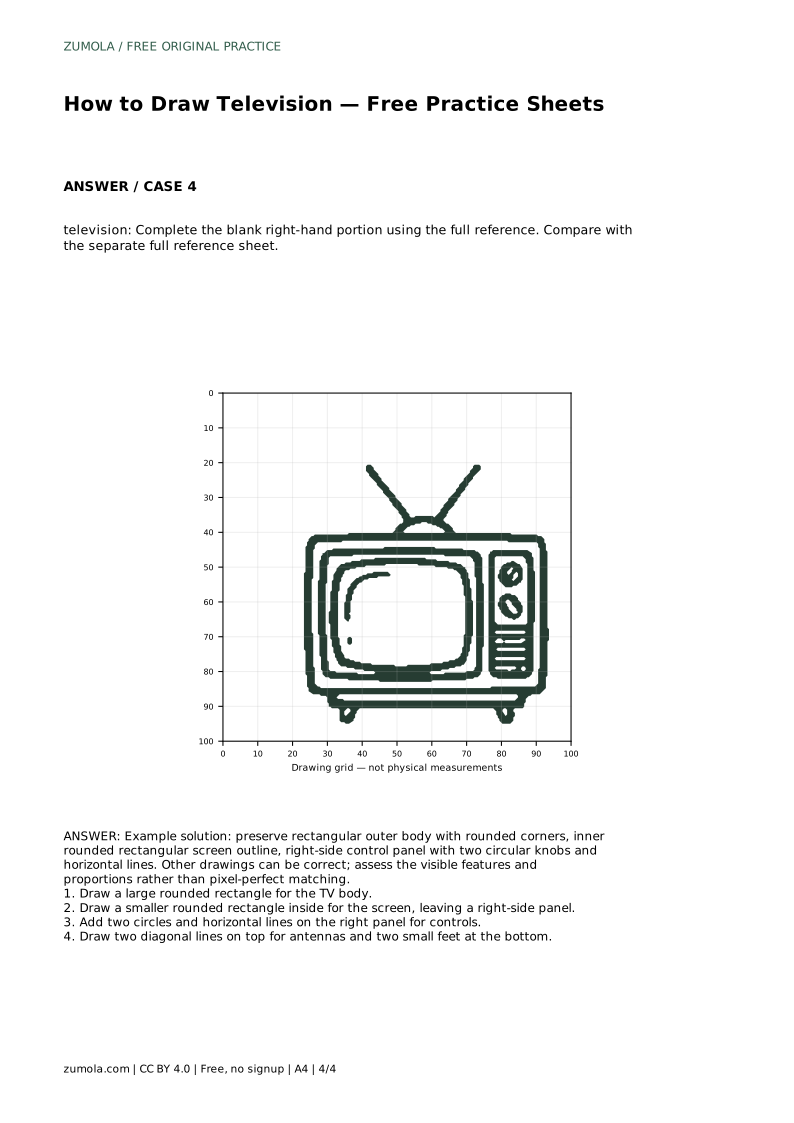
Drawing a television is a useful exercise in combining rectangles, rounded corners and small circular controls into one clear object. The goal is not a pixel-perfect copy but a recognisable set of features with sensible proportions. This guide explains how to build the TV body, place the screen and side panel, add knobs and lines, then finish with antennas and feet. Use it alongside the practice sheets, and compare your drawing with the separate full reference sheet rather than treating any single line as the only correct answer.
Start with the largest shape: a wide rounded rectangle for the television body. Keep the corners gently curved rather than sharp, because the outer casing should read as a solid box with softened edges. Decide how wide and tall the body will be before adding anything inside it.
Next, draw a smaller rounded rectangle inside the body for the screen. Leave a clear strip on the right side for the control panel. The screen should sit within the body with an even border on the top, bottom and left, while the right border is wider to make room for controls. Check that the screen is not so large that it touches the outer edge, and not so small that the body looks empty.
On the right-side panel, add two circles for knobs and a few horizontal lines for controls or vents. Keep the circles similar in size and place them in a vertical arrangement so the panel looks deliberate. The horizontal lines can sit between or below the knobs, but they should stay inside the panel rather than crossing onto the screen.
Finish the silhouette with two diagonal lines on top for antennas and two small feet at the bottom. The antennas should rise from the top edge, angled outward, and the feet should sit under the body with a small gap between them. These details identify the object as a television, so place them where they are clearly visible.
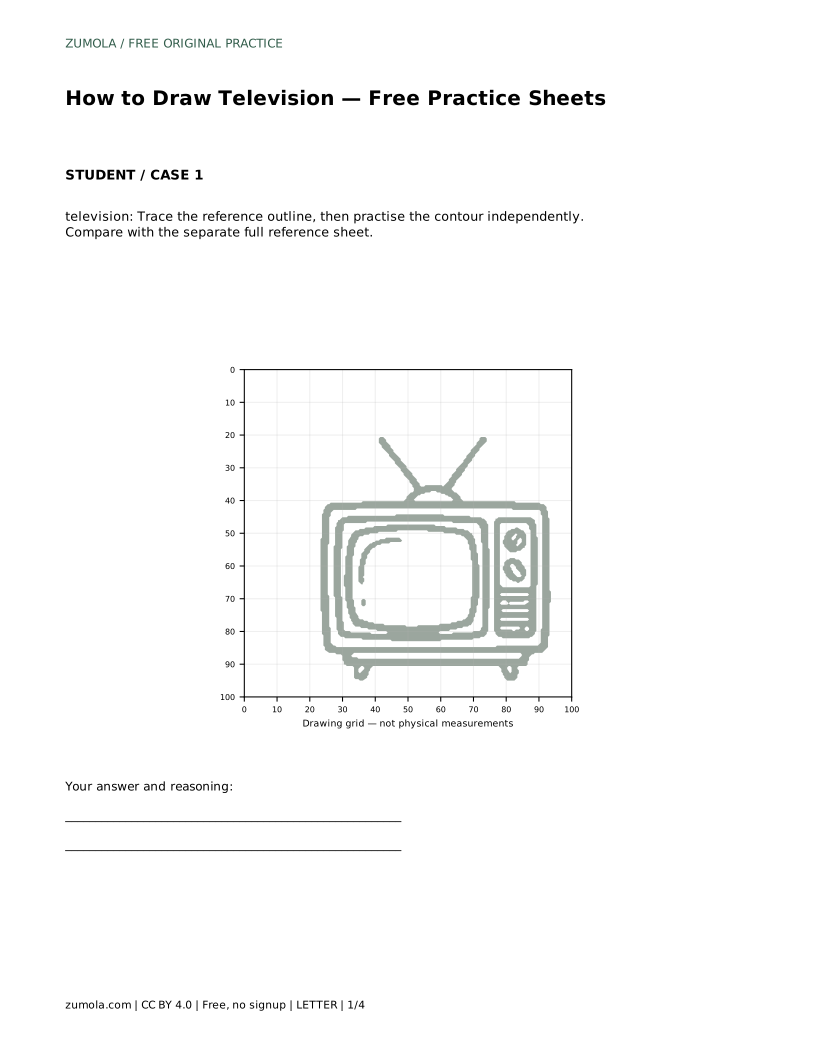
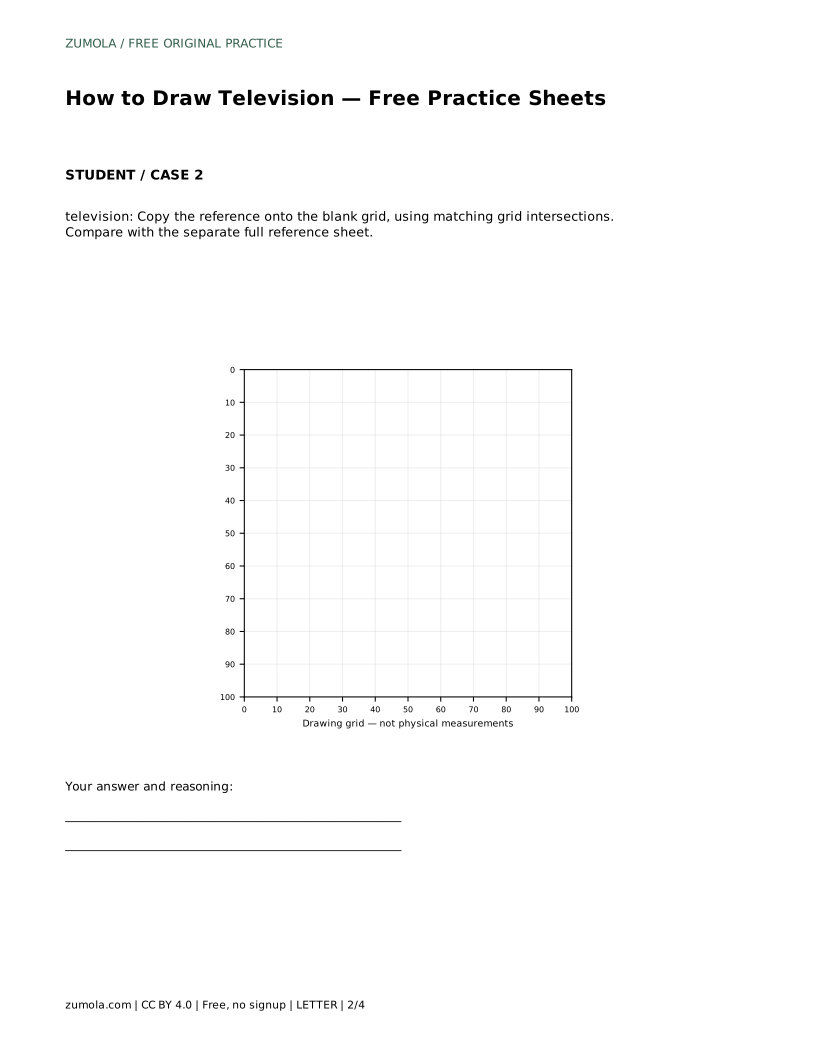
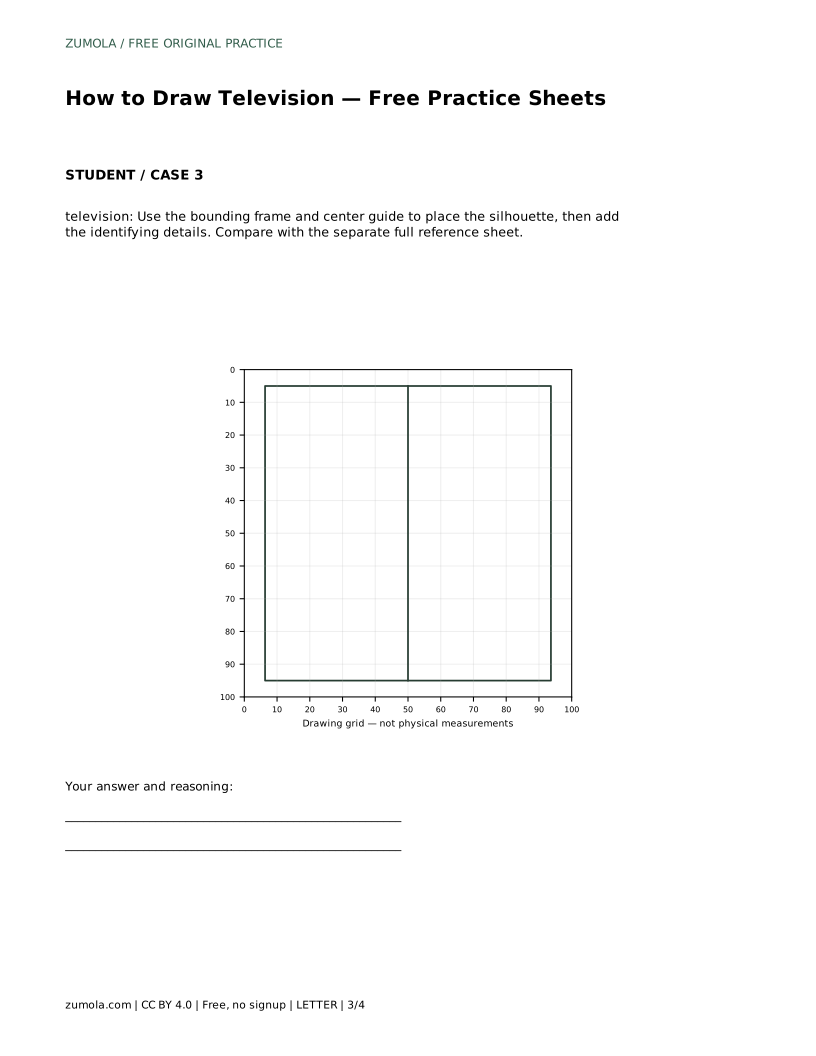
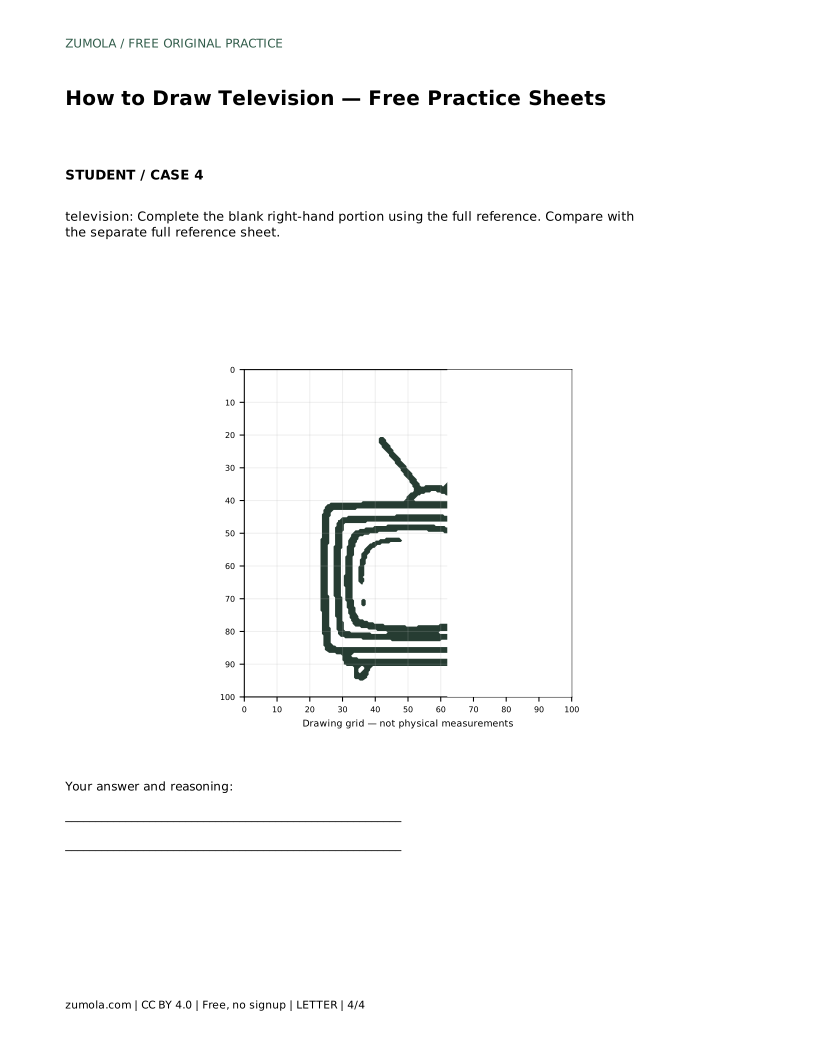
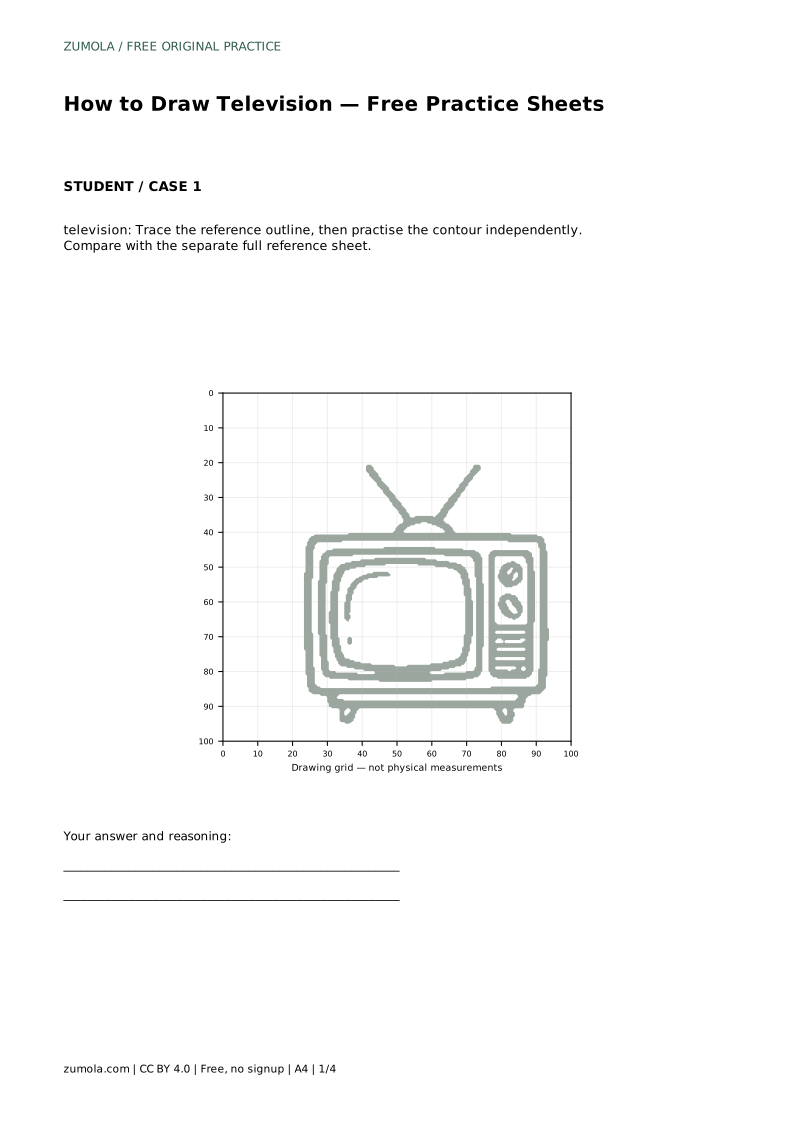
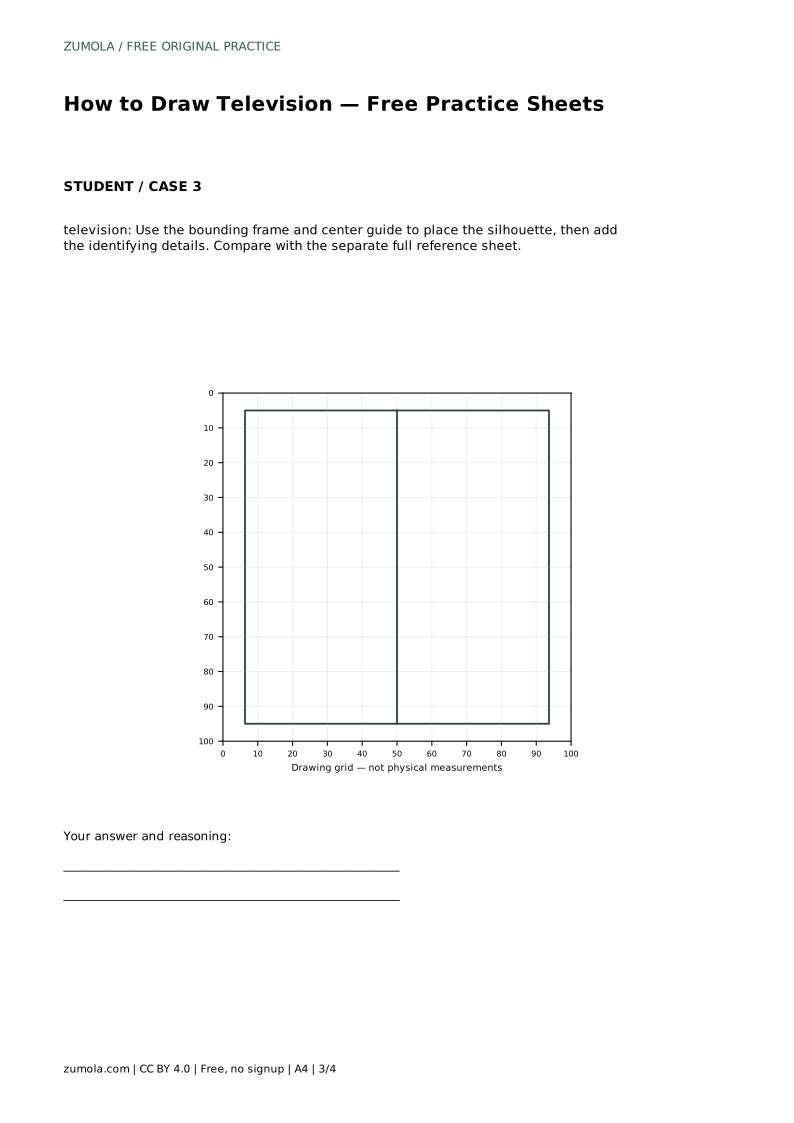
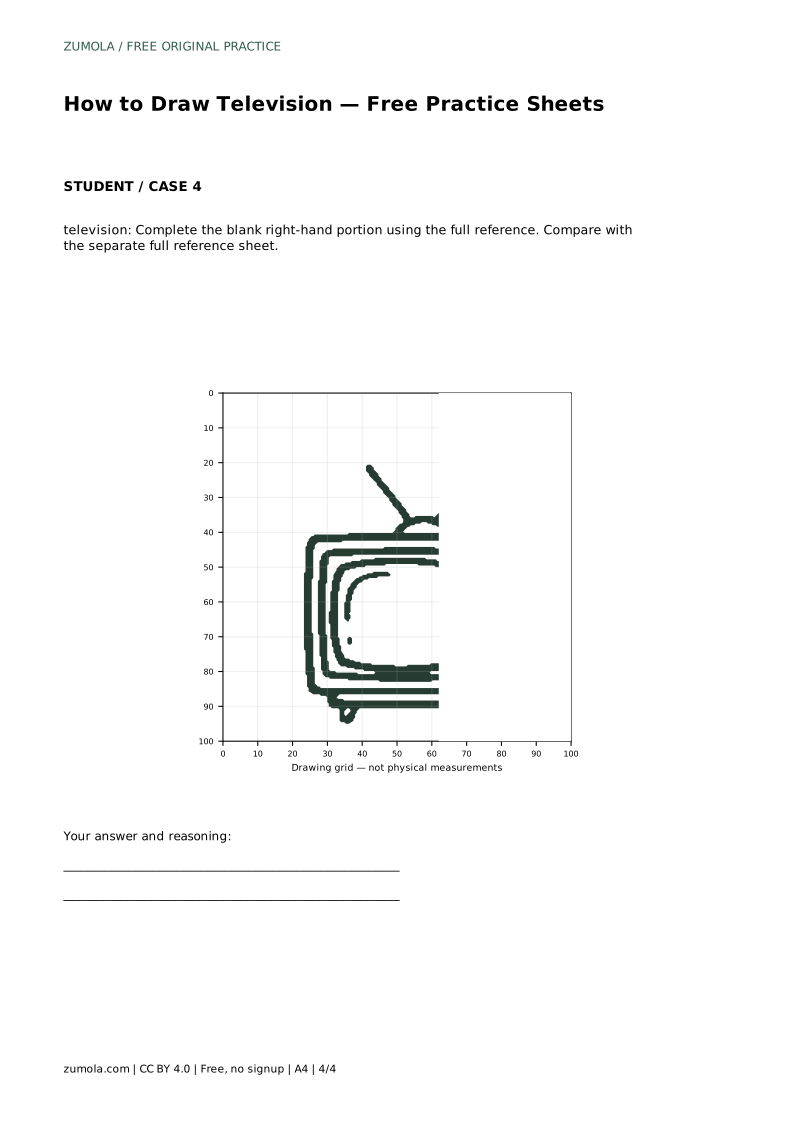
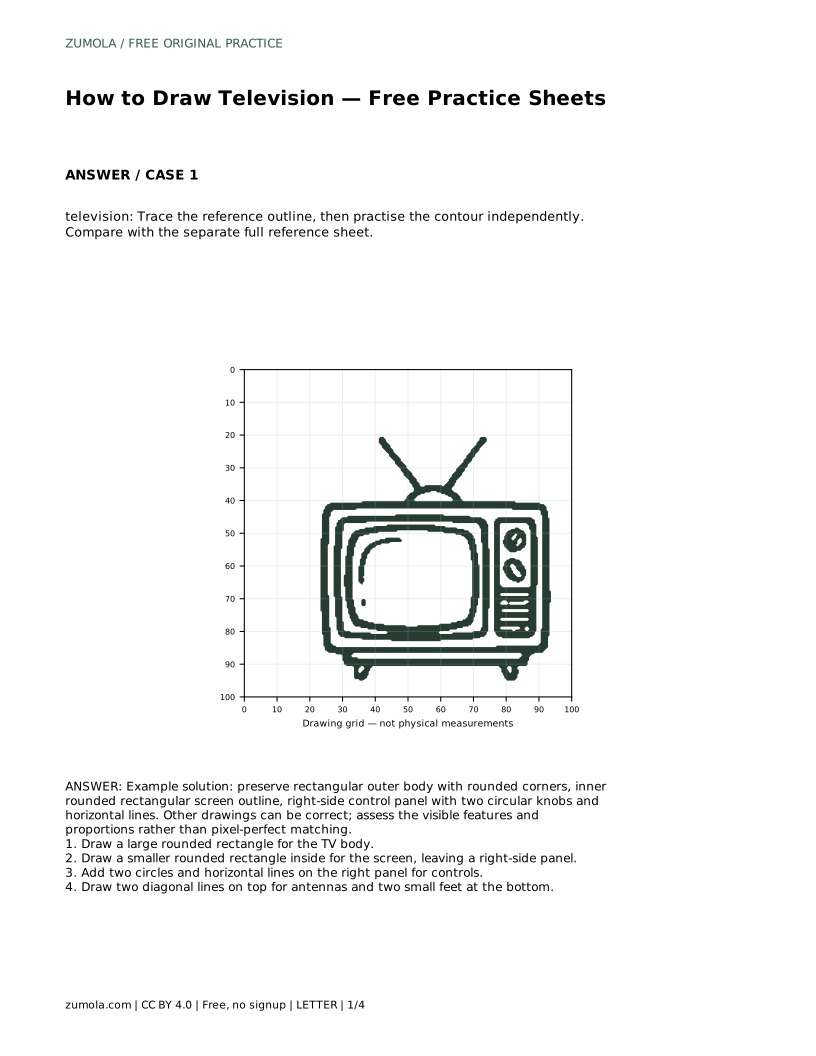
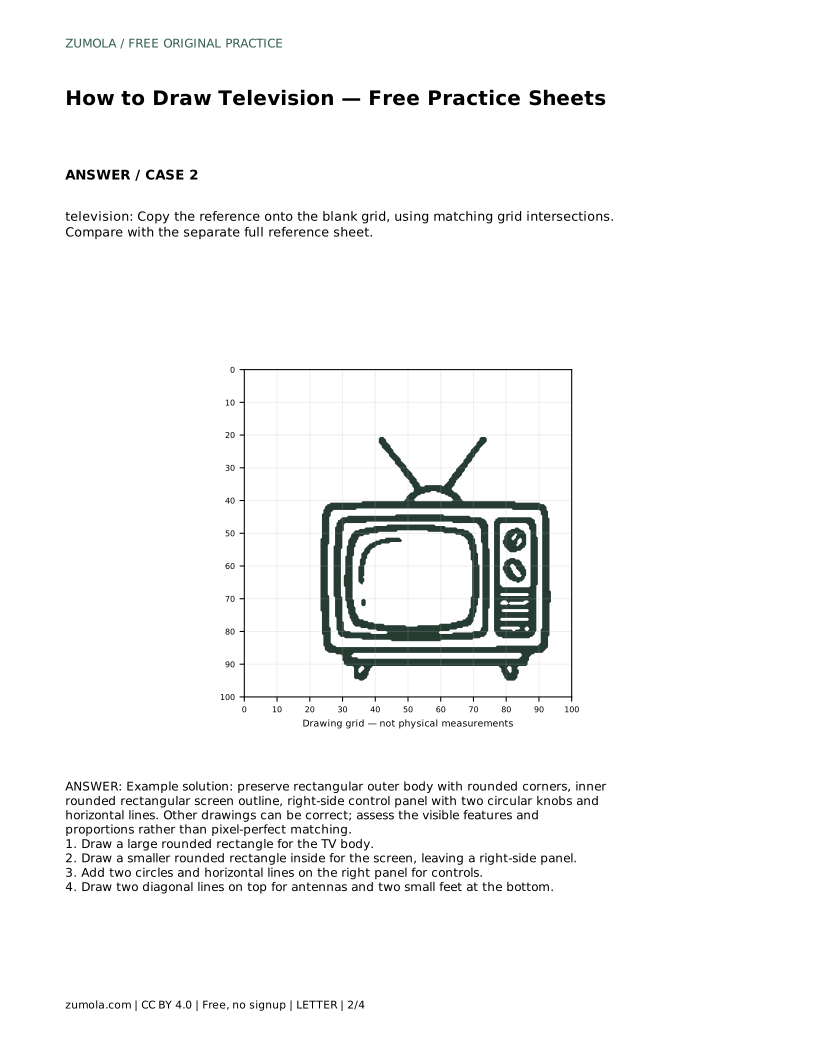
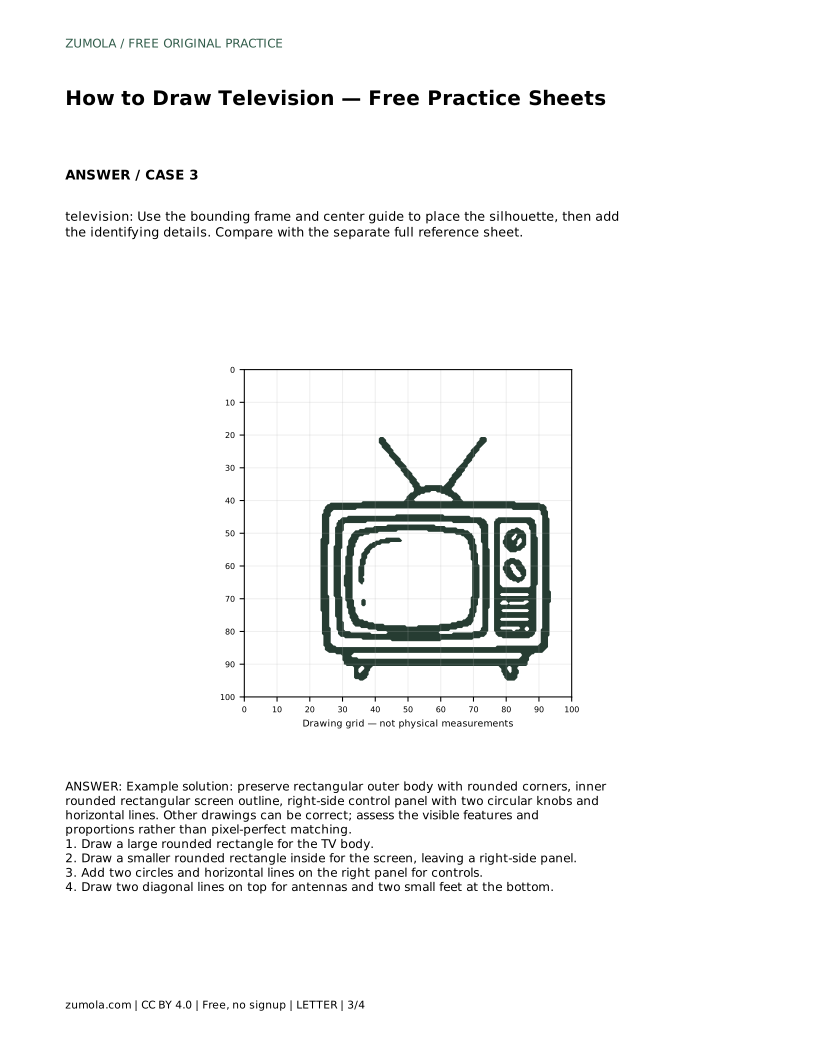
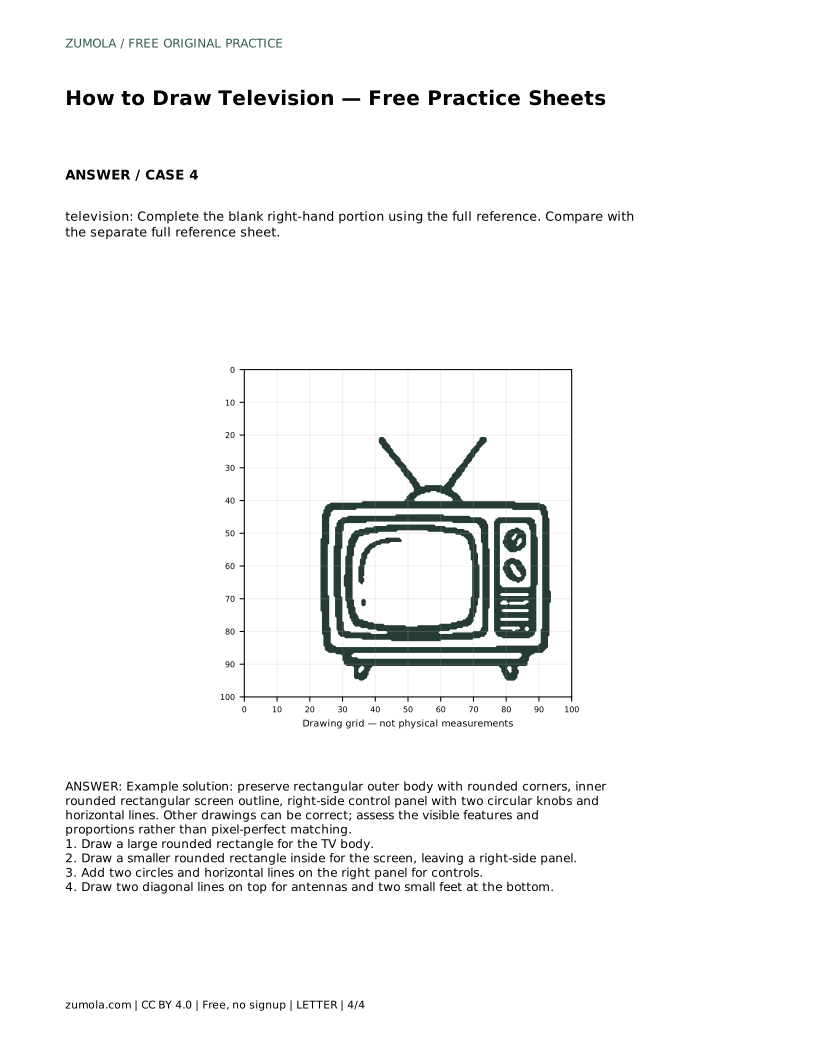
The trace sheet asks you to follow the reference outline first, then practise the contour independently. The grid sheet asks you to copy the reference onto the blank grid using matching grid intersections, which helps you judge where each corner and control sits. The bounding-frame sheet gives you a centre guide to place the silhouette before adding details, and the partial sheet asks you to complete the blank right-hand portion using the full reference.
Each variant trains a different judgement: contour control, position on a grid, overall placement, and completing a missing section. In every case, compare with the separate full reference sheet and assess the visible features and proportions rather than expecting an exact match.
Look at the drawing as a whole. The body should be rectangular with rounded corners, the screen should be a smaller rounded rectangle inside it, and the right panel should hold the knobs and lines without crowding the screen. The antennas and feet should attach to the body rather than float away from it.
Because drawings can vary, judge the result by whether the identifying features are present and the proportions look balanced. A slightly different knob size or antenna angle can still be correct.
television: Trace the reference outline, then practise the contour independently. Compare with the separate full reference sheet.
Example solution: preserve rectangular outer body with rounded corners, inner rounded rectangular screen outline, right-side control panel with two circular knobs and horizontal lines. Other drawings can be correct; assess the visible features and proportions rather than pixel-perfect matching. Draw a large rounded rectangle for the TV body. Draw a smaller rounded rectangle inside for the screen, leaving a right-side panel. Add two circles and horizontal lines on the right panel for controls. Draw two diagonal lines on top for antennas and two small feet at the bottom.
No. Other drawings can be correct. Assess the visible features and proportions rather than pixel-perfect matching.
Place it on the right side of the body, leaving a wider strip there than on the other sides of the screen.
The rounded rectangular body, inset screen, side panel with two circular knobs and horizontal lines, two diagonal antennas and two small feet.
All drawing practice · Free coordinate paper
Original resources · CC BY 4.0 · Free for personal and classroom use with attribution.