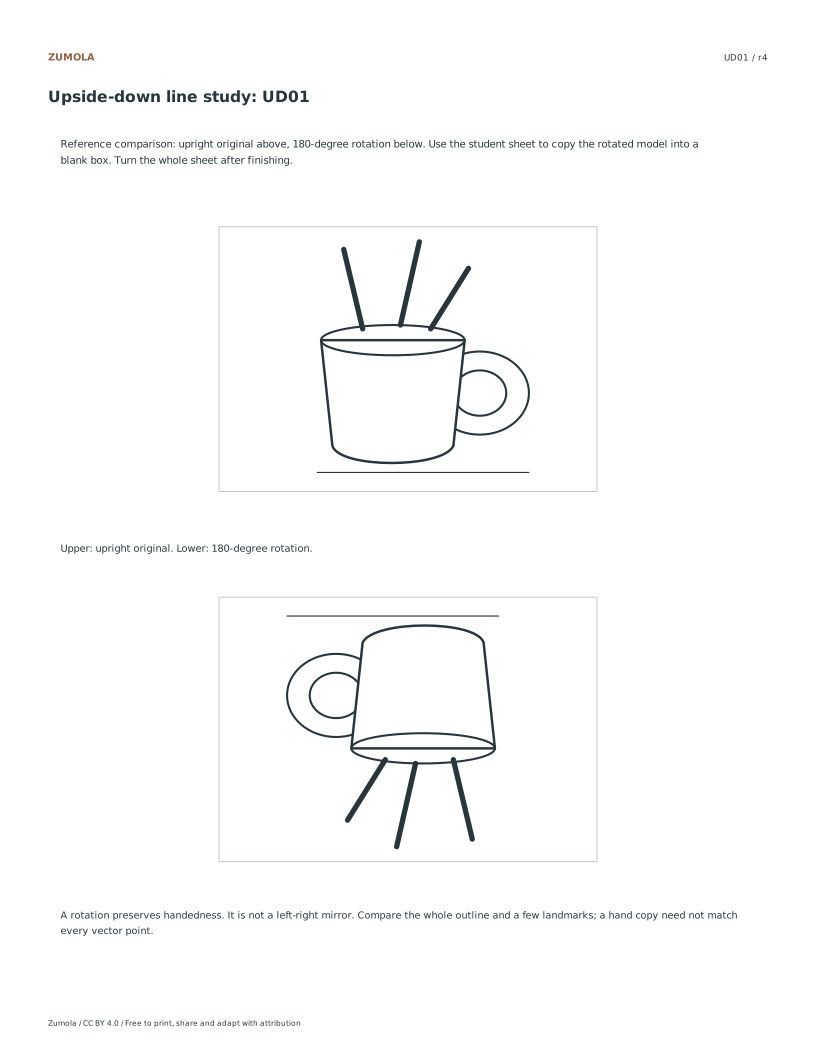
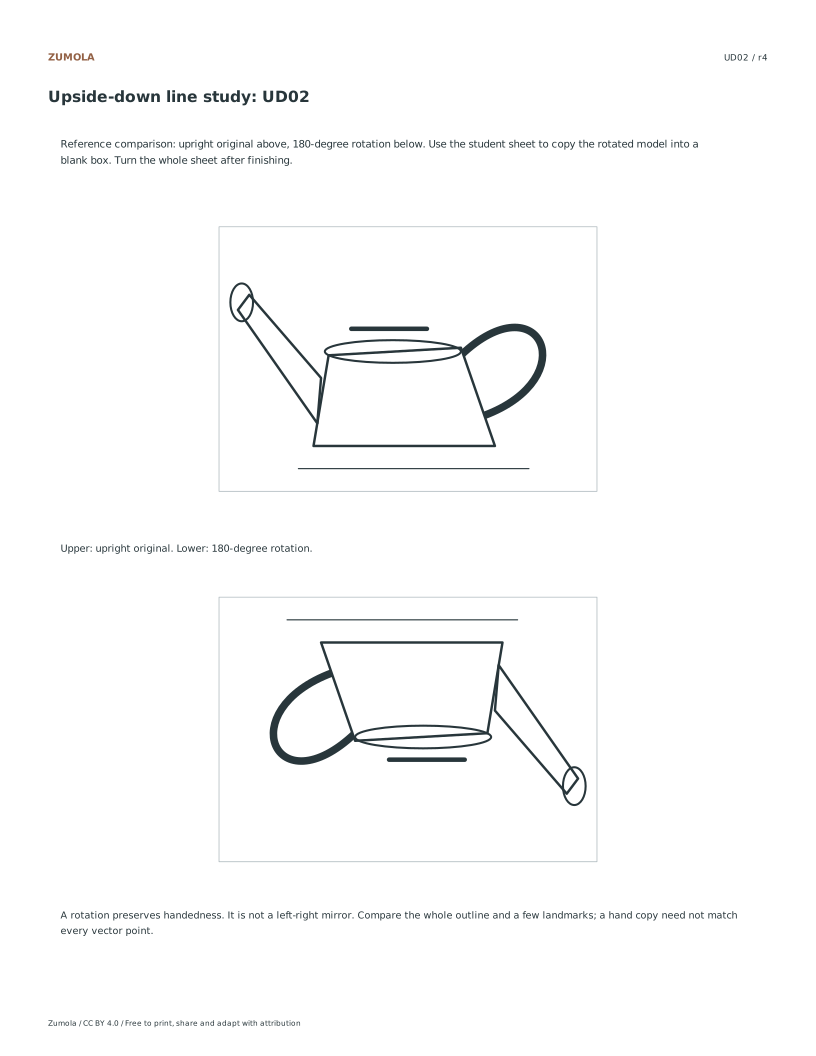
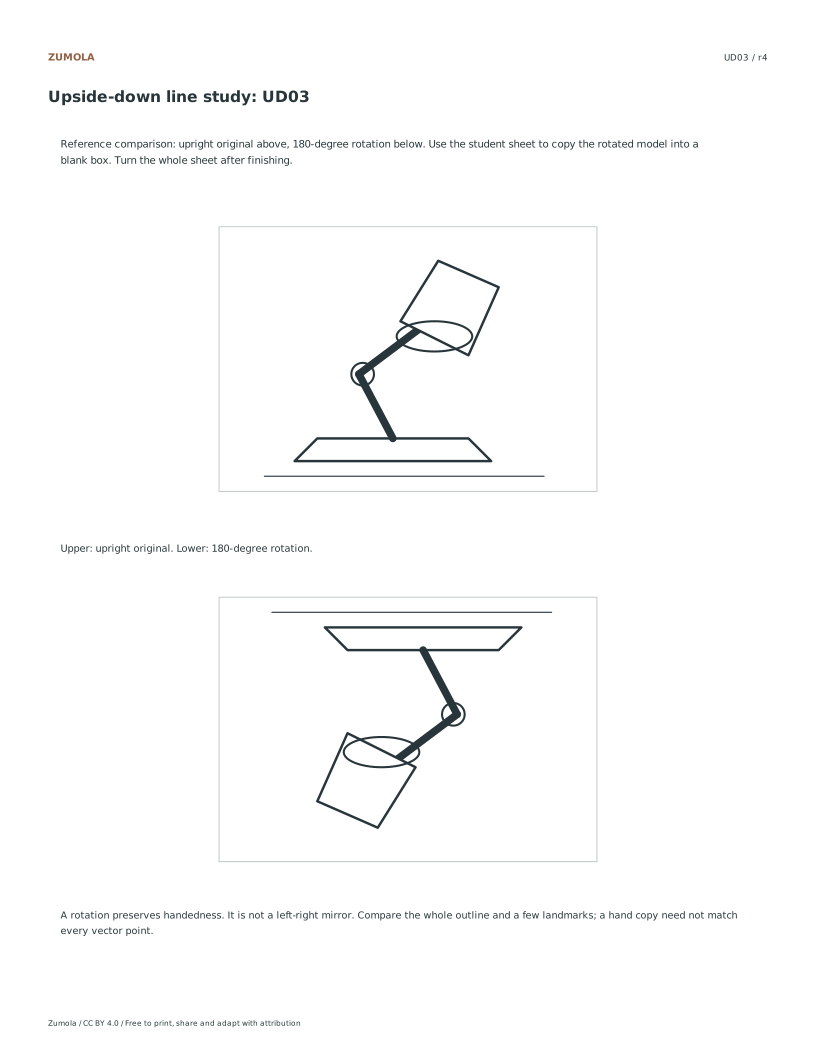
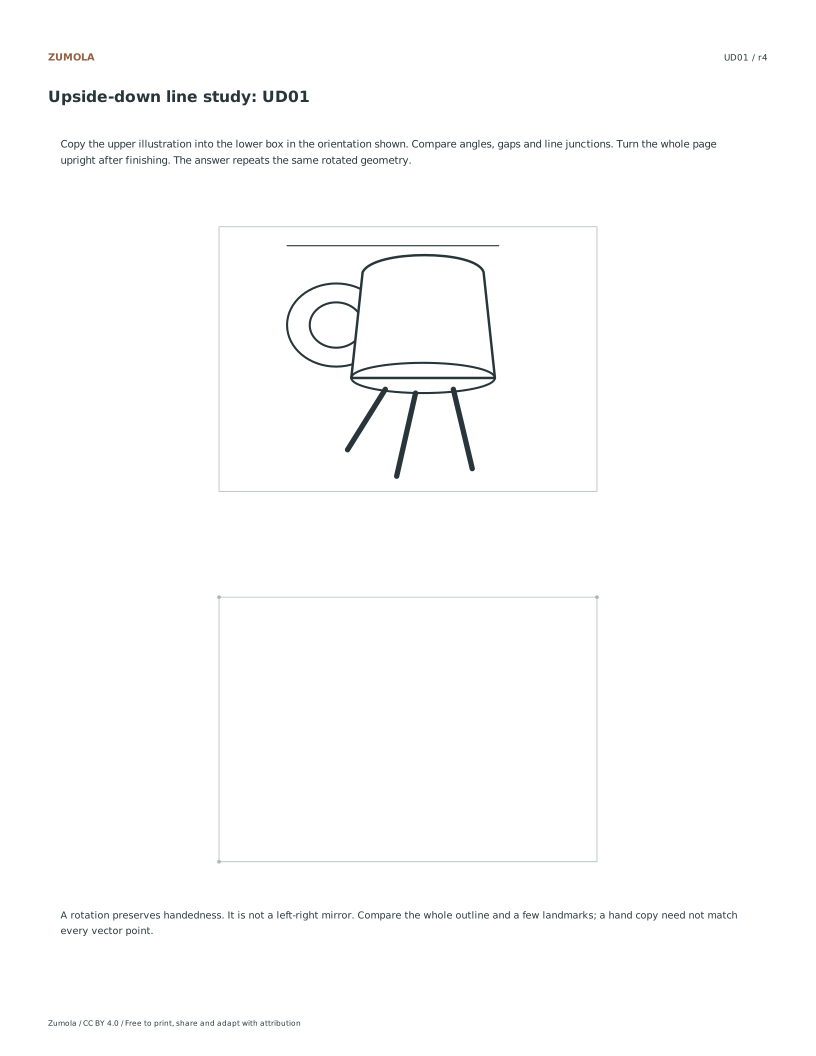
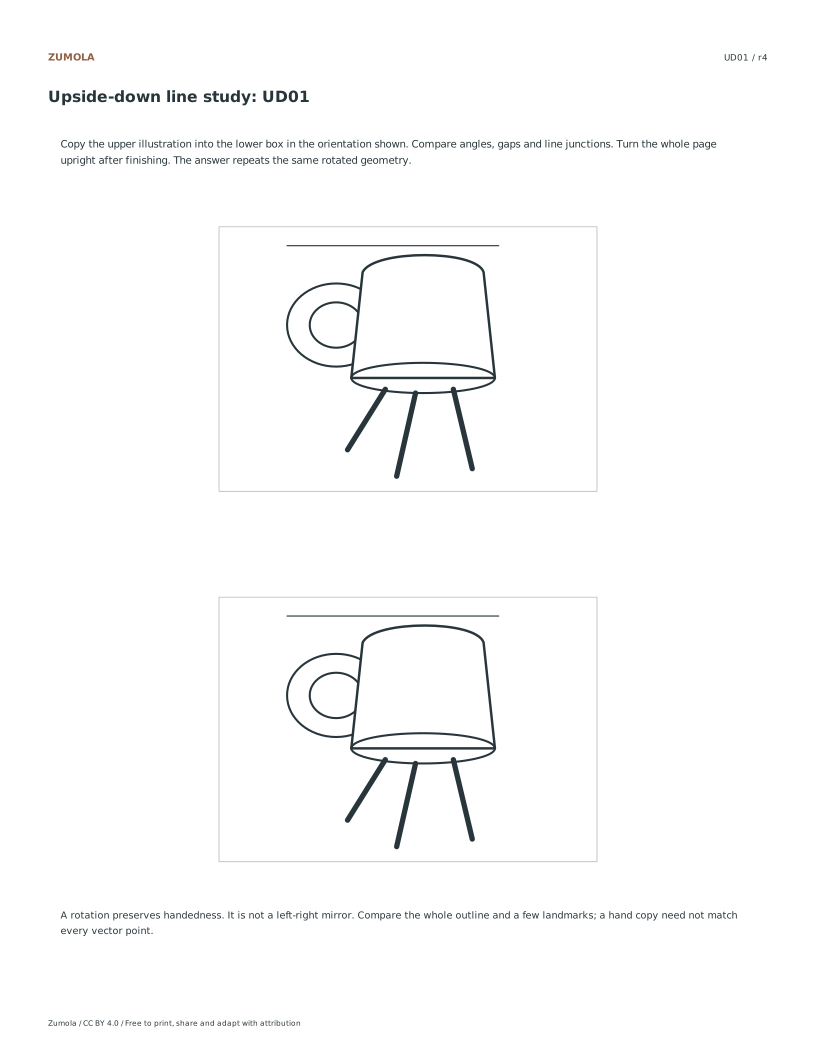
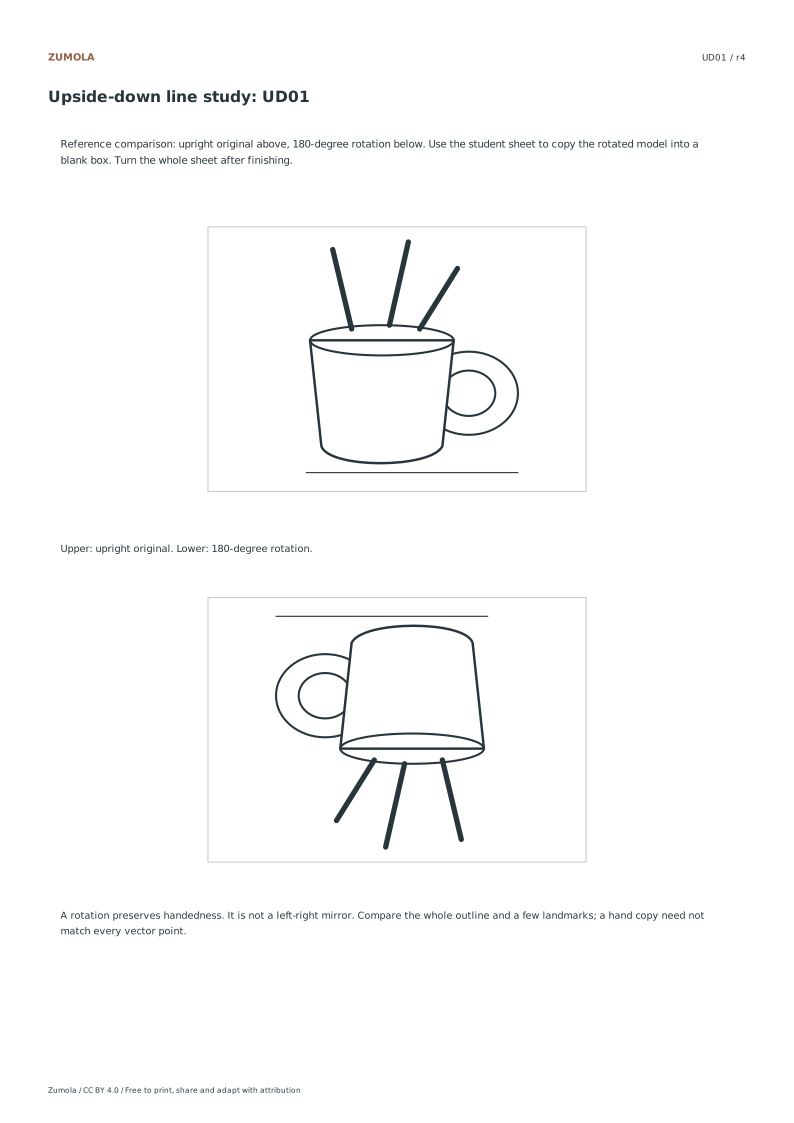
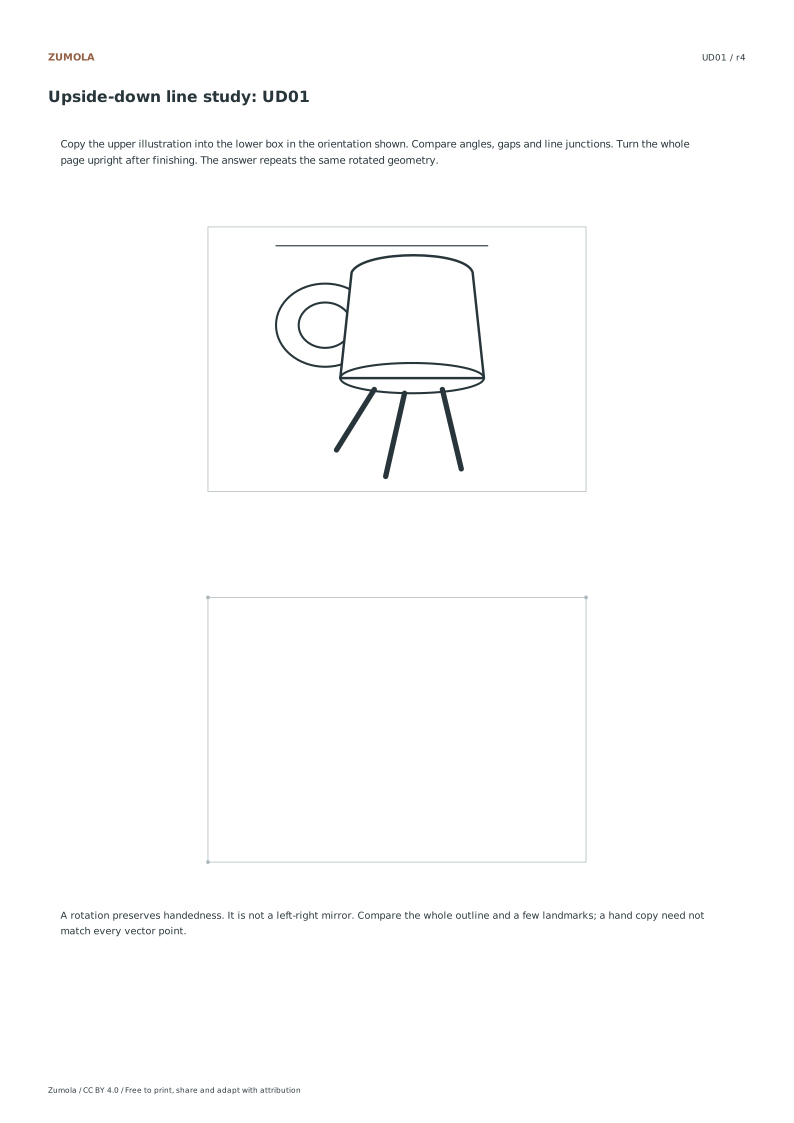
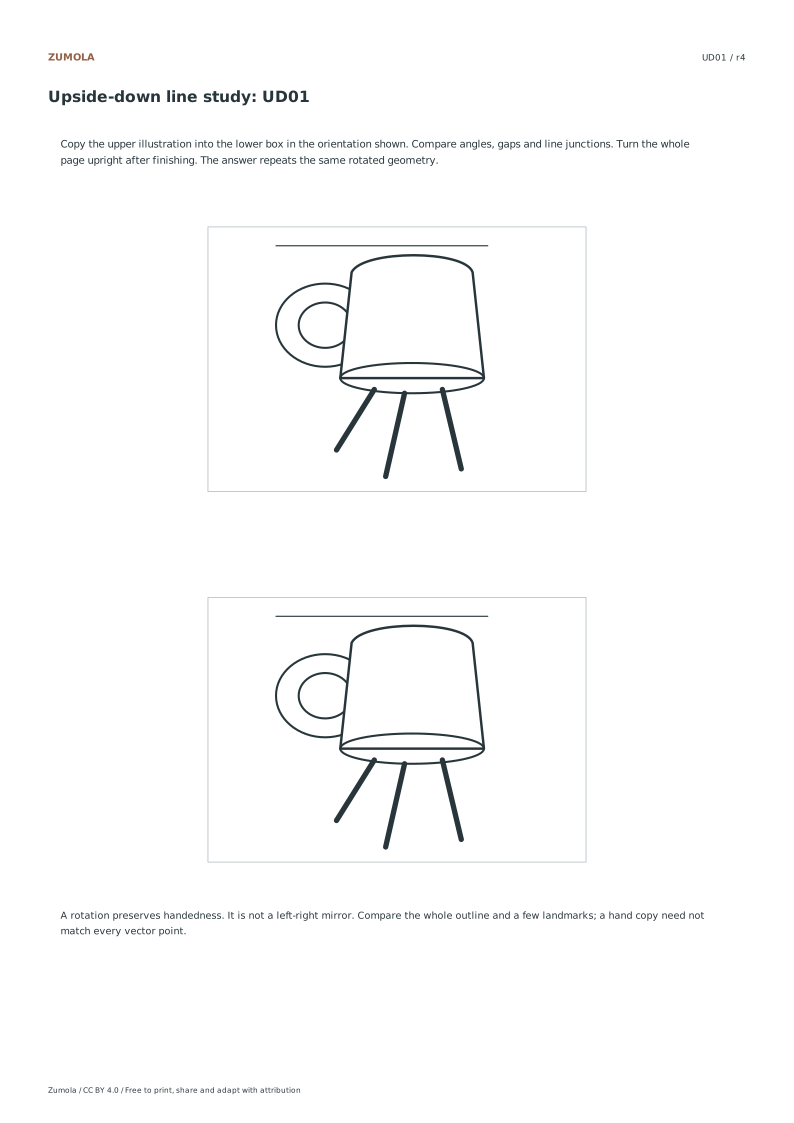
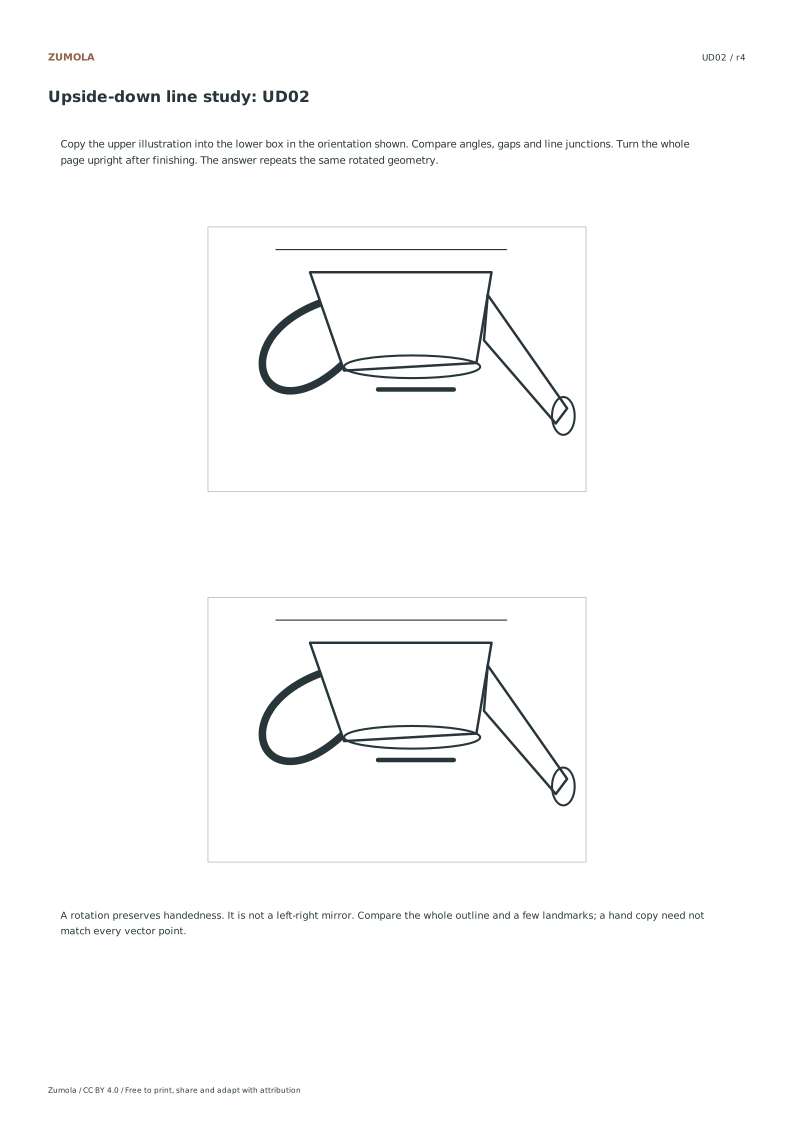
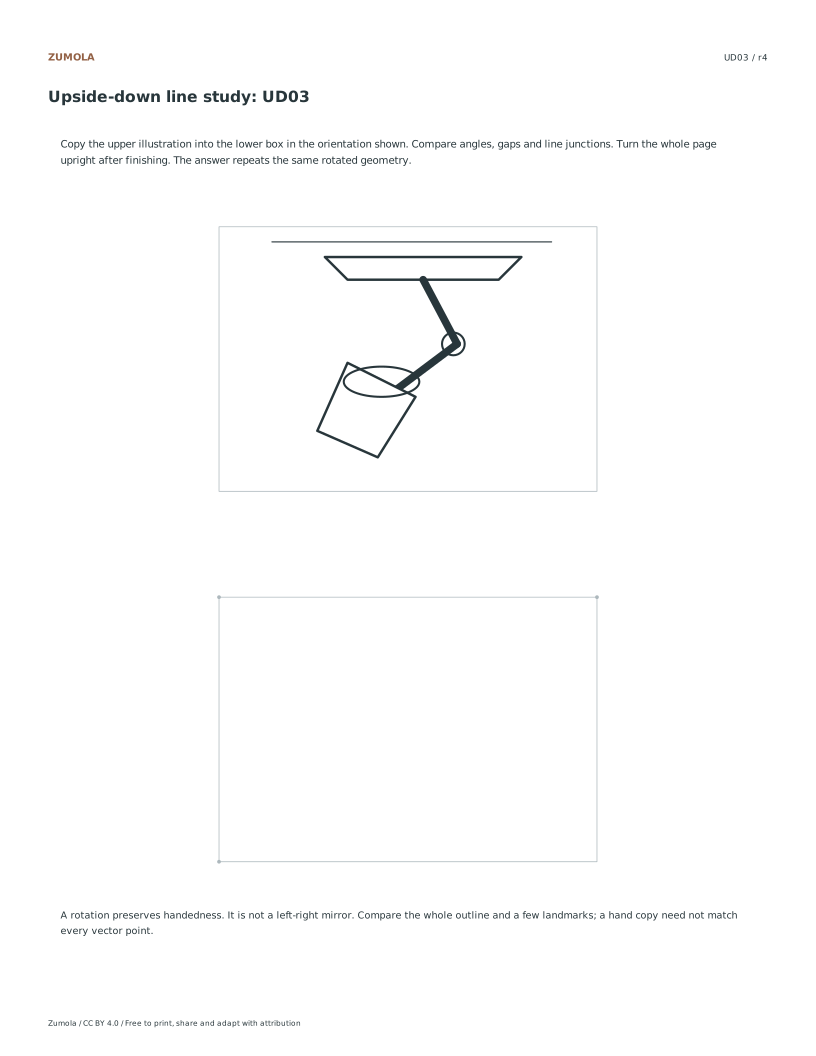
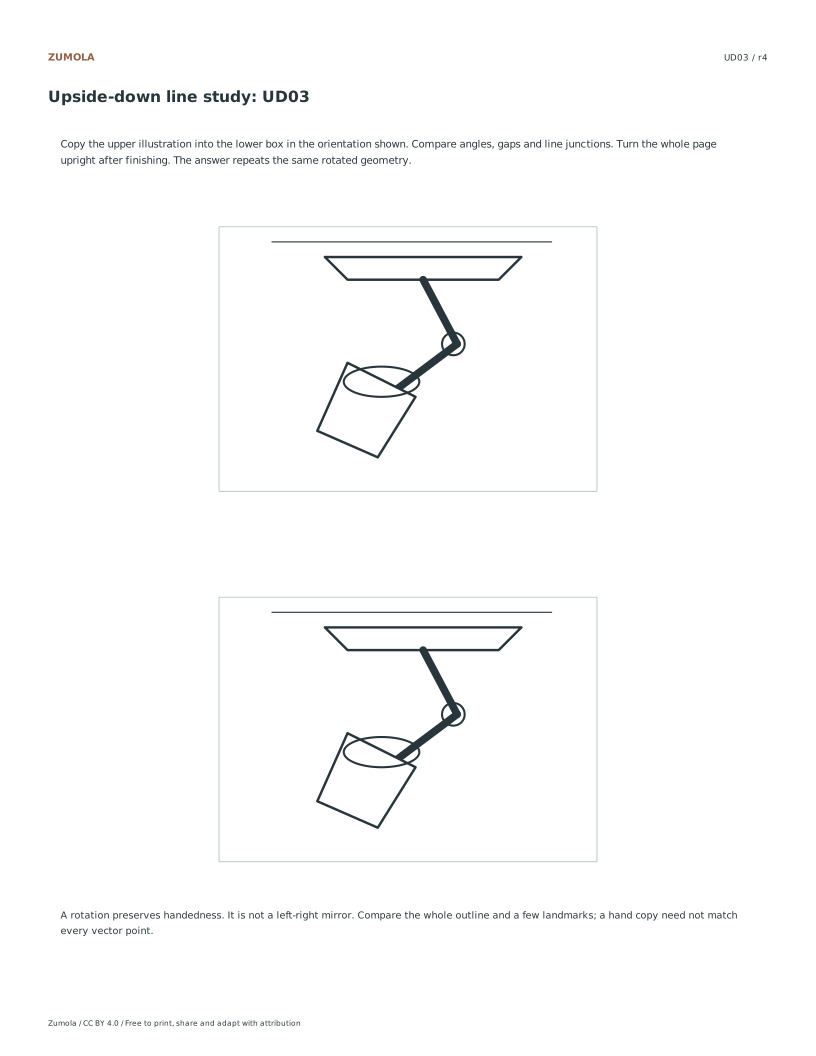
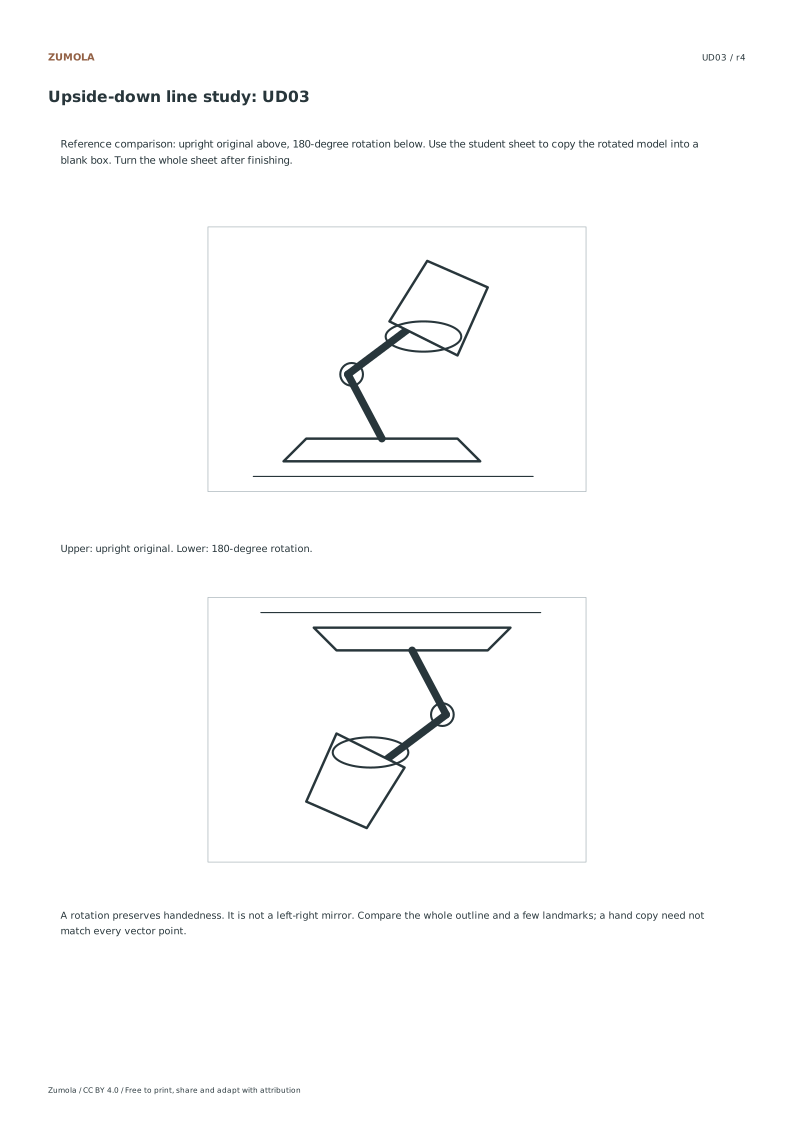
3 original line illustrations. 180° rotation, no mirroring.
A task, a reference and a way to check it
Copy a rotated line illustration without turning individual parts upright. Compare the finished drawing by turning the whole page.
Choose US Letter or A4, then use the PDF for printing or SVG for editing. Student worksheets and answer or reference files stay separate. Every linked file is free without signup.
Choose your paper and download
Download paper size
Every worksheet and answer is free. No signup.
The complete collection
Keep practice and answers separate.
Use the student pack first, then compare the reference or answer. Packs are PDFs; individual sheets below also include editable SVG files. The paper choice applies to every download.
The center of each model box is (50,35). Rotating a point around that center negates both of its offsets. Applying the rotation twice returns every point to its original position. A left-right mirror would change only x, so an asymmetric feature such as a handle would have a different relationship to the rest of the picture.
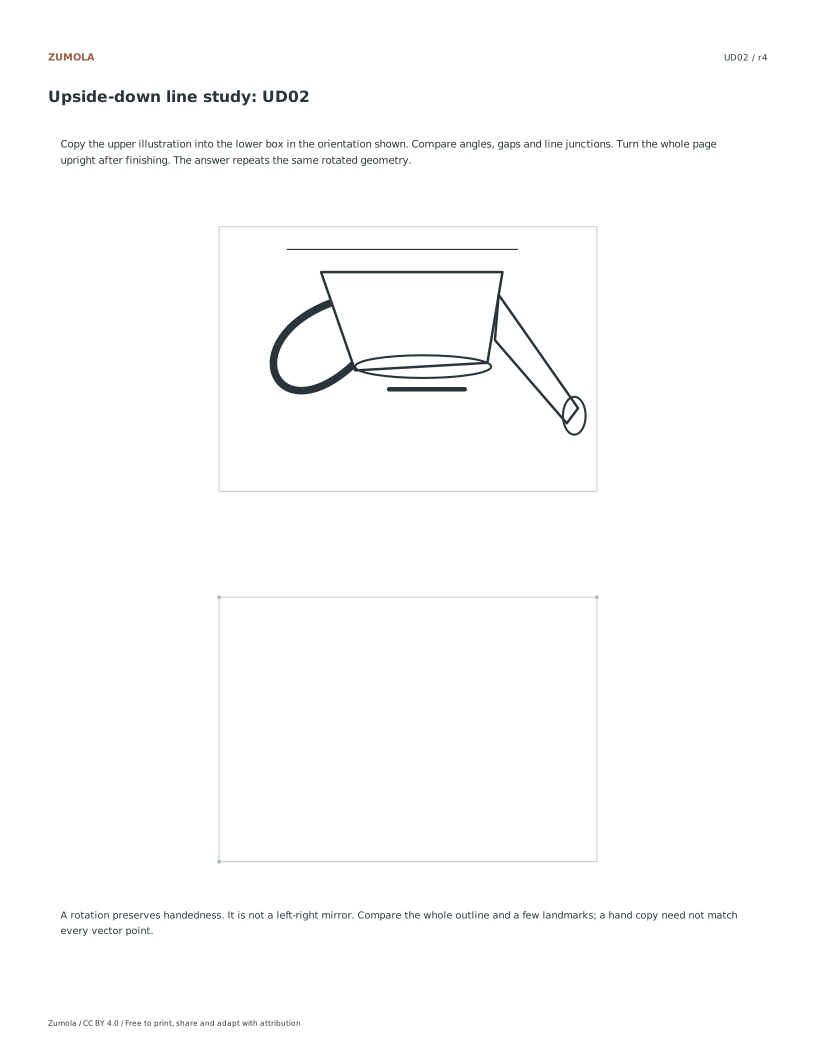
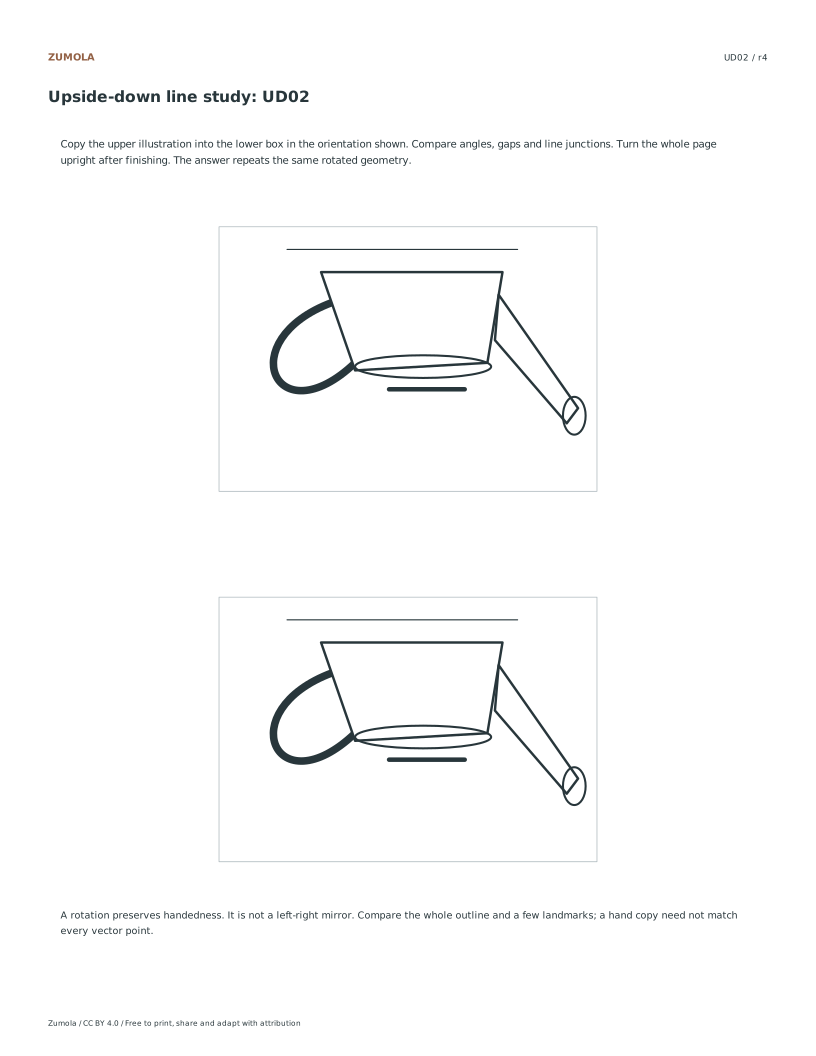
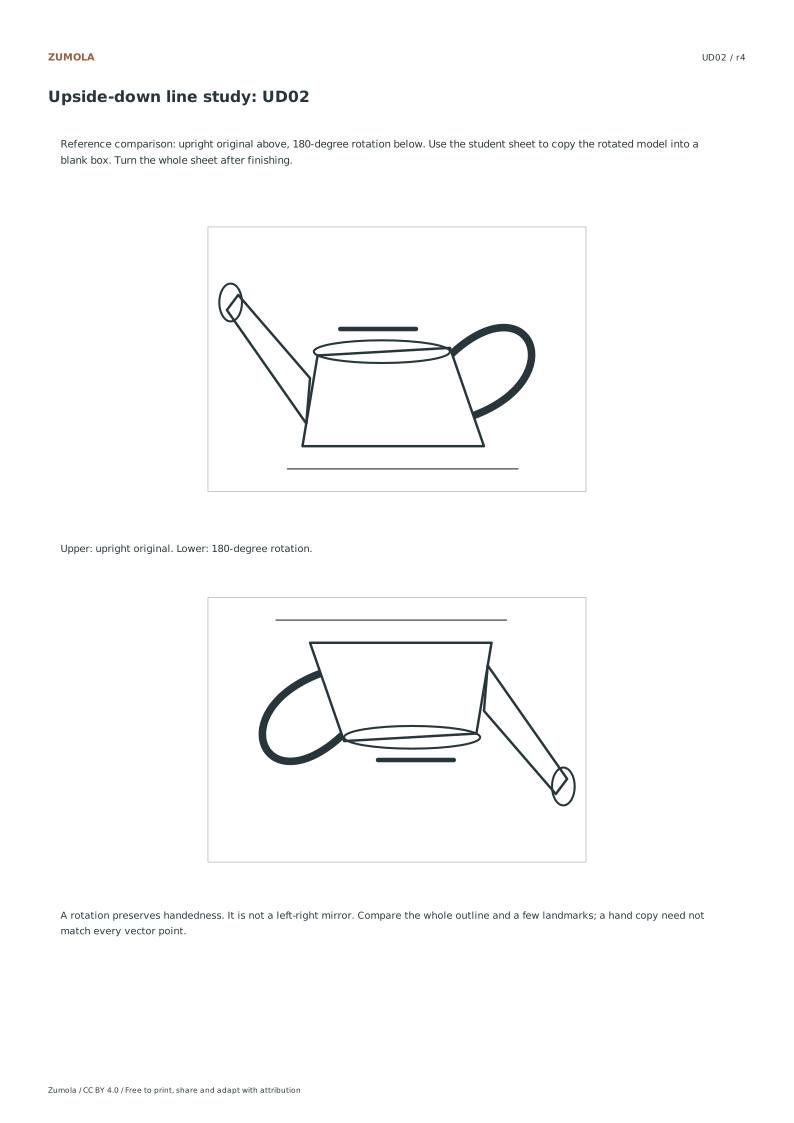
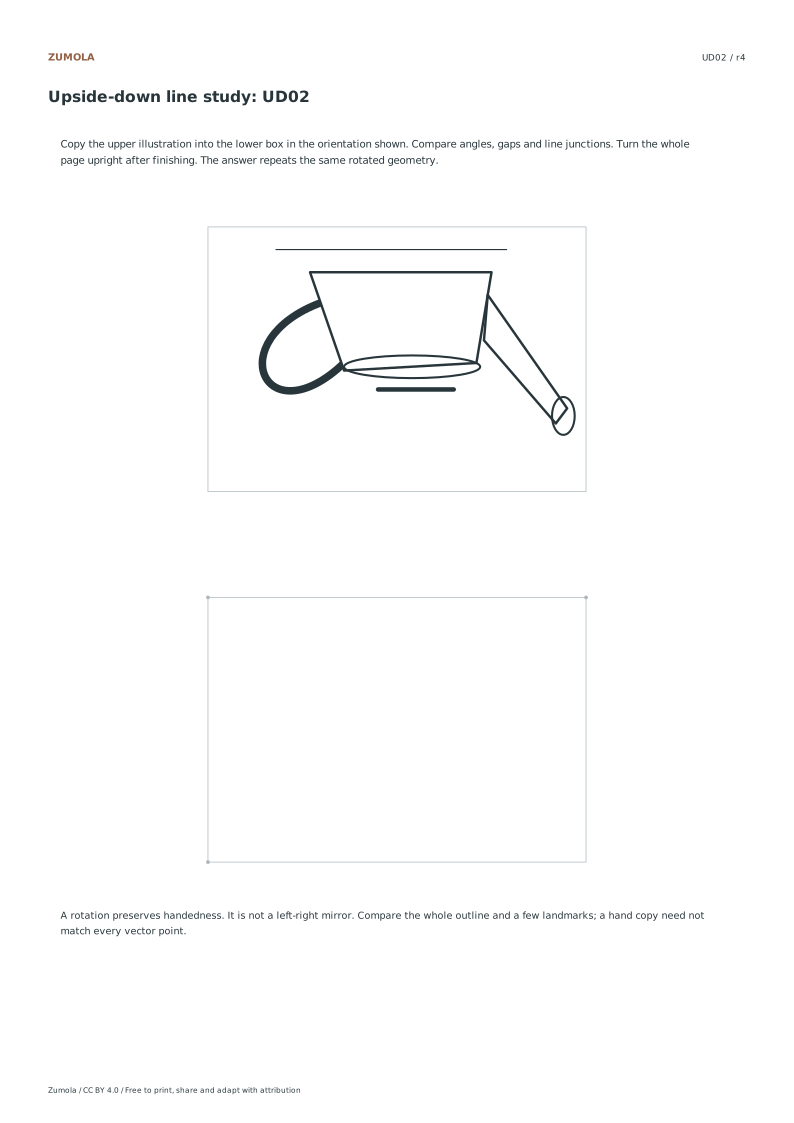
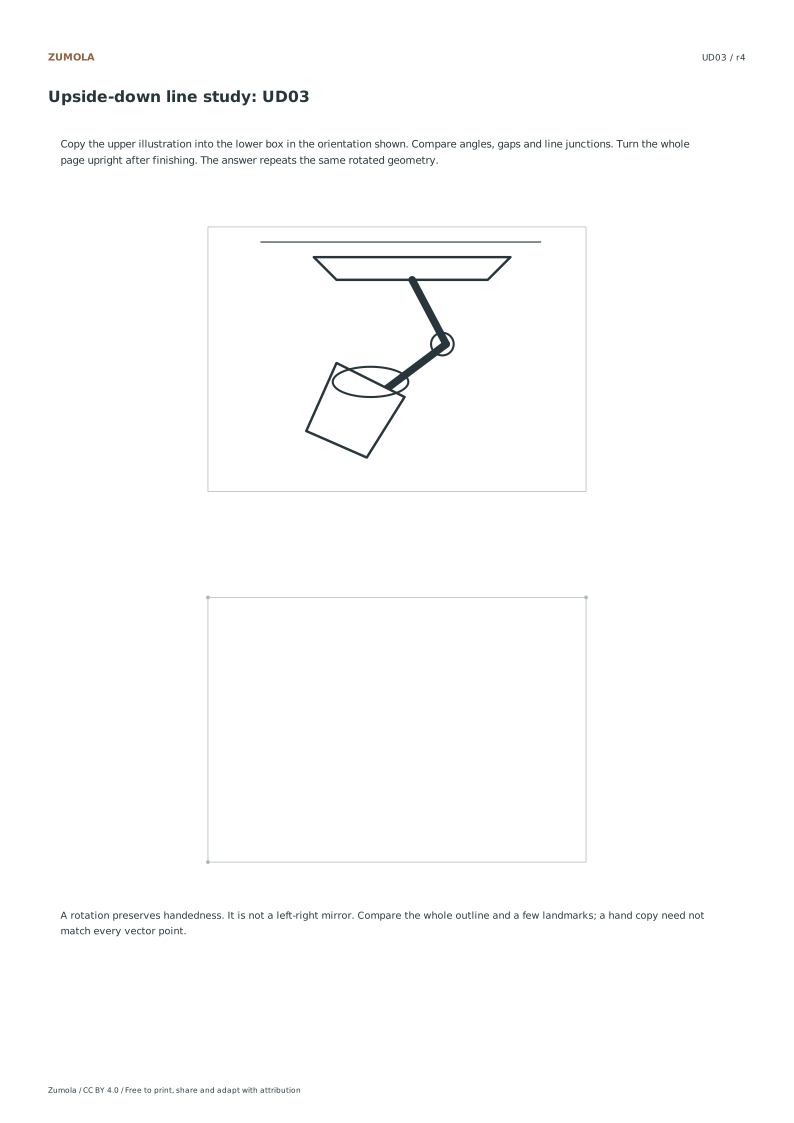
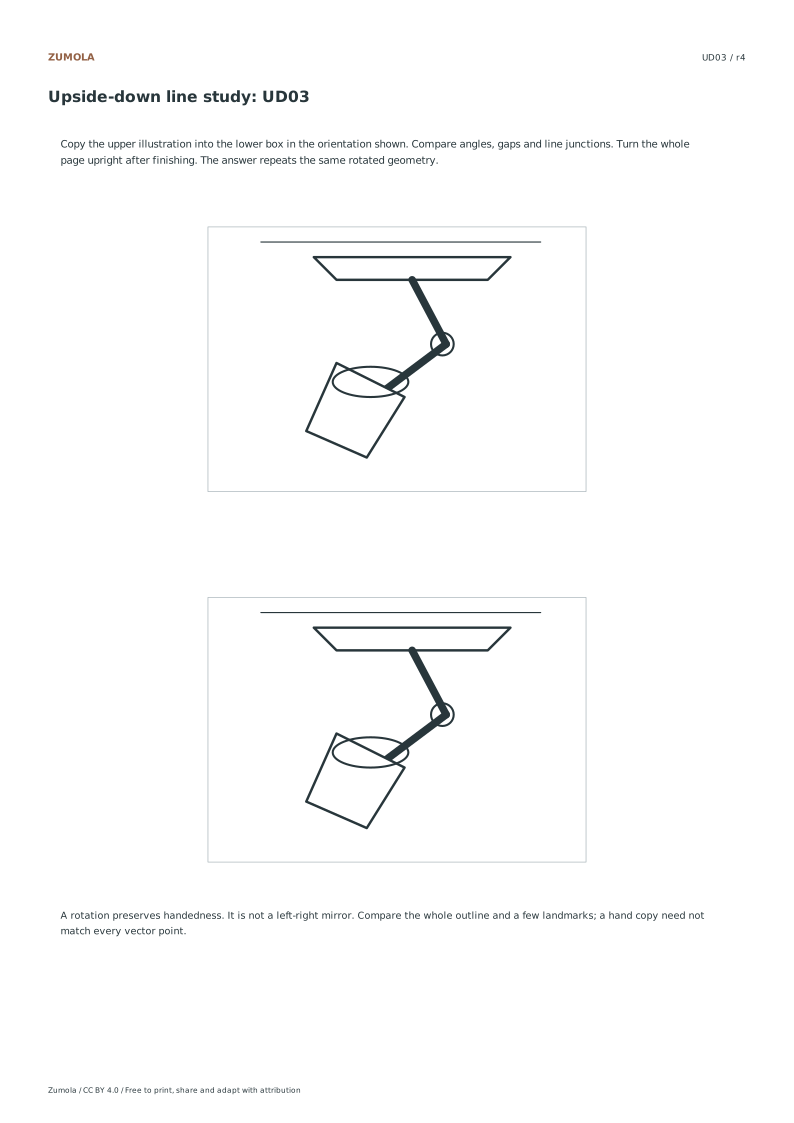
UD01 uses a brush mug, UD02 a watering can and UD03 an adjustable desk lamp. The reference file shows upright and rotated versions. The student file shows the rotated model above a blank box. The answer completes that lower box in the printed rotated orientation. This keeps the comparison direct before you turn the whole page.
Work through the page
Preparation and Orientation
Choose a student sheet. Its upper illustration is already turned 180°, and the lower 100 × 70 mm box is blank. Keep the printed orientation while copying: do not turn individual parts upright. Use the box corners for registration and compare a few line junctions inside the picture. A separate reference sheet shows the upright original above its rotated version if you want to inspect the transformation first. All three illustrations are original line drawings: a brush mug, watering can and desk lamp. None uses a textbook portrait or someone else’s worksheet image.
Executing the Rotation
Copy the line pattern you see into the lower box at the same size and orientation. A point (x,y) in the 100 × 70 illustration becomes (100−x,70−y) under the printed 180° rotation. Both coordinates reverse, so this is a rotation rather than a single-axis mirror. You do not need to calculate points while drawing; use the relationship to understand the answer. The corner dots mark the empty frame, not the object’s key features. Compare crossings, short gaps and curve directions as you work, leaving the page fixed until your attempt is finished.
Verification and Comparison
After finishing, turn the whole sheet through 180° to view the copied illustration upright. Compare it with the separate upright reference. The answer sheet also shows the completed lower image in the same upside-down orientation as its upper model. Check the overall proportions, then choose two or three landmarks such as a handle junction or lamp hinge. Look for a mirrored curve, a missing connection or a gap that changed size. This is an observation exercise with a reference completion, not a claim about brain sides or a guaranteed improvement in drawing accuracy.
Checks that catch common errors
Watch for
Check instead
Treating the transformation as a mirror reflection instead of an in-plane rotation.
Apply the point transform x,y to 100-x,70-y to ensure a true 180-degree rotation within the 100x70 mm box.
Rotating the paper while drawing instead of keeping the printed orientation fixed.
Keep the page in its original printed orientation during the drawing process and only rotate the whole page at the end for comparison.
Treating the frame dots as object landmarks.
The supplied dots locate box corners. Choose your own line junctions inside the model to compare the drawing.
Print a test sheet before the full pack
Choose the file matching the paper in your printer. Print the PDF at Actual size / 100%, turning off Fit, Shrink and browser headers. An SVG editor or browser can change its scale even though the file uses millimeter dimensions. Use the supplied calibration bars where present when a task depends on physical size; a screen preview alone does not establish printed size.
The packs contain the same individual pages in collection order. They are a convenient download, not extra different exercises. On coordinate plots, uniform scaling preserves the numerical positions relative to the axes. On image-copy tasks, keep the specified proportions and any stated source-to-target enlargement. Color is optional: labels, line positions and relative lightness also explain the references.
Useful answers
What file formats are available for these illustrations?
The resources are available in Letter and A4 PDF formats, as well as SVG files, ensuring compatibility with various printing and digital tools.
Are the illustrations based on existing textbook images?
No, the brush mug, watering can, and desk lamp are original line illustrations, distinct from copied textbook or portrait artwork.
How is the accuracy of the drawing verified?
Accuracy is verified by rotating the completed page 180 degrees to compare the upright result against the original reference, using the answer key as a guide.
Are the answers and editable files free too?
Yes. Every linked worksheet, PDF, SVG and answer is free without signup. Original Zumola resources use CC BY 4.0: credit Zumola, link the license and indicate changes. Analytics consent is not required to download or use them.
Optional Google Analytics helps us understand which free resources are useful. It is off until you allow it. Drawing tools and downloads work with either choice. Privacy details