3 original compositions. Guided + student + answers.
A task, a reference and a way to check it
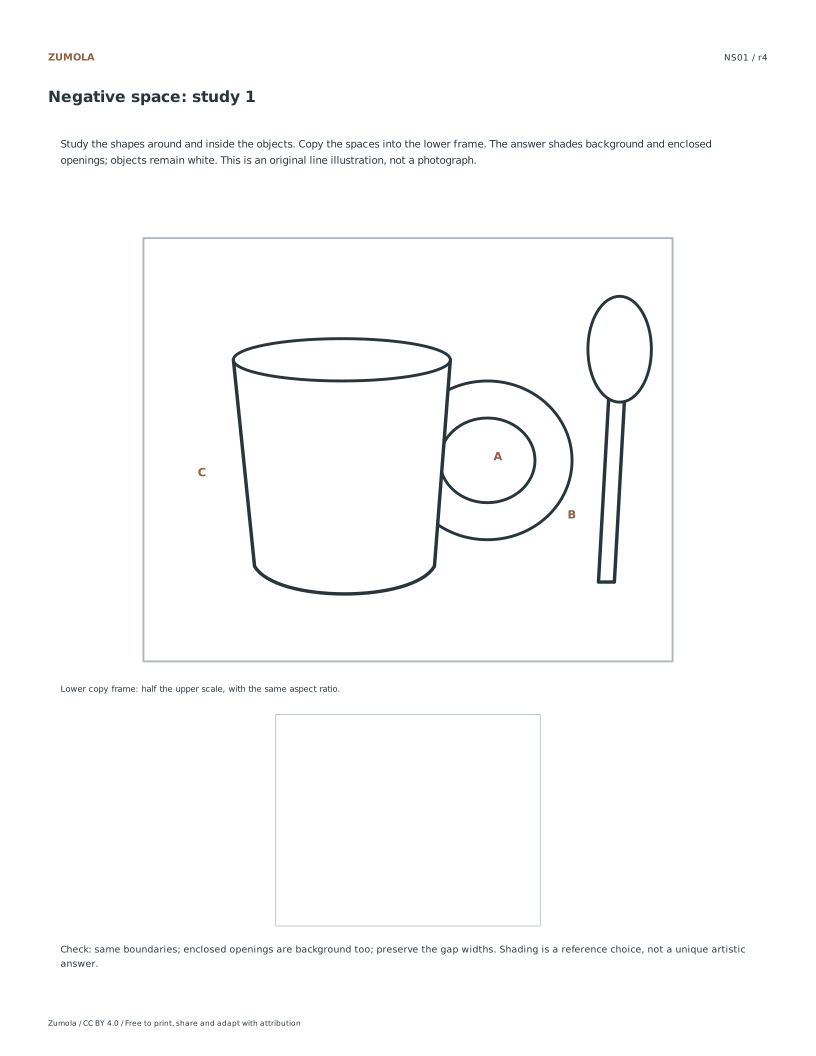
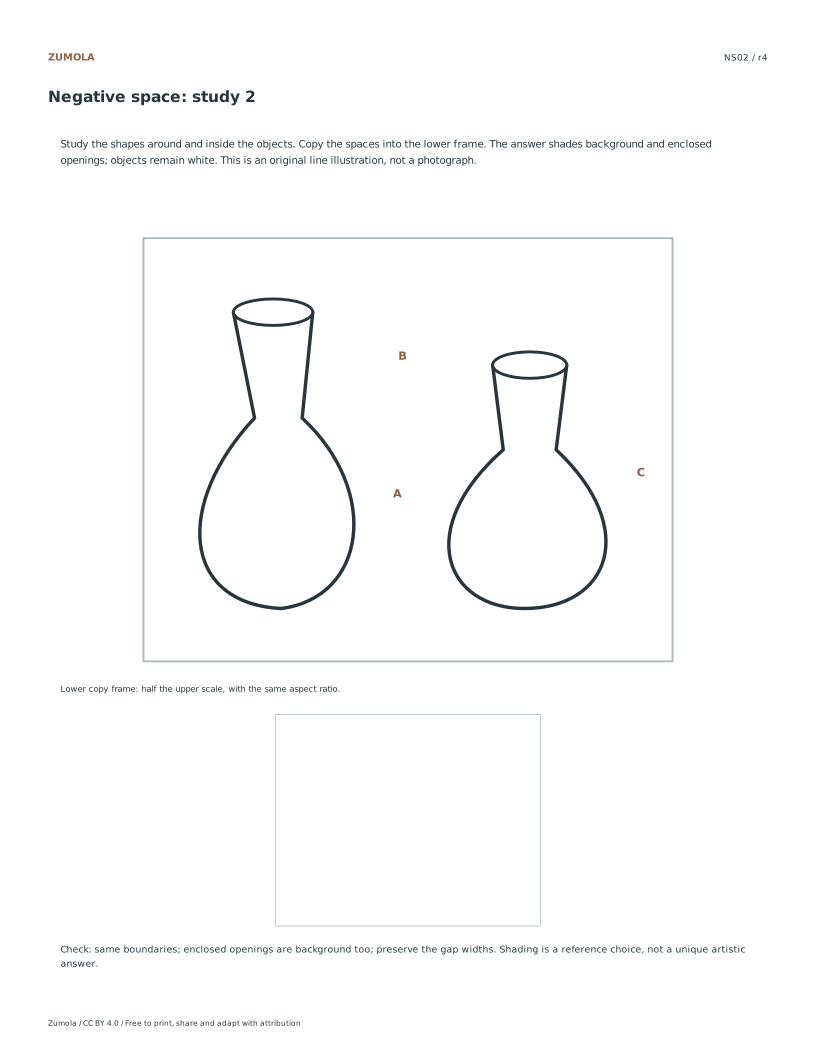
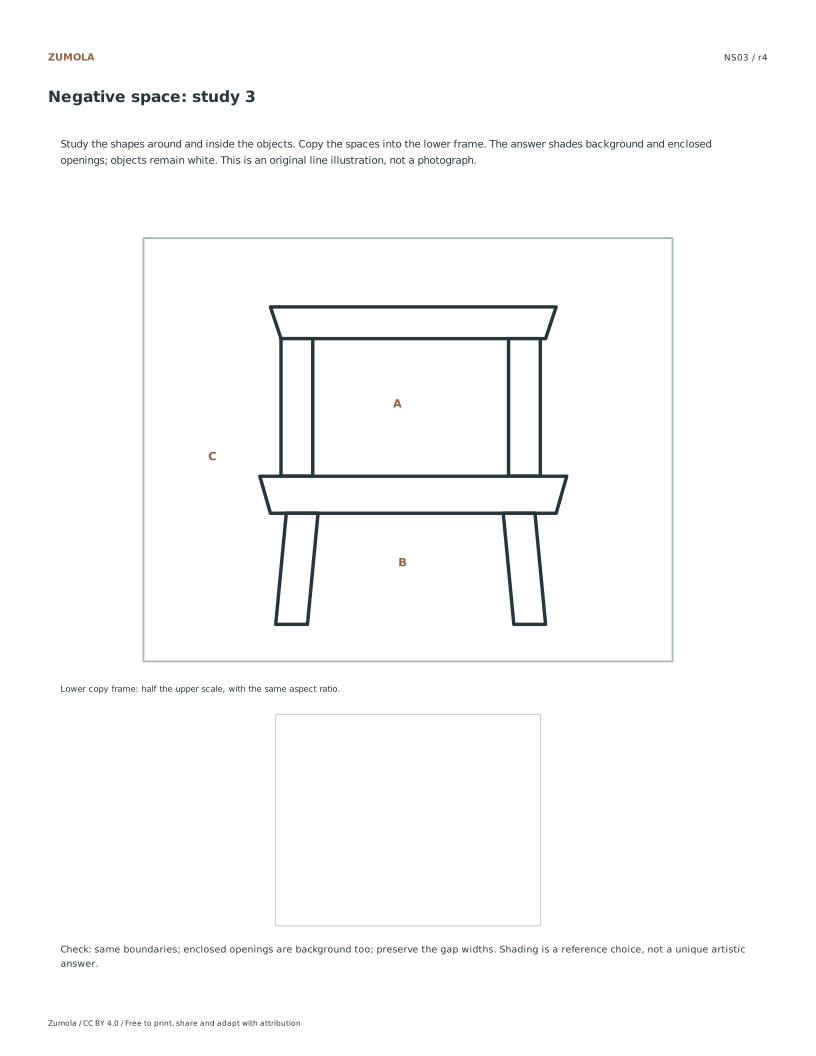
Look at the shapes around objects and inside openings. Compare a mug and spoon, two vases and a chair, then copy their negative spaces.
Choose US Letter or A4, then use the PDF for printing or SVG for editing. Student worksheets and answer or reference files stay separate. Every linked file is free without signup.
Choose your paper and download
Download paper size
Every worksheet and answer is free. No signup.
The complete collection
Keep practice and answers separate.
Use the student pack first, then compare the reference or answer. Packs are PDFs; individual sheets below also include editable SVG files. The paper choice applies to every download.
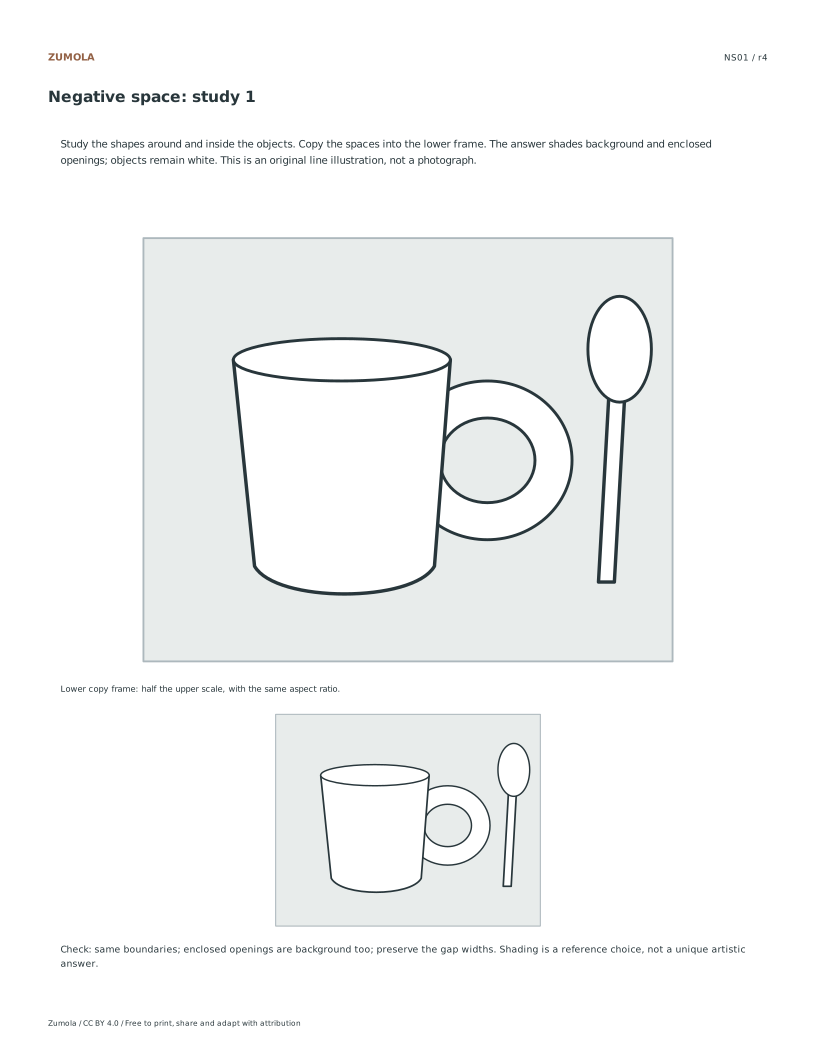
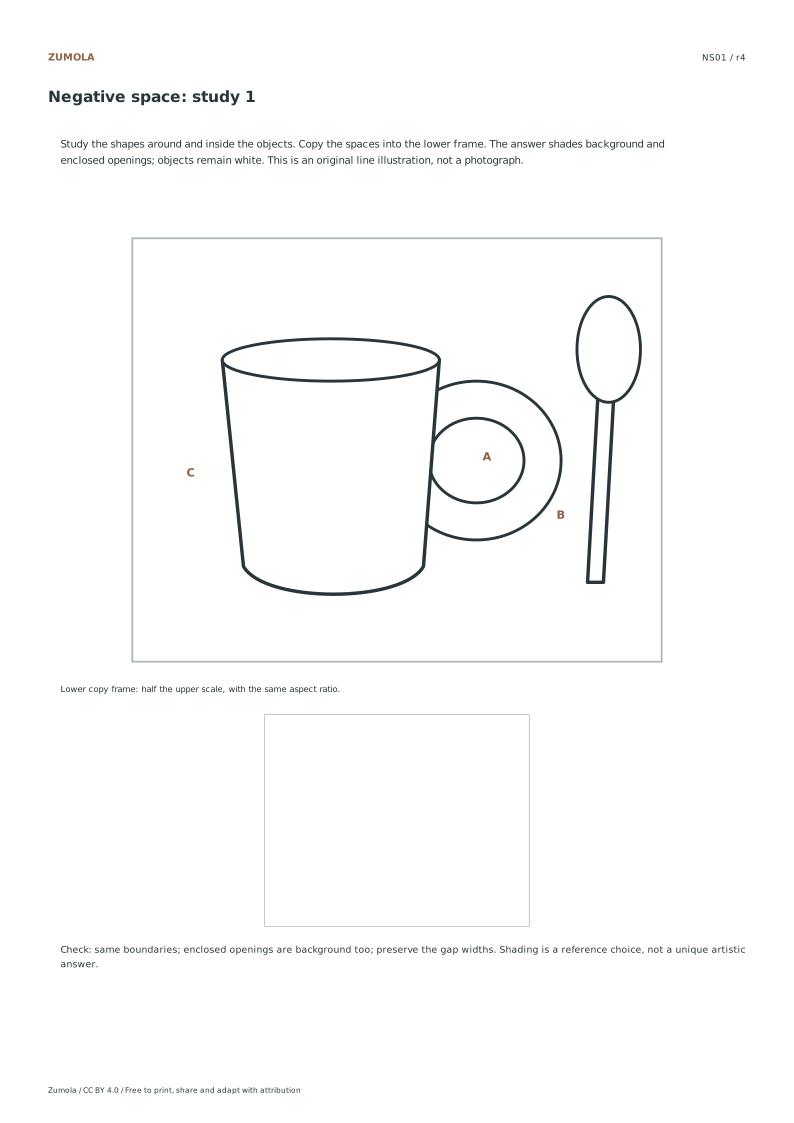
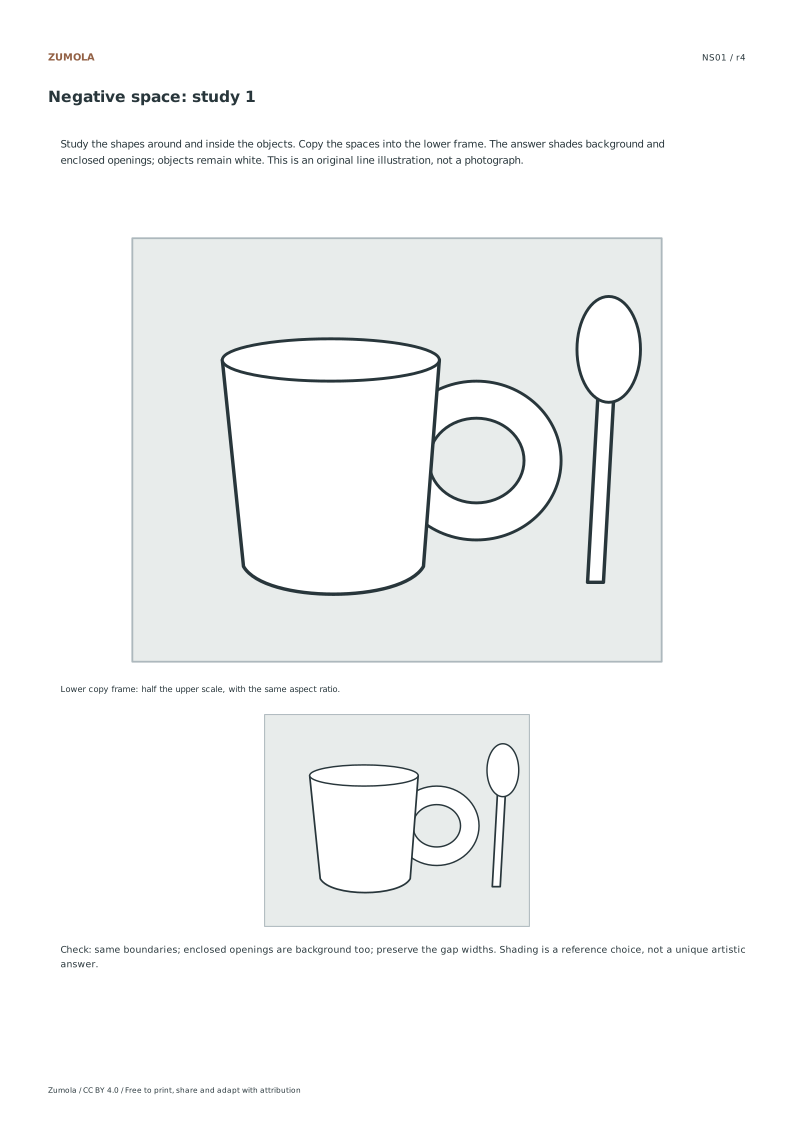
The handle opening and narrow gap beside the spoon
Both belong to background; the cup body stays white
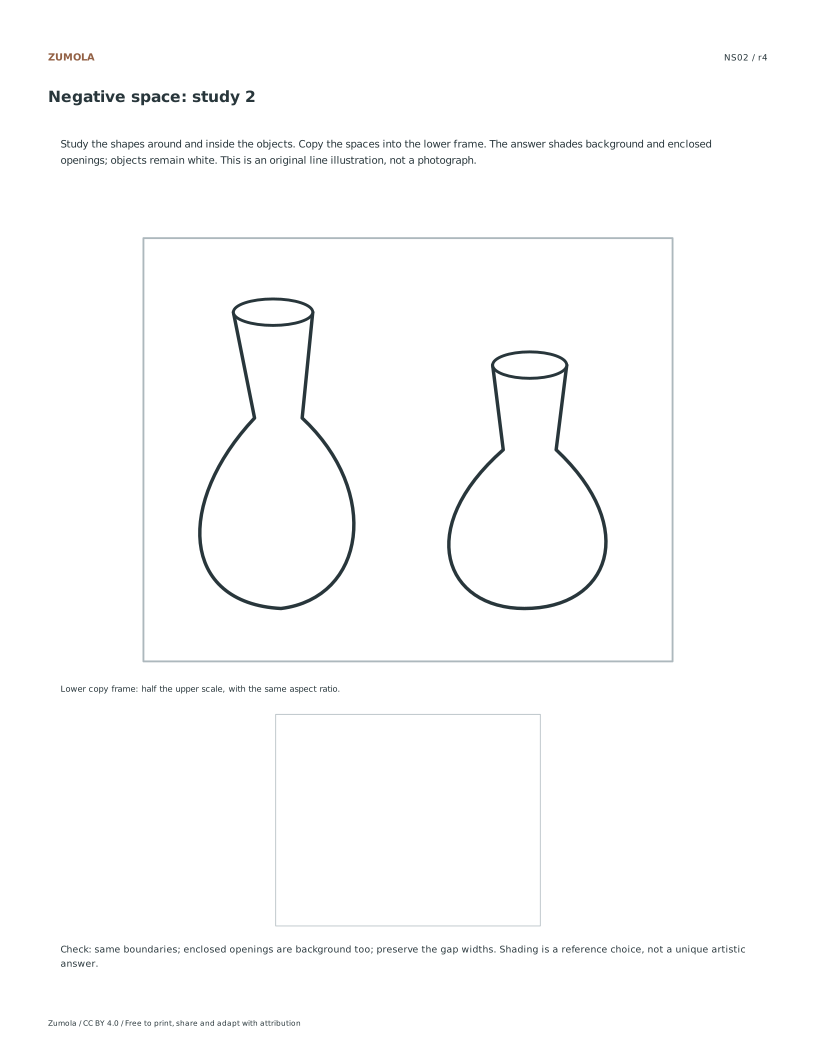
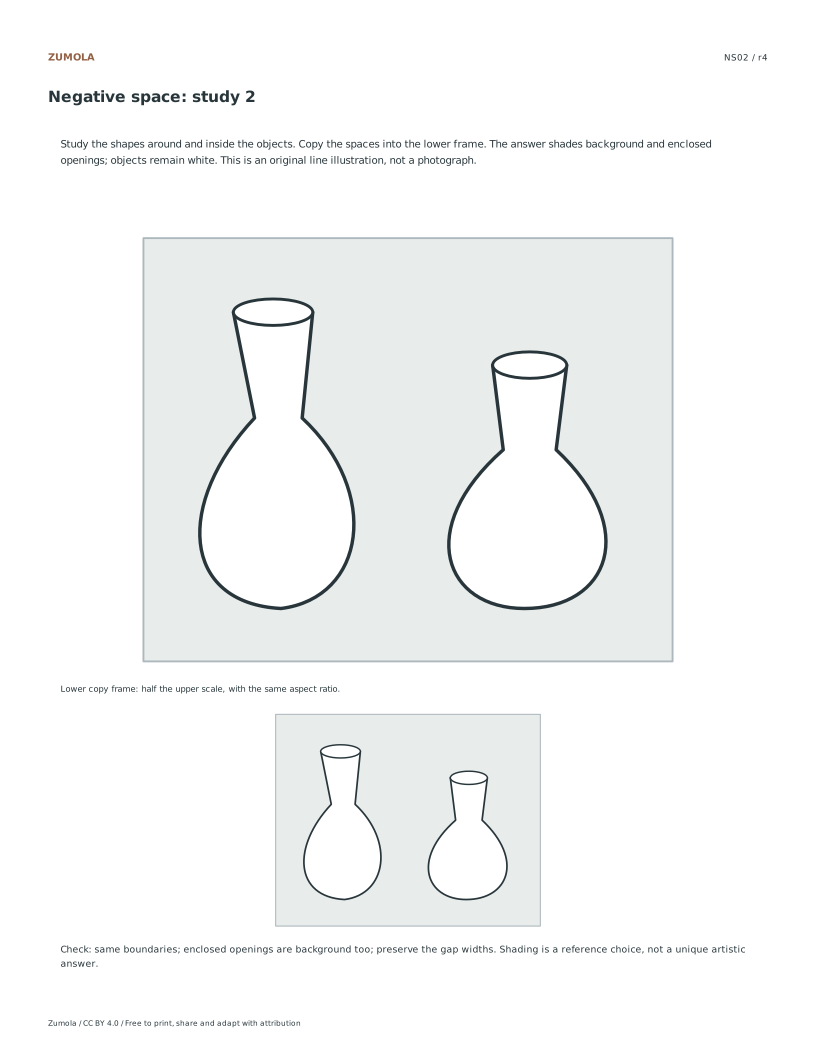
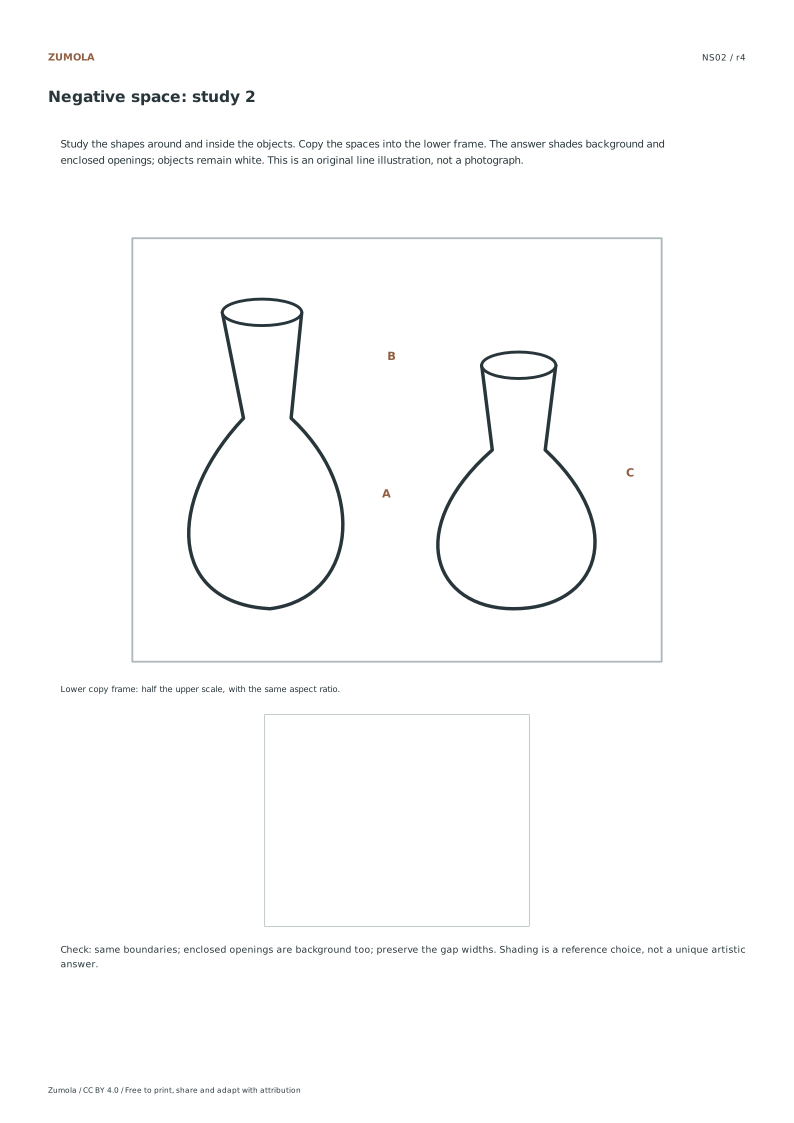
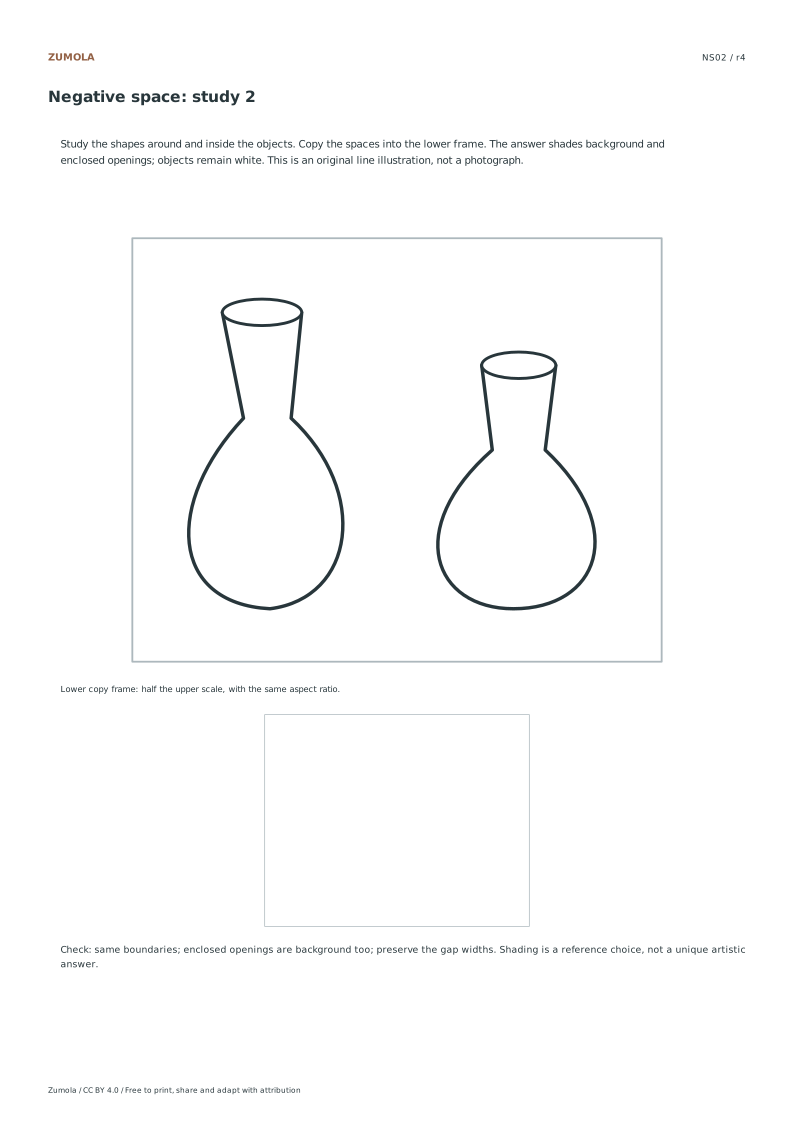
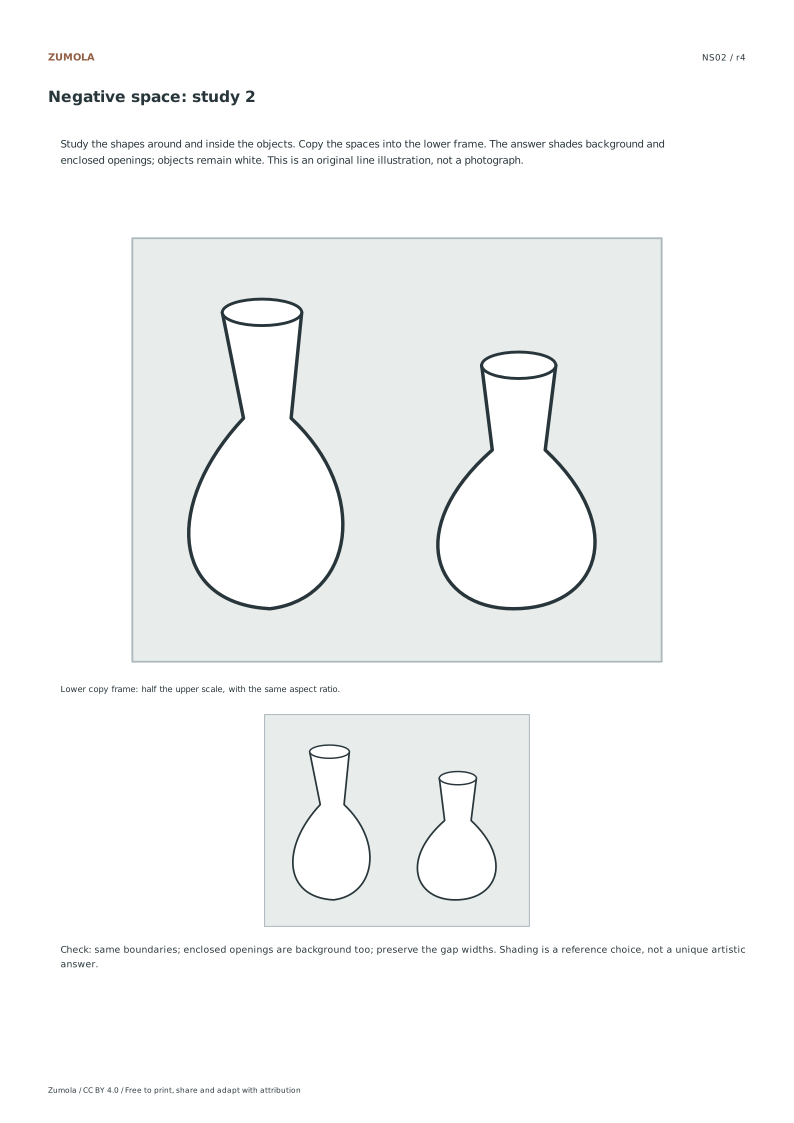
NS02 · Two vases
The changing gap between the necks and bodies
Keep the gap open instead of joining the vessels
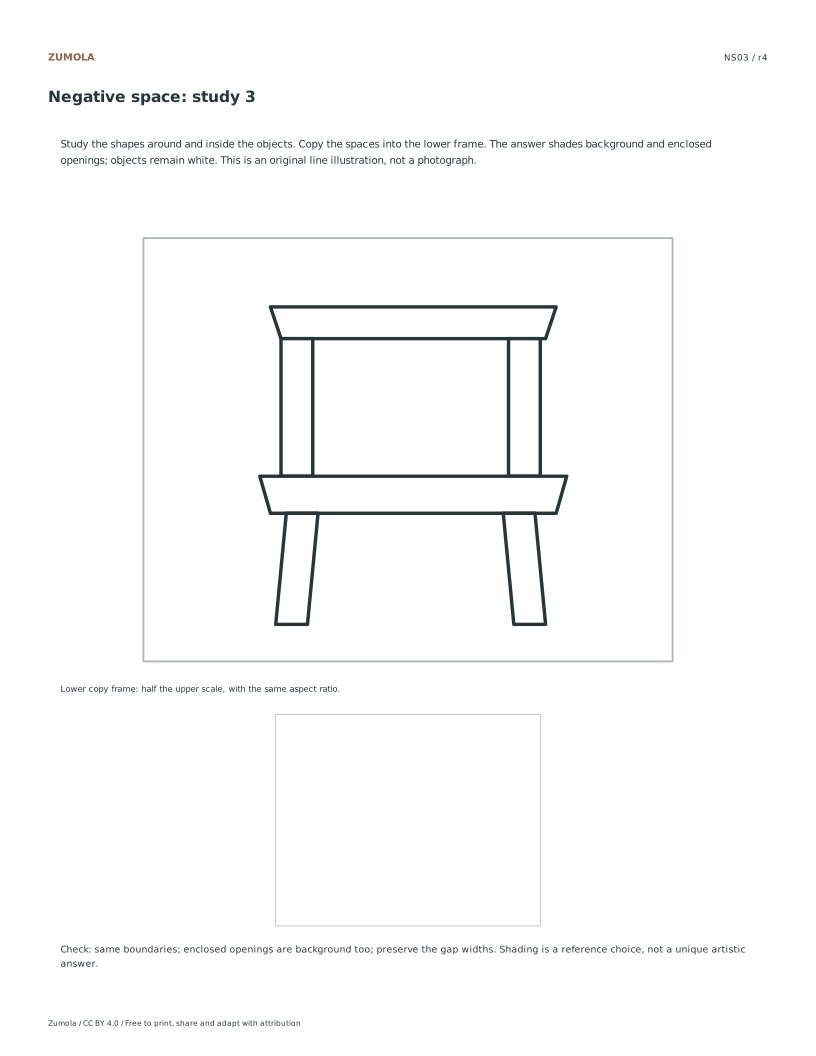
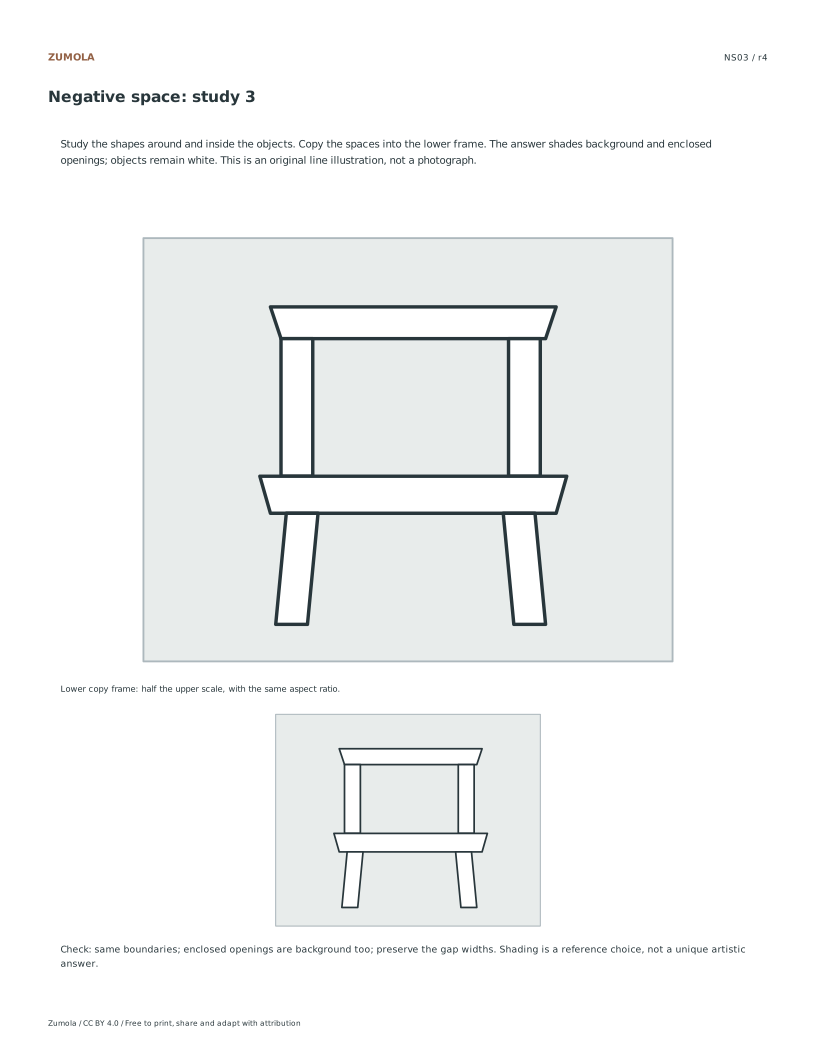
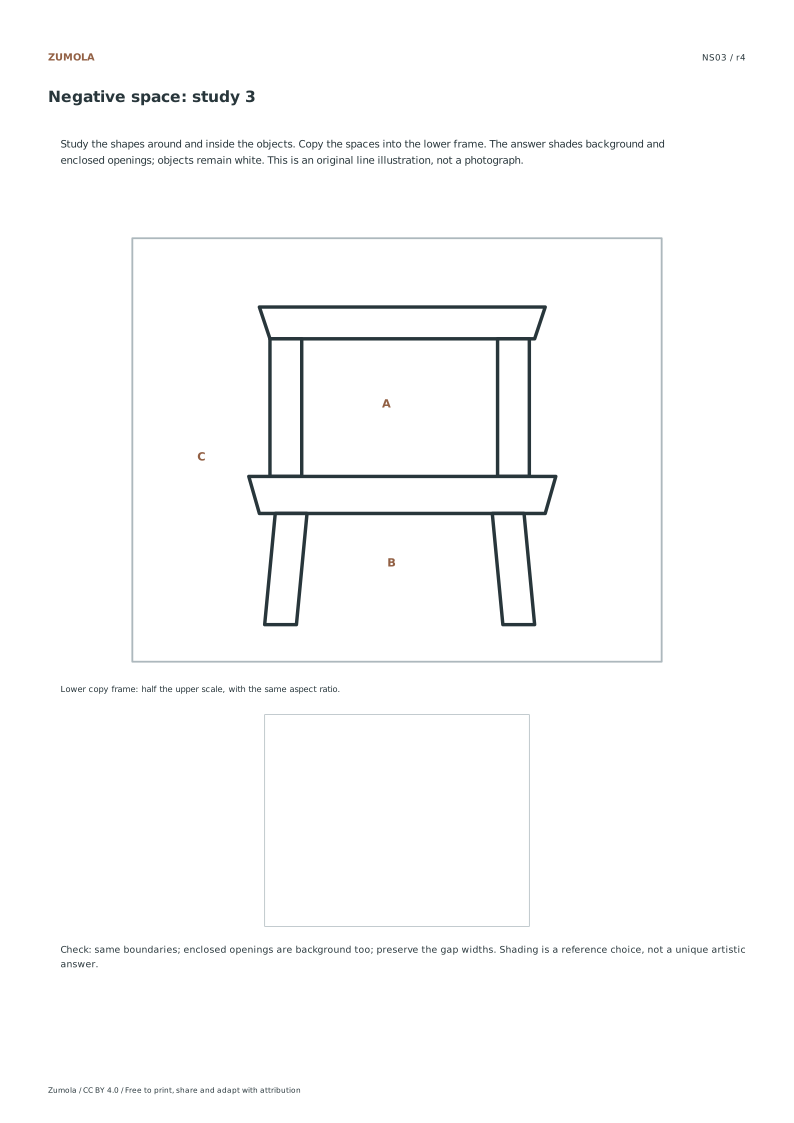
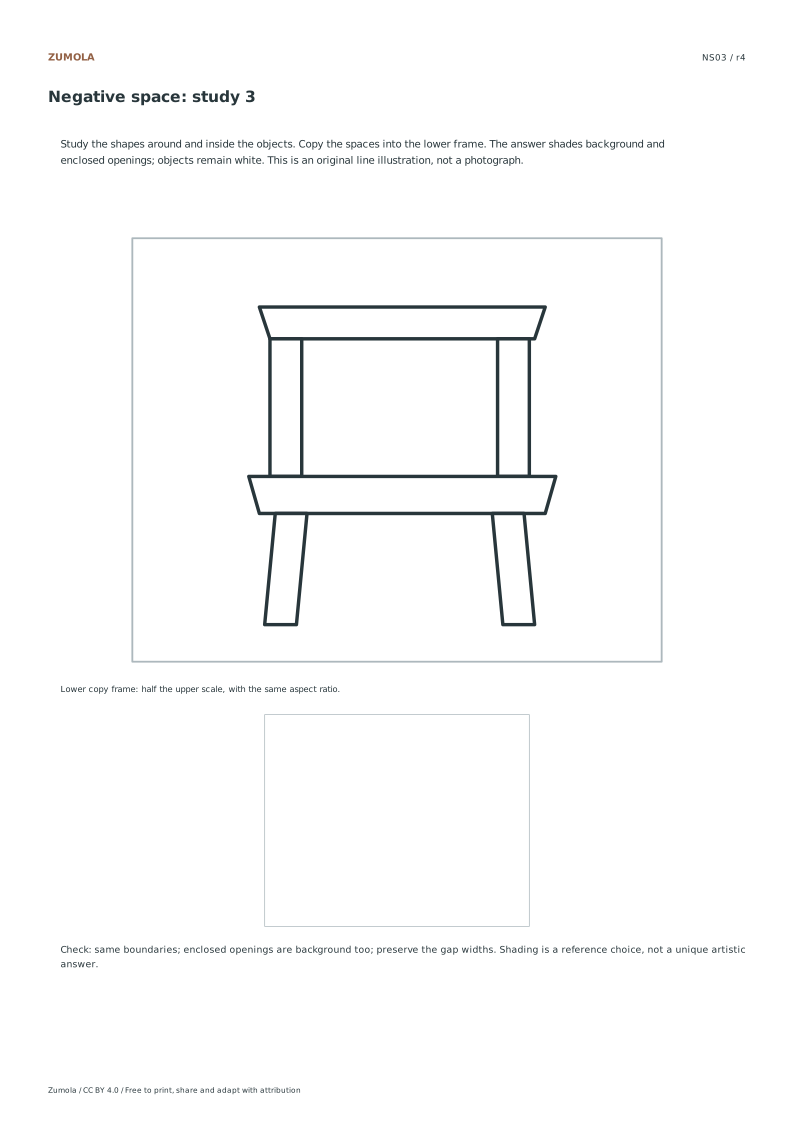
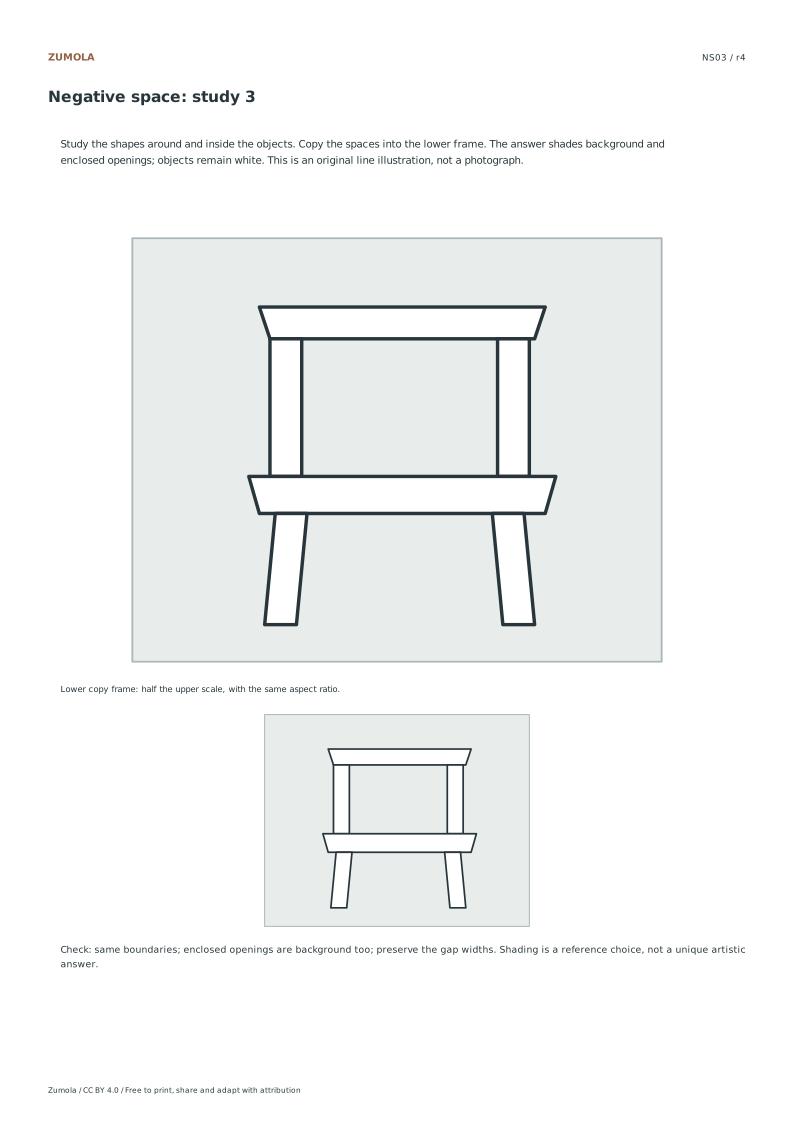
NS03 · Chair
The back opening and space between the legs
Include internal openings as well as exterior space
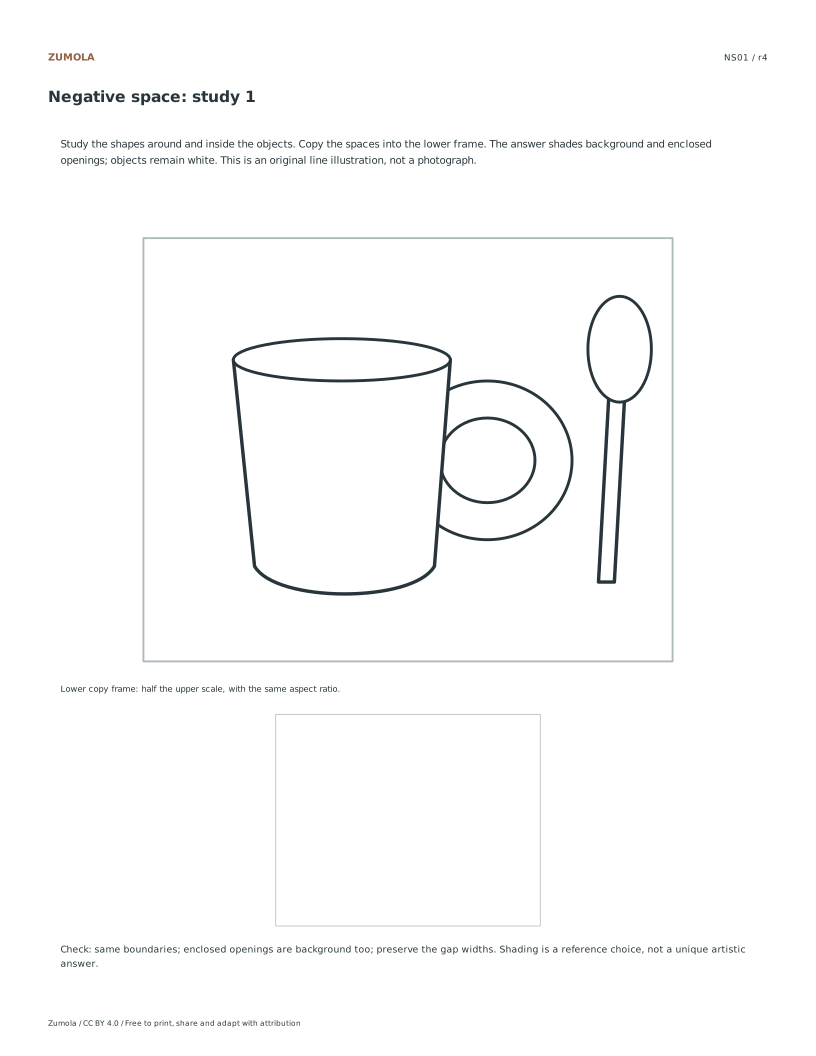
The answer fills the entire illustration frame pale green, then leaves the positive objects white. This makes a missed opening visible. The upper frame is 140 × 112 mm; the lower copy frame is 70 × 56 mm. Both use the same 5:4 aspect ratio. Halve both dimensions in the lower copy rather than compressing only the height.
Begin with one gap corner. Compare its angle to the frame edge, then locate where the opposite boundary changes direction. On a mug handle, do not confuse the outer handle curve with the hole inside it. On the chair, the open area below the seat can connect to the exterior background, while the opening framed by the back rails is enclosed.
Work through the page
Identifying the Gap Shape
Begin by observing the white positive objects within the vector composition, such as the mug with spoon or the two vases. Instead of naming these items, focus entirely on the empty spaces surrounding and enclosing them. The shaded negative-space reference answer illustrates this clearly by rendering positive objects in white and negative spaces in pale green. This visual distinction helps you isolate the specific gap shapes you need to copy. Remember that the same outlines define both the object and the space, so tracing the boundary of the gap ensures accuracy without needing to draw the object itself first.
Using the Guided Reference
The guided reference labels three negative regions in each composition. Find them without tracing the entire object first. An enclosed hole, such as the mug handle, is negative space even though it lies inside an object’s outer silhouette. Other gaps connect to the surrounding frame. The answer shades both kinds in pale green and leaves the objects white. Use the same boundary as the object edge: do not leave an extra white outline gap. The lower copy frame has the same aspect ratio as the upper illustration at half its scale, so both width and height shrink together.
Transitioning to Unprompted Drawing
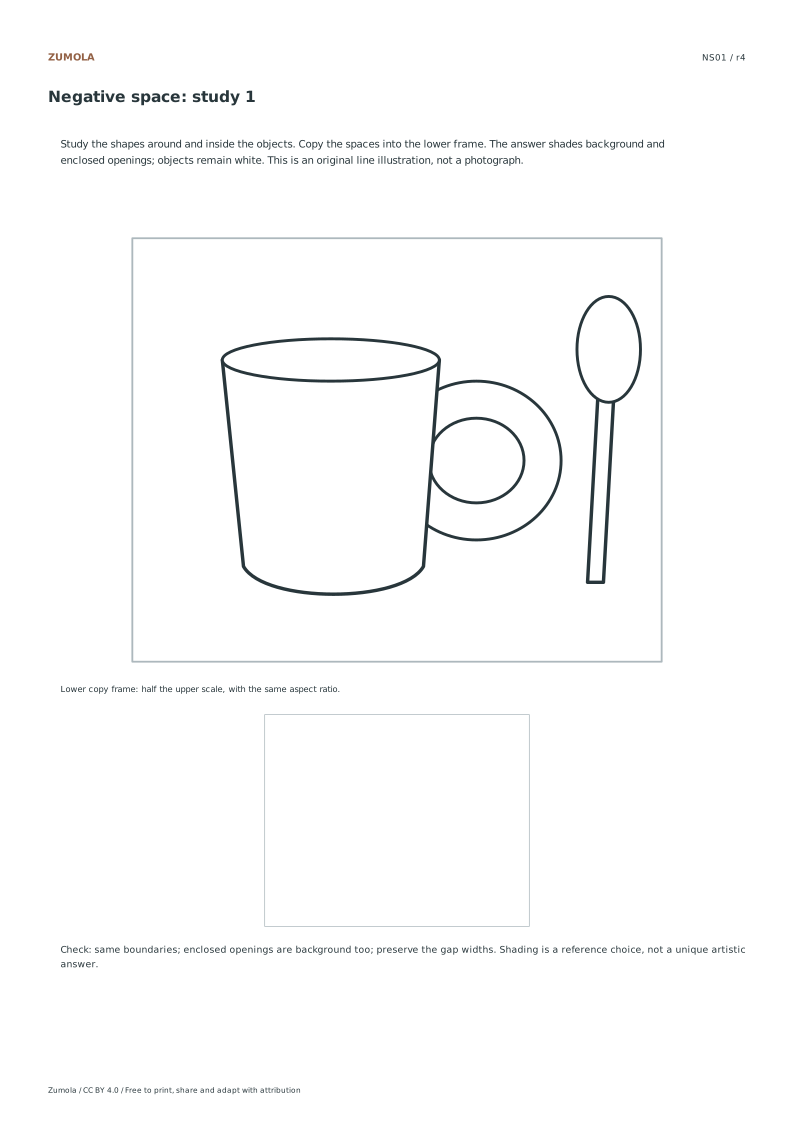
Use the unprompted student sheet after studying the labels. The original illustration remains above a blank lower frame, while the region letters are removed. Copy a few gap boundaries, checking where each one meets the frame or another object. Then compare with the shaded answer. Which regions count as background is determined by the illustration’s boundaries; your hand rendering can vary in line quality and shading. Look for an opening you missed or a narrow gap you accidentally closed, rather than trying to imitate every vector point.
Checks that catch common errors
Watch for
Check instead
Naming the object instead of the space
Focus on copying the gap shape rather than naming the object, as the same outlines define both spaces.
Ignoring enclosed openings
Remember that the shaded area includes exterior background and enclosed openings, so check inside the object boundaries too.
Expecting a single correct drawing
Treat this as a qualitative comparison, not a test with one uniquely correct hand drawing outcome.
Print a test sheet before the full pack
Choose the file matching the paper in your printer. Print the PDF at Actual size / 100%, turning off Fit, Shrink and browser headers. An SVG editor or browser can change its scale even though the file uses millimeter dimensions. Use the supplied calibration bars where present when a task depends on physical size; a screen preview alone does not establish printed size.
The packs contain the same individual pages in collection order. They are a convenient download, not extra different exercises. On coordinate plots, uniform scaling preserves the numerical positions relative to the axes. On image-copy tasks, keep the specified proportions and any stated source-to-target enlargement. Color is optional: labels, line positions and relative lightness also explain the references.
Useful answers
Are these photographs?
No, these are three original vector still-life compositions for negative-space drawing, not photographs.
What file formats are available?
The resource provides Letter and A4 PDFs and SVGs for flexible printing and digital use.
Is there a correct answer?
The shaded reference identifies the negative regions defined by these exact outlines. A hand copy is compared by boundary position, gap width and included openings, not graded as one uniquely correct piece of artwork.
Are the answers and editable files free too?
Yes. Every linked worksheet, PDF, SVG and answer is free without signup. Original Zumola resources use CC BY 4.0: credit Zumola, link the license and indicate changes. Analytics consent is not required to download or use them.
Optional Google Analytics helps us understand which free resources are useful. It is off until you allow it. Drawing tools and downloads work with either choice. Privacy details